Your phone captures millions of pixels in a single tap. Yet, the moment you upload that photo, it often looks like a grainy mess. To fix this, you need a high-quality Image Resizer. Most people think resizing just means making a file smaller. In reality, a modern image resizer app should enhance your photo while changing its dimensions. If your current tool makes your images look “soft” or pixelated, you are using the wrong software. You deserve 4K clarity, whether you are posting to Instagram or printing a poster.
Why a Basic Image Resizer Fails Your Photos
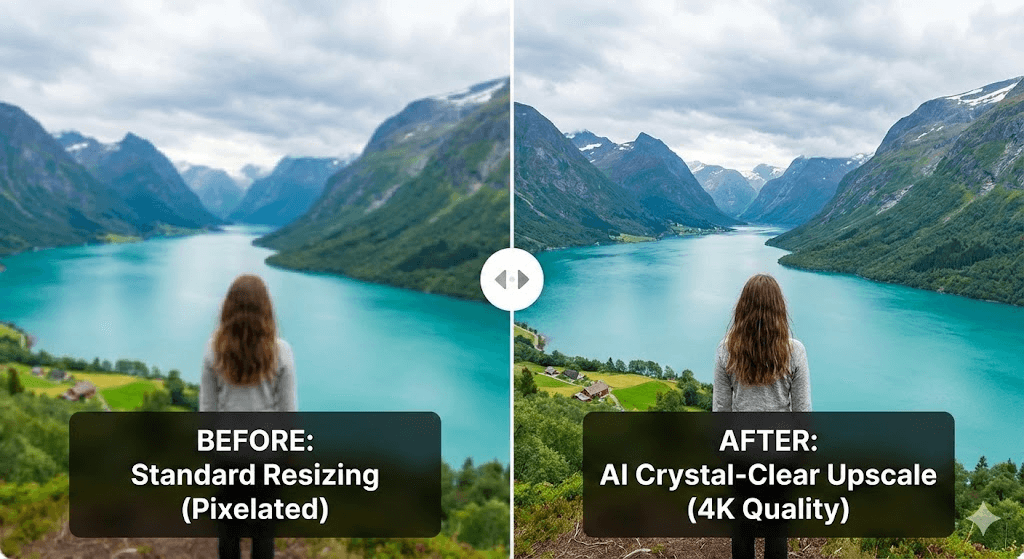
Standard tools treat your photos like simple grids. When you use a basic app to shrink pictures, the software just deletes rows of pixels. This leads to jagged edges and lost textures. If you try to make a photo larger, the software stretches the existing pixels. This creates that dreaded “blurry” look.
A professional image resizer works differently. It uses AI to understand the content of your photo. It recognizes a face, a tree, or a product. Then, it intelligently fills in the gaps. This is why a dedicated application to resize pictures is better than a simple crop tool.
The Tech Inside a Modern Image Resizer App
Modern apps use a process called “Neural Upscaling.” Instead of just doubling pixels, the AI predicts what the missing data should look like. This allows you to turn a small thumbnail into a sharp, 4K image. If you want to resize image android files without losing quality, you need this technology. It keeps lines sharp and colors vibrant.
Avoiding “Compression Artifacts”
When you use a low-quality photo resizer, you get “artifacts.” These are the weird blocks and noise you see in solid colors, like a blue sky. A premium image resizer app manages the compression algorithm. It keeps the file size low but keeps the image clean. This is vital for professional creators.
Top Picks: The Ultimate Image Resizer App Guide
Not every tool is built for the same task. Some focus on speed, while others focus on pure visual power. Here are the best tools available in 2026 to help you photo resizer your way to perfection.
1. WeShop AI: The E-commerce Powerhouse
WeShop AI is not just a typical image resizer app. it is a comprehensive creative suite for brands. While most apps just change size, WeShop AI uses advanced AI models to upscale images to 4K quality.
- Key Feature: Model-on-Model Transformation. You can take a basic product shot and place it on a realistic AI model.
- Best For: Online sellers who need high-res product photos from low-res snapshots.
- The Benefit: It acts as a professional picture resizer app that also generates high-end backgrounds. It ensures your product stays sharp while the environment changes.
2. Adobe Express: The Creative Industry Standard
Adobe Express offers a very polished image resizer experience. It is perfect for users who are already in the Adobe ecosystem. It provides “Quick Actions” that allow you to resize for specific social platforms instantly.
- Key Feature: Cloud Sync. Start a resize on your desktop and finish it on your phone.
- Best For: Social media managers who need exact aspect ratios for every platform.
- The Benefit: It functions as a reliable application to resize pictures with professional-grade templates.
3. Image Size (iOS & Android): The Precision Tool
If you need exact pixel control, this is the picture resizer app for you. It is simple, lightweight, and very effective. It is a favorite for those who need to resize image android files for specific print dimensions.
- Key Feature: Custom Unit Input. You can input sizes in pixels, inches, or millimeters.
- Best For: Graphic designers and photographers who need to prepare files for print.
- The Benefit: It is a no-nonsense app to shrink pictures that gives you total manual control.
4. Resize Me! (Android): The Best for Batch Work
For Android users, Resize Me! is a classic choice. It is a dedicated photo resizer that excels at handling many images at once.
- Key Feature: Batch Processing. Select 100 photos and resize them all in five seconds.
- Best For: Travelers who need to compress hundreds of holiday photos to save space.
- The Benefit: It is the fastest app to shrink pictures for mobile users who value their time.
How to Use an Image Resizer App for 4K Results
Getting a 4K result isn’t just about clicking a button. You need a simple workflow to ensure the AI does its best work. Here is how to master your photo resizer software.
Step 1: Start with the Highest Quality Possible
Even the best image resizer needs a good foundation. Never resize a screenshot if you have the original file. Screenshots are already compressed. Always load the original “Raw” or “High Efficiency” file into your image resizer app.
Step 2: Choose Your AI Mode
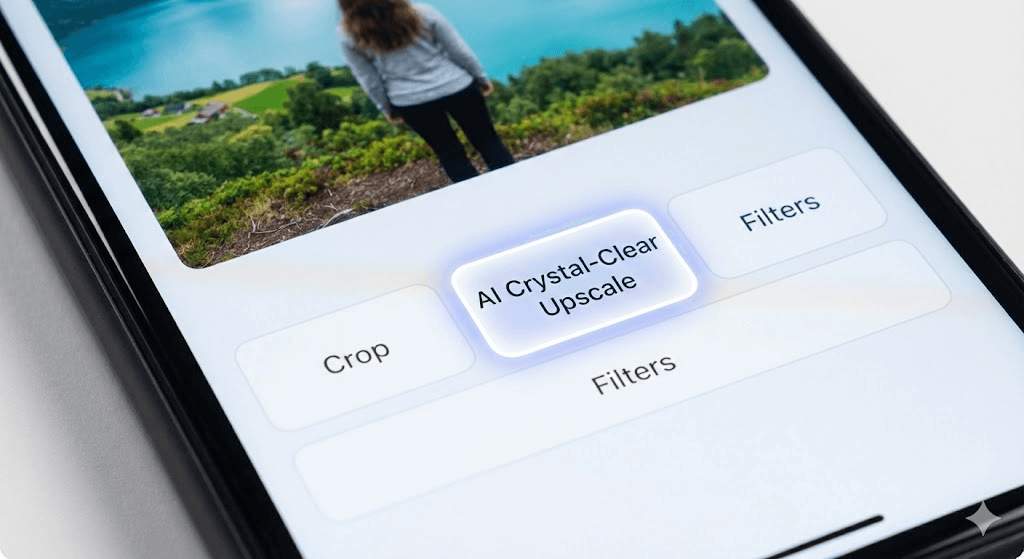
If you are using a tool like WeShop AI, look for the “Enhance” or “Upscale” toggle. This tells the application to resize pictures to use its brain, not just its math. This is how you get that “crystal-clear” 4K look.
Step 3: Match the Aspect Ratio
A common mistake is “stretching” the photo. If your original is a square, don’t force it into a wide rectangle. A good picture resizer app will let you “Fill” or “Fit.” Choosing “Fill” usually looks most professional.
Step 4: Sharpening and Export
After the photo resizer does its job, apply a tiny bit of sharpening. This makes the 4K details pop. Finally, export as a JPG at 90% quality for the best balance of size and beauty.
Why Your Brand Needs a High-Quality Image Resizer
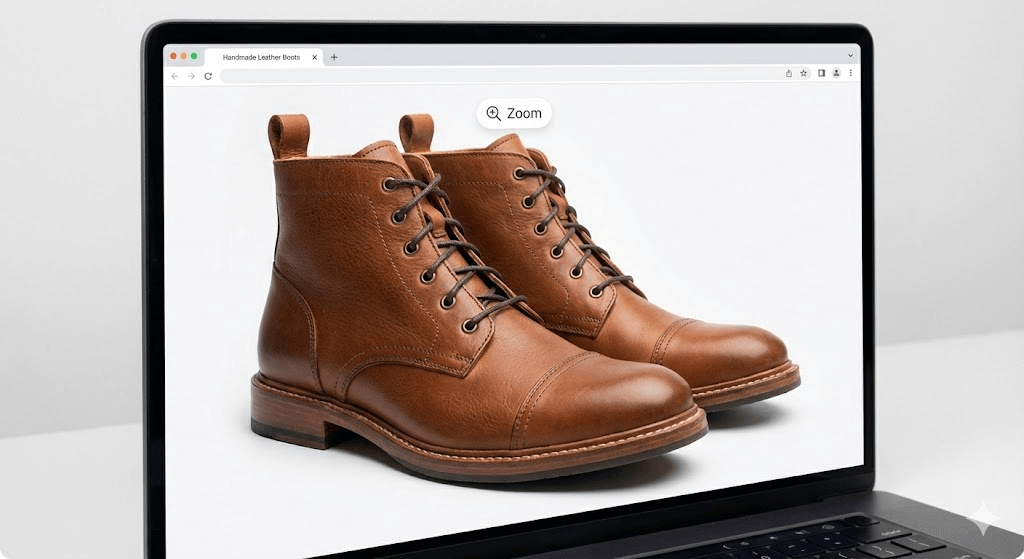
In 2026, visual quality is your digital first impression. If a customer lands on your site and sees blurry images, they lose trust. Using a professional image resizer app is an investment in your credibility.
Speed and SEO
Google rewards fast websites. High-resolution images are usually huge files that slow down your site. A smart app to shrink pictures reduces the “weight” of the file without touching the quality. This helps you rank higher on search engines while keeping your site beautiful.
Consistency Across Platforms
Your brand should look the same on a giant 5K monitor and a small smartphone. A professional application to resize pictures ensures that your logo and product shots stay crisp on every screen. This consistency is what builds a premium brand identity.
Professional Edge for Android Users
You don’t need an expensive Mac to be a pro. The ability to resize image android files with AI means you can run a business from a tablet. Tools like WeShop AI make it possible to create studio-quality content anywhere in the world.
Final Thoughts on Choosing a Photo Resizer
The era of “good enough” images is over. With the right image resizer, you can turn any average photo into a high-definition masterpiece. Whether you choose the AI power of WeShop AI or the manual precision of Image Size, the goal is the same: clarity.
Stop using tools that ruin your hard work. Find an image resizer app that supports your vision. It only takes a few seconds to upgrade your images to 4K quality. Your photos are your story—make sure they are told in high resolution.