Seedance 2.0 just launched today, and it feels like holding a movie studio in your hand. If you have used AI video tools before, you know they can be tricky. You spend hours typing prompts but often get “okay” results. Today, that changes. ByteDance has made this model smarter, sharper, and much faster. I spent the day breaking down the new features to see what really matters. I found five ways to skip the learning curve and get straight to the good stuff. This is your “speed-run” guide to mastering Seedance 2.0. Forget the trial and error. Let’s get right into the cinematic results.
The ByteDance AI video model is not just another update. It is a new way to create. It handles 2K resolution natively. It syncs audio perfectly. It even keeps your characters consistent across different shots. Whether you are a pro editor or a total beginner, these five methods will save you hours. You don’t need to be a “prompt engineer” to win. You just need to know which buttons to push. Here is how you can dominate the best AI video generator 2026 has to offer.
1.Think Like a Director with Multi-Shot Logic
The biggest mistake people make with AI is thinking in “clips.” They generate one five-second video and then stop. Seedance 2.0 wants you to think bigger. It has a built-in “Multi-shot” narrative feature. This allows the AI to plan a sequence of shots, not just one. It understands that a story needs a beginning, a middle, and an end.
Stop Generating Single Clips
In older models, your character would change hair color between shots. It was frustrating. But with Seedance 2.0, the model tracks the character’s identity. It uses a “narrative branch” system. You give it one vision, and it creates a cohesive scene. This is the secret to making a short film that actually looks professional. You save time because you aren’t fighting the AI to stay consistent.
How to Guide the Camera
Don’t just say “a man walking.” Tell the AI what the camera is doing. Say “Start with a wide shot, then cut to a close-up of his eyes.” Because of its advanced motion logic, the model understands these cinematic terms. It feels like talking to a real cameraman. This “Director’s Mode” is what makes this the best AI video generator 2026. It puts you in control of the storytelling, not just the pixels.
2. Use the Seedance 2.0 All-Round Reference Tool
If you want to master this tool quickly, you must learn the All-Round Reference (全能参考). This is the “God Mode” of the ByteDance AI video model. You can upload up to 12 different files to guide your creation. This includes images, video clips, and even audio tracks. It is the most powerful way to tell the AI exactly what you want.
Mixing Your Media
Imagine you have a specific character design from Midjourney. You also have a video of a cool lighting style from a movie. You can upload both. Seedance 2.0 will combine them. It won’t just “guess” what you mean. It will use your files as a direct blueprint. This is much faster than writing a 500-word prompt. It is visual communication at its best.
The Power of 12 Inputs
Most tools only let you use one or two references. Having 12 slots means you can be incredibly specific. You can add a reference for the background, another for the clothing, and a third for the hair. The AI layers these inputs to create a 2K masterpiece. This is why many professionals are switching to this tool. It offers a level of precision that Sora and Kling haven’t fully opened to the public yet.
3. Mastering Seedance 2.0 Native Audio
We are finally moving past the era of “silent” AI films. One of the most impressive parts of the Seedance 2.0 review is the sound. Most AI tools make you go to a second website to generate audio. Then you have to sync it manually. Seedance 2.0 does it all in one step. It creates the sound and the video together.
Perfecting Lip-Sync and Soundscapes
If a character in your video is talking, their lips will move correctly. This isn’t a cheap trick. The AI understands phonemes. It matches the mouth shapes to the words. But it’s not just about talking. If there is a waterfall in the background, you will hear the roar of the water. This “native audio” makes the video feel alive immediately. You don’t need to be a sound engineer to get great results.
Using Audio as a Creative Guide
You can even upload your own audio to guide the motion. If you upload a fast-paced drum track, the AI will create faster cuts. If you upload a calm piano piece, the motion becomes slow and graceful. This is a “speed-run” secret. Let the music do the work for you. The ByteDance AI video model is designed to listen as much as it sees.
4. Why Image-to-Video is Your Secret Weapon
A lot of people start with a text prompt. This is a slow way to work. If you want to master Seedance 2.0 fast, start with an image. This is called “I2V” (Image-to-Video). It gives the AI a solid foundation. It sets the lighting, the colors, and the composition before a single frame is rendered.
Controlling the Visual Anchor
When you start with a high-quality 2K image, the AI has a clear goal. It doesn’t have to “dream up” the world from scratch. It just has to make that world move. This results in much more stable videos. You get fewer glitches and smoother motion. Use a tool like Midjourney or DALL-E 3 to get your perfect frame first. Then, let Seedance bring it to life.
Fine-Tuning the Motion
Once your image is uploaded, you can use “motion brushes” or simple text to describe the action. Tell the AI, “Make the clouds move slowly” or “The character smiles.” Because the image is already there, the AI is much more accurate. This workflow is the fastest way to get professional-grade results. It is the core of any high-end Seedance 2.0 review.
5. Fast Iteration for Professional 2K Results
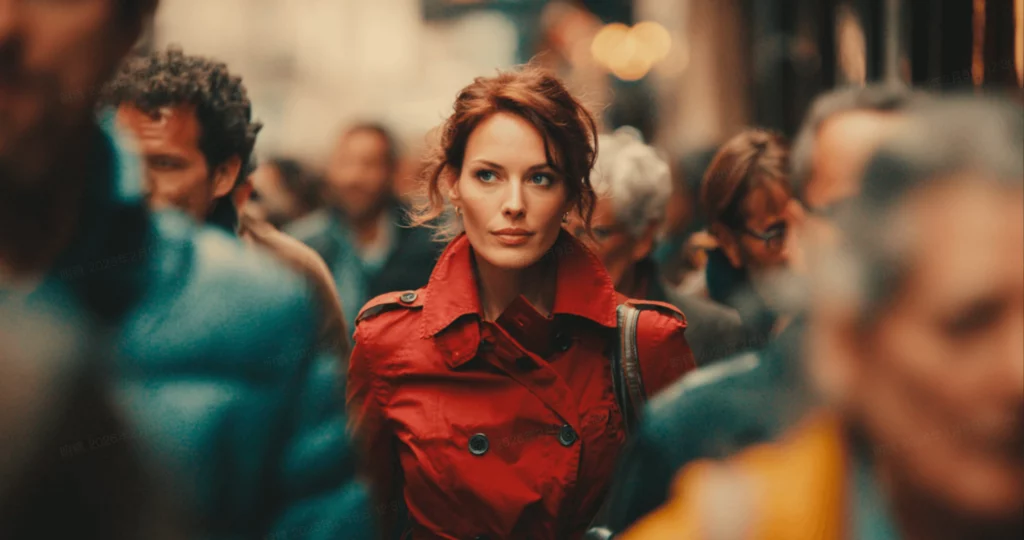
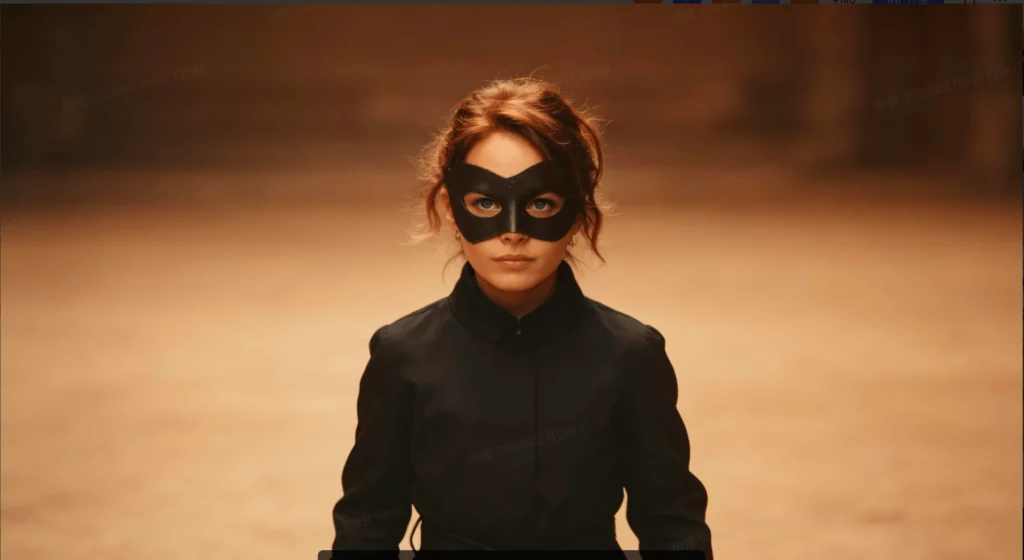
The final way to “speed-run” this model is to embrace its speed. ByteDance claims this model is 30% faster than competitors like Kling. Use that extra time to iterate. Don’t settle for the first result. Change one small thing and hit generate again.
Quality over Quantity
Because you get 2K resolution natively, you don’t need to spend hours upscaling. You can see the final quality almost instantly. If the lighting looks off, fix it immediately. The fast rendering speeds mean you can try five different versions of a scene in ten minutes. This rapid feedback loop is how you become an expert. You learn exactly how the AI reacts to your changes.
Comparison: Seedance vs Kling AI
When you compare Seedance vs Kling AI, the speed difference is a huge factor. Kling is great, but it can be slow during peak hours. Seedance 2.0 feels snappier. This allows you to work at the speed of your own thoughts. For a creator, that is the ultimate advantage. It makes it the best AI video generator 2026 for people on a deadline.
Conclusion: The New Standard for AI Video
Mastering Seedance 2.0 isn’t about working harder. It is about working smarter. By using multi-shot logic and the all-round reference tool, you take control of the machine. You move from “guessing” to “directing.” The native audio and 2K resolution ensure that your work looks and sounds professional from day one.
ByteDance has created something truly special here. They have removed the friction between the idea and the final video. Whether you are making an ad for TikTok or a cinematic short film, these five methods will get you there faster. The ByteDance AI video model is officially the new benchmark for the industry.
The era of “good enough” AI video is over. We are now in the era of high-fidelity, narrative-driven creation. If you haven’t started using these “speed-run” tips yet, now is the time. The more you experiment with the 12-file references, the better your results will be.