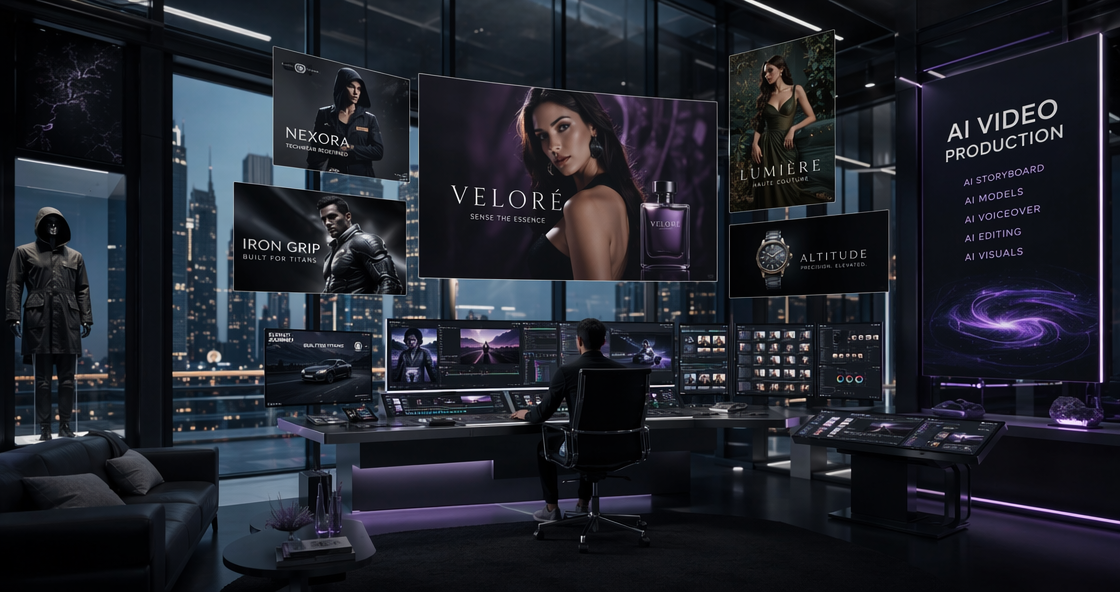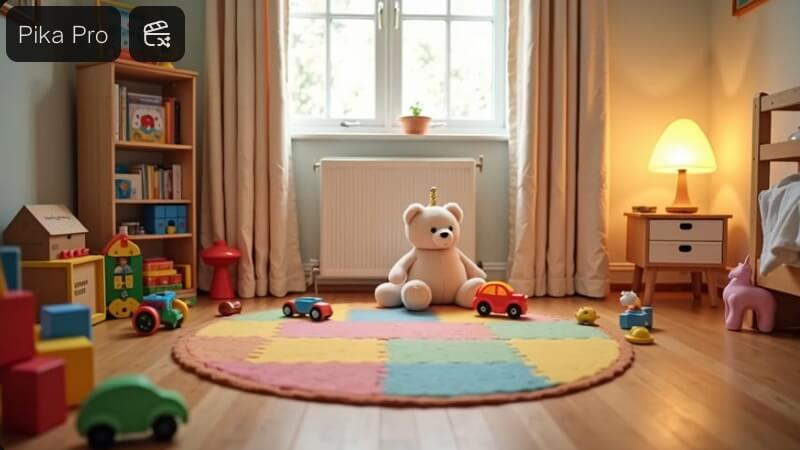
In the fast-moving world of AI video, 2026 has brought us tools that can dream up entire cinematic universes. But while some models focus on raw length, Pika AI has doubled down on something more important: Creative Control. Since its explosive debut, Pika has evolved from a simple Discord-based experiment into a full-fledged creative suite at pika.art. With the rollout of the Pika 2.5 engine, the platform has introduced a level of physics-based interaction that was previously thought impossible for generative models. In this comprehensive Pika AI review, we will break down the features, the pricing, and the workflow that keeps this tool at the top of every creator’s bookmark bar.
The Rise of Pika AI: Why It Dominates the Video Space
What separates Pika AI from the pack is its “physics-aware” nature. While other generators often produce “dream-like” logic where objects merge and disappear, Pika understands the weight of a punch, the squish of a balloon, and the flow of liquid.
Cinematic Realism with the Pika 2.5 Engine
The Pika 2.5 update represents a massive leap in temporal consistency. In our testing, the “flicker” that used to plague AI videos is virtually gone. Whether you are using Text-to-Video or Image-to-Video, the model maintains character identity and environmental lighting with professional precision. This is particularly noticeable in high-motion scenes, where Pika now handles motion blur and depth of field more realistically than ever.
The Magic of Pikaffects and Pikaswaps
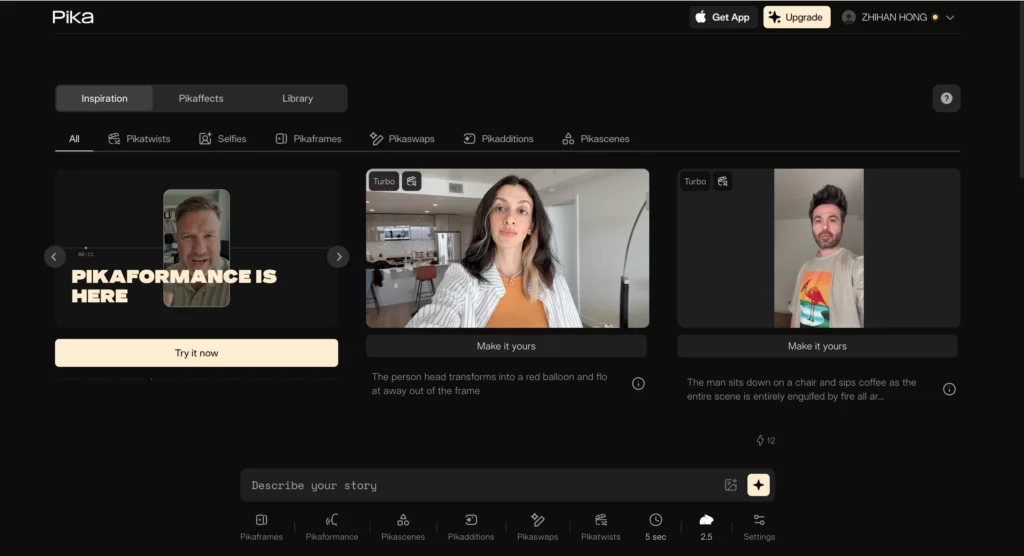
One of the most viral aspects of the current platform is the Pikaffects suite. These are pre-set physics simulations that you can apply to any object in your frame.
- Crush & Melt: Turn a solid object into a puddle or flatten it under invisible weight.
- Inflate & Pop: Make objects expand until they burst—perfect for surrealist art.
- Pikatwists: Add dramatic camera movements or structural shifts that defy traditional editing but look entirely organic.
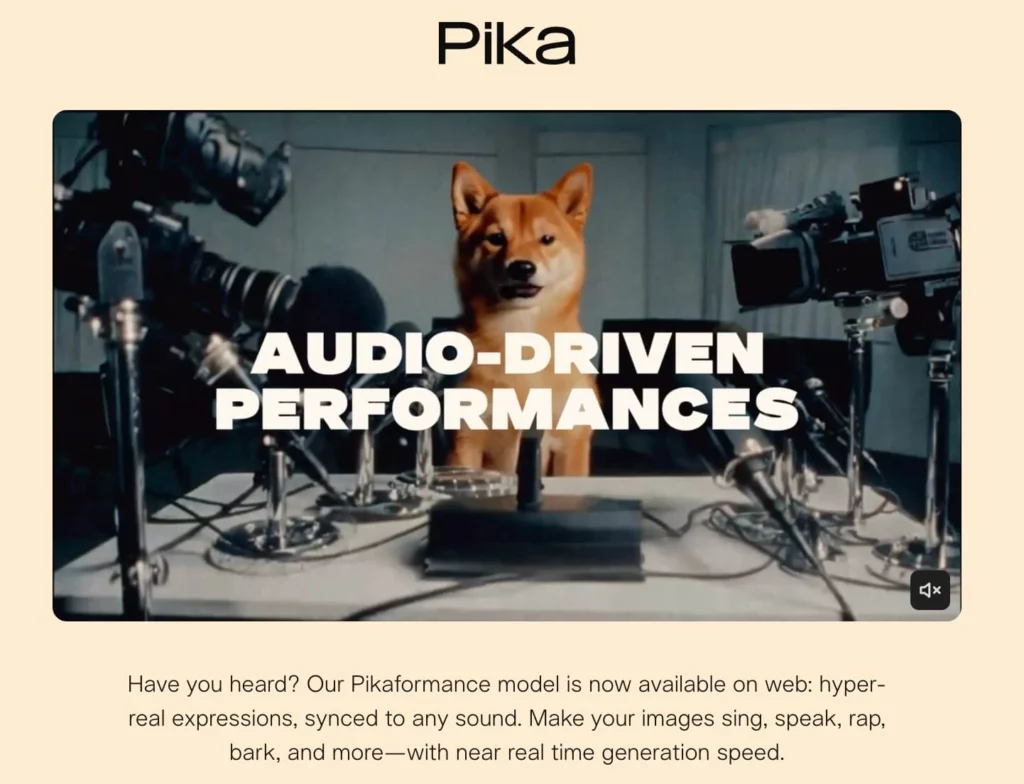
Revolutionary Creative Tools: Deep Diving into the Pika AI Ecosystem
The user experience at pika.art is built for speed. It’s a clean, dark-mode dashboard that feels like a professional video editor rather than a coding terminal.
Seamless Workflow: Web Dashboard vs. Mobile App
The synchronization between the Pika AI web platform and the mobile app is flawless. You can start a render on your desktop and receive a push notification on your phone when the upscale is finished. The “Pikaframes” feature also allows for precise aspect ratio control, ensuring your content is natively formatted for TikTok, YouTube, or Cinematic Widescreen without losing key visual information.
Sound Effects and Lipsync Integration
In 2026, a silent video is only half a project. Pika AI now includes integrated sound effect generation that matches the action on screen. If a car crashes in your video, Pika generates the “crunch” of metal automatically. Furthermore, the Lipsync feature has been upgraded to handle complex facial expressions, making it a viable competitor to tools like HeyGen for localized character content.
Is the Pika AI Subscription Worth the Price?
As shown in the latest platform updates, Pika AI offers a tiered pricing structure designed to accommodate everyone from curious hobbyists to professional production houses.
Pika AI Pricing Plans (2026)
| Plan | Price (Annual) | Credits | Key Features |
| Basic | $0 | 80/mo | 480p only, Watermarked, No commercial use |
| Standard | $8/mo | 700/mo | No watermark, All resolutions, Commercial use |
| Pro | $28/mo | 2300/mo | Fastest generations, Early access to new “Pikaffects” |
| Fancy | $76/mo | 6000/mo | The “Crème de la crème” for power users |

Final Verdict: Does Pika AI Still Hold the Crown?
After dozens of renders and stress-testing the new Pika 2.5 physics, our Pika AI review finds that it remains the most “fun” and “controllable” video tool on the market. While others might generate longer clips, Pika gives you the tools to direct the action.
Pros:
- Physics-Based Renders: “Pikaffects” are a industry-leading innovation.
- Clean UI: No Discord “clutter”; the web app is intuitive.
- Commercial Viability: The Standard and Pro plans offer great value for creators.
Cons:
- Free Limitations: The 480p limit and watermark make the free tier strictly for testing.
- Credit Consumption: High-res upscaling and complex effects can use up credits quickly.
Summary: If you want to move beyond “random AI movement” and start creating content that follows the laws of physics (or breaks them intentionally), Pika AI is your best bet in 2026.