Animate a starting image or develop a short written scene with Seedance 1.0 Pro Fast. This efficiency-oriented Pro variant offers a focused way to iterate a clip.
Explore the tasks shown by these actual Seedance 1.0 Pro Fast results. Copy a prompt to try in the generator, or open the linked case for its saved setup. Supply your own images or clips when the request uses references.
Coffee Commercial Sequence
Plan a coffee-focused commercial sequence around supplied visual inputs, using close details and shot progression for the product story.
Style: 8K photorealistic cinematic commercial, epic coffee montage. Ultra-shallow macro DOF (f/1.4), creamy bokeh, warm amber grade, forest-green + coral brand accents. Cine lens feel, 180° shutter motion blur. Edgar Wright-style kinetic editing. Speed ramps snap from fast motion to ultra slow-mo at impact points. Real physics and weight. Deadpan Hollywood acting. Characters, props and café identical in every cut. Audio: NO music anywhere in the film. The entire soundtrack is hyper-real, ASMR-level sound design — drawer roll, bean rattle, grinder crunch, kettle hiss, bloom fizz, liquid pours, drip plinks, ice rattle, cup slides — crisp, close-mic'd, frame-synced, layering louder as the cuts accelerate, then falling to near-silent café room tone (fan hum, distant dishes) at the presentation. Clean dialogue; slogan VO at the end. 24fps, no subtitles, no on-screen text.
Characters: barista — early-20s man, black curls under a black cap, white earbuds in BOTH ears the entire film, khaki tee, forest-green bib apron, black trousers. Performs the brew with the solemn intensity of a concert soloist — precise and ceremonial. skater — teenage boy, shaggy black hair, sage windbreaker over black hoodie, baggy grey cargos, skateboard under his arm. Total stone face, calm slow movements. worker — heavyset construction worker, navy jacket, tan work pants, yellow hard hat under his arm. Tired, second in line. woman — young woman with a shoulder bag third in line.
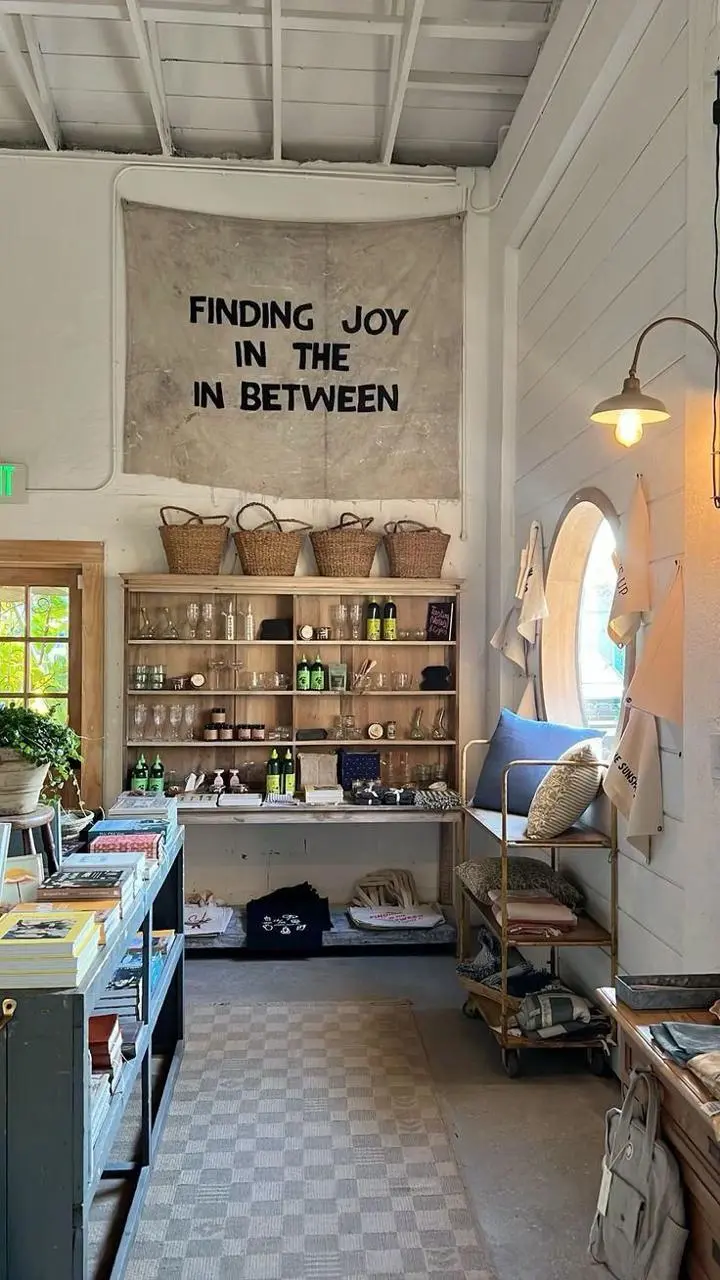
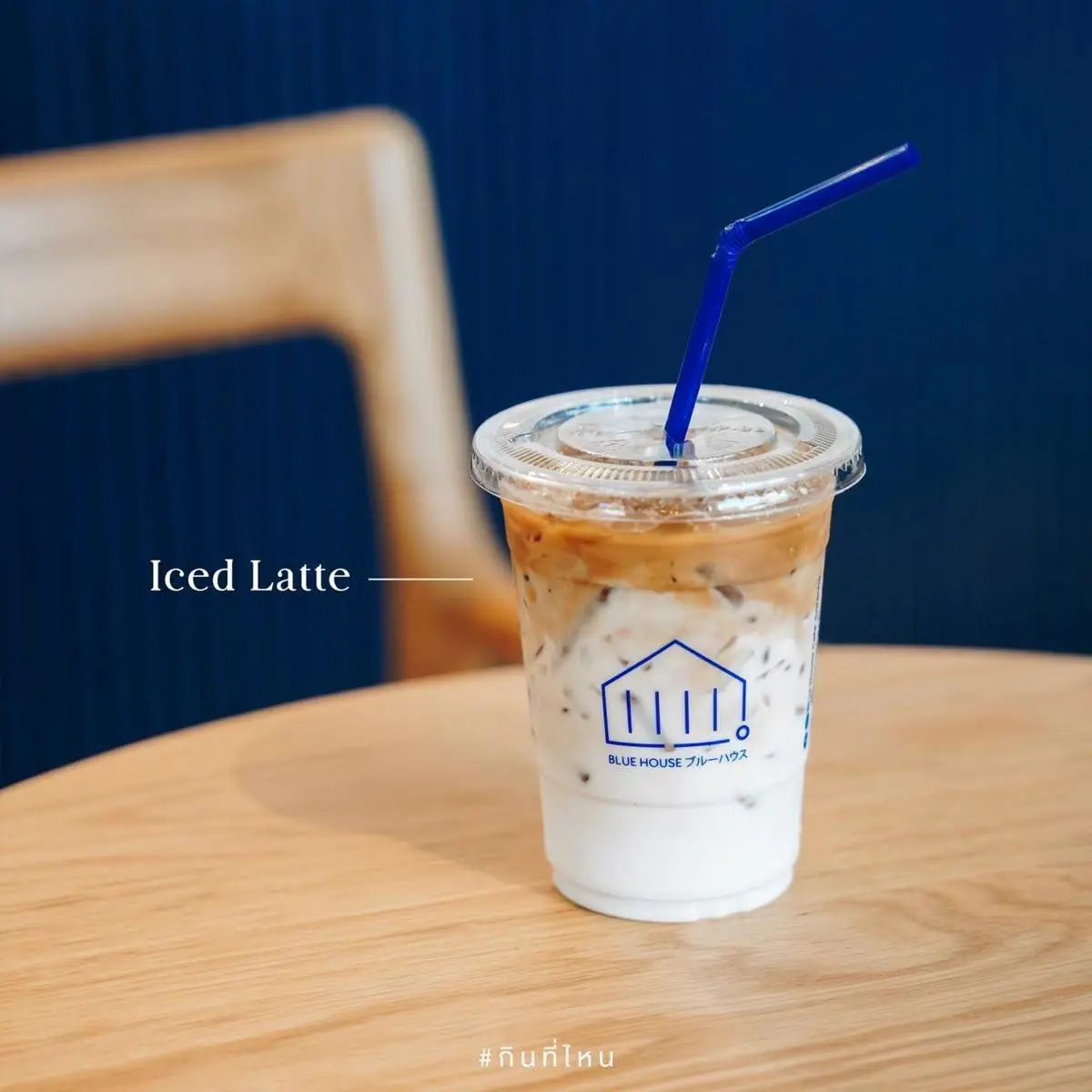
Scene: Café interior from [%#[image1]#%]cafe. barista runs a slow-drip pour-over station: glass carafe, filter cone, gooseneck kettle, grinder, and a counter drawer holding the bag from coffee-bag. The finished iced coffee is in [%#[image2]#%]caffee. Queue: skater first in line and worker and woman behind him.
CUT 1 (0:00–0:03) — Top-down tracking close-up: the counter drawer is pulled down toward the bottom of frame, camera tracking the pull; a single coffee-bag lies flat on its back inside the empty white drawer with nothing else in it. barista's hand grabs the bag and in a quick motion lifts it up toward the lens until dark fills the frame. TRANSITION: the cut hides inside the dark frame-fill.
CUT 2 (0:03–0:06) — Laowa probe lens macro dolly-out, pulling out of the bag's open mouth as beans cascade past the lens in ultra slow-motion into the grinder hopper below. TRANSITION: the camera whips DOWN with the falling beans.
CUT 3 (0:06–0:08) — Enters on the same downward plunge: macro on the grinder's spout as fresh ground coffee streams out of it like dark sand, backlit, piling into a soft mound in the dosing cup below — slow-motion on the flowing grounds, fine particles drifting in the light. TRANSITION: speed ramping orbit to the right.
CUT 4 (0:08–0:09) — orbiting speed ramp to slow motion as barista throws an empty paper filter that lands in the pour-over dripper. TRANSITION: the orbit keeps circling.
CUT 5 (0:09–0:11) — The speed ramp carries straight into a macro of a gooseneck spiral water pour; slow-mo as the water hits the coffee in the filter and the bloom swells.
CUT 6 (0:11–0:12) — barista pours the coffee into the empty [%#[image2]#%]caffee-mug. TRANSITION: cut on the DOWNWARD fall of the amber liquid.
CUT 7 (0:12–0:15) — Enters pushing IN: extreme macro speed ramp, ice cubes and cream collides into black coffee — slow-motion marbled clouds blooming, then a snap of speed as it swirls; the layered foley rises to a roar. TRANSITION: barista lifts the finished cup UP out of frame.
CUT 8 (0:15–0:19) — Enters as the cup lowers INTO a two-shot across the counter: THE CLIMAX — barista presents [%#[image2]#%]caffee-mug to skater two-handed with a slow reverent bow, and every sound falls away to near-silent room tone. skater at the counter, stone face, worker behind. A beat of silence. TRANSITION: hard cut on total stillness.
CUT 10 (0:19–0:22) — Close on skater: he calmly takes the cup one-handed, looks at the barista, expression unchanged, flat: "It's just coffee, dude."
CUT 11 (0:22–0:25) — Close on barista: hearing nothing over his music in his white earphones, eyes closed, beaming, he joyfully answers too loud: "NO PROBLEM, YOU'RE WELCOME!! NEXT!!"
CUT 12 (0:25–0:30) — quick deceleration push in landing on a low counter-level worms-eye shot of [%#[image2]#%]caffee-mug standing in the foreground. In the creamy bokeh background skater walks away with his coffee in hand and worker steps up as the next in line. Warm unhurried male VO: "Slow Drip Coffee. Always worth the wait."
Give a fox a restrained performance through breathing, blinking, and a small head turn from an opening image.
Use image 1 as the opening frame. The same fox breathes gently, blinks, and turns its head slightly toward the camera. Fine snow falls slowly. Keep the fox, scarf, body proportions and snowy setting consistent. One continuous shot, a subtle camera push-in, no new animals, no cuts, no text.
Give a referenced chef character a small stirring action and a look toward the camera in a kitchen scene.
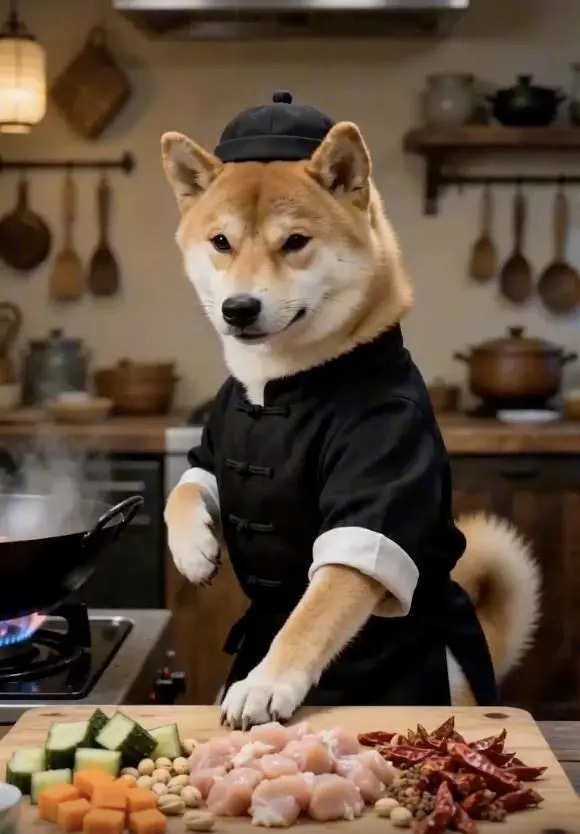
Use image 1 as the opening frame. The same dog in the chef outfit makes one small stirring movement at the kitchen counter, then looks toward the camera. Keep the dog identity, clothing, vegetables and kitchen layout consistent. One continuous medium shot, a stable camera, no scene changes and no text overlays.
Seedance 1.0 Pro Fast is ByteDance’s faster-oriented Seedance 1.0 Pro variant for short-form video creation from a text brief or initial image.
An Efficiency-Oriented Pro Variant
BytePlus positions Pro Fast around a quality, speed, and cost balance. That role is separate from the time and points of a particular WeShop request.
Text or an Opening Frame
The current WeShop entry offers a written-scene mode and an initial-frame mode. Standard Pro also lists a start/end option.
WORKFLOWS
Choose Your Starting Input
Use the Seedance 1.0 Pro Fast input mode that matches the material you have.
Build a Scene from Text
Describe the subject, setting, action, and camera for a new scene. Match the amount of action to the duration selected in the form.
Animate an Opening Image
Upload the frame that establishes the subject and scene. Describe the action, environmental movement, or camera direction that follows it.
PROMPT GUIDE
How to Direct Seedance 1.0 Pro Fast with a Prompt
Learn from the actual instructions behind these results. Each example keeps its complete original prompt and available inputs. For a new request, replace its subject and reference assignments with your own.
Add Motion to the Environment
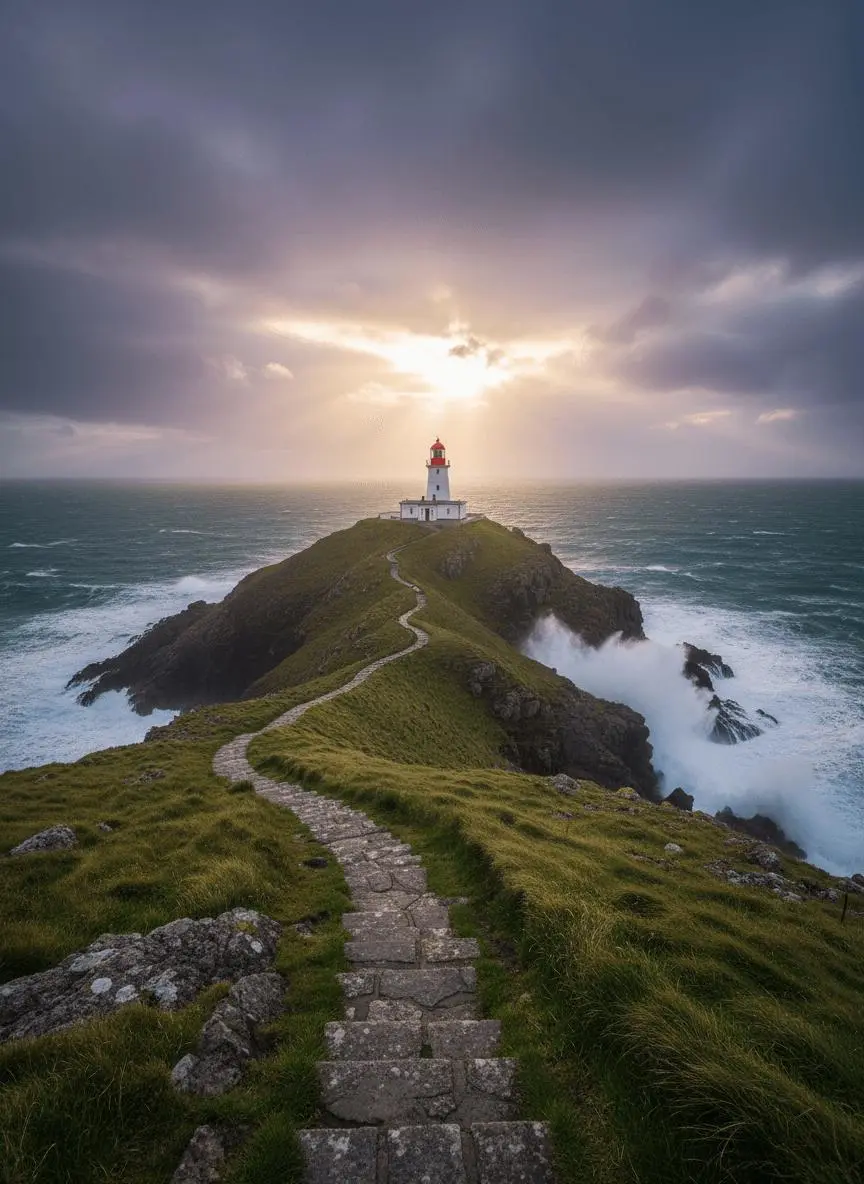
Identify the environmental element that moves while the composition remains recognizable. In this case: “Waves roll gently around the headland and foam against the rocks.”
Use image 1 as the first frame. Waves roll gently around the headland and foam against the rocks. The clouds drift slowly as sunlight breaks through. The camera glides forward along the stone path toward the lighthouse. Keep the geography and lighthouse consistent. One continuous landscape shot, no new buildings, no cuts and no text.
Describe How the Framing Changes
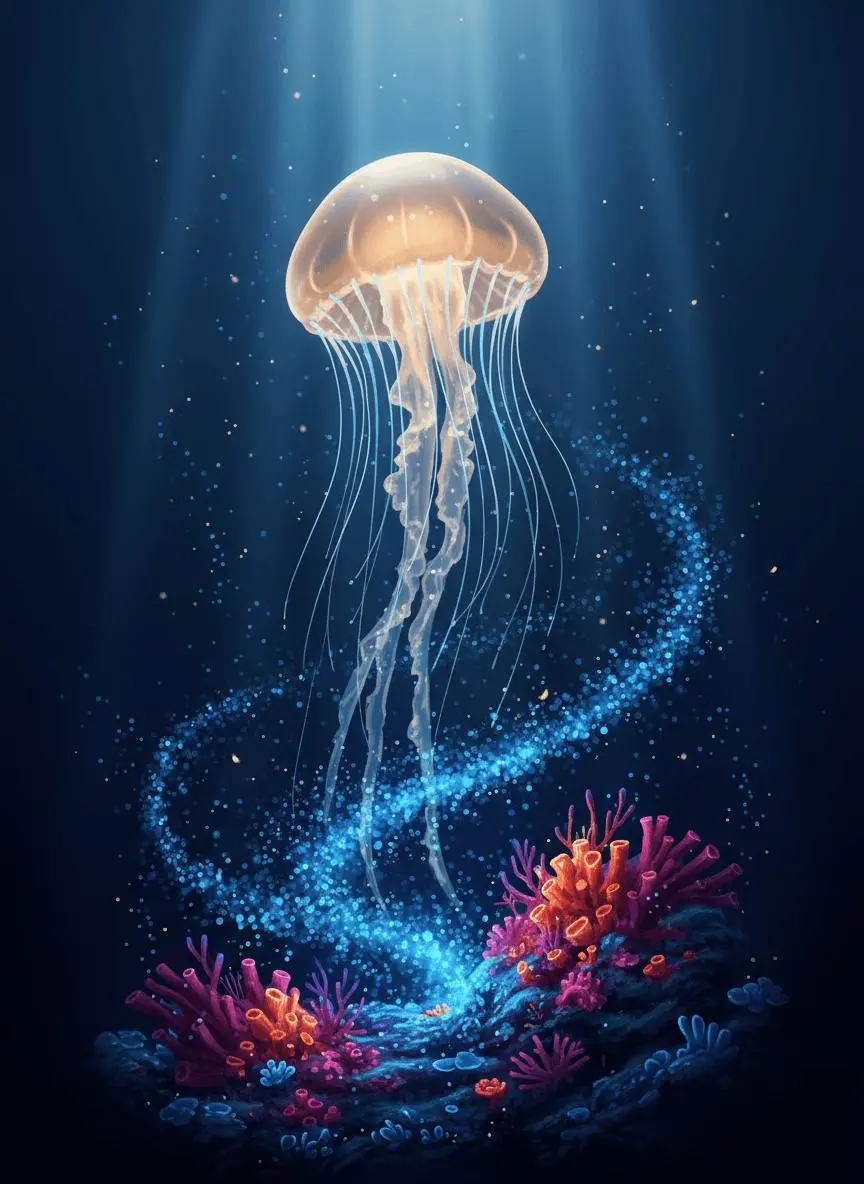
Name the camera movement and the part of the subject or environment it should reveal. In this case: “One continuous underwater shot with a subtle upward camera move, no text and no scene changes.”
Use image 1 as the first frame. The amber jellyfish pulses gently and rises slowly while its tentacles sway with the water. Tiny blue plankton drift past the reef. Keep the luminous color palette, reef arrangement and jellyfish identity consistent. One continuous underwater shot with a subtle upward camera move, no text and no scene changes.
Keep the Camera Still for the Action
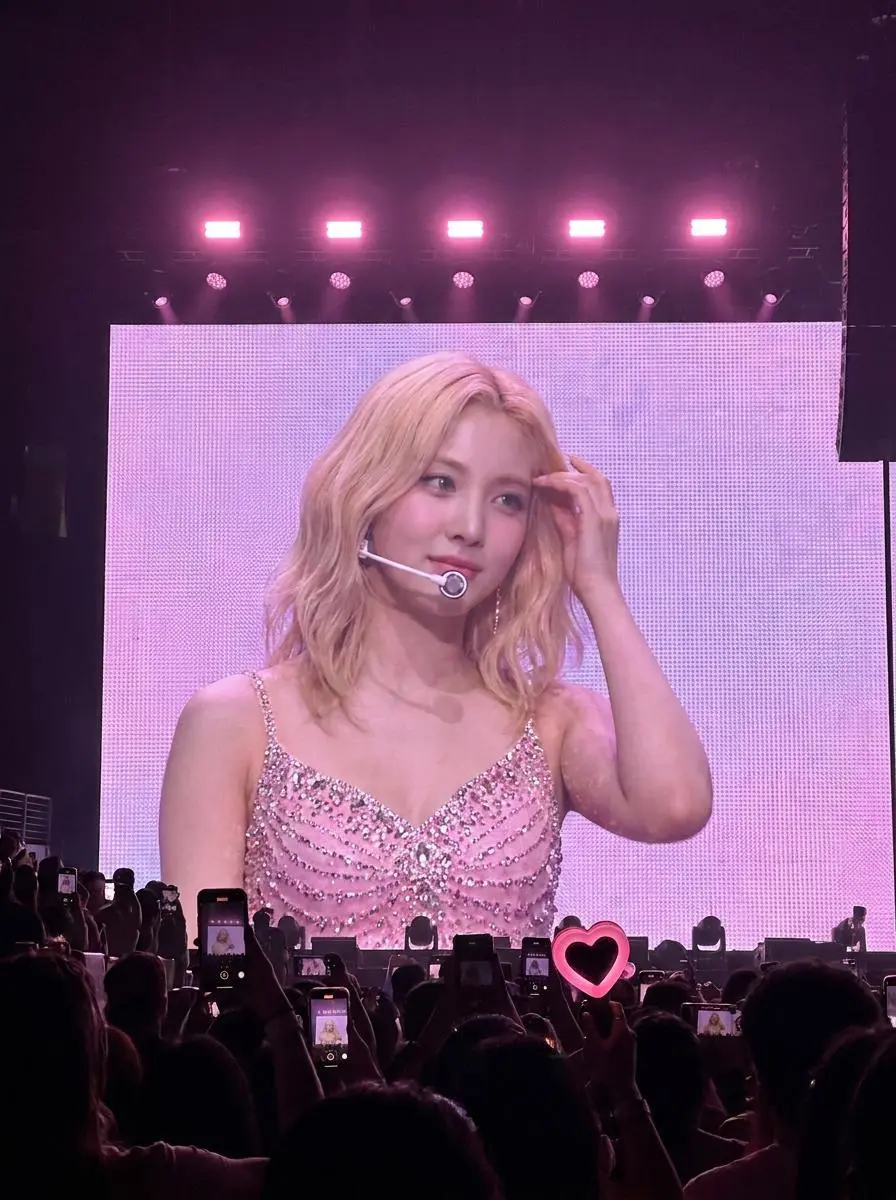
Ask for a stable viewpoint when the movement should come from the subject or environment. In this case: “One continuous audience-view shot with a fixed camera.”
Use image 1 as the first frame. The performer on the stage screen turns her head slightly and makes a small natural hand gesture. Keep the pink stage lights, LED screen and audience silhouettes consistent. One continuous audience-view shot with a fixed camera. No new people, no cuts and no text.
HOW TO USE
Create Your First Seedance 1.0 Pro Fast Video
Start in the generator on this page. To reuse an example, click Copy Prompt, return to the description field, and adapt the prompt to your own inputs.
Provide the Scene and Inputs
Write your brief and add the reference media required by the selected mode. Explain the role of each supplied input.
Choose the Output Options
Choose an offered duration, aspect ratio, and other available output options. Check the form’s displayed points before submitting.
Generate and Review
Click Generate and review the resulting video. Check movement, framing, continuity, and any delivered audio. Adjust your prompt or references for the next attempt.
Compare the documented model roles and the inputs and options currently listed in WeShop. Model names or matching settings do not by themselves establish equal output quality or a fixed generation-time difference.
Dimension
Seedance 1.0 Pro
Seedance 1.0 Pro Fast
Model role
Text/image video with multi-shot model capability
Efficiency-oriented 1.0 Pro variant
Inputs listed for the page
Build a Scene from Text; Animate an Opening Image; Guide the Opening and Ending Frames
Build a Scene from Text; Animate an Opening Image
Current WeShop options
Duration: 2–12 seconds
Duration: 2–12 seconds
Model role
Seedance 1.0 Pro
Text/image video with multi-shot model capability
Seedance 1.0 Pro Fast
Efficiency-oriented 1.0 Pro variant
Inputs listed for the page
Seedance 1.0 Pro
Build a Scene from Text; Animate an Opening Image; Guide the Opening and Ending Frames
Seedance 1.0 Pro Fast
Build a Scene from Text; Animate an Opening Image
Current WeShop options
Seedance 1.0 Pro
Duration: 2–12 seconds
Seedance 1.0 Pro Fast
Duration: 2–12 seconds
When to Consider Seedance 1.0 Pro Fast
Match the Model to Your Task
Consider Pro Fast for its text or initial-frame workflow when efficient iteration is the priority. Choose standard Pro if its listed start/end mode is required.
MORE VIDEO MODELS
Explore More Video Models
Open a related model page to review its capabilities, examples, and current generation options.
Answers about this version, its inputs, and how to get started.
What is Seedance 1.0 Pro Fast?
Seedance 1.0 Pro Fast is ByteDance’s faster-oriented Seedance 1.0 Pro variant for short-form video creation from a text brief or initial image.
What is a good task to consider it for?
Consider Pro Fast for its text or initial-frame workflow when efficient iteration is the priority. Choose standard Pro if its listed start/end mode is required.
What do I need to provide?
Build a Scene from Text. Describe the subject, setting, action, and camera for a new scene. Match the amount of action to the duration selected in the form. Animate an Opening Image. Upload the frame that establishes the subject and scene. Describe the action, environmental movement, or camera direction that follows it.
Which output settings are offered here?
Duration: 2–12 seconds
How do I try an example prompt?
Click Copy Prompt, return to the generator, and paste it into the description field. Add your own required references and update their roles. Linked case previews and Use This Prompt open the saved case; they do not automatically fill this page’s form.
What should I know about this version?
Vendor efficiency positioning does not set a fixed WeShop runtime. The current form offers short clips, up to 12 seconds.