Product Reveal
Product reveal with a controlled camera move.
A slow camera move reveals a ceramic perfume bottle on a stone pedestal. Soft side lighting, a warm neutral background, and a gentle shift from a wide view to a close-up.

Create videos up to 30 seconds with Seedance 2.5. Combine a written scene with image, video, or audio references to explore your next idea.
Describe the scene you want to build, then add references for the visual or audio direction. Use the prompt to explain the role of each uploaded asset and choose a duration from 4 to 30 seconds.
Product reveal with a controlled camera move.
A slow camera move reveals a ceramic perfume bottle on a stone pedestal. Soft side lighting, a warm neutral background, and a gentle shift from a wide view to a close-up.
A continuous scene with a clear ending.
A paper boat moves along a shallow stream at sunrise. Follow it past mossy stones and finish on a close-up of the ripples around the boat.
Use your own product reference to guide the subject.
Use the uploaded product image as the subject reference. Place it in a bright studio scene and describe a slow camera arc around the product.
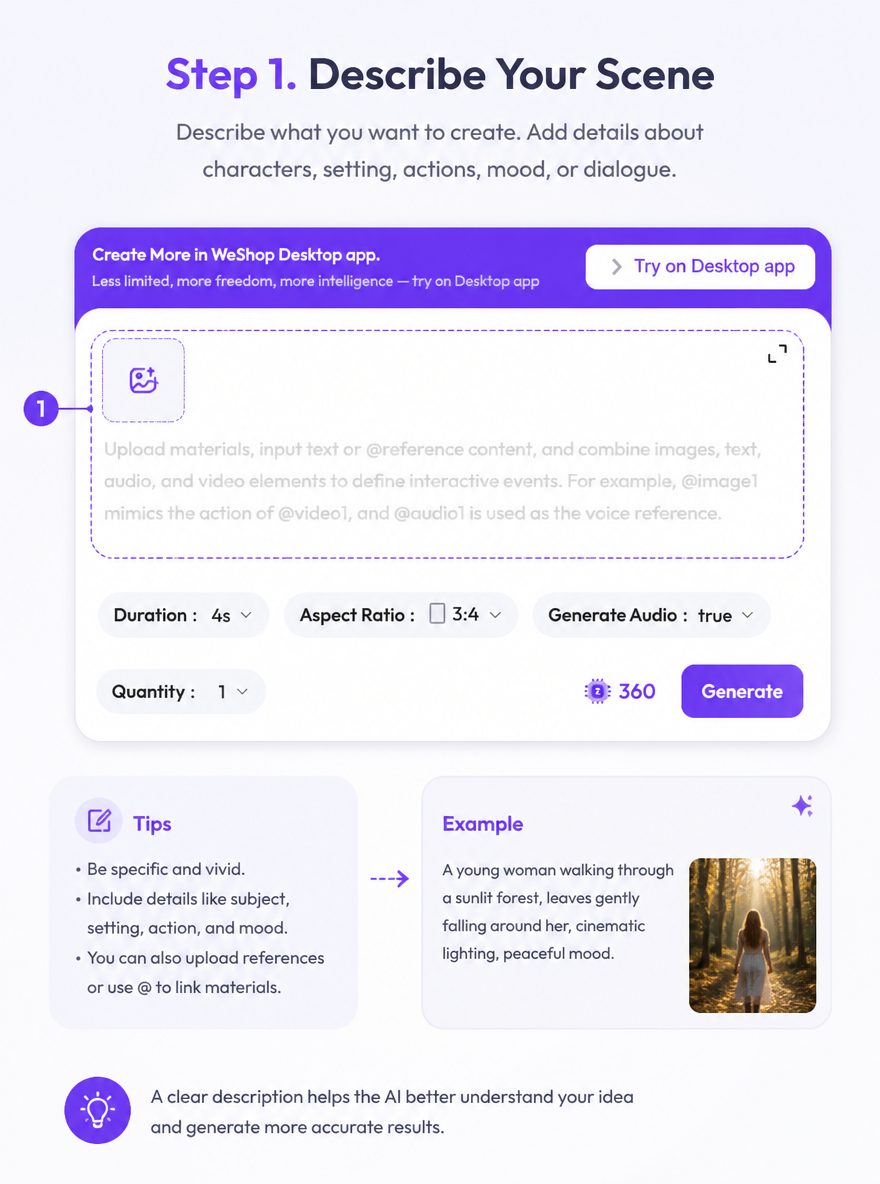
Write the subject, action, setting, and camera direction. Explain the beginning and end of the clip.
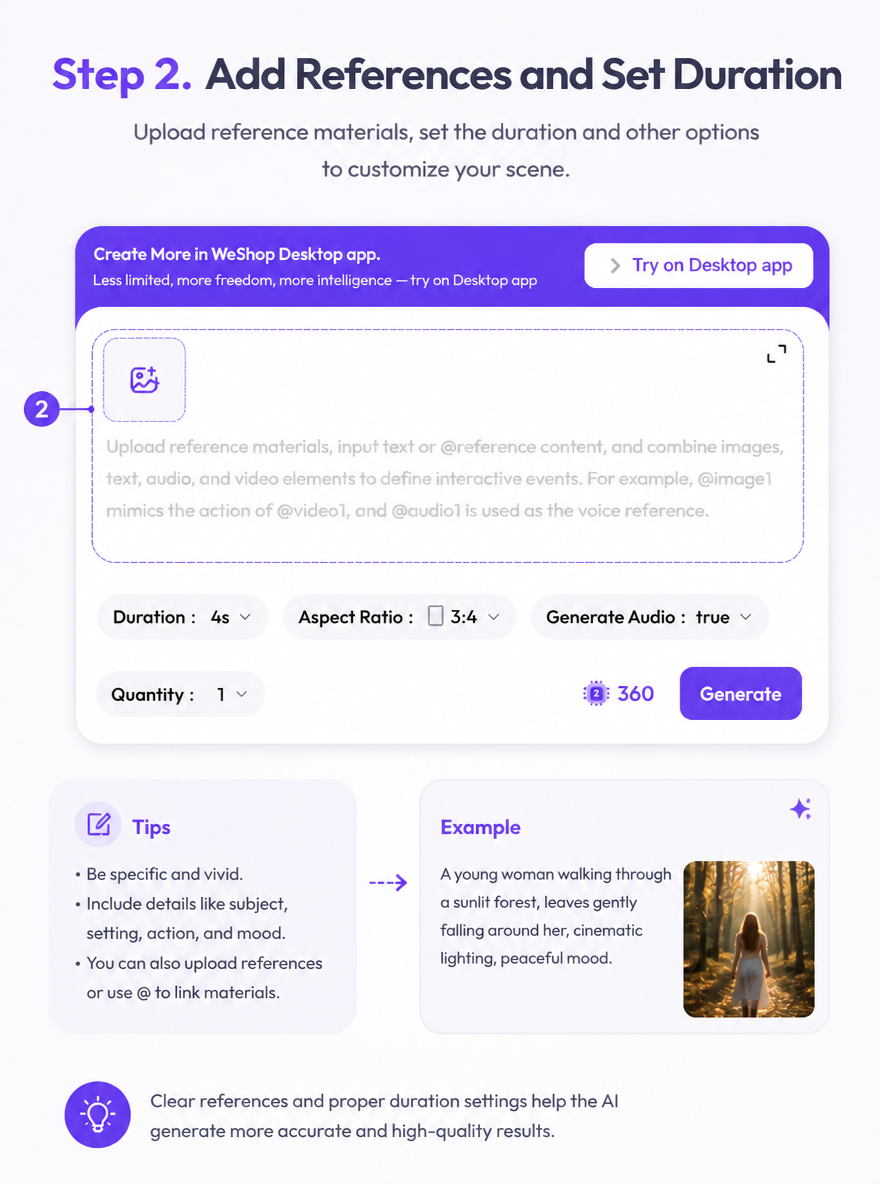
Upload the references you want to use and describe their role in the prompt. Choose a duration from 4 to 30 seconds and review the available settings.
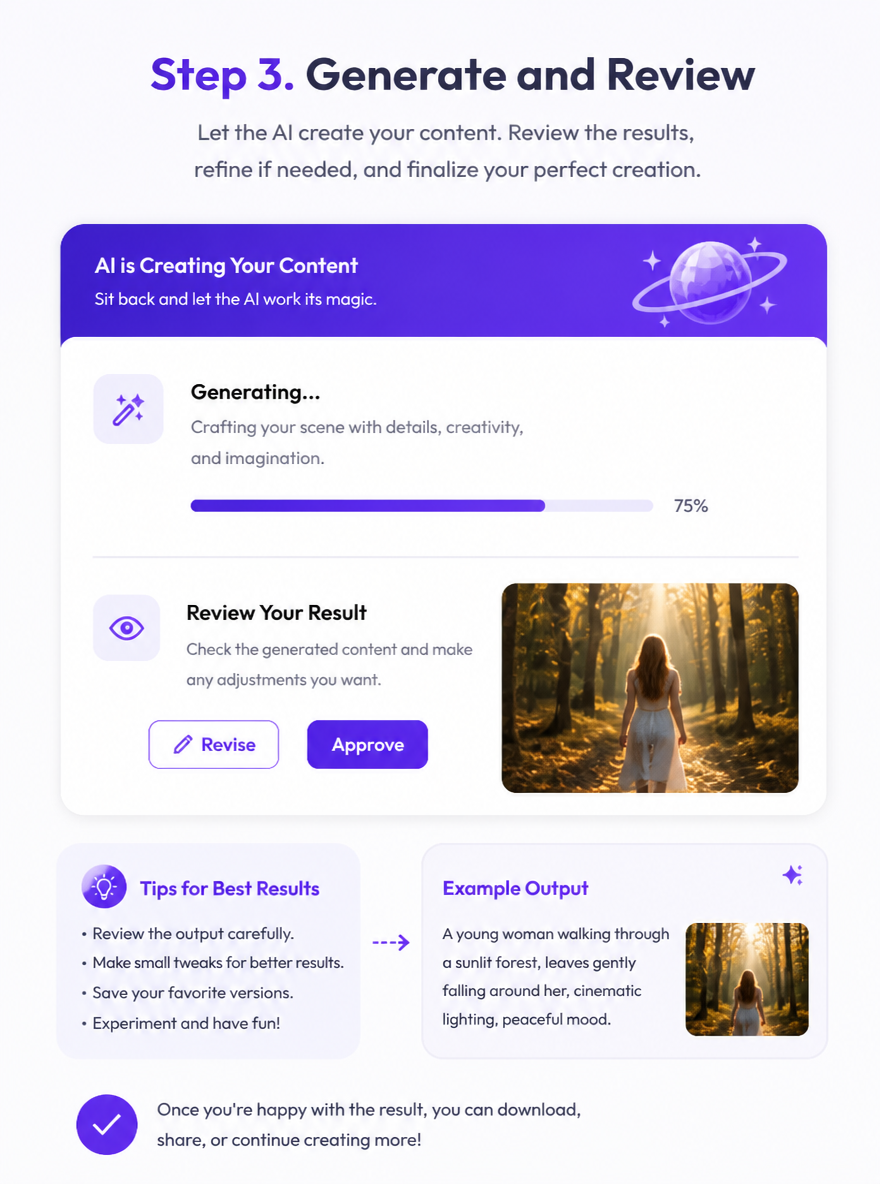
Check the displayed points, generate the clip, and review the movement and scene details. Adjust the prompt or references for another version.
Review the inputs and duration before generating. The selected settings and points are shown in the creation panel.
Review Generation SettingsDirect answers about model inputs, workflows, settings, and availability.
The WeShop AI creation panel offers durations from 4 to 30 seconds. Choose the length that fits your scene before generating.
You can guide the prompt with image, video, and audio references. Describe the role of each asset so the scene direction is clear.
Include the subject, action, setting, camera movement, and pacing. For a longer clip, explain how the scene begins, develops, and ends.
Open the Seedance 2.0 page to review its current workflow and settings, then compare the inputs and example output with this page.