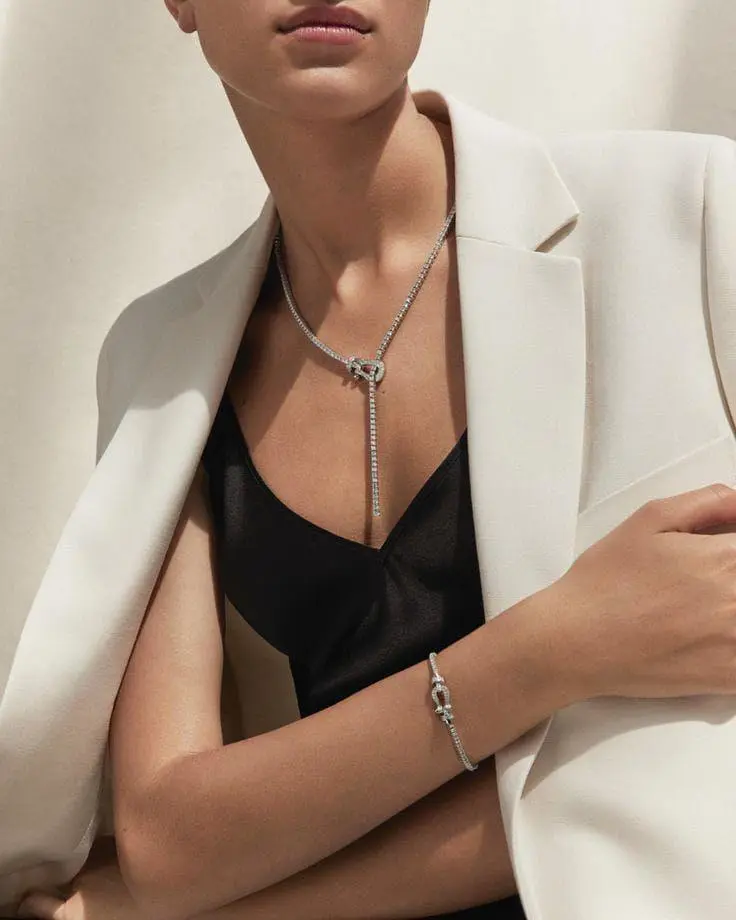
Jewelry Reveal with a Wrist Gesture
Show jewelry through a wrist movement. The close, specific action gives the opening image a clear motion task.
Raise your wrist to show off your jewelry

Animate a starting image with Kling 2.1. Establish the character or scene in the image, then direct a visible action and camera movement in the prompt.
Explore the tasks shown by these actual Kling 2.1 results. Copy a prompt to try in the generator, or open the linked case for its saved setup. Supply your own images or clips when the request uses references.
Show jewelry through a wrist movement. The close, specific action gives the opening image a clear motion task.
Raise your wrist to show off your jewelry
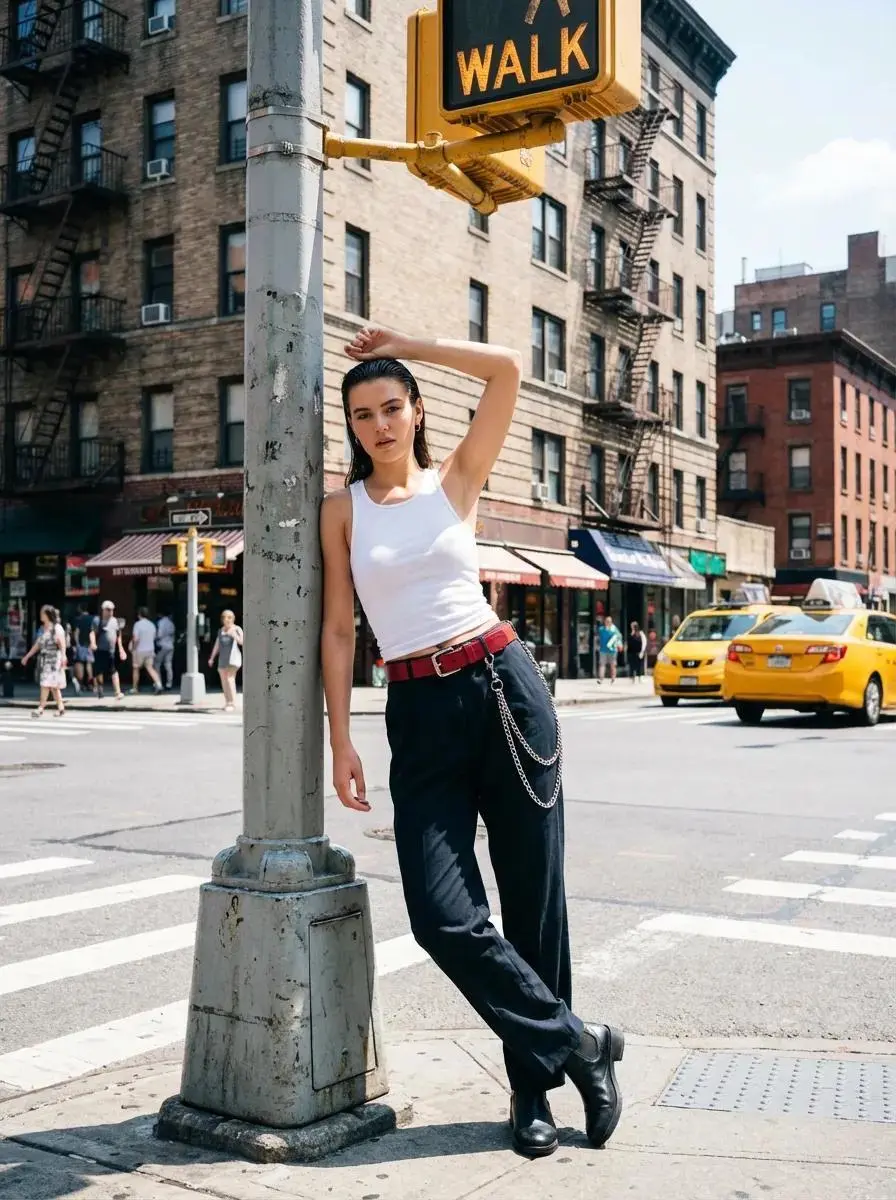
Build a character shot within an urban setting, with the person and lamppost establishing the scene’s composition.
Sudden burst of fire, smoke, or particles. High-impact and perfect for dramatic scenes

Animate a character eating noodles with an exaggerated expression, making the eating action and reaction the focus.
The girl was eating noodles with exaggerated expression, looking like she was really enjoying it.
Kling 2.1 belongs to Kuaishou’s Kling 2.1 video model series, introduced around motion, visual quality, and responsiveness to scene instructions.
The opening image establishes the scene for this WeShop selection. The written direction describes what should happen after that frame.
Kuaishou’s 2.1 series launch emphasizes motion and physical simulation. Character actions and interactions provide concrete tasks for a short clip.
Use the Kling 2.1 input mode that matches the material you have.
Upload the frame that establishes the subject and scene. Describe the action, environmental movement, or camera direction that follows it.
Supply both images, then describe the action or transition connecting their compositions. Choose a duration offered for this mode.
Learn from the actual instructions behind these results. Each example keeps its complete original prompt and available inputs. For a new request, replace its subject and reference assignments with your own.
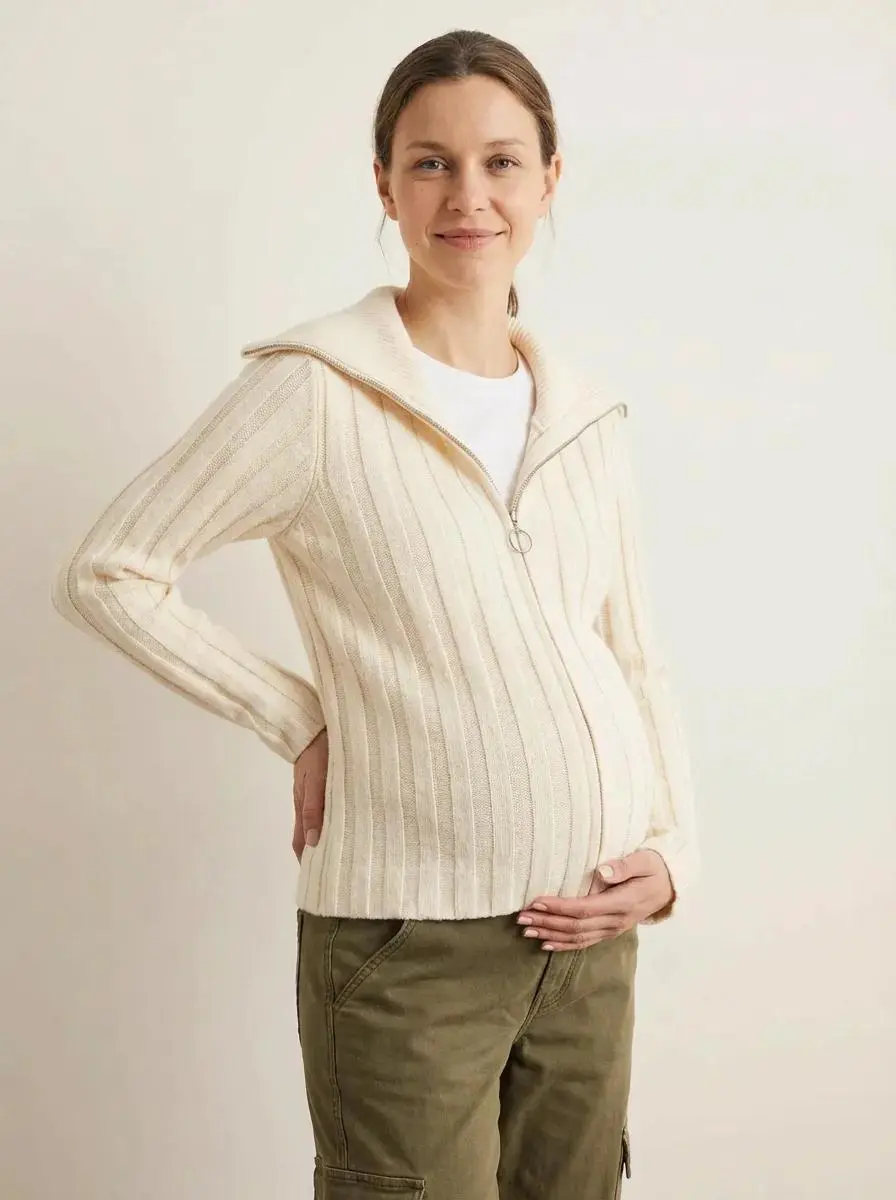
The request defines the subject and setting. Use it to study scene description rather than treating it as evidence of a particular motion or sound control. In this case: “Side view, hand touching the belly.”
Side view, hand touching the belly.
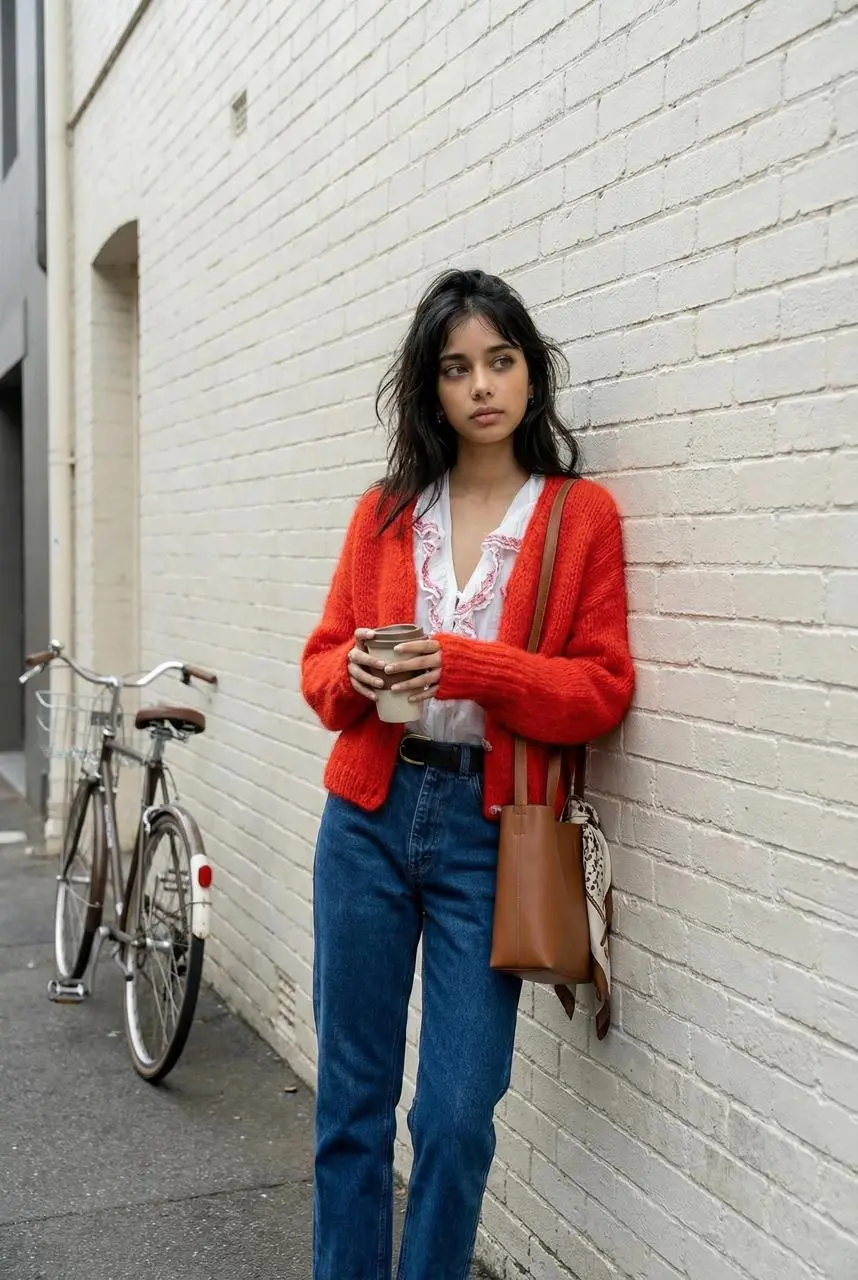
Name the movement the subject should perform within the shot. In this case: “Walk forward, have a coffee, and look at the camera.”
Walk forward, have a coffee, and look at the camera.
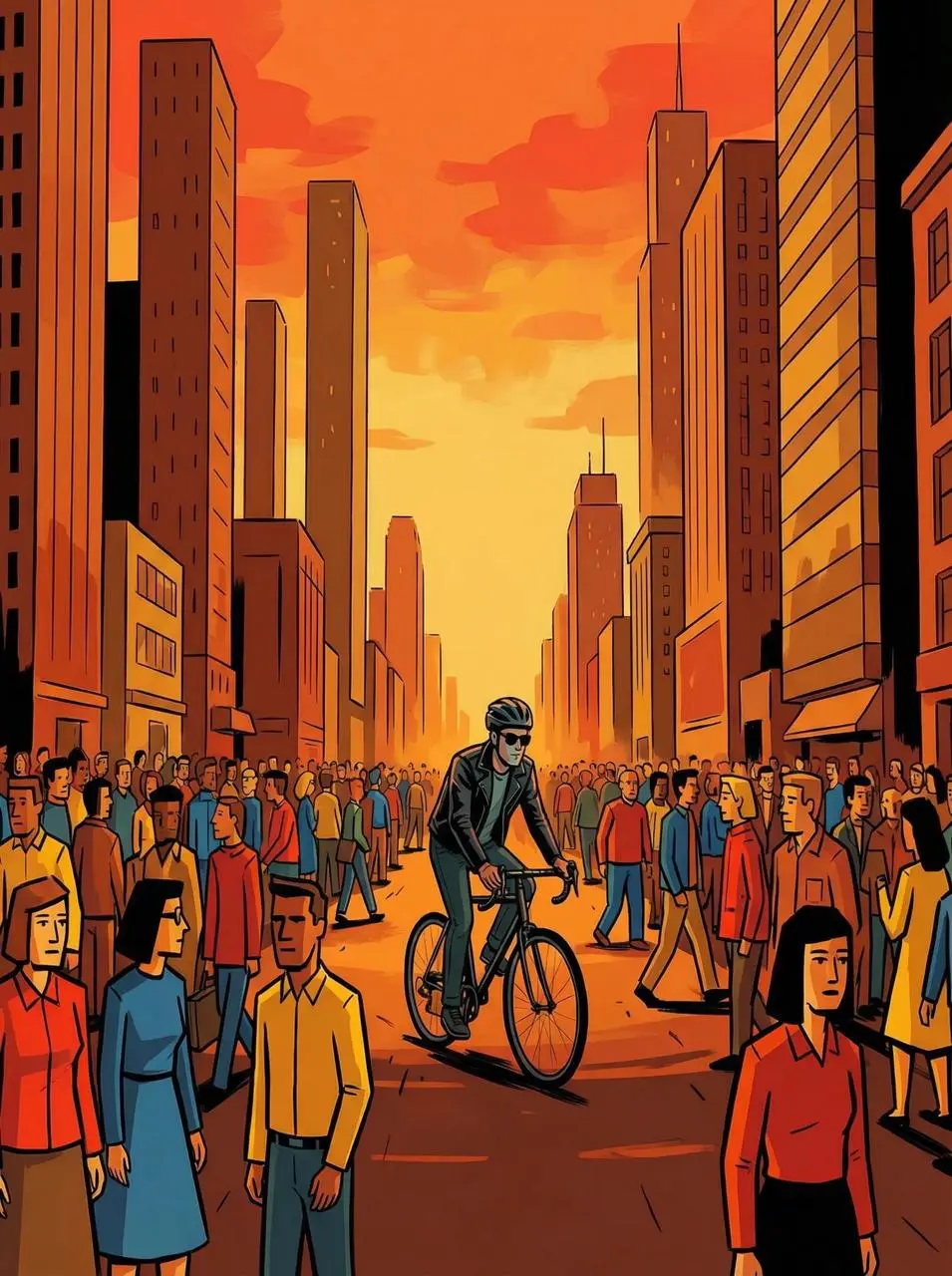
Name the action and its surroundings together. This request places a man riding a bike on a busy London street; the sunglasses are part of his appearance.
A man wearing sunglasses riding a bike along a busy london street
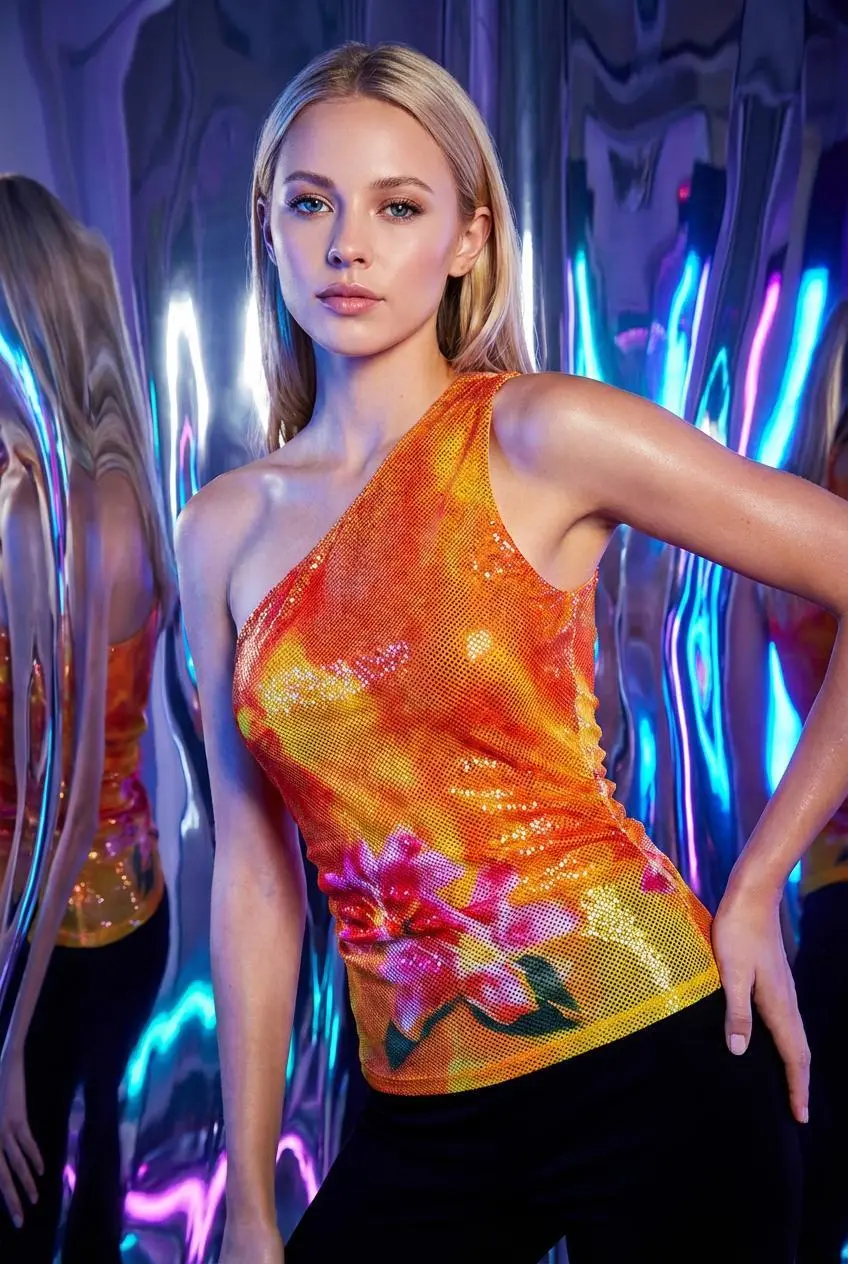
Name the expression or small movement to perform rather than describing appearance alone. In this case: “He turned around, giving a dashing glance.”
He turned around, giving a dashing glance.
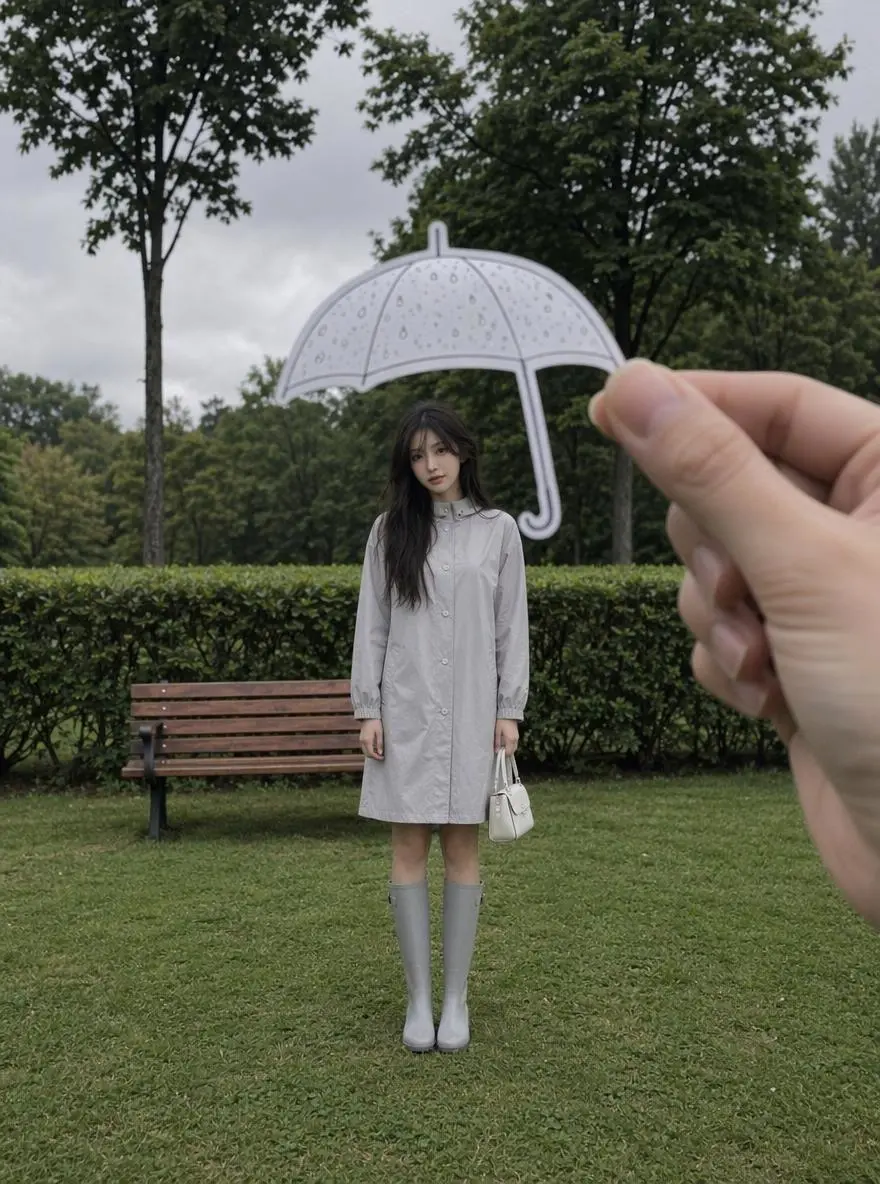
Name the camera movement and the part of the subject or environment it should reveal. In this case: “As the camera slowly moves forward, the paper umbrella begins to glow softly, and the tiny raindrops solidify in the air.”
A cinematic scene of rain. A young woman in a light grey raincoat and knee-high rain boots stands alone on a grassy area under a cloudy sky, beside a wooden bench. In the foreground, one hand precisely holds up the silhouette of a small paper umbrella above her head. As the camera slowly moves forward, the paper umbrella begins to glow softly, and the tiny raindrops solidify in the air. Her hair gently sways in the wind, and her gaze slowly lifts towards the camera. Emotional narrative, dreamy atmosphere, shallow depth of field, cinematic rain effect, poetic realism, luxurious and fashionable film style, ultra-realistic three-dimensional lighting effect, and numerous awards for commercial aesthetics.
Start in the generator on this page. To reuse an example, click Copy Prompt, return to the description field, and adapt the prompt to your own inputs.
Upload the opening image that establishes the scene, then describe its movement.
Choose an offered duration, aspect ratio, and other available output options. Check the form’s displayed points before submitting.
Click Generate and review the resulting video. Check movement, framing, continuity, and any delivered audio. Adjust your prompt or references for the next attempt.
Compare the documented model roles and the inputs and options currently listed in WeShop. Model names or matching settings do not by themselves establish equal output quality or a fixed generation-time difference.
| Dimension | Kling 2.1 | Kling 2.1 Master | Kling 2.5 Turbo |
|---|---|---|---|
| Model role | 2.1 series image-led motion | Master selection in the 2.1 series; no paired benchmark asserted | Later motion-focused, efficiency-oriented selection |
| Inputs listed for the page | Animate an Opening Image; Guide the Opening and Ending Frames | Animate an Opening Image | Animate an Opening Image; Guide the Opening and Ending Frames |
| Current WeShop options | Duration: 5s, 10s | Duration: 5s, 10s | Duration: 5s, 10s |
Choose 2.1 when its available image-led workflow fits the shot. Standard 2.1 also offers a start/end mode in WeShop; Master currently lists an initial-frame mode.
Open a related model page to review its capabilities, examples, and current generation options.
Answers about this version, its inputs, and how to get started.
Kling 2.1 belongs to Kuaishou’s Kling 2.1 video model series, introduced around motion, visual quality, and responsiveness to scene instructions.
Choose 2.1 when its available image-led workflow fits the shot. Standard 2.1 also offers a start/end mode in WeShop; Master currently lists an initial-frame mode.
Animate an Opening Image. Upload the frame that establishes the subject and scene. Describe the action, environmental movement, or camera direction that follows it. Guide the Opening and Ending Frames. Supply both images, then describe the action or transition connecting their compositions. Choose a duration offered for this mode.
Duration: 5s, 10s
Click Copy Prompt, return to the generator, and paste it into the description field. Add your own required references and update their roles. Linked case previews and Use This Prompt open the saved case; they do not automatically fill this page’s form.
The source describes the 2.1 series, not a measured Master-versus-standard advantage. Use the actual input modes listed for each selection.