Animate a character or scene with Hailuo 02. Use a starting image, or opening and ending frames where offered, then describe the action and its interaction with the environment.
Explore the tasks shown by these actual Hailuo 02 results. Copy a prompt to try in the generator, or open the linked case for its saved setup. Supply your own images or clips when the request uses references.
Dog Splashing through a Puddle
Animate a dog jumping into a puddle, splashing water, shaking off droplets, and turning its head from an opening image.
The shiba inu jumps in the puddle splashing water, shakes off water droplets, then tilts head with a happy smile. Anime style animation, kawaii movement.
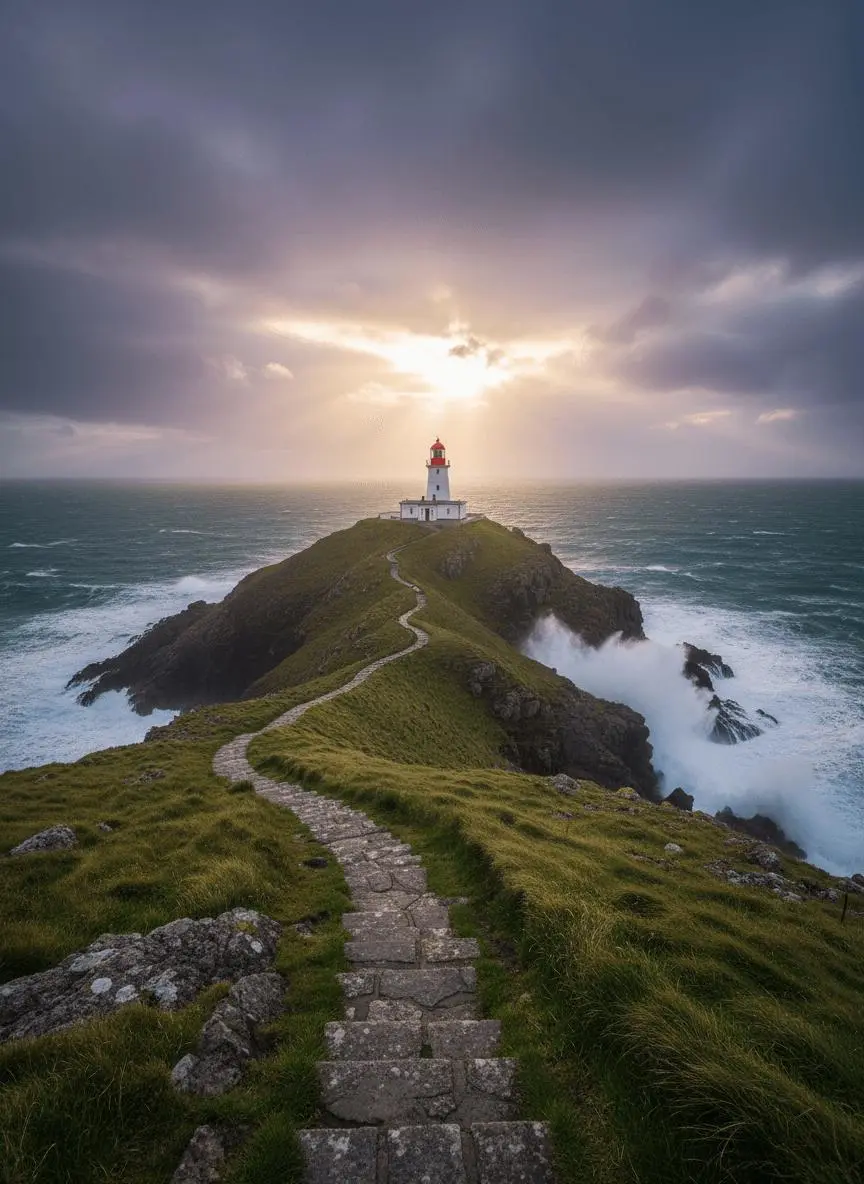
Animate the coastal environment around a lighthouse, with the sea and framing providing movement around the established landscape.
Use image 1 as the first frame. Waves roll gently around the headland and foam against the rocks. The clouds drift slowly as sunlight breaks through. The camera glides forward along the stone path toward the lighthouse. Keep the geography and lighthouse consistent. One continuous landscape shot, no new buildings, no cuts and no text.
Hailuo 02 is MiniMax’s video model focused on scene instructions, physical motion, and high-definition visual generation.
Physical Action in a Scene
MiniMax highlights physical simulation and instruction following in Hailuo 02. An animal splashing water or a person handling an object gives the clip a specific physical event.
Image-Led Shot Design
The source image establishes the subject and composition. WeShop offers both initial-frame and start/end-frame workflows for this selection.
WORKFLOWS
Choose Your Starting Input
Use the Hailuo 02 input mode that matches the material you have.
Animate an Opening Image
Upload the frame that establishes the subject and scene. Describe the action, environmental movement, or camera direction that follows it.
Guide the Opening and Ending Frames
Supply both images, then describe the action or transition connecting their compositions. Choose a duration offered for this mode.
PROMPT GUIDE
How to Direct Hailuo 02 with a Prompt
Learn from the actual instructions behind these results. Each example keeps its complete original prompt and available inputs. For a new request, replace its subject and reference assignments with your own.
Add Motion to the Environment
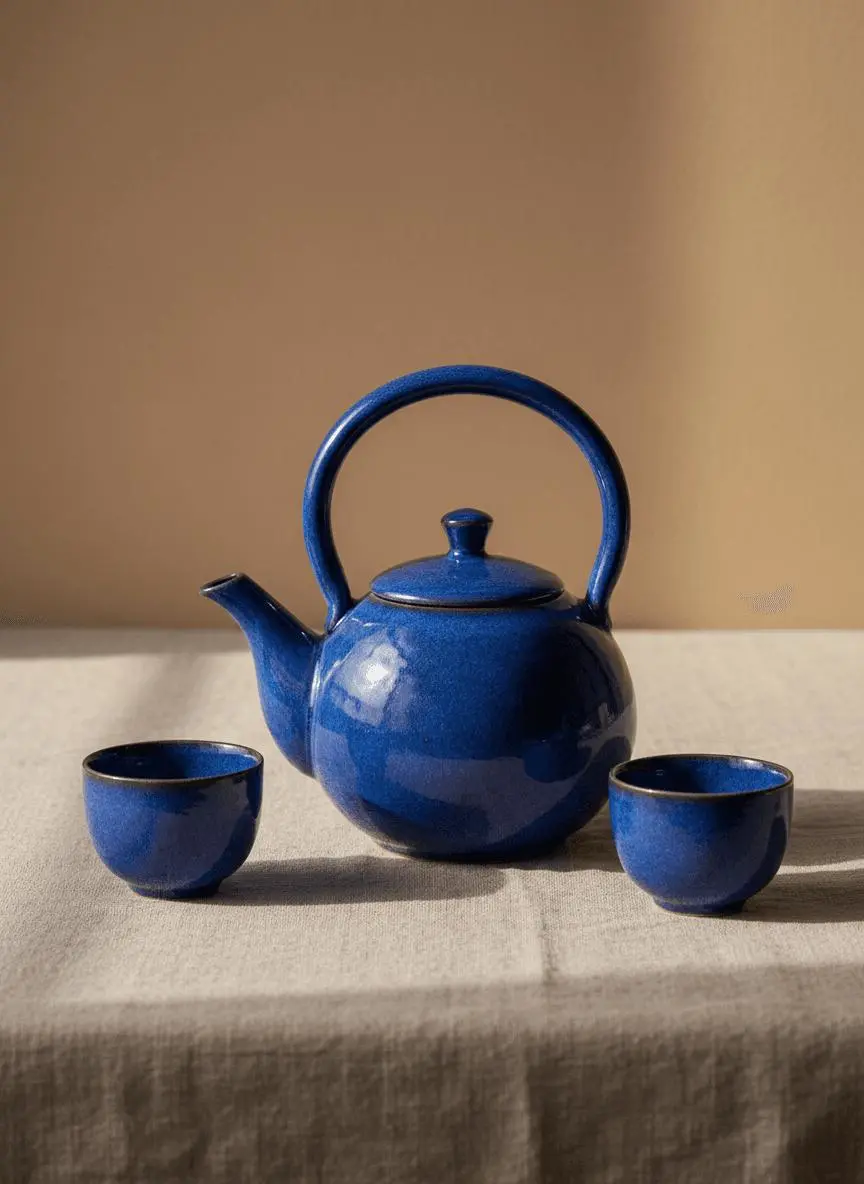
Identify the environmental element that moves while the composition remains recognizable. In this case: “A soft patch of window light moves slowly across the linen cloth while the camera makes a gentle push-in.”
Use image 1 as the first frame. Keep the blue teapot and two cups unchanged in shape, color and placement. A soft patch of window light moves slowly across the linen cloth while the camera makes a gentle push-in. One uninterrupted product shot, realistic shadows, no new objects, no cuts and no text.
Establish the Visual Starting Point
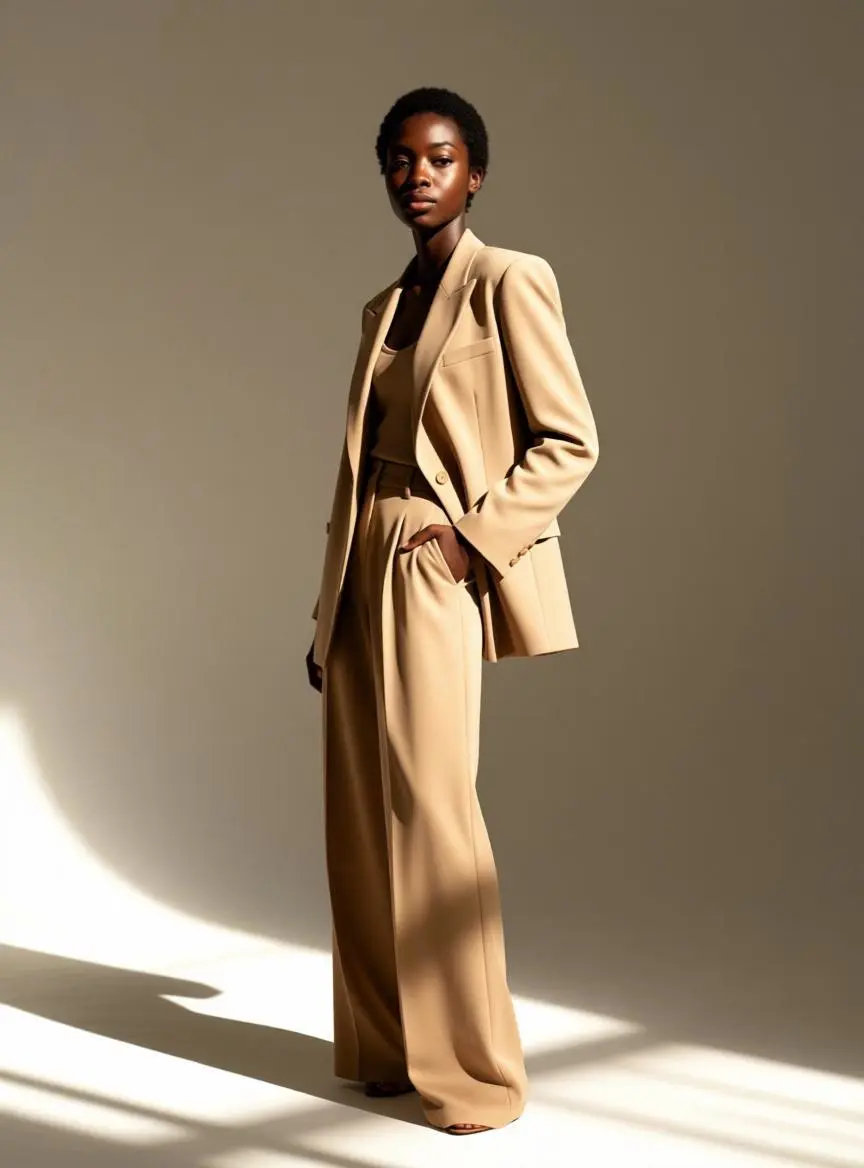
The request defines the subject and setting. Use it to study scene description rather than treating it as evidence of a particular motion or sound control. In this case: “The model confidently adjusts her blazer collar, turns slightly to show the outfit from different angles.”
The model confidently adjusts her blazer collar, turns slightly to show the outfit from different angles. Clean studio lighting, professional fashion lookbook video.
Put the Events in Order
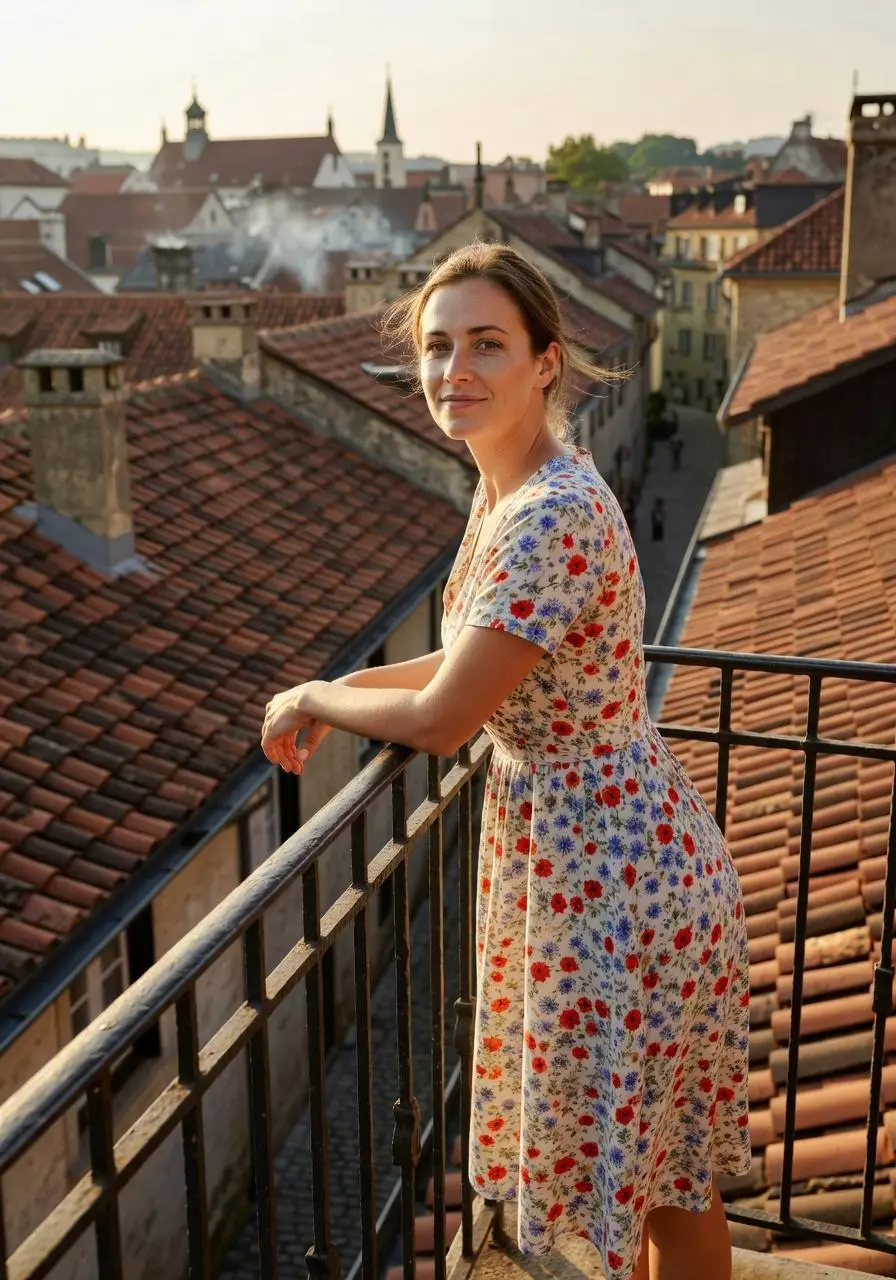
Describe what happens first and how the next action or reveal follows it. In this case: “She wraps both hands around the warm mug, takes a slow sip, then tucks her legs up on the sofa and looks out the window.”
She wraps both hands around the warm mug, takes a slow sip, then tucks her legs up on the sofa and looks out the window. Cozy home atmosphere, slow living lifestyle video.
Describe How the Framing Changes
Name the camera movement and the part of the subject or environment it should reveal. In this case: “One continuous underwater shot with a subtle upward camera move, no text and no scene changes.”
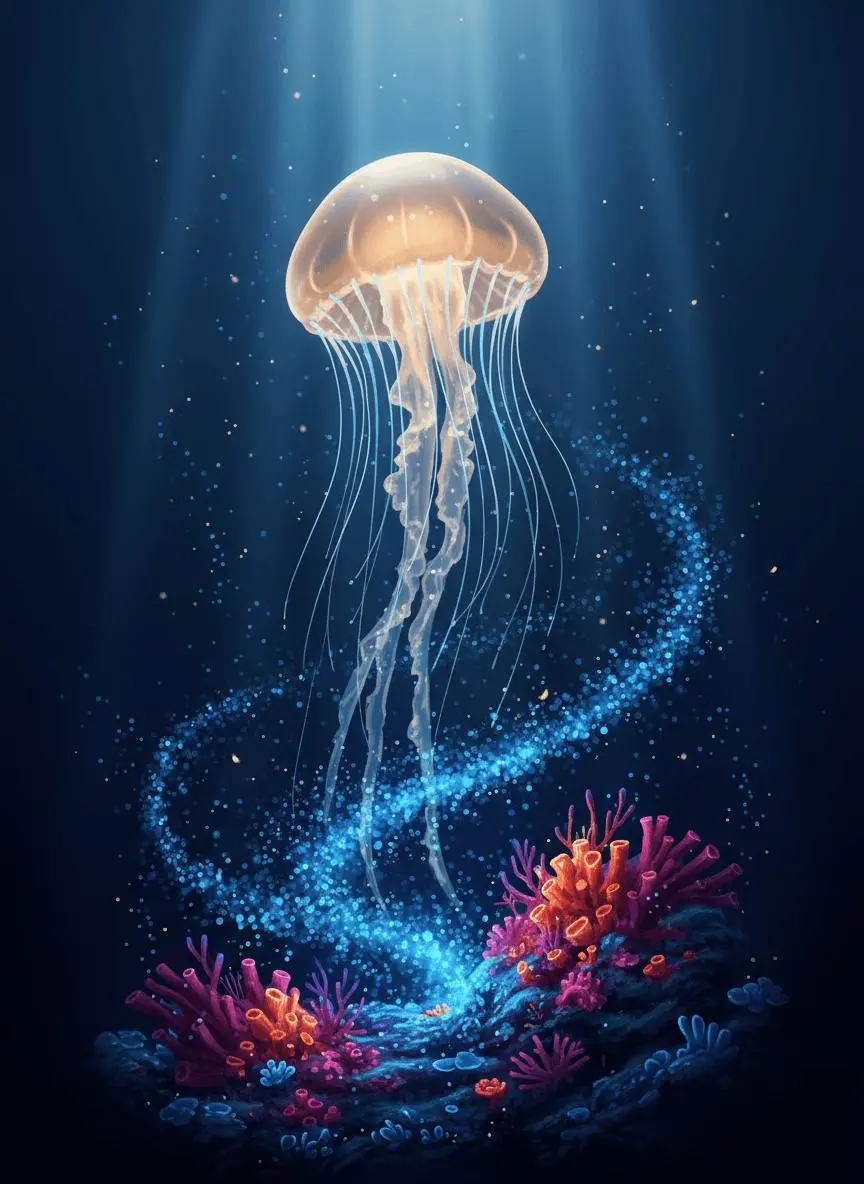
Use image 1 as the first frame. The amber jellyfish pulses gently and rises slowly while its tentacles sway with the water. Tiny blue plankton drift past the reef. Keep the luminous color palette, reef arrangement and jellyfish identity consistent. One continuous underwater shot with a subtle upward camera move, no text and no scene changes.
Give the Face a Specific Performance
Name the expression or small movement to perform rather than describing appearance alone. In this case: “The cat slowly pushes the glasses up with its paw, blinks in surprise, then looks around curiously.”
The cat slowly pushes the glasses up with its paw, blinks in surprise, then looks around curiously. Pixar animation style, smooth 3D movement, cute and funny.
HOW TO USE
Create Your First Hailuo 02 Video
Start in the generator on this page. To reuse an example, click Copy Prompt, return to the description field, and adapt the prompt to your own inputs.
Provide the Scene and Inputs
Upload the opening image that establishes the scene, then describe its movement.
Choose the Output Options
Choose an offered duration, aspect ratio, and other available output options. Check the form’s displayed points before submitting.
Generate and Review
Click Generate and review the resulting video. Check movement, framing, continuity, and any delivered audio. Adjust your prompt or references for the next attempt.
Compare the documented model roles and the inputs and options currently listed in WeShop. Model names or matching settings do not by themselves establish equal output quality or a fixed generation-time difference.
Dimension
Hailuo 02
Hailuo 2.3
Hailuo 2.3 Fast
Model role
Physical movement and instruction-led scenes
Character expressions, physical actions, and stylization
Efficiency-oriented image-to-video variant
Inputs listed for the page
Animate an Opening Image; Guide the Opening and Ending Frames
Animate an Opening Image
Animate an Opening Image
Current WeShop options
Duration: 6s, 10s
Duration: 6s, 10s
Duration: 6s, 10s
Model role
Hailuo 02
Physical movement and instruction-led scenes
Hailuo 2.3
Character expressions, physical actions, and stylization
Hailuo 2.3 Fast
Efficiency-oriented image-to-video variant
Inputs listed for the page
Hailuo 02
Animate an Opening Image; Guide the Opening and Ending Frames
Hailuo 2.3
Animate an Opening Image
Hailuo 2.3 Fast
Animate an Opening Image
Current WeShop options
Hailuo 02
Duration: 6s, 10s
Hailuo 2.3
Duration: 6s, 10s
Hailuo 2.3 Fast
Duration: 6s, 10s
When to Consider Hailuo 02
Match the Model to Your Task
Consider Hailuo 02 for image-led motion or a start/end request. Compare Hailuo 2.3 for its later character-expression and stylization focus.
MORE VIDEO MODELS
Explore More Video Models
Open a related model page to review its capabilities, examples, and current generation options.
Answers about this version, its inputs, and how to get started.
What is Hailuo 02?
Hailuo 02 is MiniMax’s video model focused on scene instructions, physical motion, and high-definition visual generation.
What is a good task to consider it for?
Consider Hailuo 02 for image-led motion or a start/end request. Compare Hailuo 2.3 for its later character-expression and stylization focus.
What do I need to provide?
Animate an Opening Image. Upload the frame that establishes the subject and scene. Describe the action, environmental movement, or camera direction that follows it. Guide the Opening and Ending Frames. Supply both images, then describe the action or transition connecting their compositions. Choose a duration offered for this mode.
Which output settings are offered here?
Duration: 6s, 10s
How do I try an example prompt?
Click Copy Prompt, return to the generator, and paste it into the description field. Add your own required references and update their roles. Linked case previews and Use This Prompt open the saved case; they do not automatically fill this page’s form.
What should I know about this version?
The official model has native 1080p capability. The selected WeShop mode and actual output determine the delivered setting.