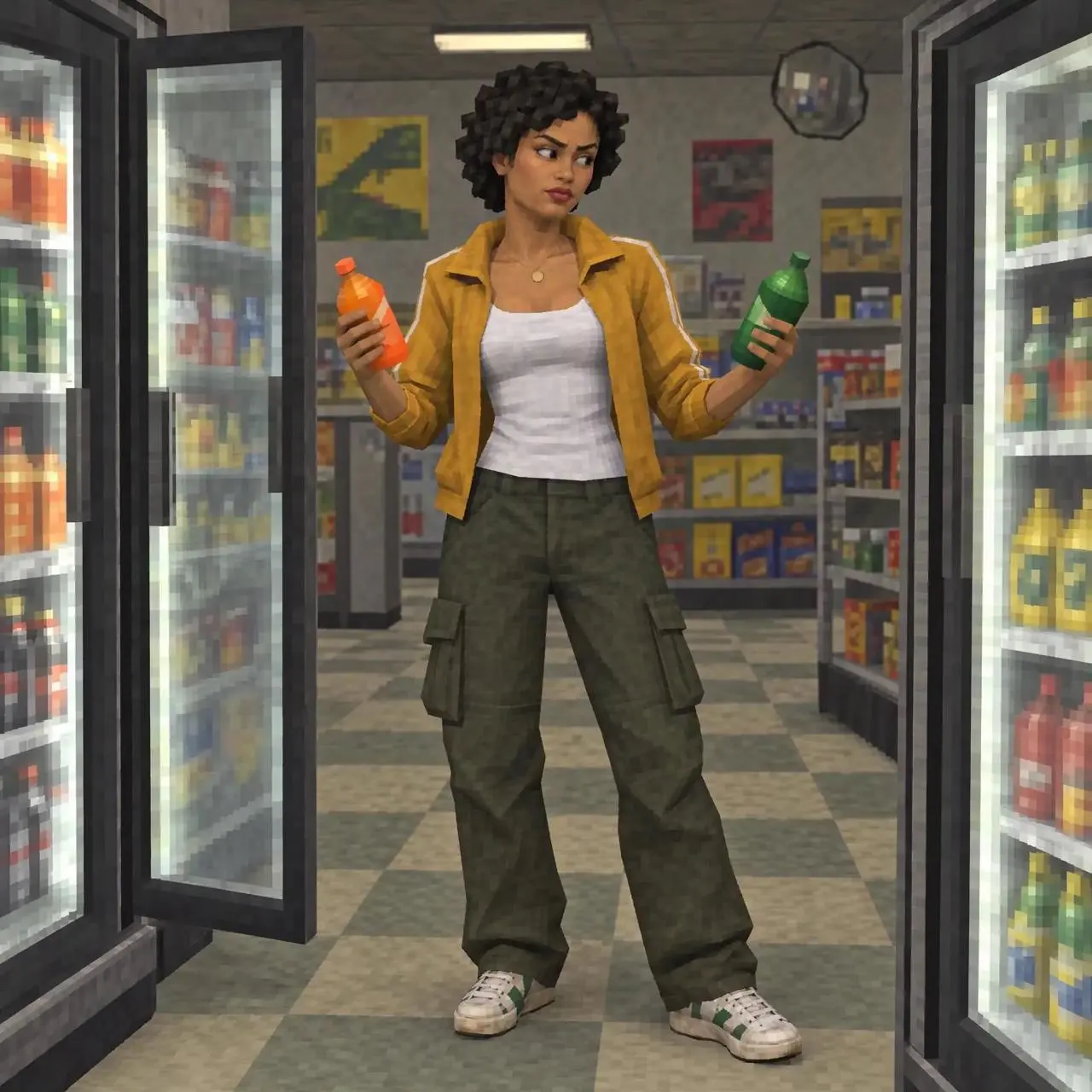
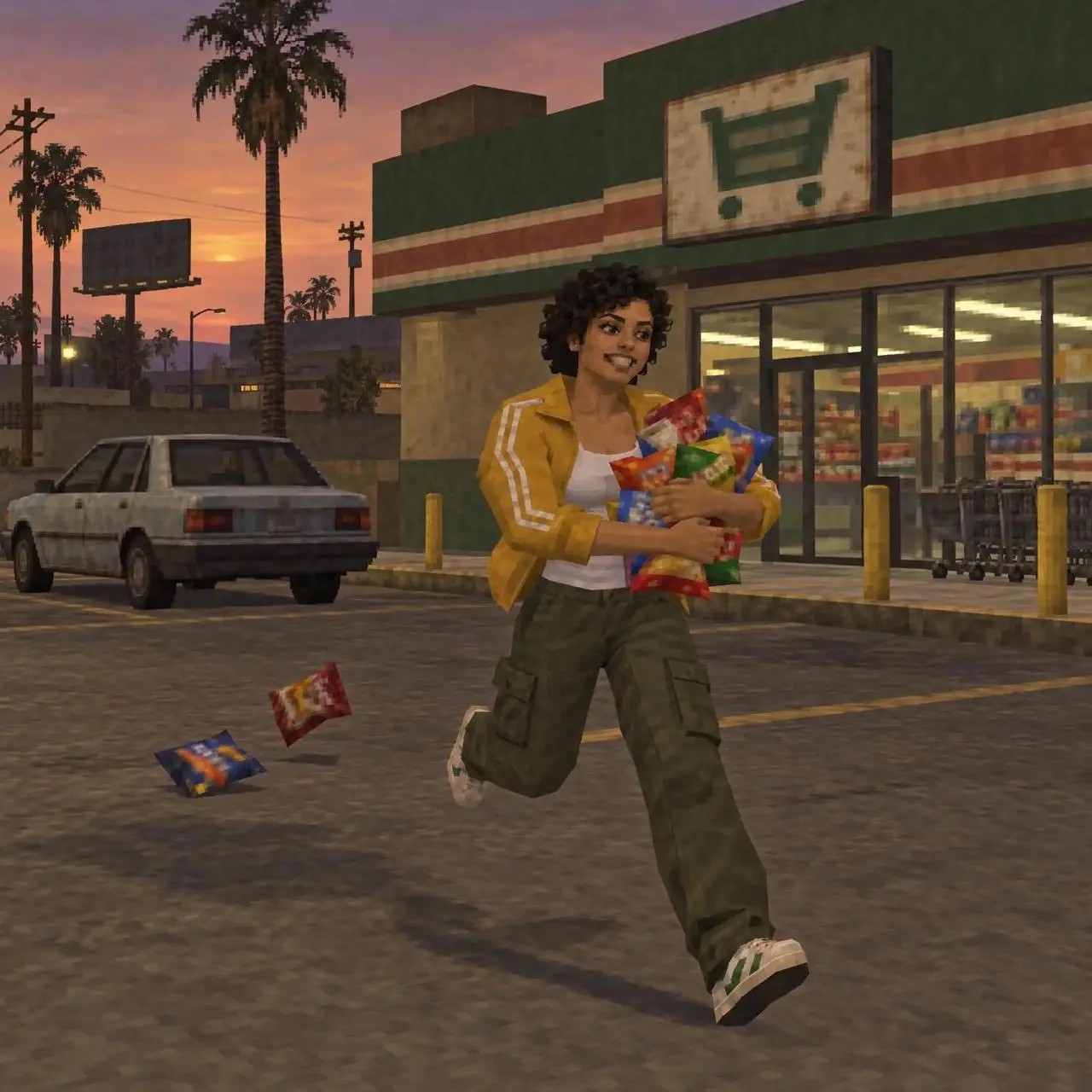
アニメーションの場面転換
キャラクターが店舗、コインランドリー、屋外を移動し、光や渦の効果で場面がつながります。
Combine three images into a single production, adding transitions and special effects.

アニメーションの場面転換や着替えのトランジションを確認できます。プロンプトをコピーするか、作例を開いて参照画像を自分の素材に置き換えましょう。
キャラクターが店舗、コインランドリー、屋外を移動し、光や渦の効果で場面がつながります。
Combine three images into a single production, adding transitions and special effects.
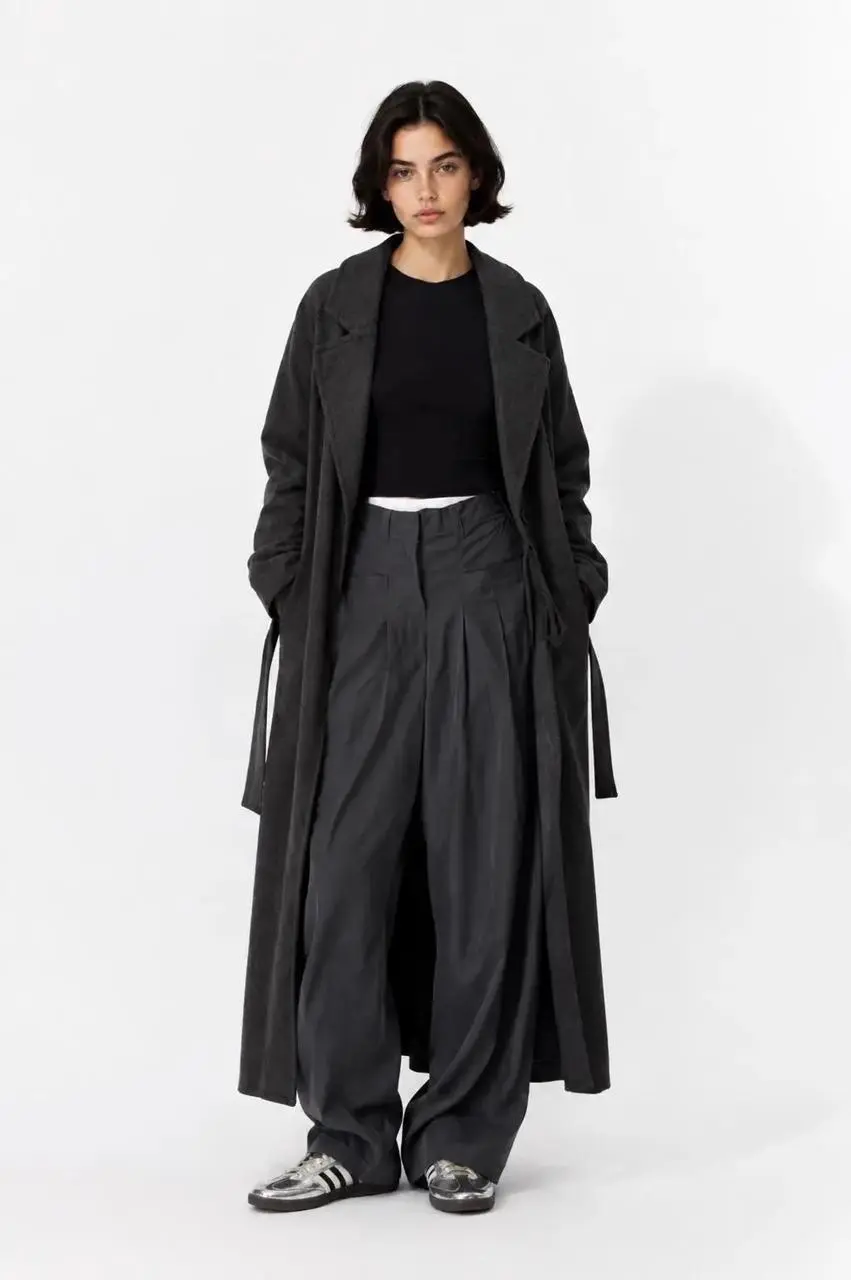
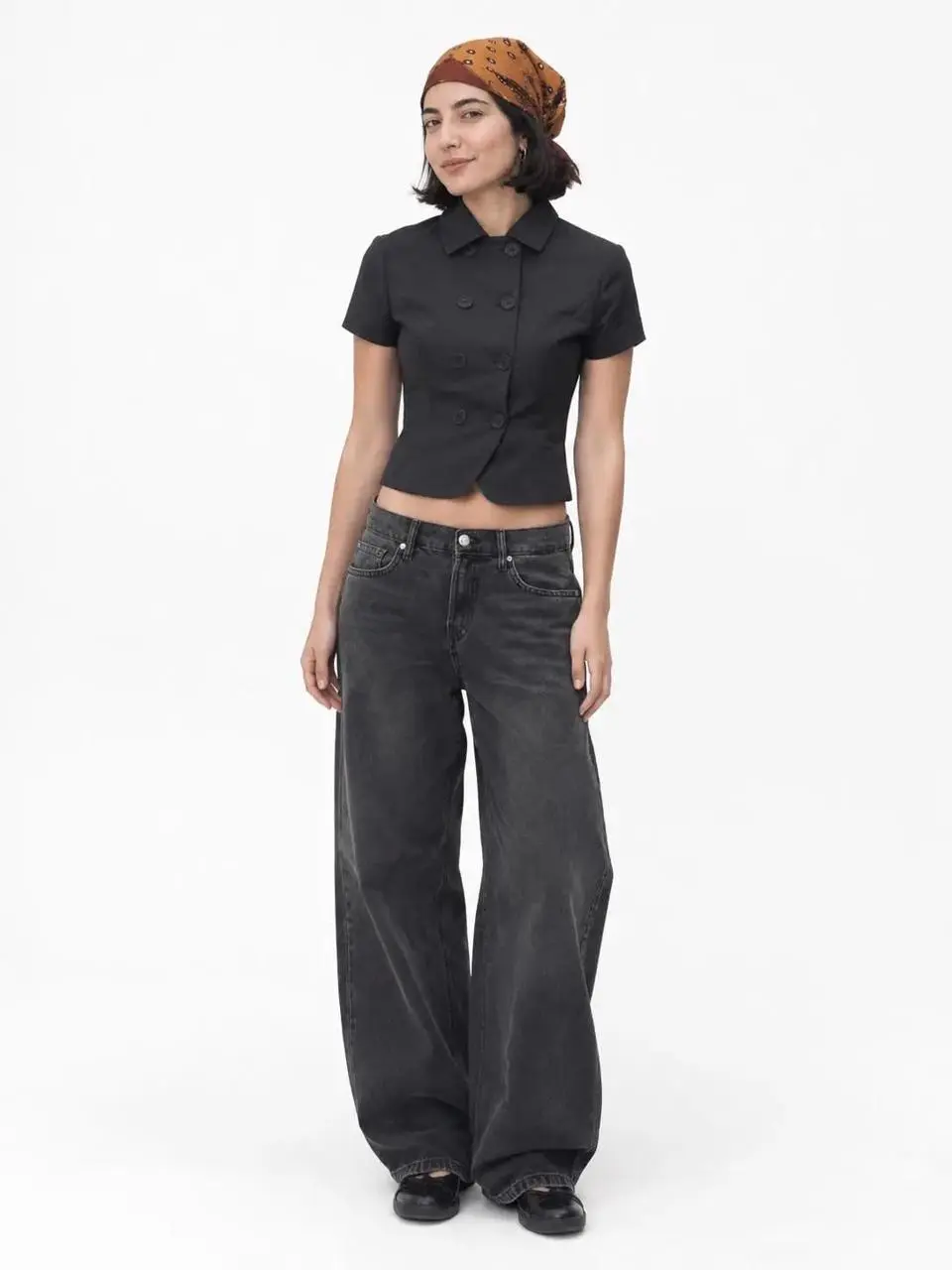
白いスタジオ背景でモデルが画面に出入りし、コーディネートが切り替わります。
Using the uploaded images, create an OOTD transition video; incorporate elements such as "dropping into" the frame or "walking out" of the frame between the clips.
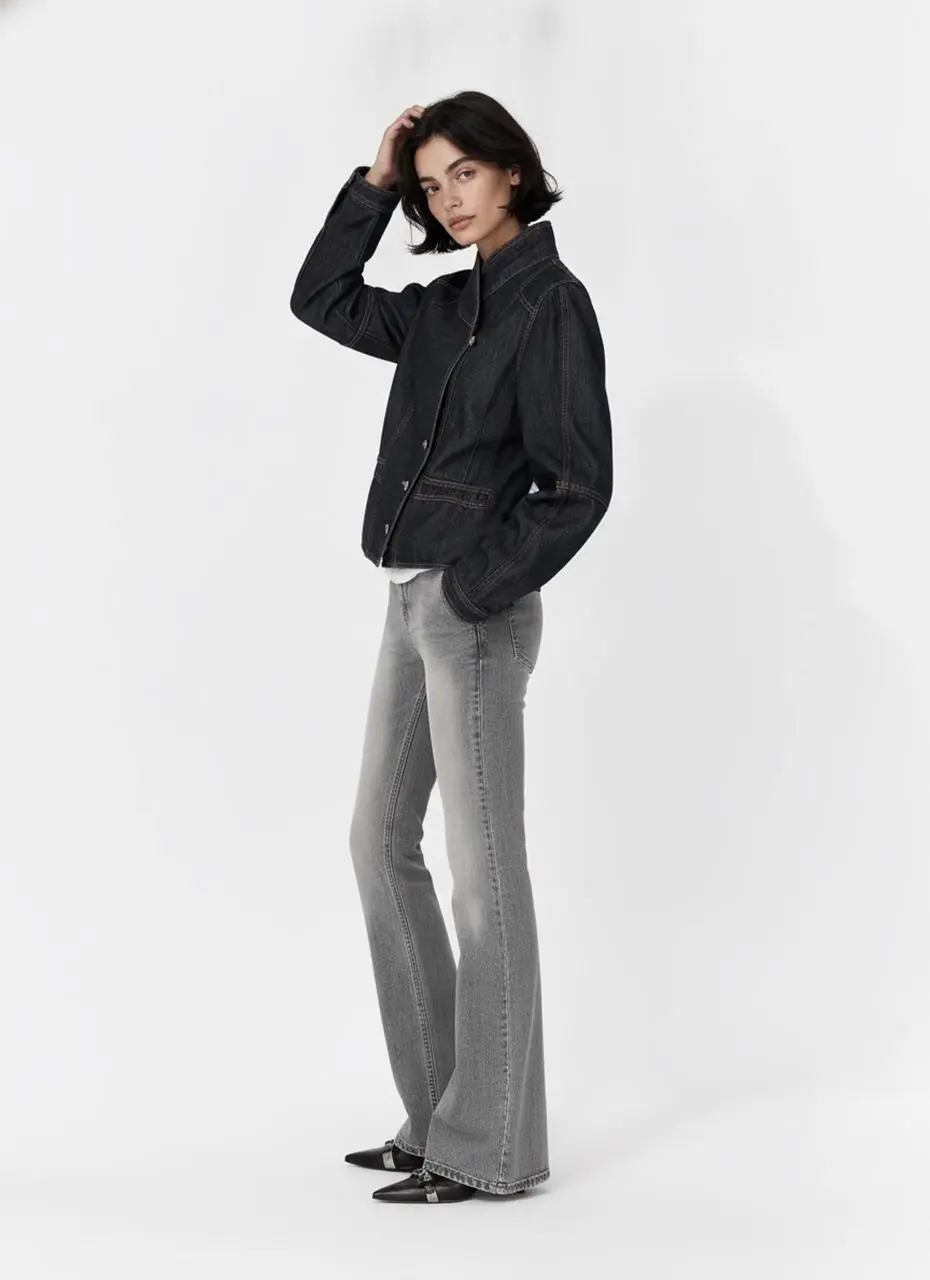
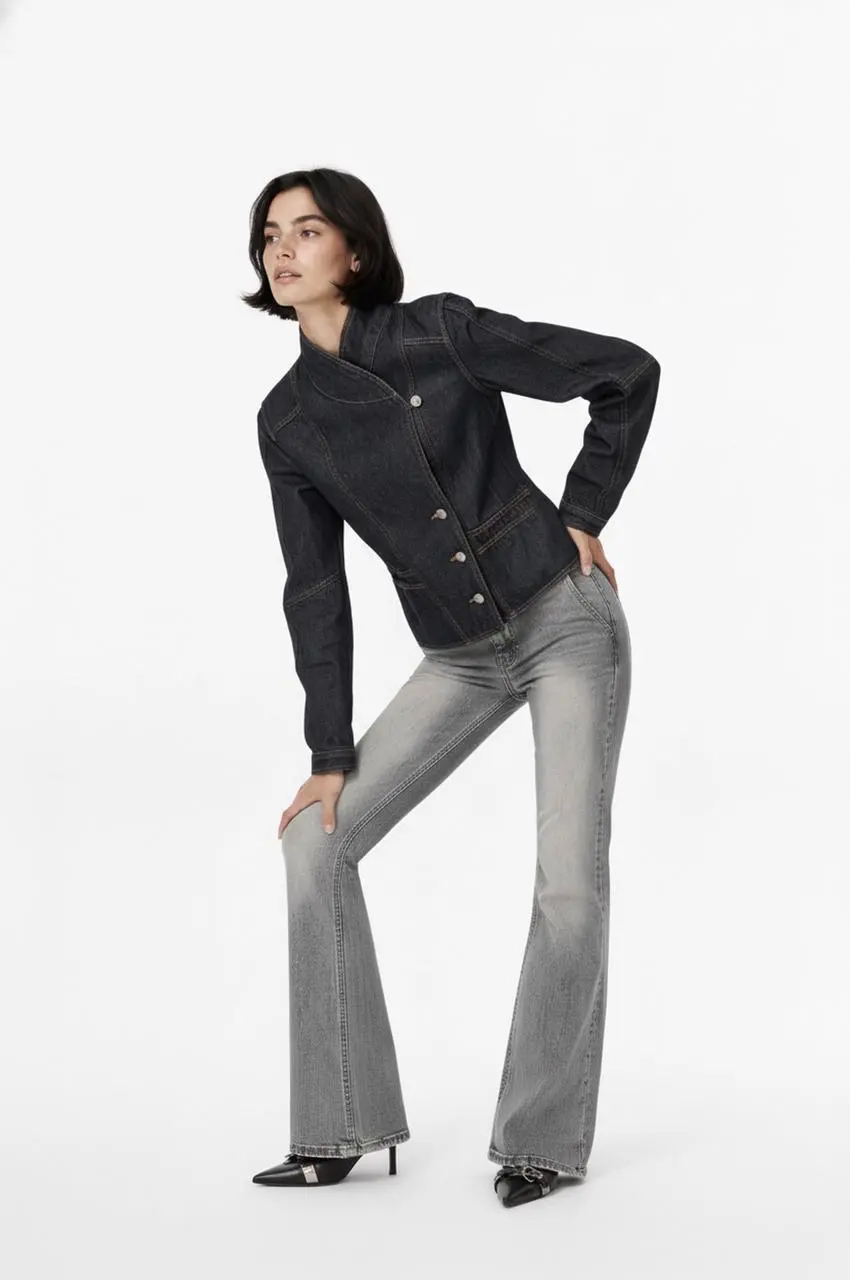
モデルがポーズを変え、黒いジャケットから水色のトップスへ衣装が切り替わります。
Edit into an OOTD transition video
Klingは動きの安定性、制作上の制御、長めの物語を重視しています。これらを制作目標とし、動画全体で被写体の変化、動きの破綻、会話とのずれを確認してください。
Kling 4.0は速い動作、連続した動き、複雑な追従・周回撮影の安定性を目指しています。ロビーと追跡の作例では、カメラ位置の変化とともに動作が展開します。
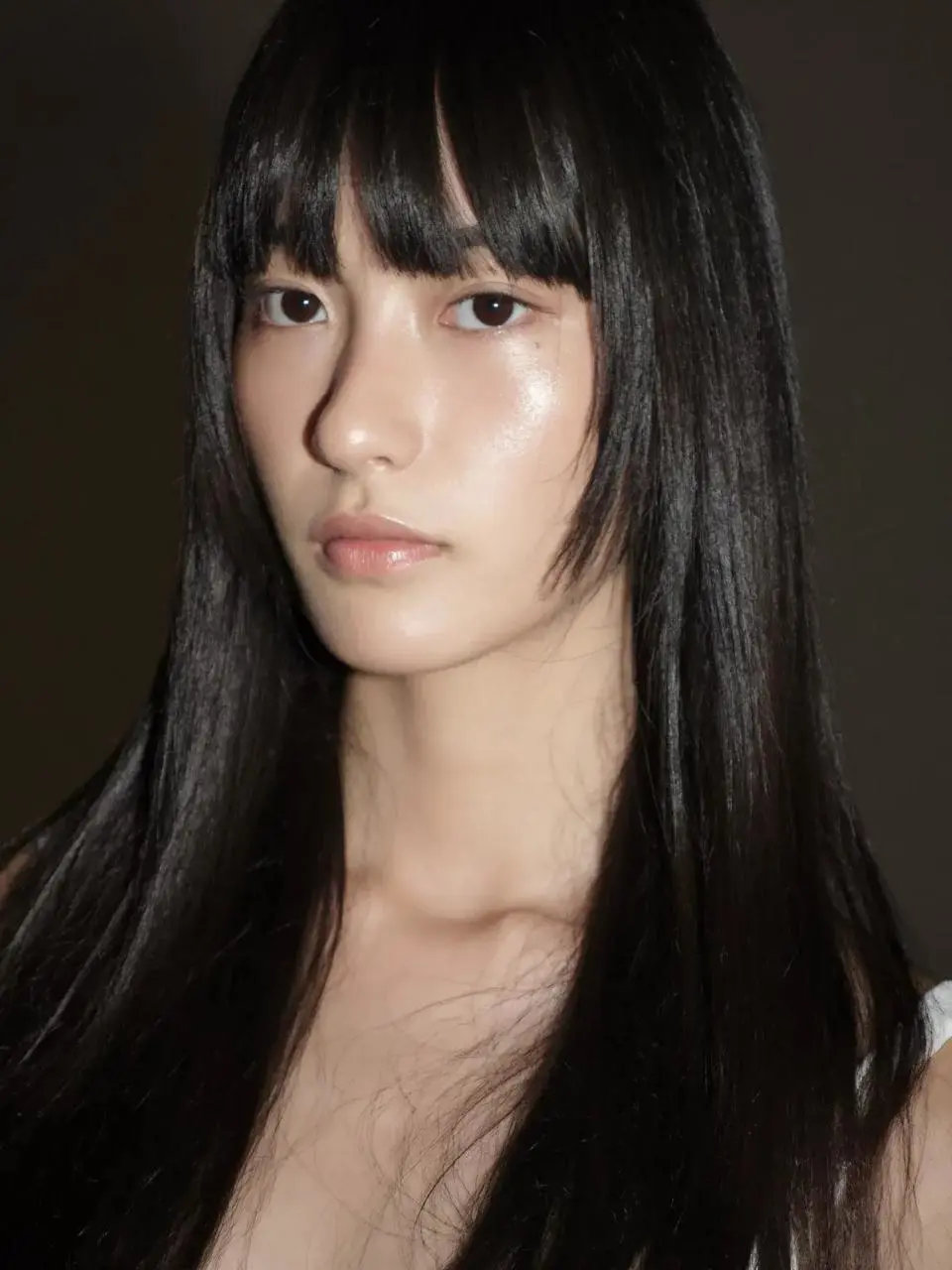
Omni Referenceは人物、商品、構図、動きを視覚素材で指定する仕組みです。追跡の作例では参照シートを使い、複数の人物と車両を配置しています。
最大30秒のネイティブ生成により、動作や物語を展開する時間を確保できます。ドラゴンの作例は崖から都市へ展開し、実際のファイルは約27.9秒です。
Klingのメニューには4.0の選択肢が2つあります。手元の素材に合う入力方法を選びましょう。
場面のアイデアや参照素材から始める場合は、テキストまたは参照モードを使います。各アップロード素材の役割を明確にしてください。
テキスト、開始画像、開始・終了画像、複数画像を使用できます。同じ動作の流れにつながる画像を選びましょう。
被写体、動作、カメラ、場面の書き方を学べます。参考プロンプトをコピーし、自分の人物や素材に合わせて調整してください。
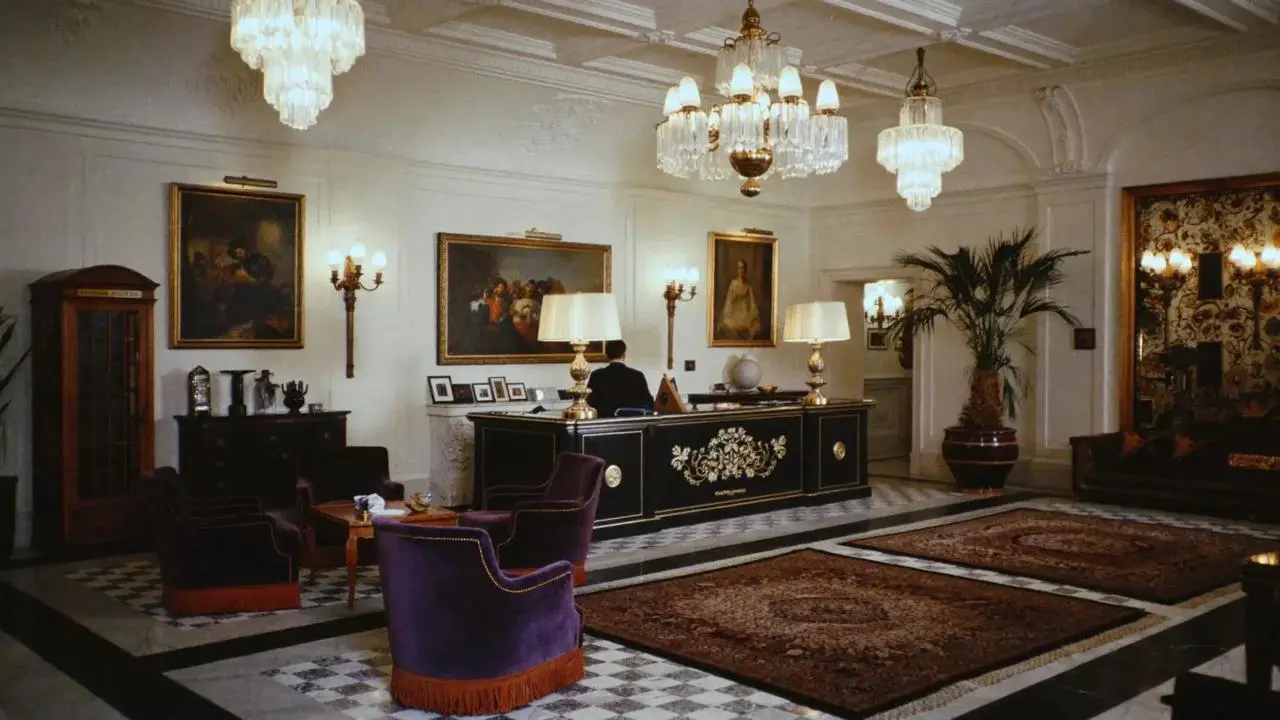
ロビーで女性が複数の人物と次々に対峙します。
A woman defeats five men one after another in a hotel lobby.
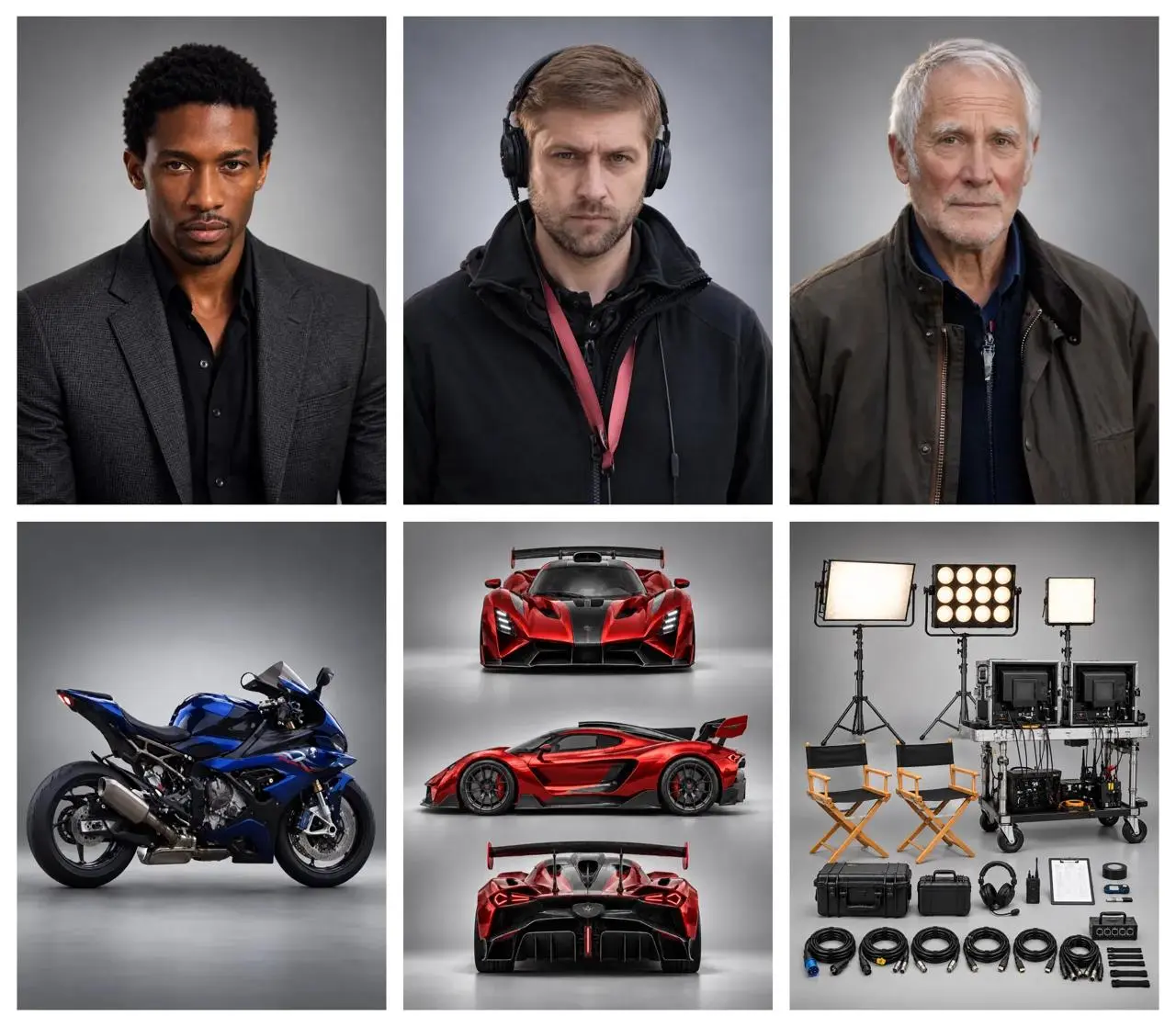
監督、自動車、バイクが同じ場面に登場します。
A director guides the actors while filming a high-speed chase between a supercar and a motorcycle.
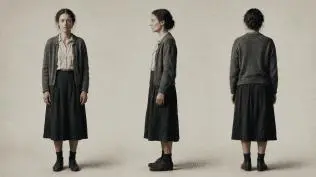
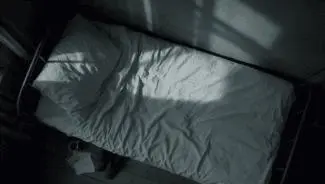
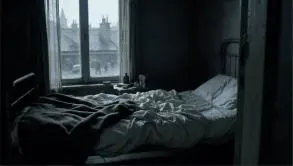
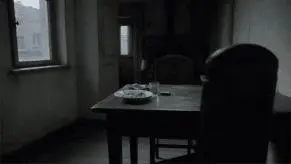
参考プロンプト:各参照素材の役割を指定し、テーブル、ベッド、顔のアップ、俯瞰の順にカットを説明します。
Use the reference images to guide the same woman, her clothing, the room and the shot compositions. Create a quiet cinematic sequence in a modest bedroom with cool daylight entering through the window. First show her seated at a table, eating from a plate. Cut to her seated on the edge of an unmade bed, holding a white cup and taking a slow sip. Move into a close-up of her face and the cup. Finish with an overhead view of her lying on the bed. Keep her face, short dark hair, clothing and the room details consistent across the shots. Use restrained movement and a muted blue-gray color palette.
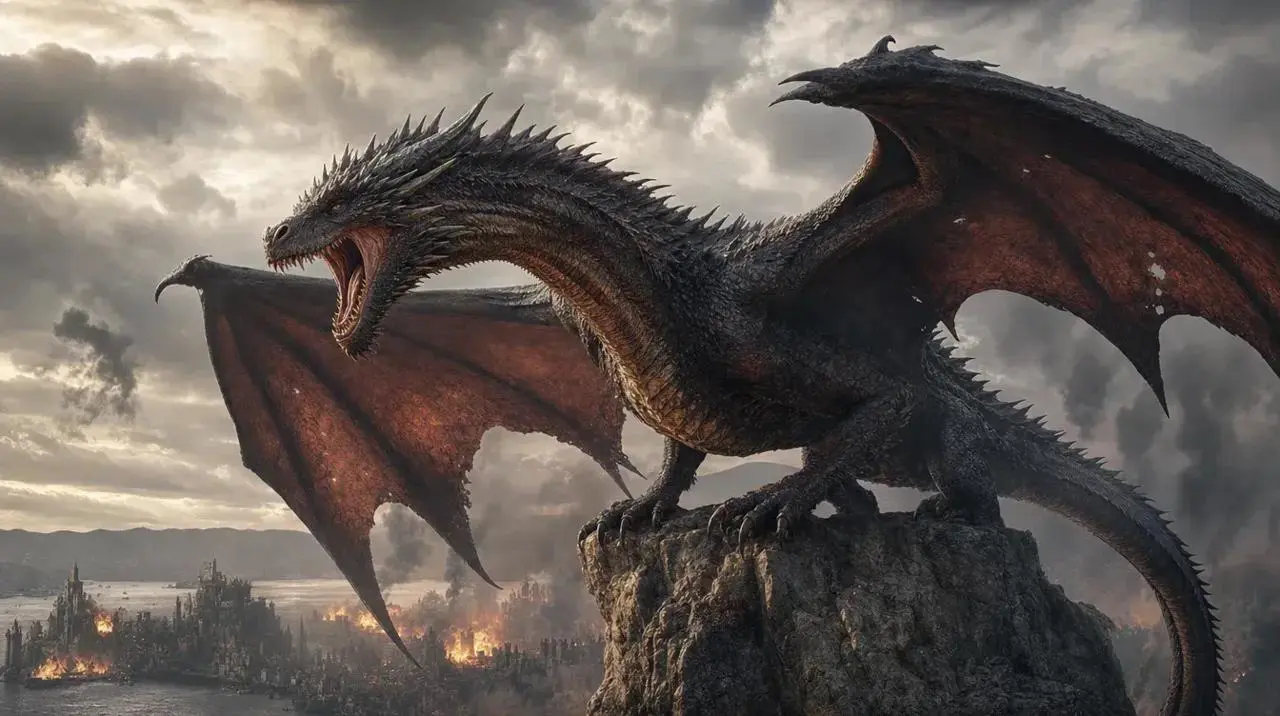
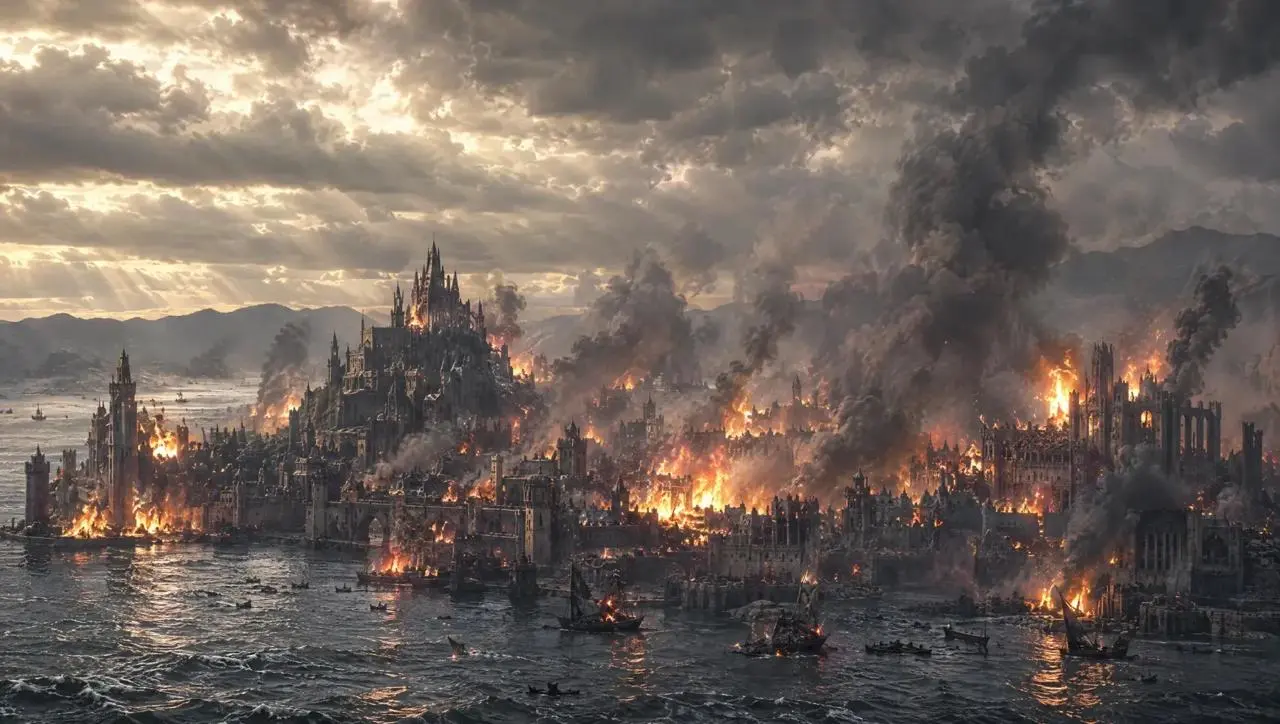
ドラゴンの映像が崖から都市へと展開します。
A giant dragon stands atop a cliff, roaring at the burning city below.
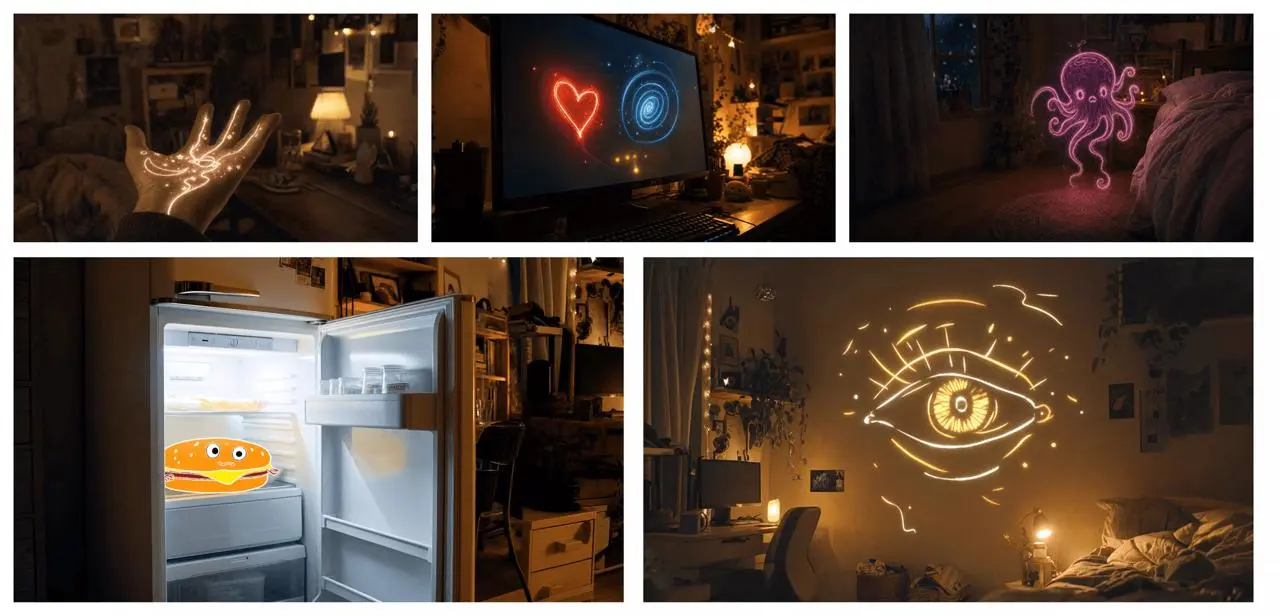
参考プロンプト:画像集の順番に沿い、光る物体同士のつながりと変化を説明します。
Use the supplied image board as visual guidance for a 20-second magical sequence in a cozy bedroom at night. Begin with a close-up of an open hand covered in glowing golden lines. A small golden star flies from the hand toward a computer monitor displaying a red heart and a blue spiral. Follow the light as it becomes a butterfly, then a flowing purple ribbon that forms a small floating octopus-like figure near the bed. Continue toward an open refrigerator containing a smiling cartoon hamburger. Finish on a large golden line-drawn eye opening above the bed. Connect these moments with fluid camera movement, warm practical lighting, sparkling light trails and a consistent bedroom setting.
短いプロンプトは演技や場面構成に余地を残します。
An old man ranting about AI.
再会、抱擁、手持ちカメラ、光、音をプロンプトで指定しています。
A single continuous 7-second shot set in the UK. At dusk, two friends who haven’t seen each other in a long time meet at the corner of a quiet street, with people going about their everyday lives around them. They smile, walk quickly toward each other, and share a warm embrace. Their expressions and body movements feel natural. The handheld camera follows them with a slight, natural shake. Soft, warm lighting and a nostalgic film look. Include natural footsteps, street ambience, background music, and dialogue in English.
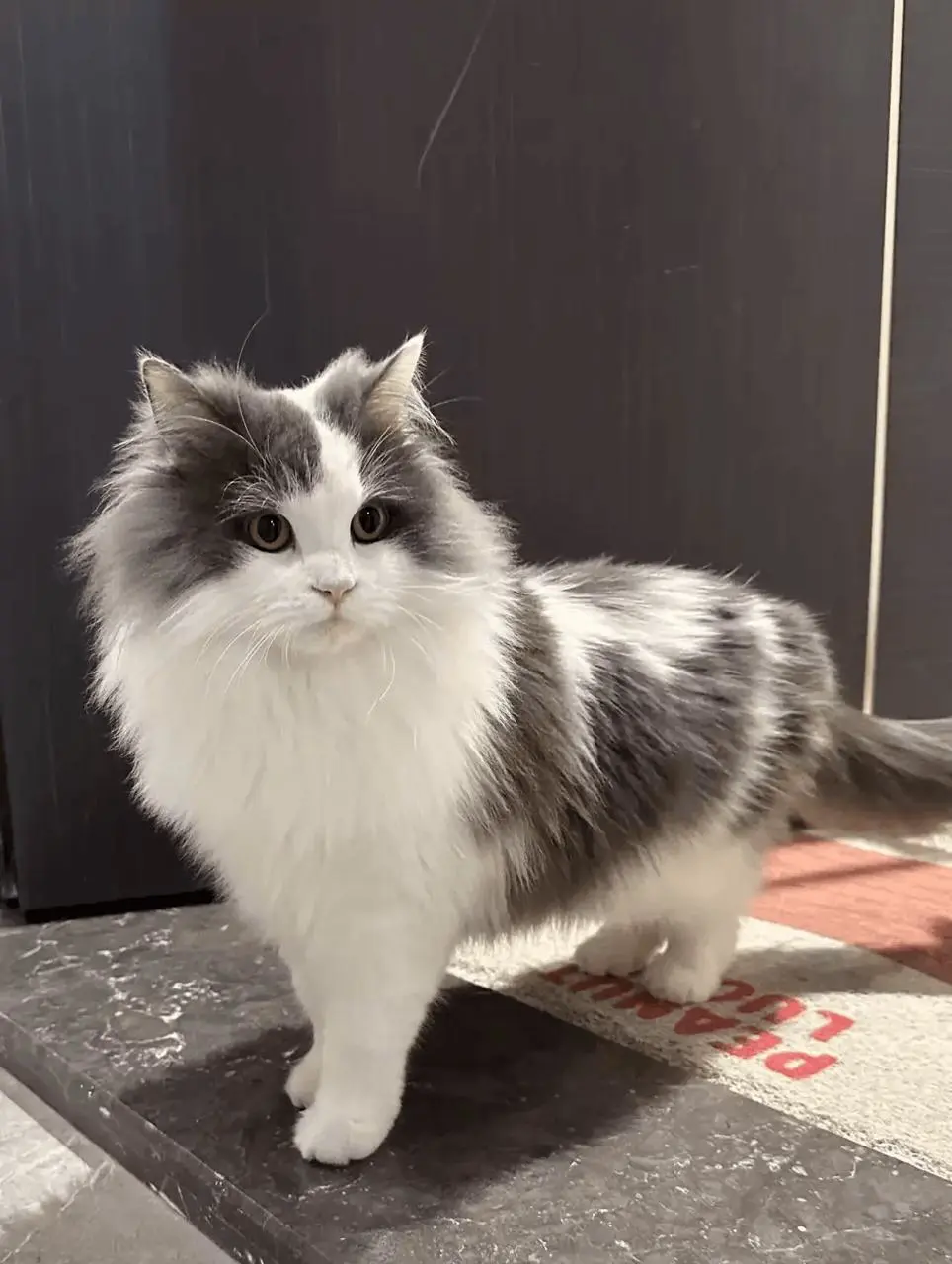
参考プロンプト:猫の画像で外見を指定し、犬の動画でカット順、テンポ、やり取りを指定します。
Replace the dog in the reference video with the gray-and-white long-haired cat from the reference image. Preserve the original shot sequence, framing, camera movement, timing, white background, and human interactions. Show the cat facing the camera, receiving a gentle stroke on its head, and peeking out of the person's clothing pocket. Keep the cat’s facial markings, fur colors, and fluffy appearance consistent throughout, adapting its movements naturally to each shot.
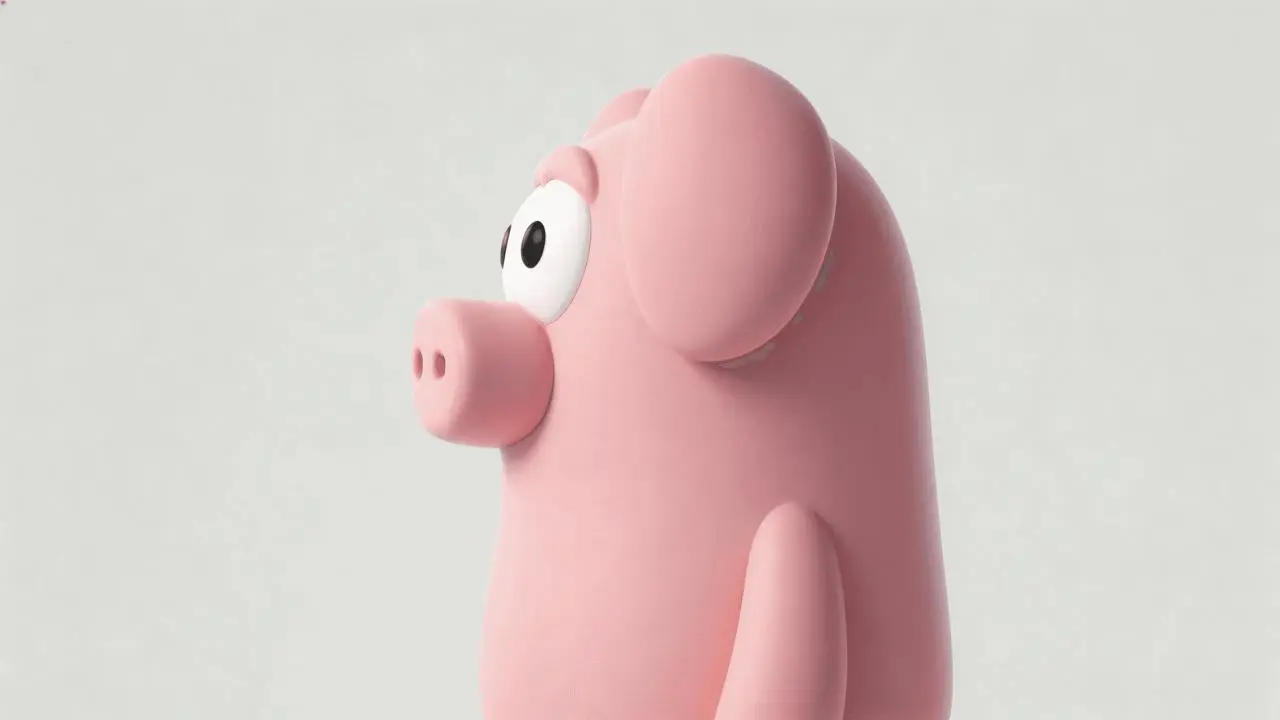
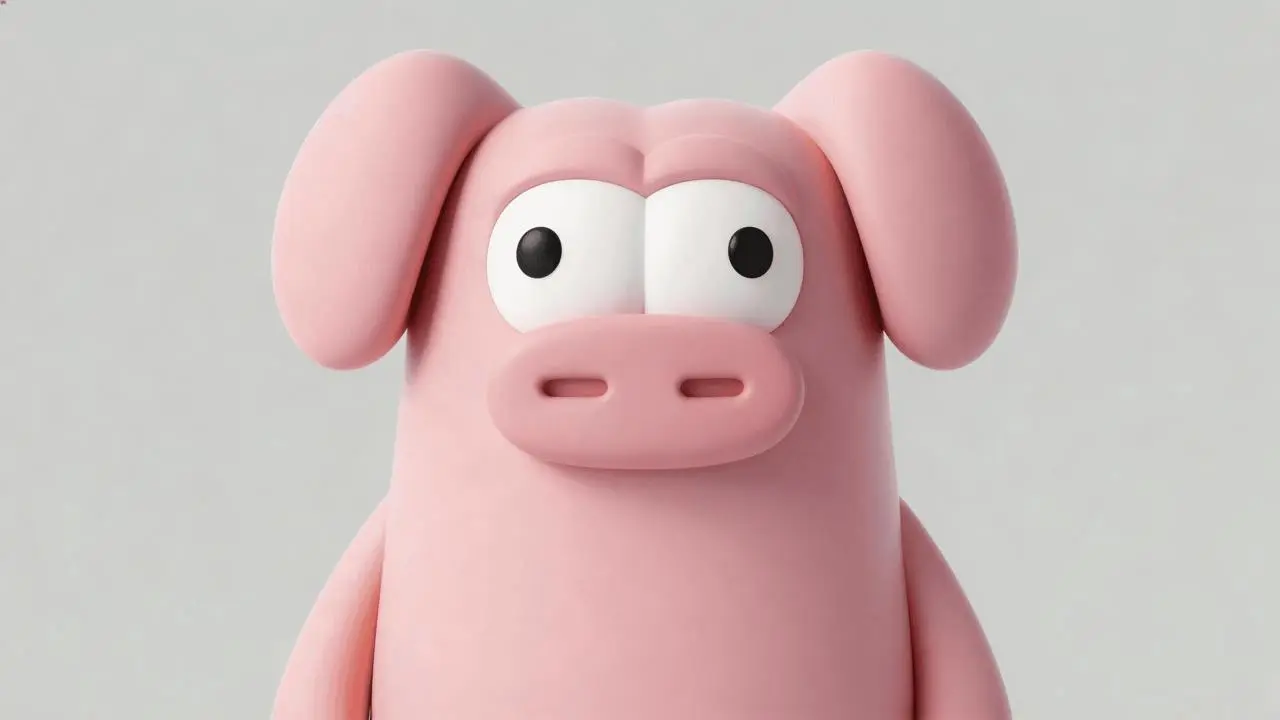
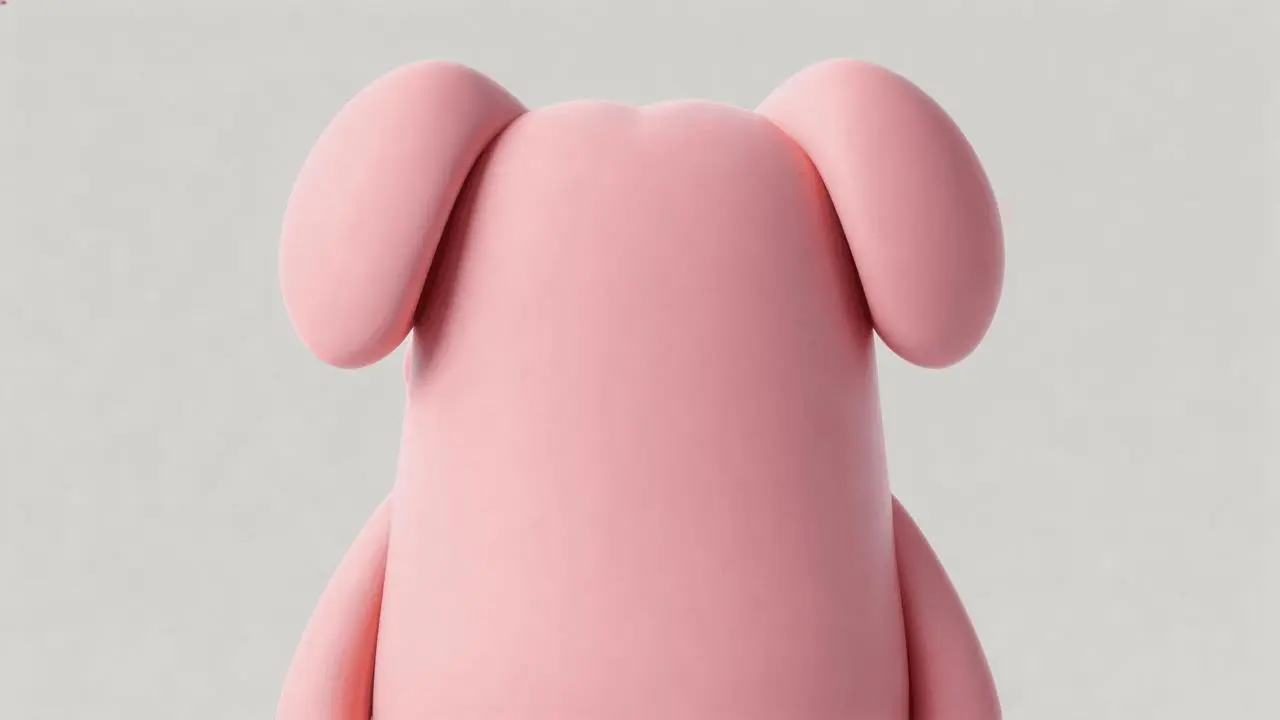
参考プロンプト:部屋と動作を維持し、箱の中にピンクのキャラクターを登場させ、最後の反応を変えます。
Edit the reference video while preserving the wood-paneled room, the existing people, their clothing, the warm lighting, the camera cuts and the action around the wooden box. Use the three character images to add the same pink cartoon pig-like character inside the box. Reveal it lying in the box when the camera looks inside near the end, replacing the empty interior and its lettering. Match its position, perspective, scale and lighting to the box while retaining its smooth pink body, floppy ears and large white eyes. Keep the preceding action and dialogue, then change the final spoken reaction and matching English subtitle to: "Why is there a pig here?"
用途に合う4.0の項目を選び、テキスト、参照、フレームのモードを選択します。
動作、カメラ、結末を書きます。3~30秒、720pまたは1080p、Auto・21:9・16:9・9:16・1:1を選び、送信前にクレジットを確認してください。
細部、動き、切り替わり、文字、音を最初から最後まで確認し、必要な指示や参照素材を調整します。
素材と動画の長さで選びます。ReferenceとImage to VideoはKling 4.0内の入力方式で、違いは上で説明しています。
| 比較項目 | Kling 4.0 | Kling 3.0 Omni | Kling 3.0 |
|---|---|---|---|
| 公式のモデル位置づけ | 長めの物語、動きのある場面、Omni Reference | 参照に基づく人物の一貫性とストーリーボードによる演出 | ネイティブな音声・映像生成と複数カットの物語 |
| WeShopの入力方法 | Reference:テキストまたは参照素材。Image to Video:テキスト、開始画像、開始・終了画像、複数キーフレーム | テキスト、元動画、参照画像 | 開始画像、または開始・終了画像 |
| WeShopの長さ設定 | 3~30秒 | 3~15秒 | 3~15秒 |
| WeShopの設定項目 | 720p / 1080p、Auto・21:9・16:9・9:16・1:1 | 16:9・9:16・1:1、Generate Audioのオン/オフ | Generate Audioのオン/オフ |
15秒を超える動画、参照素材を使う場面、複数キーフレームでの演出には4.0を選びます。素材に合わせてReferenceかImage to Videoを選択してください。
長めのシーンやキーフレーム演出にはKling 4.0元動画や人物の参照素材を使い、3~15秒に収める場合は3.0 Omniを検討できます。公式では参照の一貫性とストーリーボードを重視しています。
参照素材で人物を描くならKling 3.0 Omni開始画像と任意の終了画像から3~15秒の動画を作る場合は3.0を選びます。音の用途に応じてGenerate Audioを設定してください。
開始画像や開始・終了画像から作るならKling 3.0参照素材から動画を作る他のモデルも比較できます。
いいえ。Flashは別名のバリエーションです。このページはWeShopでKling 4.0と表示されるReferenceとImage to Videoを紹介しています。
場面を文章で説明したり、画像・動画で人物や背景、動きを指定するならReferenceを選びます。開始画像、開始・終了画像、複数キーフレームで演出するならImage to Videoです。両方ともテキストのみで制作できます。素材と必要な制御に応じて選んでください。
画像は不要です。KlingツールでKling 4.0 Referenceを選び、画像・動画の参照を空にして、読み込まれた素材も削除します。被写体、動作、背景、カメラ、スタイル、必要な会話や音を記述してください。長さ、解像度、縦横比とクレジットを確認して生成し、タスク結果を開きます。Kling 4.0 Image to Videoもテキストのみで使えます。その場合は開始・終了・中間フレームを空にしてください。
長さは3~30秒を1秒刻みで選べます。操作パネルで設定してください。プロンプトに秒数を書いても設定の代わりにはなりません。
WeShopの表示上の解像度は720pと1080pです。公式作例ファイルの解像度は、この画面の出力設定を意味しません。
保証はありません。動画全体で顔、服、商品細部、文字を確認してください。参照素材は生成を導きますが、完全な維持を保証しません。
生成前に、選択したモデル・設定に対する現在のクレジット表示とアカウント権限を確認してください。一度の見積もりが全リクエスト共通の固定料金になるわけではありません。