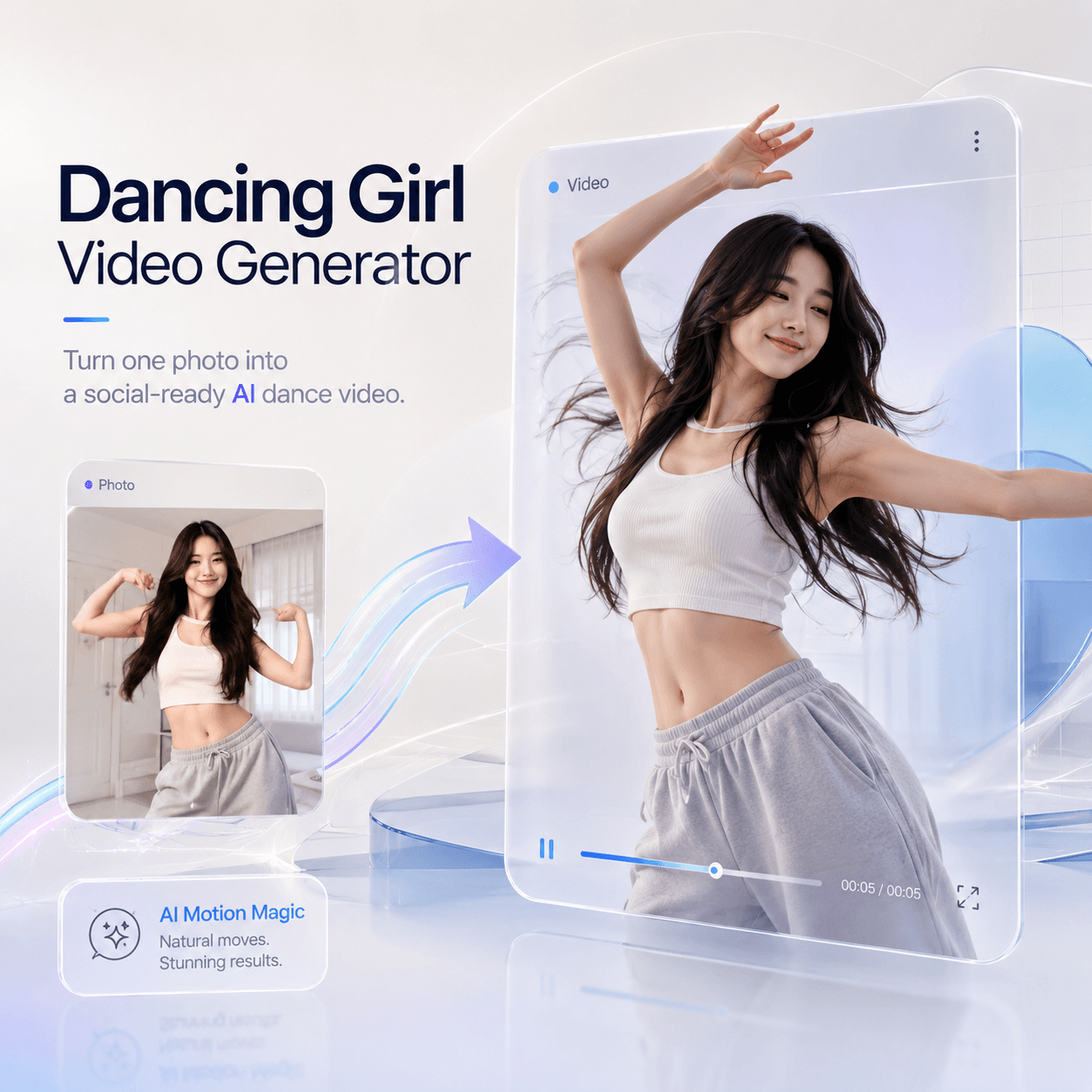
The Dancing Girl Video Generator is made for one simple reason: static images are no longer enough. Today, creators need movement, personality, and fast visual hooks. Therefore, instead of leaving a good photo sitting in your camera roll, you can turn it into a short AI dance video for TikTok, Instagram Reels, YouTube Shorts, fan edits, meme posts, or avatar content.
At first, this sounds like a funny AI trick. However, it is more useful than that. A single image can become a dance clip, a character video, a playful meme, or even a new content format for your account. Besides, you do not need to film yourself. You do not need to learn choreography, or need a heavy editing timeline.
You only need a clear image and one good idea.
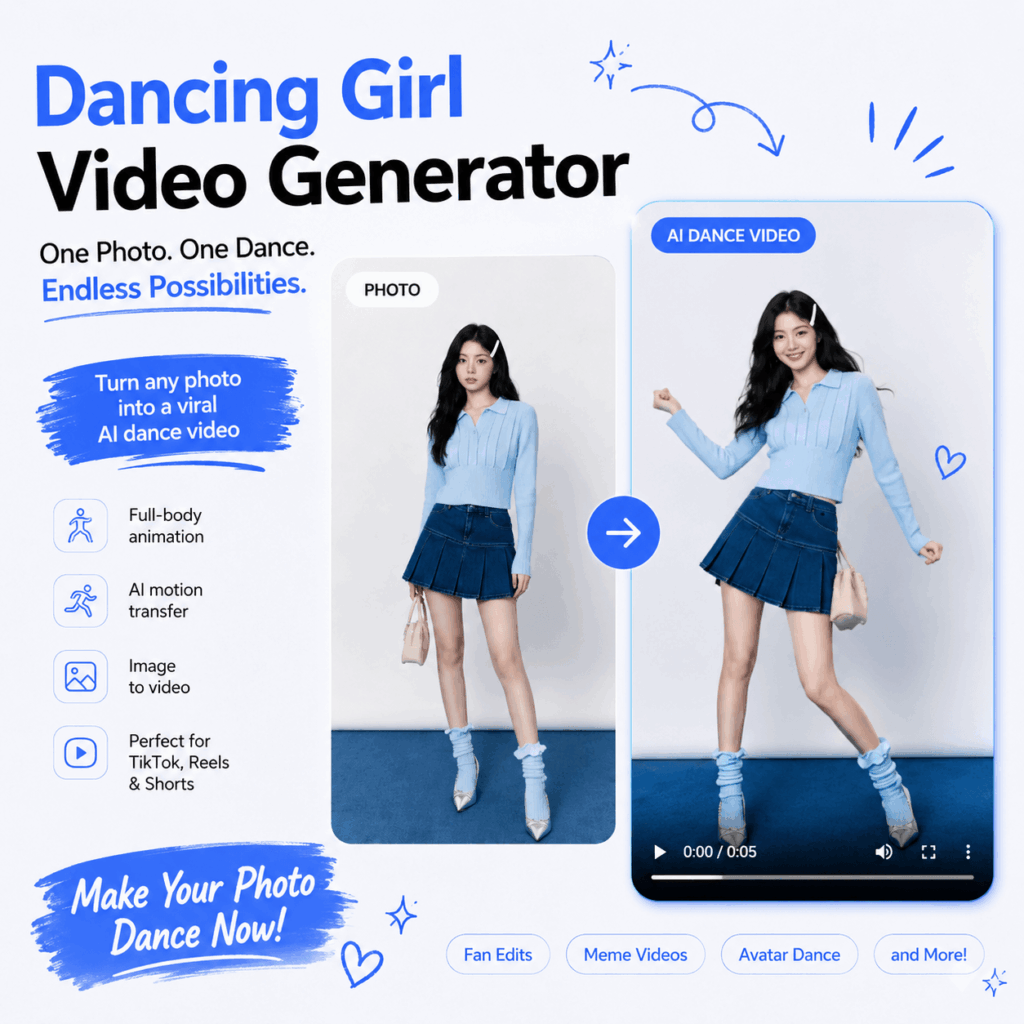
Why Dancing Girl Video Generator Feels Built for Social Media
Short-form platforms move fast. Because of that, creators often need more content than they can realistically film. One day you need a Reel. The next day you need a TikTok. Then, you need a Shorts version, a meme version, and maybe a fan-edit version too.
That is where Dancing Girl Video Generator becomes interesting.
Instead of starting from a blank page, you start from a photo. Then, the AI adds dance motion, body movement, rhythm, and video energy. As a result, your still image becomes something people are more likely to stop and watch.
Also, dance videos already feel familiar on social media. People understand the format in one second. Therefore, when a still photo suddenly starts moving, the hook is instant.
Dancing Girl Video Generator Example: Avatar Dance Clip
For example, imagine you have an AI avatar in a streetwear outfit. The image looks good, but it feels too flat for Reels. With Dancing Girl Video Generator, you can turn that avatar into a short dance video.
Then, you can add a caption like:
“POV: your profile picture has better rhythm than you.”
This kind of post works because it is simple, funny, and easy to understand. Moreover, it gives the image a second life instead of letting it stay as just another pretty picture.
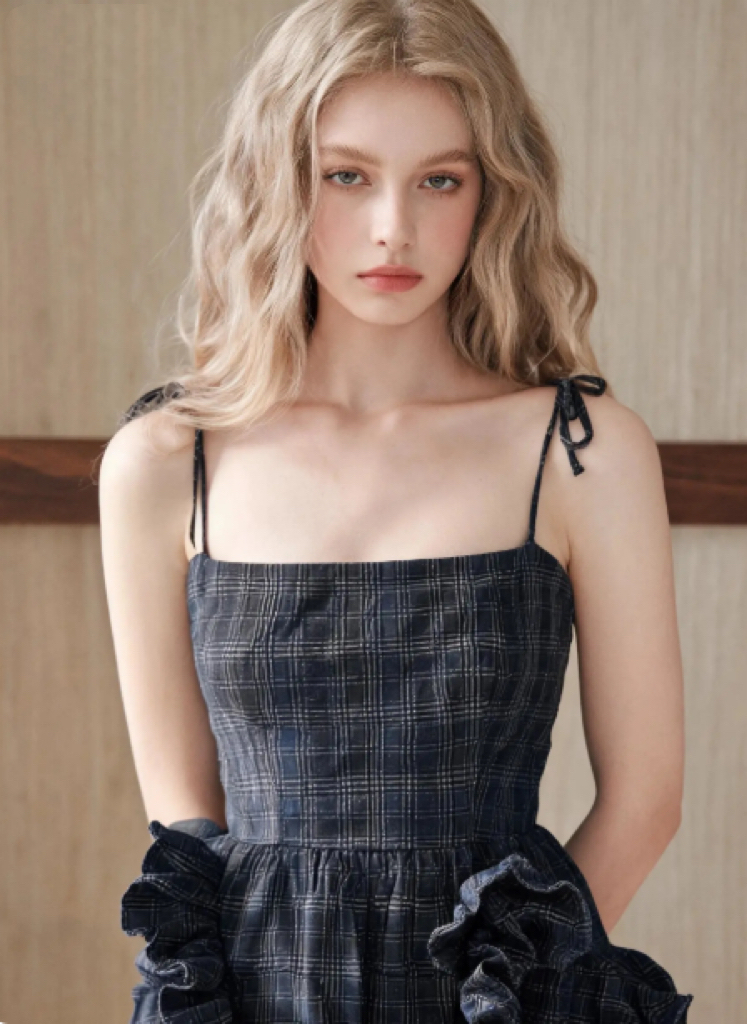
What Is Dancing Girl Video Generator?
Dancing Girl Video Generator is an AI video tool that turns a static photo, character image, avatar, or reference image into a dancing video. In simple words, it helps you animate a still image with dance movement.
The tool is useful for creators who want quick AI dance videos without filming, editing, or learning animation. In addition, it works especially well for social content because the final idea is visual and easy to share.
You can use it for:
- TikTok dance clips
- Instagram Reels
- YouTube Shorts
- K-pop inspired edits
- Meme dance videos
- AI avatar videos
- Character animation
- Baby dance ideas
- Birthday or party posts
- Music teaser content
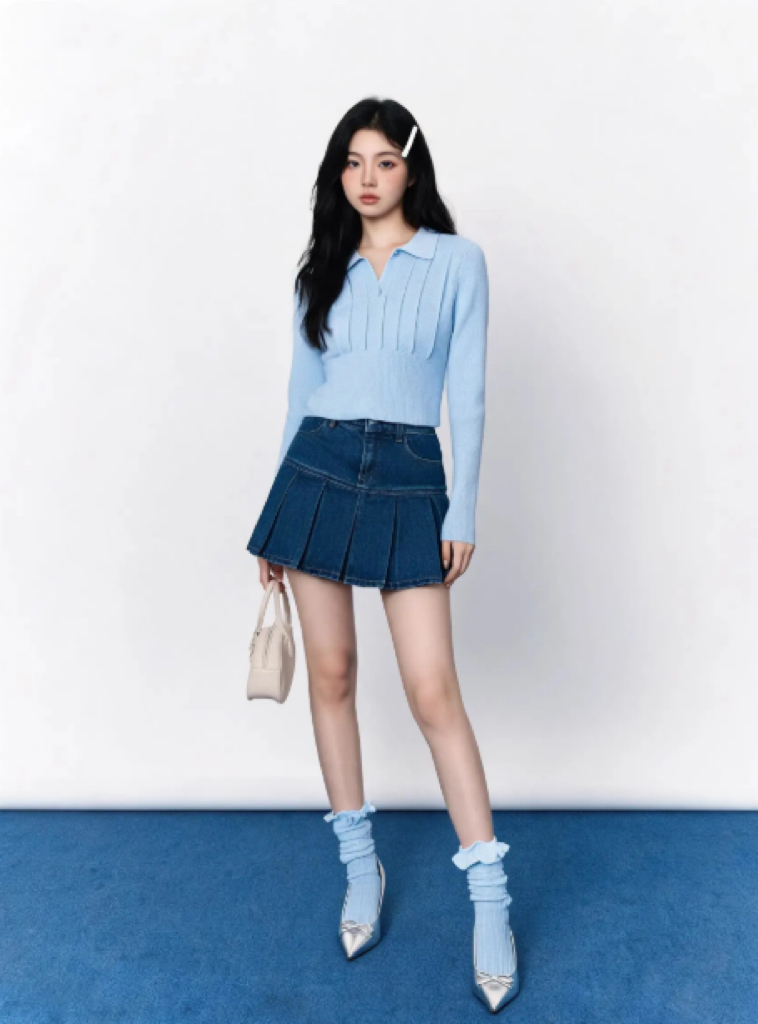
However, the best results usually come from clear images. A full-body image often works better because the AI can understand the pose, arms, legs, and body shape more clearly.
Best Input Example for Dancing Girl Video Generator
A good input image might look like this:
- A clear full-body portrait
- Good lighting
- Visible arms and legs
- Simple background
- No heavy blur
- No blocked face or hidden body parts
- Natural standing pose
Meanwhile, a poor input image might have a messy background, crossed limbs, cropped legs, or extreme angles. As a result, the final dance movement may look less natural.
So, before you upload, treat the image like a “first frame” for a video. If the body is easy to read, the dance result usually has a better chance.
Why AI Dance Videos Can Go Viral
AI dance videos work well because they mix three things people already like: surprise, movement, and identity.
First, there is surprise. A still image becoming a moving video feels playful. Therefore, viewers may pause for a second just to understand what happened.
Second, there is movement. On fast platforms, motion catches the eye faster than a static image. Even a simple dance loop can feel more alive than a regular post.
Third, there is identity. When the subject is your avatar, your character, your AI model, or a recognizable style, the video becomes more personal. Because of that, people are more likely to share it, remix it, or comment on it.
For example, a fashion creator could turn a lookbook image into a dancing clip. A fan page could animate a stylized character. A meme account could make a dramatic dance video from a funny avatar. Meanwhile, a small brand could test a playful campaign without booking a studio.
That is the real value of Dancing Girl Video Generator. It makes video creation feel lighter.
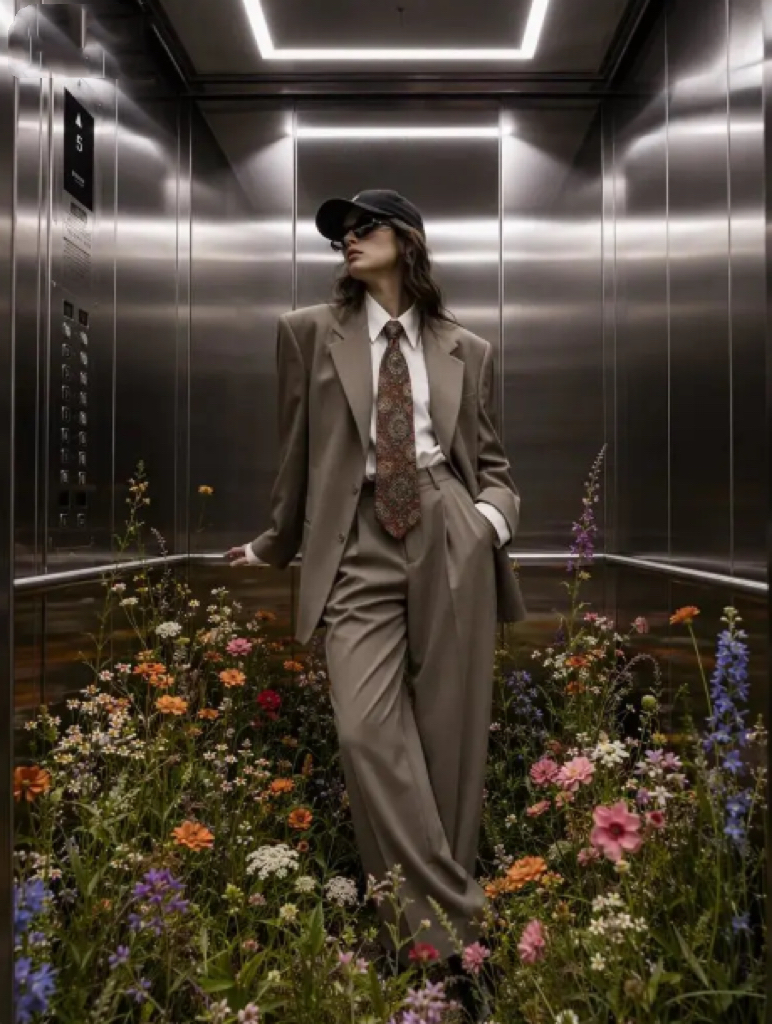
How to Use Dancing Girl Video Generator
The process is beginner-friendly. However, a better result still needs a little planning.
Step 1: Choose a Clear Image
Start with a photo, avatar, or character image. Ideally, the subject should be easy to see. Also, the body should not be heavily covered by objects.
If you are making a fashion-style video, choose an outfit photo with a strong silhouette. If you are making a meme, choose an image with a funny expression or strong personality. If you are making a fan edit, choose a character image with clean lines and a readable pose.
Step 2: Pick the Right Dance Style
Next, match the dance style to your content goal.
For example:
- For TikTok: choose upbeat and trendy movement.
- For K-pop edits: choose sharper stage-like movement.
- For memes: choose exaggerated or unexpected motion.
- For avatar content: choose smooth and stylish motion.
- For birthday posts: choose cheerful and playful movement.
This matters because the same image can feel very different with another dance style. Therefore, do not only ask, “Does the video move?” Instead, ask, “Does the movement fit the joke, character, or vibe?”
Step 3: Generate the AI Dance Video
After that, let the AI turn the image into a dancing video. The tool uses image-to-video generation and motion transfer, so the subject can move without you manually animating each frame.
During this step, check whether the body movement looks smooth. Also, look at the face, hands, and outfit. If the image is too complex, you may need to try a cleaner input.
Step 4: Add a Social Caption
Finally, package the video for social media. A strong caption can make the video more clickable.
Here are a few simple caption ideas:
- “POV: my AI avatar joined the dance trend.”
- “One photo, zero filming, full dance energy.”
- “My profile picture just learned choreography.”
- “I gave this character one job: dance.”
- “This still image had main character energy.”
Besides, you can pair the video with trending audio, a quick before-and-after cut, or a short reaction-style caption.
Dancing Girl Video Generator Content Ideas
If you want the post to perform better, do not only show the final video. Instead, give the audience a reason to care. A good format usually has a small story, joke, or twist.
Idea 1: The “My Photo Can Dance Now” Post
This is the easiest format. Show the original photo first, then reveal the AI dance video.
Caption example:
“I uploaded one still photo and somehow got a dance clip.”
This works because people enjoy transformations. Also, before-and-after formats are easy to watch until the end.
Idea 2: The AI Avatar Trend
If you use AI avatars or digital personas, this format is very natural.
Caption example:
“My AI avatar finally entered her performer era.”
This is great for creators who already post AI portraits, anime characters, digital models, or stylized self-portraits. Moreover, it gives your existing image library more value.
Idea 3: K-Pop Inspired Fan Edit
For fan pages, Dancing Girl Video Generator can help create performance-style edits from character images or stylized portraits.
Caption example:
“Imagine this character as the main dancer.”
Add stage lighting, fast cuts, or a music-inspired edit. Then, the result can feel more like fan content than a random AI test.
Idea 4: Meme Dance Video
This is where the tool can become very fun.
Use a serious-looking photo, then give it a silly dance. The contrast creates the joke.
Caption example:
“When you said you were busy, but the group chat starts planning karaoke.”
Because the movement is unexpected, the video feels more shareable.
Idea 5: Birthday or Party Clip
You can also use the tool for light personal content.
For example, upload a cute photo, generate a dance video, and use it as a birthday post, party invite, or celebration clip.
Caption example:
“Birthday mood: officially animated.”
This kind of content is simple, but it feels more special than a regular photo story.
Tips to Make Dancing Girl Video Generator Results Look Better
AI video is powerful, but the input still matters. Therefore, a few small choices can make the final result feel much better.
Use a full-body image when possible.
Choose a clean background.
Avoid hidden hands, crossed arms, or cropped legs.
Pick a dance style that matches the image mood.
Keep the caption short and punchy.
Use trending audio when posting to social platforms.
Test two or three versions before choosing the best one.
Also, do not overcomplicate the idea. A short AI dance video works best when the viewer understands it immediately. If the caption needs too much explanation, the hook may be too weak.
Who Should Use Dancing Girl Video Generator?
Dancing Girl Video Generator is useful for creators who want fast, playful video content. However, it is especially helpful for people who already have images but do not know how to turn them into videos.
It fits:
AI art creators
TikTok creators
Instagram Reels creators
YouTube Shorts creators
Fan edit accounts
Meme pages
Avatar creators
Small brands
Music promo pages
Entertainment bloggers
For example, a small fashion account can animate a model-style image. Meanwhile, a meme page can turn a funny character into a dance loop. In addition, a creator with many AI portraits can reuse them as short videos instead of making new images every day.
That means the tool is not only about dancing. It is about turning still content into motion content.
Is Dancing Girl Video Generator Worth Trying?
Yes, especially if your content needs more movement.
The biggest benefit is speed. You can test ideas without a camera, location, dancer, or editor. Also, the format is easy to adapt. One image can become a dance trend, a meme, a fan edit, or a simple social post.
However, the best way to use Dancing Girl Video Generator is not to treat it like a magic button. Instead, treat it like a creative shortcut. Start with a strong image. Choose the right motion. Then, add a caption that makes people want to watch.
Because in short-form content, the idea still matters.
The AI can make the image dance. But the hook makes people care.
Final Thoughts on Dancing Girl Video Generator
The Dancing Girl Video Generator feels very suited to the way social media works now. People want fast content, but they still want something fun. They want easy tools, but they also want posts that feel fresh. Therefore, a photo-to-dance workflow makes sense.
It helps creators turn still images into moving clips. It also makes avatars, characters, portraits, and AI images feel more alive. Most importantly, it gives old visuals a new reason to exist.
So, if you have a photo that looks good but feels too quiet, this tool gives it rhythm.
And sometimes, that is all a post needs.
Go to WeShop AI For Exploration: