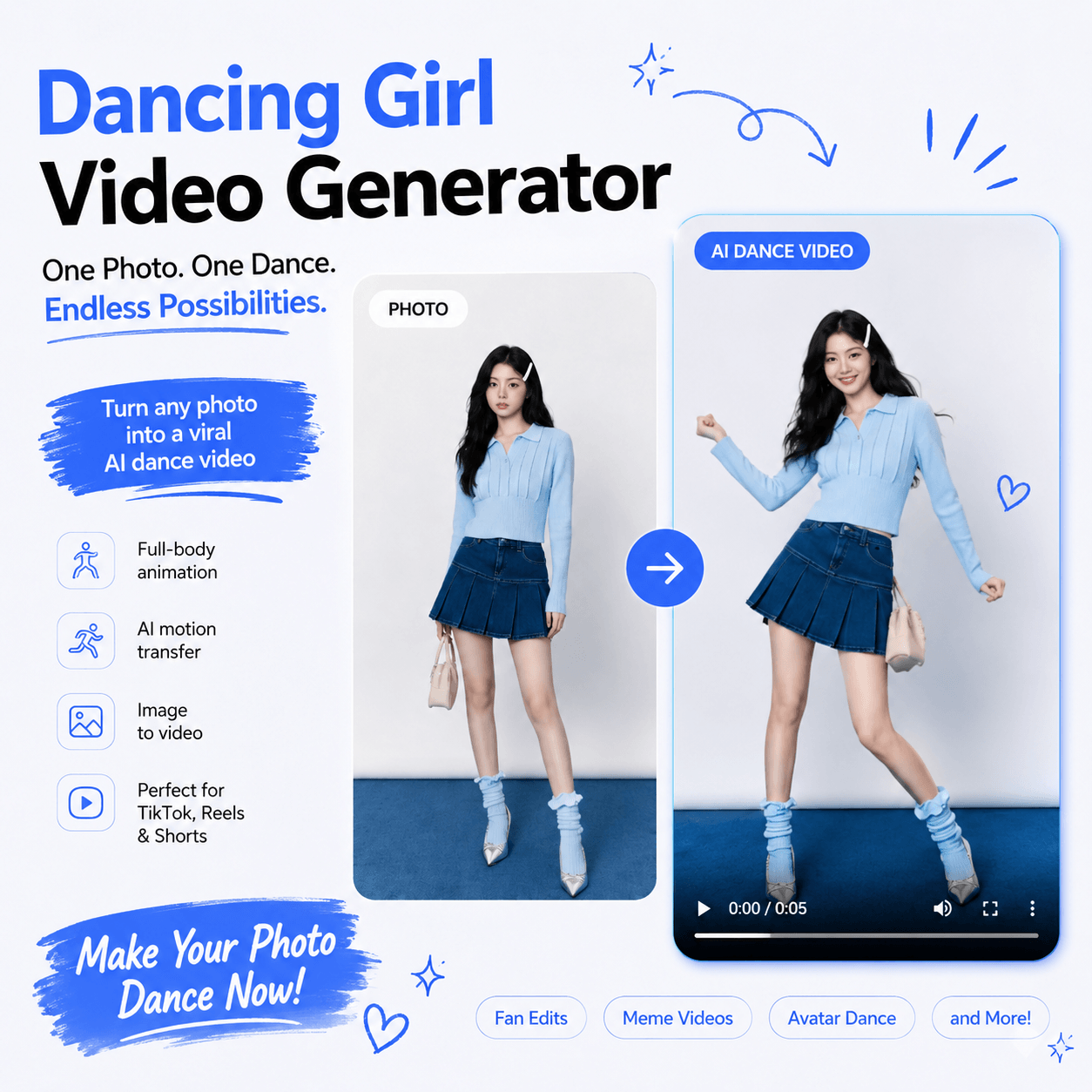
A strong fashion photo can stop the scroll once. An AI dance video generator gives it a second job: movement. One model photo, avatar, or character image can become a short social clip or campaign test.
No tool can promise virality. Motion creates an opening, but the idea gives viewers a reason to stay. Ask, “What can this movement help the audience notice?”
For a brand, it might be the swing of a skirt. For a creator, it might be a reveal or a visual joke.
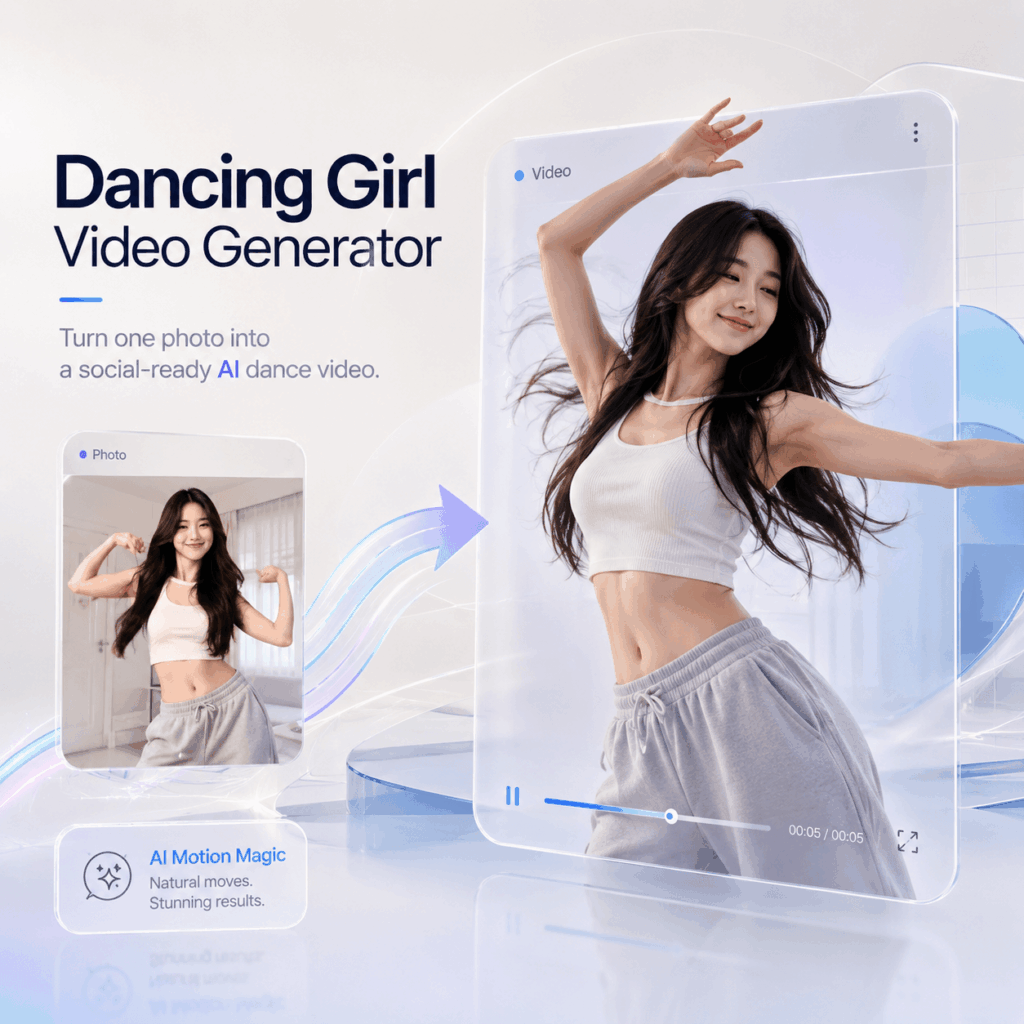
One Photo, Then a Second Act
Static images are not obsolete. A product page still needs a clean photo, while social feeds often reward clear, immediate movement.
An AI dance video generator bridges those formats. It keeps the still image as the visual identity and adds guided body motion.
| Decision | Ask this before generating |
|---|---|
| Input | Is the subject clear, well lit, and easy to read? |
| Motion | Does the dance fit the outfit, character, or joke? |
| Review | Do the face, clothing, and silhouette remain consistent? |
| Test | Which hook or caption will change between versions? |
What Is an AI Dance Video Generator?
An AI dance video generator turns a static image into a dance sequence. WeShop AI accepts portraits, AI images, characters, avatars, pets, and brand mascots. Users choose a dance template or, when available, an authorized motion reference.
The system aims to preserve the face, hairstyle, outfit, colors, and proportions. Fast turns can still cause changes, so review every result.
There is no frame-by-frame editing or character rig. You direct one image and one motion idea.
Why an AI Dance Video Generator Fits Fashion Content
Fashion is already about movement. Fabric drapes, sleeves swing, and posture changes the mood of a look. Therefore, motion can reveal another side of the same visual.
The outfit must remain believable. If a logo bends or a print changes, the clip is not brand-ready. An AI dance video generator still requires a clear goal and product review.
Use it for a launch teaser, moving lookbook frame, virtual-model introduction, or early motion test. The dance is the device; the idea still does the selling.ance video generator for modern content workflows. It helps turn static visuals into dynamic assets that are easier to publish, test, and share.
How to Turn a Photo into a Dance Video
The workflow is short, but each choice affects the result.
Step 1: Choose an AI Dance Video Generator Source Image
Use one subject with a visible face and readable pose. A full-body image usually gives the AI dance video generator more information than a tight portrait.
Avoid cropped feet, hidden hands, heavy blur, and busy backgrounds. Keep the garment outline and key details visible.
Step 2: Match the Motion to the Idea
Match movement to the subject. Sharp motion may suit streetwear; a lighter routine may suit a flowing dress.
Use only authorized motion footage. One performer, visible limbs, stable framing, and few cuts provide clearer guidance.
Step 3: Generate One Short Test
Start with one motion idea. A short test quickly reveals face, body, or outfit inconsistencies.
Create a few variations, changing one variable at a time.
Step 4: Review What Viewers Will Notice
Watch once for rhythm. Then mute it and check the face, hands, feet, garment edges, logos, and prints.
Choose the intended aspect ratio when available. Keep captions clear of product details and use authorized music.
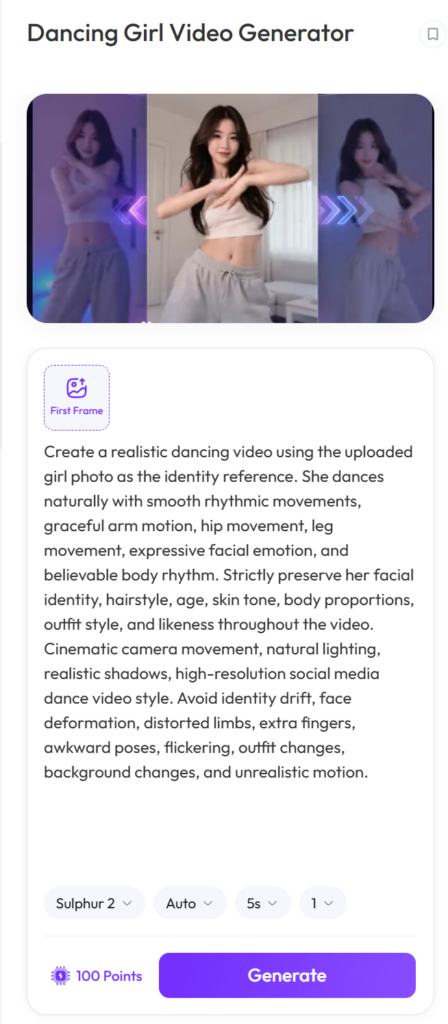
Best Use Cases for Dancing Girl Video Generator
Four Useful Cuts from the Same Image
Plan several outputs before generating. One source can support different stories.
AI Dance Video Generator Cut 1: The Fashion Launch
Show the model image first, then reveal the motion. Focus the caption on the collection or styling idea.
Cut 2: The Creator Reaction
Use a before-and-after sequence. “I gave yesterday’s still photo one more scene” sounds more human than “mind-blowing.” The reaction adds personality.
AI Dance Video Generator Cut 3: The Virtual Character
An AI dance video generator can give an avatar or mascot a repeatable format. Match the motion to its established personality.
Cut 4: The Creative Test
Test two or three motions, captions, or thumbnails from one approved image. Change one element per version for useful insight.
AI Dance Video Generator Preflight Check
Before publishing, check five things:
- Identity: Does the face still match the source?
- Product fidelity: Are the shape, colors, print, logo, and accessories intact?
- Motion: Do the hands, feet, and limbs move without distracting jumps?
- Framing: Is there safe space for captions and platform controls?
- Rights: Can you use the image, motion reference, character, and music?
If the result fails, fix the input or motion before making more. An AI dance video generator adds value only when the core visual is sound.
The Human Part Behind an AI Dance Video Generator
An AI dance video generator supplies movement, but the person shaping the idea decides why it deserves attention.
Start with an image that has character. Add meaningful motion, review the details, and write in the account’s real voice.
With the right AI dance video generator workflow, one photo can return with rhythm, context, and a convincing second act.
With the right AI dance video generator workflow, one photo can return with rhythm, context, and a convincing second act.t content.
Go to WeShop AI For Exploration: