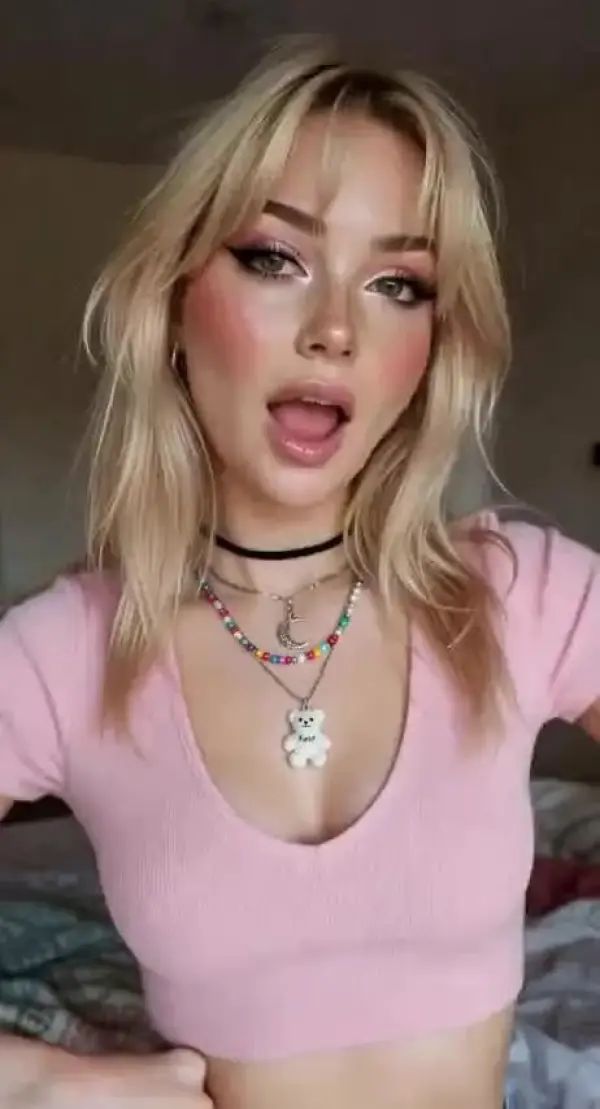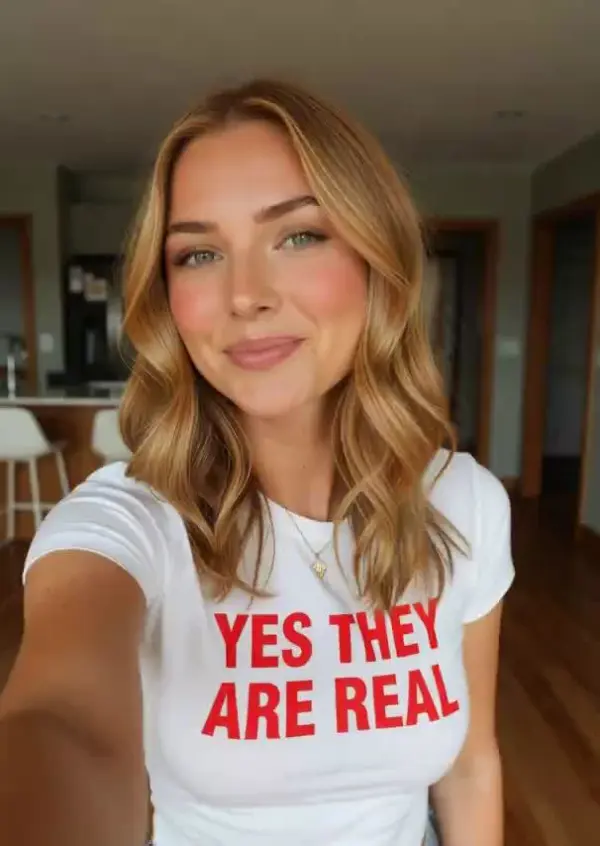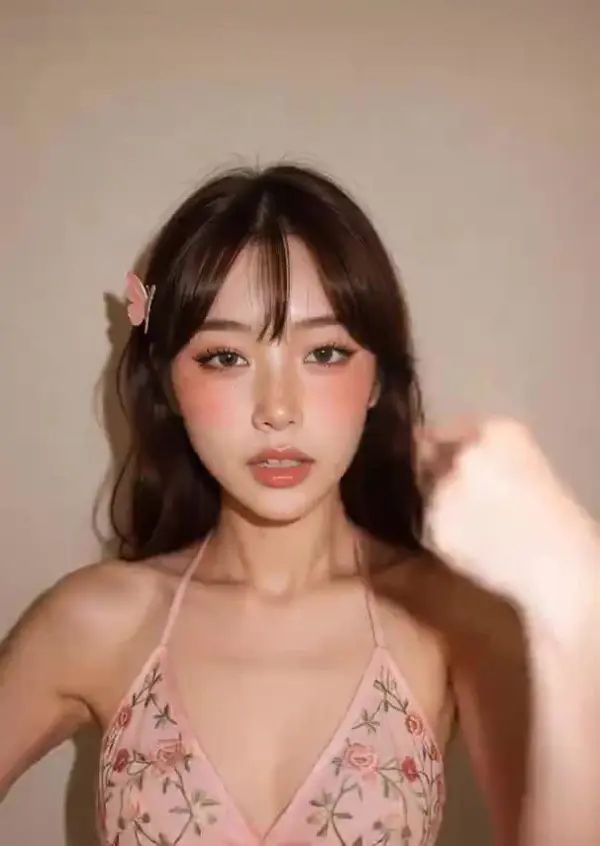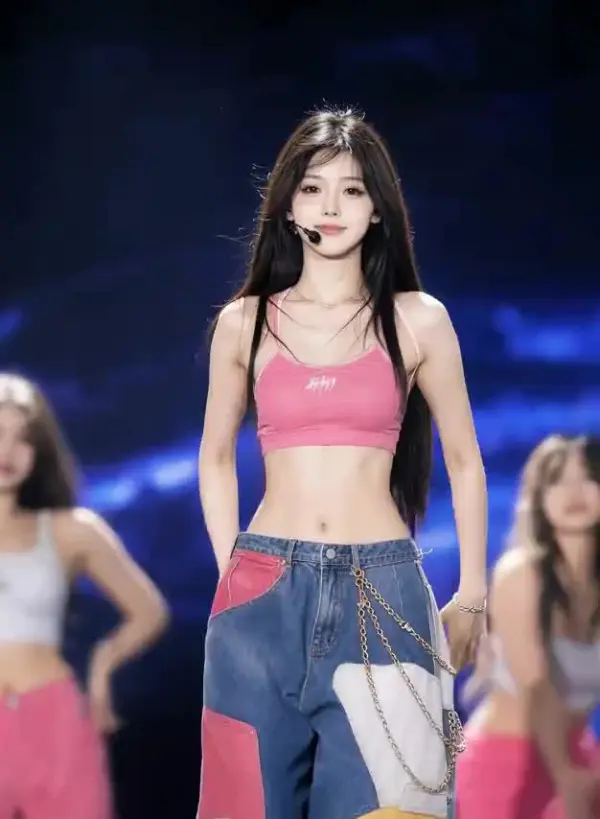

app download

Download

Steal the Look! Click to Replicate it with Your Product!

Free AI Dance Video Generator – Make Any Photo Dance Online

Free AI Dance Video Generator is an online animation tool that uses advanced AI to turn a static photo, portrait, AI image, anime character, game avatar, pet, or brand mascot into an animated dance video. With realistic motion transfer, body tracking, identity preservation, and social-ready aspect ratios, this AI dance generator is free to use for creating TikTok clips, Instagram Reels, YouTube Shorts, fandom edits, party content, and promotional dance animations without filming or manual rigging.

Real-World Uses of AI Dance Video Generator

Creating a Viral Dance Clip from a Photo

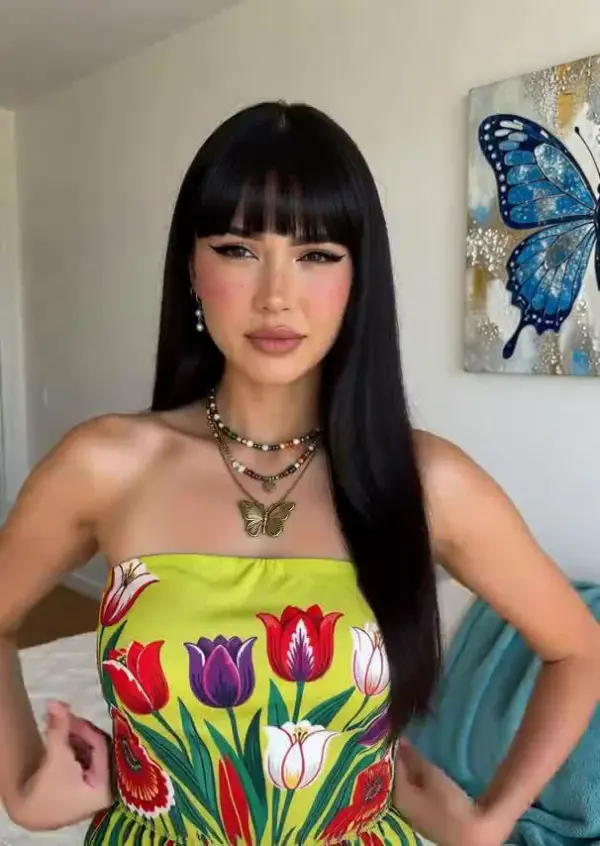
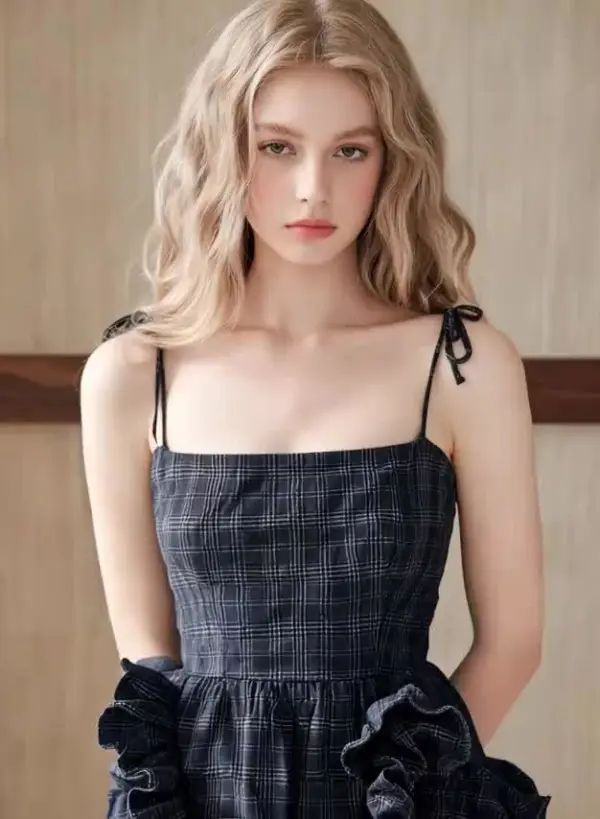
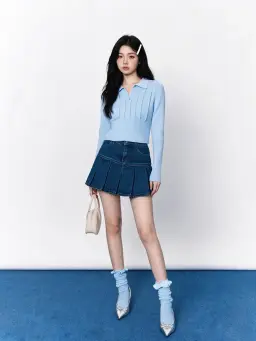
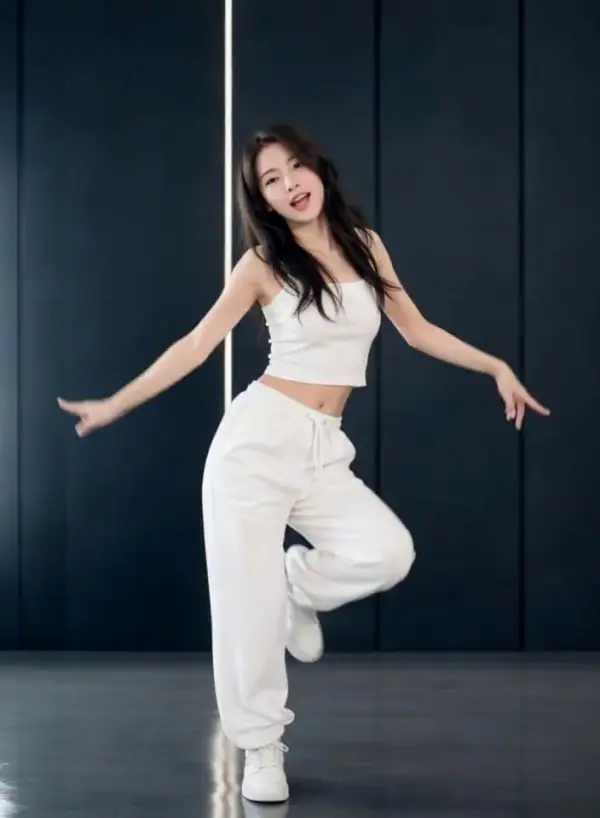
A creator named Maya Collins wanted to join one of the latest trending dances without recording herself. She uploaded an authorized full-body photo to an AI dance generator free to use, selected a viral template, and created a smooth animated dance video. The advanced AI transferred the choreography, timing, gestures, and footwork while preserving her appearance, turning a simple pic dance idea into a vertical girl dance video for TikTok, Instagram Reels, and YouTube Shorts.
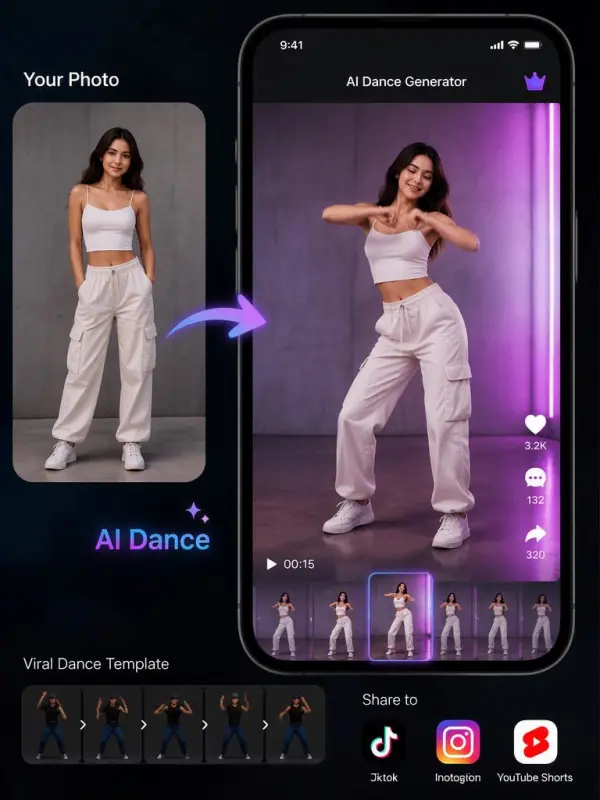
Creating a Viral Dance Clip by weshop

Bringing an Original Character to Life

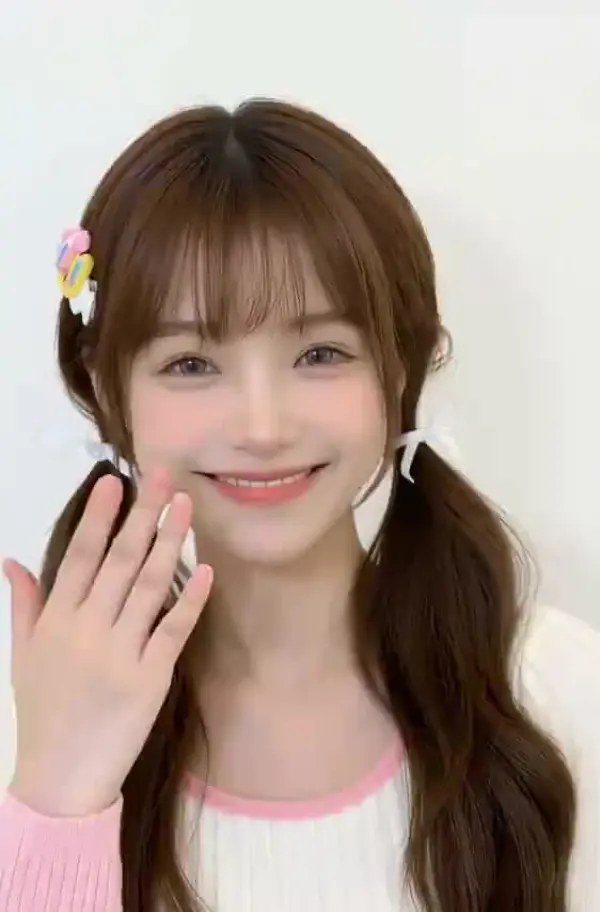
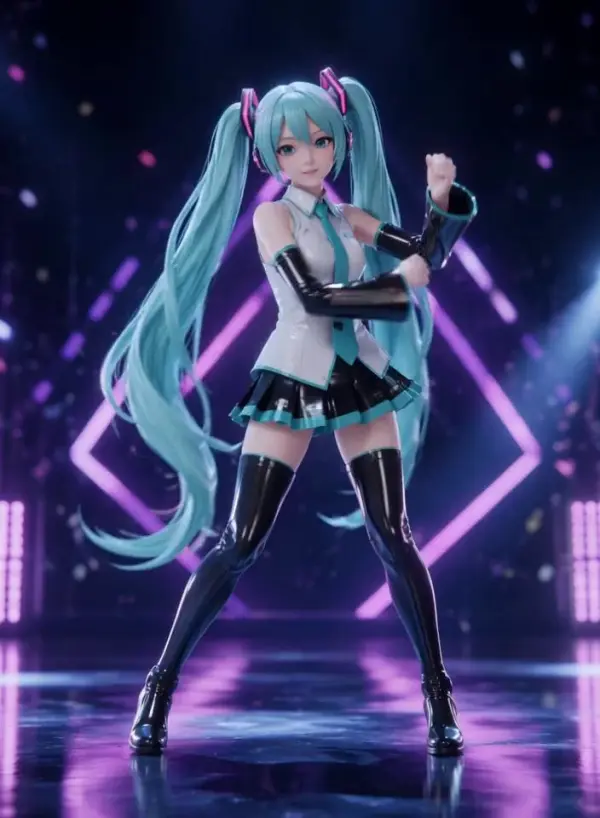
An illustrator named Ethan Reed wanted to animate an original character and experiment with playful pet dance and rat dance concepts. He uploaded an AI image, selected a clear reference dance video, and let the advanced AI reproduce the movement and rhythm. The same workflow could also support a group dance using authorized character images, producing an engaging dance video for fandom content, game promotions, social posts, and portfolio presentations.
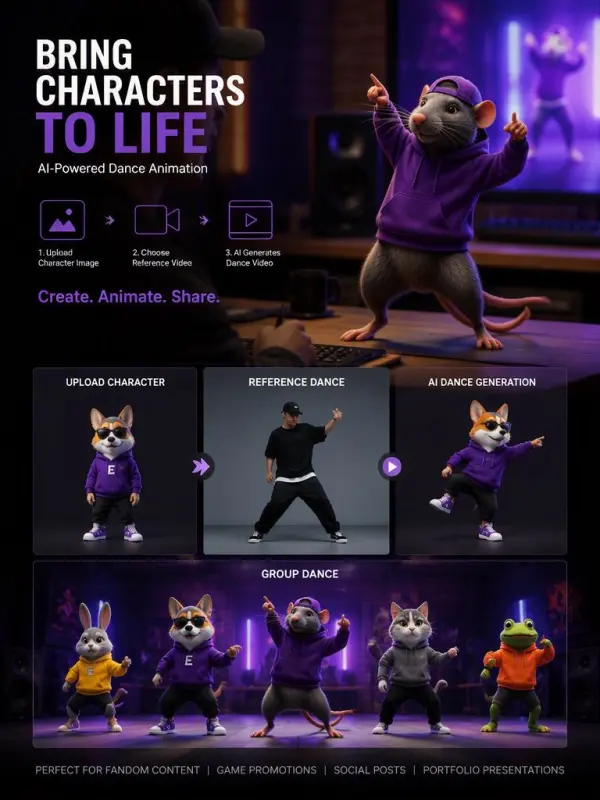
engaging dance video by weshop ai
Previous
Next

Key Features of AI Dance Video Generator

AI Dance Video Generator

Turn a Single Photo into a Dance Video

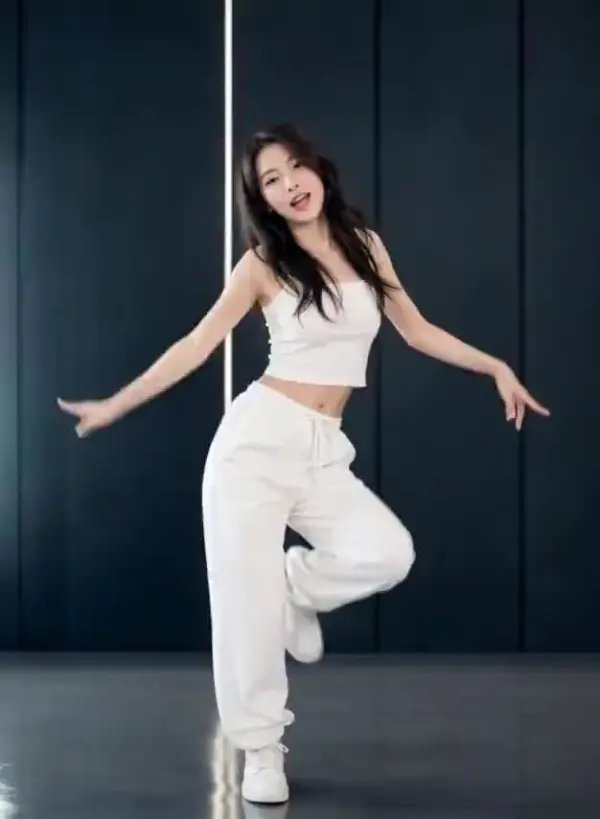
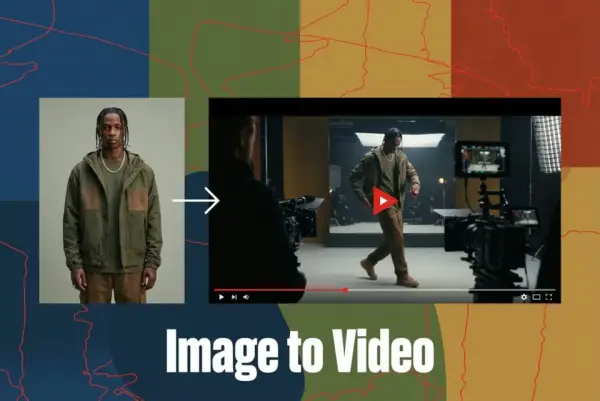
AI Dance Video Generator can transform a single photo, portrait, avatar, or character illustration into a smooth dance performance. Users upload an image, select a choreography, and create videos without filming or manual animation. The image-to-video workflow makes images dance with coordinated gestures, body movement, and rhythm, providing a fast and fun way to animate people, mascots, or fictional characters.
follow TikTok trends video

Use Templates or a Custom Motion Source

Ready-made templates help users follow TikTok trends, K-pop-inspired routines, meme dances, and party movements without preparing separate footage. For more control, creators can upload an authorized dance clip as the motion source. The AI analyzes its timing, posture, gestures, and choreography, then transfers those movements to the selected subject while preserving the main structure of the original performance.
Advanced motion transfer

Create Smooth Motion While Preserving Identity

Advanced motion transfer guides the arms, legs, torso, head, turns, gestures, and footwork across a complete sequence. Pose mapping helps reduce stiff transitions and unnatural jumps while maintaining the subject’s face, hairstyle, clothing, colors, and proportions. This makes it easier to animate favorite characters, personal portraits, game avatars, brand mascots, and other fictional characters without losing their recognizable visual identity.
create  dance videos by weshop ai

Explore Multiple Dance Styles and Characters

Users can create videos with hip-hop, pop, freestyle, jazz, street dance, party routines, and stylized character choreography. A single photo can become a solo performance, while supported workflows may also create playful group or character-based scenes. The variety makes AI dance generation useful for fun personal edits, fandom content, music visuals, social campaigns, mascot animations, and experiments featuring favorite characters.
dance video prepared in vertical

Create, Download, and Share Social Videos

Generated dance videos can be prepared in vertical, square, or landscape aspect ratios for TikTok, Instagram Reels, YouTube Shorts, presentations, and music content. Users can preview the result, select the strongest version, and download it for further editing or sharing. Where a free option is available, beginners may start creating with no credit card required, depending on the selected service and plan.

What You Can Create with AI Dance Video Generator

Make Yourself or Your Friends Dance

Upload your photo or an authorized image of a friend, choose a suitable template, and hit generate. The AI powered generator turns static images into a lively dance video with smooth movements and coordinated dance motion. This workflow is useful for personal entertainment, profile posts, party messages, group content, and creative experiments without learning choreography or manual animation.

make your friends dance

Animate K-Pop, Anime, and Game Characters

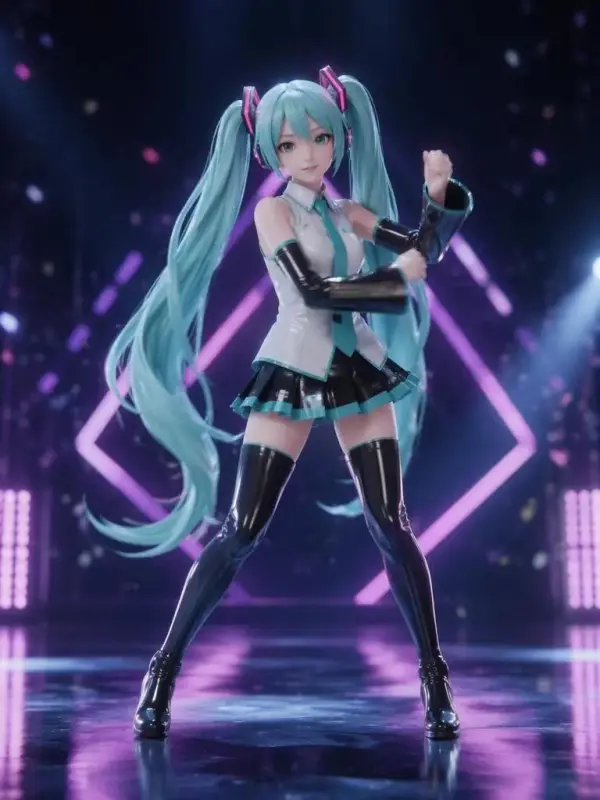
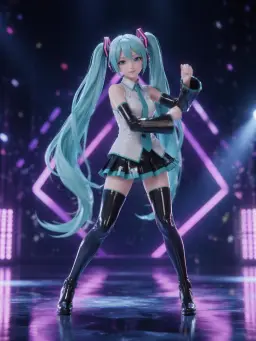
Create K-pop-inspired performances using original choreography, authorized references, anime artwork, game avatars, or fictional characters. Users familiar with a Viggle AI dance workflow can upload a character image, select a motion source, and generate expressive movement. This picture dance online process supports fandom edits, character showcases, gaming promotions, streaming content, and creative social content.

Animate K-Pop video dance

Create Viral Social Media Dance Clips

Turn a portrait or character image into short social content for TikTok, Instagram Reels, and YouTube Shorts. Upload your photo, choose a recognizable trend, and hit generate to create a vertical dance video with smooth movements. Strong opening frames, concise captions, licensed audio, and focused dance motion can make the final result easier to understand, share, and enjoy.

Social Media Dance Clips

Produce Birthday and Party Dance Videos

Use authorized photos to create birthday dances, celebration messages, digital invitations, group surprises, and party announcements. The AI powered generator can transform static images into cheerful performances while preserving recognizable faces and outfits. Add names, captions, licensed background music, or personal messages after generation to create a playful dance video that feels more memorable than a standard slideshow.

Party Dance Videos

Animate Brand Mascots and Music Visuals

Brands, musicians, DJs, and event organizers can turn mascots, original characters, or authorized portraits into promotional dance content. Upload the visual, select suitable dance motion, and generate smooth movements for product launches, music previews, seasonal campaigns, and event teasers. This picture dance online workflow helps teams create entertaining social content without traditional character rigging, studio filming, or complex editing.

portraits into promotional dance content

Frequently Asked Questions About AI Dance Video Generator

What Is an AI Dance Video Generator?

An AI Dance Video Generator is an image animation tool that turns a static photo or character image into a dance video. It uses a dance template or reference video to guide body movement, timing, gestures, posture, and choreography while generating new frames around the uploaded subject.

Can I Make a Photo Dance for Free?

Some AI dance tools provide free generations, limited daily credits, queued processing, watermarked previews, or trial access. HD export, longer videos, premium templates, faster processing, watermark removal, batch generation, and commercial rights may require credits or a paid plan.

Do I Need Video Editing Experience?

No advanced editing experience is normally required. The basic workflow involves uploading an image, choosing a dance template or reference video, and generating the result. Users can optionally use a separate editor to add captions, licensed music, transitions, logos, or other finishing elements.

What Photos Work Best?

Use a clear, high-quality image with one visible subject, balanced lighting, and unobstructed arms and legs. For full-body choreography, a front-facing or slightly angled full-body photo usually works better. Avoid crowded backgrounds, crossed limbs, extreme poses, heavy occlusion, cropped feet, and subjects that appear very small in the frame.

Can I Upload My Own Dance Video?

Many reference-driven workflows allow users to upload an authorized dance or motion clip. A clear video with one performer, stable framing, visible limbs, simple camera movement, and limited cuts usually provides stronger guidance. Only upload videos that you own or have permission to use.

Can I Make an Anime Character Dance?

Yes. AI dance generators can animate original anime characters, cartoons, game avatars, illustrations, and brand mascots when the character has understandable human-like body proportions and visible limbs. Results may vary depending on the artwork style, pose, background, framing, and complexity of the selected dance.

Can I Create a K-Pop Dance Video?

You can create a K-pop-inspired dance video using original or authorized choreography and character images. Avoid presenting generated content as a real performance by an idol or public figure. Use authorized references, original characters, or your own photos to create transformative and clearly labeled creative content.

Can the AI Preserve the Face?

AI models aim to preserve the subject’s identity, face, hairstyle, clothing, and appearance during motion. Fast turns, covered faces, extreme poses, complex hand movement, poor input quality, and long sequences may still create inconsistencies. Clear images and suitable reference footage generally improve character stability.

Can I Add Music to the Dance Video?

Music support depends on the selected tool. Some workflows may include audio, while others generate a silent video that can be combined with licensed music afterward. Users should have permission to use any song, recording, voice, or sound effect included in published or commercial content.

Can I Use the Dance Video Commercially?

Commercial use depends on the generator’s terms, subscription plan, output license, dance reference rights, image permissions, character rights, music licenses, and brand assets. Review all applicable terms before using generated videos in advertising, paid campaigns, client work, product promotions, or monetized content.

Is It Safe to Animate Another Person’s Photo?

Only animate photos that you own or have clear permission to use. Do not create deceptive impersonations, fake endorsements, humiliating edits, or misleading videos of another person. Extra care is required for private images, public figures, sensitive contexts, and photos involving minors.

How Can I Get Better AI Dance Results?

Use a high-resolution image with a clearly visible subject and match its framing to the reference video. Choose a stable, single-person dance clip with visible limbs and limited camera cuts. Keep the first test short, avoid overly complex choreography, and generate several variations before selecting the strongest result.

Explore More AI Tools

AI Video Generator

Turn Images into Stunning AI Videos for Free

Virtual Try-On

Try On Clothes Online with AI Virtual Try Technology

Swap Model & BG

Realistic Model & Background Swapping Online with AI

AI Fashion Model

Showcase clothing with a variety of models

AI Product

Create stunning product images with few clicks from anywhere

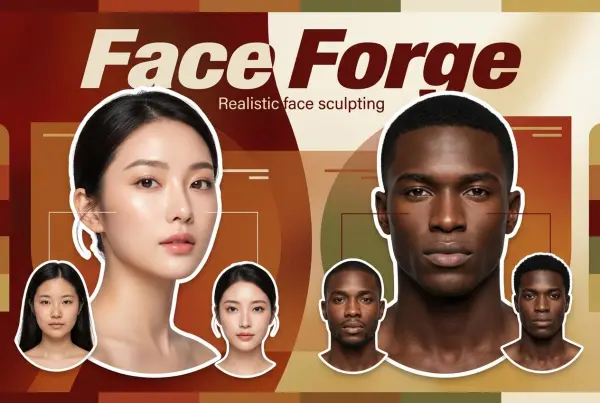
Face Forge

AI Face Morph & Face Swap Generator Online

Product Recoloring

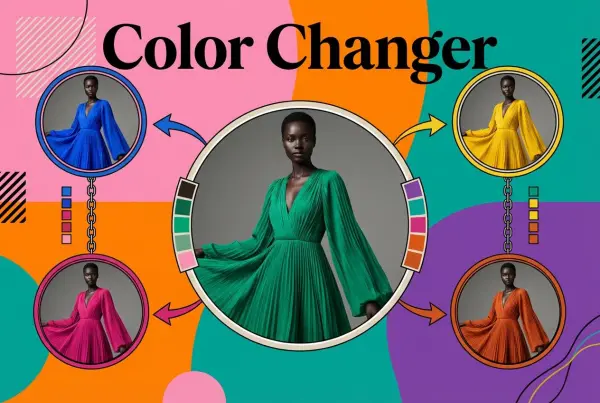
Recolor Image Online Free - Color Changer in WeShop AI

To Mannequin

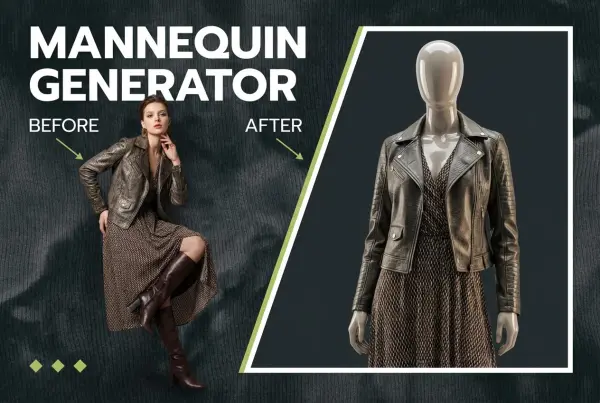
Convert real model photos into mannequin displays

Change Pose

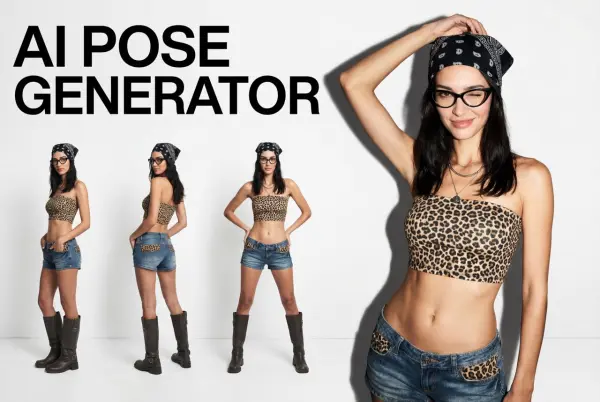
Change poses, switch between various model poses, making the clothing display more natural

Remove Background

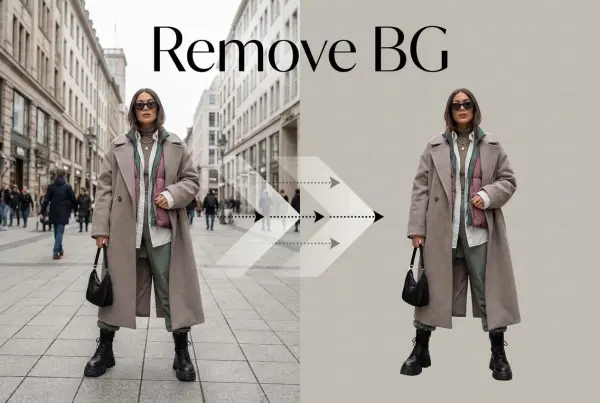
Removing background with lightning speed and ease

AI Photo Enhancer

Enhance Photo Quality Online with Free AI

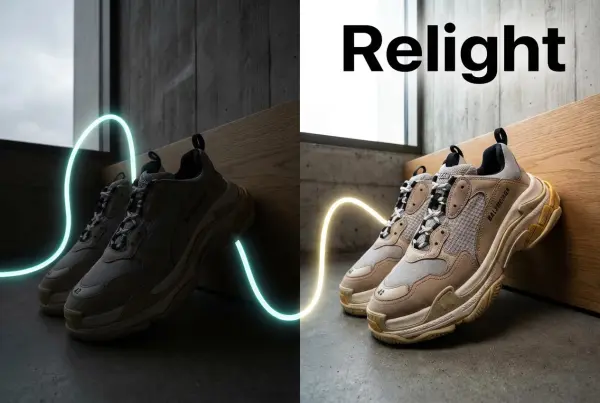
Relight

Relight your images automatically and efficiently

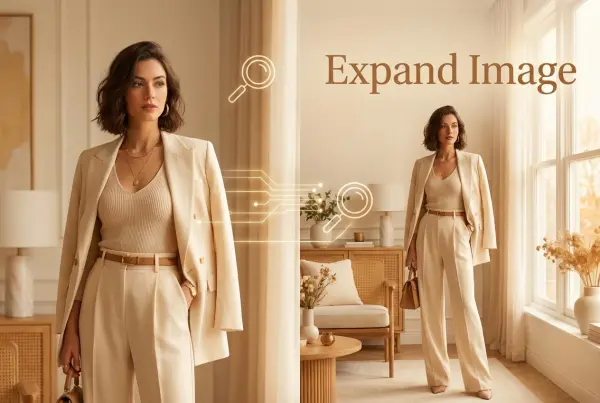
Expand Image

Expand images & backgrounds to fit any platform

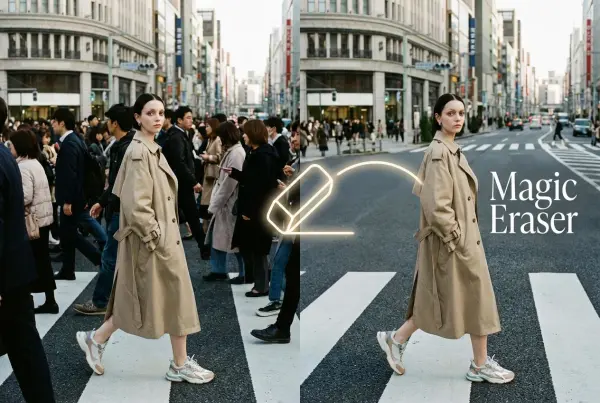
Magic Eraser

Remove unwanted objects from your photos with AI

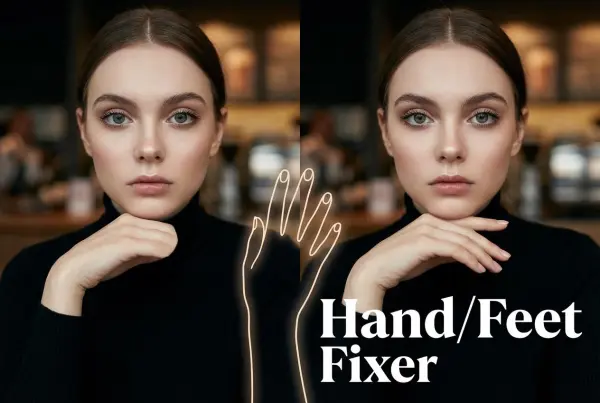
Hand/Feet Fixer

Regenerate natural-looking hands and feet in AI-generated images

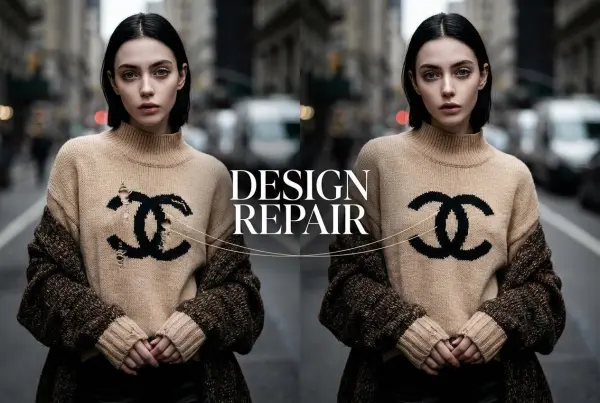
Design Repair

Upload an image, highlight the area you wish to fix, and upload a target reference image

Video Agent

Create and publish videos from a photo or description—instantly, in any style.

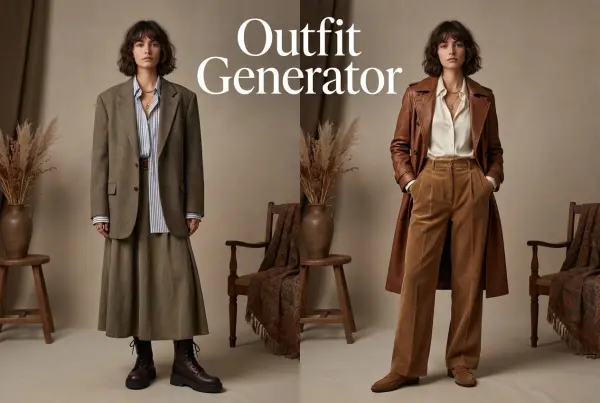
AI Outfit Generator for Ecommerce

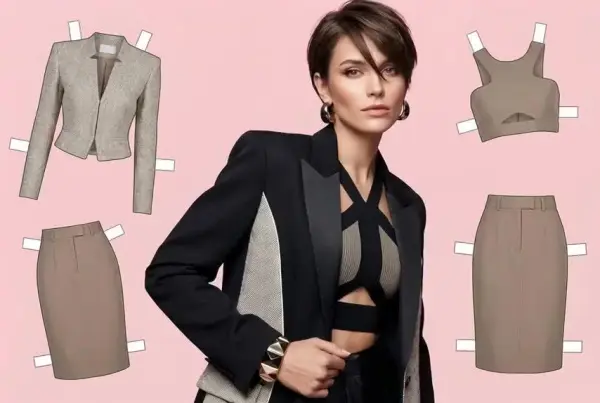
Create AI clothes styling from any model photo, garment, or style prompt.

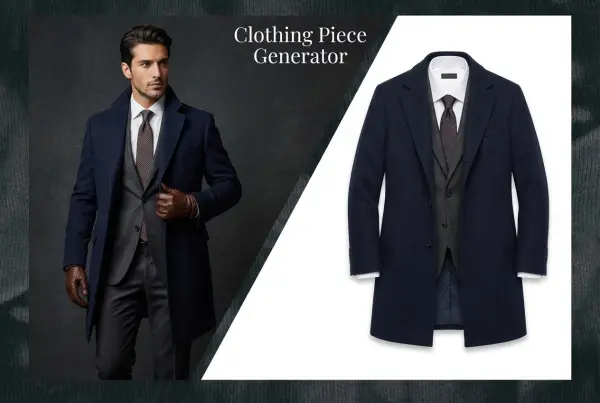
AI Clothing Piece Generator

Create Professional Flatlay Clothing Images From Any Photo or Idea

Watermark Video Remover Free Online

Remove Watermark from Video

AI Video Enhancer

Enhance Video Quality Online with AI

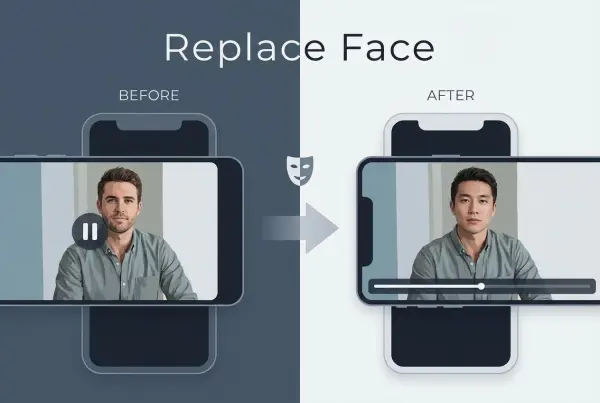
Replace Face in Video Online Free

AI Video Face Swap for Realistic Clips

Video Replication

Recreate Video Styles, Motion, and Scenes with AI

idea
helper