

Still paying a high price for a personal color test in Seoul, Tokyo, or a local beauty studio? AI Color Analysis is quickly turning that expensive service into a fun, shareable, and surprisingly useful content trend.
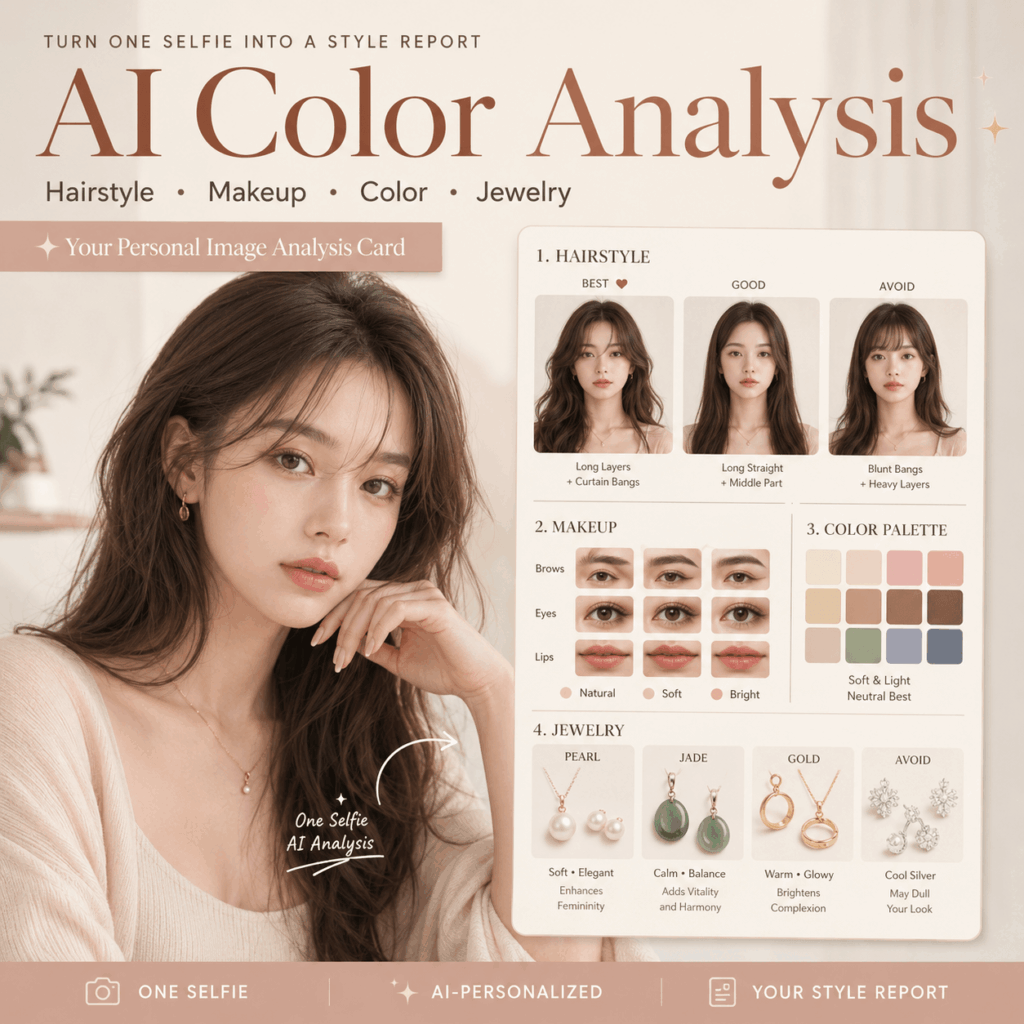
Recently, TikTok, Instagram, and Xiaohongshu have been full of one fresh idea: upload one clear portrait, then let AI create a full personal image analysis card for you. Instead of only telling you whether you are cool-toned or warm-toned, AI Color Analysis can also show your best hairstyle, makeup direction, clothing colors, and jewelry match.
In this guide, I will show you how to use the WeShop AI GPT Image tool to create an AI Color Analysis card with hairstyle, makeup, color, and jewelry suggestions.
🧰 AI Color Analysis Tools You Need
Before you start, you only need two things: one clear portrait and one AI image tool. However, the photo matters more than many people think.
🔗 Best Tool
GPT Image 2:
https://www.weshop.ai/apps/gpt-image
📸 Best Photo
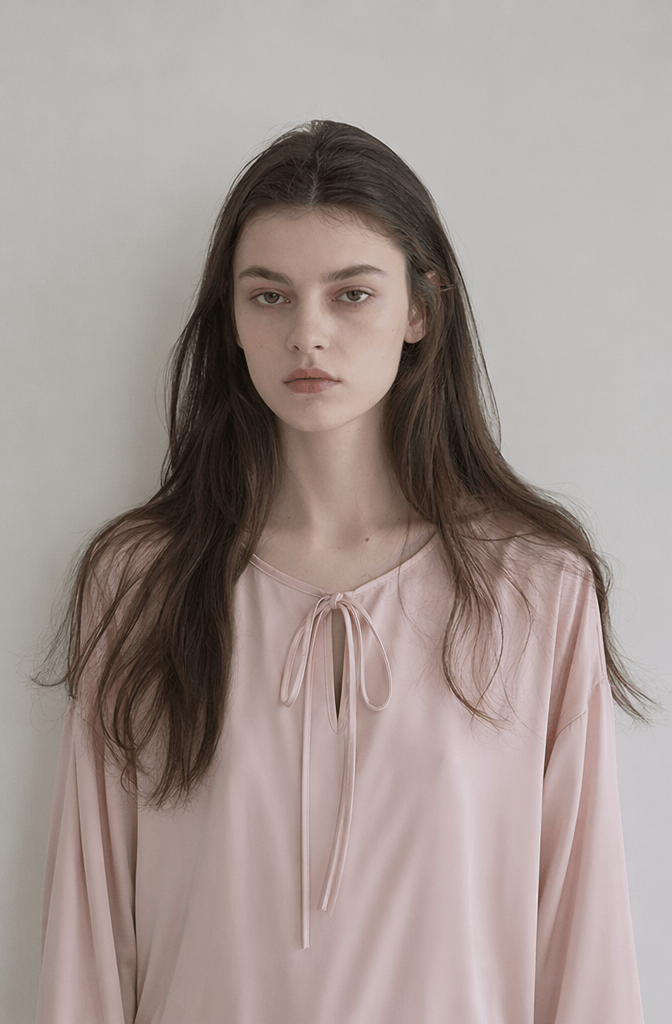
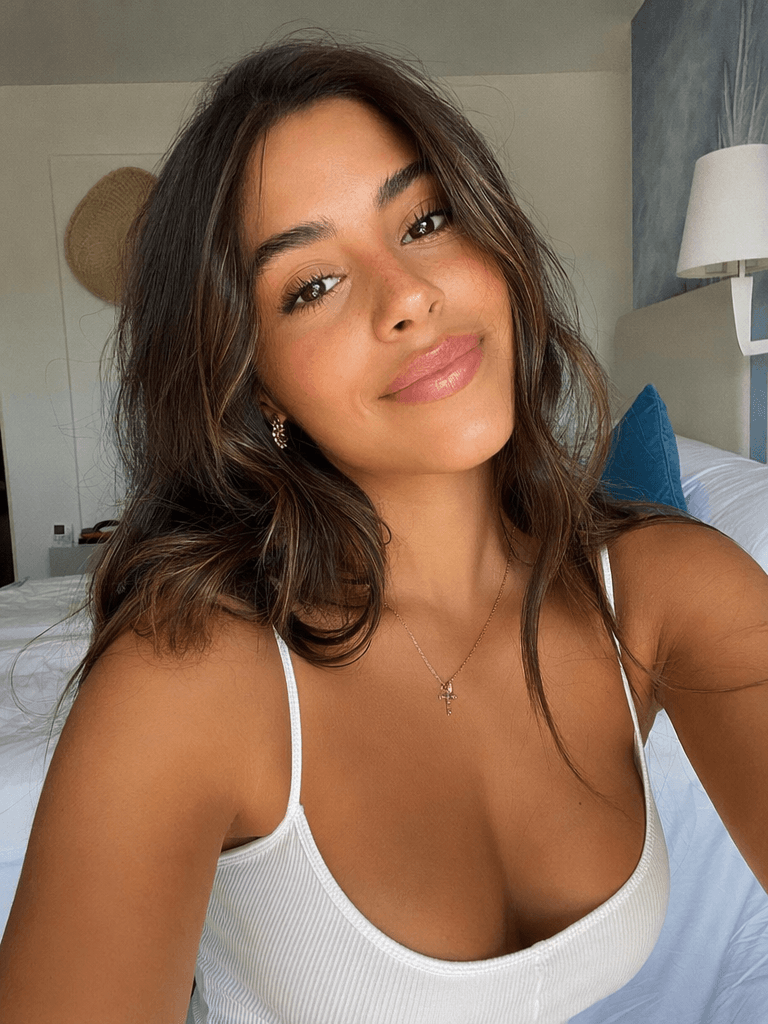
Use a photo that looks simple, clean, and real. In other words, do not use a photo that already looks heavily edited.
For better results, choose a selfie with:
- A clear front-facing angle
- Even lighting
- No heavy beauty filter
- No sunglasses or mask
- A visible hairline
- Natural skin tone
- Light makeup or no makeup
Because AI Color Analysis depends on skin tone, facial features, face shape, and hairline, the input photo can change the final result a lot. So, if your photo has strong filters, heavy smoothing, or strange lighting, the analysis may look less accurate.
🪄 Step-by-Step AI Color Analysis Guide
Now let’s turn one selfie into a full visual style report. The whole process is simple, but the Prompt is the key.
Step 1: Prepare a Good Portrait for AI Color Analysis
First, prepare a portrait that AI can read clearly. Although AI looks powerful, it still needs a clean photo to understand your real features.
✅ Recommended Photo Standard
- Front-facing angle
- Soft and even light
- No overexposure
- No heavy retouching
- Real skin color
Also, try to wear basic colors like white, gray, black, or beige. As a result, the AI will focus more on your face and less on your outfit.
💡 Best Look Tips for AI Color Analysis Cards
- Use a plain background
- Wear a basic top
- Avoid bright filters
⚠️ Point
AI analysis relies fundamentally on skin tone, facial contours, and facial structure. If a photo has undergone heavy skin smoothing or excessive filtering, the results will be significantly skewed.
Step 2: Open the WeShop AI GPT Image Tool
Now, go to the GPT Image 2 tool on WeShop AI.
GPT Image 2:
https://www.weshop.ai/apps/gpt-image
Then upload your portrait photo.
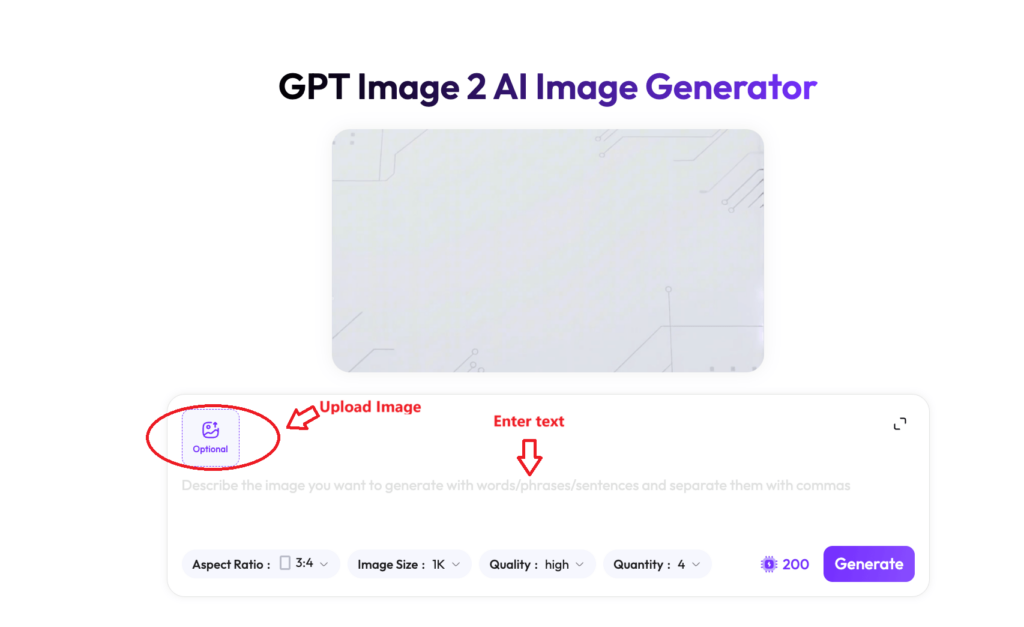
Step 3: Copy This AI Color Analysis Prompt
This is the most important part of the whole guide. You can copy the Prompt below and use it directly.
Please create a set of personal image analysis cards based on the uploaded portrait photo, including hairstyle, makeup, color, and jewelry.

Requirements:
Preserve the person’s real facial features, skin tone, face shape, and eye shape. Do not over-edit the photo. All changes should be shown on the same real face, with a clean, elegant, and premium visual style.

Card structure:

1. Hairstyle Analysis
Show three hairstyle options:
- Most suitable
- Ordinary
- Not recommended

Compare different hair lengths, waves or straight hair, with or without bangs. Explain which hairstyle makes the face look smaller, softer, older, or more balanced.

2. Makeup Analysis
Analyze eyebrows, eyes, nose, and lips.
Show several makeup directions with short labels, such as:
- Natural
- Brightens complexion
- Soft and elegant

Make the makeup changes subtle and realistic. Keep the face natural.

3. Color Analysis
Show different clothing colors on the person.
Compare:
- Recommended
- Ordinary
- Not suitable

Explain which colors make the complexion look brighter, softer, duller, or older.

4. Jewelry Analysis
Compare pearl, jade, red gemstone, blue gemstone, diamond, and gold.
Show which jewelry looks most suitable, ordinary, or not recommended.
Explain the visual effect briefly.

5. Overall Style Tips
Create a clean personal image analysis report card.
Use a Korean personal image studio style.
The layout should look elegant, organized, and premium.
Add brief text labels only.
Use soft neutral colors, clean spacing, and a magazine-like layout.
📊 Step 4: Result Showcase
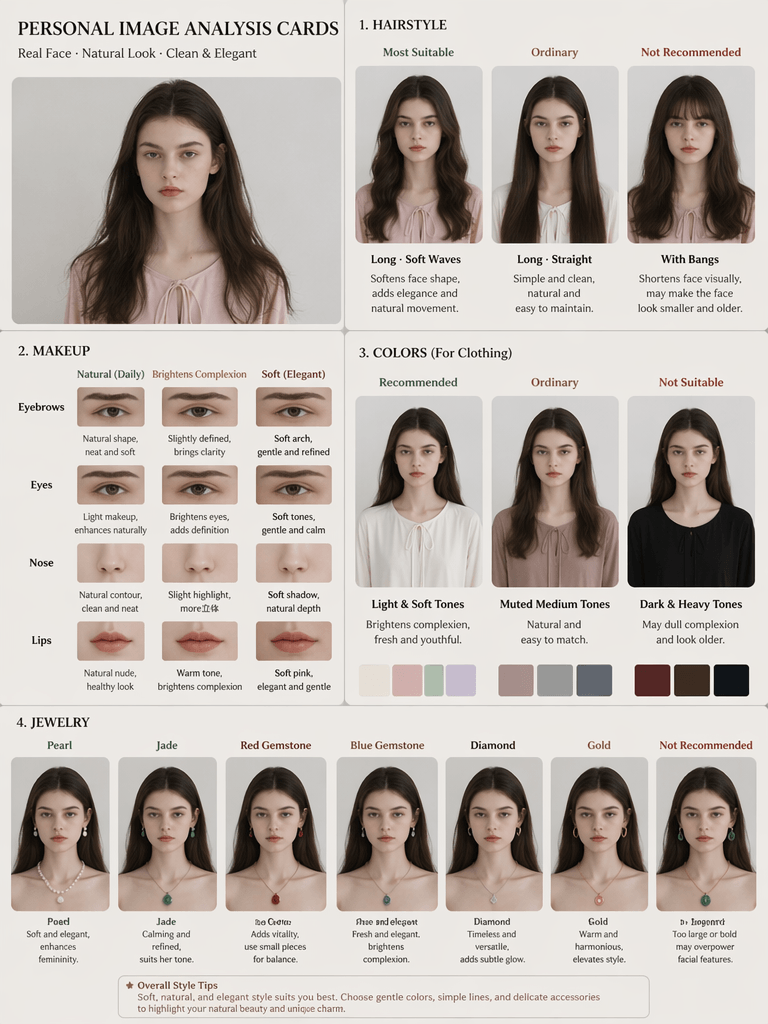
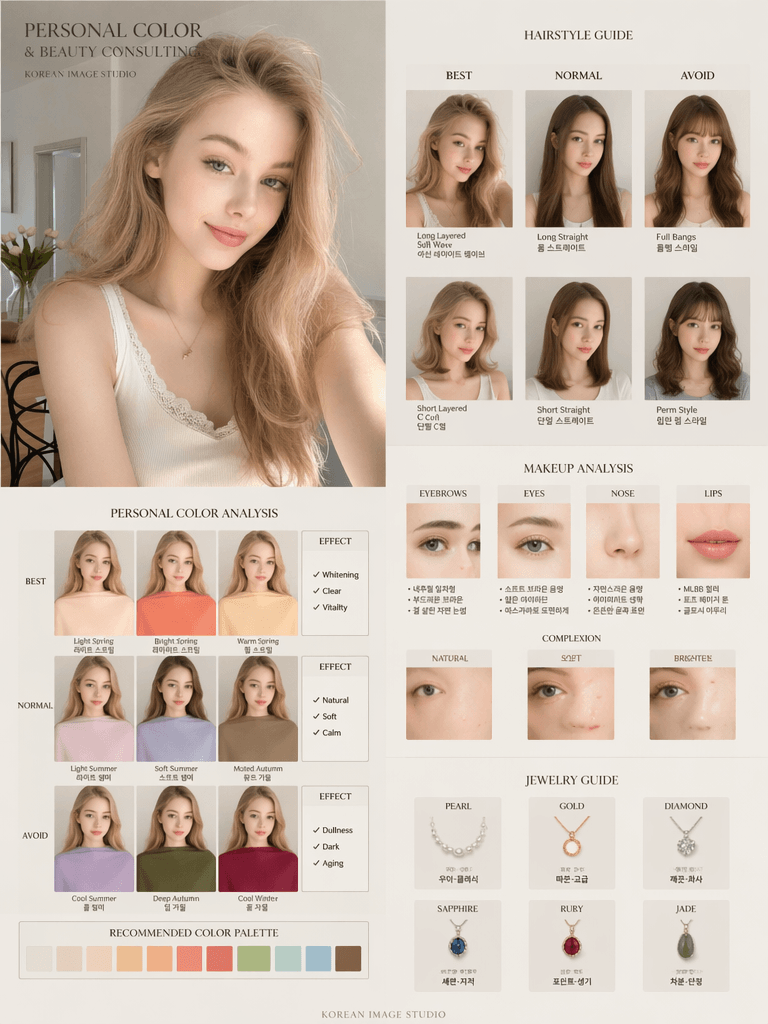
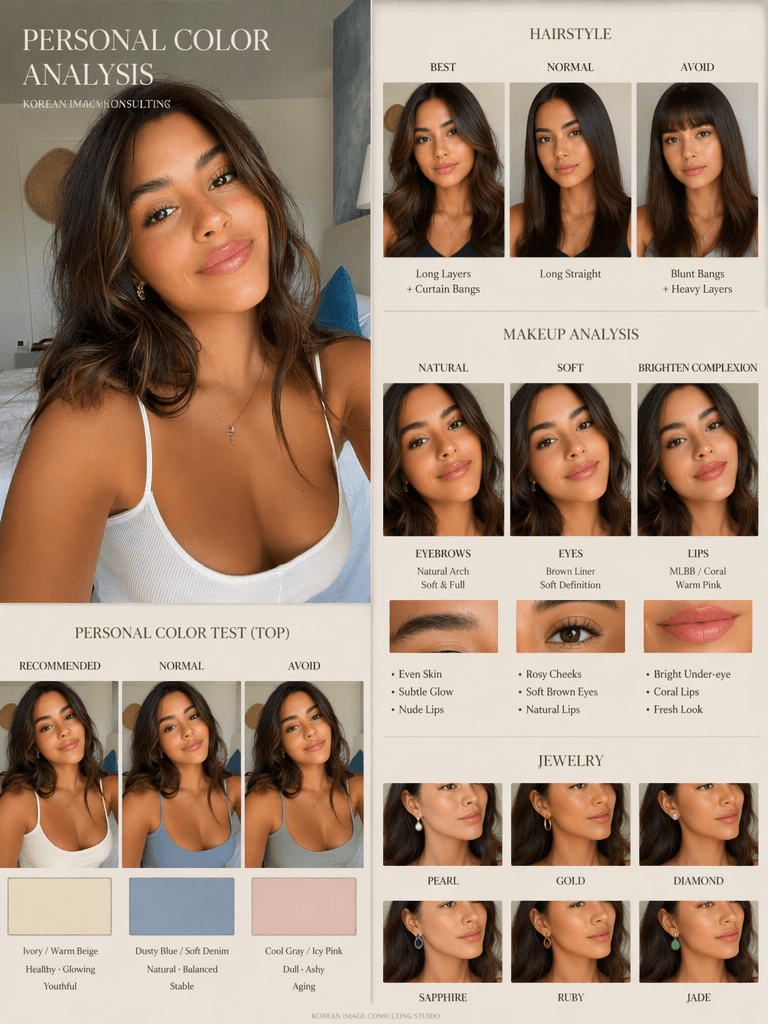
After the image is generated, you should see a personal image report card. Usually, it will include your original face, hairstyle comparisons, makeup suggestions, clothing color tests, and jewelry recommendations.
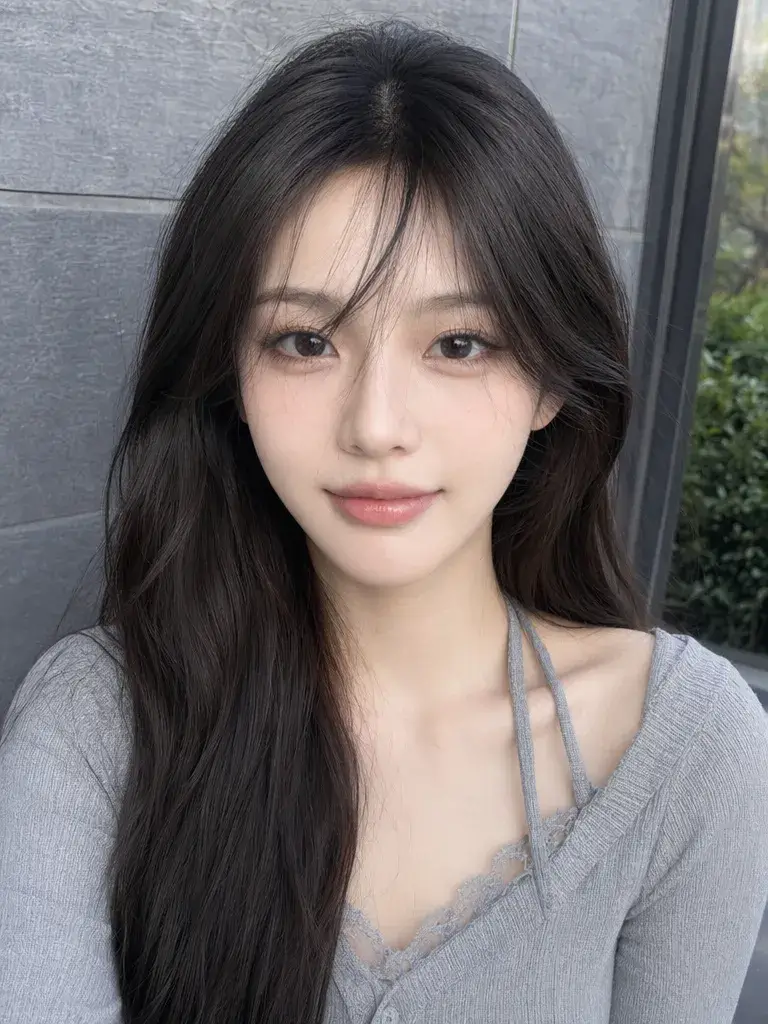
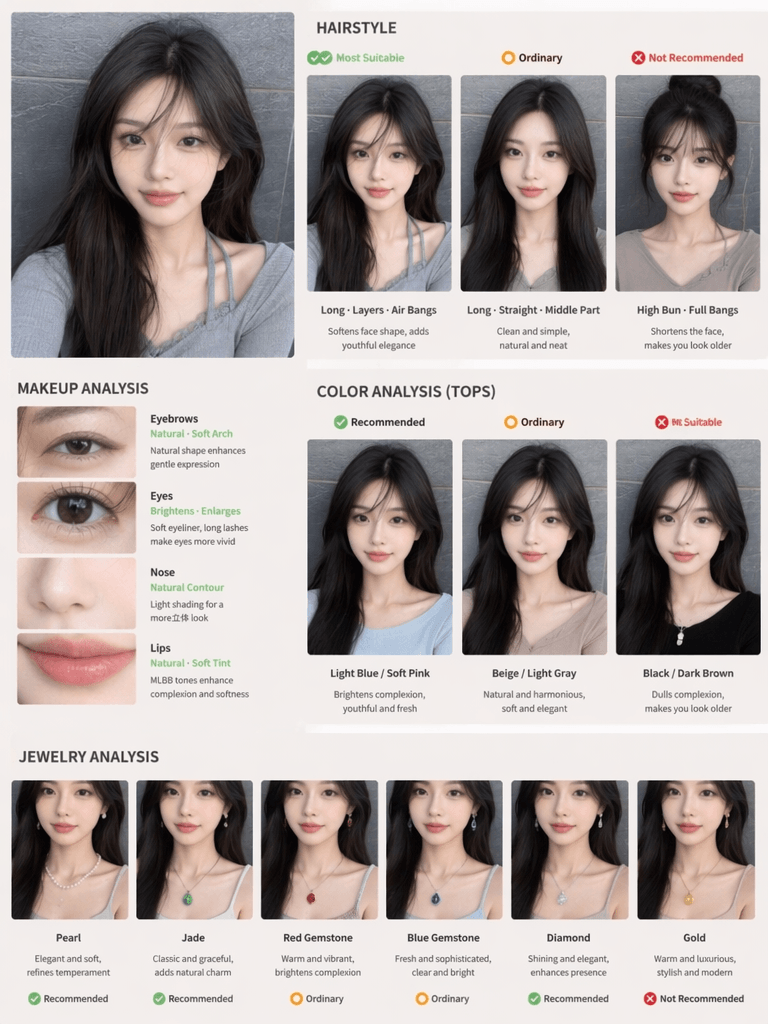
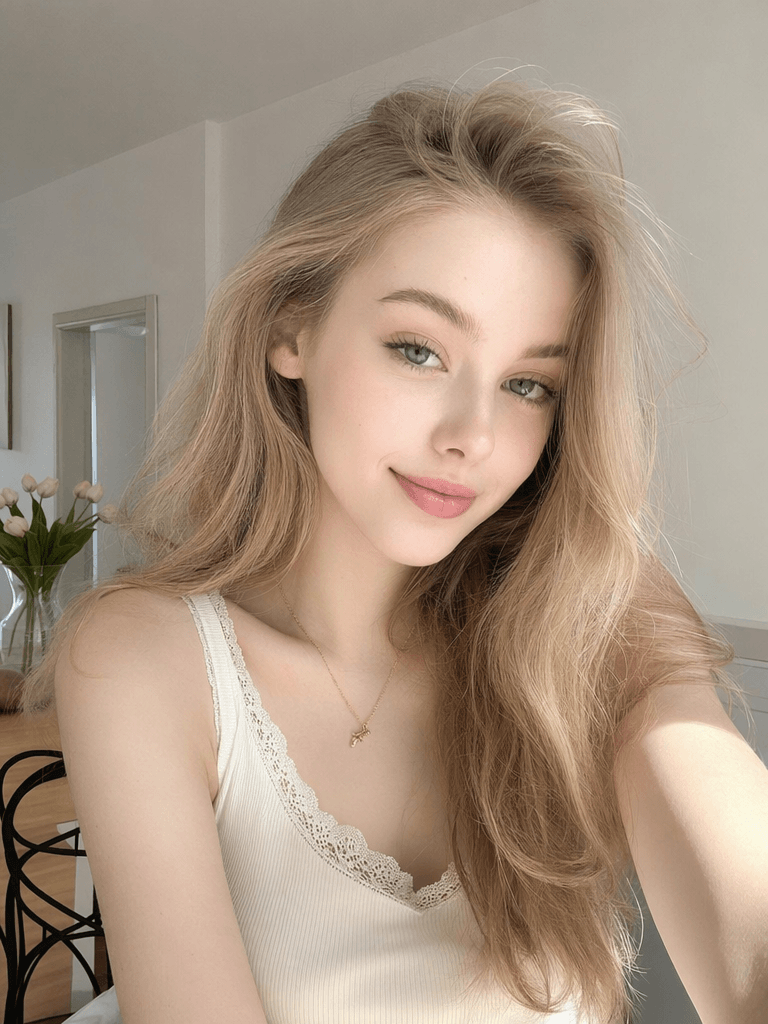
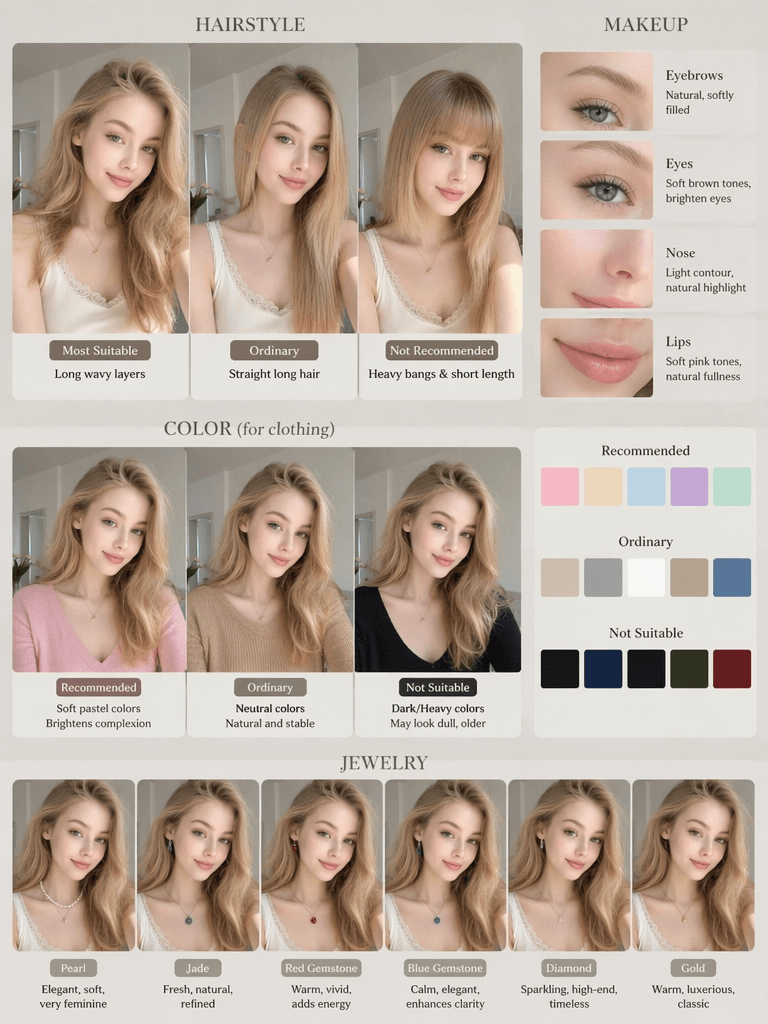
✅ Advanced Prompt (Korean Fashion Magazine Style)
If you want to generate images that look more like Korean fashion magazines, you can upgrade to the version below:
Create a premium Korean-style personal color analysis board based on the uploaded portrait.
Keep the same real facial features, skin tone, and face shape. No over-retouching.
Include hairstyle comparison:
best / normal / avoid
(long hair, short hair, bangs, curls, straight hair)
Include makeup analysis:
eyebrows, eyes, nose, lips
natural, soft, brighten complexion
Include personal color test:
only change clothing colors
recommended / normal / avoid
show whitening, dullness, aging effects
Include jewelry comparison:
pearl, gold, diamond, sapphire, ruby, jade
Editorial beauty consultation layout, luxury Korean image consulting studio style, minimal typography, clean luxury aesthetic, realistic skin texture, 4:5 ratio.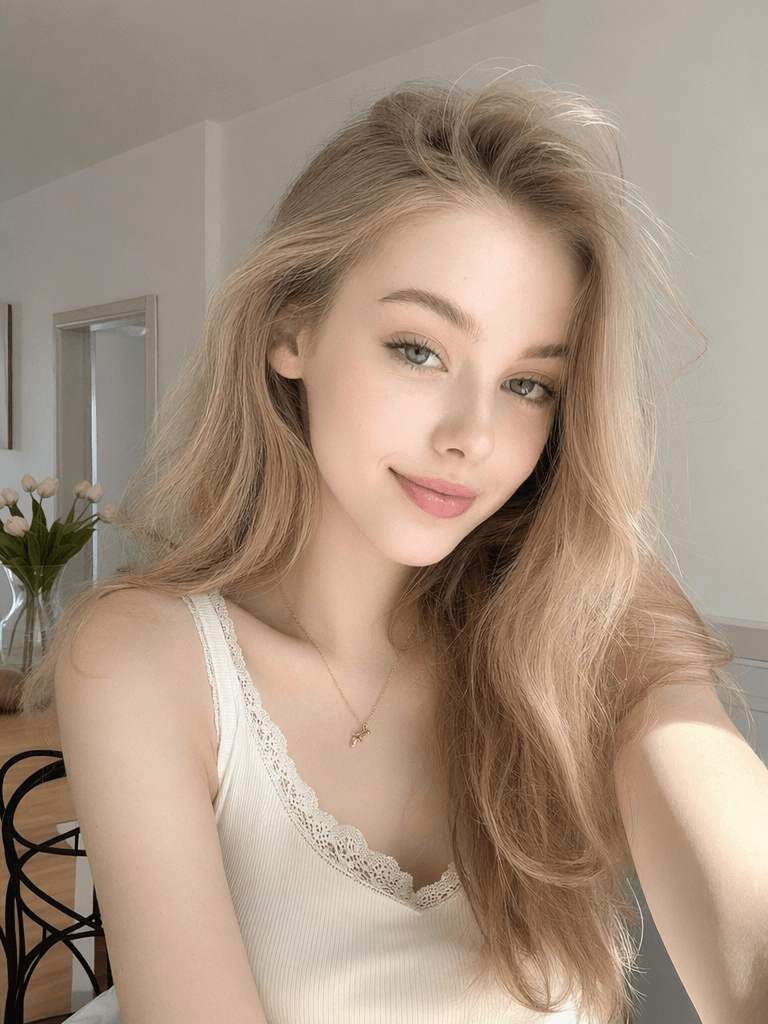
✨Conclusion
In the past, personal color analysis felt like a premium offline service. You had to book a session, visit a studio, test fabric colors, and pay a high price.
Now, AI Color Analysis turns that idea into a fast visual content format. With one selfie and one strong Prompt, you can create a personal image report that looks clean, fun, and easy to share.
More importantly, this is not just about whether AI can make a pretty picture. It is about whether AI can organize beauty advice into a visual structure.
A strong AI Color Analysis card should show:
- Clear comparison
- Clean layout
- Real facial features
- Useful style tips
- Strong share value
So, if you want to try it, copy the Prompt above, upload a clean selfie, and generate your own AI Color Analysis card with WeShop AI GPT Image 2.
If the result has problems like face distortion, weak colors, messy layout, or inconsistent style, you can keep improving the Prompt until it feels more polished.
Go to WeShop AI For Exploration:




