

Do you want to look like a fashion icon without hiring a pro photographer? You don’t need an expensive studio or a fancy lighting team anymore. Actually, you can now create stunning AI Magazine-Style Photos with just one clear selfie.
This guide will show you how to use WeShop AI’s GPT Image tool. Meanwhile, you will learn to turn your everyday photos into AI Magazine-Style Photos in minutes.
🛠️ Step 1: Prep Your Gear for AI Magazine-Style Photos
Before you dive in, you need to set things up for the best results.
- Visit the Site: Go to the WeShop AI tool page.
- Pick the Right Photo: Choose a clear selfie. Make sure your face is visible and the light is good. Don’t use blurry photos or group shots.
- Keep Your Traits: Your goal is to create AI Magazine-Style Photos that still look like you. So, use a high-quality original image.
🚀 Step 2: Follow these simple steps to get your AI Magazine-Style Photos fast
1. Upload Your Best Selfie
Then , click the upload button to add your image. For the best AI Magazine-Style Photos, please choose these types of photos:
- Half-body or Portrait: This helps the AI identify your face and body ratio.
- Simple Background: Avoid busy backgrounds to keep the focus on you.
- Even Lighting: Ensure your face is not half-lit or too dark.
- Natural Expressions: Smile or keep a cool look; both work great.
💡 Important Tip: Always use photos you own. Never upload photos of others to generate images without their consent, especially for commercial use.
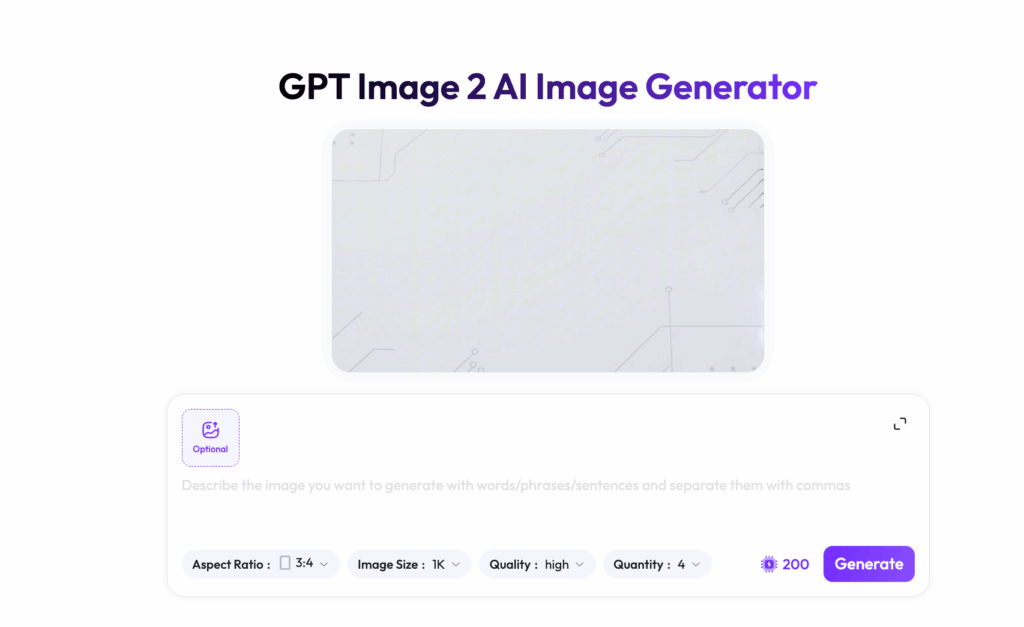
2. Enter the Prompt “AI Magazine-Style Photos”
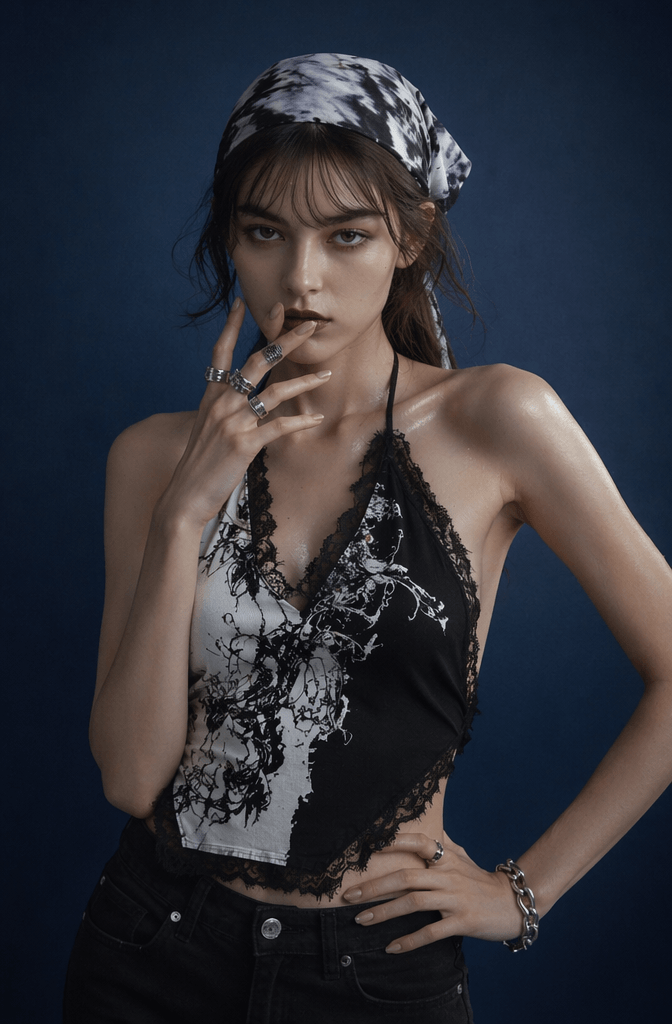
After uploading your photo, describe the desired final look in the prompt input box. The key isn’t to write the longest prompt possible, but to clearly specify elements such as the subject, magazine style, clothing, background, lighting, and composition.
You can directly copy this set of Y2K-style prompts below:
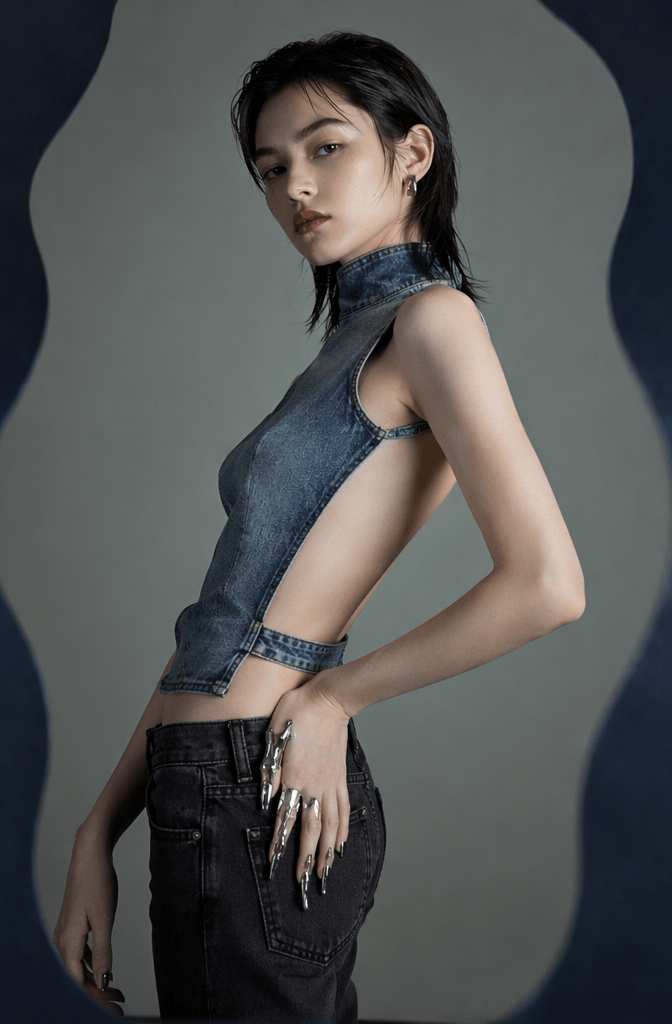
"visual_hook": "The visual contrast created by the curvaceous waistline of the character and the exaggerated fluidity of the liquid metal finger covers on their hands, as well as the tension produced by the side slits of the tight jeans revealing a large area of the character's back skin." ,
"camera_angle": "A level-overhead shooting position with a slight upward tilt, featuring a close-up of the subject's upper body, highlighting the curves of the torso and the flexibility of the limbs." ,
"framing_and_depth": "Half-length portrait composition, moderate depth of field. The subject is isolated from the gray-green background. The background behind the subject presents a smooth blurred texture, and there are irregular dark blue geometric borders around it." ,
"medium_physics": "High-definition commercial photography texture, the delicate graininess of film photography, the cold white luster reflected by metals, and the organic combination of skin's natural light effect." },
"subject_content": {
"identity_features": "Young woman, approximately 20-25 years old, with a well-defined profile, prominent brow ridges, slender and deep eye shape, strong facial bone structure, a straight and prominent nose bridge, full and slightly downturned lips, presenting a cold and independent yet unrestrained fashion sense." And it exudes a fashionable aura with an avant-garde technological feel. ,
💡 Pro Tip: Make sure to add “keep original facial features,” “preserve my identity,” and “avoid over-smoothing” to your prompt. These simple tweaks will stop the AI from giving you a generic result that looks great but doesn’t actually look like you.
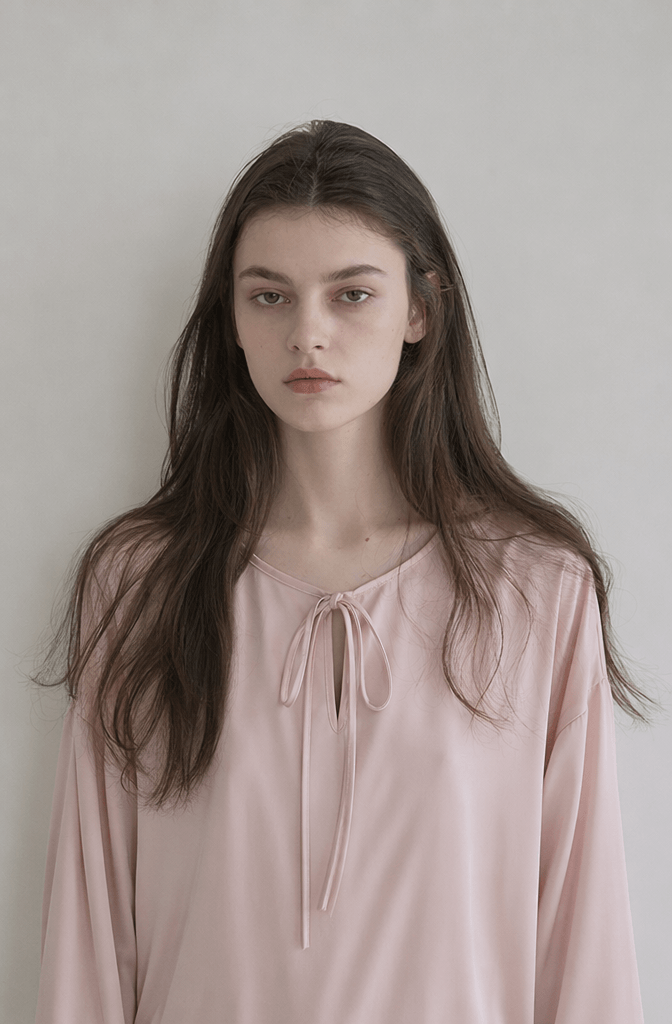
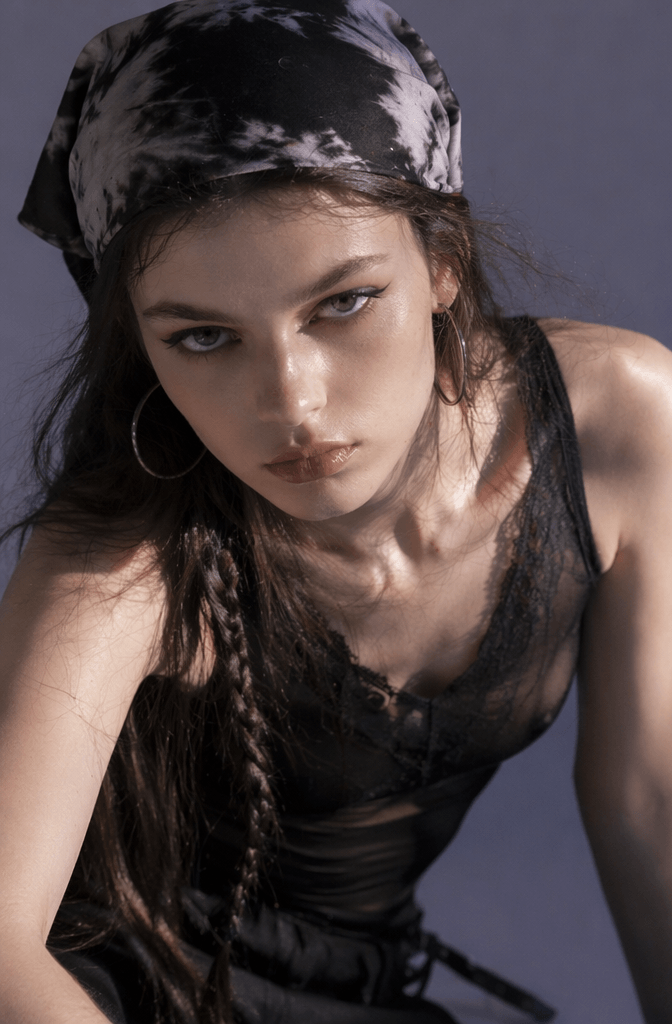
3. Choose the Right Aspect Ratio For Your AI Magazine-Style Photo
If your tool supports aspect ratio selection, choose one based on how you plan to use your final image:
- 1:1 Square: Ideal for profile pictures, social media feeds, or blog covers.
- 3:4 or 4:5 Vertical: The gold standard for Instagram, portrait showcases, and social media posts.
- 9:16 Vertical: Best for short-form video covers and TikTok-style content.
- 16:9 Horizontal: Perfect for blog headers, YouTube thumbnails, and website banners.
In addition , for that authentic, high-end magazine look, we highly recommend sticking to 3:4 or 4:5. This ratio mimics professional fashion photography perfectly and ensures your subject is framed in a comfortable, eye-catching way.
💡 Pro Tip: If you’re aiming for a classic “magazine cover” aesthetic, make sure your subject isn’t too far from the camera. Try adding this to your prompt: “Half-length composition, subject centered, with head and shoulders clearly visible”.
4. Generate and Watch the Magic Happen
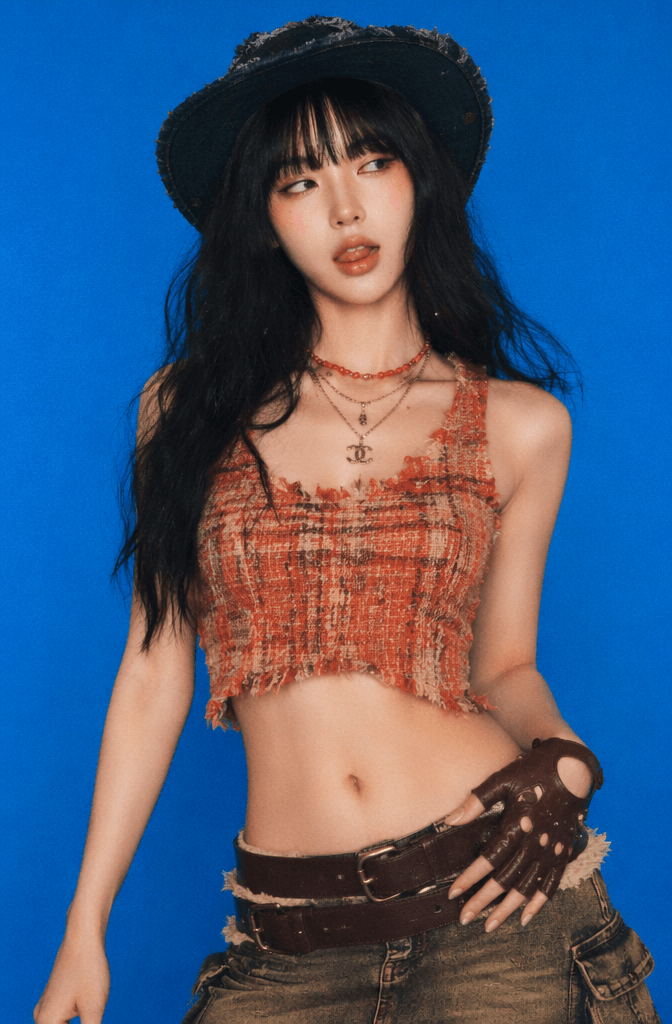
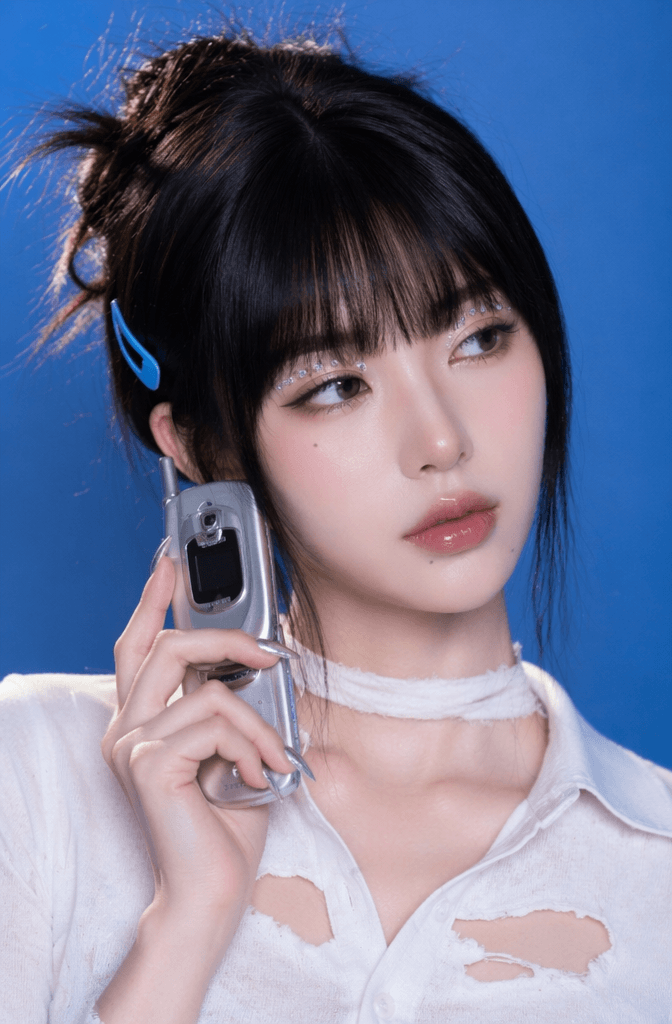
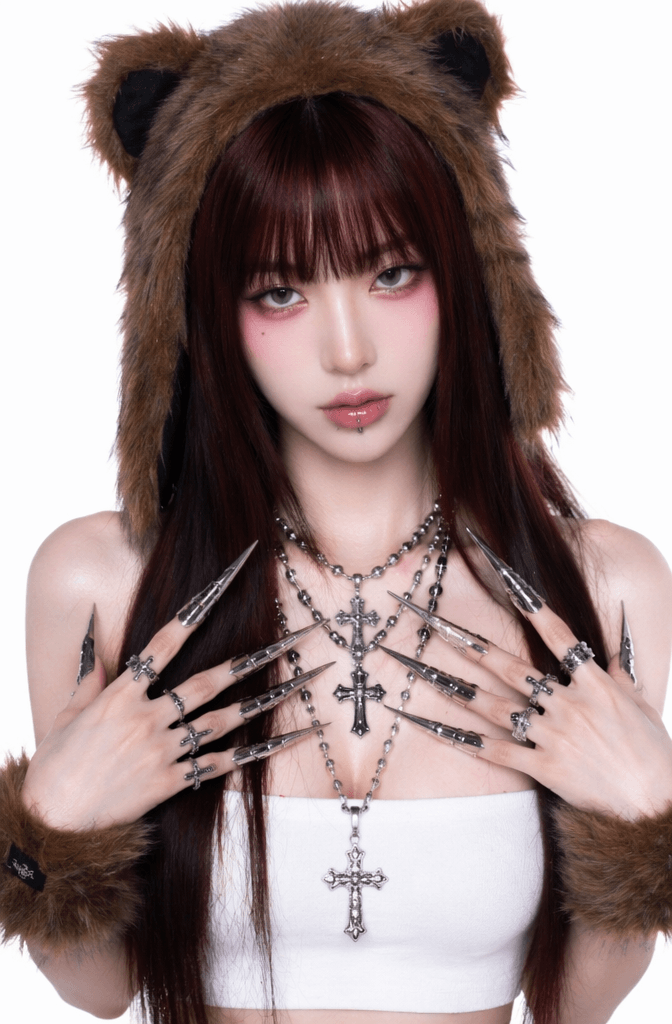
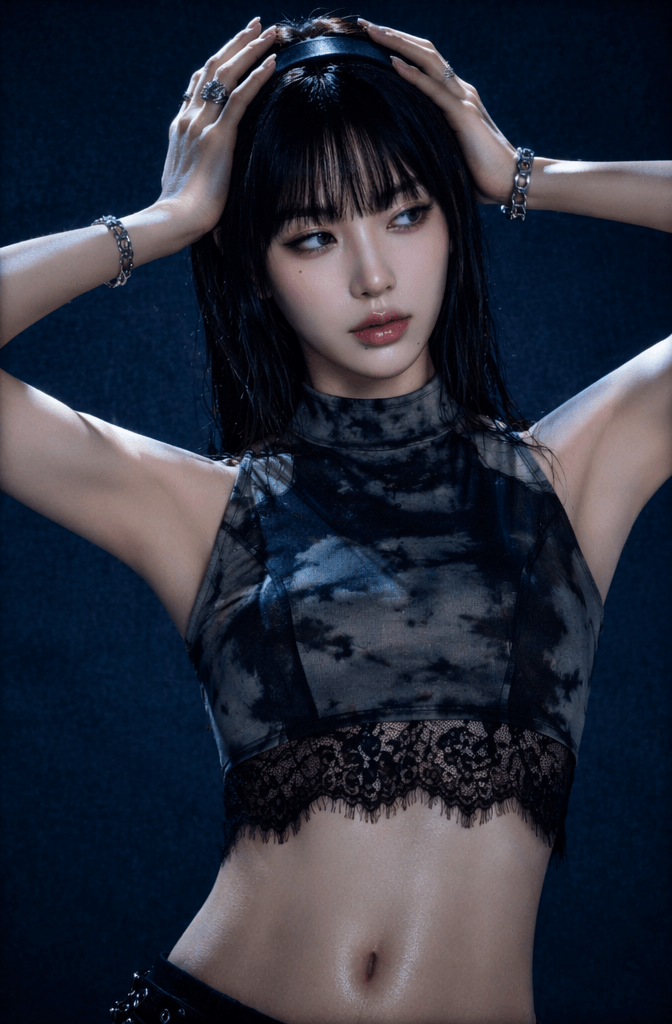
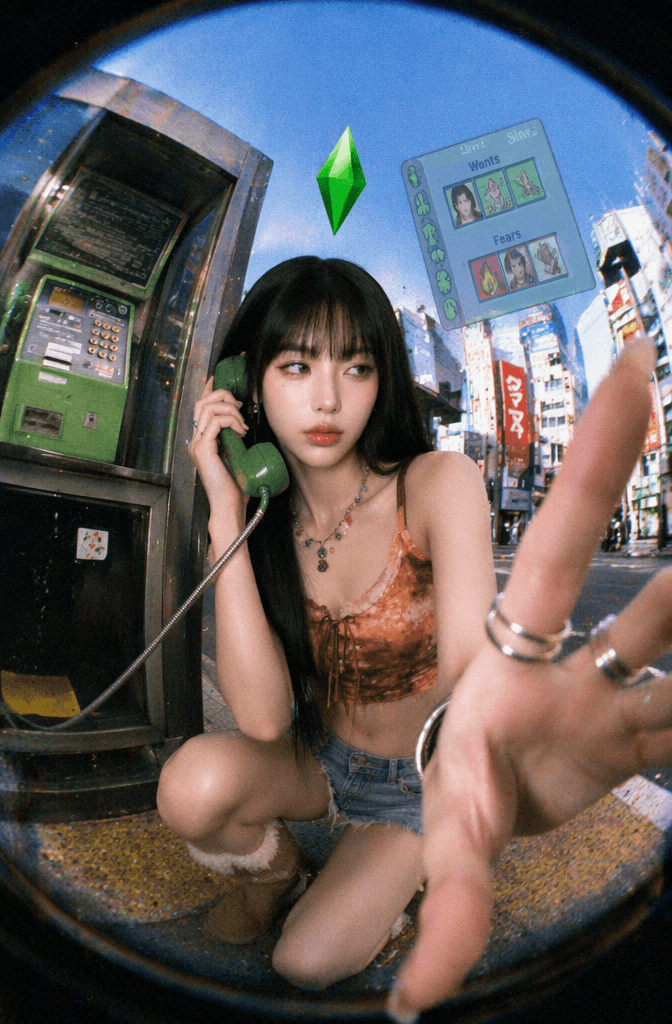
Once you’ve double-checked your photo and prompt, just hit the Generate button. The AI will work its magic, creating a stunning new image based on your upload and your specific creative vision. Check out the preview to see how it turned out!
Preview the results:
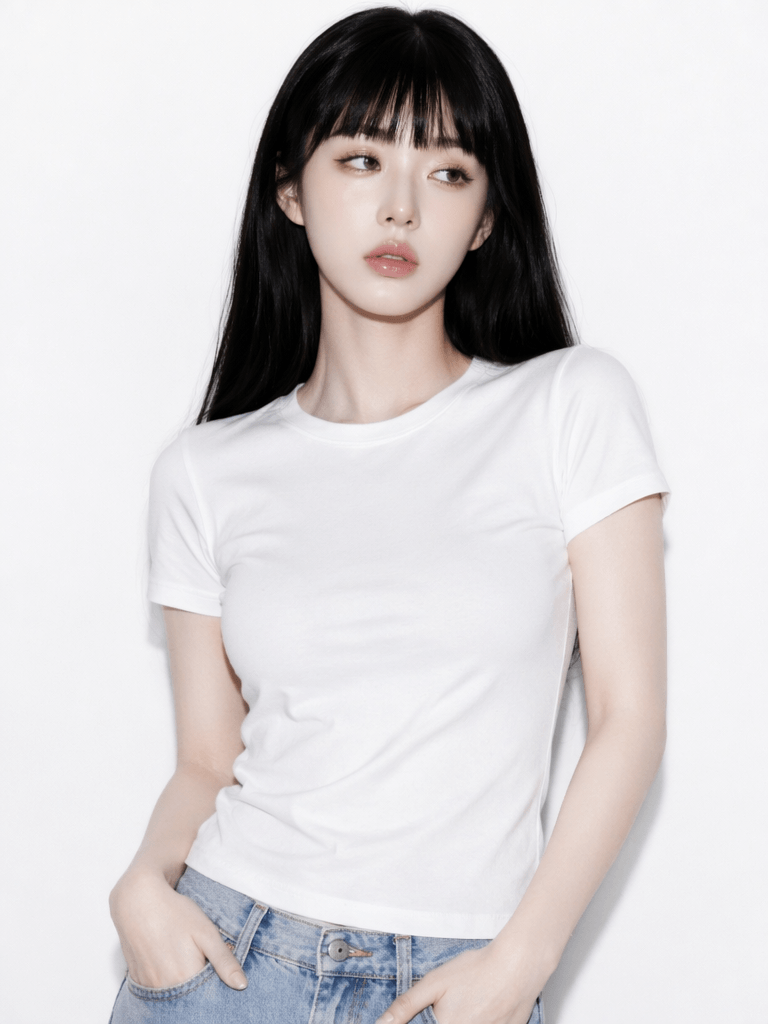
Original Photo
✨ Advanced Tips / Frequently Asked Questions (FAQ)
Q1: Why does my AI-generated photo look good, but not like me?
A1: Usually, this happens because your prompt focuses too much on “looking beautiful” or “magazine-style” but ignores instructions to preserve your unique features. To fix this, simply add these details to your prompt:
- Keep original facial features.
- Preserve the face shape and personal aura from the original image.
- Do not change my identity.
- Do not generate a different face.Alternatively, try uploading a clearer original photo—ideally one with better lighting and a straight-on angle.
Q2: How can I make my photos look like “High-End Magazine” shots, not just basic AI portraits?
A2: Furthermore, the secret to achieving that professional magazine look lies in restraint, negative space, lighting, and texture; consequently, you should try injecting these specific keywords into your prompt.
- High-end fashion magazine portrait.
- Minimalist studio background.
- Premium grey tones.
- Soft, diffused studio lighting.
- Half-body composition.
- Cool, confident gaze.
- Realistic skin texture.
- No social media filters.
- No over-smoothing.Instead of using vague terms like “pretty” or “high-class,” being specific about clothing, background, lighting, and composition will give you much more stable, professional results.
Q3: What prompt structure is best for beginners to generate AI Magazine-Style Photo?
We recommend following this winning formula:
Identity Preservation + Shooting Style + Outfit + Background + Atmosphere + Negative Constraints
For example:
“Keep the original facial features and aura from the uploaded photo, create a high-end fashion magazine-style half-body portrait. Wearing a black blazer, standing in front of a minimalist grey studio background, using soft studio lighting. Clear, realistic image with natural skin texture. The overall look is premium and restrained. Do not change the subject’s identity, do not over-smooth skin, do not include extra people, text, or watermarks.”
This structure is clean, reliable, and perfect for your first attempt at creating AI Magazine-Style Photos.
Finally, creating your own AI Magazine-Style Photos really isn’t complicated. It boils down to three core steps: uploading a clear portrait, using a precise prompt, and iterating based on the results.
Now, grab a clear photo of yourself and give it a try—you’ll likely end up with an AI Magazine-Style Photo that captures the real you, but with that stunning, high-fashion editorial vibe!
Go to WeShop AI For Exploration:




