

Are you still spending hundreds—or even thousands—of dollars on Korean-style personal color analysis?
Until recently, figuring out whether you’re cool-toned or warm-toned, which hairstyle slims your face, which makeup makes you glow, or whether pearls or gold suit you best required a full appointment at a professional studio. A single consultation often meant scheduling in advance, trying multiple color swatches, professional makeup analysis, and a premium price tag.
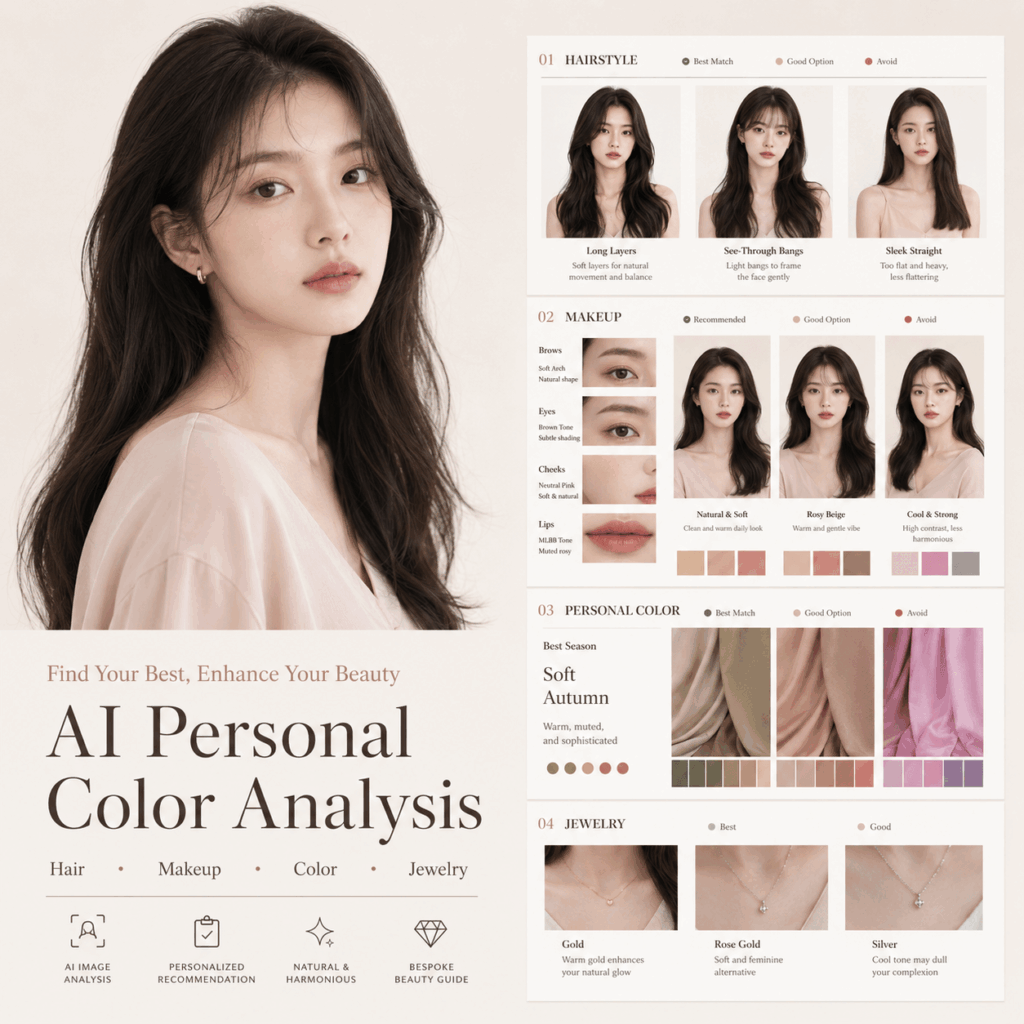
Now, thanks to AI, a new trend is sweeping TikTok and Instagram:
Upload a single selfie, and AI instantly generates a complete seasonal personal color analysis card.
It can analyze:
- Whether your skin tone is cool or warm
- The hairstyles that make your face appear smaller
- Which makeup boosts your natural glow
- The clothing colors that make you look brighter or fairer
- Jewelry recommendations: pearl, jade, ruby, sapphire, or gold
- Which styles may age or dull your appearance
You can even generate a sophisticated, professional-style visual report, similar to what high-end Korean image consultants produce—all from one prompt and one selfie.
This guide will show you how to use WeShop AI’s GPT Image tool to create your personal image analysis card quickly. Whether for TikTok, Instagram, or personal branding, this workflow makes it easy to generate stunning, shareable visual content.
Tools You’ll Need
WeShop AI:
GPT Image 2:
Photo Requirements:
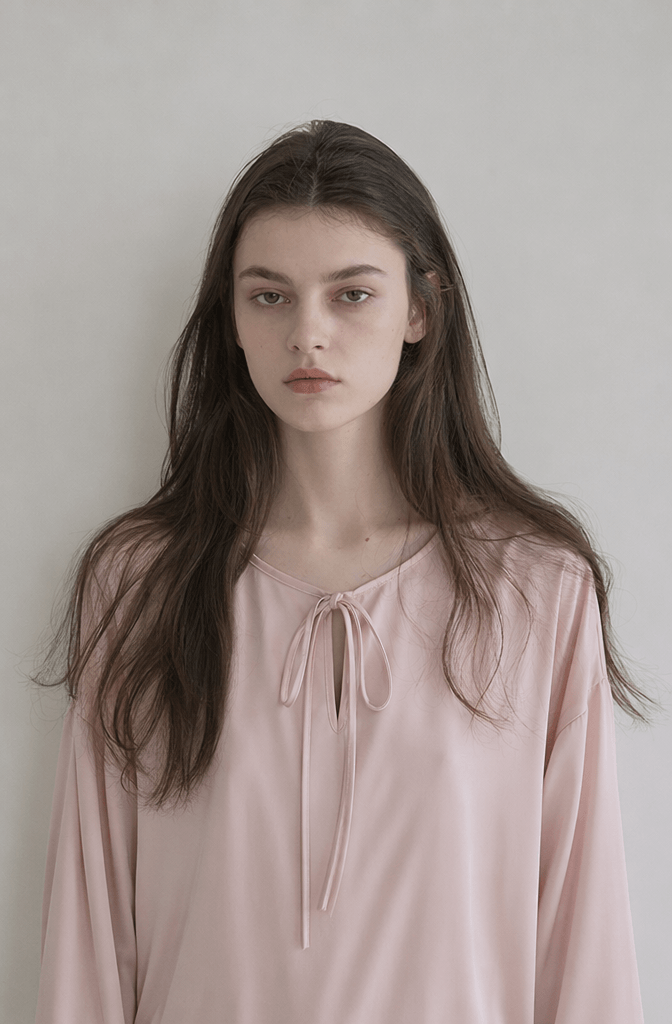
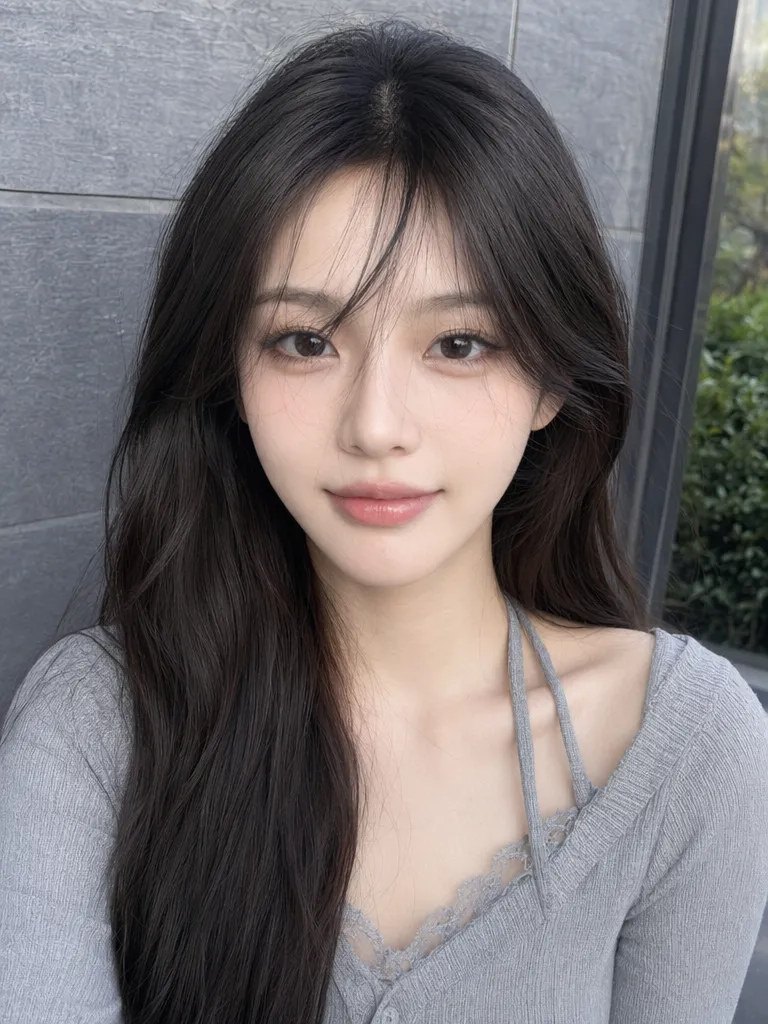
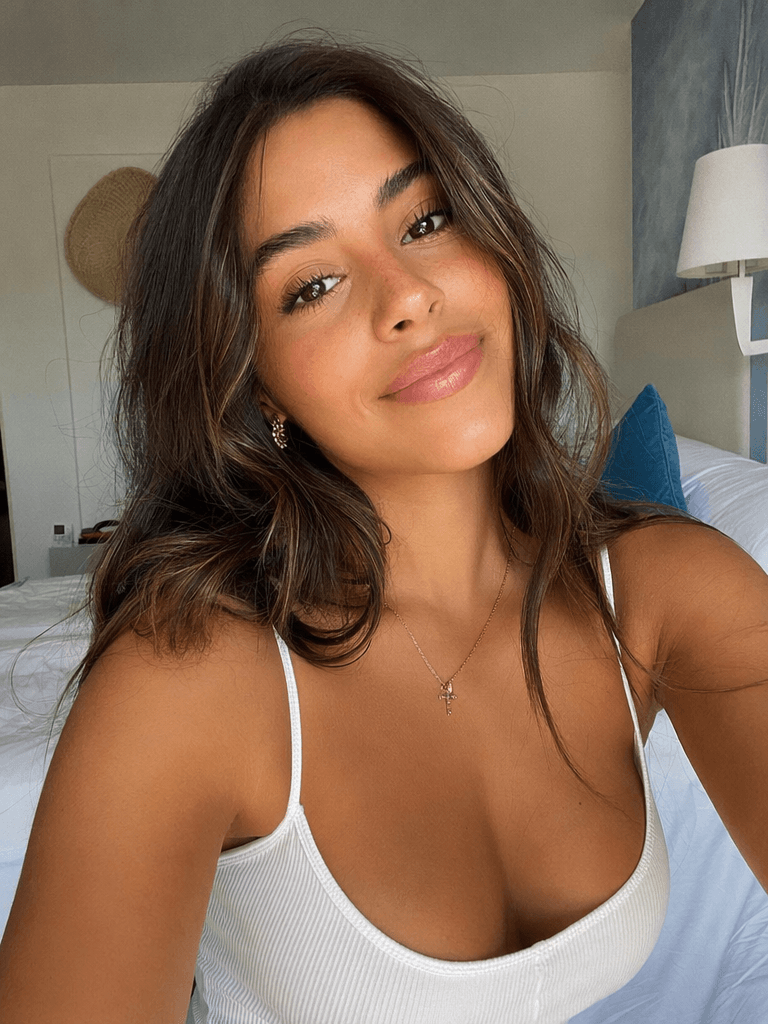
- Clear, front-facing selfie
- Natural lighting is best
- Minimal or no filters
- Face fully visible, including hairline
- Bare or light makeup
- Simple background (preferably clean and uncluttered)
High-quality images yield the most accurate results. AI analysis depends on facial structure, skin tone, eye shape, and natural contrast. Overly filtered, heavily edited, or low-light images may produce inaccurate recommendations.
Step 1: Prepare Your Portrait Photo
The AI’s accuracy relies heavily on your photo. Follow these guidelines:
- Front-facing angle
- Even, natural lighting
- Avoid overexposure
- Minimal editing or beauty filters
- Retain natural skin tone
- No sunglasses, masks, or hats
- Hairline visible, no heavy bangs or obstructions
Pro Tips for High-End Results:
- Clean background
- Neutral clothing colors (white, gray, black)
- Avoid highly saturated colors
- Natural lighting preferable
- Avoid strong shadows or artificial light
Step 2: Open WeShop AI’s GPT Image Tool
Visit GPT Image 2:
Upload your photo. Think of this as a visual editor where the AI analyzes your real face and generates:
- Hairstyle comparisons
- Makeup analysis
- Color tests
- Jewelry recommendations
Step 3: Input the Core Prompt
Use this prompt for your personal image analysis card:
Please create a set of personal image analysis cards based on the uploaded portrait photo, including hairstyle, makeup, color, and jewelry.

Requirements:
Preserve facial features, skin tone, and eye shape. Do not over-edit the photo. All changes should be shown on the same real face, with a clean and elegant style.

Hairstyle:
Analyze hair length, wavy or straight hair, with or without bangs. Compare the most suitable / ordinary / not recommended options. Explain which styles make the face look smaller, softer, older, or heavier.

Makeup:
Analyze eyebrows, eyes, nose, and lips. Provide labeled suggestions such as natural, brightens complexion, soft, clean, elegant, or not recommended. Show how different makeup directions affect the overall facial impression.

Color:
Only change clothing colors. Compare recommended / ordinary / not suitable colors. Show which colors make the complexion look brighter, duller, older, or more refined.

Jewelry:
Compare pearl, jade, ruby, sapphire, diamond, and gold. Mark which jewelry types are recommended / ordinary / not recommended. Explain how each material affects the skin tone and overall temperament.

Overall:
Create a clean, elegant personal image analysis board. Focus on visual comparison, clear labels, and brief text.
This ensures AI produces a structured report without over-editing your original facial features.
Step 4: Review and Optimize
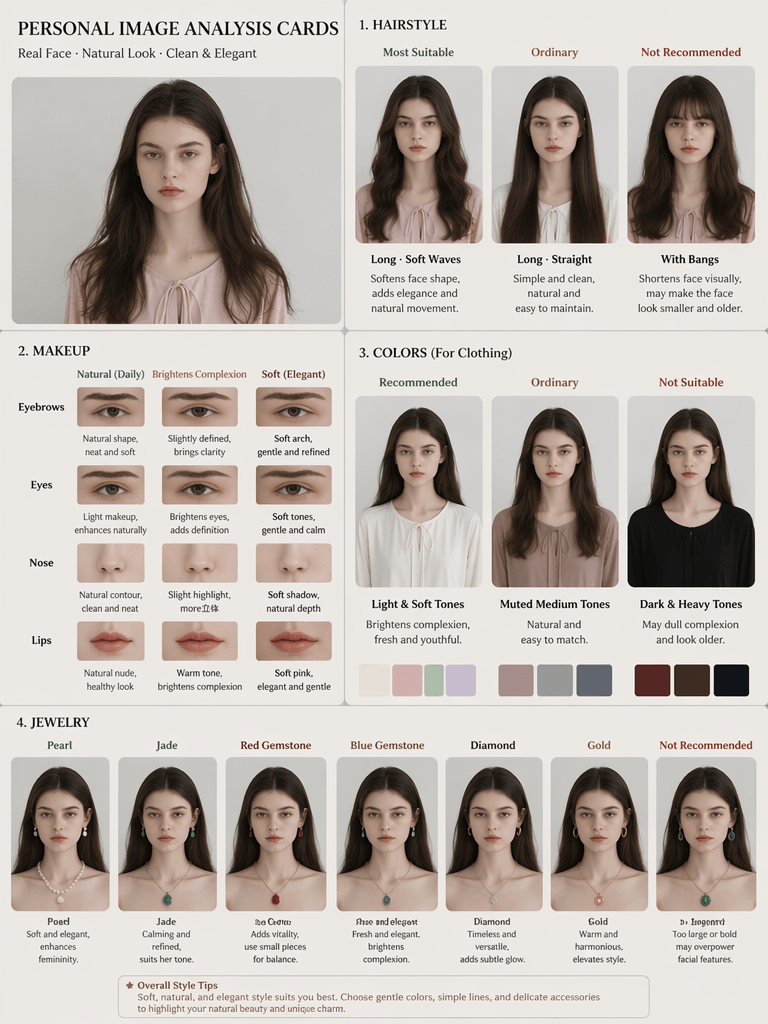
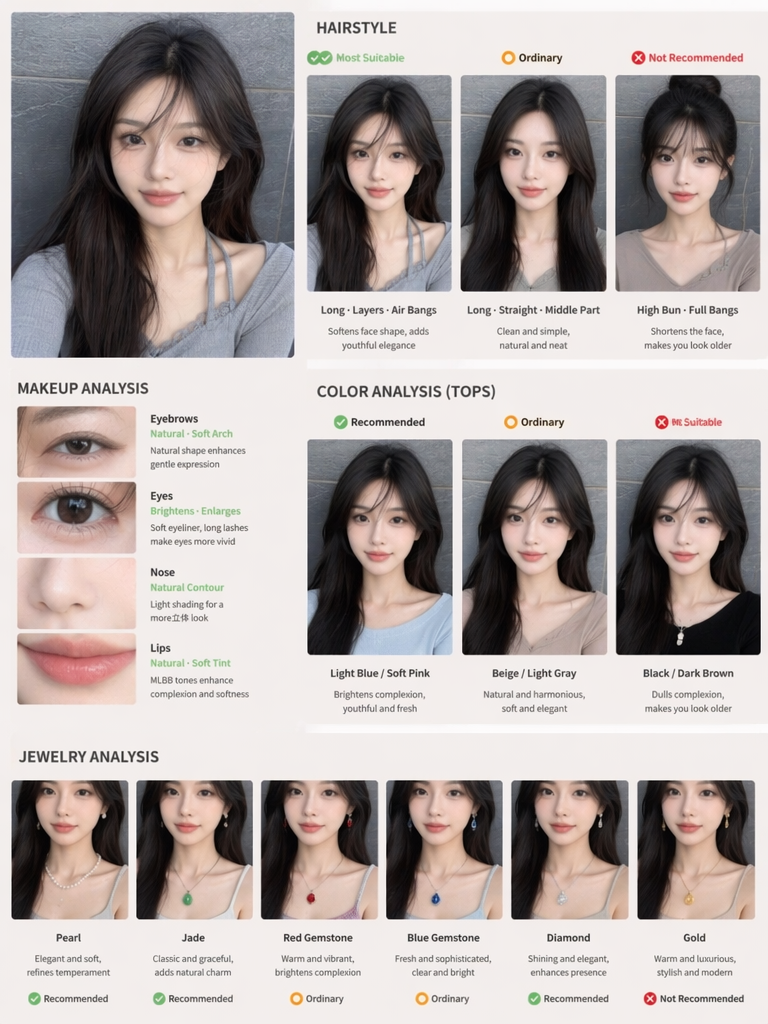
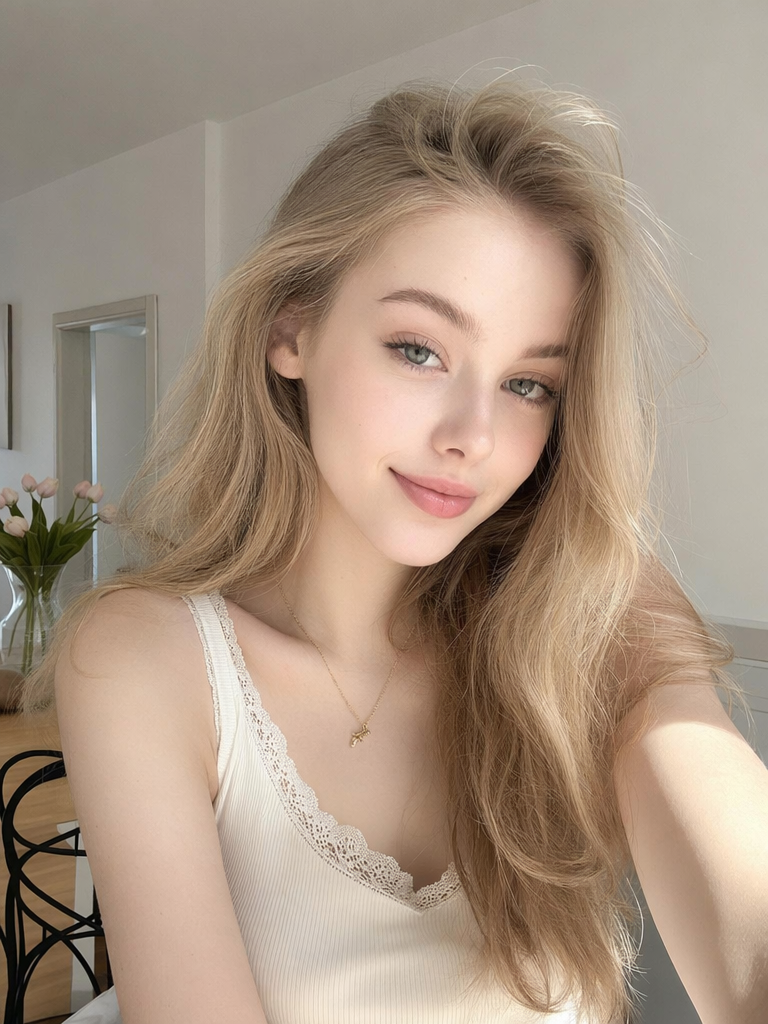
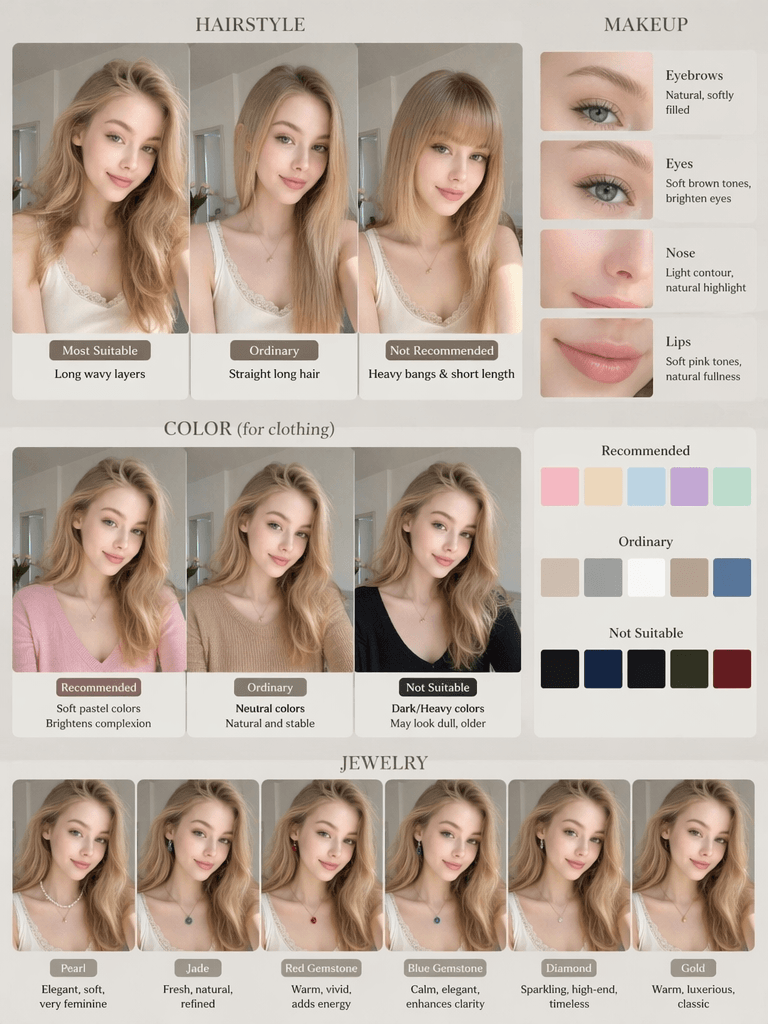
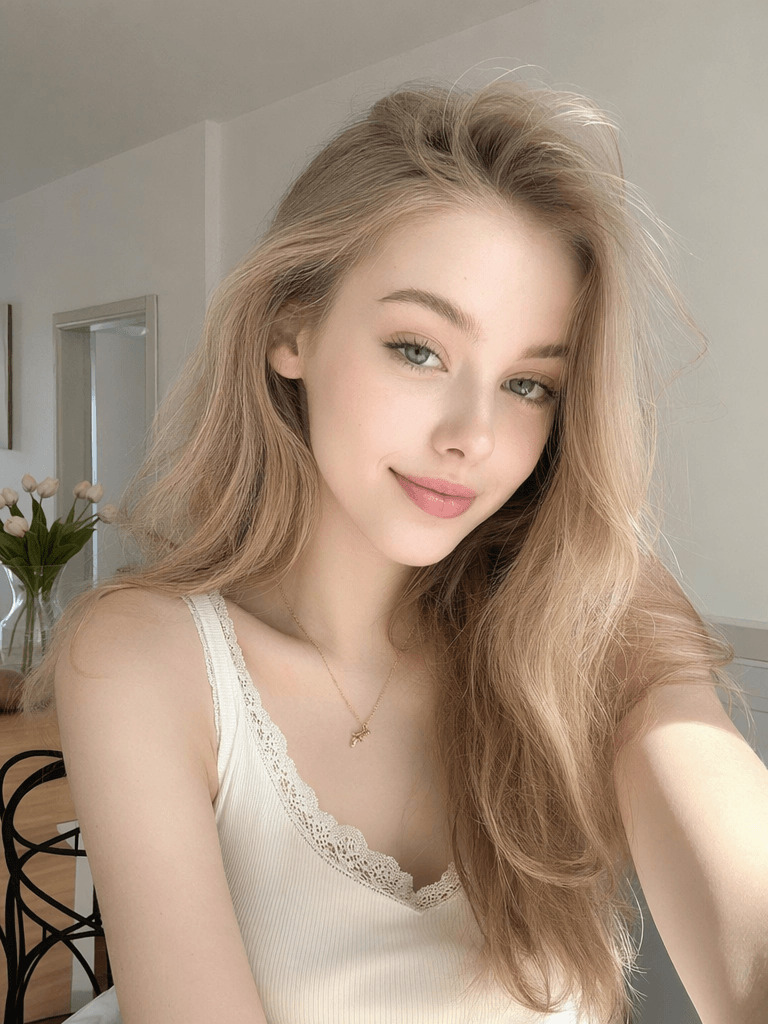
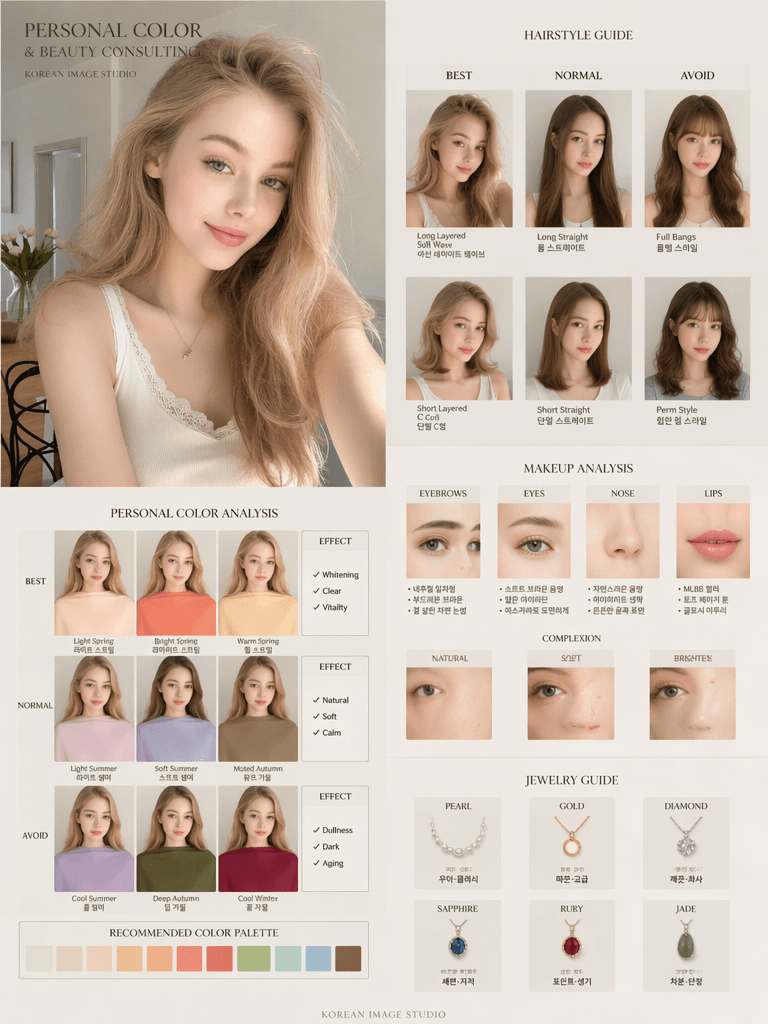
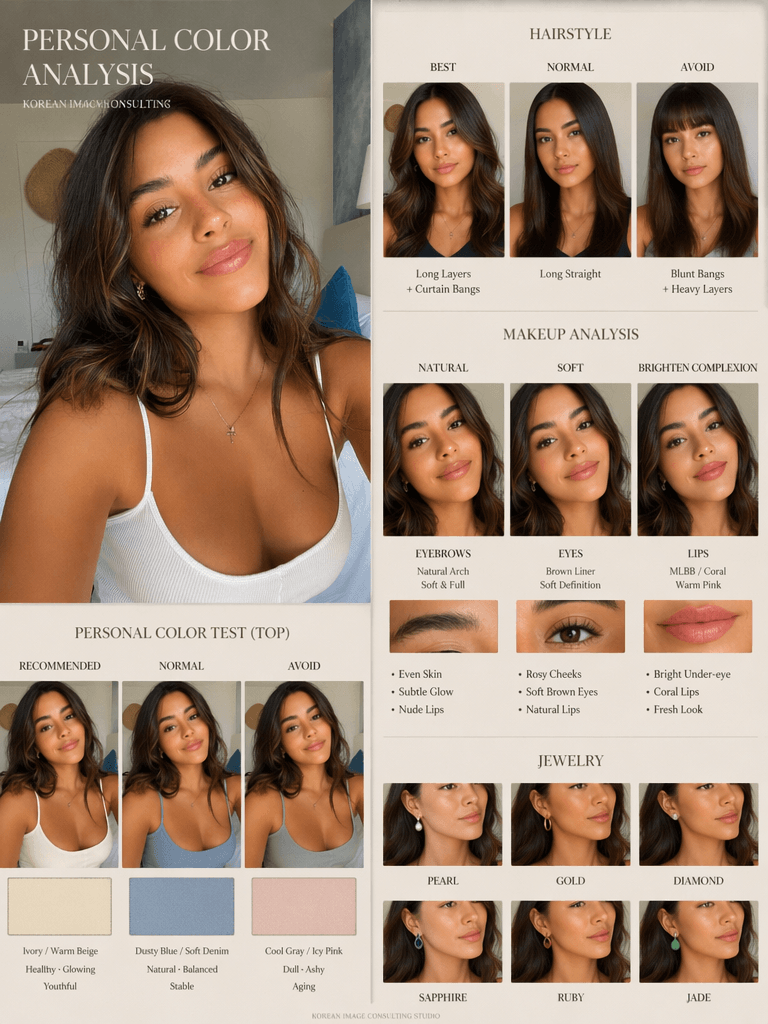
After generating, your card should include:
- Original photo
- Hairstyle options: Best / Ordinary / Avoid
- Makeup analysis: Brows, eyes, nose, lips
- Color comparisons for clothing
- Jewelry recommendations
- Labels for Recommended / Ordinary / Not Recommended
- Concise visual explanations
If results aren’t ideal, tweak the prompt for:
- More realistic facial representation
- Clearer color comparisons
- Premium editorial layout
Advanced Prompt: Korean Magazine Style
For a professional, editorial look:
Create a premium Korean-style personal color analysis board based on the uploaded portrait.

Keep the same real facial features, skin tone, and face shape. No over-retouching. Maintain realistic skin texture and natural facial details.

Include hairstyle comparison: best / normal / avoid (long hair, short hair, bangs, curls, straight hair)

Include makeup analysis: eyebrows, eyes, nose, lips; labels: natural, soft, brightens complexion, clean, elegant, refined, not recommended

Include personal color test: only change clothing colors; compare recommended / normal / avoid; show whitening, dullness, aging, and brightening effects

Include jewelry comparison: pearl, gold, diamond, sapphire, ruby, jade

Design style: Editorial beauty consultation layout, luxury Korean image consulting studio style, minimal typography, clean luxury aesthetic, realistic skin texture, 4:5 ratio
This generates magazine-style layouts suitable for Instagram, TikTok, and Xiaohongshu content.
Troubleshooting Tips
- Face altered too much? Emphasize keeping original features.
- Colors inaccurate? Re-upload under natural light, neutral clothing.
- Layout unpolished? Add editorial layout instructions.
- Content cluttered? Simplify sections and labels.
- Social media friendly? Adjust to vertical ratio (9:16) and clear labels.
Conclusion
AI has transformed personal color analysis from an expensive, in-person service to an accessible, shareable digital experience.
The real value lies not just in “making pretty images,” but in structured visual comparison, editorial-grade layout, and actionable recommendations.
With one selfie and a well-crafted prompt, anyone can create personalized, professional-looking image analysis cards ready to share on social media.
Go to WeShop AI For Exploration:





