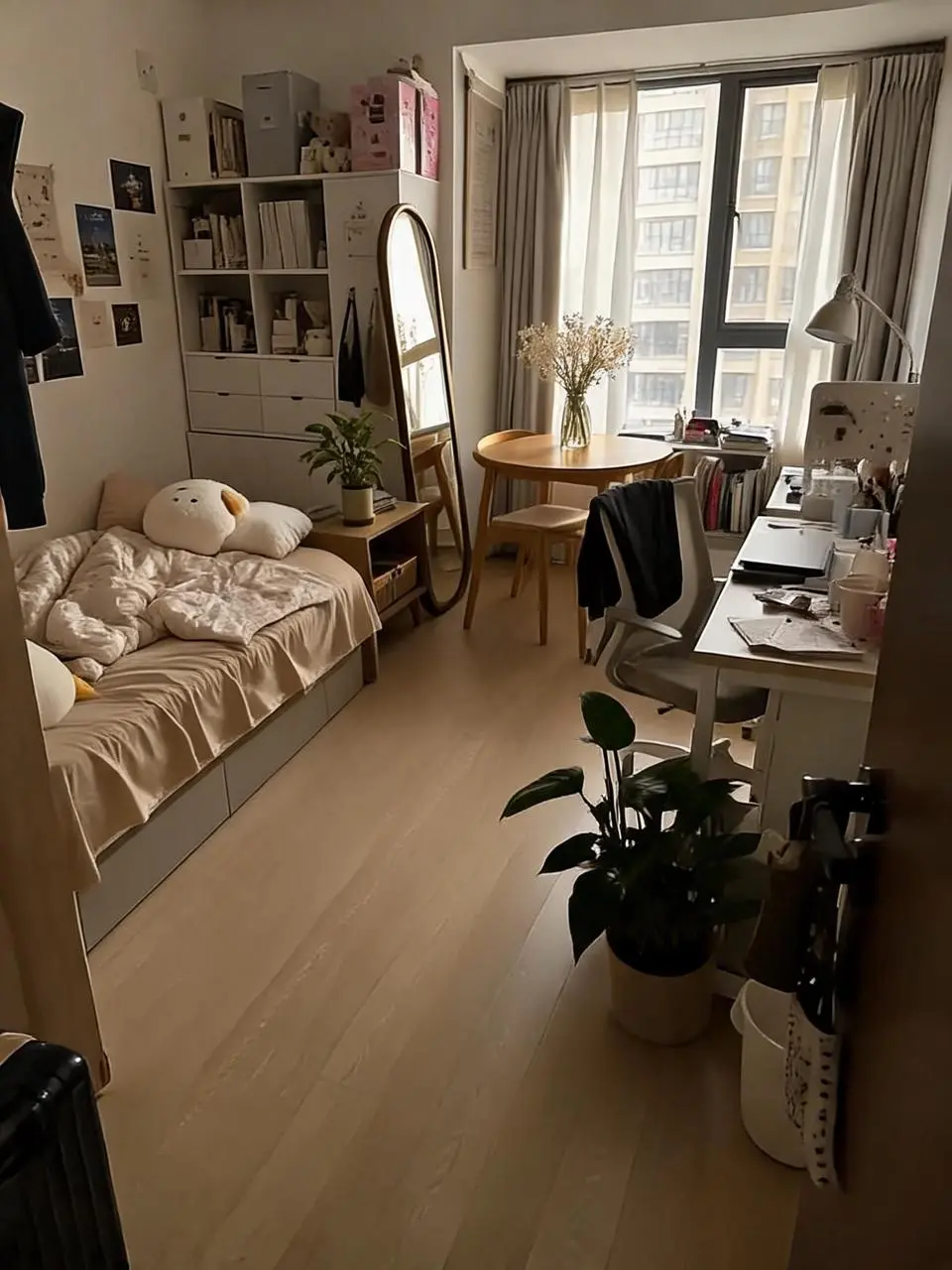
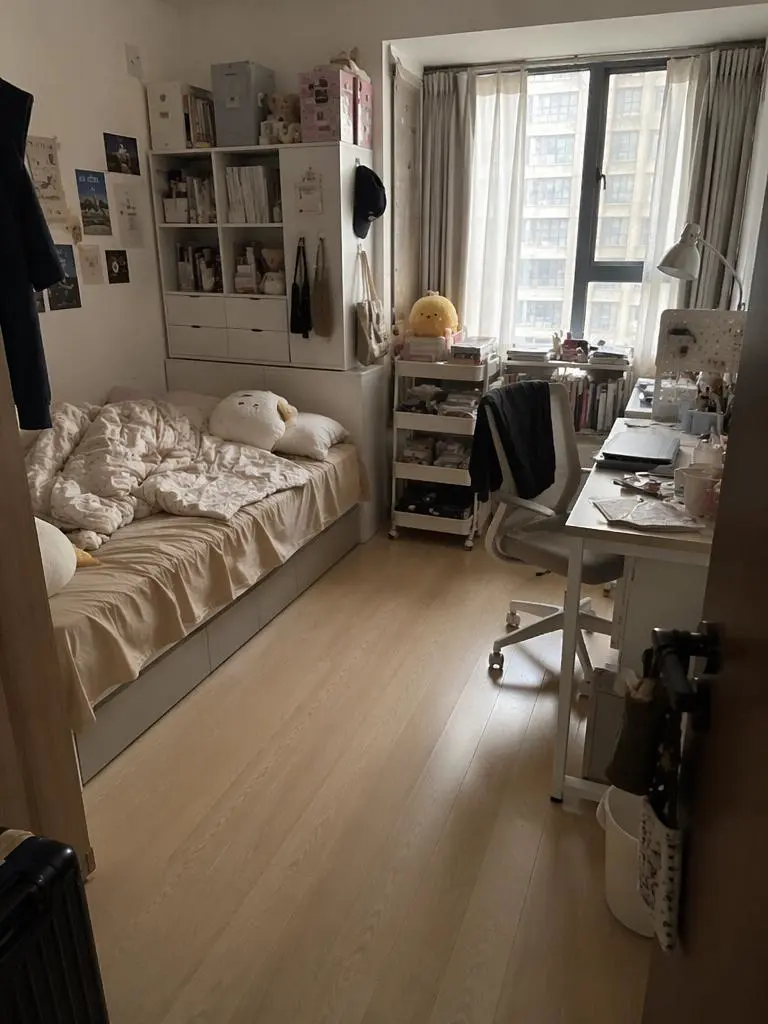
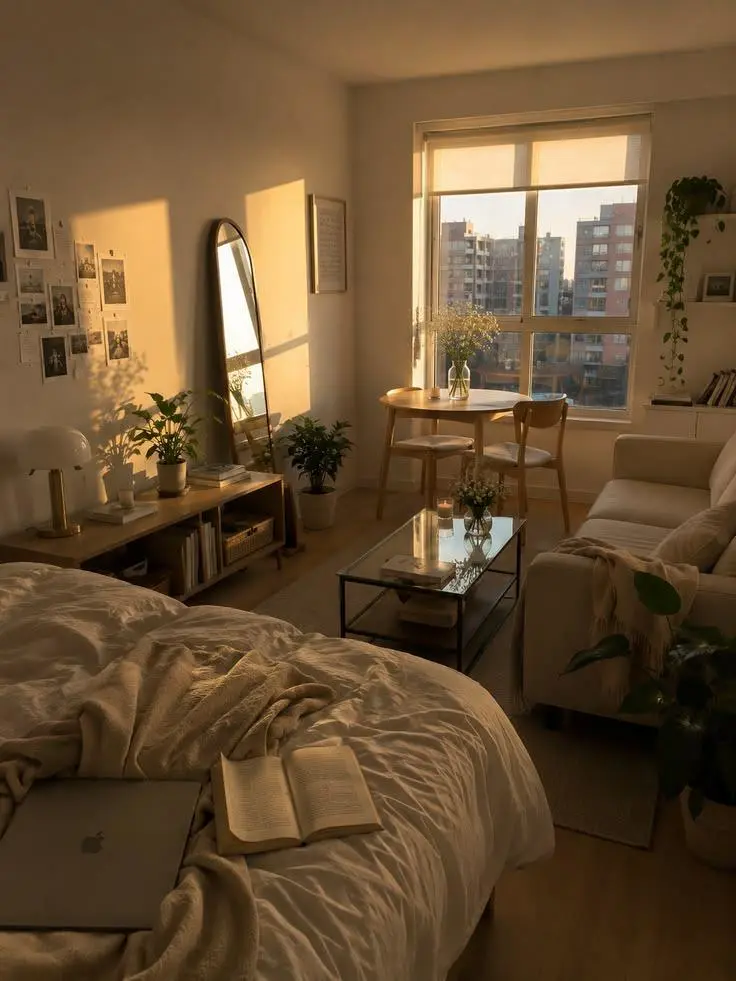
Replace the elements markedImage 2 [%#[Image 2 at <point>435 426</point>]#%][%#[Image 2 at <point>454 575</point>]#%][%#[Image 2 at <point>662 510</point>]#%][%#[Image 2 at <point>232 510</point>]#%]in Figure image 1 [%#[Image 1 at <point>666 468</point>]#%][%#[Image 1 at <point>315 311</point>]#%][%#[Image 1 at <point>451 431</point>]#%]iand arrange the layout appropriately.
Use the fox in image 1 as the character reference. Reimagine it as a layered paper-cut storybook scene in a moonlit woodland. Keep its pointed ears and recognizable orange-and-white face, but render the fur, scarf, trees and stars as visibly cut paper with crisp edges and soft cast shadows. Place the fox on the left and a glowing lantern on the right. Vertical 3:4 composition, no words or border.
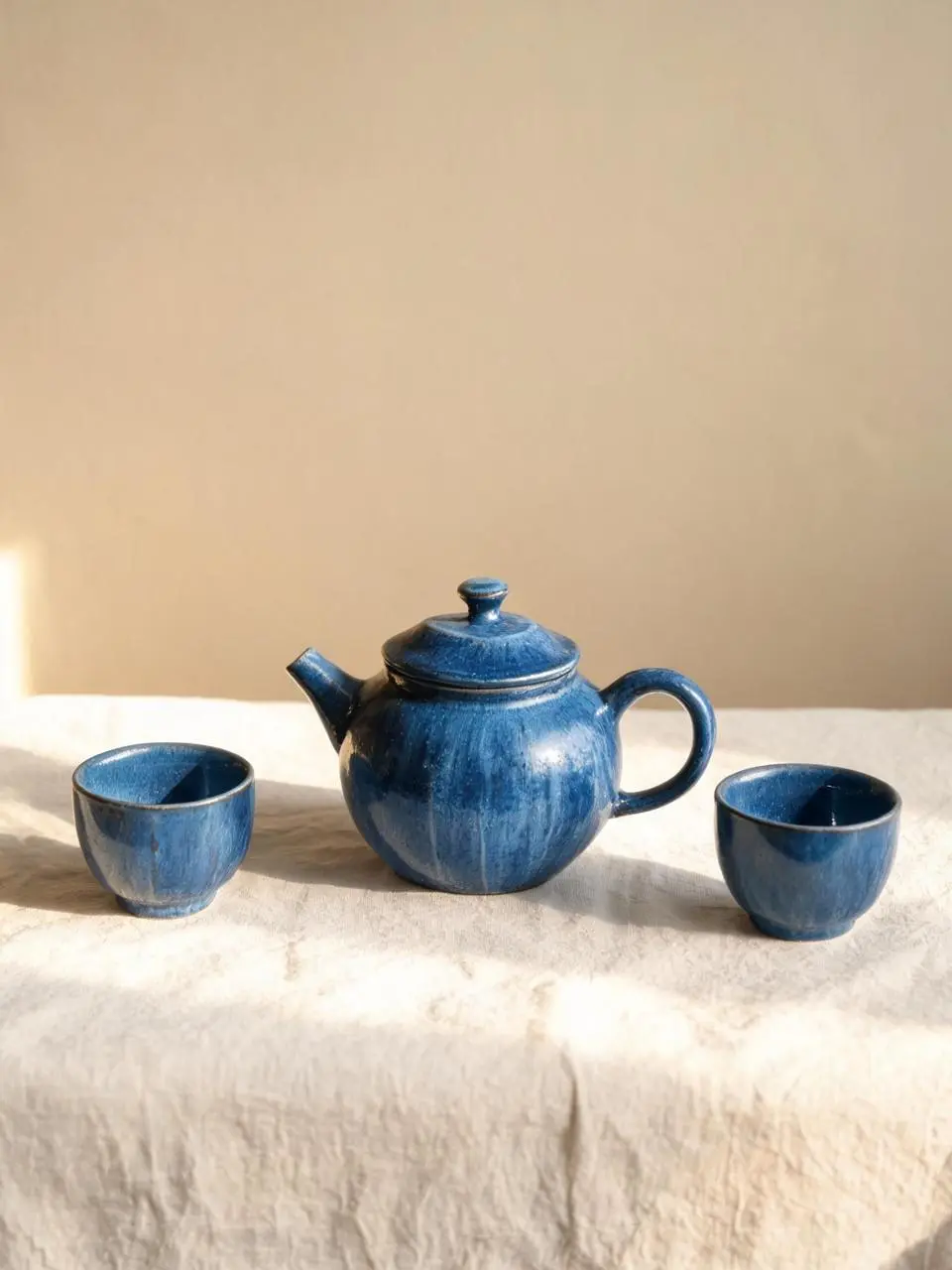
A handmade cobalt-blue ceramic teapot and two matching small cups arranged on a pale linen cloth, a warm beige studio wall, morning sunlight from the left, soft realistic shadows, visible handmade glaze texture, eye-level product photography. Keep the entire teapot and both cups visible. Clean vertical 3:4 composition. No lettering, brand marks, border or watermark.
結合下方實際 Seedream 5.0 Lite 提示詞、結果和已有參考輸入閱讀。每條說明指出應檢查的具體指令;請求某種效果不保證每個生成細節都符合。
把光線與色彩放入具體場景
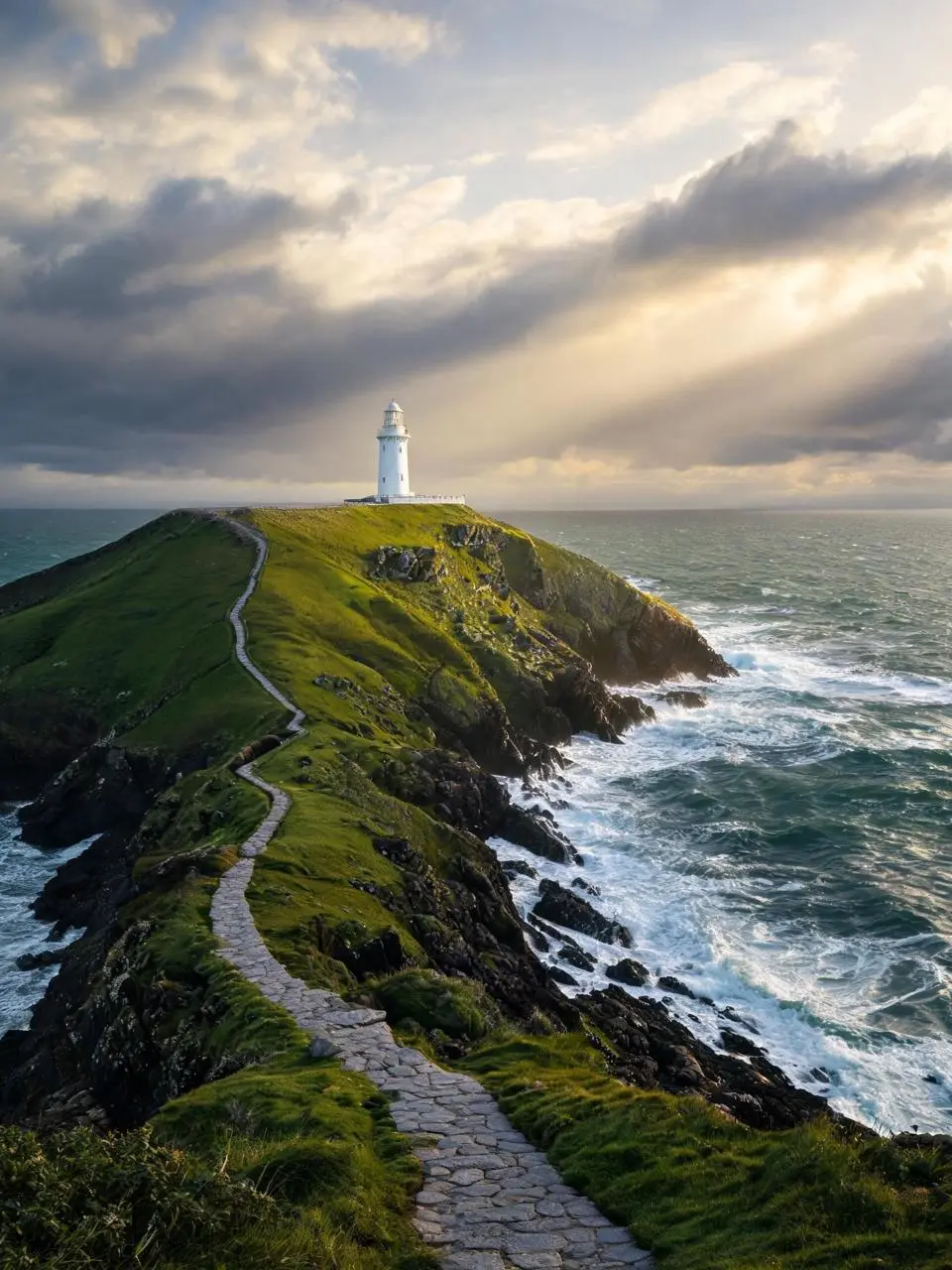
將可見光線或色彩安排寫入構圖。本例:“Golden sunlight breaks through layered clouds, waves foam against dark rocks.”
A solitary white lighthouse on a rugged green headland above a deep teal sea just after a storm. A winding stone path leads from the bottom foreground to the lighthouse in the upper third. Golden sunlight breaks through layered clouds, waves foam against dark rocks. Photorealistic landscape photography, vertical 3:4 composition, no people, no lettering, no border or watermark.
明確編輯區域與替換內容
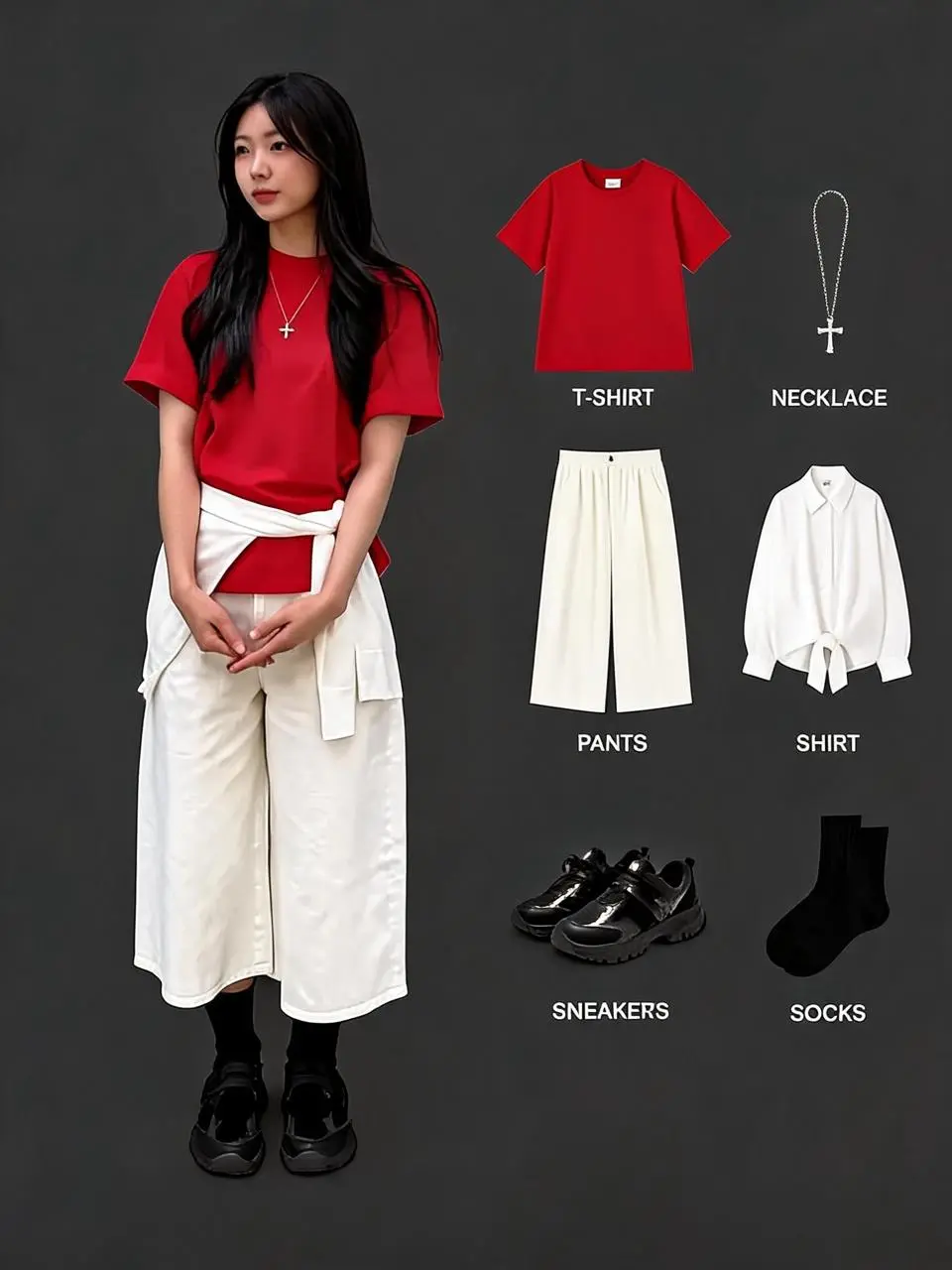
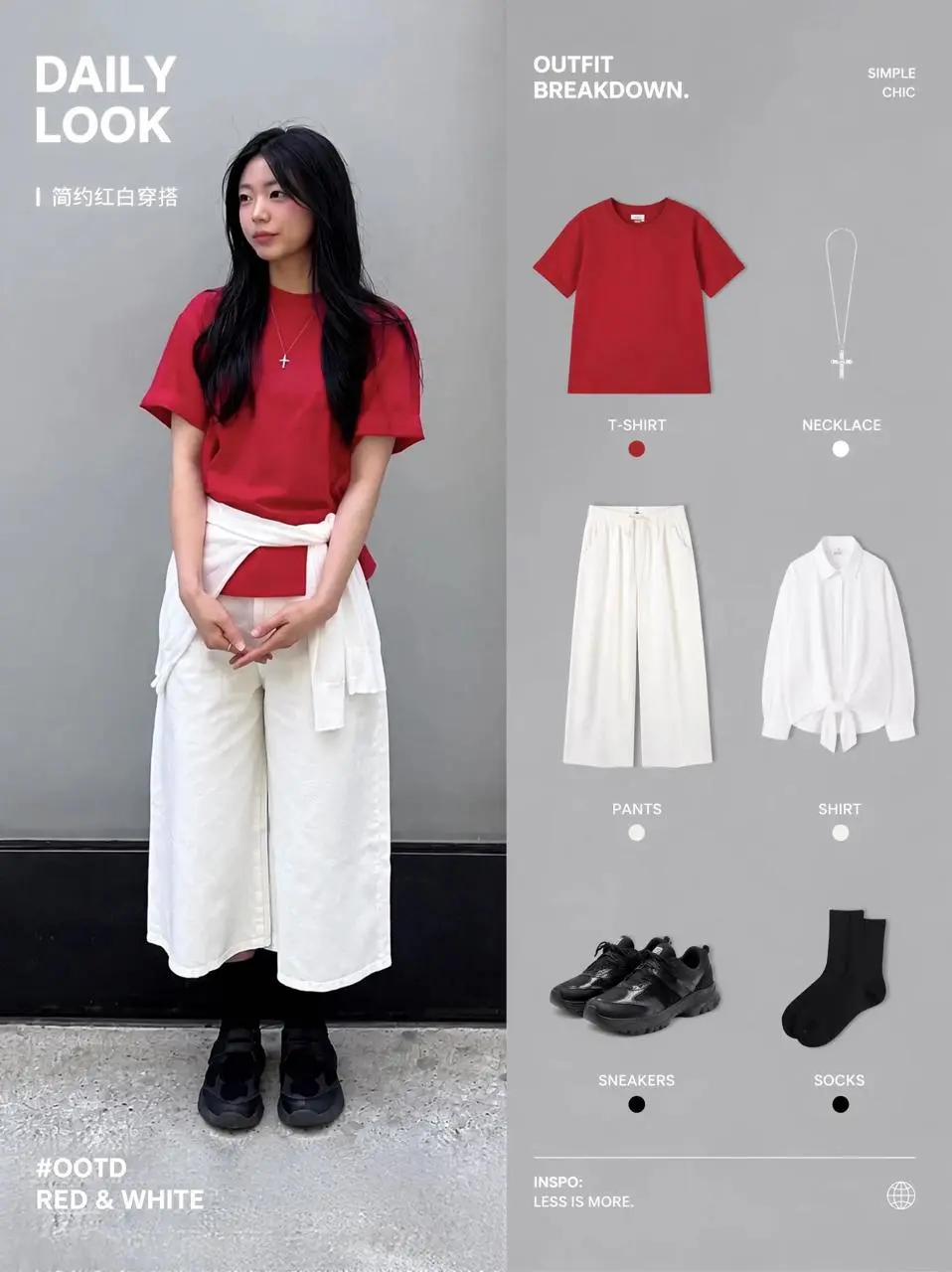
原提示詞用標記位置及所提供圖片指導改動。用於自己的輸入時須重新分配這些標記。本例:“Replace the elements marked image 2 [%#[Image 2 at <point>818 1013</point>]#%][%#[Image 2 at <point>969 1768</point>]#%][%#[Image 2 at <point>1017 2955</point>]#%][%#[Image 1 at <point>1691 785</point”
Replace the elements marked image 2 [%#[Image 2 at <point>818 1013</point>]#%][%#[Image 2 at <point>969 1768</point>]#%][%#[Image 2 at <point>1017 2955</point>]#%][%#[Image 1 at <point>1691 785</point>]#%][%#[Image 1 at <point>1678 1534</point>]#%][%#[Image 2 at <point>1861 2420</point>]#%][%#[Image 2 at <point>1655 3161</point>]#%]into Image [%#[Image 1 at <point>664 1147</point>]#%][%#[Image 1 at <point>793 1896</point>]#%][%#[Image 1 at <point>806 2768</point>]#%][%#[Image 1 at <point>1691 785</point>]#%][%#[Image 1 at <point>1678 1534</point>]#%][%#[Image 1 at <point>1717 2522</point>]#%][%#[Image 1 at <point>2246 1825</point>]#%] ensure the outfit combination looks appropriate and adjust the adjacent layout accordingly.
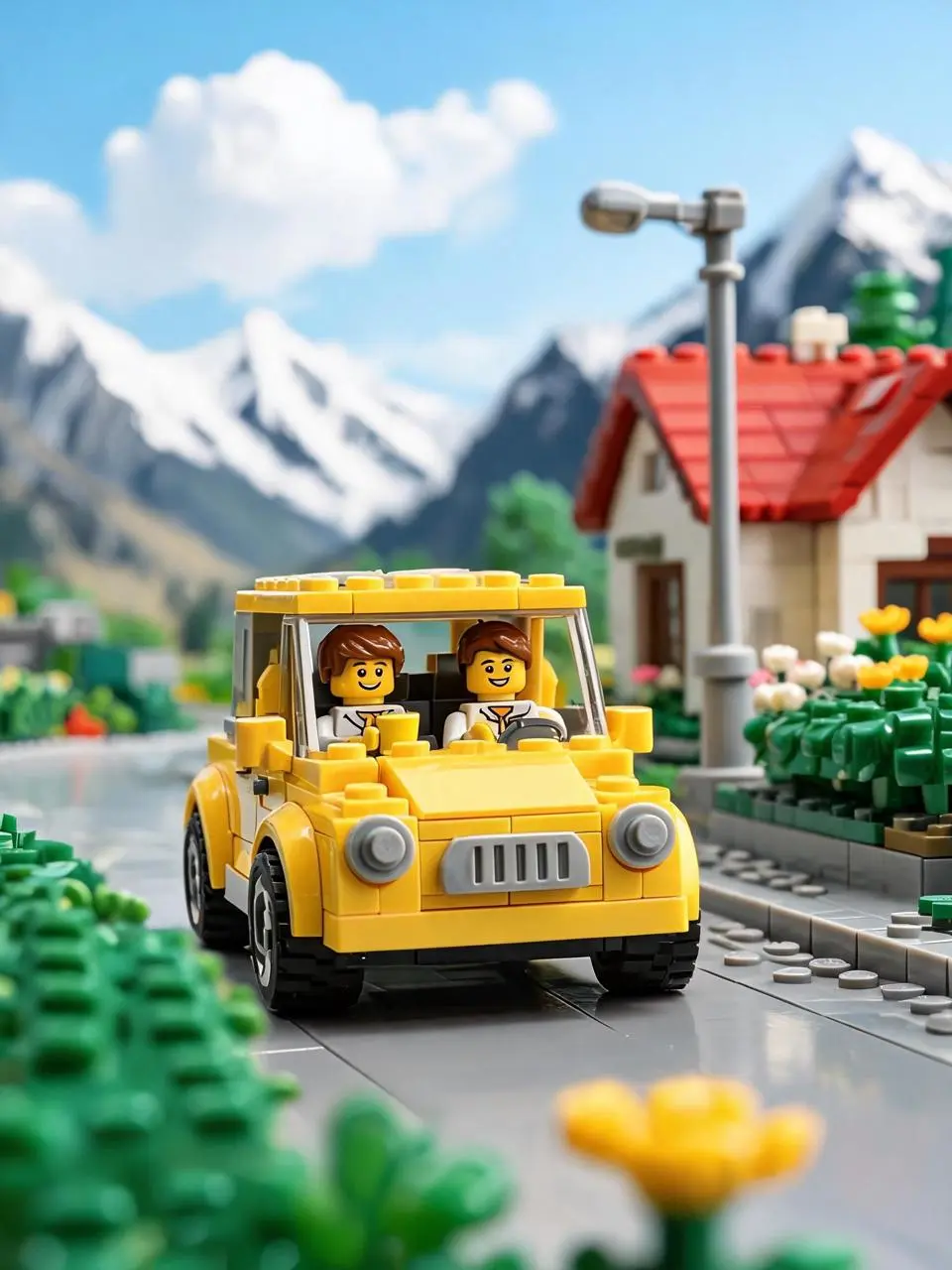
This image depicts a yellow toy brick car driving on a countryside road, exuding a bright, relaxed, and joyful atmosphere. At the center of the scene is a retro-style yellow brick car facing the camera. Its round headlights, gray grille, and black tires are clearly visible, showcasing the classic texture of a toy car.
Inside the car are two brick figures. The driver in the front seat has brown hair, a smiling face, and appears to be holding a yellow cup or drink, looking relaxed. In the backseat or cabin, there’s another passenger with a cheerful expression, suggesting they are on a trip together. The car’s vibrant yellow color stands out under the sunlight, evoking a sense of summer travel or a weekend getaway.
The background features a bright brick-built small town or countryside setting: on the right, there’s a small house with a red roof, along with streetlights, flower bushes, and greenery. In the distance, snow-capped mountains and a blue sky with white clouds complete the scene. The background is blurred, resembling a macro shot of a model, which highlights the car and figures in the foreground.
The lighting is very bright, with sunlight coming from above or slightly behind, creating beautiful highlights on the car and reflections on the ground. The overall color saturation is high, with the yellow car, green plants, and blue sky forming a vivid, fairy-tale-like palette.
In terms of composition, the car is positioned slightly below the center of the frame, with its front taking up the main visual focus, giving the impression that the car is driving toward the viewer. The foreground features blurred yellow and green brick flowers and plants, enhancing the realism and spatial depth of the miniature photography.
Style keywords:
Lego brick car, countryside travel, sunny and bright, retro yellow car, brick-built town, snowy mountain backdrop, blue sky and white clouds, macro photography, shallow depth of field, toy advertisement, joyful travel vibe.