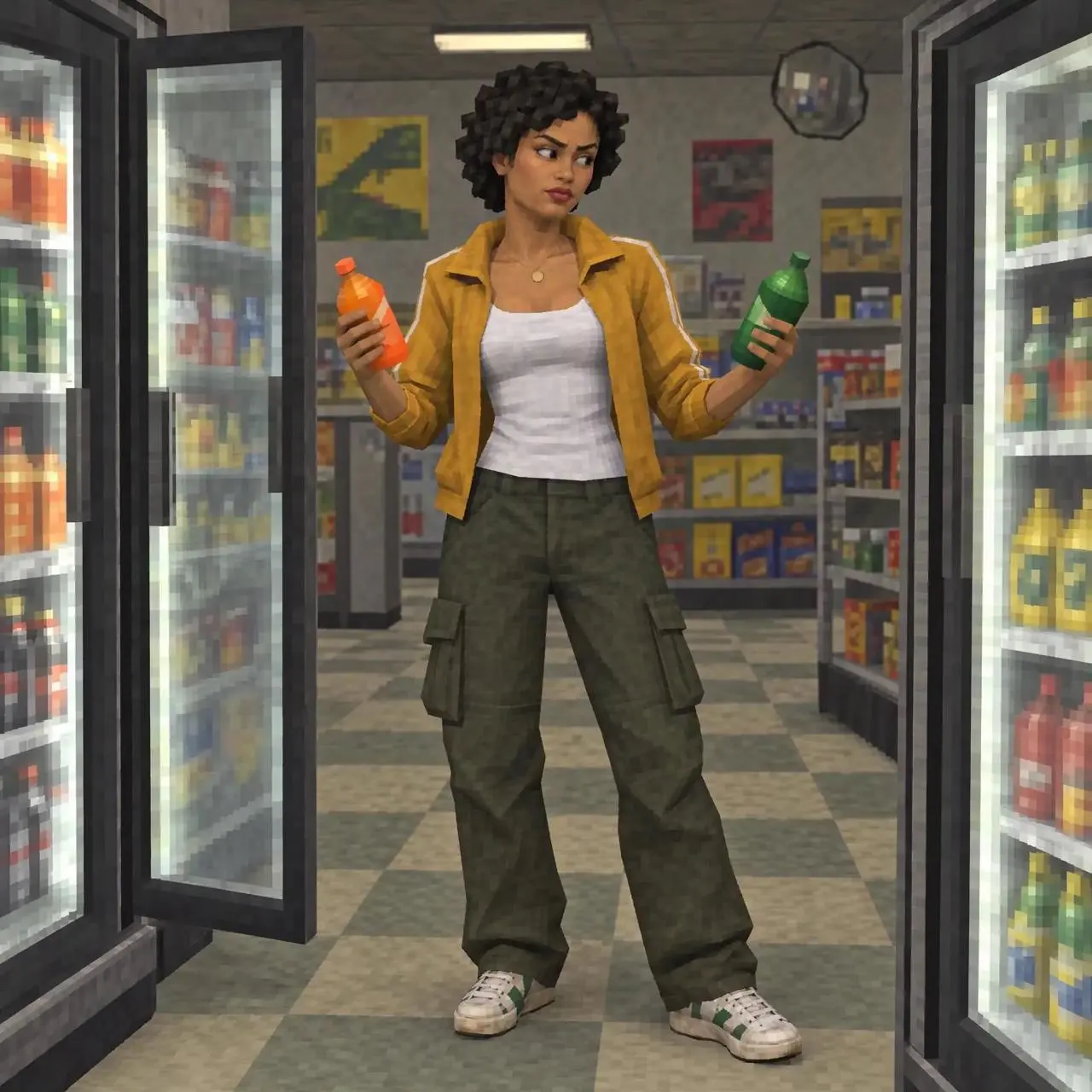
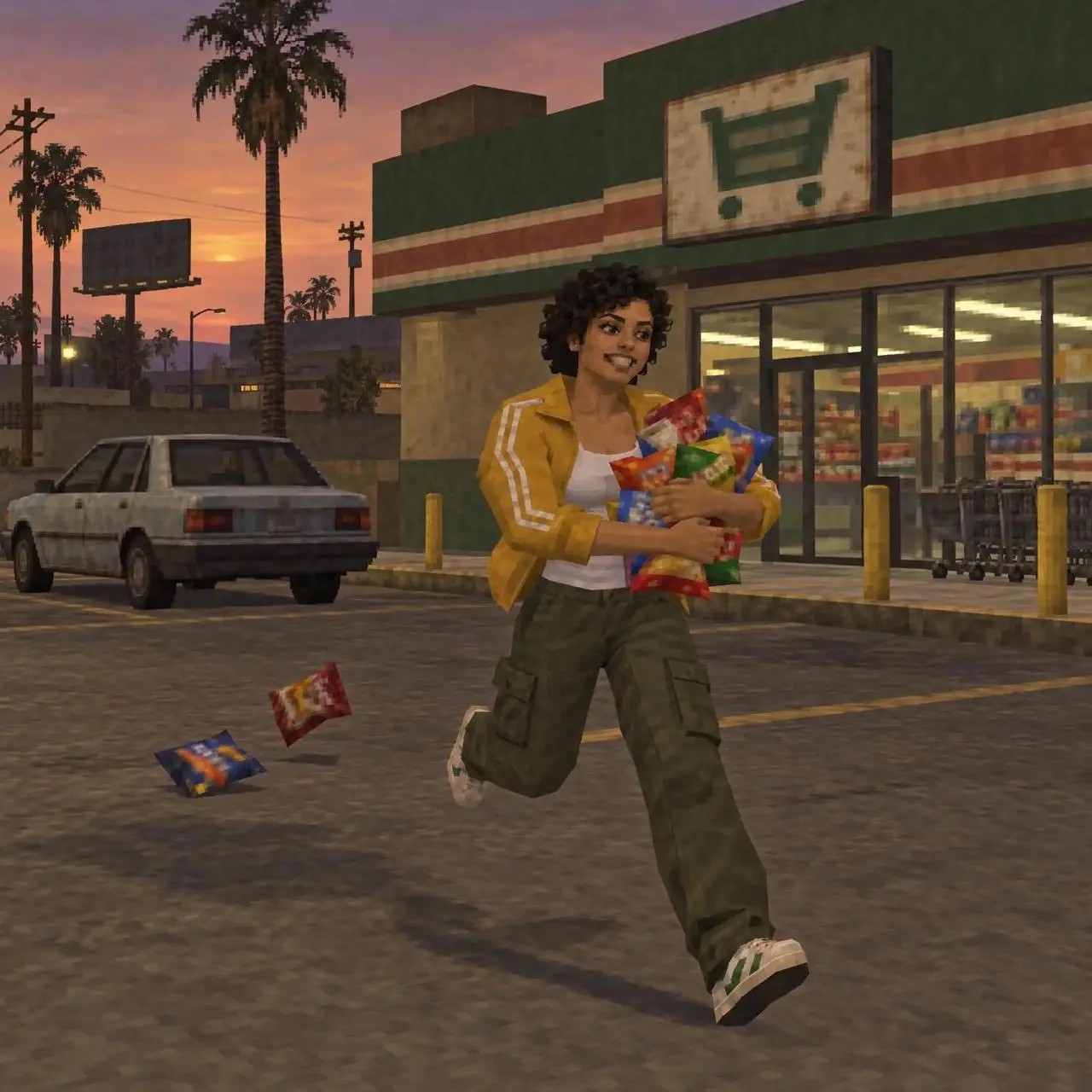
動畫場景轉場
動畫人物在商店、洗衣房和戶外場景間切換,用亮光與旋轉效果銜接鏡頭。
Combine three images into a single production, adding transitions and special effects.

從動畫場景串聯到穿搭轉場,查看影片效果,複製提示詞,或打開案例換上自己的參考圖片。
動畫人物在商店、洗衣房和戶外場景間切換,用亮光與旋轉效果銜接鏡頭。
Combine three images into a single production, adding transitions and special effects.
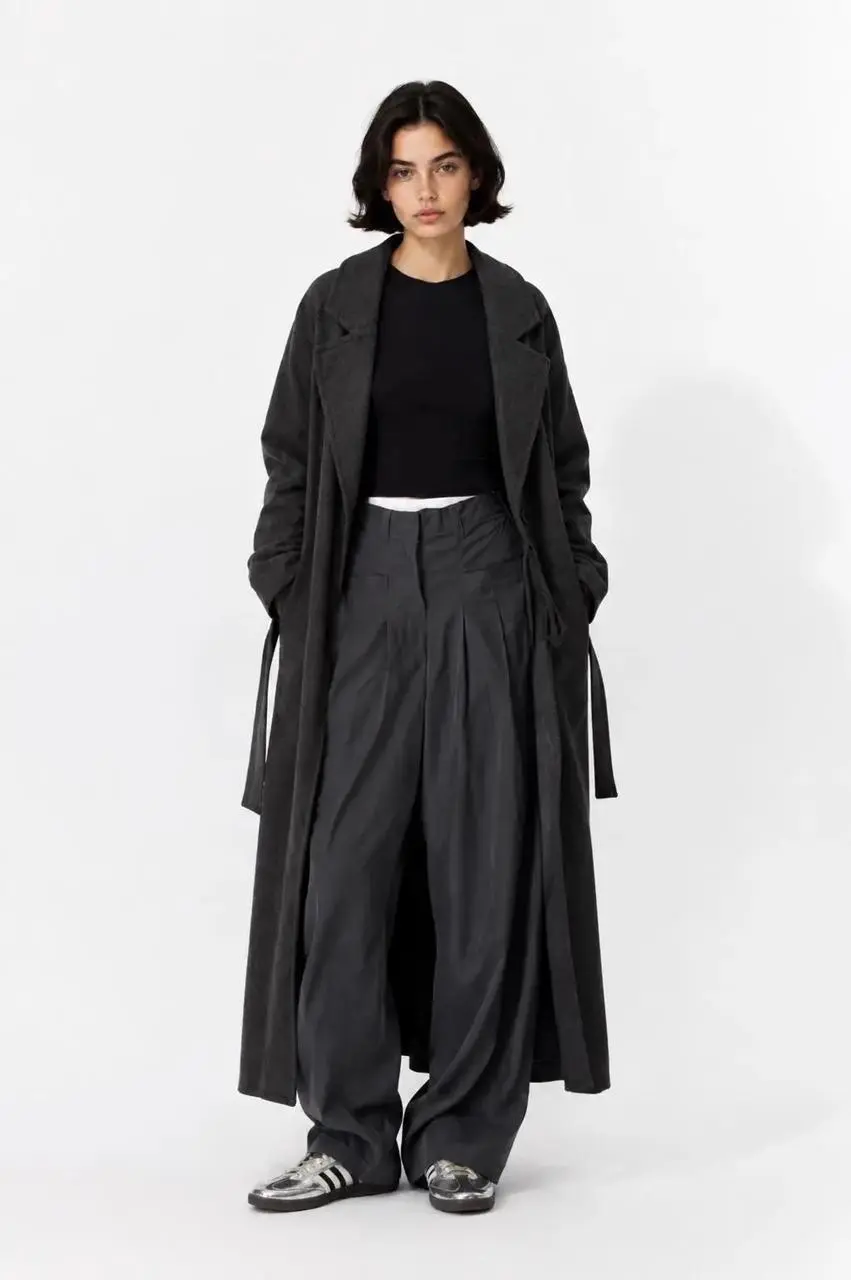
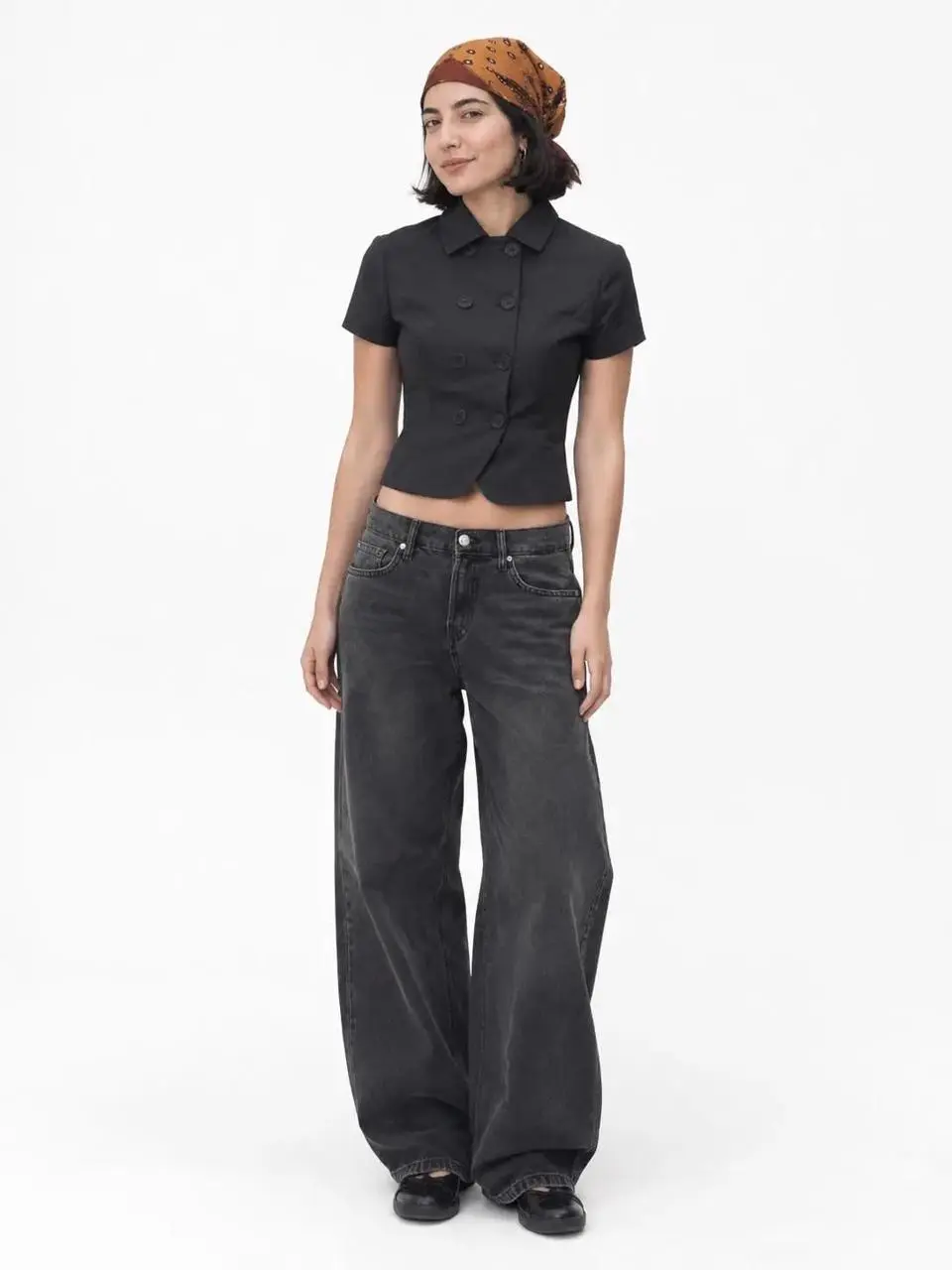
模特在白色影棚背景中入場、離場,將多組穿搭串聯成短片。
Using the uploaded images, create an OOTD transition video; incorporate elements such as "dropping into" the frame or "walking out" of the frame between the clips.
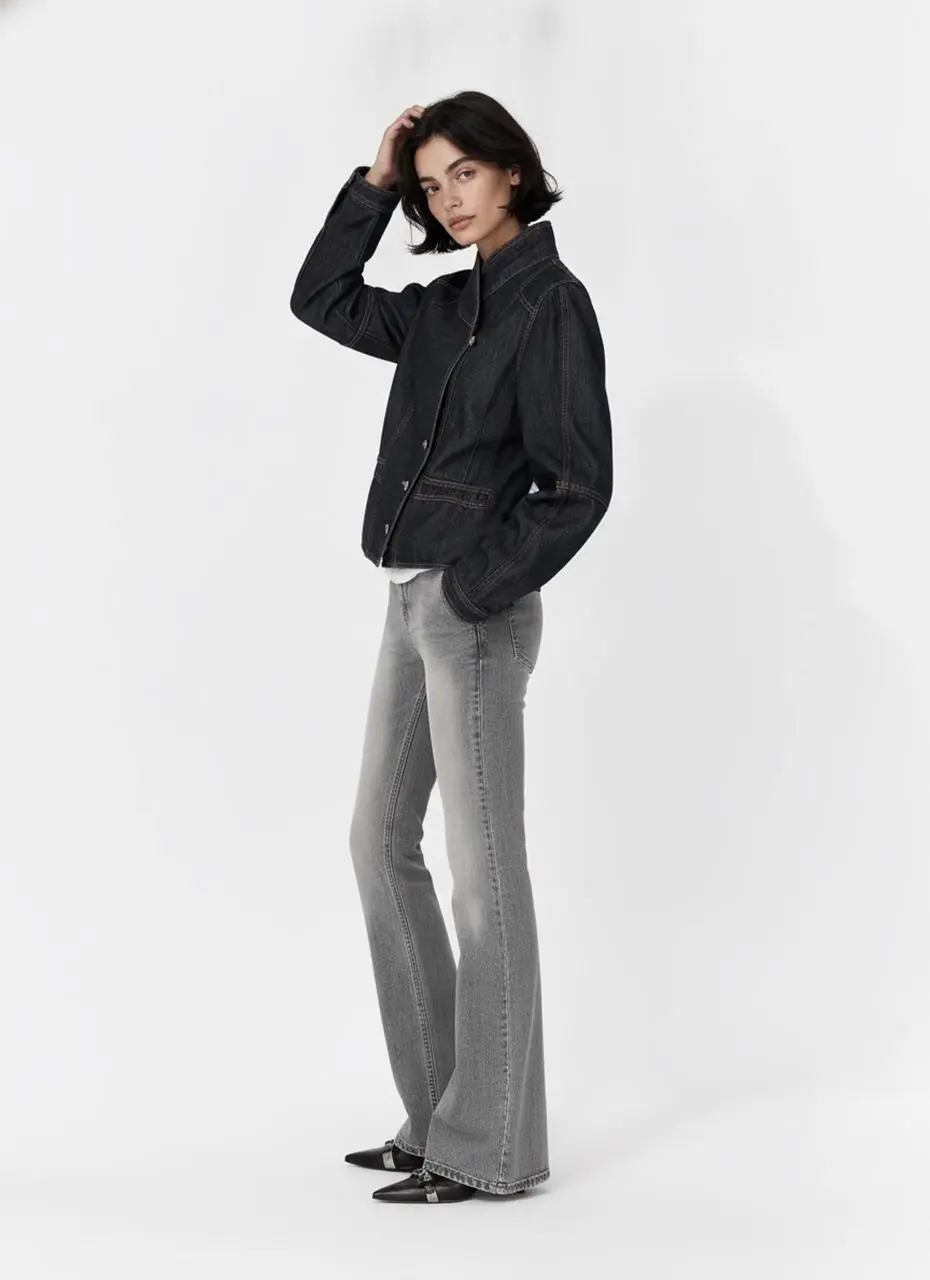
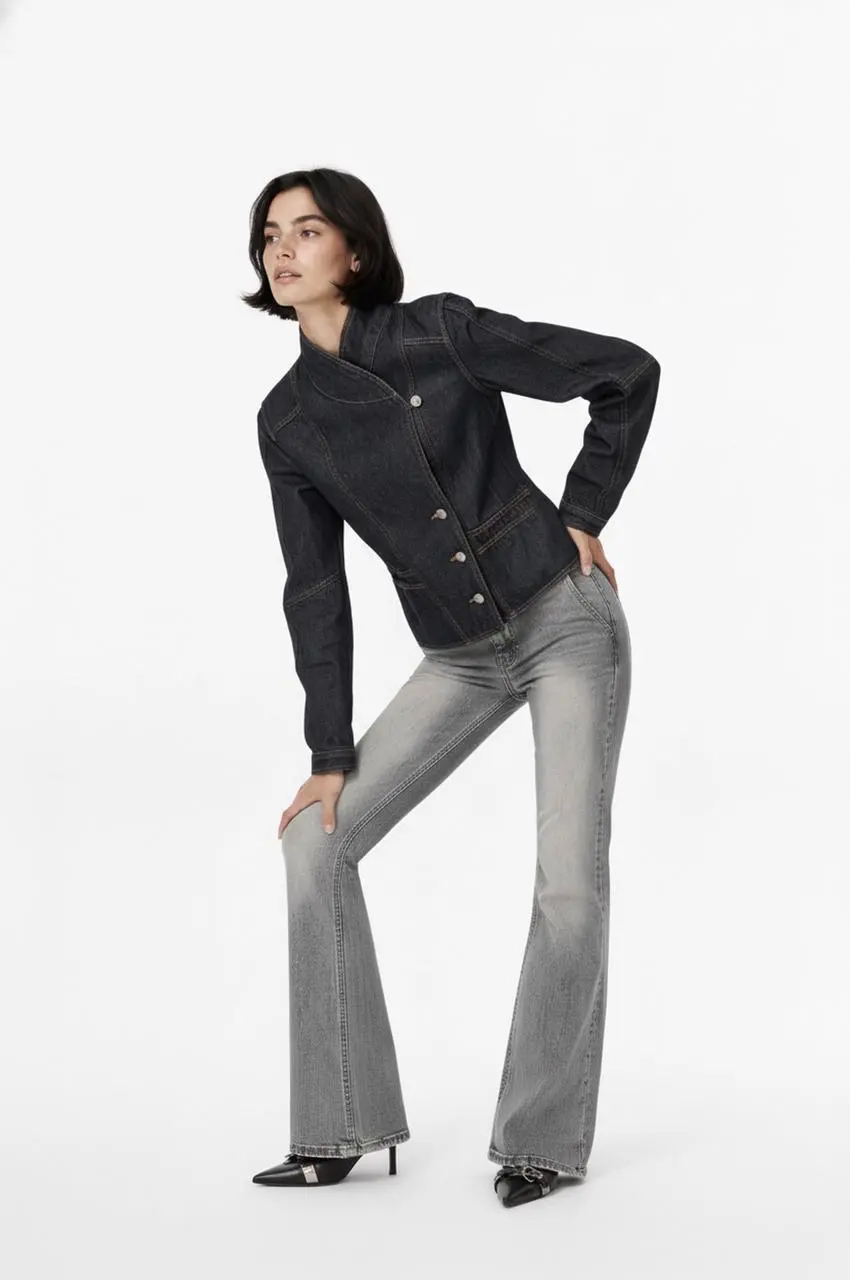
模特在影棚中變換姿勢,造型從黑色外套切換到淺藍色上裝。
Edit into an OOTD transition video
Kling 官方將 4.0 的重點放在動態穩定性、創作控制和較長敘事。把這些作為創作方向,生成后仍需檢查主體變化、動作錯誤與對白同步。
Kling 4.0 側重快速動作、連續運動及跟拍、環繞等複雜運鏡的穩定性。大廳與追逐演示呈現了鏡頭位置變化中的動作發展。
官方 Omni Reference 可結合視覺素材引導人物、商品、構圖和運動。追逐案例將參考圖集與包含多個人物、車輛的場景配對展示。
最長 30 秒的原生生成,為動作與場景發展提供更多空間。巨龍演示從懸崖展開到城市上空,實際文件約 27.9 秒。
Kling 菜單提供兩個 4.0 選項,可根據手中的素材選擇輸入方式。
從文字構思或參考素材開始時,可選文字或參考模式,并在描述中說明各份素材的用途。
可從文字、起始影格、起始與結束影格或多個影格開始。準備關鍵畫面時,讓相鄰畫面的動作與場景能夠銜接。
從影片案例中學習主體、動作、鏡頭與場景的寫法。複製參考提示詞,再根據自己的素材調整人物、場景和鏡頭。
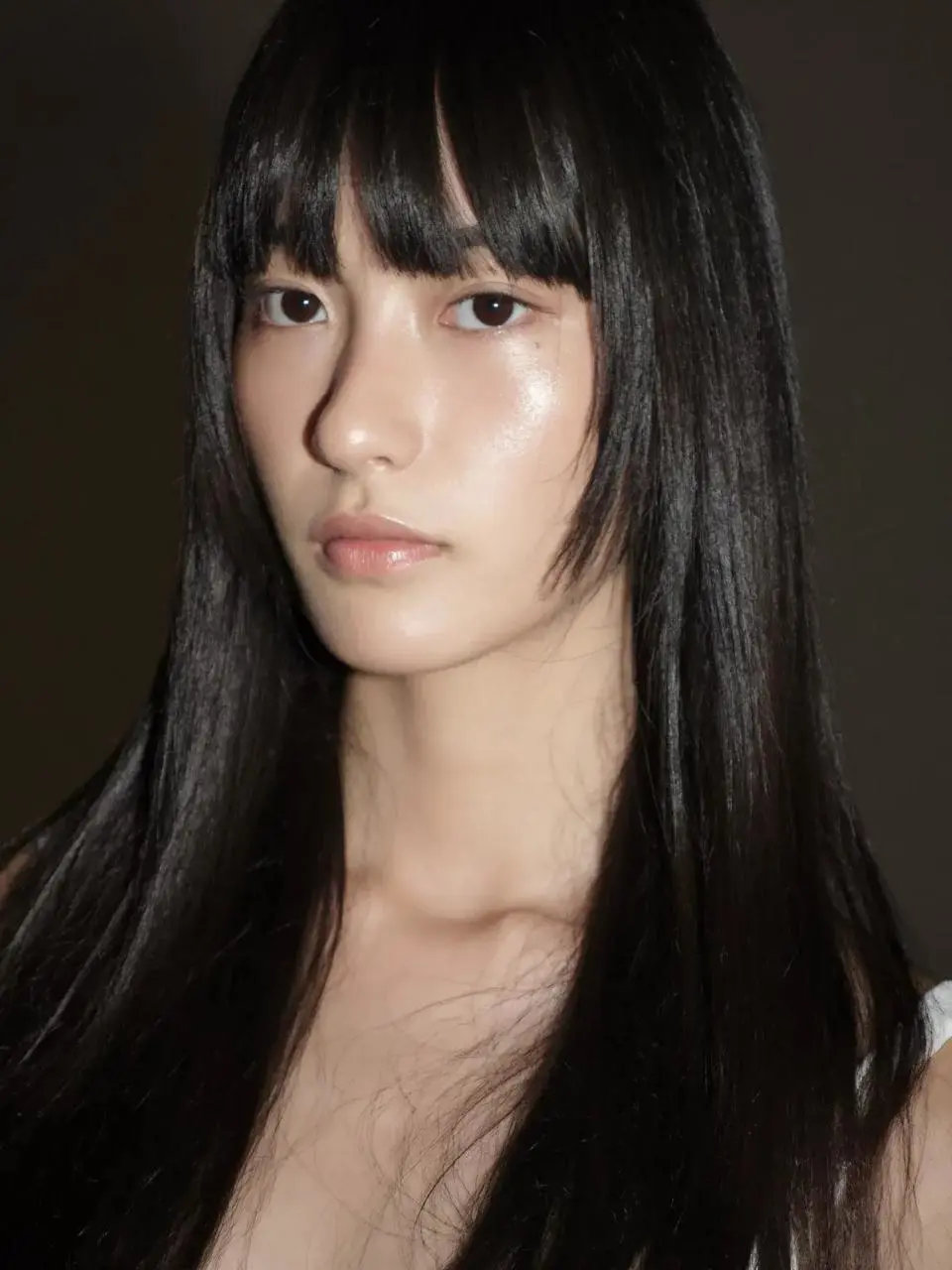
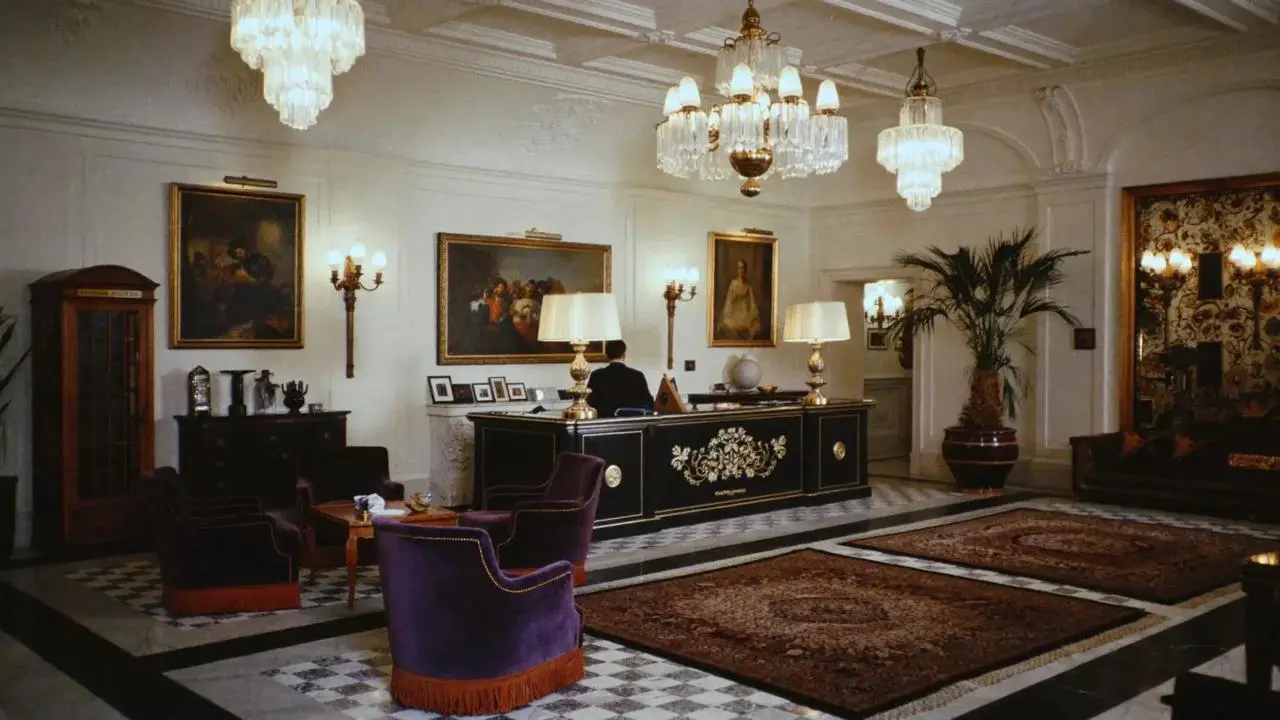
女性在大廳內連續應對多名人物,觀察動作與鏡頭的銜接。
A woman defeats five men one after another in a hotel lobby.
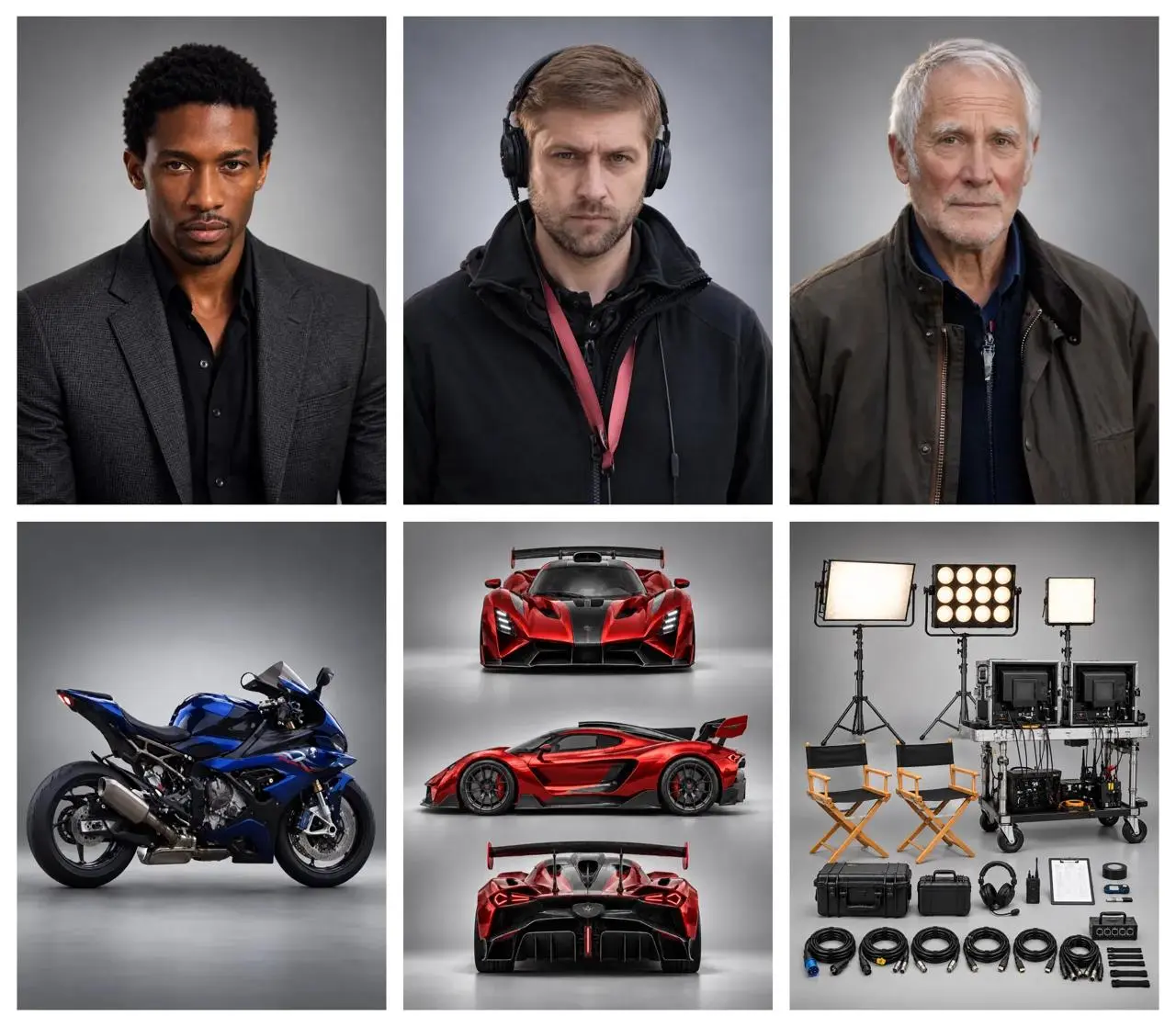
將導演、跑車與摩托車組織到同一場景中。
A director guides the actors while filming a high-speed chase between a supercar and a motorcycle.
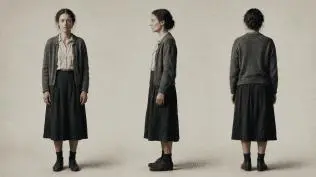
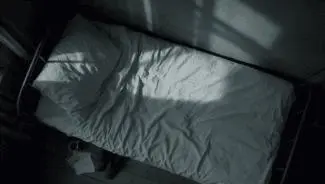
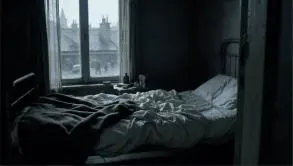
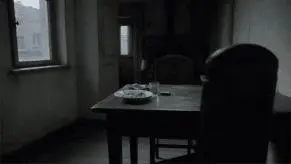
參考提示詞:明確各參考圖的作用,依次安排桌邊、床邊、人物近景與俯拍鏡頭。
Use the reference images to guide the same woman, her clothing, the room and the shot compositions. Create a quiet cinematic sequence in a modest bedroom with cool daylight entering through the window. First show her seated at a table, eating from a plate. Cut to her seated on the edge of an unmade bed, holding a white cup and taking a slow sip. Move into a close-up of her face and the cup. Finish with an overhead view of her lying on the bed. Keep her face, short dark hair, clothing and the room details consistent across the shots. Use restrained movement and a muted blue-gray color palette.


巨龍片段從懸崖上的場景展開到城市上空。
A giant dragon stands atop a cliff, roaring at the burning city below.
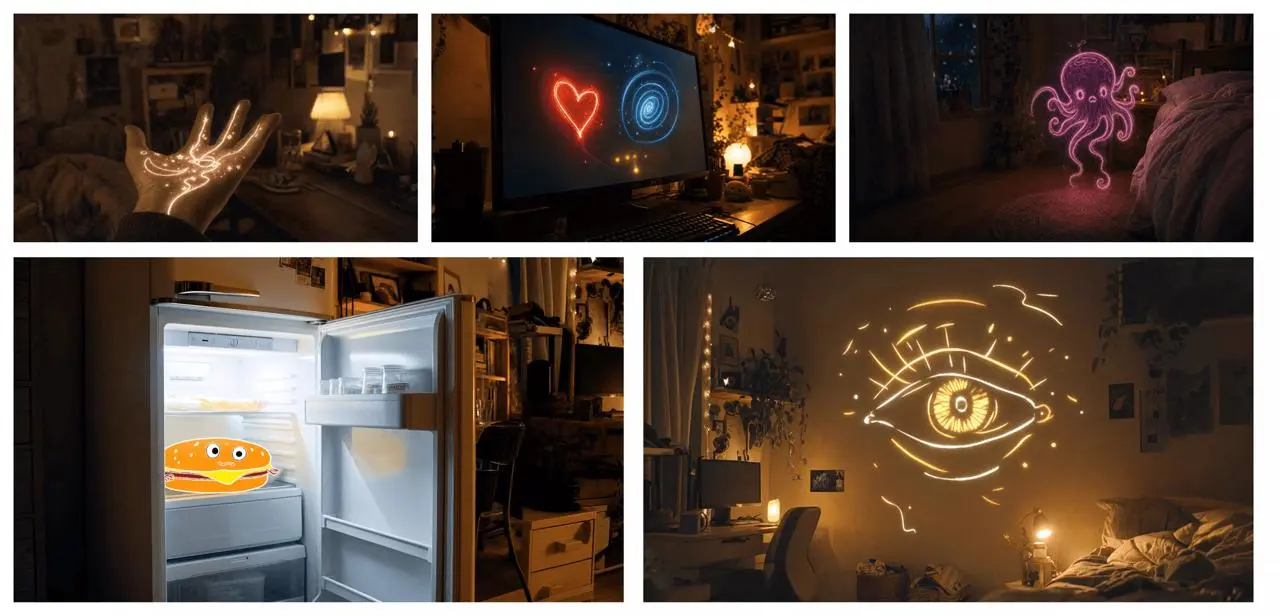
參考提示詞:沿用圖板中的視覺順序,寫清發光圖形之間的變化和鏡頭銜接。
Use the supplied image board as visual guidance for a 20-second magical sequence in a cozy bedroom at night. Begin with a close-up of an open hand covered in glowing golden lines. A small golden star flies from the hand toward a computer monitor displaying a red heart and a blue spiral. Follow the light as it becomes a butterfly, then a flowing purple ribbon that forms a small floating octopus-like figure near the bed. Continue toward an open refrigerator containing a smiling cartoon hamburger. Finish on a large golden line-drawn eye opening above the bed. Connect these moments with fluid camera movement, warm practical lighting, sparkling light trails and a consistent bedroom setting.
簡短提示詞為表演和場景安排留出發揮空間。
An old man ranting about AI.
提示詞同時交代重逢、擁抱、手持跟拍、光線與聲音。
A single continuous 7-second shot set in the UK. At dusk, two friends who haven’t seen each other in a long time meet at the corner of a quiet street, with people going about their everyday lives around them. They smile, walk quickly toward each other, and share a warm embrace. Their expressions and body movements feel natural. The handheld camera follows them with a slight, natural shake. Soft, warm lighting and a nostalgic film look. Include natural footsteps, street ambience, background music, and dialogue in English.
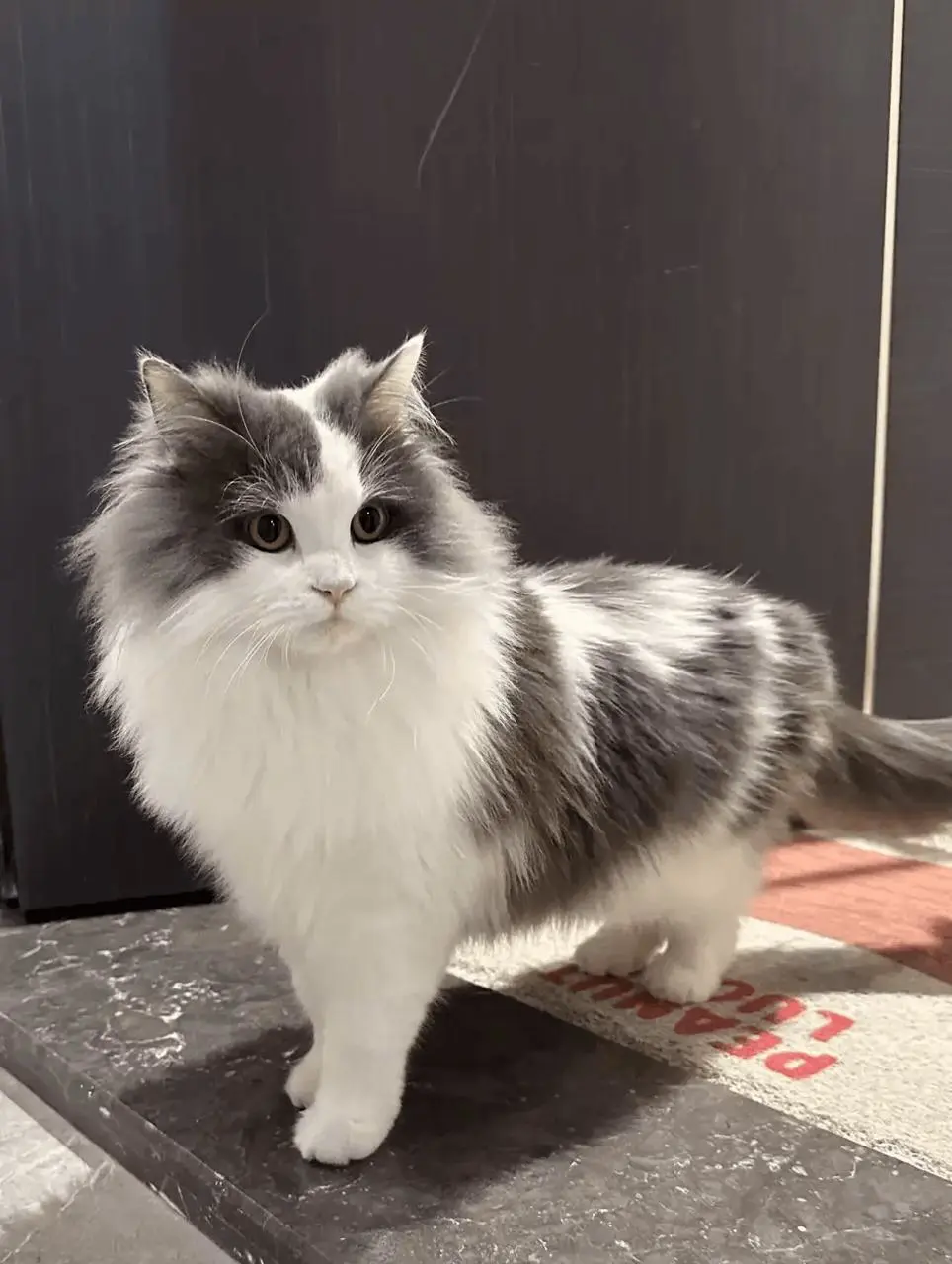
參考提示詞:用貓的圖片確定外觀,用狗的影片引導鏡頭順序、節奏和互動動作。
Replace the dog in the reference video with the gray-and-white long-haired cat from the reference image. Preserve the original shot sequence, framing, camera movement, timing, white background, and human interactions. Show the cat facing the camera, receiving a gentle stroke on its head, and peeking out of the person's clothing pocket. Keep the cat’s facial markings, fur colors, and fluffy appearance consistent throughout, adapting its movements naturally to each shot.
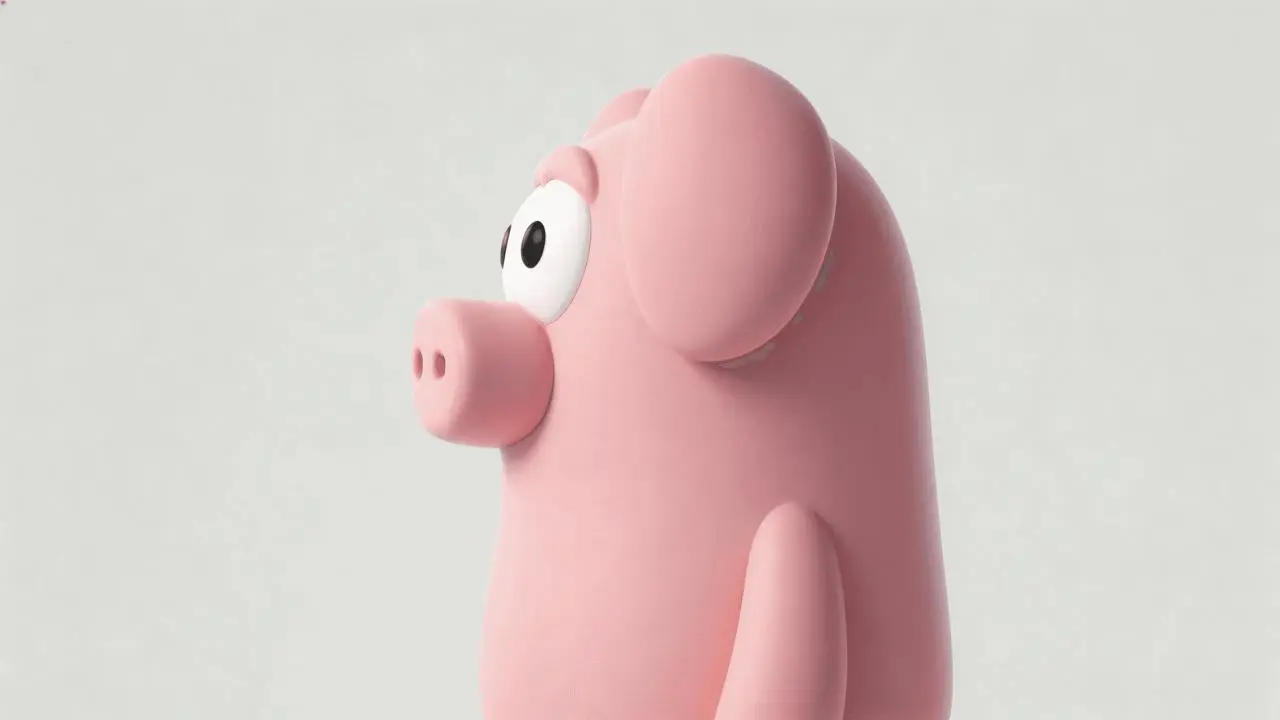
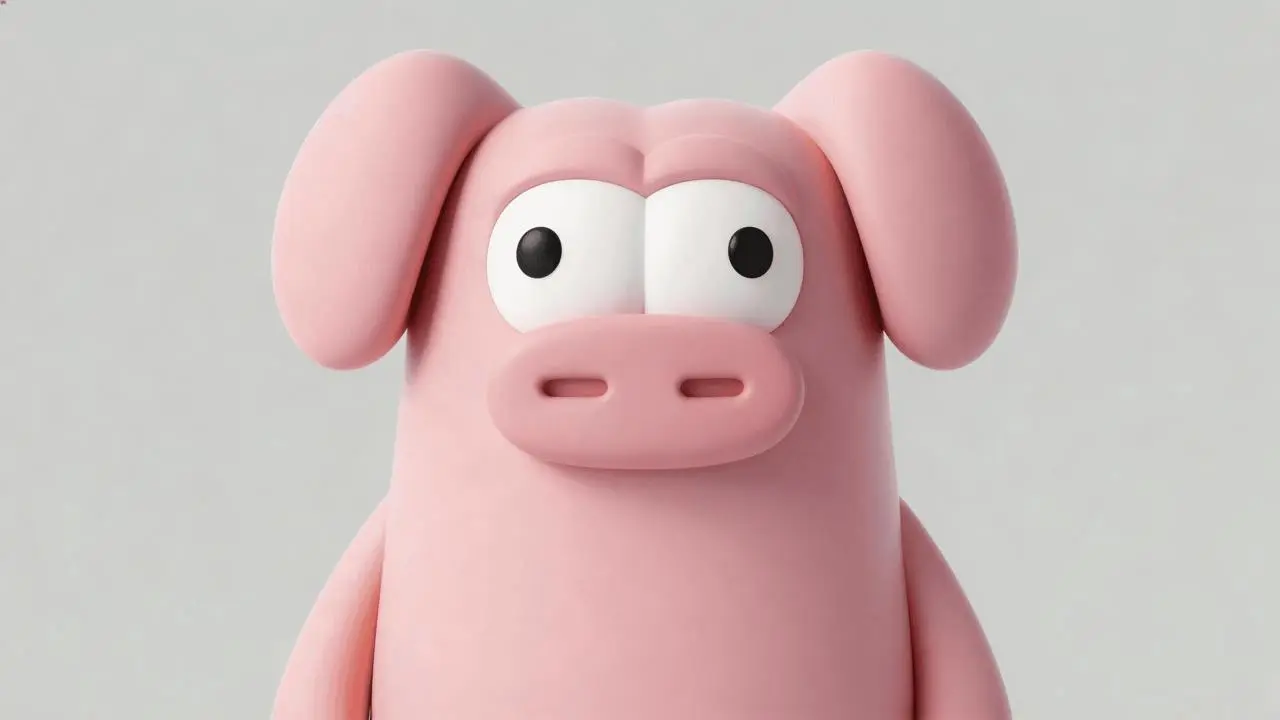
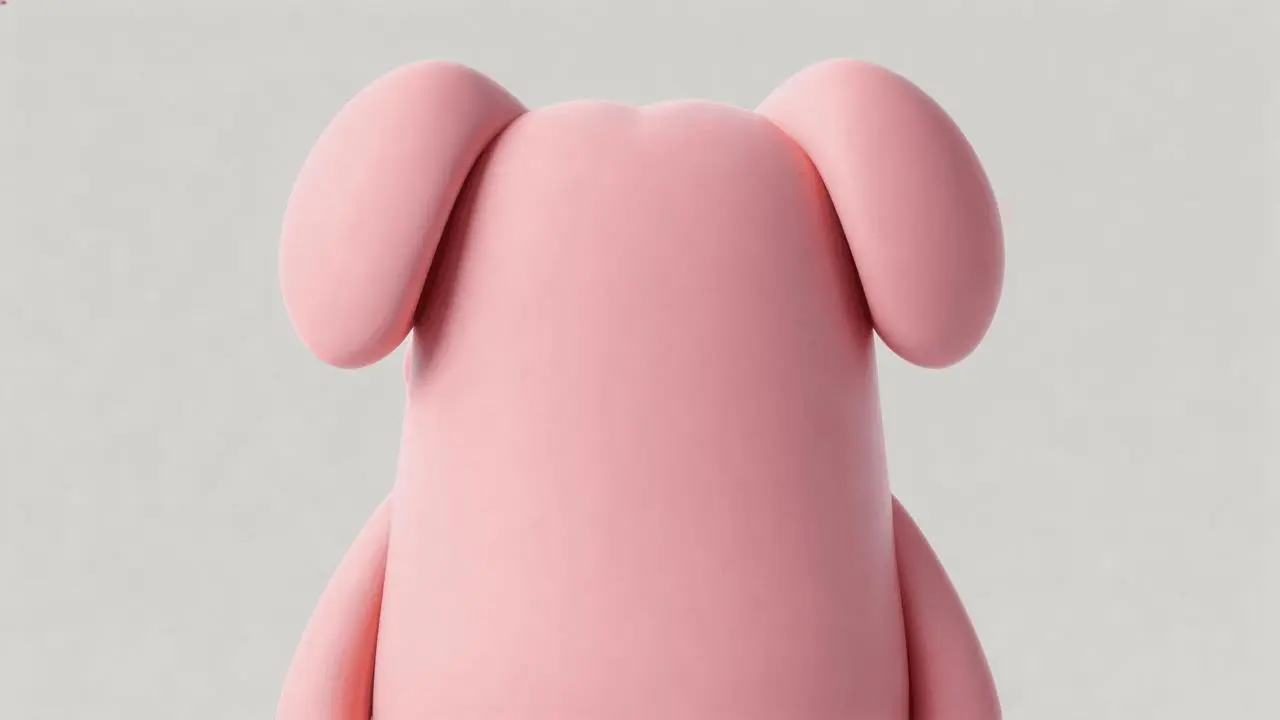
參考提示詞:保留房間與原有動作,在木箱中揭示粉色角色,并調整結尾人物的反應。
Edit the reference video while preserving the wood-paneled room, the existing people, their clothing, the warm lighting, the camera cuts and the action around the wooden box. Use the three character images to add the same pink cartoon pig-like character inside the box. Reveal it lying in the box when the camera looks inside near the end, replacing the empty interior and its lettering. Match its position, perspective, scale and lighting to the box while retaining its smooth pink body, floppy ears and large white eyes. Keep the preceding action and dialogue, then change the final spoken reaction and matching English subtitle to: "Why is there a pig here?"
按任務選擇對應的 4.0 選項,再選擇文字、參考或影格輸入方式。
交代動作、鏡頭與結尾,選擇 3–30 秒、720p 或 1080p,以及自動、21:9、16:9、9:16 或 1:1。提交前查看當前積分報價。
從頭到尾檢查人物、商品細節、動作、轉場、文字和聲音,再調整需要改進的具體指令或參考素材。
根據已有素材和鏡頭時長選擇模型。Kling 4.0 Reference 與 Image to Video 是 4.0 內部的輸入方式,具體區別見上方“從哪種輸入開始”。
| 比較維度 | Kling 4.0 | Kling 3.0 Omni | Kling 3.0 |
|---|---|---|---|
| 官方模型定位 | 較長敘事、動態運動與 Omni Reference 參考創作 | 參考素材引導的人物一致性與分鏡控制 | 原生音影片生成與多鏡頭敘事 |
| WeShop 輸入路徑 | Reference:文字或參考素材;Image to Video:文字、起始影格、起始與結束影格或多個關鍵影格 | 文字、源影片與參考圖片 | 起始影格,或起始影格與結束影格 |
| WeShop 時長選項 | 3–30 秒 | 3–15 秒 | 3–15 秒 |
| WeShop 可用設置 | 720p/1080p;自動、21:9、16:9、9:16 或 1:1 | 16:9、9:16 或 1:1;生成音頻開關 | 生成音頻開關 |
需要超過 15 秒的片段、用參考素材組織場景,或用多個關鍵畫面引導鏡頭時,可選 4.0,再按素材選擇 Reference 或 Image to Video。
需要較長片段或多個關鍵影格時選 Kling 4.0已有源影片或人物參考,且片段在 3–15 秒范圍內時,可考慮 3.0 Omni;其官方定位側重參考一致性與分鏡方向控制。
以人物參考組織場景時考慮 Kling 3.0 Omni從一張開場圖出發,或再補一張結束圖,且片段在 3–15 秒范圍內時,可選 3.0,并按聲音需求設置生成音頻開關。
起始影格或起始與結束影格鏡頭可選 Kling 3.0查看其他可從參考素材創作影片的模型。
不是。Flash 是單獨命名的變體,本頁介紹 WeShop 中標注為 Kling 4.0 的 Reference 與 Image to Video 兩種入口。
希望從場景描述出發,或用參考圖片、影片引導主體、場景和運動時,可選 Reference。希望從一張開場圖出發,或用起始與結束影格、多個關鍵影格引導鏡頭發展時,可選 Image to Video。兩種入口都支援文字創作,屬于 Kling 4.0 內部的不同輸入方式,可按手中的素材和需要的控制方式選擇。
不需要上傳圖片。打開 Kling 創作工具,選擇 Kling 4.0 Reference,不添加參考圖片或影片,并移除已加載的素材。輸入文字描述,寫清主體、動作、場景、鏡頭運動和視覺風格;有對白或聲音要求時也一并說明。選擇時長、解析度和長寬比,查看當前積分報價后點擊生成,再到任務結果中查看影片。Kling 4.0 Image to Video 也支援純文字創作;使用這一路徑時,同樣不要添加起始影格、結束影格或中間關鍵影格。
時長選項為 3–30 秒,按一秒遞增。需要在控件中選擇時長,提示詞中寫入的數字不能替代該設置。
WeShop 當前列出的解析度選項為 720p 和 1080p。官方演示文件的解析度不等于本頁可選輸出設置。
不能保證。請檢查整個片段中的人臉、服裝、商品細節和文字,參考素材用於引導結果,不代表精確保留。
提交前查看當前型號、設置對應的積分報價及帳戶權限。單次顯示的報價不代表所有請求的固定費用。