






Build a Multi-Round Fashion Campaign With Seedream 5.5 Without Identity Drift
Use a controlled edit ladder to change styling, accessories, lighting, and framing while protecting one adult model's identity and campaign continuity.
A fashion series stops feeling like a campaign when the face, coat length, buttons, or body proportions change from frame to frame. Seedream 5.5's most relevant official capability for fashion teams is not simply photorealism—it is the promise of targeted changes while unedited regions remain stable across successive rounds.
The practical strategy is to create one approved hero frame and build an edit ladder around it. Every new image inherits the last approved state, and each round changes only one production variable.
Result preview
| WeShop-generated fashion campaign example |
|---|
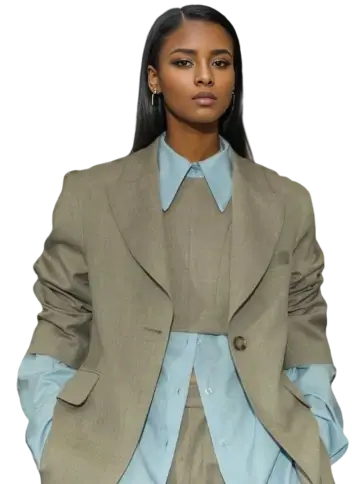
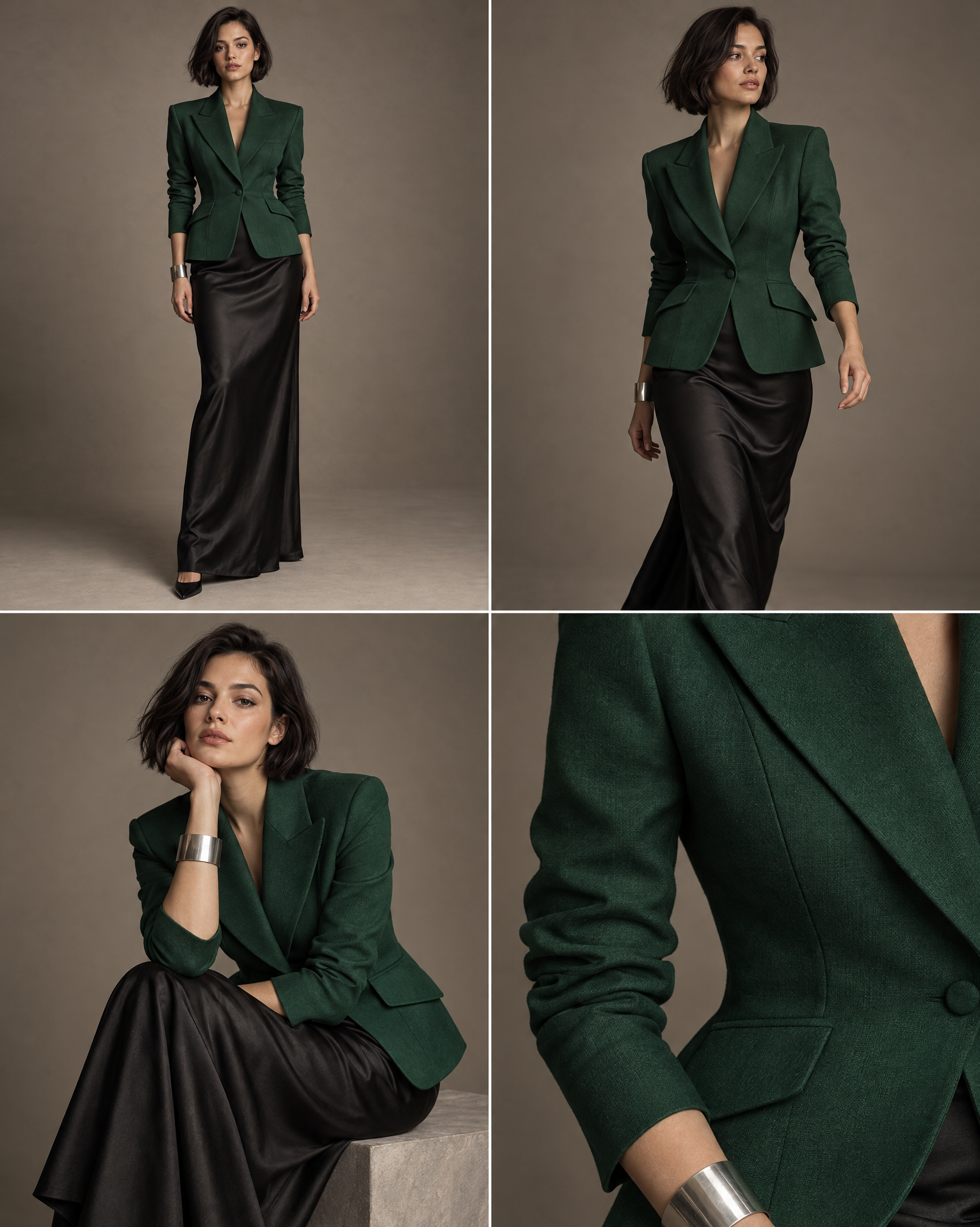 Generated in WeShop: The same fictional adult model, emerald blazer, black skirt, haircut, and studio lighting are preserved across a coordinated shot set. |
Step 1 — Prepare the original model and wardrobe references
Upload the approved original model image and garment reference before the first campaign edit, then record the details that cannot drift.
| Original input image |
|---|
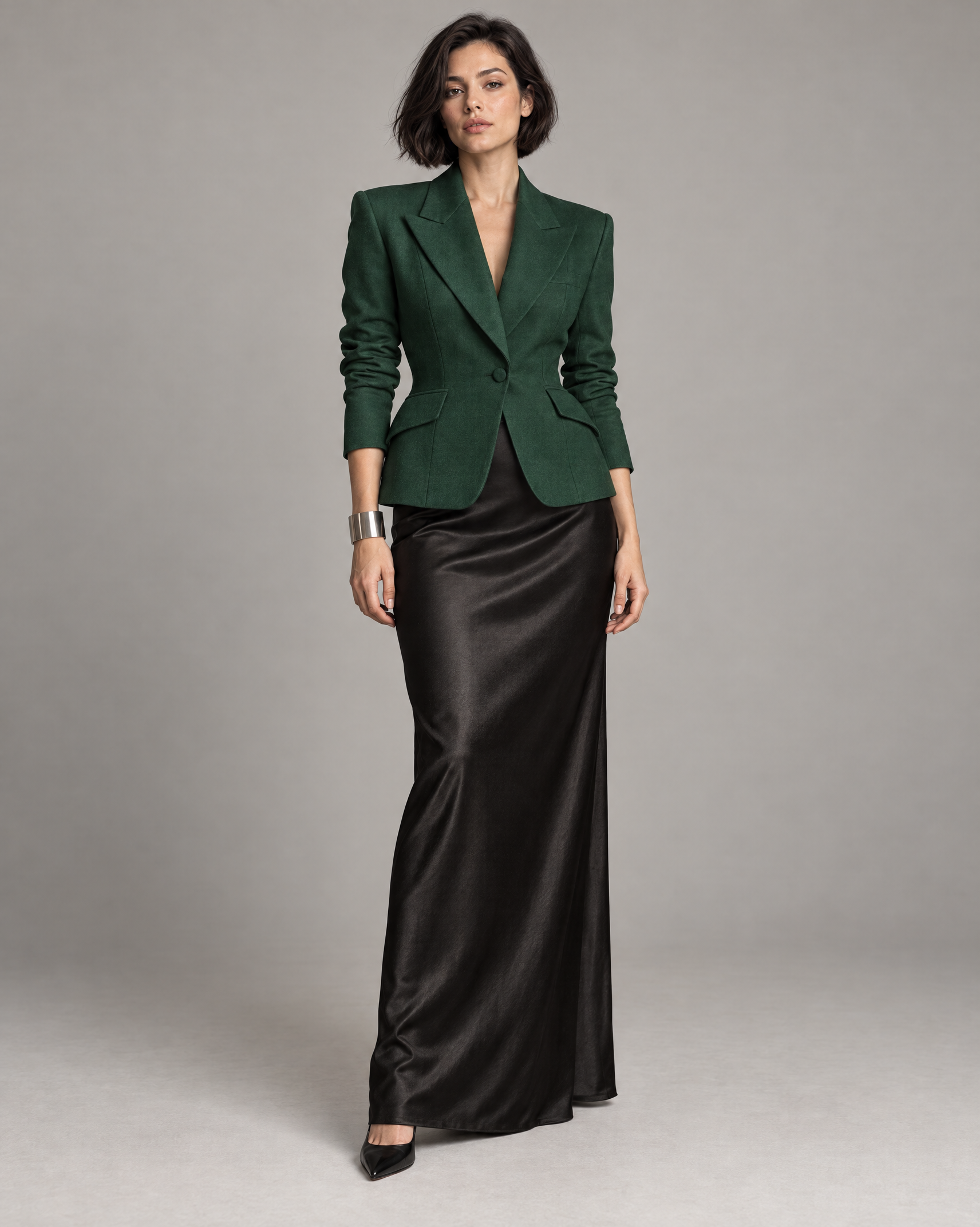 Input prepared in WeShop: This clean casting image establishes the adult model's identity, proportions, haircut, blazer construction, skirt, and accessory before campaign variations are generated. |
| Lock | Example |
|---|---|
| Adult identity | Woman aged 27, oval face, gray-green eyes, freckles, center-parted dark hair |
| Garment construction | Six-button double-breasted wool coat, peak lapels, ankle length |
| Color | Charcoal coat, oxblood gloves, ivory knit |
| Body and pose logic | Natural proportions, relaxed shoulders, realistic hands |
| Campaign world | Overcast coastal city, cool gray palette, documentary finish |
Step 2 — Generate the approved hero frame
Round 1: Approve the hero frame
Create a full-body fashion campaign image of the exact same adult model shown in the reference. Preserve her recognizable face, age, freckles, hairstyle, and body proportions. Preserve the uploaded coat's exact charcoal color, six-button construction, peak lapels, sleeve length, pockets, and ankle-length silhouette. Place her on a quiet coastal street under soft overcast daylight. Documentary fashion photography, natural skin texture, realistic wool weight, restrained gray-blue palette, no extra person, no text, no logo.
Do not continue until the face and garment pass inspection.
Round 2: Change one accessory
Edit only the gloves. Replace the bare hands with fitted oxblood leather gloves. Keep the exact same adult identity, face, hair, pose, coat, buttons, street, camera angle, crop, light, and color grade unchanged. Render realistic glove seams, finger articulation, contact, and leather highlights.
Round 3: Change the lighting condition
Edit only the time and lighting. Shift the scene from overcast afternoon to blue hour after light rain. Preserve the exact model, face, pose, wardrobe, accessories, street layout, framing, and lens perspective. Add physically coherent cool ambient light, warm window reflections, wet pavement, and restrained specular highlights.
Round 4: Create a portrait crop
Use the approved frame as the identity and wardrobe reference, but treat the crop as a new shot rather than an in-place edit.
Create a chest-up portrait of the same adult model in the same coat and blue-hour campaign world. Preserve her exact identity, hair, freckles, coat lapels, oxblood gloves, lighting direction, and color grade. She looks past the lens while wind moves only a few loose hair strands. Natural pores, soft highlight roll-off, 85 mm portrait character, no beauty-filter skin.
Round 5: Add a campaign end card
Generate the image first. Add approved typography in a separate final round so text errors do not force the model and garment to be regenerated.
Step 3 — Expand the hero into a campaign and review continuity
| Check | Pass condition |
|---|---|
| Face | Same eye spacing, nose, lips, freckles, jaw, and apparent age |
| Hair | Same color, length, part, and overall volume |
| Garment | Same buttons, lapels, pockets, hem, textile, and fit |
| Lighting | Every added reflection follows the current light direction |
| Series | Wide, medium, and close shots share one palette and atmosphere |
If a later frame drifts, return to the last approved image instead of trying to repair several errors at once.
Coming Soon to WeShop AI
Multi-round Seedream 5.5 fashion workflows will be available in WeShop AI soon. Stay tuned.