












Qwen-Image-2.1: Transparency, 10-Reference Editing, and 2K Output
Explore Qwen-Image-2.1’s 7B unified image model, with native RGBA output, up to 10 references, mask-guided edits, and native 2K generation.
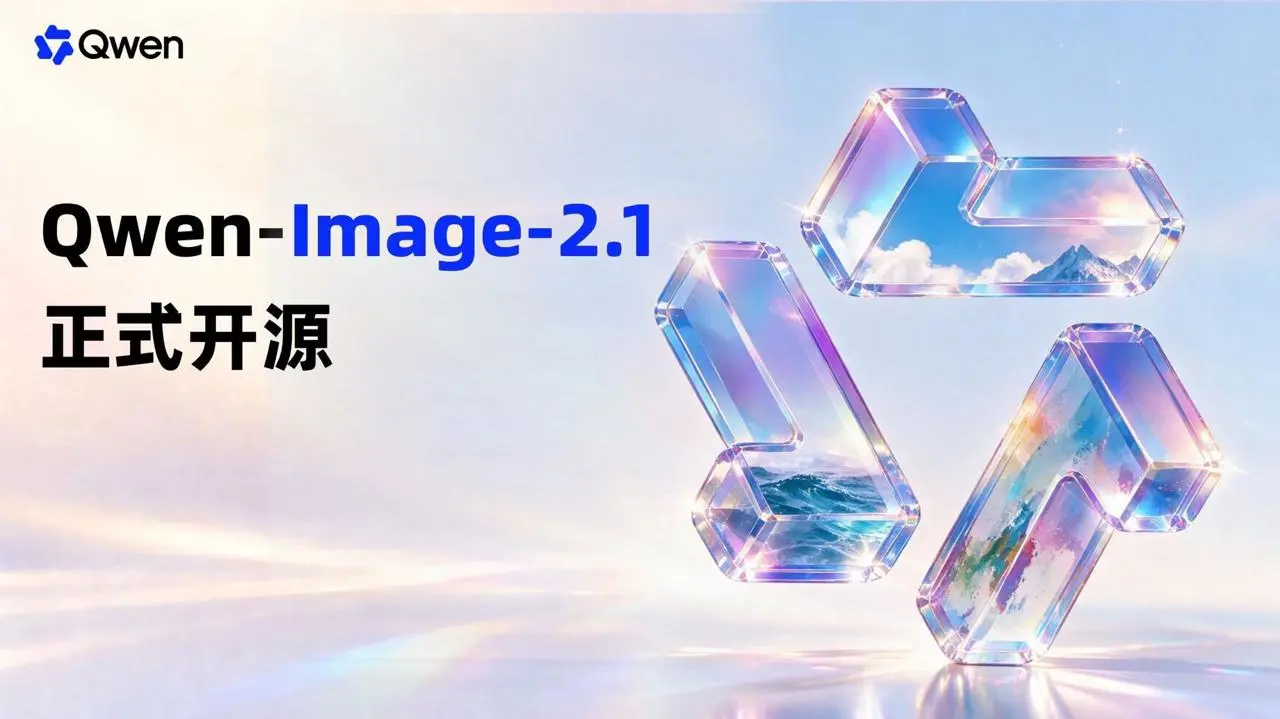
1. Qwen-Image-2.1 Uses a 7B Model for Both Generation and Editing
Qwen-Image-2.1 combines text-to-image generation and image editing in one model pipeline. Its visual-generation component uses a 32-layer Single-Stream DiT architecture with 7B parameters. Qwen3-VL 8B encodes text and conditional images, while mixed-granularity attention and Prefix KV Cache reuse reduce repeated computation.
This design matters most in multi-image editing. The model can cache reference images and editing instructions instead of processing the same static context again at every denoising step. That creates a more efficient foundation for tasks involving a person, clothing, shoes, bags, or multiple interior-design references at once.
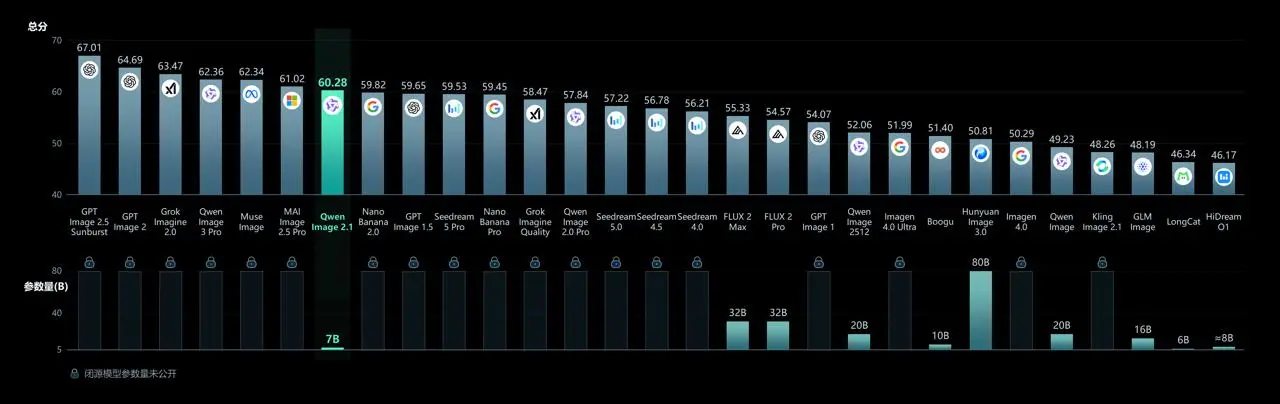
2. Native Transparent Image Generation Is Now Built In
A common workflow is to generate a standard image first and remove its background afterward. Qwen-Image-2.1 can instead generate images with a native Alpha channel, edit existing transparent layers, or extract a selected subject from a regular RGB photograph as an RGBA asset.
That makes the capability relevant beyond stickers and illustrations. Product cutouts, people, graphic elements, and transparent text can move directly into downstream layout and compositing workflows.
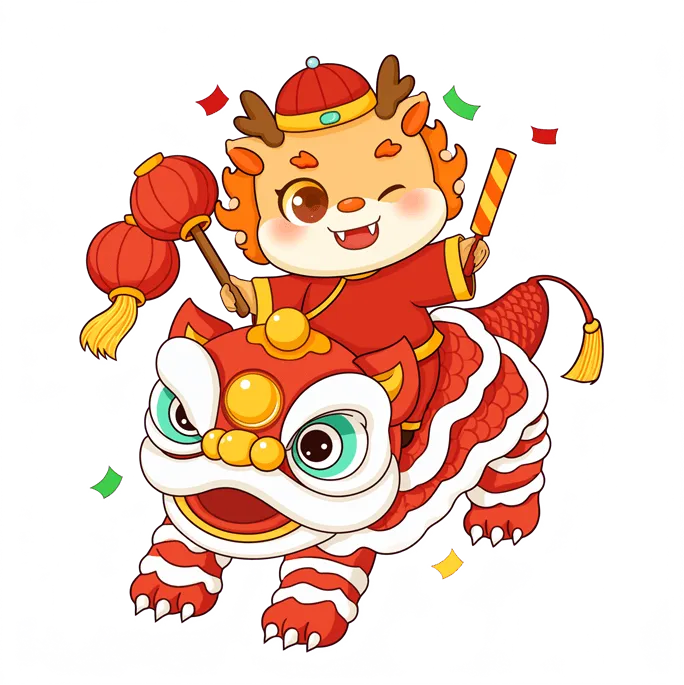


Qwen also demonstrates expression and typography edits inside transparent layers, as well as subject extraction from real photos. The practical change is not simply that the model can remove a background. Generation, editing, extraction, and transparent-asset output now sit inside the same model.
3. Up to 10 Reference Images Support More Complex Compositions
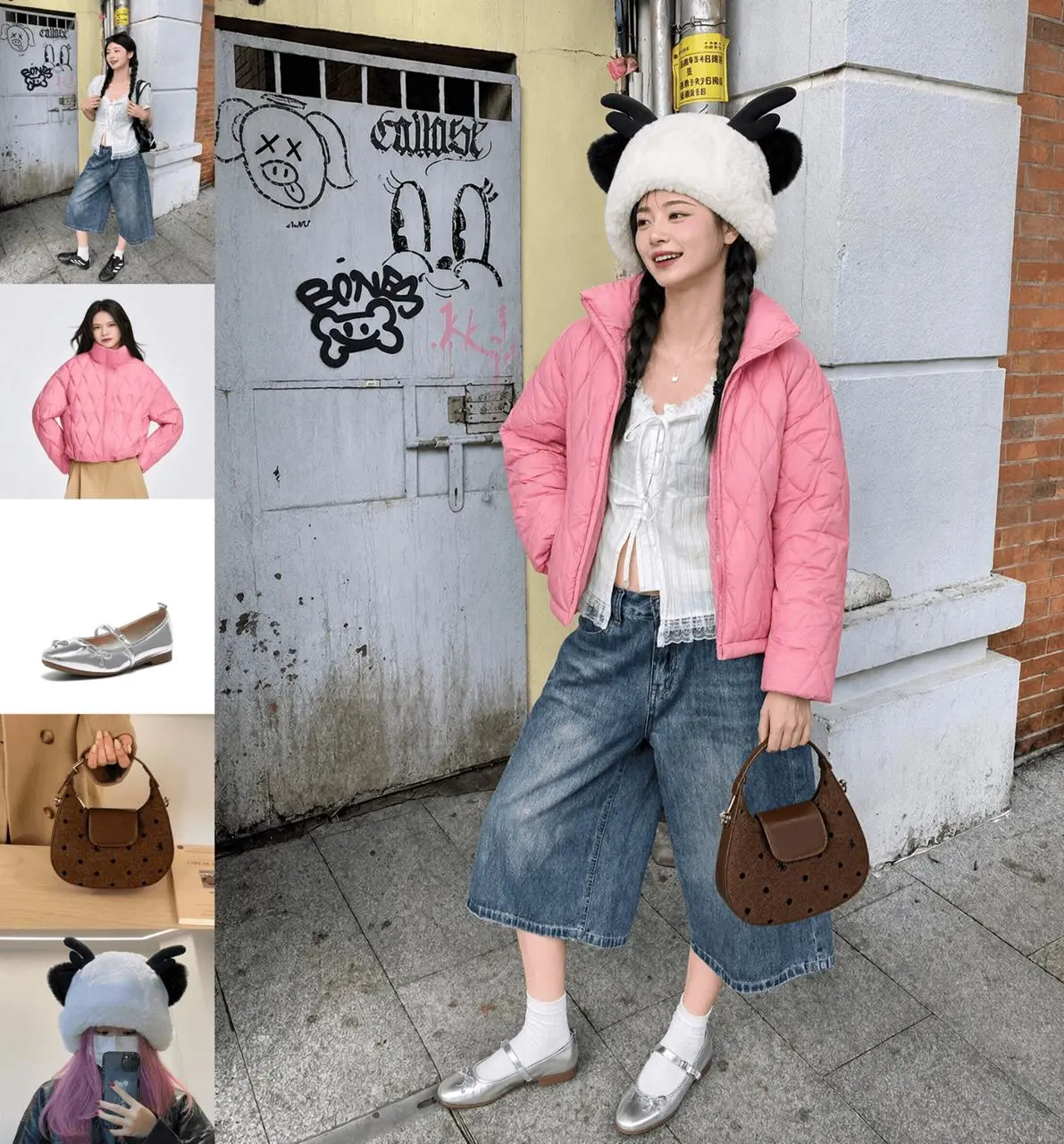
Qwen-Image-2.1 supports up to 10 reference images. Official demonstrations include combining six portraits into a group photo, assembling an outfit from five separate references, and designing an interior from 10 furniture images.
For ecommerce and fashion teams, multi-reference image editing can put the model, garment, shoes, bag, and styling references into the same task. The workflow is no longer restricted to editing one source image at a time.
4. Circles, Painted Areas, and Separate Masks Can Guide Local Edits
Local image editing does not depend on text alone. Qwen’s release materials show three ways to identify a target area:
- Draw different-colored circles around several regions that need separate changes.
- Paint over a location to tell the model where to add or replace content.
- Supply the original image and a separate mask as two inputs, preserving the source pixels that an overlaid annotation would hide.
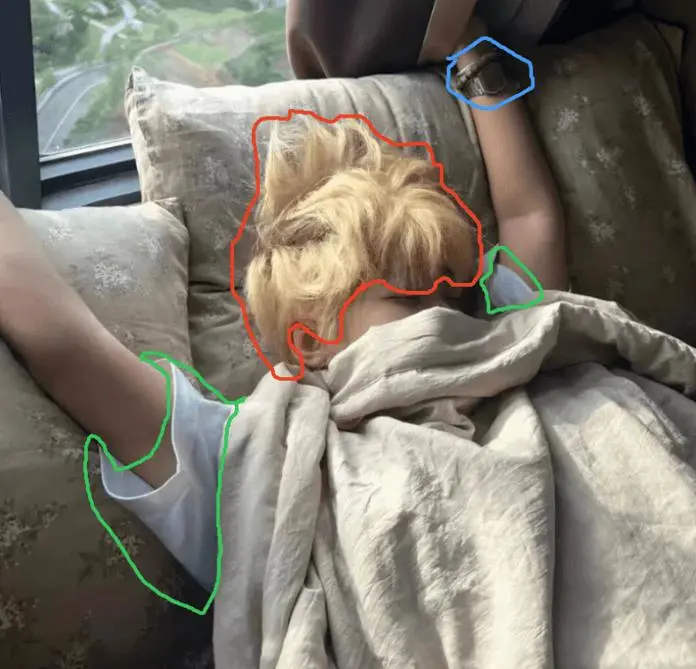
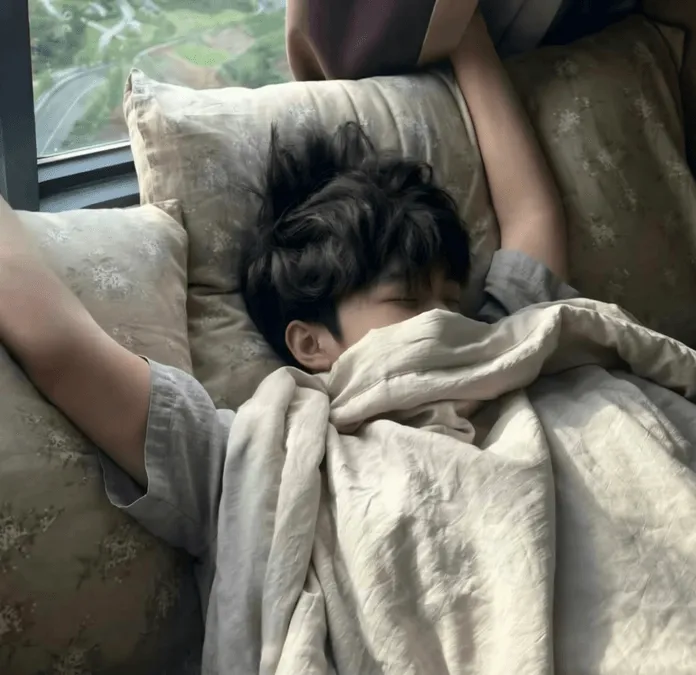
These inputs are more precise than describing “the object on the left” or “the item near the top” in a prompt. They also create a clearer control method for iterative and sequential edits.
5. Qwen Highlights Portrait and Product Fidelity
Qwen lists portrait identity and product consistency as two major areas of improvement. Portrait edits are intended to retain recognizable facial features, while product edits focus on preserving typography, texture, and shape when the item moves into a new scene.
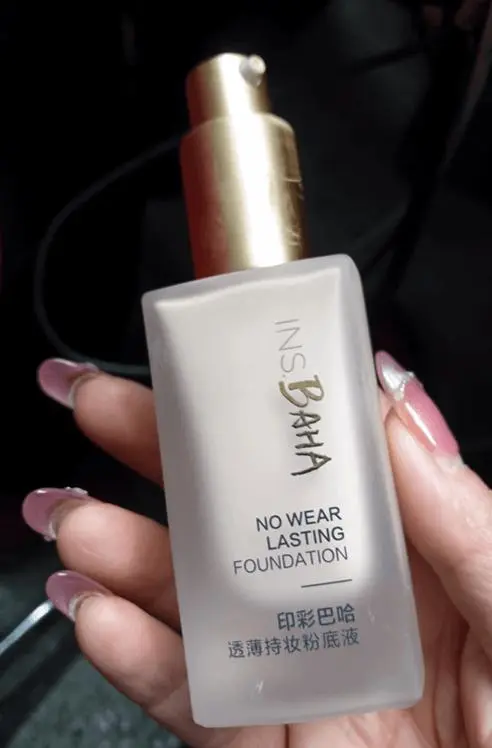
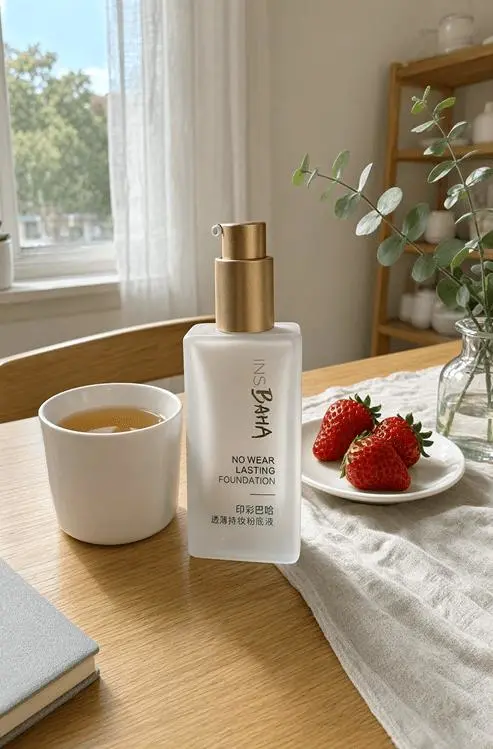
This capability is particularly relevant to product-image workflows, but it should currently be described as an official Qwen demonstration. Without repeated tests using the same inputs, the available evidence does not establish consistent production-grade product fidelity.
6. Native 2K Output, Typography, and Portrait Aesthetics Also Improve
The official implementation uses a default size of 2048 × 2048 and lists recommended dimensions for 1:1, 4:3, 3:4, 3:2, 2:3, 16:9, and 9:16 outputs. Qwen’s release materials also show complex typography, infographics, panoramas, storyboards generated from character turnarounds, and portraits with more deliberate lighting and detail.
Together, these capabilities position Qwen-Image-2.1 as more than a compact text-to-image model. It is designed to cover a broader path from asset generation to subsequent editing.
What the Qwen-Image-2.1 Release Does Not Prove Yet
- The official examples do not include enough complete prompts, settings, or repeated outputs to establish consistency.
- The available materials do not confirm that WeShop has integrated Qwen-Image-2.1 or document WeShop credits, generation time, and exposed settings.
- The open weights use the Qwen Research License. The official license states that commercial use of the model materials requires a separate commercial license.
- Qwen-Image-Bench is a vendor-published benchmark and should not replace testing in real ecommerce, design, or portrait workflows.
Who Should Pay Attention to Qwen-Image-2.1?
- Visual designers who need transparent people, products, stickers, or compositing elements.
- Ecommerce and fashion teams that combine models, clothing, shoes, bags, and other references.
- Creators who want to control local edits with circles, painted regions, or masks.
- Developers interested in a smaller model, local deployment, and more efficient multi-image inference.
Final Takeaway
The Qwen-Image-2.1 release can be summarized in one sentence: a 7B visual-generation component now handles standard images, transparent images, multi-reference composition, and local editing inside one creative pipeline.
Its most distinctive documented capabilities are native RGBA output and support for up to 10 reference images. The next question is how reliably it handles complex products, portraits, typography, and local edits across repeated real-world generations.