












AI Image Generator: Turn a Travel Photo into a 3D Fridge Magnet
Use an AI fridge magnet generator to transform a travel photo into a minimalist 3D souvenir poster with a clean outline, solid-color background, and copy-ready GPT Image prompt.
AI Image Generator: Turn a Travel Photo into a 3D Fridge Magnet
A travel photo does not have to remain another image buried in your camera roll.
By extracting its most recognizable subject, simplifying it into a small outlined icon, and placing it against a color borrowed from the original scene, you can transform an ordinary photograph into a collectible travel fridge magnet visual.
This tutorial shows you how to create that effect with WeShop AI GPT-Image and a reusable prompt.
This workflow creates a digital fridge magnet design. Producing a physical magnet requires a separate printing or custom merchandise service.
From Travel Photo to Fridge Magnet Design
| Original travel photo | AI-generated fridge magnet visual |
|---|---|
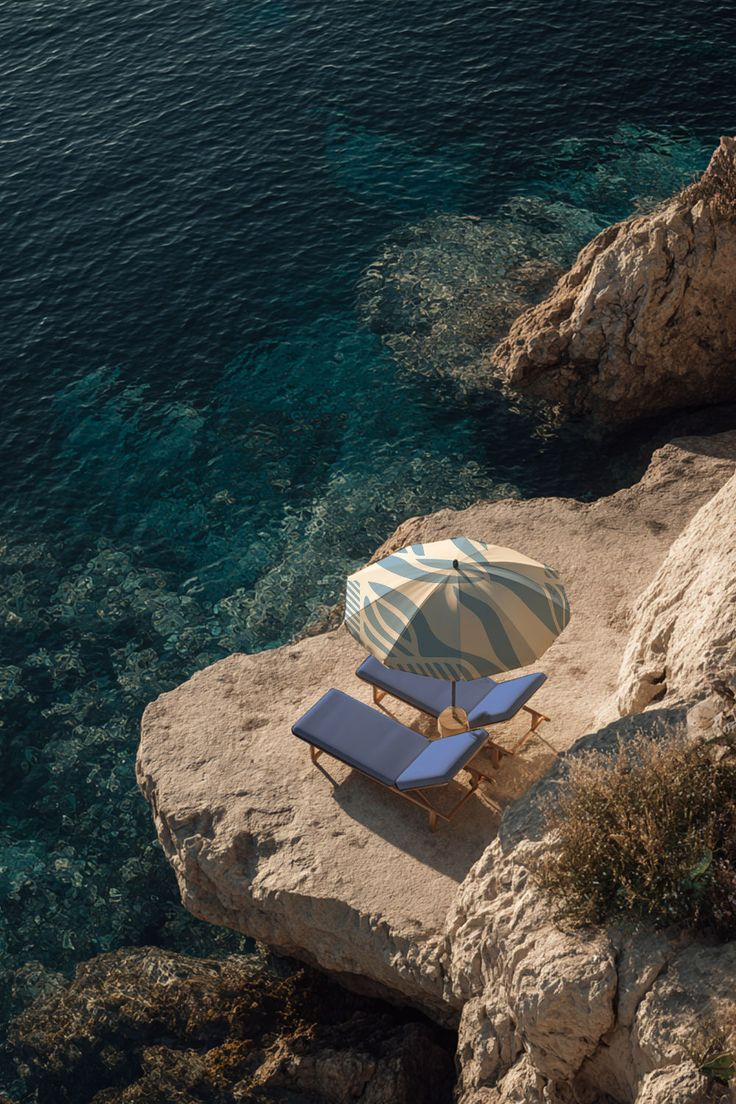 |  |
| Input: The original photo supplies the location, recognizable subject, structure, and color palette. | Result: The main subject becomes a simplified souvenir-style icon with a light outline, dimensional finish, and clean poster composition. |
The AI image generator performs three main tasks:
- Identifies the most recognizable subject in the photo.
- Converts that subject into a simplified fridge magnet icon.
- Builds a clean background from one of the photo’s most memorable colors.
What You Need
Prepare the following before starting:
- One clear travel or lifestyle photograph
- Access to WeShop AI GPT-Image
- The copy-ready prompt provided below
Images with a single recognizable focal point usually work best. Suitable subjects include:
- A local landmark or distinctive building
- A vintage car or travel bus
- A street-corner café
- A tower, bridge, or storefront
- A recognizable interior or architectural feature
The subject should be reasonably complete and not heavily obscured by people, plants, vehicles, or foreground objects.
Step 1: Upload the Original Photo
Open WeShop AI GPT-Image and upload the travel photo to the image reference area.
You do not need to remove the background first. The model can identify a clear subject within the full photograph and use it as the foundation for the new design.
If the image contains several prominent objects, state exactly which one the AI should extract.
For example:
Extract the vintage bus as the main subject.
Or:
Extract the small corner café as the main subject.
A specific subject instruction reduces the chance that the generator will select the wrong building, object, or background element.
Step 2: Customize and Enter the Prompt
After the image finishes uploading, paste the following prompt into the text input area.
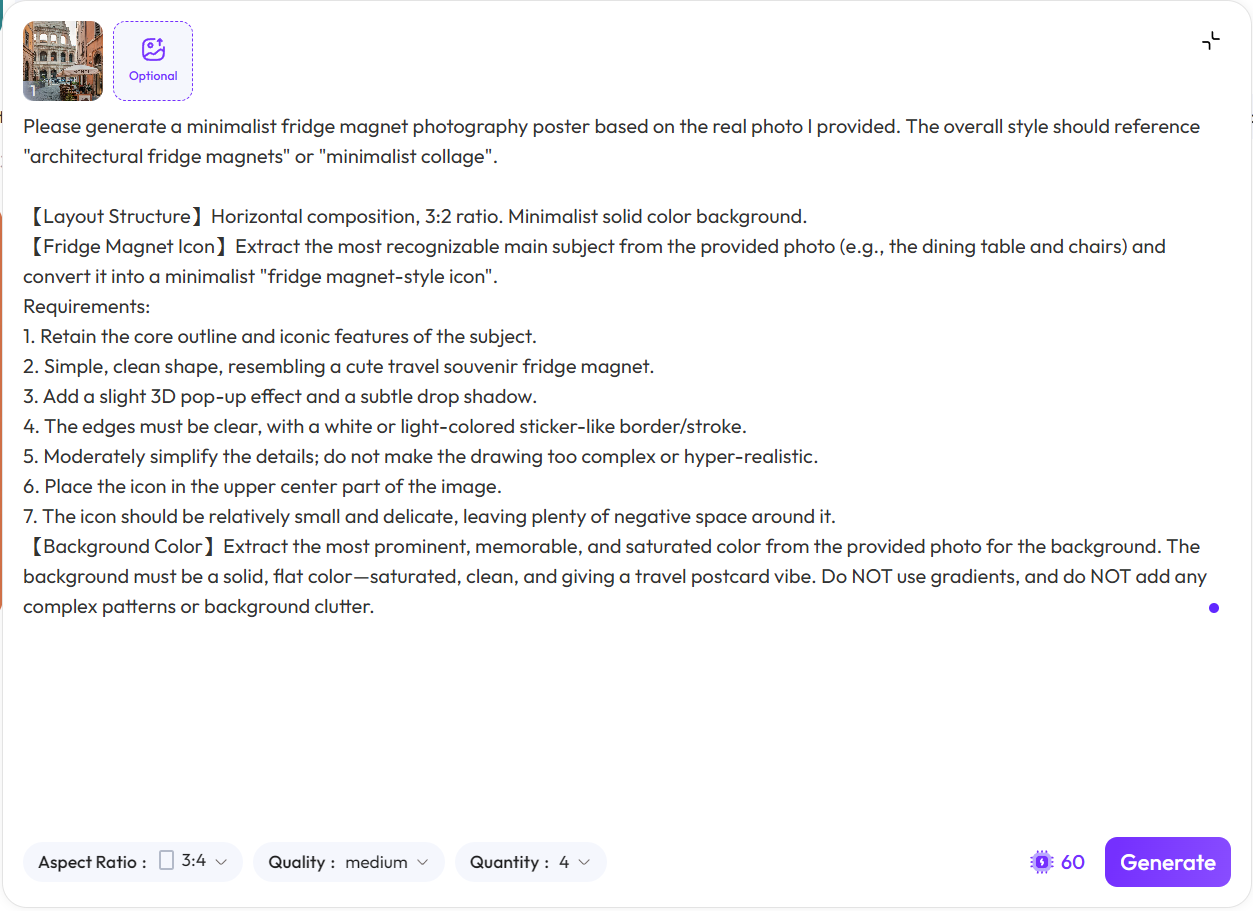
Upload the source photograph, then enter the structured fridge magnet prompt in the generation field.
Before generating, replace these two fields:
[MAIN SUBJECT]: the object, building, vehicle, or landmark the AI should extract[PLACE NAME]: the city, location, or short souvenir label to display
Create a minimalist travel fridge magnet poster based on the uploaded real photograph.

MAIN SUBJECT:
Extract [MAIN SUBJECT] from the uploaded photograph and use it as the only main visual subject.

LAYOUT:
Use a clean vertical poster composition with the fridge magnet icon positioned near the upper center. Keep generous negative space around the icon so the design feels minimal, balanced, and collectible.

FRIDGE MAGNET STYLE:
Transform the selected subject into a small travel souvenir fridge magnet.

Preserve the subject’s most recognizable outline, structure, colors, and iconic visual features.

Moderately simplify small details so the result feels clean and charming rather than overly complex or photorealistic.

Add:
- a subtle 3D raised effect
- a soft realistic drop shadow
- a clear white or light-colored sticker-like outline around the entire subject
- smooth, clean edges
- a polished travel souvenir appearance

BACKGROUND:
Extract one of the most recognizable and saturated colors from the uploaded photograph and use it as the background color.

The background must be:
- solid and flat
- clean and saturated
- free from gradients
- free from patterns
- free from additional scenery or visual clutter

OPTIONAL TEXT:
Add the text “[PLACE NAME]” below the fridge magnet icon in a clean, minimal typeface.

Keep the text small, balanced, and visually secondary to the magnet.

Do not add any other words, logos, watermarks, decorative patterns, or unrelated objects.

The final image should feel like a modern travel postcard combined with a collectible 3D souvenir fridge magnet.
If you do not want a location label, remove the entire OPTIONAL TEXT section.
You can also add this instruction to request a completely text-free version:
Do not include any text or typography in the image.
Step 3: Generate the Fridge Magnet Visual
Confirm that the reference photo and completed prompt are both present, then click Generate.
The AI will use the source image to guide the subject’s shape, recognizable features, color palette, and overall visual identity. It will then reorganize those elements into a cleaner souvenir-style composition.
| Original reference photo | Generated travel souvenir design |
|---|---|
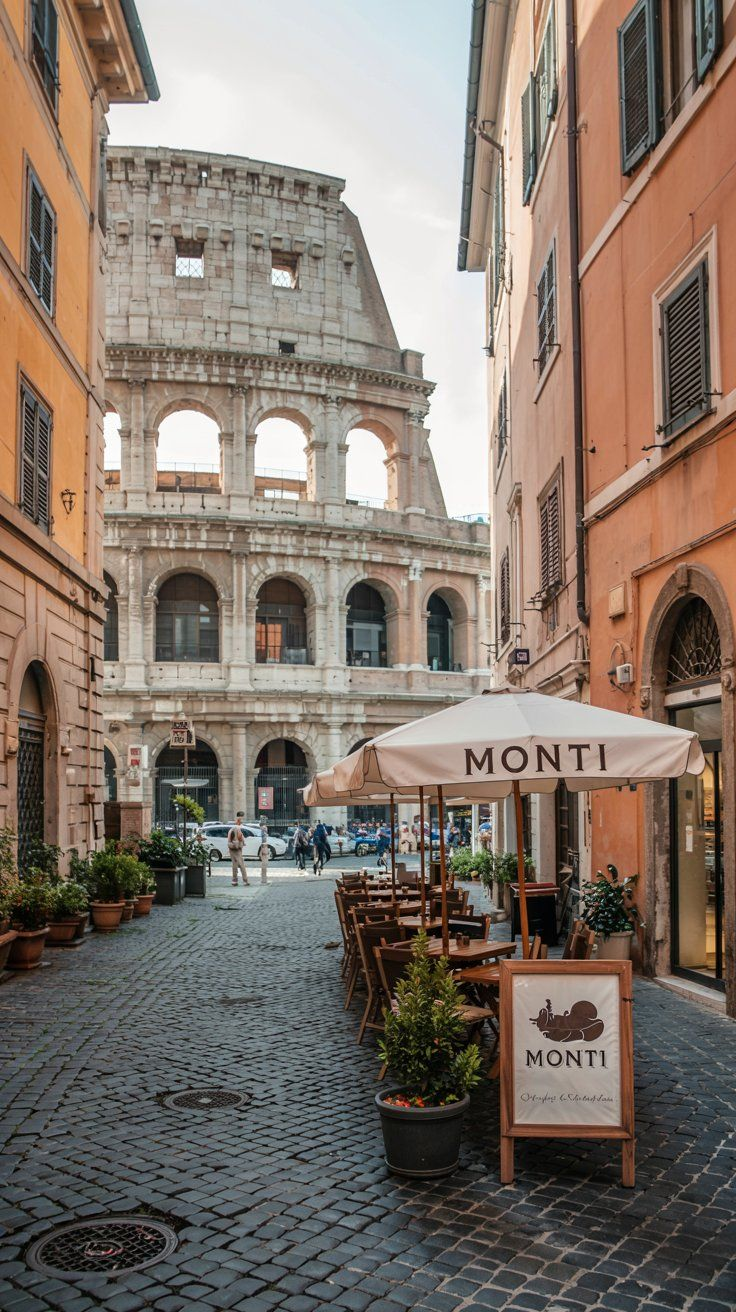 | 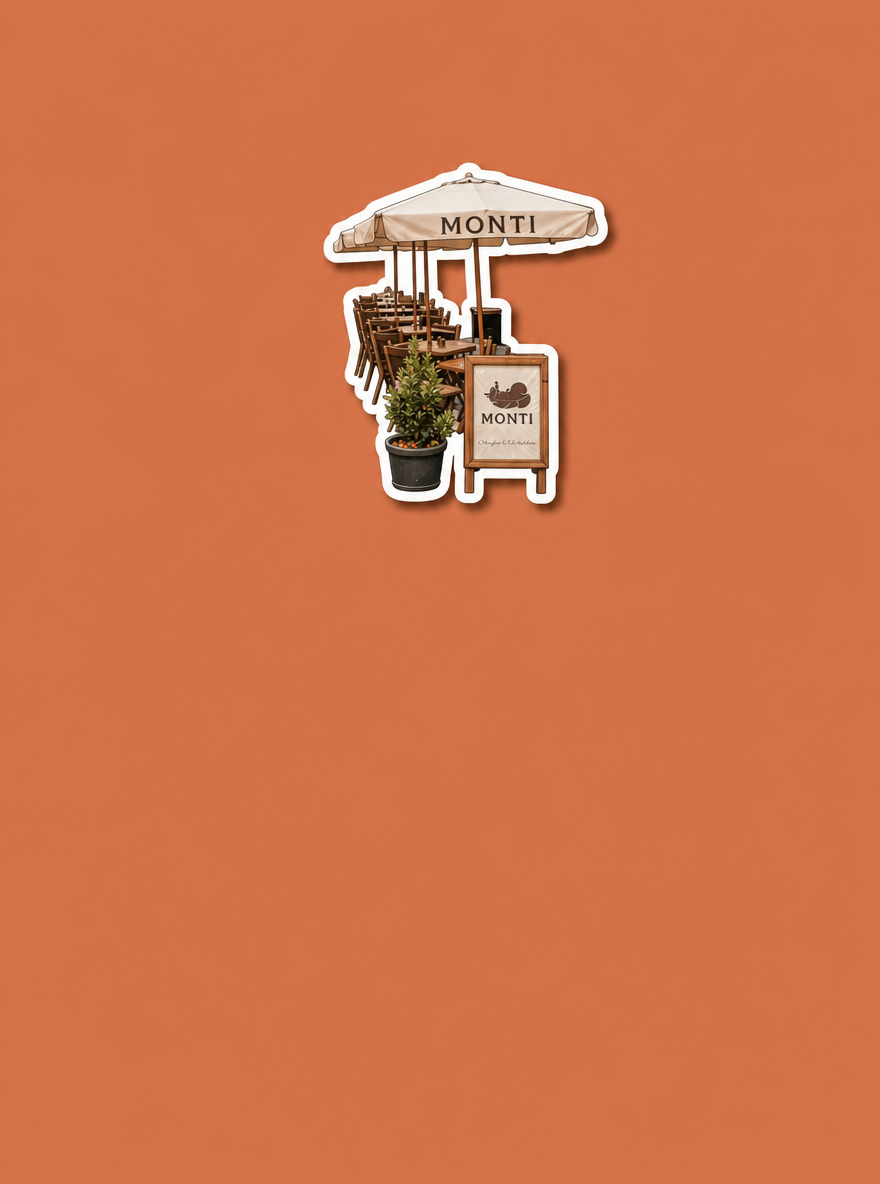 |
| Reference: The photograph defines the subject, destination details, and recognizable colors. | Generated result: The scene is condensed into a cleaner collectible design with a simplified focal object and generous negative space. |
You can try it directly using the tool on the right.
A usable result should keep the main subject recognizable while simplifying unnecessary detail. The outline should remain continuous, the dimensional effect should be subtle, and the background should remain clean.
Fix a Background That Is Still Too Busy
If the result contains unwanted buildings, roads, scenery, gradients, or patterns, add this instruction to the end of the prompt:
Use a completely flat solid-color background. Remove all scenery, patterns, gradients, textures, and background objects.
This reinforces that the background should contain only one flat color.
Make the White Outline More Visible
If the fridge magnet does not separate clearly from the background, add:
Add a thick, continuous white sticker outline around the entire magnet. The outline must be clearly visible and must not contain gaps.
Avoid adding too many extra instructions about complex lighting or materials. Excessive detail can push the output away from the intended minimalist souvenir style.
Turn One Memory into a Collectible Travel Series
Once the subject has been lifted from the original scene, the photograph no longer feels like a flat record of a place. It becomes a compact visual souvenir with its own color, shape, and identity.
Apply the same composition, outline, and background rules to photos from different destinations to create a consistent collection of travel fridge magnet posters.
Create a travel fridge magnet visual with WeShop AI GPT-Image.