












Kling 4.0 Video Editing: Add a Character and Change the Ending
Add one character to a video ending with Kling 4.0 Reference. See the three-view pig references, source-video workflow, prompt and actual reveal.
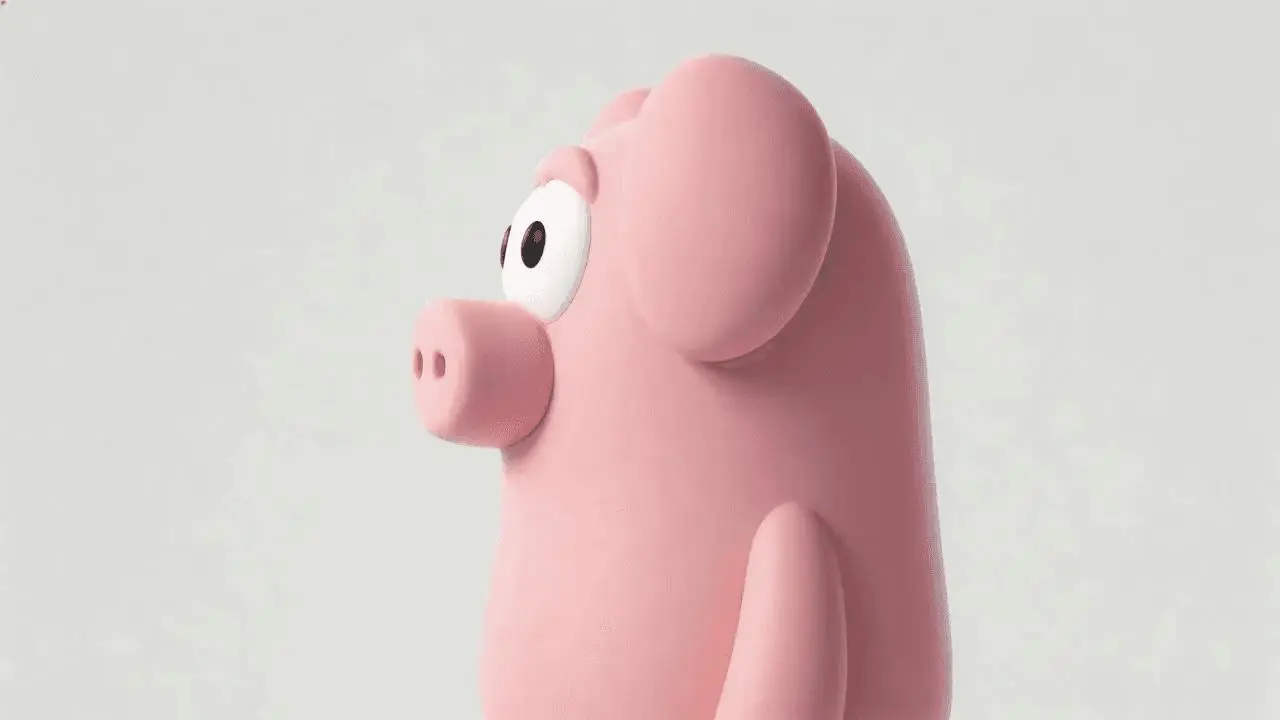
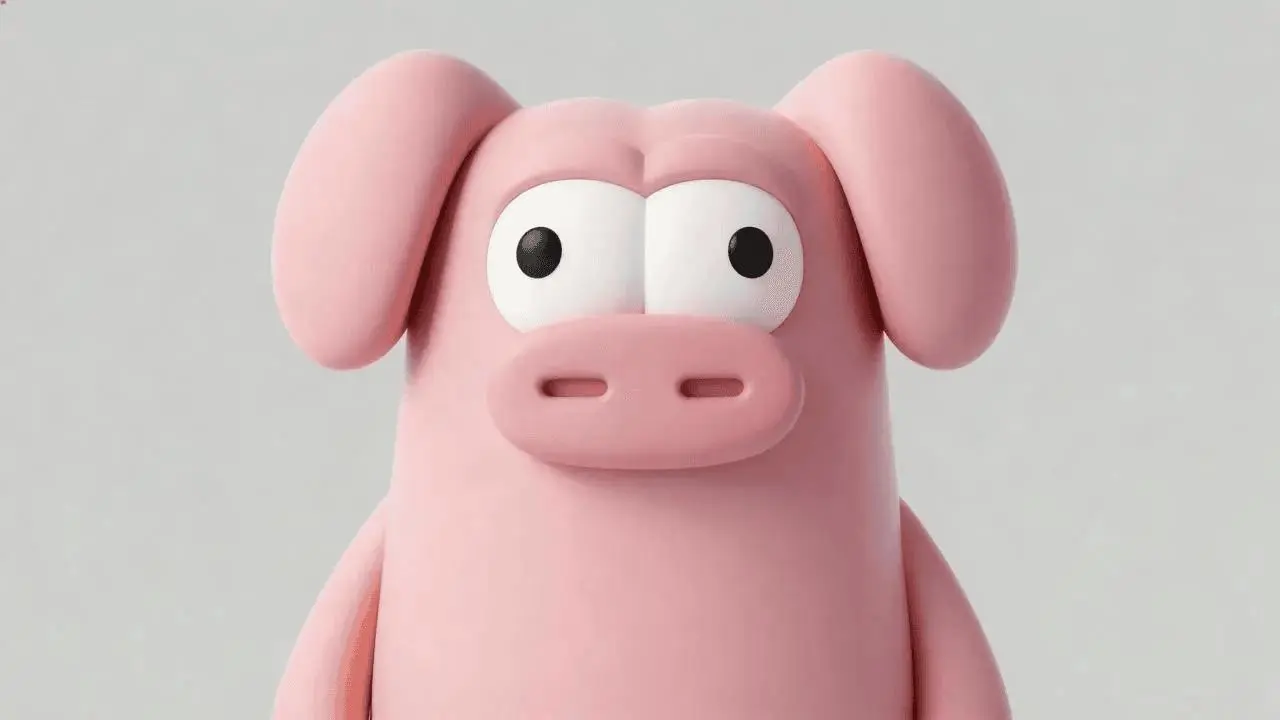
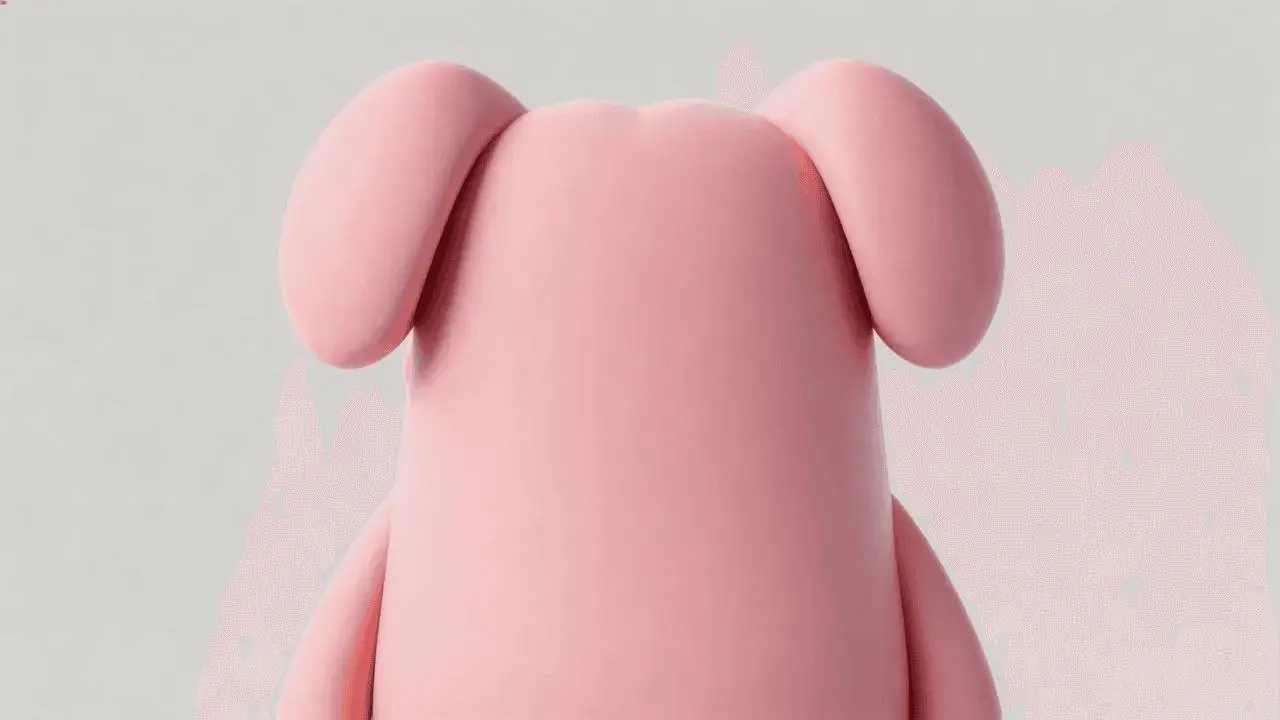
Changing a reveal works best when the new character has a precise entrance point. This Kling 4.0 Reference test keeps a box-opening scene recognizable and adds one sleeping pink pig inside the box near the end. Three reference views describe the same character; the source video supplies the room, people, cuts, and reveal timing.
Source video — official demonstration input
New AI-generated result
Define one character and one moment to change
The three pink-pig images are front, side, and rear views of one character. Say that explicitly so the model does not interpret them as three pigs. The source scene establishes the wooden box and the moment its interior becomes visible. The requested edit is the final visual reveal, with the earlier action providing context.
The reference materials are distributed with the WeShop Kling 4.0 examples and Kling’s official demonstrations. The result above is a new generation made for this tutorial on November 11, 2026. Use references you are authorized to use when adapting the workflow.
Write the roles and action order before generating
Separate preserved context from the new element. First name the room, people, clothing, camera cuts and box action to retain. Then identify when and where the pig should appear. Scale, perspective and contact shadows matter: a floating pig or a pig visible before the lid opens would weaken the reveal even if its design looked attractive.
Edit Video 1. Preserve the wood-paneled room, the existing adults, their clothing, the camera cuts and the sequence of handling the wooden box. Images 1, 2 and 3 are three views of ONE pink cartoon pig character, not three pigs. The character has a smooth pink body, floppy ears, a short snout and large white eyes. Keep the earlier part of the clip unchanged in intent. When the camera looks into the opened wooden box near the end, reveal this one small pig curled up asleep inside, replacing the empty interior and its lettering. Fit the pig naturally within the box with correct scale, contact shadow and perspective. The pig must not appear outside the box or before the reveal. Do not add other people, new locations, subtitles, visible labels or logos. The core requested change is the visual ending; no replacement dialogue is requested.Load the references in Kling 4.0 Reference
Choose Kling 4.0 Reference, add all three pig views as Images 1–3, and attach the scene as Video 1. Paste the full prompt. Use the video attachment for the existing sequence instead of describing the movie scene in text alone. Set the duration in the generator controls to match this tested twelve-second request.
Open Kling on WeShop and use the tested settings:
| Setting | Recorded value |
|---|---|
| Model | Kling 4.0 Reference |
| Image references | 3 |
| Video references | 1 |
| Duration | 12s |
| Resolution | 720p |
| Aspect ratio | 16:9 |
| Quantity | 1 |
Inspect the complete generated sequence
The selected output shows:
- The wood-paneled room and box-opening sequence remain recognizable
- One pink pig is revealed inside the box near the ending
- The earlier wide shots do not visibly contain the pig
- Three appearance references produce one character rather than three pigs
Watch the entire clip rather than choosing it from a single attractive frame. This test used one selected output and does not measure repeatability across multiple runs.
Existing source subtitles remain in earlier shots despite the no-subtitles request. Lettering on the box remains; this is not a successful text-removal example. Exact preservation of every original frame or dialogue was not tested.
Refine the part that did not follow the prompt
If the character appears too early, repeat the visible event that triggers its appearance: the camera looks into the opened box. If several pigs appear, label the images as views of one subject. If the pig floats, strengthen the box-interior placement and contact-shadow instruction. The selected result retained source subtitles and box lettering, so handle those separately rather than assuming a no-text phrase will remove them.
Reuse the example with your own references
Start with a single late reveal before adding dialogue changes or additional characters. Watch the opening and middle as well as the ending so you can spot an element that leaks into the scene too soon.
You can try it directly using the tool on the right.