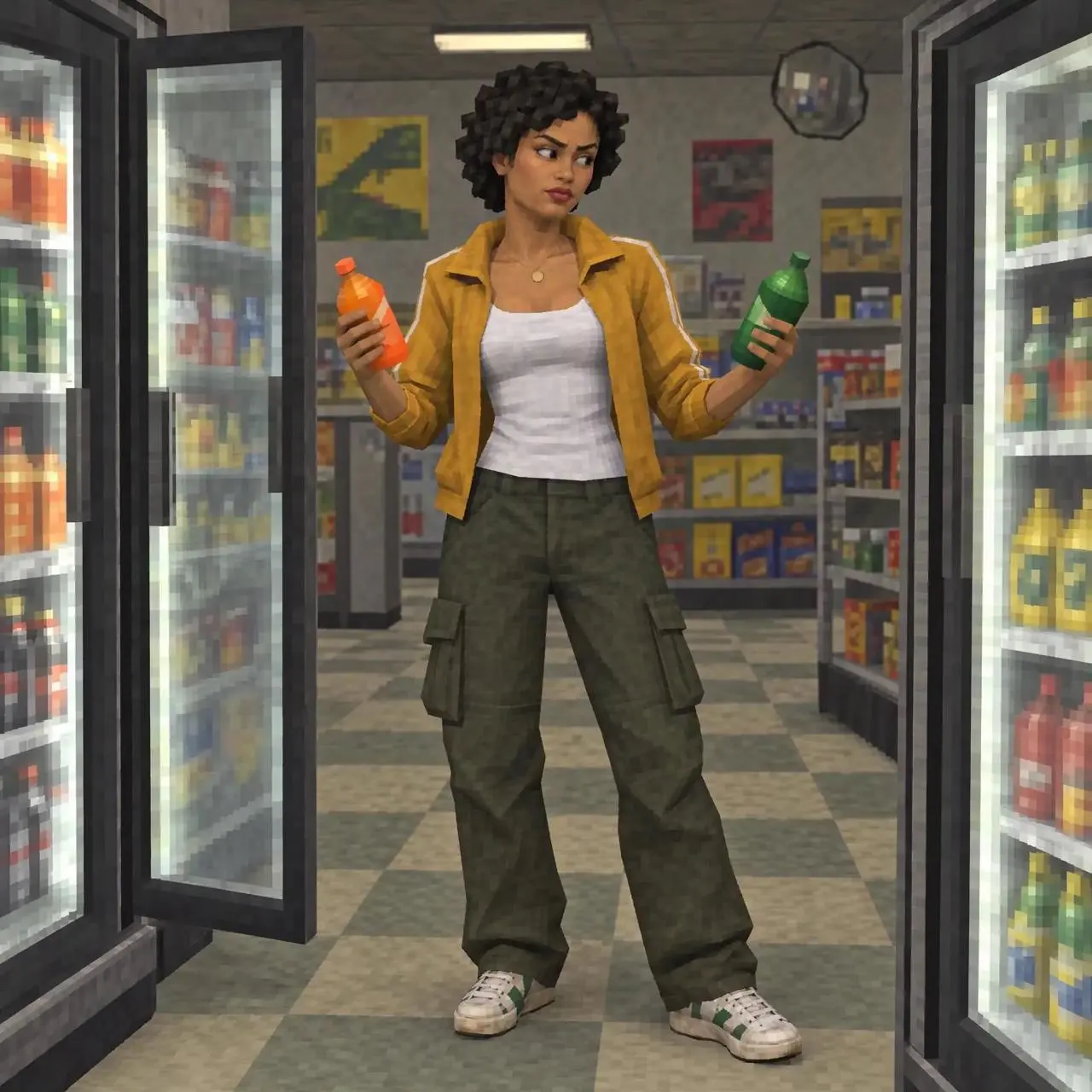
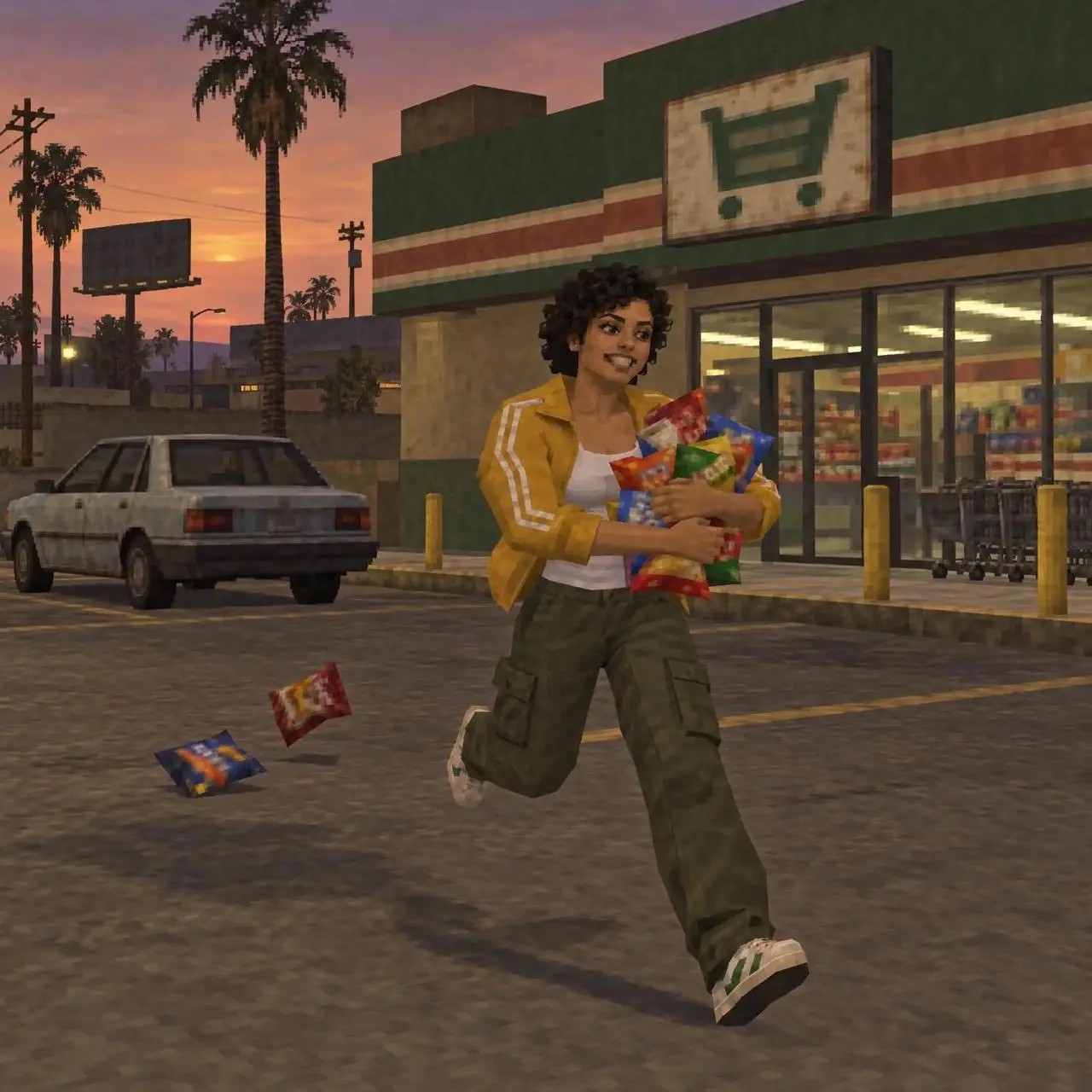
애니메이션 장면 전환
캐릭터가 매장, 세탁소, 야외로 이동하며 밝은 빛과 소용돌이 효과로 장면이 연결됩니다.
Combine three images into a single production, adding transitions and special effects.

애니메이션 장면 전환과 의상 전환을 살펴보세요. 프롬프트를 복사하거나 예제를 열어 참고 이미지를 자신의 자료로 바꿀 수 있습니다.
캐릭터가 매장, 세탁소, 야외로 이동하며 밝은 빛과 소용돌이 효과로 장면이 연결됩니다.
Combine three images into a single production, adding transitions and special effects.
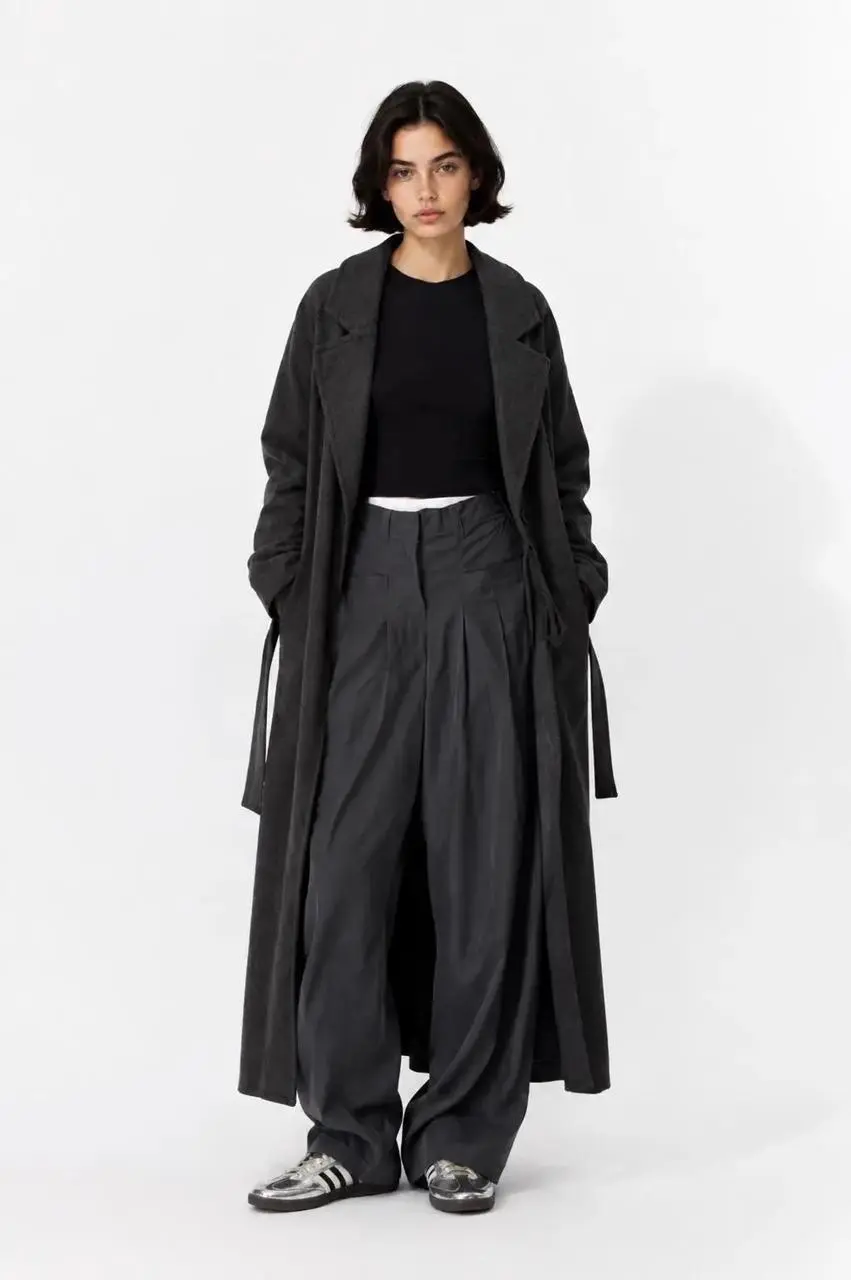
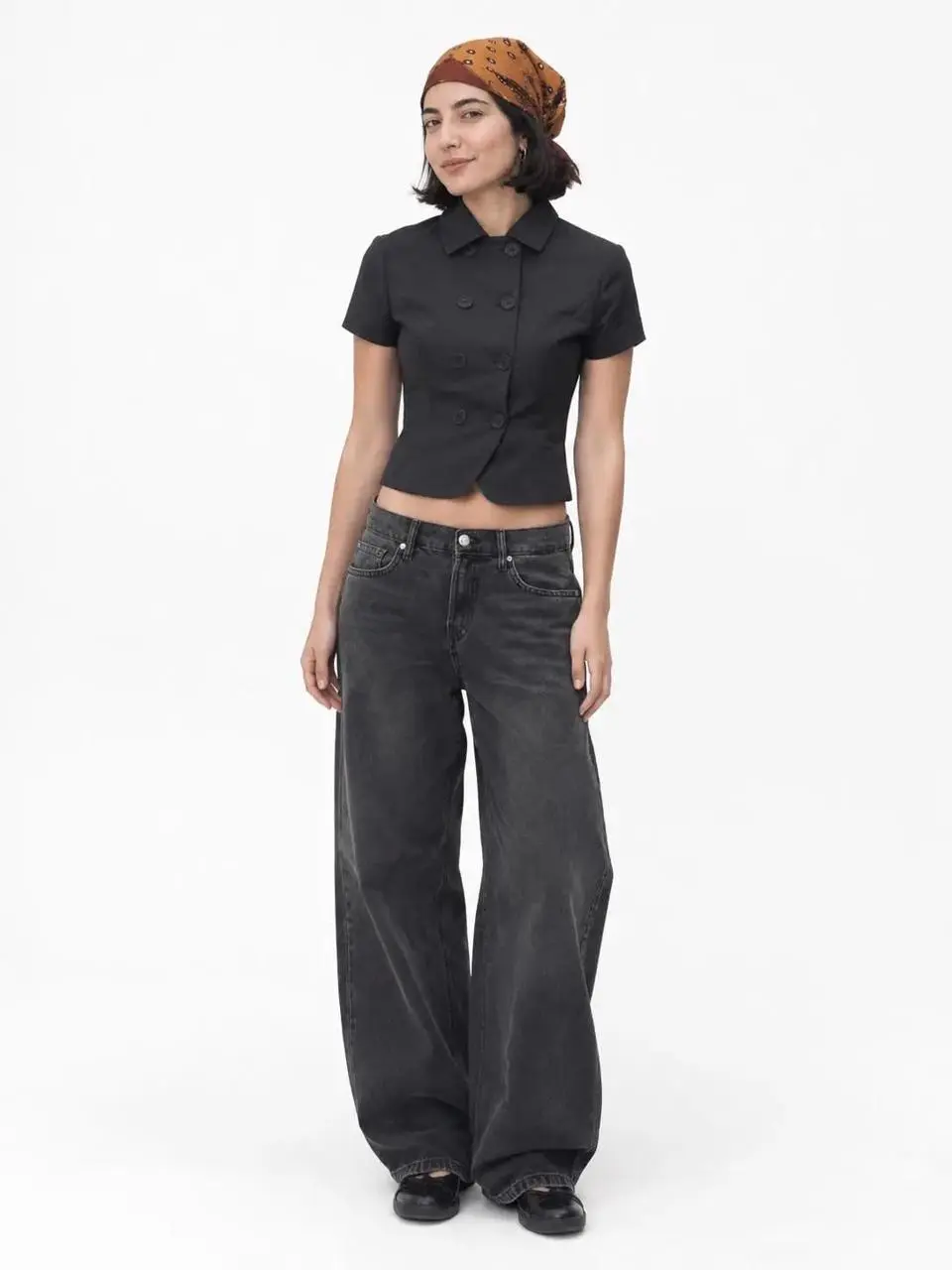
흰 스튜디오 배경에서 모델이 화면에 들어오고 나가며 의상이 바뀝니다.
Using the uploaded images, create an OOTD transition video; incorporate elements such as "dropping into" the frame or "walking out" of the frame between the clips.
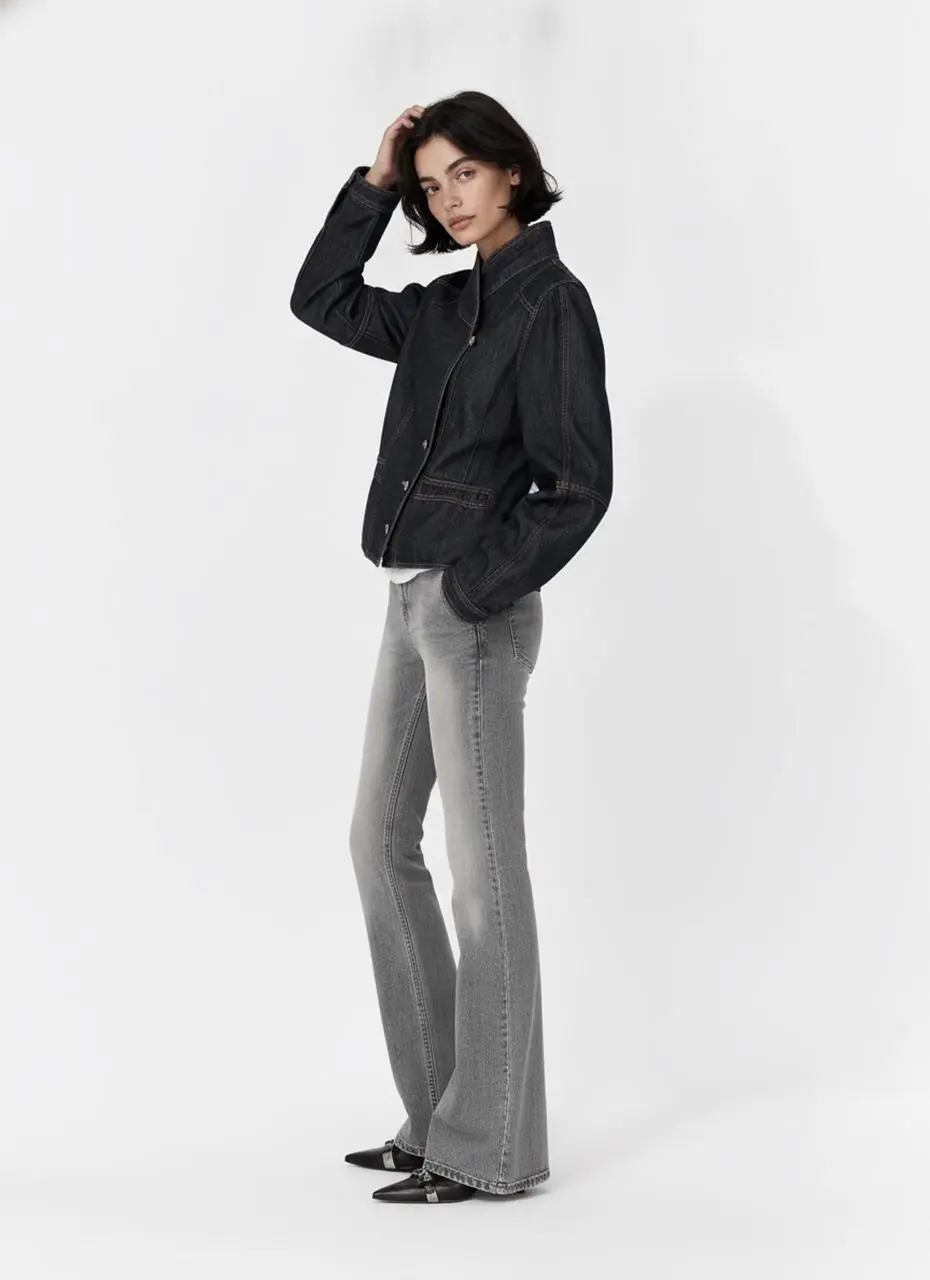
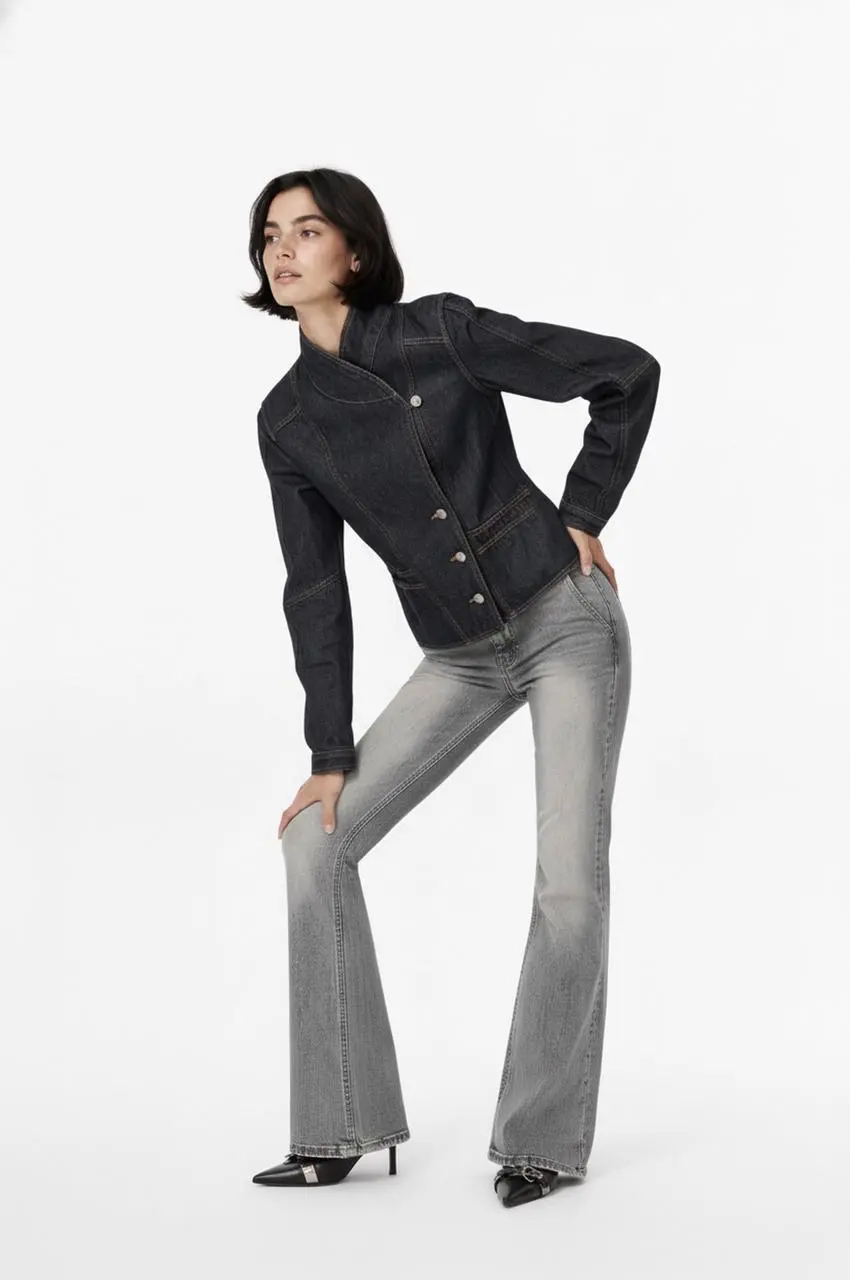
모델이 포즈를 바꾸고 검은 재킷이 하늘색 상의로 전환됩니다.
Edit into an OOTD transition video
Kling은 움직임 안정성, 창작 제어, 긴 서사를 강조합니다. 이를 제작 목표로 삼고 전체 영상에서 피사체 변화, 동작 오류, 대사 동기화를 확인하세요.
Kling 4.0은 빠른 액션, 연속 동작, 복잡한 추적·궤도 촬영의 안정성을 목표로 합니다. 로비와 추격 예제는 카메라 위치가 바뀌며 액션이 전개되는 모습을 보여줍니다.
Omni Reference는 시각 자료를 결합해 인물, 상품, 구도, 움직임을 유도합니다. 추격 예제는 참고 시트로 여러 사람과 차량이 있는 장면을 구성합니다.
최대 30초의 기본 생성 길이는 동작과 이야기를 펼칠 여유를 줍니다. 용 예제는 절벽에서 도시로 이어지며 실제 파일 길이는 약 27.9초입니다.
Kling 메뉴에는 두 가지 4.0 항목이 있습니다. 보유한 자료에 맞는 입력 방식을 고르세요.
장면 아이디어나 참고 자료로 시작한다면 텍스트 또는 참고 모드를 사용하세요. 업로드하는 각 자료의 역할을 명확히 지정하세요.
텍스트, 첫 프레임, 첫·마지막 프레임 또는 여러 프레임을 사용합니다. 같은 동작의 흐름에 맞는 이미지들을 선택하세요.
피사체, 동작, 카메라, 장면을 묘사하는 방법을 살펴보세요. 참고 프롬프트를 복사해 자신의 인물과 자료에 맞게 조정할 수 있습니다.
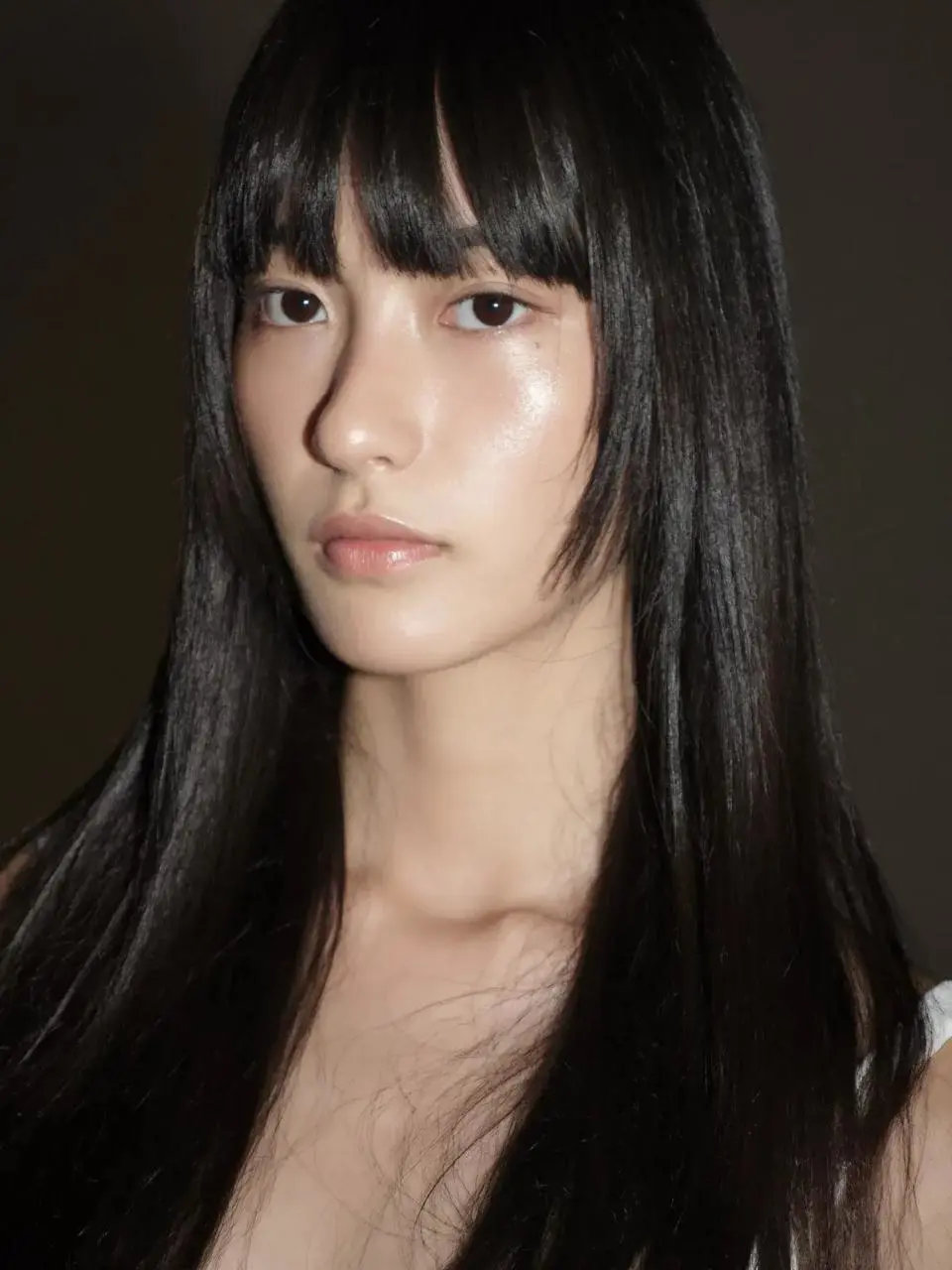
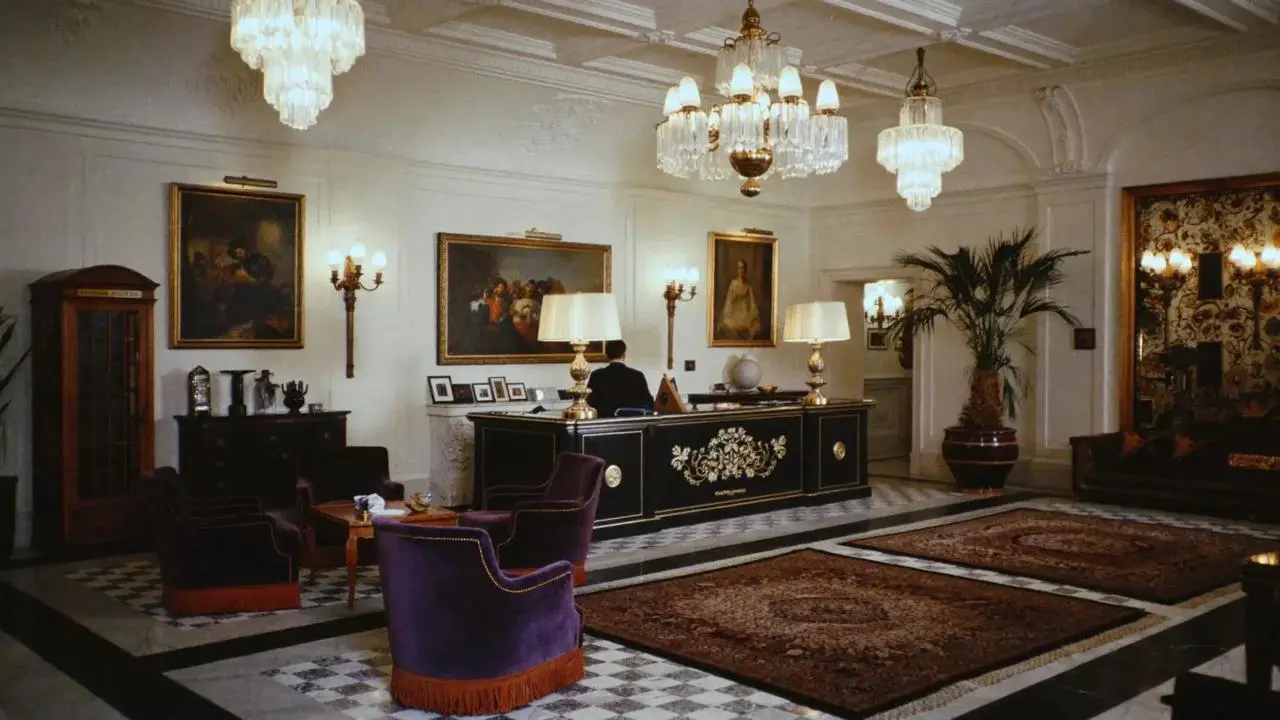
한 여성이 로비에서 여러 사람과 차례로 맞섭니다.
A woman defeats five men one after another in a hotel lobby.
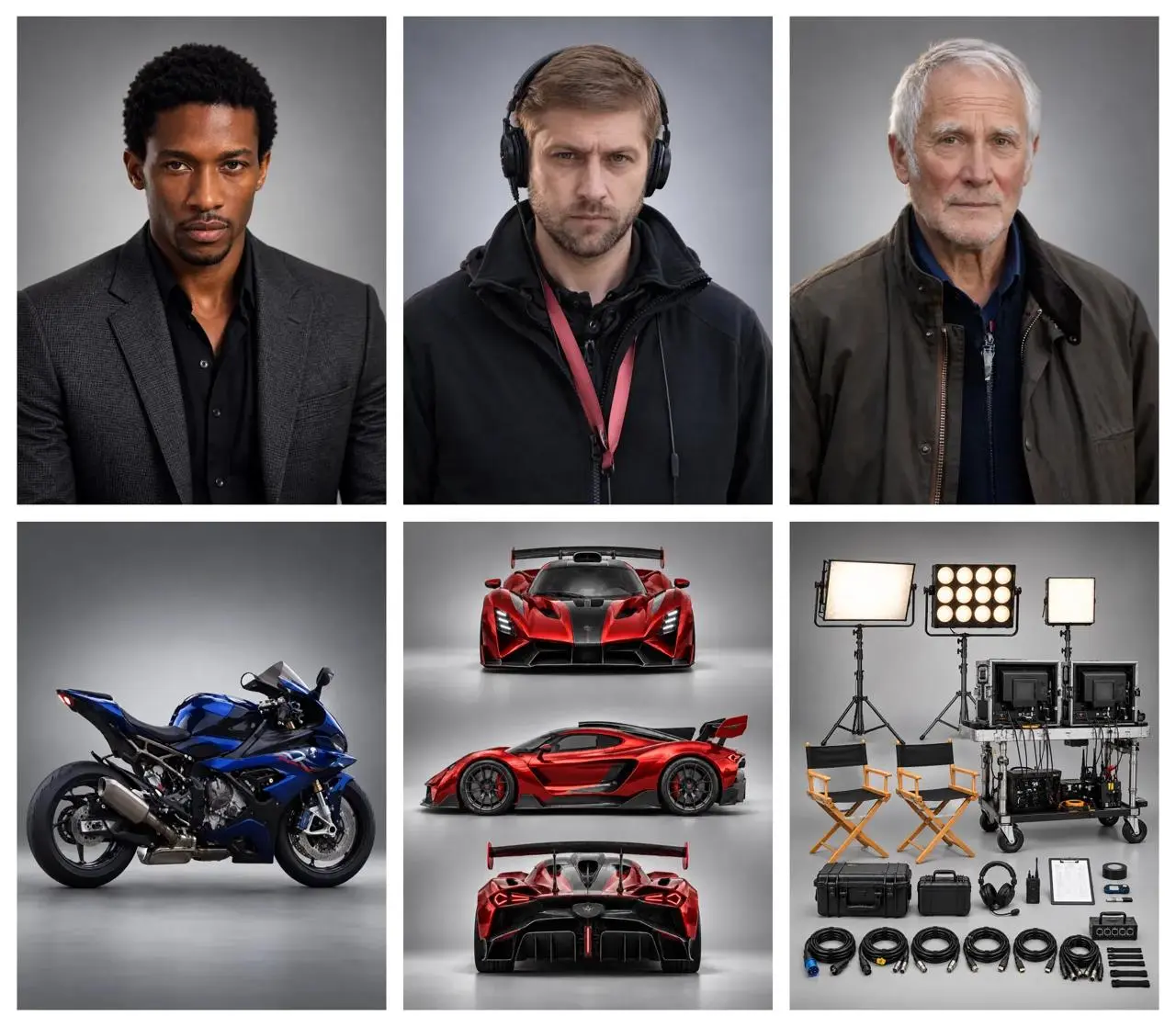
감독, 자동차, 오토바이가 한 장면에 등장합니다.
A director guides the actors while filming a high-speed chase between a supercar and a motorcycle.
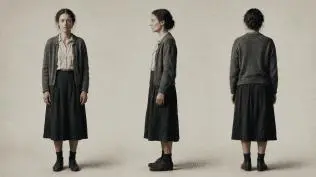
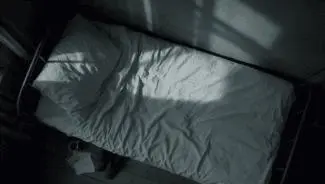
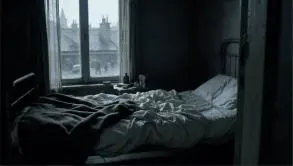
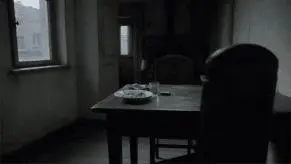
참고 프롬프트: 각 자료의 역할을 정하고 테이블, 침대, 클로즈업, 위에서 본 숏을 차례로 설명하세요.
Use the reference images to guide the same woman, her clothing, the room and the shot compositions. Create a quiet cinematic sequence in a modest bedroom with cool daylight entering through the window. First show her seated at a table, eating from a plate. Cut to her seated on the edge of an unmade bed, holding a white cup and taking a slow sip. Move into a close-up of her face and the cup. Finish with an overhead view of her lying on the bed. Keep her face, short dark hair, clothing and the room details consistent across the shots. Use restrained movement and a muted blue-gray color palette.
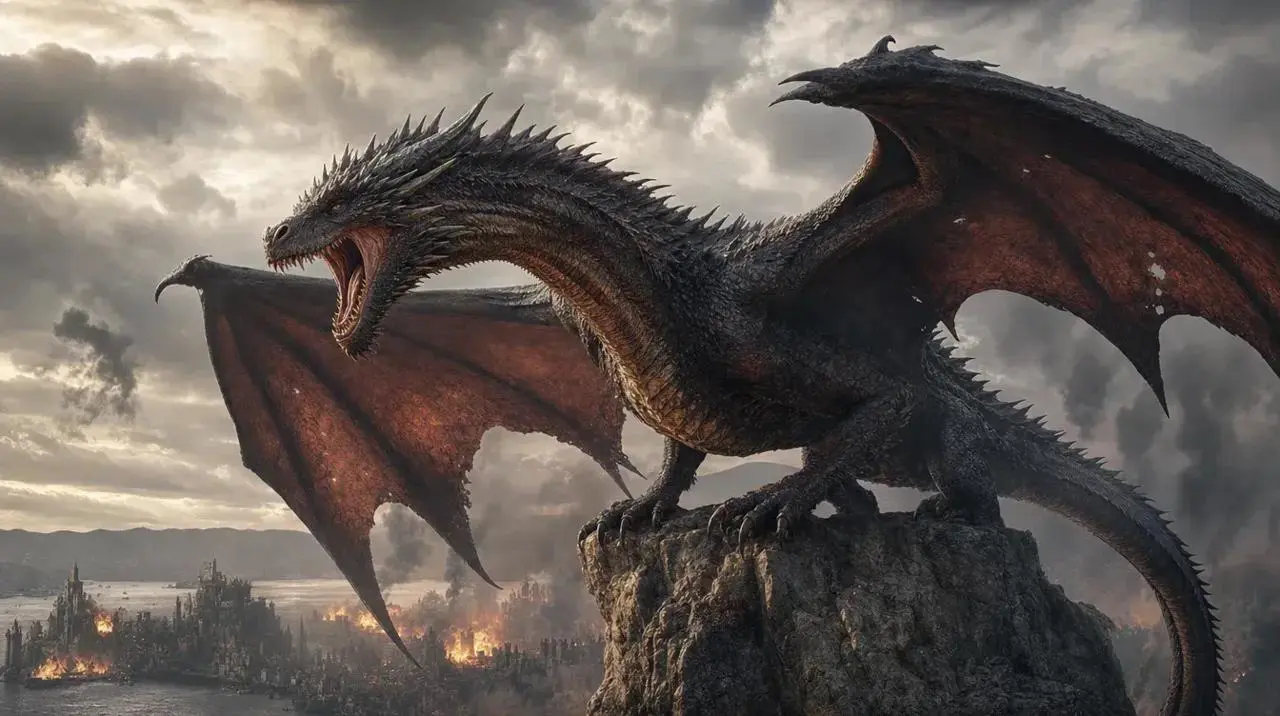
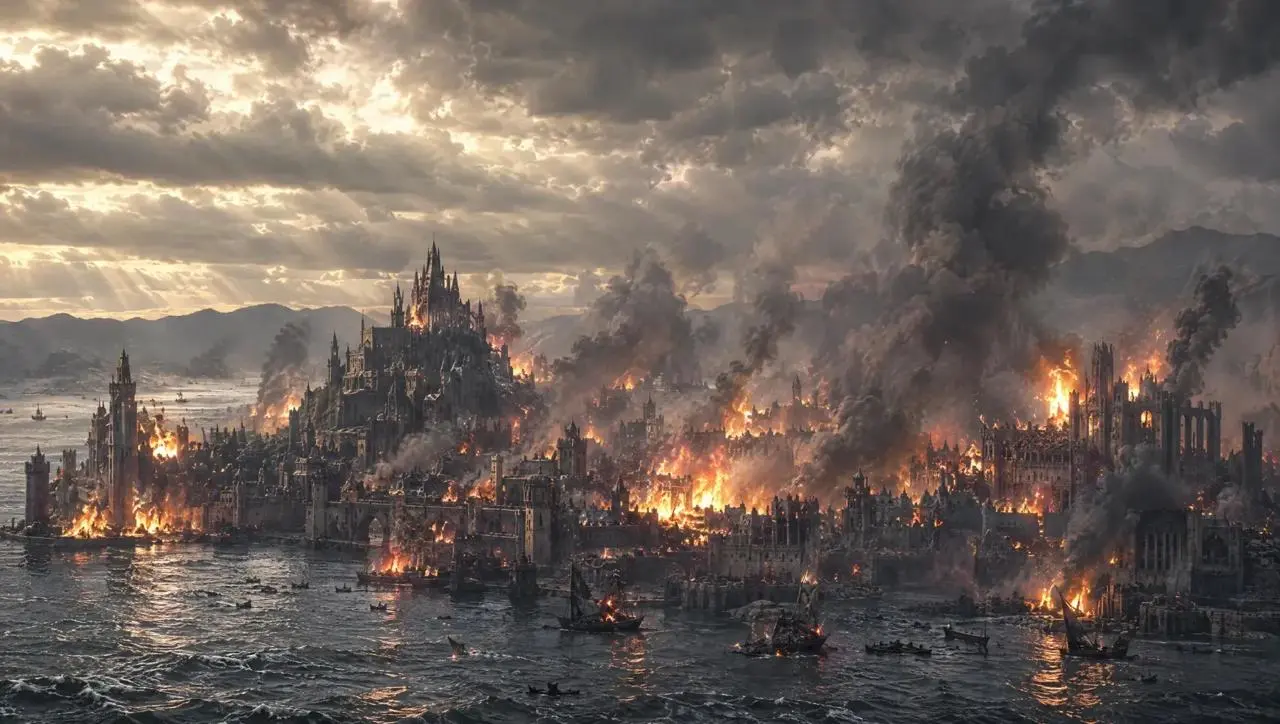
용의 장면이 절벽에서 도시로 이어집니다.
A giant dragon stands atop a cliff, roaring at the burning city below.
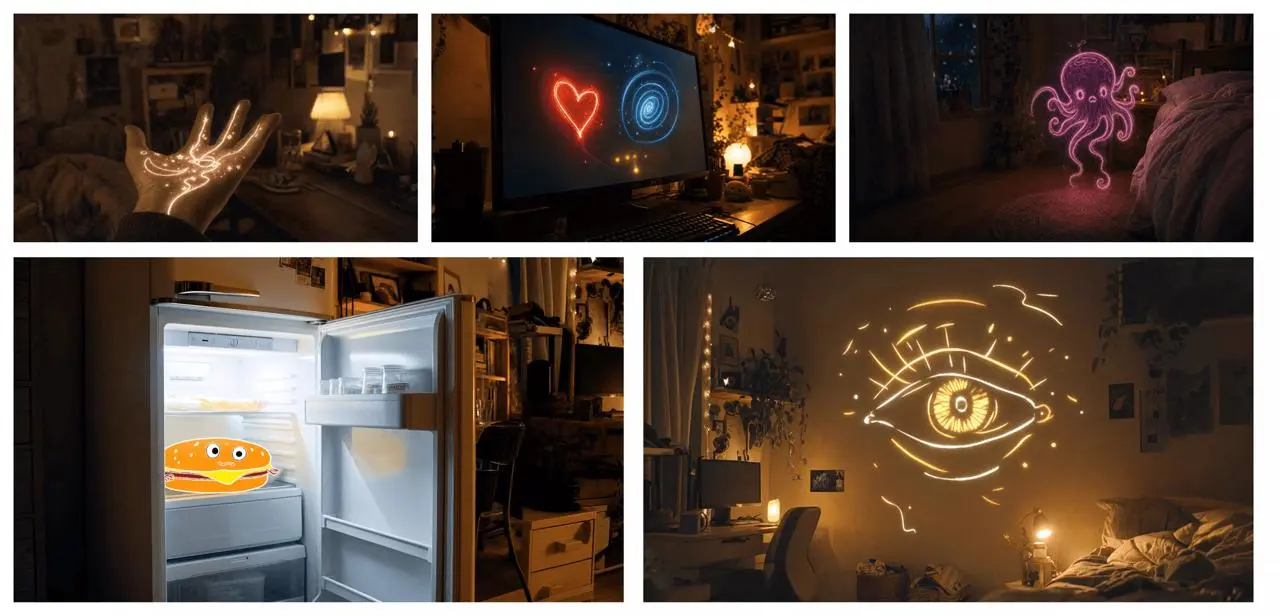
참고 프롬프트: 보드의 시각적 순서를 따라 빛나는 물체 사이의 전환을 설명하세요.
Use the supplied image board as visual guidance for a 20-second magical sequence in a cozy bedroom at night. Begin with a close-up of an open hand covered in glowing golden lines. A small golden star flies from the hand toward a computer monitor displaying a red heart and a blue spiral. Follow the light as it becomes a butterfly, then a flowing purple ribbon that forms a small floating octopus-like figure near the bed. Continue toward an open refrigerator containing a smiling cartoon hamburger. Finish on a large golden line-drawn eye opening above the bed. Connect these moments with fluid camera movement, warm practical lighting, sparkling light trails and a consistent bedroom setting.
짧은 프롬프트는 연기와 장면 구성에 여지를 남깁니다.
An old man ranting about AI.
프롬프트에 재회, 포옹, 핸드헬드 카메라, 조명과 소리를 지정합니다.
A single continuous 7-second shot set in the UK. At dusk, two friends who haven’t seen each other in a long time meet at the corner of a quiet street, with people going about their everyday lives around them. They smile, walk quickly toward each other, and share a warm embrace. Their expressions and body movements feel natural. The handheld camera follows them with a slight, natural shake. Soft, warm lighting and a nostalgic film look. Include natural footsteps, street ambience, background music, and dialogue in English.
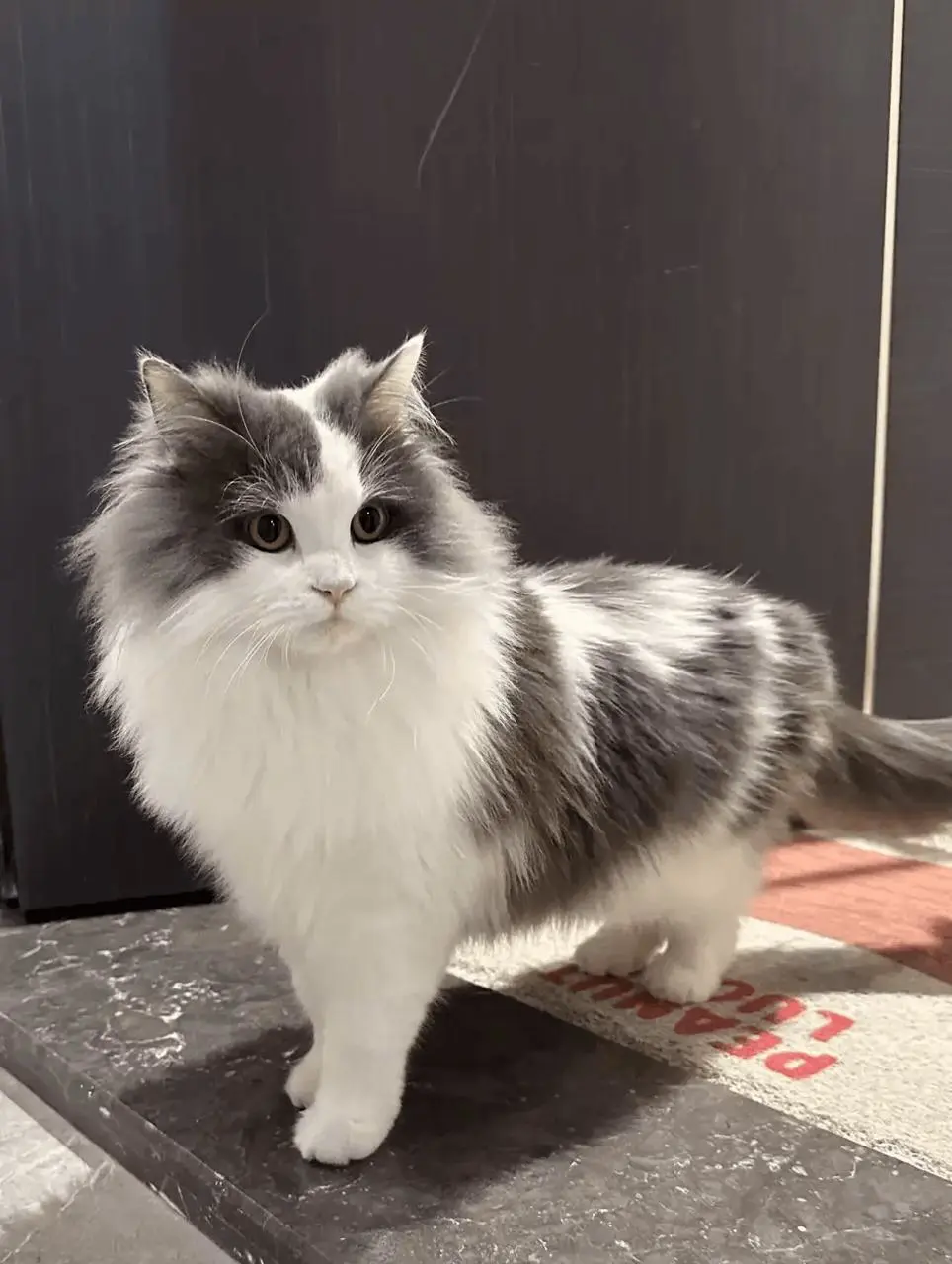
참고 프롬프트: 고양이 이미지는 외형에, 강아지 영상은 숏 순서와 리듬, 상호작용에 활용하세요.
Replace the dog in the reference video with the gray-and-white long-haired cat from the reference image. Preserve the original shot sequence, framing, camera movement, timing, white background, and human interactions. Show the cat facing the camera, receiving a gentle stroke on its head, and peeking out of the person's clothing pocket. Keep the cat’s facial markings, fur colors, and fluffy appearance consistent throughout, adapting its movements naturally to each shot.
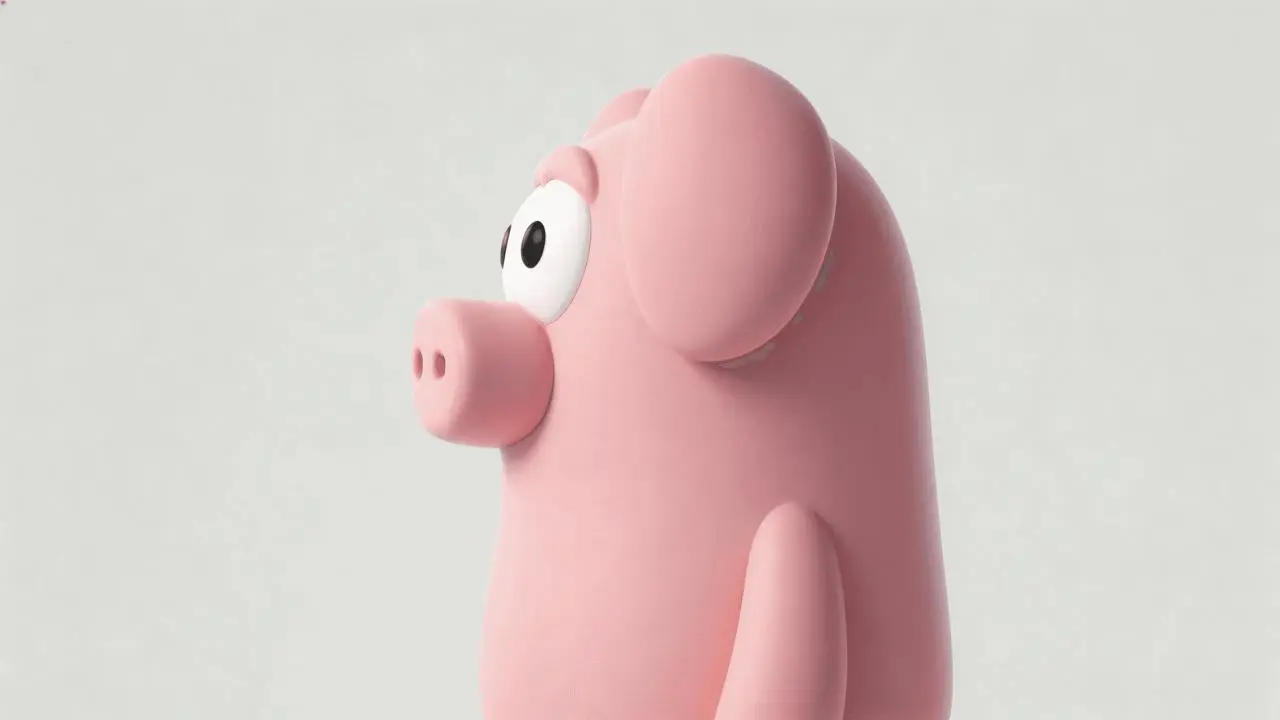
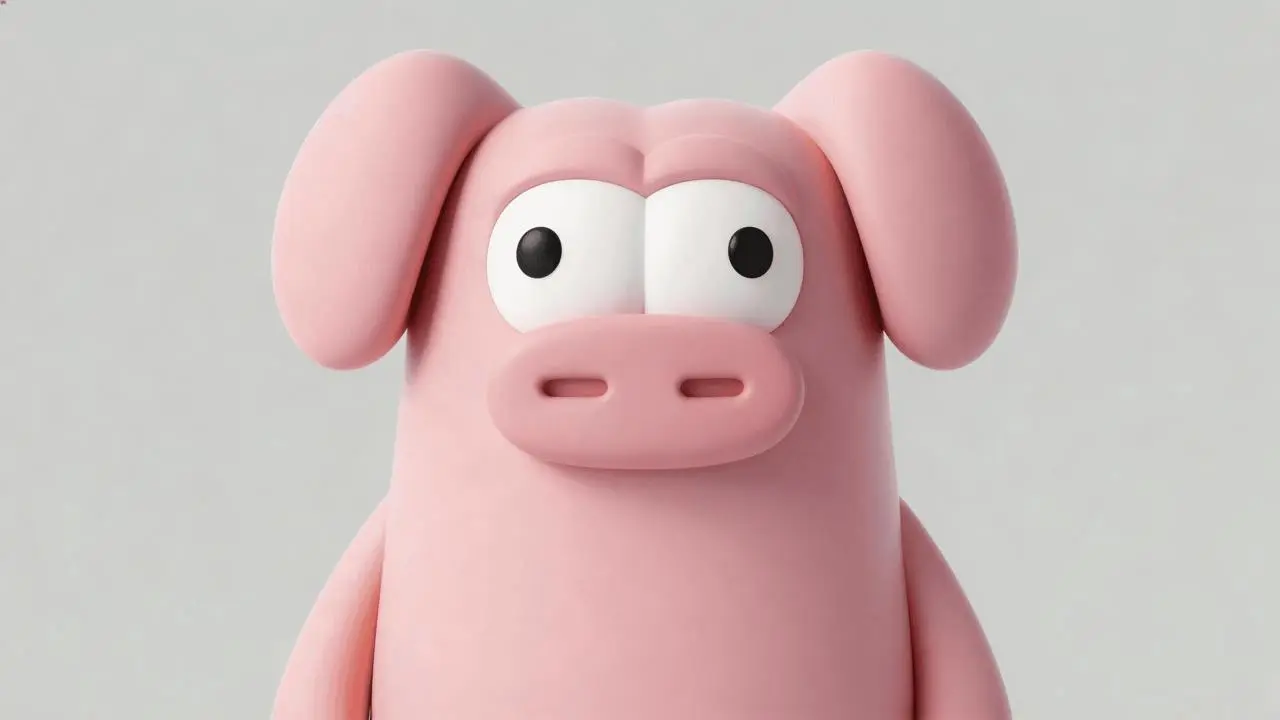
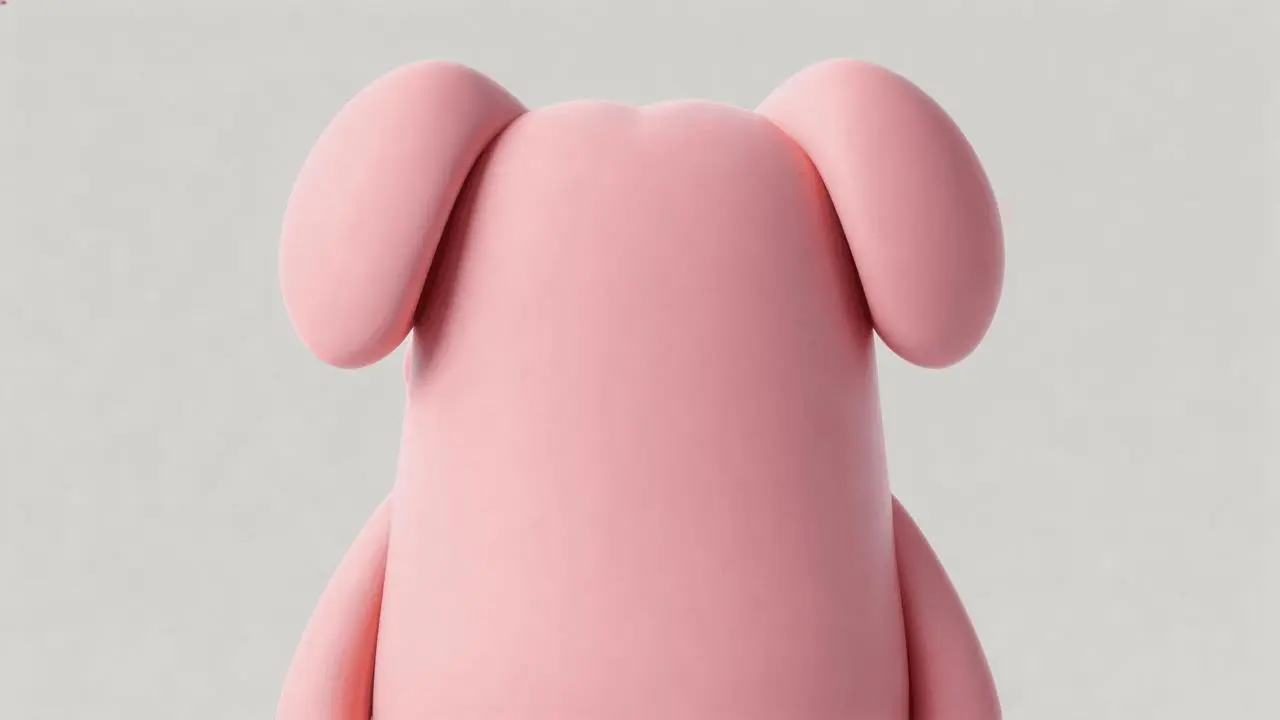
참고 프롬프트: 방과 기존 동작을 유지하고 상자 안의 분홍 캐릭터를 보여준 뒤 마지막 반응을 바꾸세요.
Edit the reference video while preserving the wood-paneled room, the existing people, their clothing, the warm lighting, the camera cuts and the action around the wooden box. Use the three character images to add the same pink cartoon pig-like character inside the box. Reveal it lying in the box when the camera looks inside near the end, replacing the empty interior and its lettering. Match its position, perspective, scale and lighting to the box while retaining its smooth pink body, floppy ears and large white eyes. Keep the preceding action and dialogue, then change the final spoken reaction and matching English subtitle to: "Why is there a pig here?"
작업에 맞는 4.0 항목을 선택한 뒤 텍스트, 참고 자료 또는 프레임 모드를 고르세요.
동작, 카메라, 결말을 작성하세요. 3–30초, 720p 또는 1080p와 Auto, 21:9, 16:9, 9:16, 1:1을 선택하고 제출 전 크레딧을 확인하세요.
처음부터 끝까지 세부 묘사, 움직임, 전환, 글자, 소리를 확인하고 필요한 지시나 참고 자료를 조정하세요.
원본 자료와 영상 길이로 선택하세요. Reference와 Image to Video는 Kling 4.0 안의 입력 방식이며 차이는 위에 설명되어 있습니다.
| 비교 항목 | Kling 4.0 | Kling 3.0 Omni | Kling 3.0 |
|---|---|---|---|
| 공식 모델 방향 | 긴 서사, 역동적인 움직임, Omni Reference | 참고 자료 기반 인물 일관성과 스토리보드 연출 | 기본 시청각 생성과 여러 숏으로 구성한 이야기 |
| WeShop 입력 방식 | Reference: 텍스트 또는 참고 자료. Image to Video: 텍스트, 첫 프레임, 첫·마지막 프레임 또는 여러 키프레임 | 텍스트, 원본 영상, 참고 이미지 | 첫 프레임 또는 첫·마지막 프레임 |
| WeShop 길이 설정 | 3–30초 | 3–15초 | 3–15초 |
| WeShop 제어 항목 | 720p / 1080p; Auto, 21:9, 16:9, 9:16 또는 1:1 | 16:9, 9:16 또는 1:1; Generate Audio 켜기/끄기 | Generate Audio 켜기/끄기 |
15초를 넘는 영상, 참고 자료 기반 장면, 여러 키프레임 연출에는 4.0을 선택하세요. 자료에 맞춰 Reference나 Image to Video를 사용하세요.
긴 장면이나 키프레임 연출에는 Kling 4.0원본 영상이나 인물 참고 자료로 3–15초 영상을 만들 때 3.0 Omni를 고려하세요. 공식 방향은 참고 자료의 일관성과 스토리보드 연출을 강조합니다.
참고 자료 기반 인물 장면에는 Kling 3.0 Omni시작 이미지와 선택적인 끝 이미지로 3–15초 영상을 만들 때 3.0을 선택하세요. 소리의 용도에 맞게 Generate Audio를 설정하세요.
첫 프레임 또는 첫·마지막 프레임에는 Kling 3.0참고 자료로 영상을 만드는 다른 모델을 비교하세요.
아닙니다. Flash는 별도 이름의 변형입니다. 이 페이지는 WeShop에서 Kling 4.0으로 표시되는 Reference와 Image to Video를 설명합니다.
장면을 글로 묘사하거나 이미지와 영상으로 인물, 배경, 움직임을 유도하려면 Reference를 선택하세요. 첫 프레임, 첫·마지막 프레임 또는 여러 키프레임으로 숏을 이끌려면 Image to Video를 사용하세요. 둘 다 텍스트만으로 만들 수 있으며 자료와 필요한 제어에 맞춰 선택하면 됩니다.
이미지는 필수가 아닙니다. Kling 도구에서 Kling 4.0 Reference를 선택하고 참고 이미지와 영상을 비운 뒤 이미 불러온 자료도 삭제하세요. 피사체, 동작, 배경, 카메라, 스타일, 대사와 소리를 설명합니다. 길이, 해상도, 비율과 크레딧을 확인하고 생성한 뒤 작업 결과를 여세요. Kling 4.0 Image to Video도 텍스트만으로 만들 수 있습니다. 이때 첫·마지막·중간 프레임을 비워 두세요.
길이는 3초에서 30초까지 1초 단위로 선택합니다. 제어 항목에서 설정해야 하며 프롬프트에 쓴 숫자로 대체할 수 없습니다.
WeShop에 표시된 해상도 옵션은 720p와 1080p입니다. 공식 시연 파일의 해상도가 이 생성기의 출력 옵션을 뜻하지는 않습니다.
아닙니다. 영상 전체에서 얼굴, 의상, 상품 세부 정보와 글자를 검토하세요. 참고 자료는 결과를 유도하지만 완전한 보존을 보장하지 않습니다.
생성 전 선택한 모델과 설정의 현재 크레딧 견적, 계정 권한을 확인하세요. 한 번의 견적이 모든 요청에 동일한 고정 가격은 아닙니다.