
AI 모델 디렉토리
AI 이미지 생성 모델 살펴보기
귀하의 작업 방식에 맞는 이미지 모델을 찾으십시오. 하나의 디렉터리에서 텍스트-이미지 생성, 참조 기반 생성 및 편집을 살펴보세요.
텍스트 프롬프트, 참조 사진 및 이미지 편집을 위해 AI 이미지 모델을 비교하세요. 예제를 검토하고 다음 시각적 개체에 대한 모델을 선택하세요.
AI 이미지 모델 찾아보기
12 모델
 OpenAI
 ByteDance
 Midjourney
 Alibaba
 Tongyi Lab
 Xiaohongshu
 xAI
xAI Google
 HiDream.ai
 OpenMOSS
워크플로 비교
이미지 생성 및 편집 작업 흐름 비교
모델을 선택하기 전에 작업 흐름을 비교해보세요. 텍스트 프롬프트는 새로운 장면을 설명하고 참조 이미지는 생성 또는 편집을 위한 시각적 시작점을 제공합니다.
이미지 모델 전반에 걸쳐 동일한 요약 보기
Each task below keeps the input and full prompt fixed. Compare two recorded model runs, including the model version and output settings; the editing task also shows the shared reference image.
제품 구성
The same text input tests product placement, material detail, lighting, and the amount of usable campaign space.
Shared inputFull prompt
Full promptCreate a premium campaign still life featuring an unbranded translucent lavender perfume bottle and black cat-eye sunglasses on dark stone plinths. Add small purple flowers, a polished pale stone surface, soft blush-and-violet studio lighting, elegant shadows, and generous negative space. Wide landscape composition. No text, logos, or watermark.
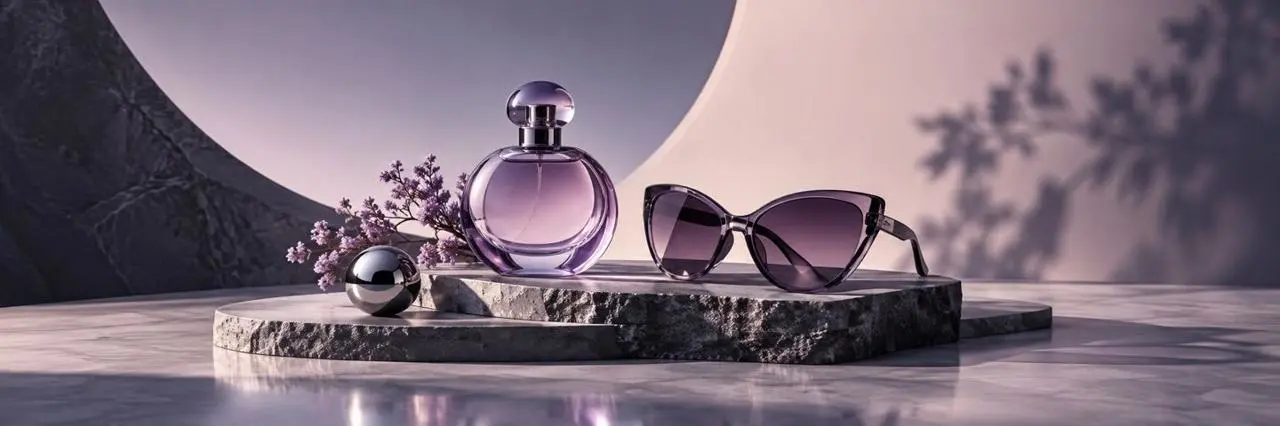
GPT ImageModel output 1
- Version
- GPT Image 2
- Aspect ratio
- 3:1
- 출력
- 1440 × 480
- 이미지
- 1

Nano BananaModel output 2
- Version
- Nano Banana 2
- Aspect ratio
- 3:1
- 출력
- 2172 × 724
- 이미지
- 1
포스터 컨셉
The shared brief tests geometric layout, visual hierarchy, material rendering, and reserved copy space.
Shared inputFull prompt
Full promptCreate a premium photorealistic 3D poster mockup in a dark plum studio. Center one horizontal cream poster with bold plum and magenta geometric waves and a small chrome sphere. Surround it with restrained translucent acrylic and stone shapes under polished magenta studio light. Preserve generous blank cream space for future copy. Wide landscape composition. No readable text, logos, or watermark.
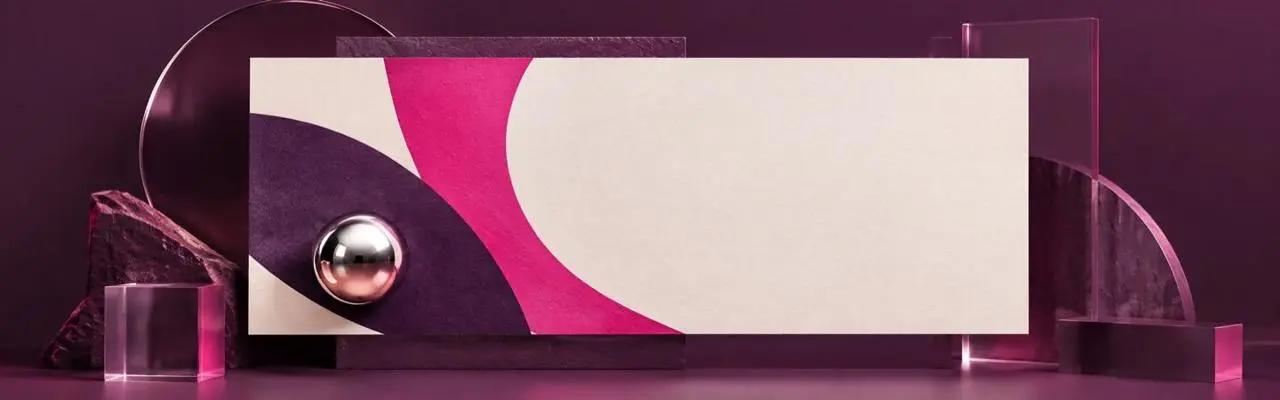
GPT ImageModel output 1
- Version
- GPT Image 2
- Aspect ratio
- 16:5
- 출력
- 1440 × 450
- 이미지
- 1
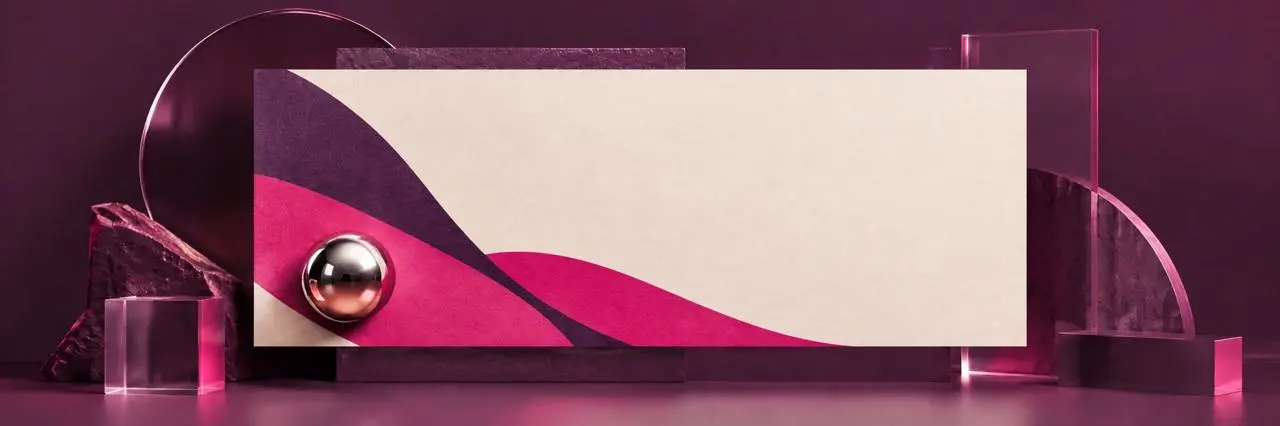
Nano BananaModel output 2
- Version
- Nano Banana 2
- Aspect ratio
- 3:1
- 출력
- 2172 × 724
- 이미지
- 1
참조 이미지 편집
Both runs receive the same source image and edit instruction so you can compare subject preservation and background replacement.
Shared inputReference image
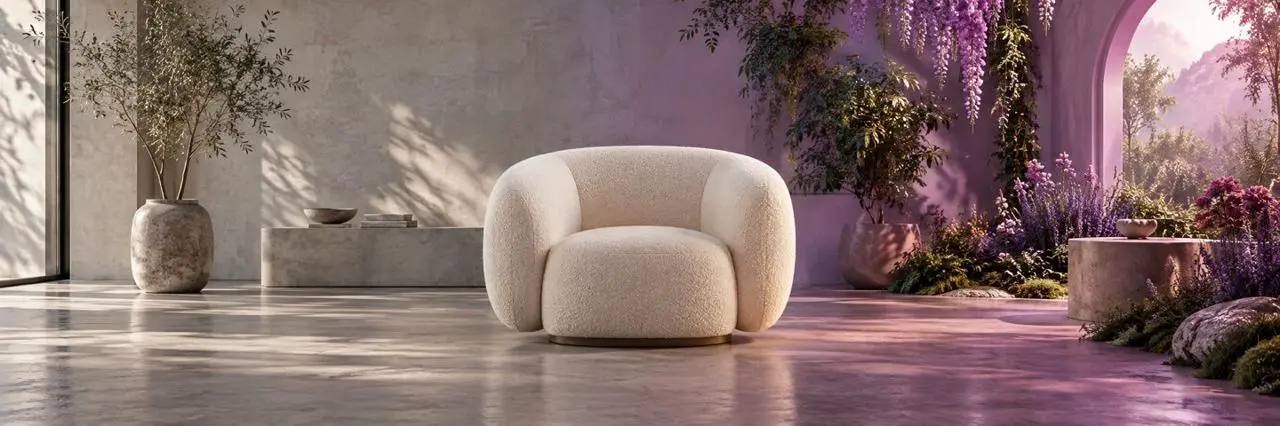
Full promptUse the uploaded image as the reference. Replace the entire environment with a bright warm-white daylight photography studio using a seamless plaster backdrop and soft shadows. Keep the cream boucle lounge chair unchanged as the sole hero product, preserving its position, scale, shape, upholstery texture, and camera angle. Remove all plants, archways, flowers, and colored garden light. Wide landscape composition. No text, logos, or watermark.
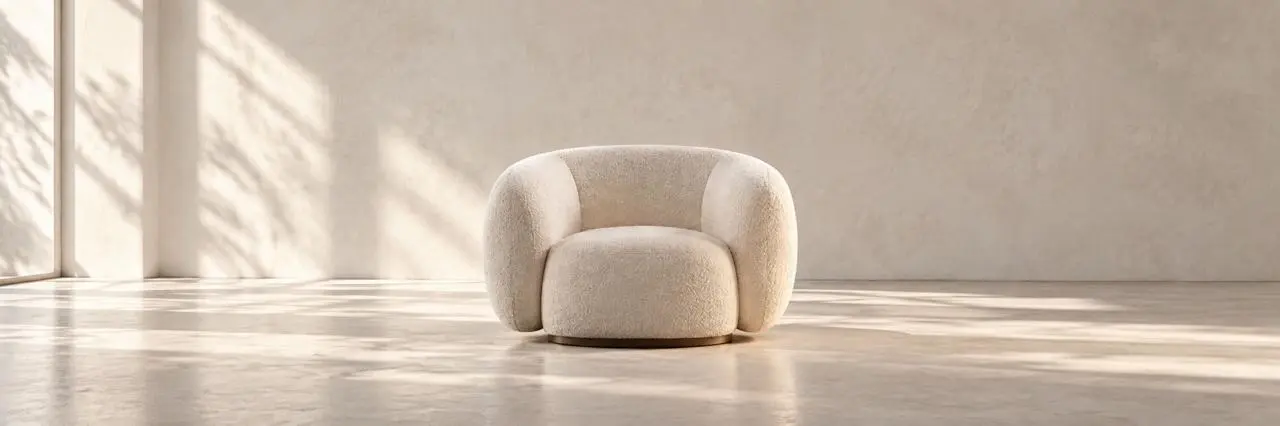
GPT ImageModel output 1
- Version
- GPT Image 2
- Input
- 1 reference image
- Aspect ratio
- 3:1
- 출력
- 2172 × 724

Nano BananaModel output 2
- Version
- Nano Banana 2
- Input
- 1 reference image
- Aspect ratio
- 3:1
- 출력
- 2172 × 724
작업에 맞는 이미지 모델 선택
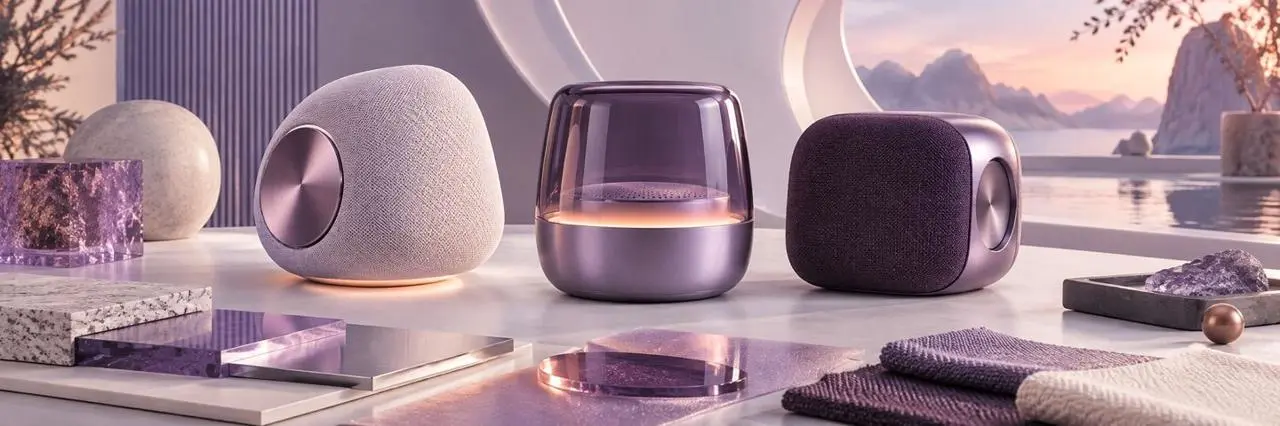
제품 컨셉
제품 아이디어를 위한 배경, 조명, 구성을 비교해보세요.
제품 컨셉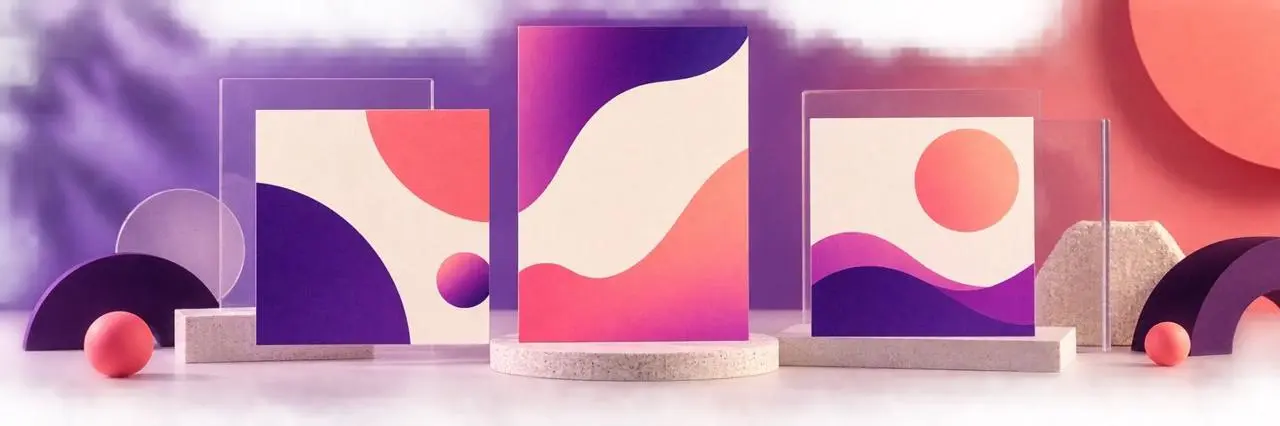
포스터 및 소셜 그래픽
각 모델이 보고서의 레이아웃, 시각적 스타일, 텍스트를 어떻게 처리하는지 검토하세요.
포스터 및 소셜 그래픽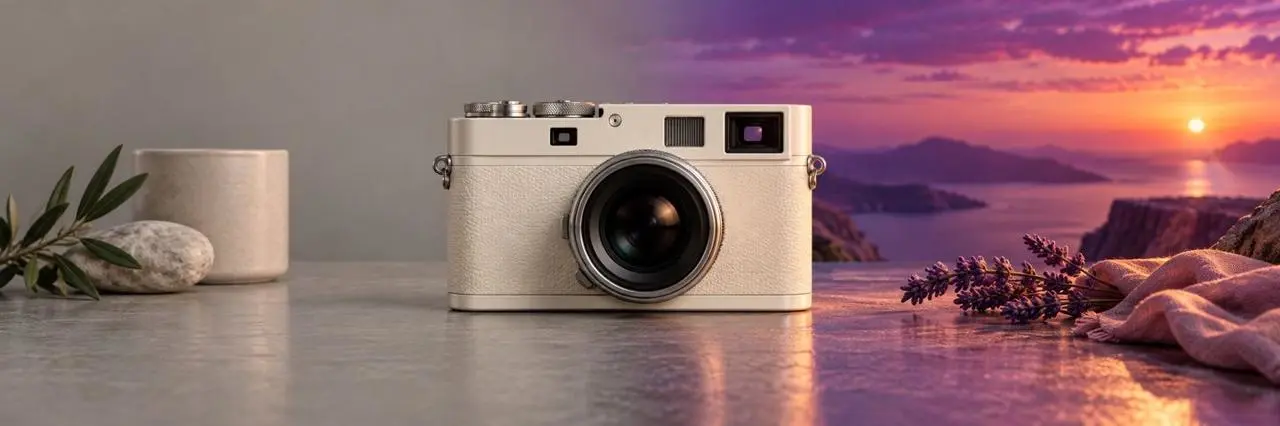
참조 사진 편집하기
모델이 요청한 변경 사항을 어떻게 따르는지, 입력에서 어떤 세부 정보를 유지하는지 확인하세요.
참조 사진 편집하기자주 묻는 질문
올바른 AI 모델을 어떻게 선택합니까?
모델 입력, 워크플로, 설정 및 가용성에 대한 직접적인 답변입니다.
AI 이미지 생성 모델이란 무엇입니까?
AI 이미지 생성 모델은 텍스트 프롬프트나 참조 사진과 같은 지침을 바탕으로 이미지를 생성합니다. 이 디렉토리의 모델은 WeShop AI 워크플로를 통해 사용할 수 있습니다.
어떤 AI 이미지 모델을 선택해야 하나요?
새 장면 만들기, 레이아웃 탐색, 기존 이미지 편집 등 작업에 따라 선택하세요. 유사한 입력이 포함된 예시를 비교하고 사용 가능한 컨트롤을 검토하세요.
참고 사진을 사용해도 되나요?
참조 사진 지원은 각 모델에 대해 나열됩니다. 모델 페이지를 열어 이미지를 업로드하고 사용 가능한 생성 또는 편집 설정을 검토하세요.
Can I compare image models using the same brief?
Yes. Each of the three comparison tasks keeps one complete prompt fixed across both model outputs. The cards record the model version and settings, and the reference-edit task uses the same displayed source image for both runs.