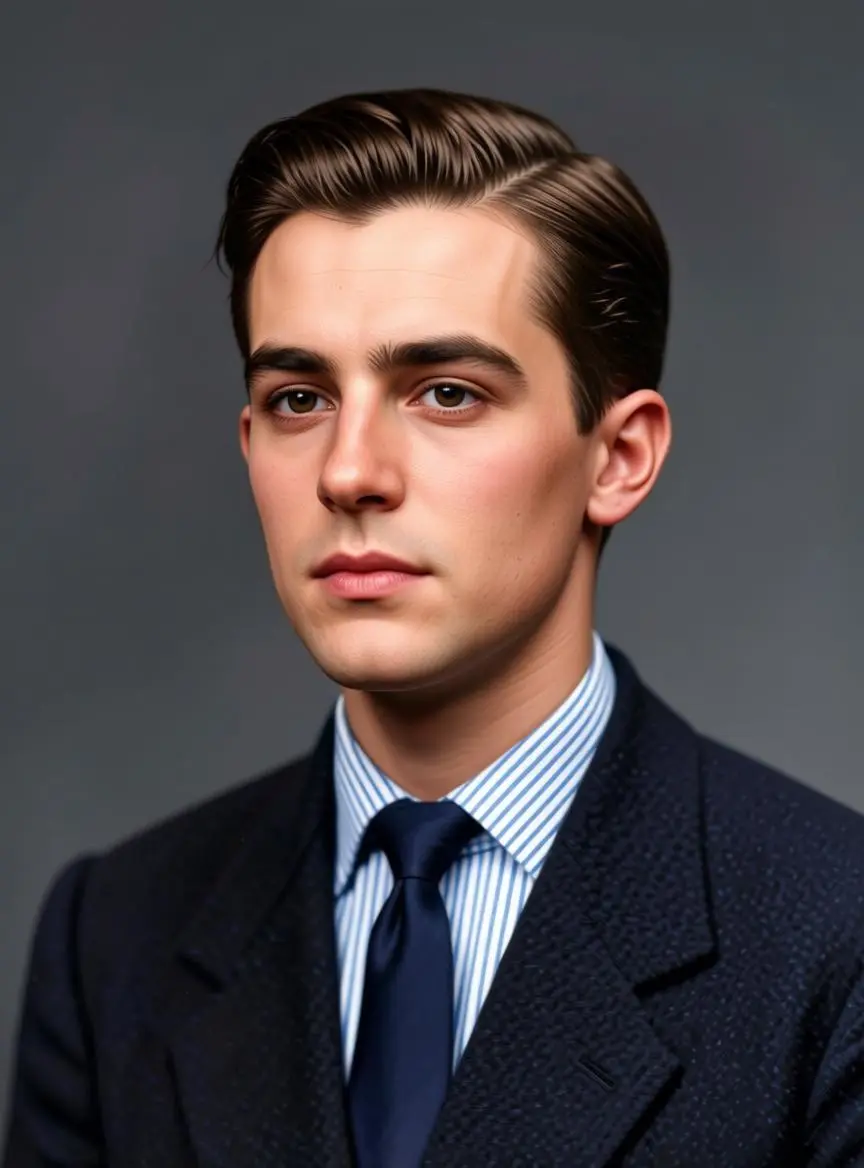
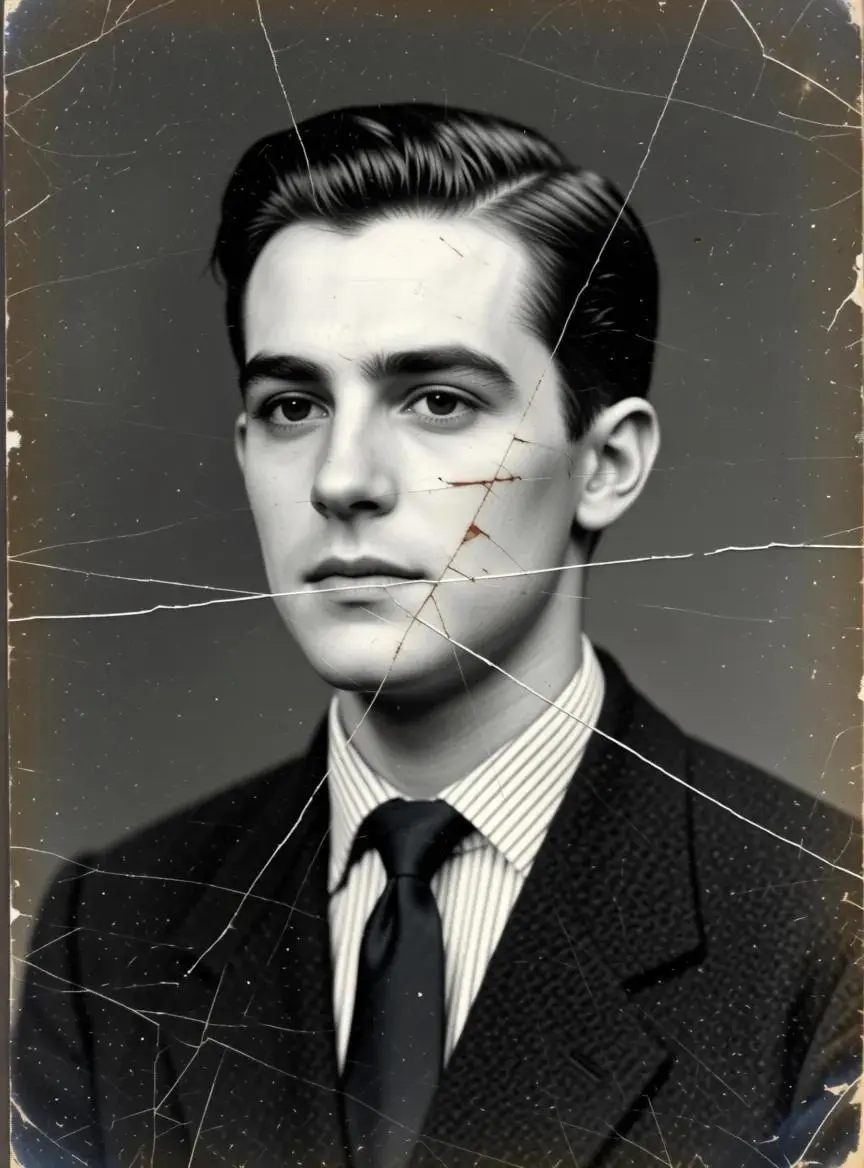
रंगीन पोर्ट्रेट बहाली
संदर्भ पोर्ट्रेट को उच्च स्पष्टता वाली रंगीन फ़ोटो के रूप में बहाल करें। मूल इमेज व्यक्ति और फ़्रेमिंग देती है।
Turn into a high-definition color photo

FireRed-Image-Edit, FireRedTeam का निर्देश-आधारित इमेज एडिटिंग मॉडल परिवार है। यह परियोजना विषय की पहचान बनाए रखते हुए एडिट निर्देशों का पालन करने और दृश्य तत्वों को मिलाने पर केंद्रित है। WeShop AI पर टेक्स्ट से नई इमेज बनाएँ या एडिट करने के लिए इमेज अपलोड करें।
संदर्भ चित्रों से बने पोर्ट्रेट पुनर्स्थापन, लघु कलाकार दृश्य और Y2K कोलाज देखें। बिना चित्र अपलोड किए बनाने के लिए प्रॉम्प्ट गाइड में केवल टेक्स्ट से बना पात्र देखें। हर परिणाम के साथ वास्तविक अंग्रेज़ी प्रॉम्प्ट और सहेजा गया उदाहरण बना रहता है।
संदर्भ पोर्ट्रेट को उच्च स्पष्टता वाली रंगीन फ़ोटो के रूप में बहाल करें। मूल इमेज व्यक्ति और फ़्रेमिंग देती है।
Turn into a high-definition color photo
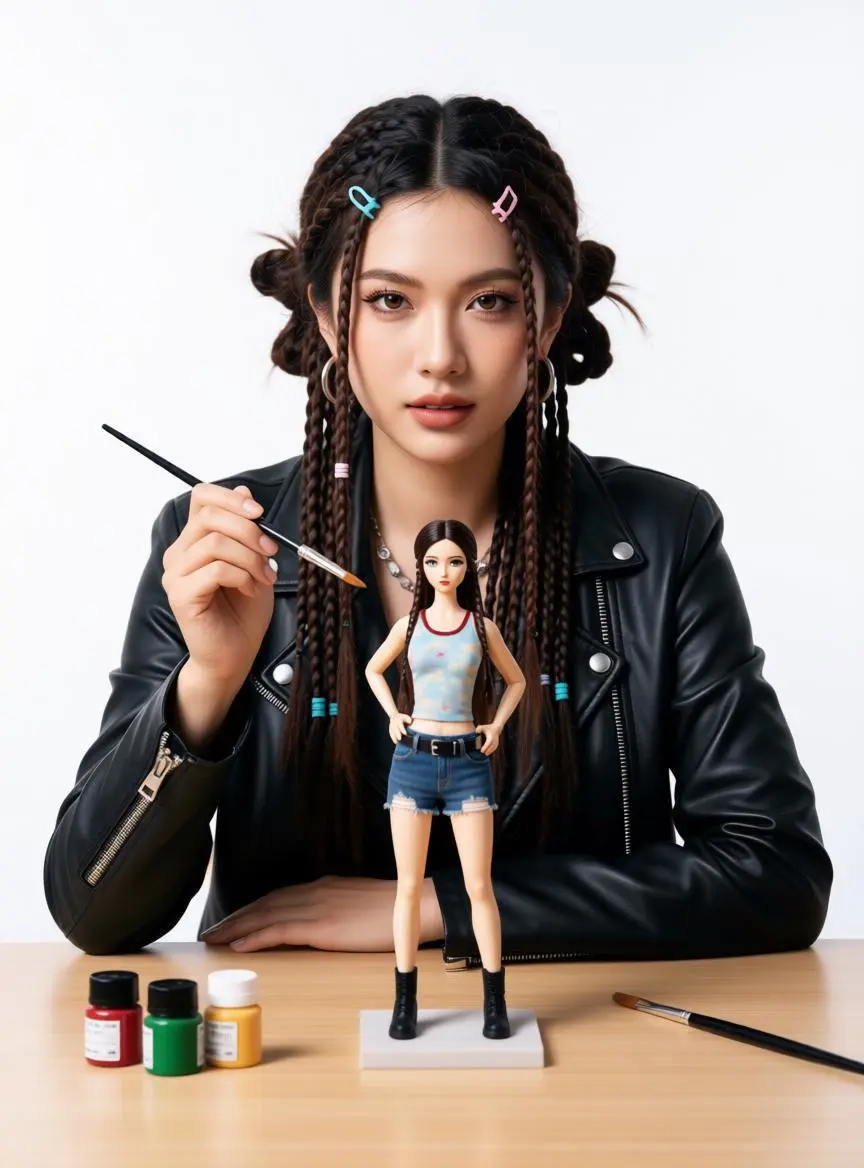
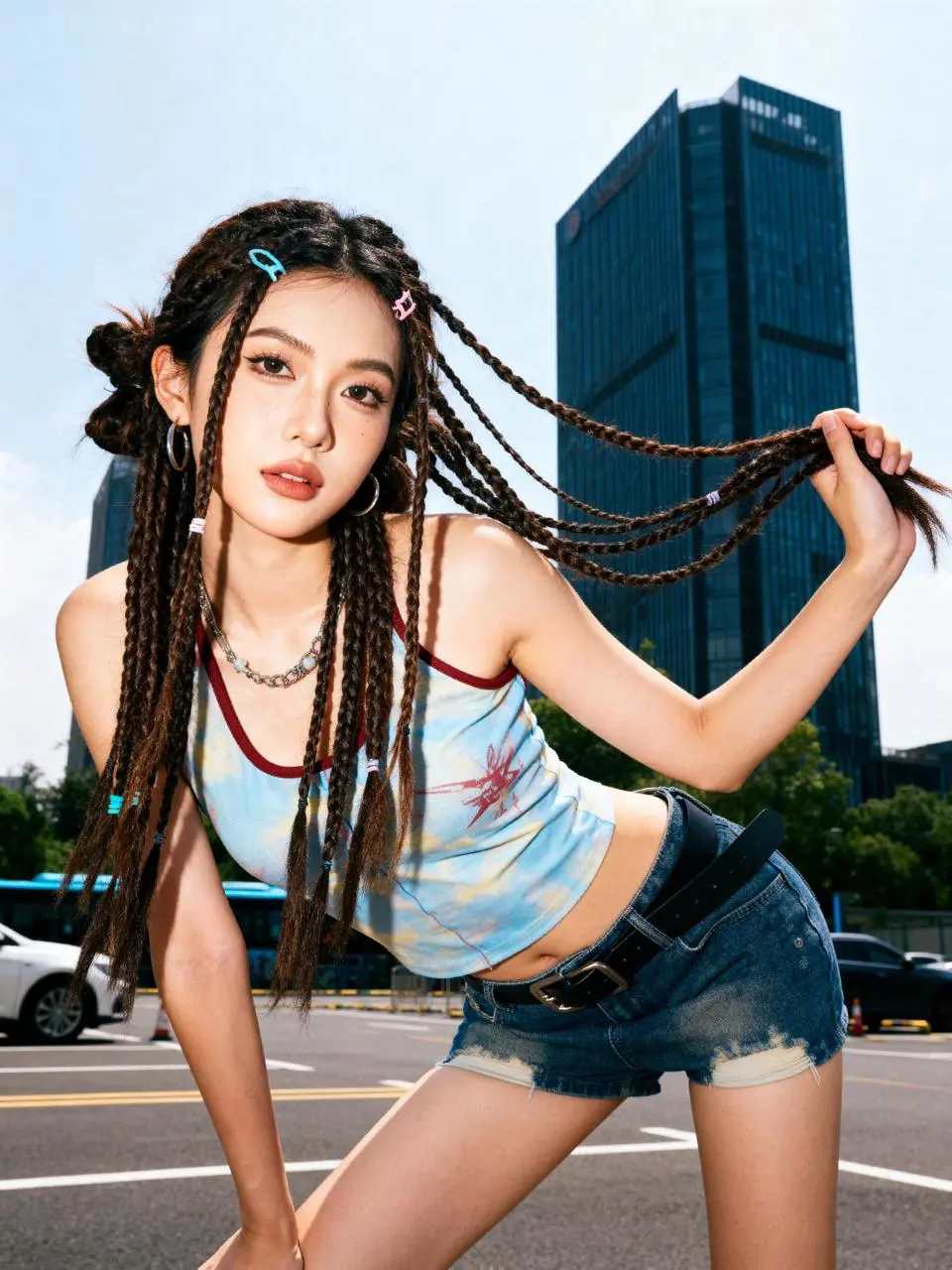
संदर्भ वाले व्यक्ति को लघु आकृति पर काम करते कलाकार के रूप में दिखाएँ। पोर्ट्रेट को शुरुआती इनपुट रखते हुए दृश्य बदलें।
Create a portrait of a person, depicting this individual as an artist drawing a miniature doll. This person is dressed in their most iconic attire, confidently looking directly at the camera, holding a small paintbrush in one hand. A mini version of oneself is prominently placed on the clean workbench in front of them - enlarging the doll to make it more noticeable than its actual size, thus highlighting it even more. The doll is also wearing the same iconic clothing and is posing in a typical manner. The painting supplies on the workbench are minimal, avoiding clutter - only two or three small paint bottles and one spare brush, focusing the viewer's attention on the person and the doll. A soft neutral white background, professional studio lighting, shallow depth of field. The composition highlights the facial expression of the person looking at the camera and the doll being drawn. The style of the picture is simple and lively, aiming for a photo-realistic effect, with the details of the person and the doll needing to be highly accurate.
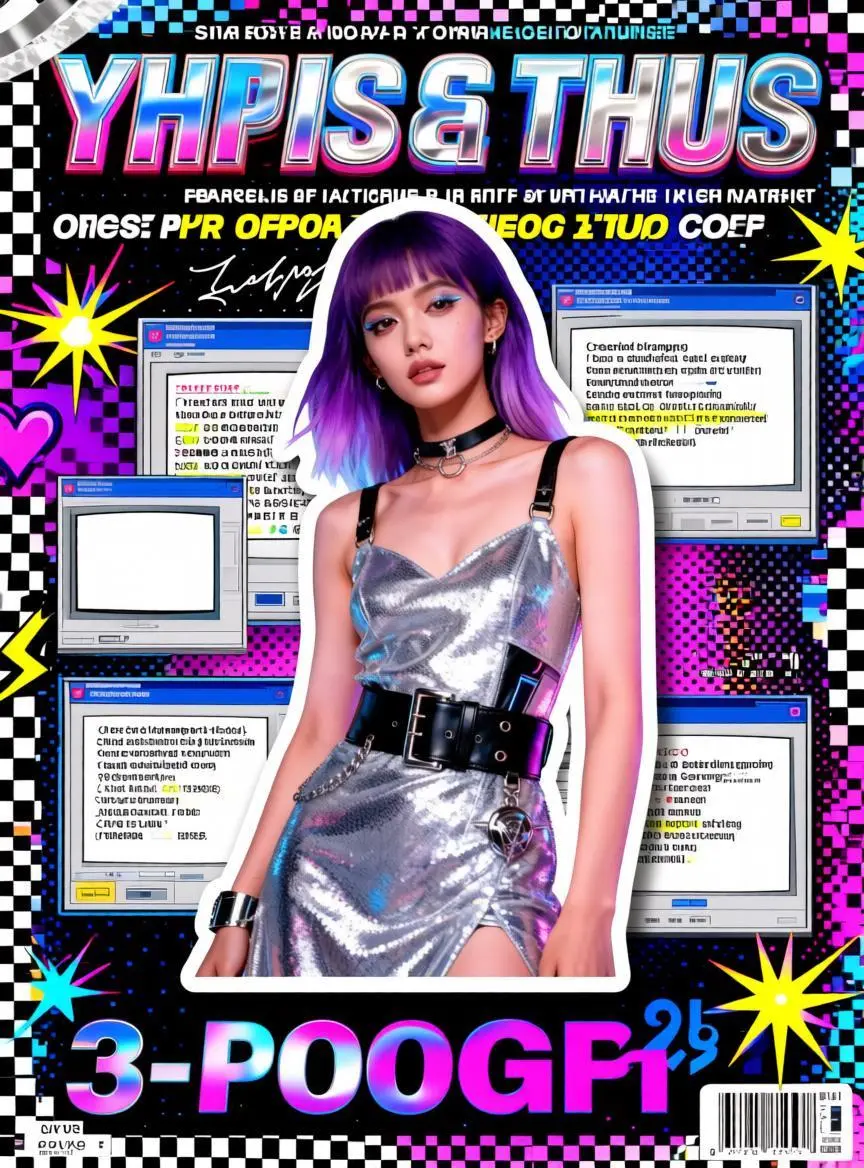
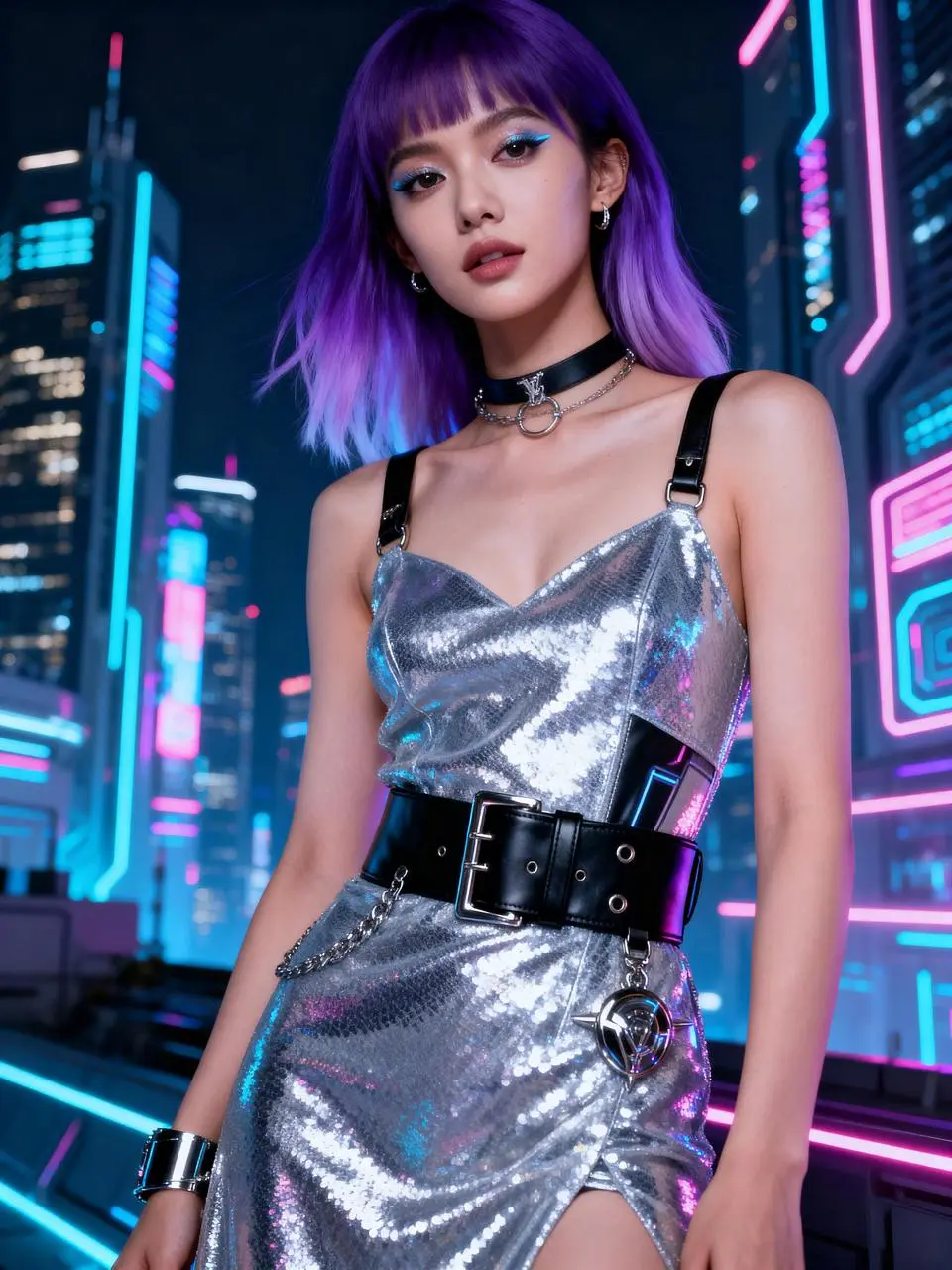
यह परिणाम Y2K कोलाज शैली दिखाता है: कटआउट पोर्ट्रेट, नियॉन रंग, स्टिकर और पुराने विंडो ग्राफ़िक्स। बनाए गए शीर्षकों और छोटे टेक्स्ट में अर्थहीन अक्षर हैं; उपयोग से पहले उन्हें बदलें और जाँचें। यह शैली का उदाहरण है, सटीक टाइपोग्राफ़ी या तैयार पत्रिका कवर का नहीं।
Convert the uploaded photos into a Y2K collage-style magazine cover poster. Keep the identity features and expressions of the main subject consistent, with the main subject clearly and prominently displayed, like being cut out and turned into a sticker placed in the center of the picture, with clean white borders and slight shadows, with distinct layers, with the main subject having the highest priority, and not being obscured. Color scheme rules: Extract the color from the main subject's largest proportion in the uploaded photo and enhance it to a higher saturation and brighter Y2K neon version; then automatically pair a set of strong contrasting colors / adjacent colors / complementary colors as embellishments for the title, stickers, and UI windows. Background uses common Y2K elements combinations: neon gradients, dot halftones, pixel textures, shiny plastic / chrome reflective textures; make a collage decoration around the edges but without competing with the main subject: hand-drawn graffiti lines, stars, hearts, lightning, checkered patterns, exploding star rays, tape stickers, arrows, sticker borders, etc., with high information density but in an orderly manner. Generate the publication name at the top (please design appropriate title text based on the nature of the subject, in English, bold, 3D border, candy color or metallic chrome effect). Generate several short subheadings / slogans above and on the sides of the picture (automatically randomly created, in English, please design appropriate subheading text based on the nature of the subject, short and powerful, like magazine cover copy). Generate a large main title at the bottom (please design appropriate text based on the nature of the subject, 3-6 words, in English, all in capital letters). Generate a magazine information module in the corners: issue number / date / price / small labels, and add a clear barcode area. Retro Windows elements: Overlay multiple layers of Windows 98 / Windows XP era-style window collages around the main subject. The text content and prompt information in the windows are randomly generated, but in line with the tone and layout of the system prompts from that era (in English, short sentences, prompts, percentages, paths, dialog box buttons, etc.), overall realistic and credible. Overall texture leans towards the trendy poster printing and scanning style: slight particles, a little misalignment / overlay effect, sharp edges, strong contrast, bright color grading, high-contrast highlights. The overall picture is clear, clean, and has layers, suitable for magazine covers.
FireRed-Image-Edit, FireRedTeam का निर्देश आधारित इमेज एडिटिंग मॉडल परिवार है। प्रोजेक्ट विषय की पहचान बनाए रखते हुए एडिट निर्देशों का पालन और दृश्य तत्वों को मिलाने पर केंद्रित है। FireRed Image Edit मूल इमेज को निर्देश से सुधारने के काम आता है, जिसमें पोर्ट्रेट बहाली और अलग दृश्य प्रस्तुति शामिल हैं। बहाल पोर्ट्रेट, लघु आकृति वाले कलाकार का दृश्य और Y2K कोलाज संदर्भ से किए गए तीन एडिट हैं जिन्हें जाँचना चाहिए; ये हूबहू पहचान बनाए रखने का प्रमाण नहीं।
मूल इमेज में खास बदलाव और पहचानने योग्य रखे जाने वाले रूप-रंग बताएँ।
संदर्भ बदलने पर लोगों या वस्तुओं को दिशा देने के लिए दी हुई इमेज इस्तेमाल करें। मिले तत्वों की पहचान और सीमाएँ जाँचें।
मूल विवरण और इच्छित बदलाव अलग बताते हुए नई दृश्य प्रस्तुति माँगें।
WeShop AI पर टेक्स्ट विवरण से नई इमेज बनाएँ, या इमेज अपलोड करके अपेक्षित एडिट बताएँ। मौजूदा तस्वीर बदलने के लिए इमेज चाहिए; केवल टेक्स्ट से नई इमेज बनाने की शुरुआत बिना इमेज के होती है।
जिस इमेज को बनाना चाहते हैं, उसके विषय, परिवेश और विज़ुअल स्टाइल का विवरण दें। मूल इमेज अपलोड करना ज़रूरी नहीं है।
जिस इमेज को एडिट करना चाहते हैं उसे अपलोड करें, फिर बताएँ कि क्या बदलना है और किन बारीकियों को बनाए रखना है।
संदर्भ वाले तीन संपादन और केवल टेक्स्ट से बना एक पात्र देखें। हर कार्ड वास्तविक अनुरोध समझाता है, परिणाम और उपलब्ध संदर्भ दिखाता है तथा पूरा मूल अंग्रेज़ी प्रॉम्प्ट रखता है। ये विशिष्ट अनुरोधों के उदाहरण हैं, कोई प्रमाणित सार्वभौमिक प्रॉम्प्ट सूत्र नहीं।
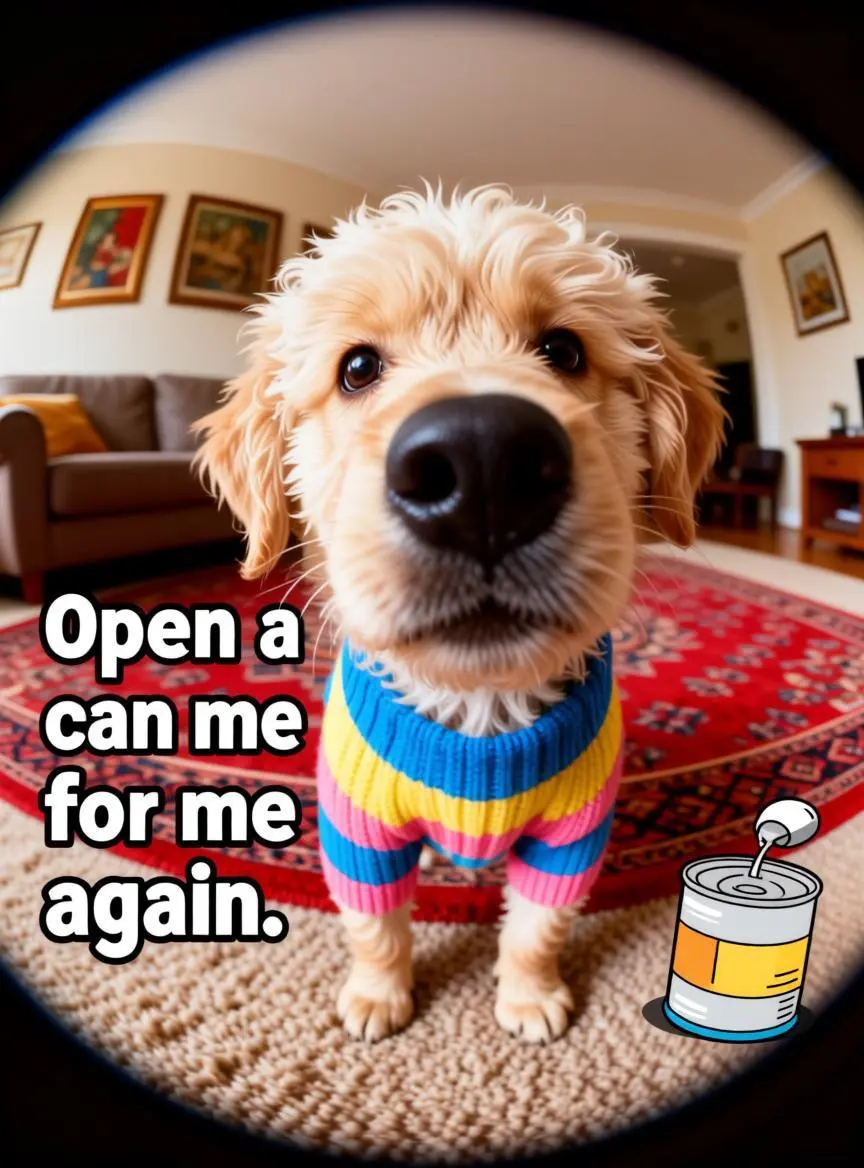
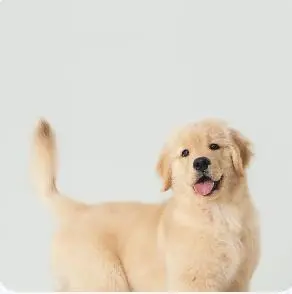
संदर्भ वाला पिल्ला और कंपोज़िशन में कैप्शन की जगह दोनों बताएँ। प्रॉम्प्ट “Open a can for me again” बाईं ओर और कैन का चित्र नीचे-दाएँ कोने में रखता है।
The puppy in Figure 1 stands in the center of the image, on an indoor carpet. The camera is very close to it, and a wide-angle lens was used, making its nose appear particularly large, almost becoming the most eye-catching part of the entire picture. The puppy's fur is off-white and light brown, with slightly fluffy and curly hair on its face. Its ears fold slightly to the sides, and its round eyes look innocent yet intelligent. It wears a colorful striped sweater in blue, yellow, and pink, making the overall image warmer and more lively. The background is a cozy living room environment. A patterned red carpet covers the floor, and behind it, you can see a sofa, decorative paintings on the wall, and indoor furniture. The overall color scheme is warm, giving a comfortable family atmosphere. There is a slight vignetting effect at the edges of the image, as if it were taken through a peephole or an ultra-wide-angle lens, enhancing the photo's whimsicality. On the left side of the image, there is a large English phrase: "Open a can for me again," which roughly translates to "Open another can (of food) for me." A cartoon image of a can is also present in the lower right corner, echoing the text. The whole image is like a pet emoji, using an exaggerated close-up and a pitiful and cute expression to express the puppy's desire for another can of food.
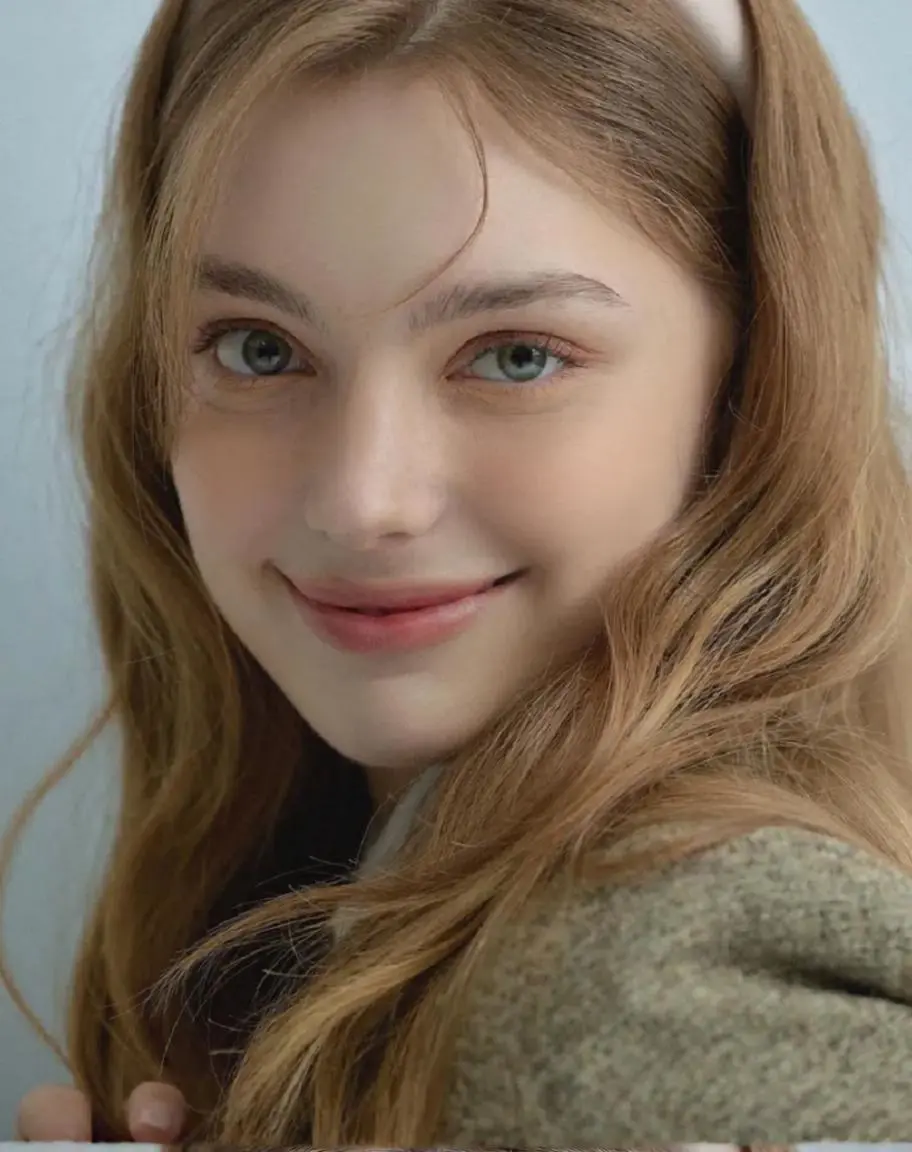
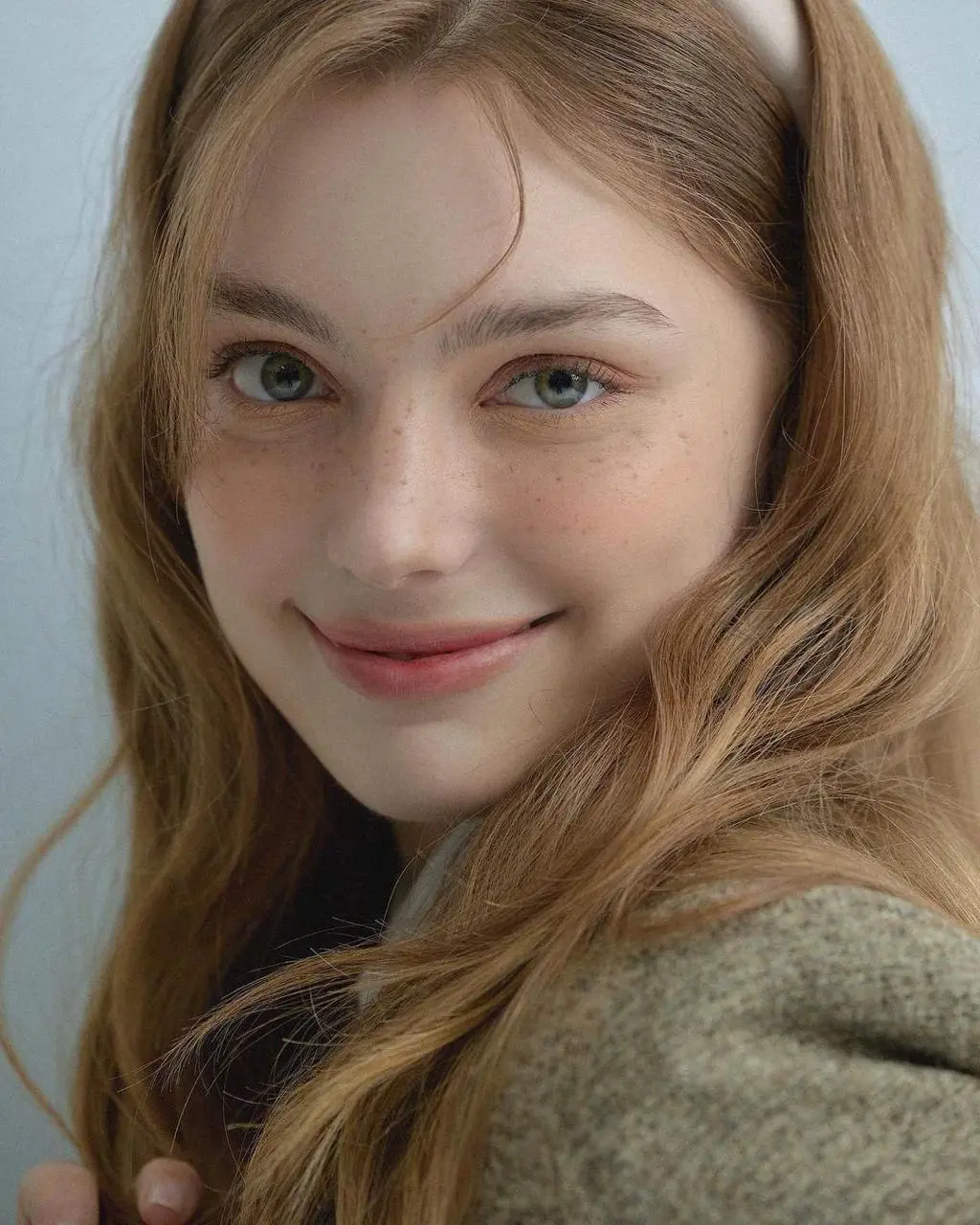
इमेज से मिले विषय या कंपोज़िशन को माँगे गए बदलाव से अलग करें। इस केस में: “remove facial imperfections and acne spots, keep natural skin texture and facial expression, preserve identity and lighting”
remove facial imperfections and acne spots, keep natural skin texture and facial expression, preserve identity and lighting
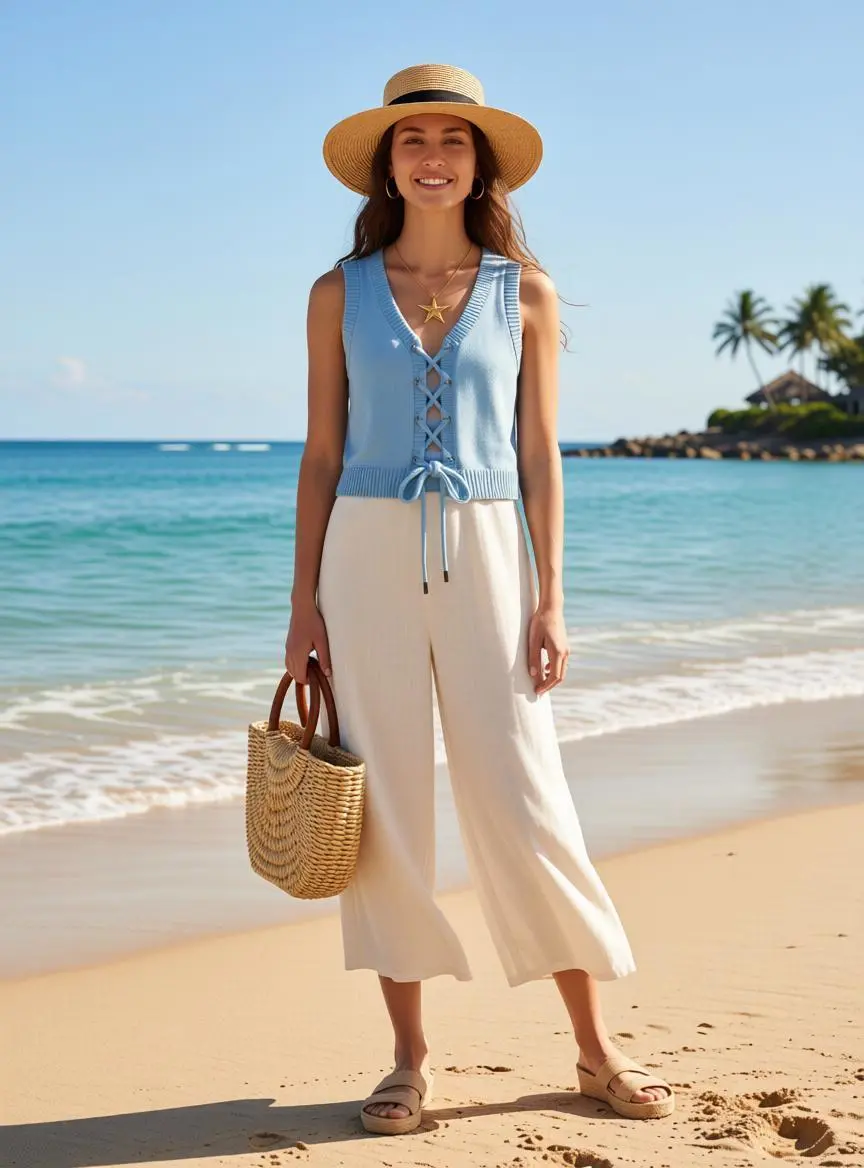
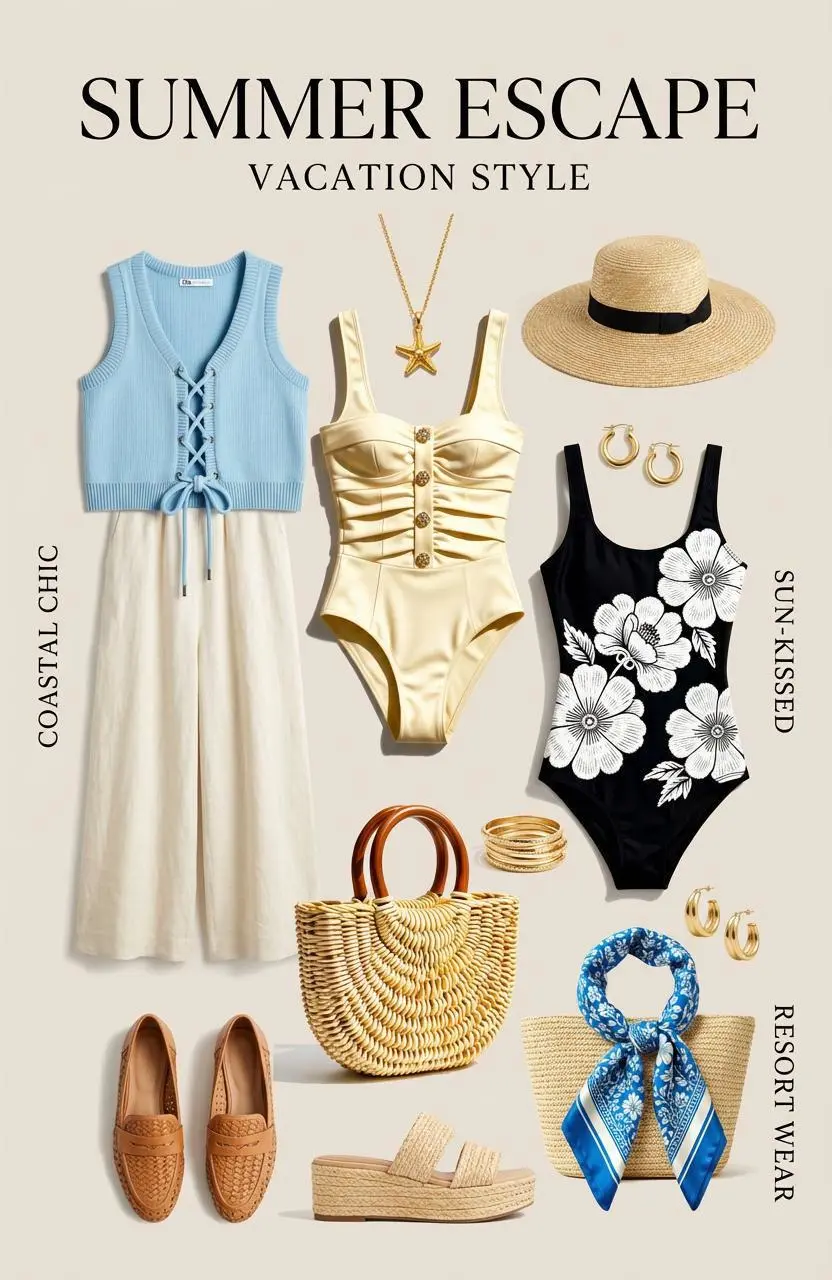
पहनावे के लिए मूल इमेज इस्तेमाल करें, फिर गंतव्य दृश्य बताएँ। यह अनुरोध Figure 1 का पहनावा पहने मॉडल को समुद्र तट पर रखता है।
The model is wearing the outfit in Figure 1 and standing on the beach.
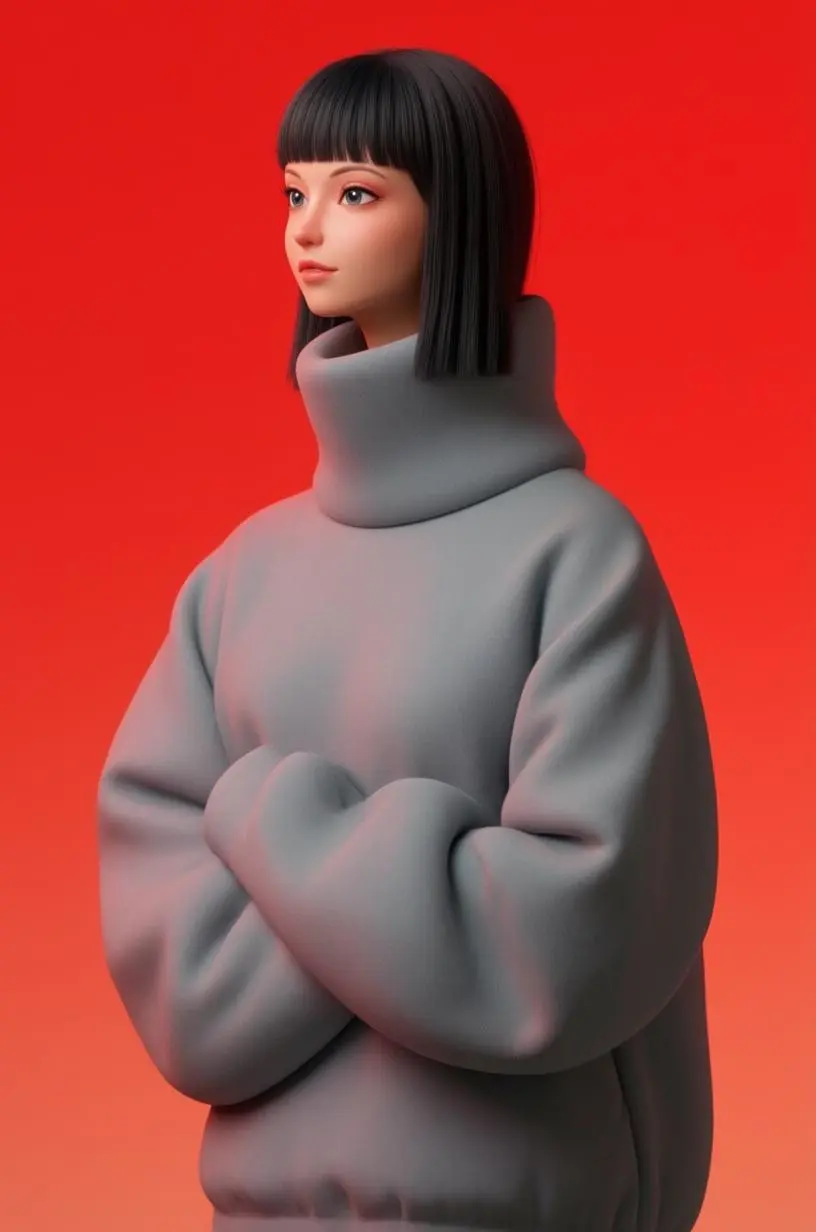
केवल टेक्स्ट प्रॉम्प्ट; इस सहेजे गए उदाहरण में कोई संदर्भ चित्र संलग्न नहीं है। प्रॉम्प्ट में काले बॉब बाल, ढीला स्लेटी टर्टलनेक स्वेटर, चमकदार लाल पृष्ठभूमि और शैलीबद्ध 3D रूप बताया गया है। परिणाम में इन तत्वों को देखें; एक उदाहरण हर माँगे गए अनुपात पर सटीक नियंत्रण साबित नहीं करता।
This image is a minimalist stylized character portrait of a woman against a solid bright red background. She has a very elongated neck, a small face with delicate features, and straight black hair cut into a blunt bob with bangs. She is wearing an oversized soft gray turtleneck sweater with large rounded sleeves that make her silhouette look sculptural and fashion-forward. Her pose is calm and reserved, with her head slightly turned to the side and her eyes looking off into the distance. The character design is highly simplified and elegant, with smooth surfaces, muted colors, and a refined editorial mood. Overall, it feels like a mix of modern fashion illustration and stylized 3D sculpture.
FireRed Image Edit चुनें और नीचे दिए इनपुट तरीके से शुरू करें। सबमिट करने से पहले उपलब्ध सेटिंग और पॉइंट जाँचें।
नई इमेज के लिए टेक्स्ट विवरण से शुरू करें, या वह तस्वीर अपलोड करें जिसे एडिट करना है। एडिट में अपेक्षित बदलाव और व्यक्ति, वस्तु या लेआउट के वे विवरण बताएँ जो पहचानने योग्य बने रहने चाहिए।
आस्पेक्ट रेशियो: Auto, 1:1, 2:3, 3:2, 4:3, 3:4, 16:9, 9:16। ये चुनने योग्य सेटिंग हैं, तय पिक्सेल आयाम या फ़ाइल फ़ॉर्मैट की गारंटी नहीं। वास्तविक आयाम के लिए मूल आउटपुट जाँचें। सबमिट करने से पहले दिखाए गए पॉइंट और अपने प्लान में मॉडल की पहुँच जाँचें।
चेहरा और बचाए मूल विवरण नई प्रस्तुति से अलग जाँचें। कैप्शन या पत्रिका कवर में बने शब्द पढ़कर जाँचें और उनकी जगह देखें।
संबंधित मॉडल का पेज खोलकर उसकी क्षमताएँ, उदाहरण और मौजूदा जनरेशन विकल्प देखें।
इस वर्शन, इसके इनपुट और शुरुआत करने के बारे में जवाब।
FireRed-Image-Edit, FireRedTeam का निर्देश आधारित इमेज एडिटिंग मॉडल परिवार है। प्रोजेक्ट विषय की पहचान बनाए रखते हुए एडिट निर्देशों का पालन और दृश्य तत्वों को मिलाने पर केंद्रित है।
FireRed Image Edit मूल इमेज को निर्देश से सुधारने के काम आता है, जिसमें पोर्ट्रेट बहाली और अलग दृश्य प्रस्तुति शामिल हैं। बहाल पोर्ट्रेट, लघु आकृति वाले कलाकार का दृश्य और Y2K कोलाज संदर्भ से किए गए तीन एडिट हैं जिन्हें जाँचना चाहिए; ये हूबहू पहचान बनाए रखने का प्रमाण नहीं।
आधिकारिक प्रोजेक्ट पहचान बचाने और निर्देश मानने पर ज़ोर देता है। बदलाव और विषय के बचे रहने वाले विवरण बताएँ; चेहरा, कपड़े और एडिट किया क्षेत्र इनपुट से मिलाएँ।
WeShop AI पर टेक्स्ट विवरण से नई इमेज बनाएँ, या इमेज अपलोड करके अपेक्षित एडिट बताएँ। मौजूदा तस्वीर बदलने के लिए इमेज चाहिए; केवल टेक्स्ट से नई इमेज बनाने की शुरुआत बिना इमेज के होती है।
आस्पेक्ट रेशियो: Auto, 1:1, 2:3, 3:2, 4:3, 3:4, 16:9, 9:16। ये चुनने योग्य सेटिंग हैं, तय पिक्सेल आयाम या फ़ाइल फ़ॉर्मैट की गारंटी नहीं। वास्तविक आयाम के लिए मूल आउटपुट जाँचें।
WeShop की मौजूदा मूल्य तालिका इस मॉडल के लिए सीमित Free कोटा देती है। अपने खाते की पहुँच और बचा कोटा जाँचें, फिर चुने अनुरोध के अनुमानित पॉइंट देखें। यह पेज प्रति अनुरोध तय कीमत नहीं बताता और दूसरे प्रदाता की सदस्यता का कोटा WeShop पर लागू नहीं करता।
आधिकारिक रिपॉज़िटरी 1.0 और 1.1 अलग बताती है। WeShop का बिना वर्शन वाला लेबल किसी खास चेकपॉइंट या 1.1 की सभी खास सुविधाओं का प्रमाण नहीं। चेहरा और बचाए मूल विवरण नई प्रस्तुति से अलग जाँचें। कैप्शन या पत्रिका कवर में बने शब्द पढ़कर जाँचें और उनकी जगह देखें। यह परिणाम Y2K कोलाज शैली दिखाता है: कटआउट पोर्ट्रेट, नियॉन रंग, स्टिकर और पुराने विंडो ग्राफ़िक्स। बनाए गए शीर्षकों और छोटे टेक्स्ट में अर्थहीन अक्षर हैं; उपयोग से पहले उन्हें बदलें और जाँचें। यह शैली का उदाहरण है, सटीक टाइपोग्राफ़ी या तैयार पत्रिका कवर का नहीं।
संदर्भ वाले उदाहरण पोर्ट्रेट पुनर्स्थापन, लघु कलाकार दृश्य और Y2K कोलाज शैली दिखाते हैं। गाइड में बिना संदर्भ चित्र के केवल टेक्स्ट से बना पात्र भी है। Y2K परिणाम के अर्थहीन अक्षरों को बदलना और जाँचना ज़रूरी है; यह दृश्य शैली दिखाता है, सटीक टाइपोग्राफ़ी नहीं। ये अलग-अलग परिणाम सफलता दर नहीं मापते और विवरणों के हूबहू बने रहने की गारंटी नहीं देते।
आधिकारिक रिपॉज़िटरी FireRed 1.0 और 1.1 अलग बताती है, जबकि WeShop नाम में वर्शन नहीं है। वास्तविक एडिट काम और सहेजे परिणाम देखकर चुनें; सिर्फ़ 1.1 वाली सभी सुविधाएँ स्थापित न मानें।
संदर्भ वाला पिल्ला और कंपोज़िशन में कैप्शन की जगह दोनों बताएँ। प्रॉम्प्ट “Open a can for me again” बाईं ओर और कैन का चित्र नीचे-दाएँ कोने में रखता है। गाइड में पूरा संबंधित प्रॉम्प्ट और वास्तविक इनपुट पढ़ें, फिर अपने काम के अनुसार ढालें।