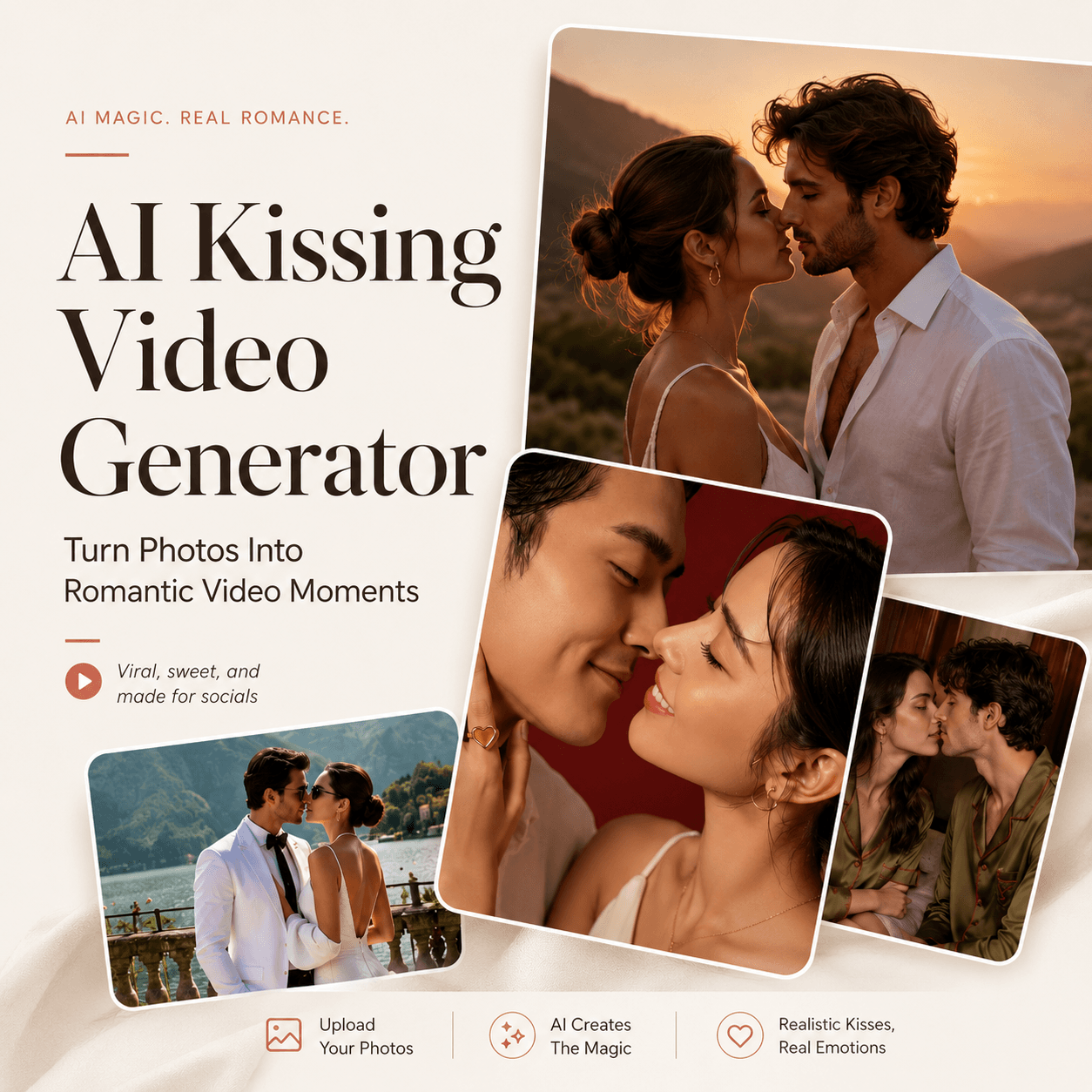
An AI Kissing Video Generator can turn a couple photo into a short kiss video. The idea is simple. However, good results still need stable faces and believable motion. This guide covers photo choice, prompts, review, and common fixes.
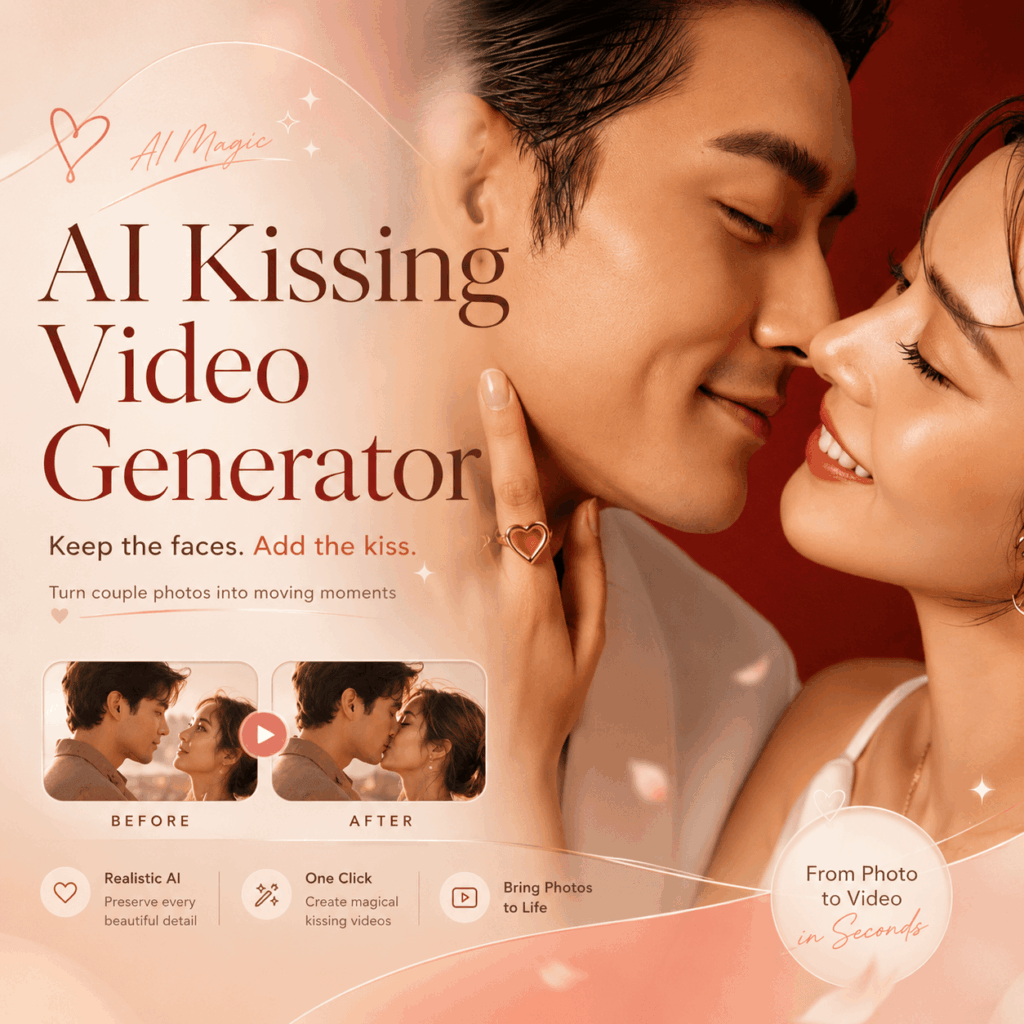
Quick Answer: What Does an AI Kissing Video Generator Do?
An AI Kissing Video Generator animates a still photo into a short romantic scene. It can work from one couple photo or two separate selfies. The WeShop workflow also supports photo and text-prompt creation.
Still, the source image matters. Clear faces and similar face size usually give the system a cleaner starting point.
What Makes a Good AI Kissing Video Generator Result?
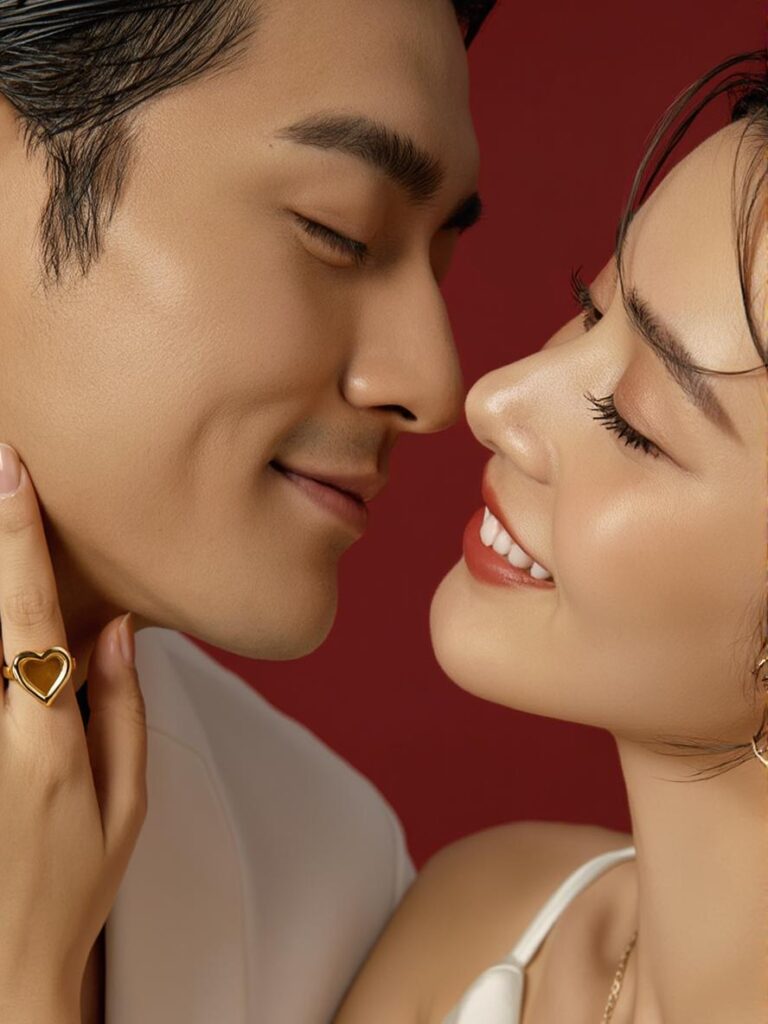
A useful AI Kissing Video Generator result should pass three checks.
First, both people should still look like themselves. Check the eyes, nose, jawline, hairline, and smile. If those details drift, the clip may feel wrong.
Next, watch the movement. The heads should move at a believable pace. Also, faces should not stretch, overlap, or jump.
Finally, inspect the mouth area. Lips, teeth, and skin edges can change during close motion. Therefore, replay that part before you keep the clip.
How to Use an AI Kissing Video Generator
The workflow is short. Even so, each step affects the result.
AI Kissing Video Generator Step 1: Start With a Clear Photo
Choose a photo where both faces are visible. If possible, use even light and a simple background. Also, keep the people fairly close in the frame.
A front-facing or slight three-quarter angle is easier than two very different profiles. For two selfies, use similar lighting and camera height.
Avoid heavy sunglasses, masks, strong blur, or hands covering the mouth. These details can hide features the AI Kissing Video Generator needs to animate.
Step 2: Upload Your Photo and Set Up the Video
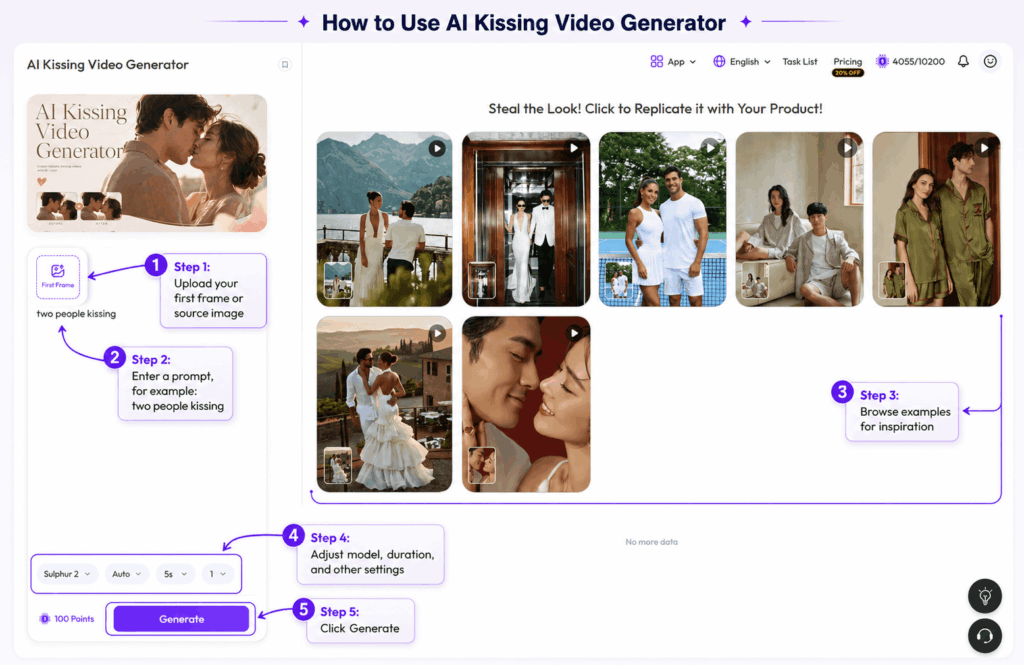
Next, upload your couple photo as the first frame.
A clear image gives you more room to work with. Try to keep both faces visible and avoid crops that cut off the forehead, chin, or mouth.
Then, enter a short prompt. You can start with:
two people kissing softly, natural head movement, gentle expressions
Keep the first prompt simple. If the result feels too dramatic, reduce the motion instead of adding more instructions.
You can also browse the example videos for ideas. After that, choose the model, duration, and other available settings before generating.
Step 3: Check the First Result Before Making More
Once the clip is ready, watch it from beginning to end.
Do not judge the result from one paused frame. The most important part is how the faces behave while they move closer together.
Check these details:
- both people still look like the source photo
- eyes stay stable during movement
- lips and jawlines do not stretch
- hair does not melt into the face
- the background stays reasonably steady
- head movement feels smooth rather than sudden
If only one small detail looks wrong, try another generation.
However, if both faces change too much, go back to the source image. A clearer photo often helps more than a longer prompt.
Why the Source Photo Matters More Than a Long Prompt
The AI Kissing Video Generator has to create movement from information that already exists in the image.
Because of that, the starting photo matters.
A couple standing close together usually needs less motion than two people far apart. Likewise, similar face angles are easier to animate than one person facing forward while the other is in full profile.
Lighting matters too. If one face is bright and the other is hidden in shadow, small facial details may be harder to preserve.
Before generating, check four things:
- both faces are clear
- the couple is reasonably close together
- lighting is balanced
- the mouth and jaw areas are visible
These checks take only a few seconds. Still, they can save several failed generations later.
AI Kissing Video Generator Troubleshooting
The Two Faces Start Looking Too Similar
Use sharper source photos with clearer identity details. In addition, avoid strong beauty filters before upload.
If the problem remains, test one couple photo instead of two selfies. This gives the AI Kissing Video Generator a more consistent starting frame.
The Kiss Looks Too Dramatic
Use a softer style or shorter prompt. Also, remove extra motion words. A smaller action often looks more believable.
The Mouth or Jaw Looks Strange
Try a source photo with clearer lips and less shadow around the mouth. Then, regenerate before changing other settings.
The Background Shakes
Choose a simpler photo. Alternatively, crop closer if the original scene has many small details behind the couple.
One Couple Photo or Two Selfies?
Both can work, but they serve different situations.
A single couple photo is usually the simpler choice. The two people already share the same lighting, camera angle, background, and scale. Therefore, the video has a more consistent starting frame.
Two selfies are useful when you do not have a recent photo together. However, try to match them before uploading.
Choose selfies where both people:
- face the camera at a similar angle
- have a similar crop
- are photographed under similar light
- have a natural expression
If one selfie is a close-up and the other is a distant portrait, use a better-matched pair first.
The goal is not to make the photos identical. You simply want to reduce unnecessary differences before the animation begins.
What to Do When an AI Kiss Video Looks Wrong
Not every source photo will work equally well. Fortunately, most problems are easy to diagnose.
The faces start to change:
Use a sharper source image. Also, avoid photos with strong beauty filters.
The kiss looks too intense:
Shorten the prompt. Try “soft kiss” or “gentle kiss” instead of adding more action.
The heads move too far:
Choose a photo where the couple is already closer together.
The mouth area looks distorted:
Use a photo with clearer lips and less shadow around the lower face.
Two selfies do not blend well:
Pick selfies with similar lighting, camera height, and face size.
If the same issue appears several times, change the photo. Repeating the same weak input usually does not solve the underlying problem.
How to Make AI Kissing Video Generator Results Look More Natural
Small choices often matter more than dramatic prompts.
First, use similar lighting. Next, keep face sizes close. Large differences can cause odd movement.
Also, start with a simple action. Strong head turns increase distortion risk. Meanwhile, softer motion is easier to review.
Finally, check the background. Busy lines near the face can wobble as the subjects move.
Use an AI Kissing Video Generator Responsibly
Consent is essential. An AI Kissing Video Generator creates a synthetic romantic action involving real faces. Therefore, use photos you own or have clear permission to use.
Do not create kiss videos of strangers, coworkers, classmates, ex-partners, public figures, or anyone who did not agree. Also, do not use minors for this type of content.
If you share the result, avoid presenting it as a real event when that could mislead people. In short, use consenting adults, authorized photos, and clear context.
AI Kissing Video Generator FAQ
Can One Couple Photo Work?
Yes. A clear photo with both faces visible is a practical starting point. Also, similar face size and even lighting can help.
Do I Need a Long Prompt?
No. Start with one action and a few visual cues. Then, refine the prompt after the first result.
Can I Use Photos of Other People?
Only with clear permission. Because the output creates a romantic action, consent should come before generation and sharing.
Final Takeaway
An AI Kissing Video Generator works best with clear faces, similar angles, and simple lighting. Then, choose soft motion and review the result closely.
If faces drift, change the source first. If motion feels too strong, reduce the action. Most importantly, use the tool only with consent.
Go to WeShop AI For Exploration: