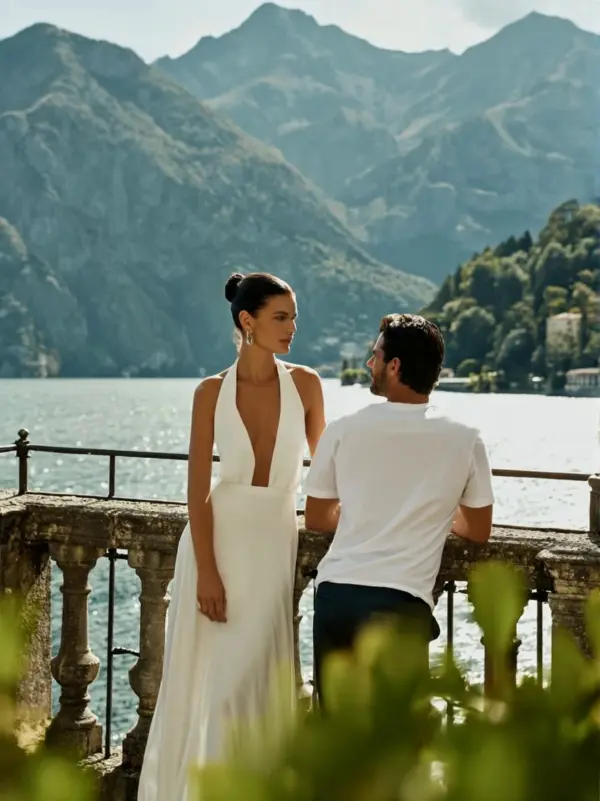
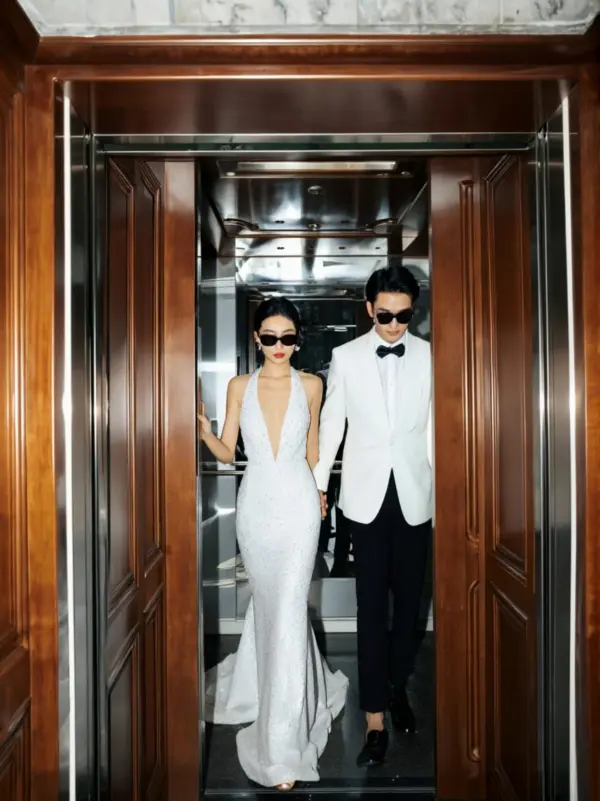
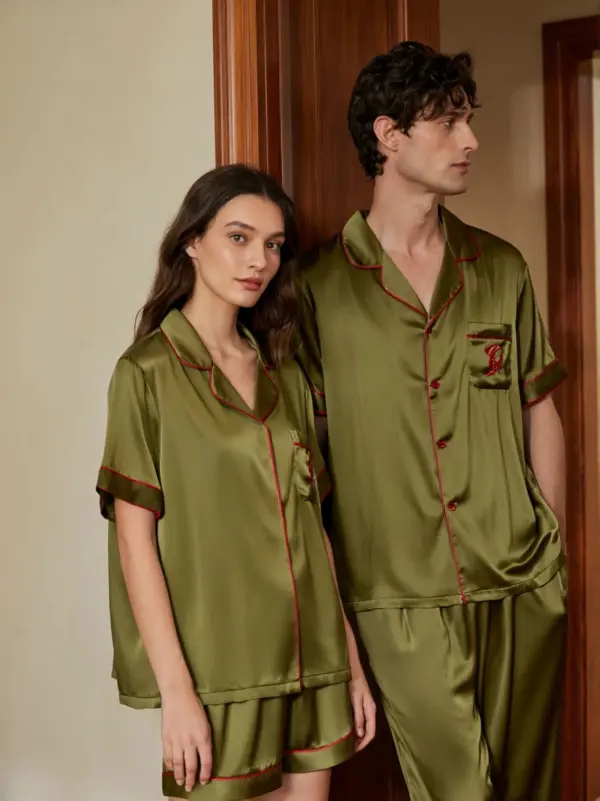
app download

Download

Steal the Look! Click to Replicate it with Your Product!

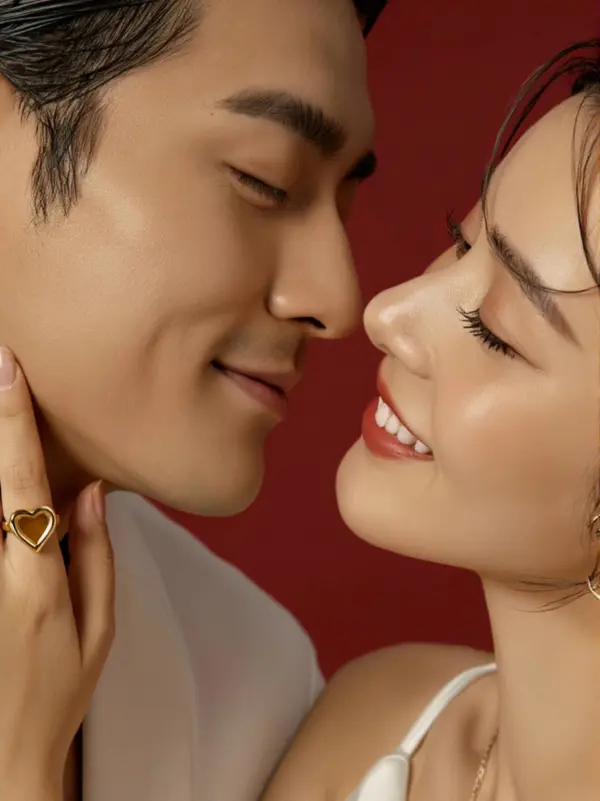
AI Couple Video Generator for Lifestyle Content – Create Romantic Kiss Videos from Photos

Create warm couple, lifestyle, and relationship-themed videos for brand campaigns, social content, and creative storytelling. Upload approved reference images, describe the scene, choose video duration and aspect ratio, then generate a short video with natural movement. This tool is for appropriate, consensual, non-explicit content. It should not be used to create sexual, deceptive, or non-consensual videos.

Key Features of AI Couple Video Generator

Create AI Couple Video Generator from Photos

AI Couple Video Generator helps users create romantic kissing videos from one couple photo or two separate selfies. Upload clear images, choose a kiss style, and let AI animate the interaction with natural movement. This makes it easier to create couple videos, Valentine edits, anniversary clips, wedding-style moments, and playful romantic content without filming.

Natural Face Alignment and Motion

A strong AI Couple Video Generator tool should align faces, preserve important facial details, and create smooth head movement during the kiss scene. Better facial alignment helps the animation look balanced and visually natural. This is especially important when using two separate selfies, different camera angles, or photos with different lighting conditions.

Multiple AI Kiss Styles

Users can explore different romantic styles, including cheek kiss, lip-to-lip kiss, wedding kiss, soft kiss, playful kiss, snow kiss, cinematic kiss, and other gentle couple scenes. Style options help match the final video to a specific occasion, such as Valentine’s Day, anniversaries, romantic greetings, social posts, or creative storytelling.

HD Video Export and Easy Sharing

Finished AI Couple Videos can be prepared for social platforms such as TikTok, Instagram Reels, YouTube Shorts, Facebook, and private messaging. HD export, short video length, and mobile-friendly formats make the clips easy to download and share. Some tools may also offer watermark-free results depending on the selected plan or credits.

How It Works

01

1. Upload approved images

Use images you own or have permission to edit.
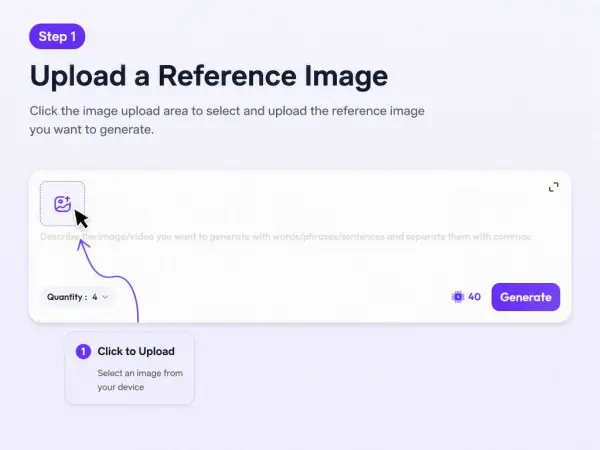
upload approved images by weshop
02

2. Describe the scene

Write the mood, setting, movement, and what should stay unchanged.
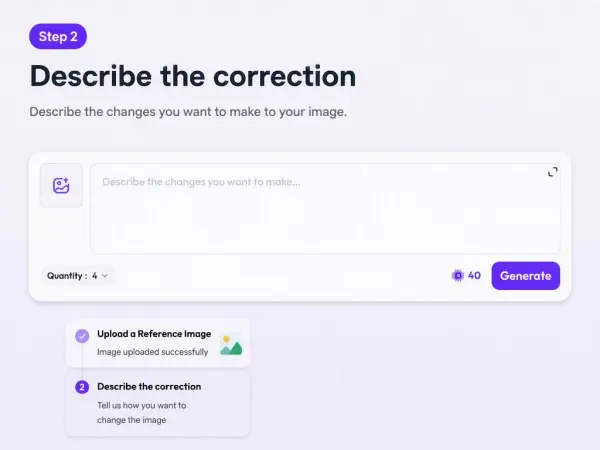
Write the mood
03

3. Choose duration and aspect ratio

Use 5-6 seconds for short social hooks, 7-8 seconds for lifestyle scenes, and 9-10 seconds for fuller campaign moments. Use vertical for Reels, TikTok, Shorts, and mobile ads. Use horizontal for website banners and YouTube.
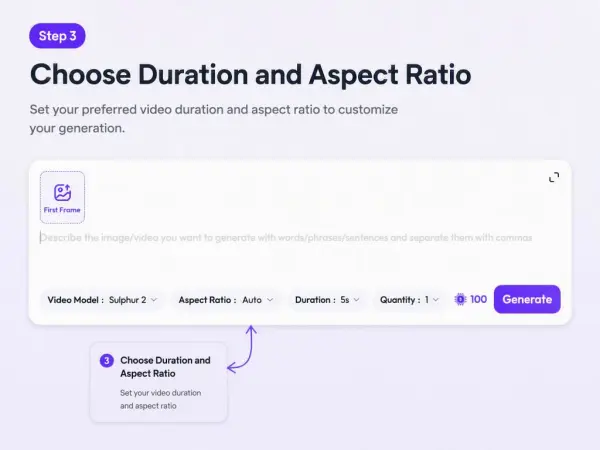
Choose duration and aspect ratio
04

4. Choose the model you preferred.

Please note htat Sulphur 2 is available for free users, while other models are only available for paid subscribers.
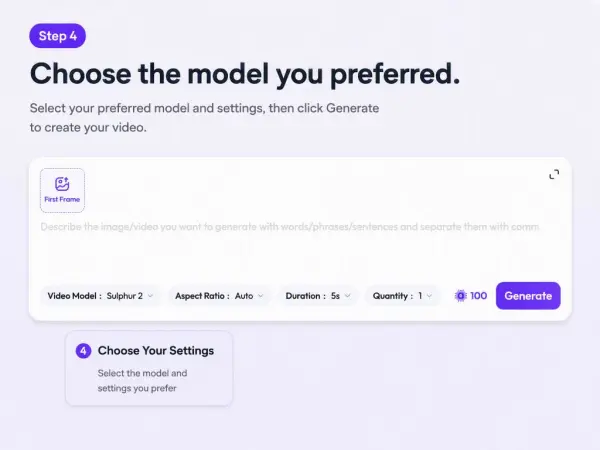
choose the model
05

5. Generate and review

Check faces, hands, motion, clothing, background, and whether the result is appropriate.
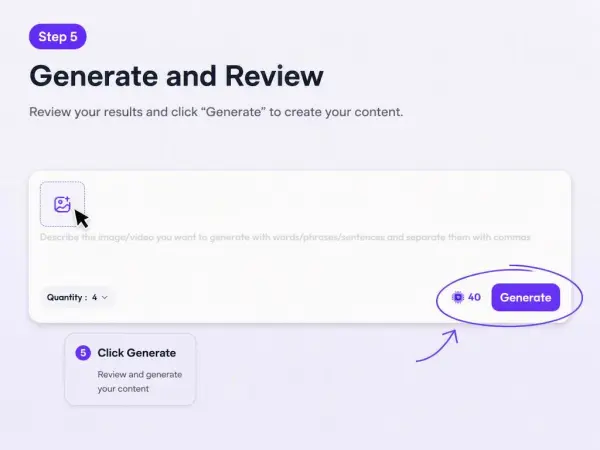
generate and review

Real Example

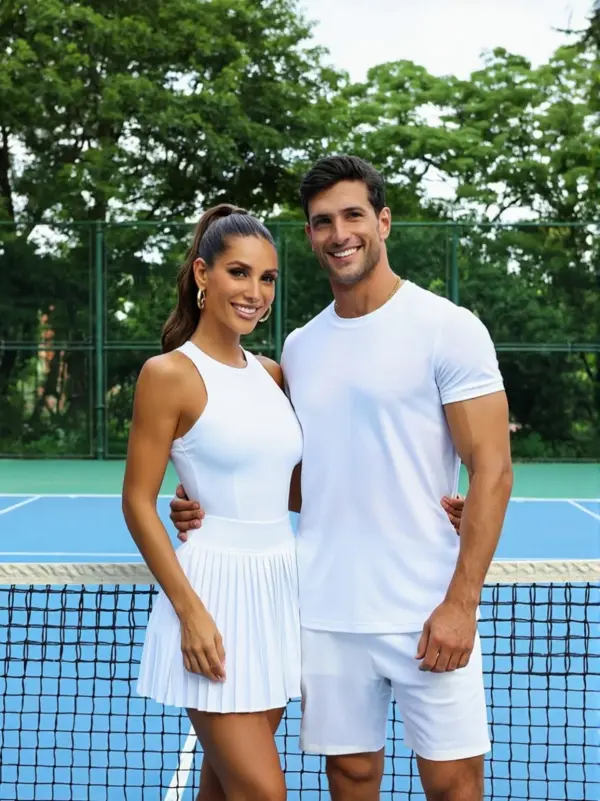
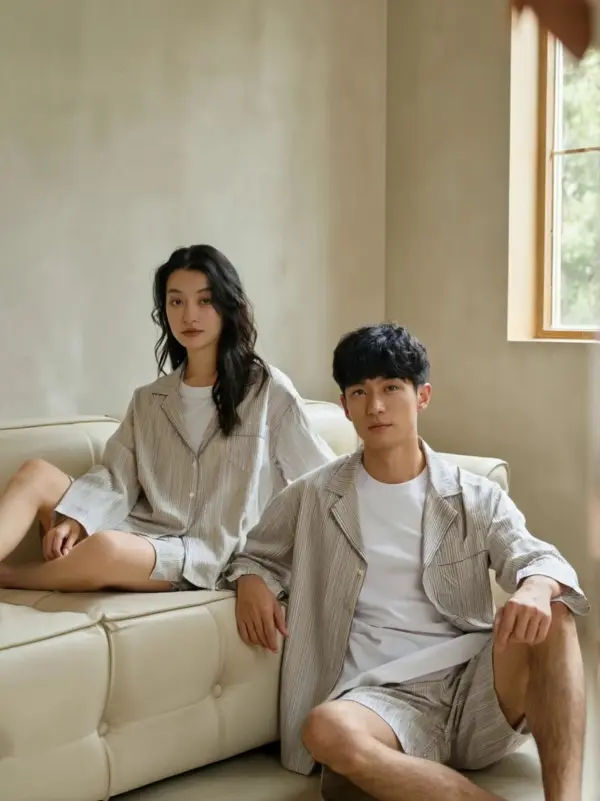
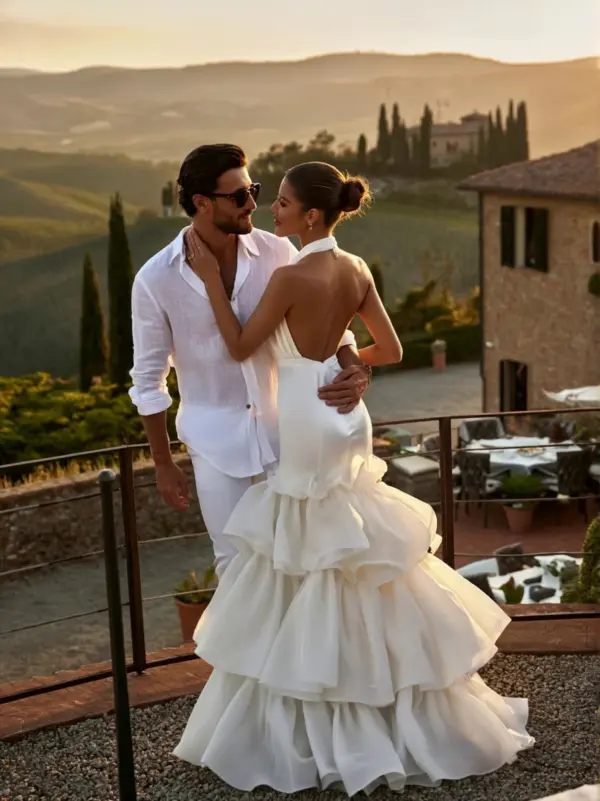
A lifestyle brand wants a short video showing a couple walking together in a campaign scene. The team uploads approved images and uses a simple motion prompt.

Prompt
Create a 6-second vertical lifestyle video of a couple in a warm outdoor campaign scene. Keep both people fully clothed and natural. Add subtle movement, a relaxed expression, and a stable final frame. Keep the result appropriate for brand and social media use.
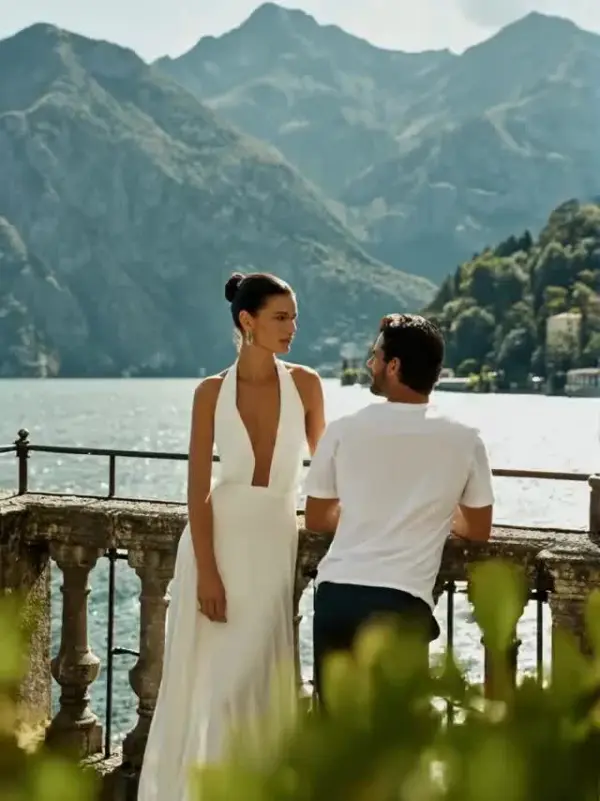
couple video by weshop ai

Limitations

Faces, hands, eye direction, clothing details, and background may shift across frames. Avoid prompts that imply explicit, private, or non-consensual content.

What You Can Create with AI Couple Video Generator

Make Romantic Couple Videos

Upload a couple photo and create a soft kissing video with natural face movement, gentle expressions, and emotional pacing. This is useful for relationship memories, Valentine’s Day edits, anniversary greetings, wedding-style clips, and romantic social media posts. A clear photo with both faces visible usually produces better alignment and smoother animation.

Design Valentine’s Day and Anniversary Edits

Create romantic short videos for Valentine’s Day, anniversaries, proposals, wedding memories, or holiday greetings. Add a soft background, warm lighting, captions, hearts, music, or cinematic effects to make the video feel more emotional. These clips can be shared privately, posted on social media, or used as part of a digital greeting.

Join AI Kiss Trends on Social Media

AI kiss effects are popular for short-form platforms because they turn still photos into expressive moments quickly. Users can create TikTok videos, Instagram Reels, YouTube Shorts, and romantic story posts from simple images. Add captions, trending music, or a before-and-after layout to make the final content more engaging.

Create Safe and Consent-Based Couple Content

Use AI kissing tools only with photos you own or have permission to use. Avoid creating kiss videos involving real people, public figures, classmates, coworkers, minors, or strangers without clear consent. For public sharing, keep the content respectful, non-misleading, and clearly presented as AI-generated when needed.

Frequently Asked Questions About AI Couple Video Generator

What is an AI Couple Video Generator?

An AI Couple Video Generator is an online tool that uses artificial intelligence to turn photos or text prompts into romantic kissing videos. It can animate faces, head movement, expressions, and kiss motion to create a short AI-generated romantic clip.

Can I create an AI Couple Video from one photo?

Yes. Many tools allow users to upload one couple photo and generate a kissing animation. Photos with clear faces, good lighting, and subjects positioned close together usually help the AI create smoother and more natural results.

Can I create AI Couple Videos from text?

Yes. Some tools support text-to-video generation for romantic kiss scenes. Users can describe the characters, mood, background, camera angle, lighting, and kiss style to guide the final video.

Do I need editing skills?

No. Most AI kissing video tools are designed for simple online use. Users upload a photo, choose a style, generate the video, preview the result, and download or share the final clip without advanced editing skills.

Can I use photos of other people?

Only use photos you own or have clear permission to use. AI kissing videos involve romantic and intimate content, so using someone’s image without consent can violate privacy and cause harm. Avoid using images of strangers, public figures, coworkers, classmates, or minors.

Can I make romantic lifestyle videos?

Yes, as long as the content is appropriate, consensual, and based on authorized images.

Can I choose video duration?

Yes. Shorter clips work best for social hooks; longer clips work better for lifestyle scenes.

What should I check?

Check faces, hands, body movement, clothing, background, and appropriateness.

Explore More AI Tools

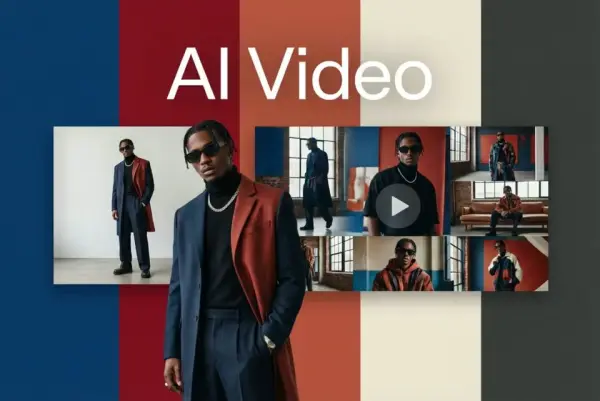
AI Video Generator

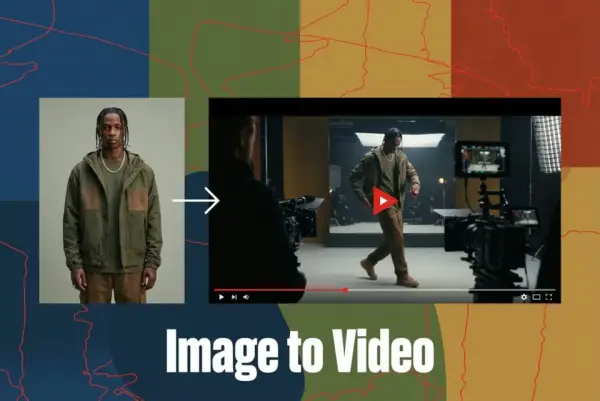
Turn Images into Stunning AI Videos for Free

Virtual Try-On

Try On Clothes Online with AI Virtual Try Technology

Swap Model & BG

Realistic Model & Background Swapping Online with AI

AI Fashion Model

Showcase clothing with a variety of models

AI Product

Create stunning product images with few clicks from anywhere

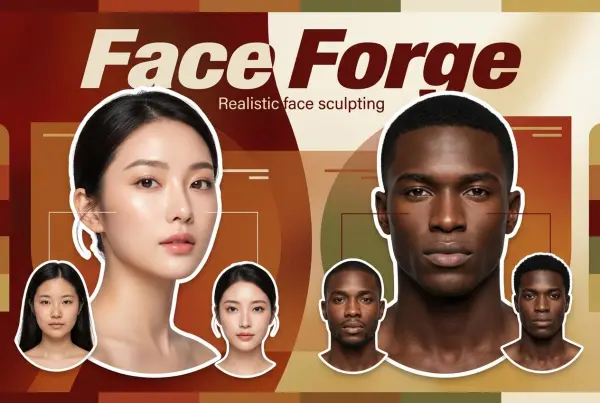
Face Forge

AI Face Morph & Face Swap Generator Online

Product Recoloring

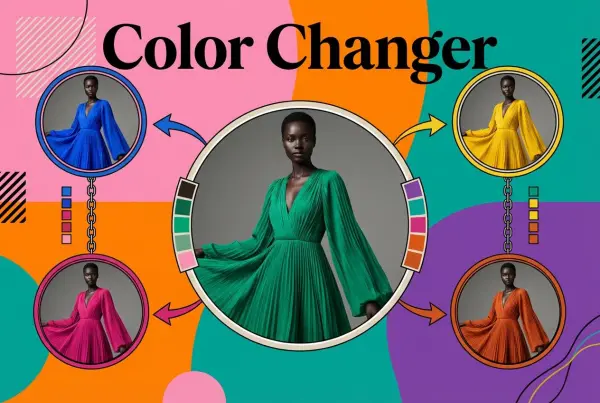
Recolor Image Online Free - Color Changer in WeShop AI

To Mannequin

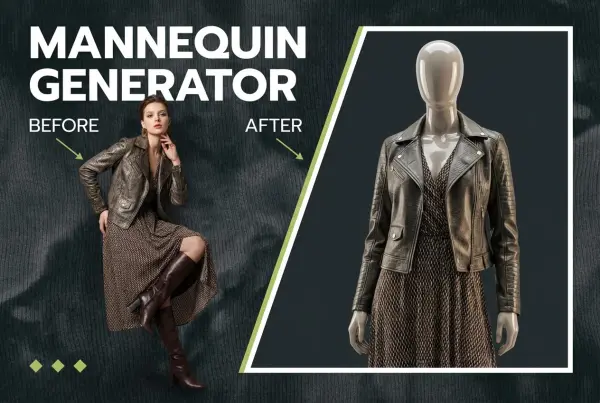
Convert real model photos into mannequin displays

Change Pose

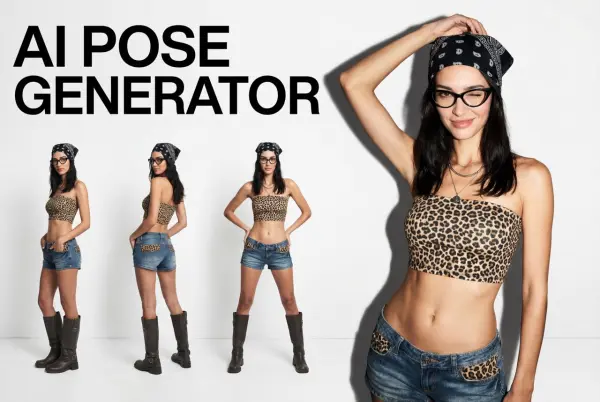
Change poses, switch between various model poses, making the clothing display more natural

Remove Background

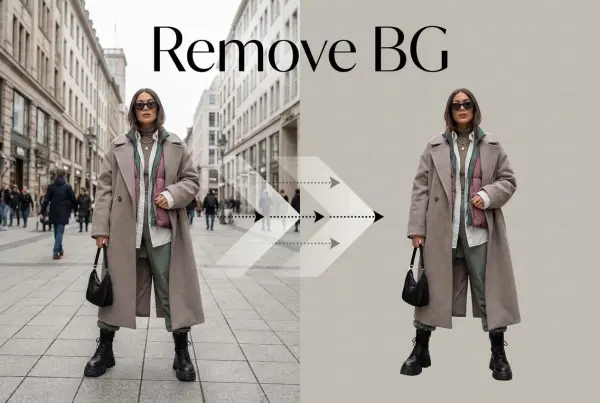
Removing background with lightning speed and ease

AI Photo Enhancer

Enhance Photo Quality Online with Free AI

Relight

Relight your images automatically and efficiently

Expand Image

Expand images & backgrounds to fit any platform

Magic Eraser

Remove unwanted objects from your photos with AI

Hand/Feet Fixer

Regenerate natural-looking hands and feet in AI-generated images

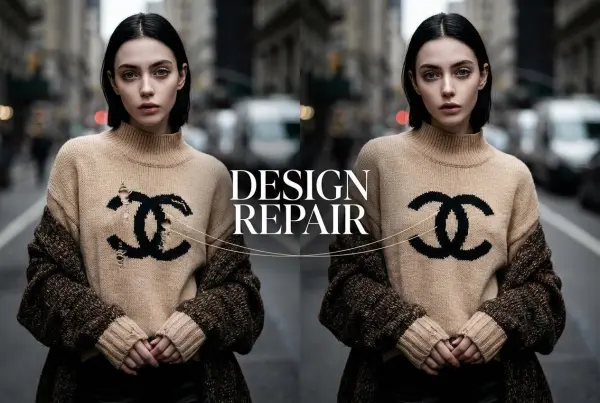
Design Repair

Upload an image, highlight the area you wish to fix, and upload a target reference image

Video Agent

Create and publish videos from a photo or description—instantly, in any style.

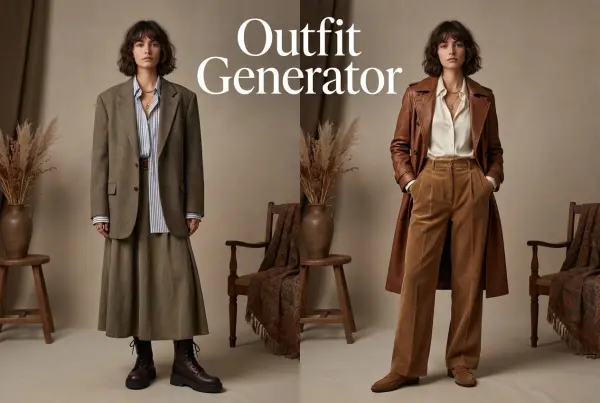
AI Outfit Generator for Ecommerce

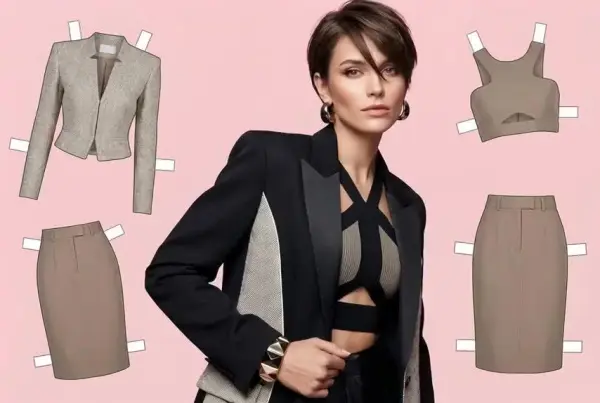
Create AI clothes styling from any model photo, garment, or style prompt.

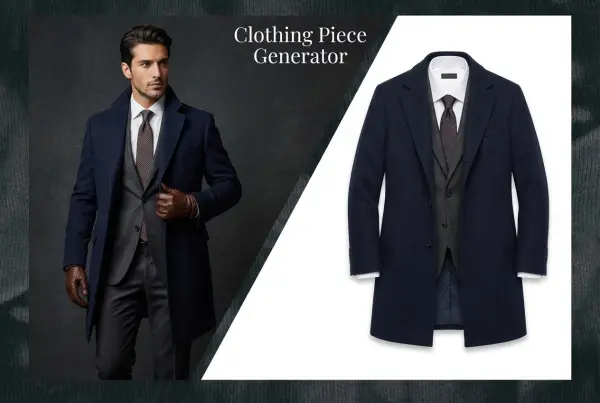
AI Clothing Piece Generator

Create Professional Flatlay Clothing Images From Any Photo or Idea

Watermark Video Remover Free Online

Remove Watermark from Video

AI Video Enhancer

Enhance Video Quality Online with AI

Replace Face in Video Online Free

AI Video Face Swap for Realistic Clips

Video Replication

Recreate Video Styles, Motion, and Scenes with AI

idea
helper