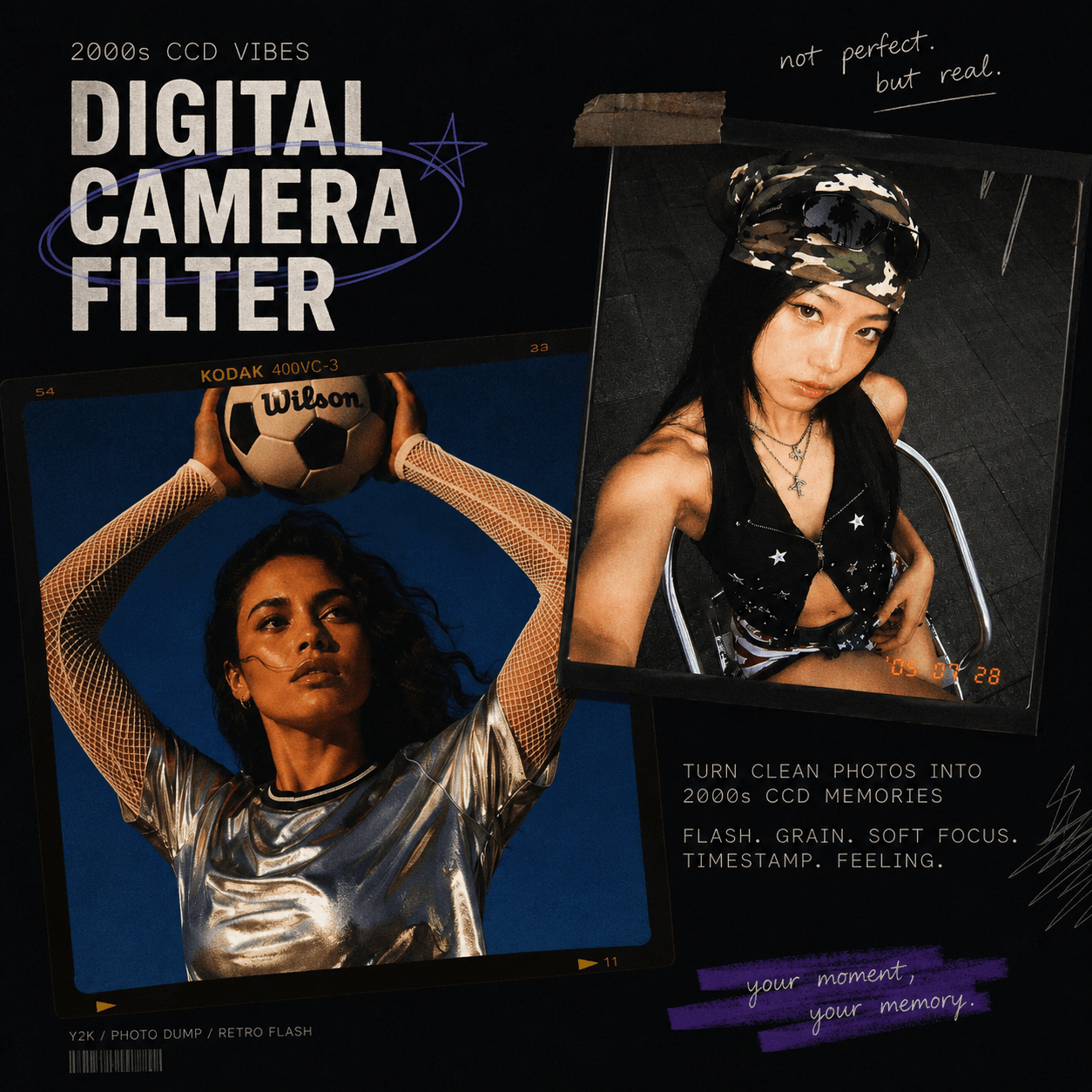
A Digital Camera Filter Online can give a phone photo the look of an early-2000s compact camera.
The effect is not just grain. Flash, color, blur, exposure, and framing all matter.
A strong flash can brighten the subject and darken the background. Fine noise can add texture. Slight blur can make the image feel less polished.
However, more effects do not always mean a better result.
Too much grain can hide facial detail. Strong flash can wash out skin or clothing. Heavy blur can make the photo look broken instead of nostalgic.
The goal is simple: keep the original subject clear, then add only the camera traits that fit the photo.
This guide focuses on how to build that look without overdoing it.
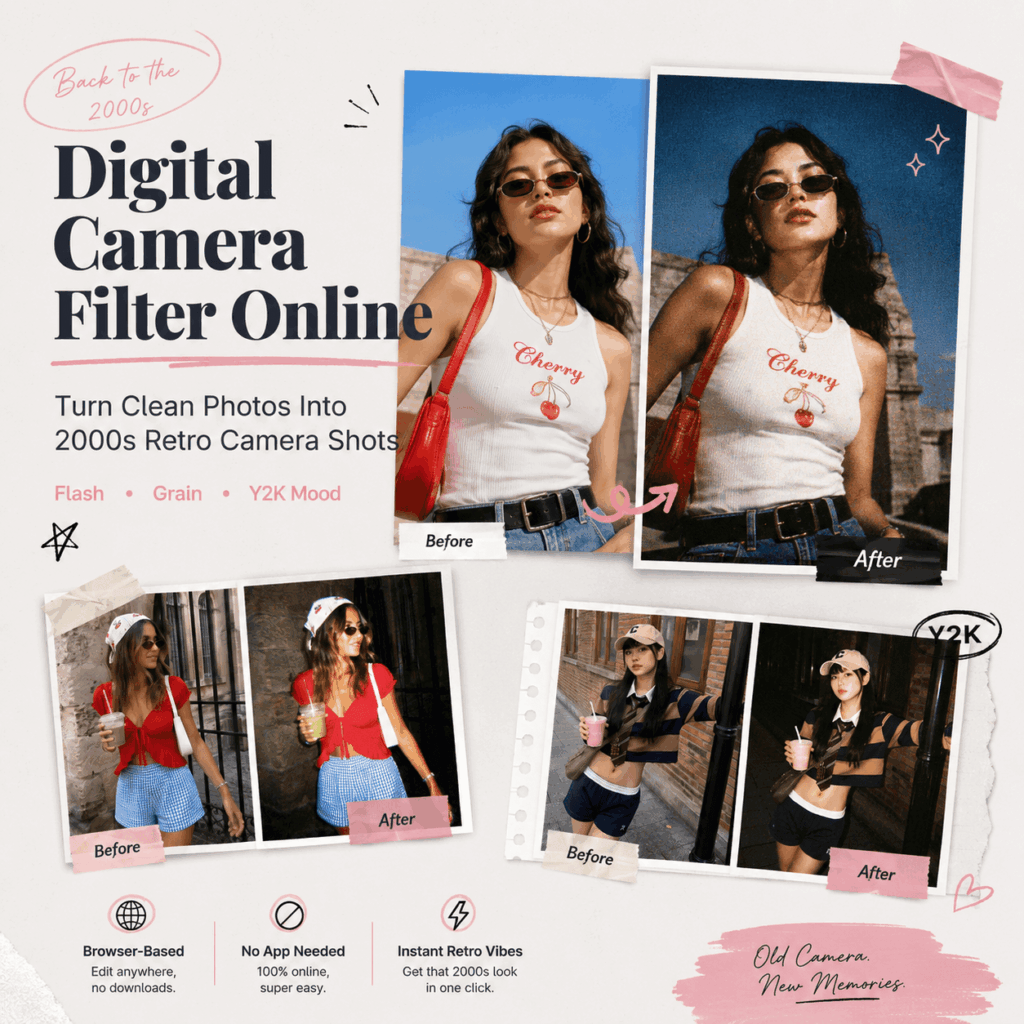
The 2000s Camera Look Is a Recipe, Not One Filter
A convincing old-digital-camera image usually combines several visual cues.
You do not need all of them in every generation.
| Visual cue | What it changes | When to use it |
|---|---|---|
| Direct flash | Bright foreground, hard light falloff, darker background | Parties, night scenes, mirror shots |
| Slight overexposure | Blown highlights and point-and-shoot character | Faces, white clothing, reflective surfaces |
| CCD-style noise | Adds color and luminance variation | Low-light and camera-roll looks |
| Soft focus or motion blur | Removes modern phone-camera sharpness | Candid portraits, movement, nightlife |
| Warm or muted color | Moves the image away from modern HDR color | Portraits, fashion, travel |
| Casual framing | Makes the image feel less staged | Social posts, friend photos, campaign concepts |
Pick the cues that already make sense for the photo.
For example, a night-out image already has a dark background. So, direct flash and a little CCD noise may be enough.
A bright daytime portrait needs a different recipe. In that case, soft focus, muted color, and slight highlight clipping may work better.
When the treatment matches the source, the photo feels much less like a preset.
The generation should respond to the photo you upload.
Start With the Source Photo Before You Think About Style
The source image decides how much work Digital Camera Filter Online has to do.
A clear subject is the best starting point. The person, outfit, or product should be easy to identify.
However, the image does not need to look like studio photography.
In fact, casual photos often fit this style better.
Good starting images include:
- mirror selfies
- restaurant or bar photos
- street portraits
- travel shots
- outfit photos
- friend-group photos
- simple product lifestyle images
Very polished studio images can still work. However, the retro treatment may feel forced when the lighting, pose, and background already look highly controlled.
Also, decide which details cannot change.
For fashion, check garment color, print, logos, and accessories.
For products, check shape, label placement, material, and proportions.
A successful generation should not destroy the subject just to make the image look older.
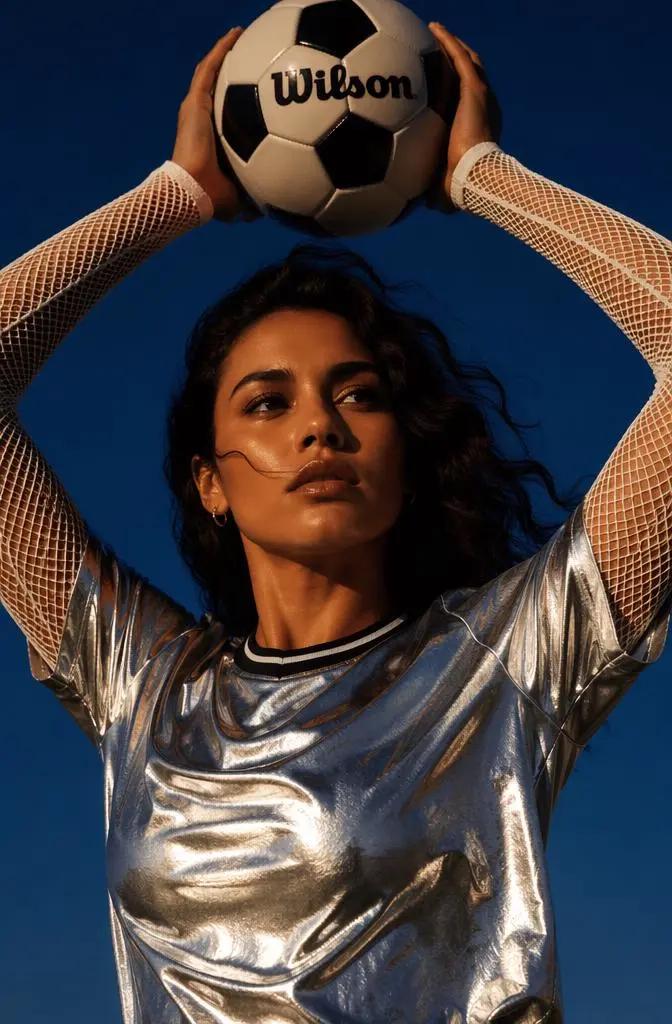
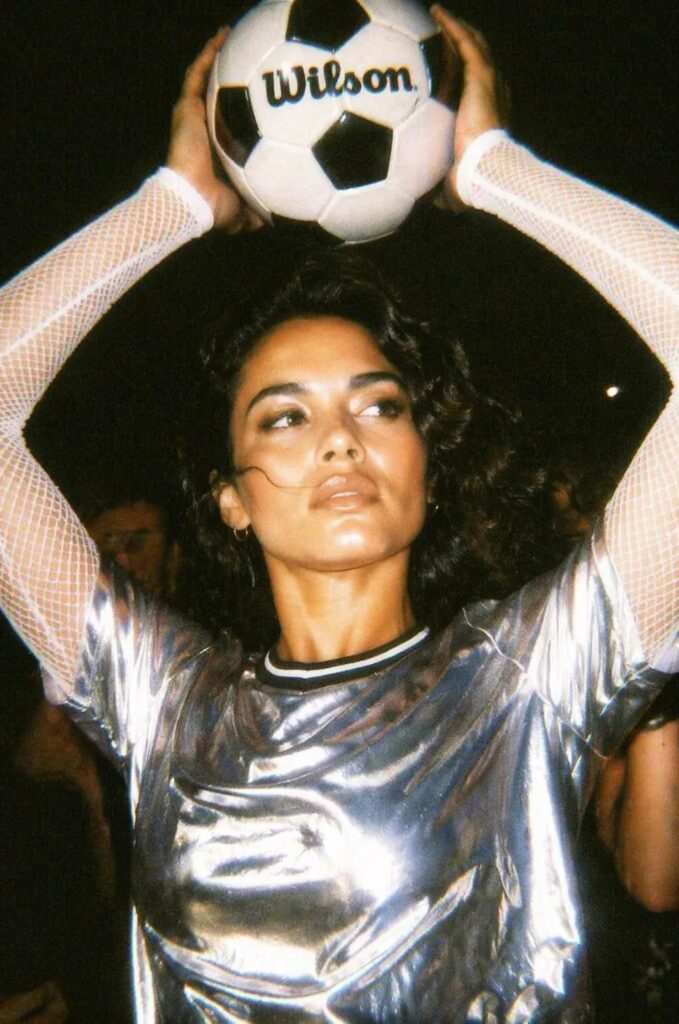
Four Things That Shape the 2000s Camera Look
Instead of treating the tool as one preset, make four decisions before generating.
1. Decide What the Flash Should Do
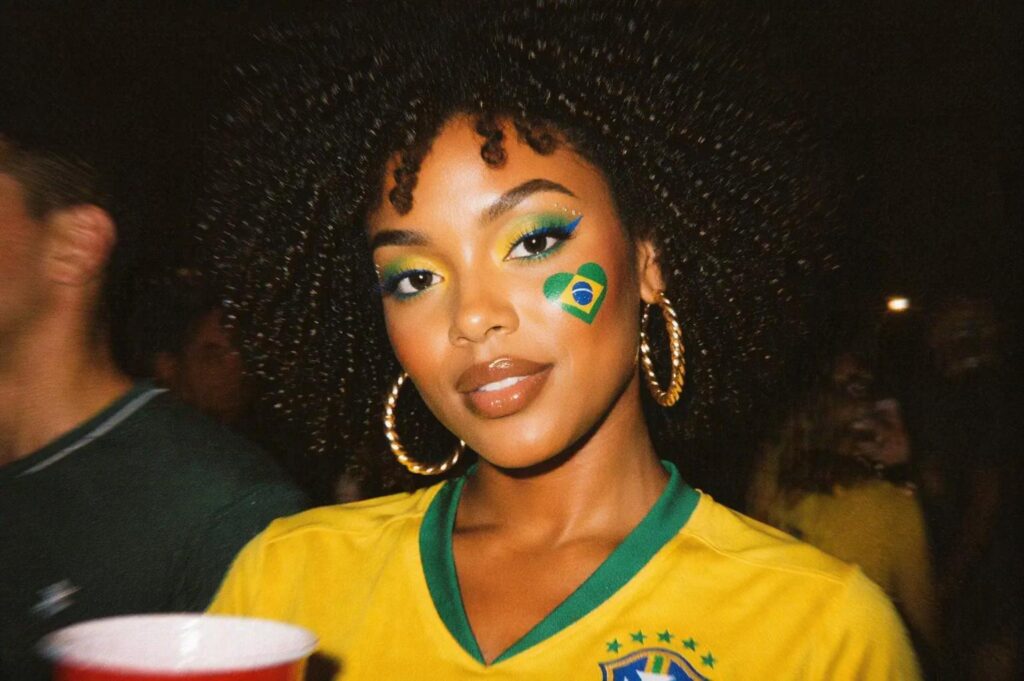
Flash is often the strongest signal in a 2000s digital-camera image.
For a party photo, try direct frontal flash with a darker background.
This creates the familiar contrast between a bright foreground subject and a dim scene behind them.
For a softer portrait, reduce the flash language.
Try:
soft direct flash
or:
compact-camera flash with gentle highlight rolloff
For products, be more careful.
Strong flash can erase material texture. It can also create bad reflections on glass, metal, or glossy packaging.
So, keep the flash character while protecting product detail.
2. Choose Texture, Not Damage
Grain and CCD noise help. However, they should not cover the image.
Useful prompt words include:
- fine CCD noise
- subtle digital grain
- controlled color noise
- mild low-light noise
Avoid stacking every “old image” effect together.
For example:
heavy grain + VHS noise + film scratches + dust + motion blur + low resolution
usually pushes the result away from a small 2000s digital camera.
Remember that old digital-camera images and damaged film are not the same look.
CCD-style noise, clipped highlights, weak low-light detail, flash, and imperfect sharpening are usually more useful references.
3. Set the Color Direction
There is no single “Y2K color.”
A night photo may have warm skin and dark neutral shadows.
A daytime compact-camera image may have pale highlights and lower saturation.
A fashion image may need accurate clothing color, while the retro feeling comes mainly from flash and texture.
So, decide what matters before generation.
If garment color is important, say so.
If skin needs to stay natural, say so too.
4. Make the Framing Feel Accidental
A perfectly centered commercial composition can fight the effect.
Instead, try phrases such as:
- casual crop
- point-and-shoot framing
- slightly off-center subject
- snapshot composition
- handheld camera framing
The goal is not bad composition.
It is a photo that feels less planned.
A Better Prompt Formula for Digital Camera Filter Online
A good prompt does not need to be long.
It needs to separate the subject from the camera treatment.
Use this structure:
Preserve subject + camera era + light + texture + exposure/color + framing + details to keep unchanged
A flexible base prompt looks like this:
Preserve the person, outfit, face, and original composition. Restyle the photo as an early-2000s compact digital camera snapshot with direct flash, fine CCD-style noise, slight soft focus, mildly overexposed highlights, deeper background shadows, muted color, and casual point-and-shoot framing. Keep facial identity and clothing details clear.
This tells Digital Camera Filter Online two important things:
what should change and what should stay stable.
Then, adjust only the part that controls the mood.
Digital Camera Filter Online Prompt Recipes
Night-out flash
Keep the subjects recognizable. Create a 2000s night-out compact-camera photo with strong frontal flash, a dark background, fine CCD noise, slight motion softness, bright skin highlights, deep shadows, and spontaneous party framing.
Soft CCD portrait
Preserve the face and hairstyle. Create a soft early-2000s digital-camera portrait with gentle direct flash, subtle color noise, slightly muted colors, mild highlight clipping, soft focus, and natural skin texture.
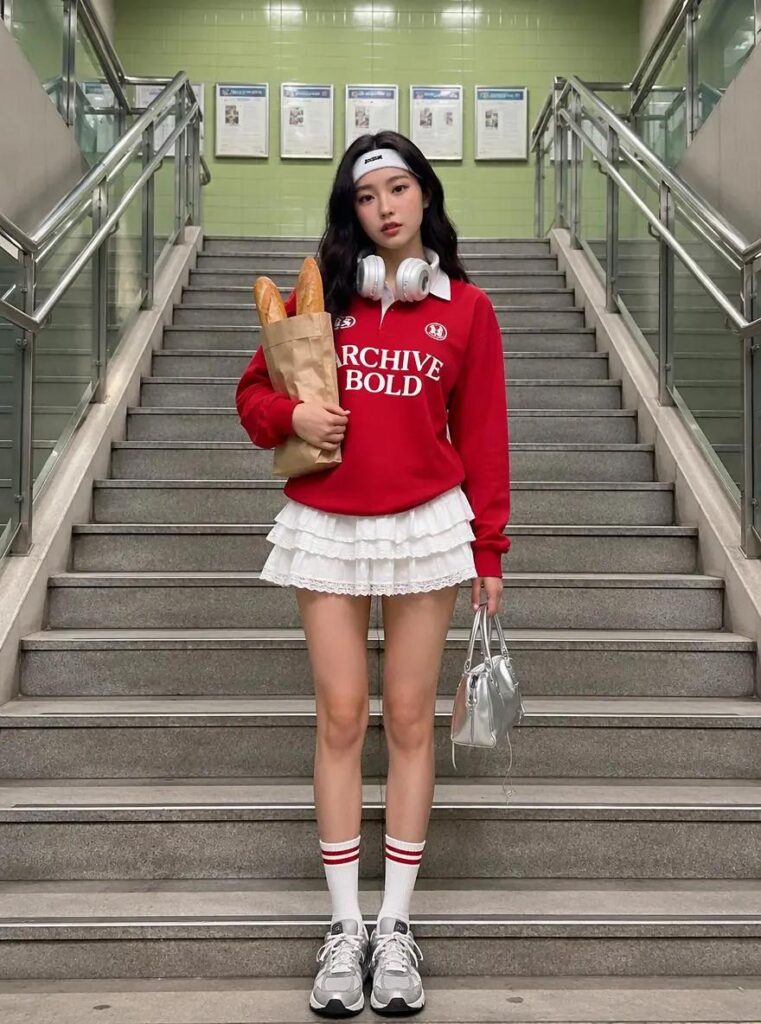
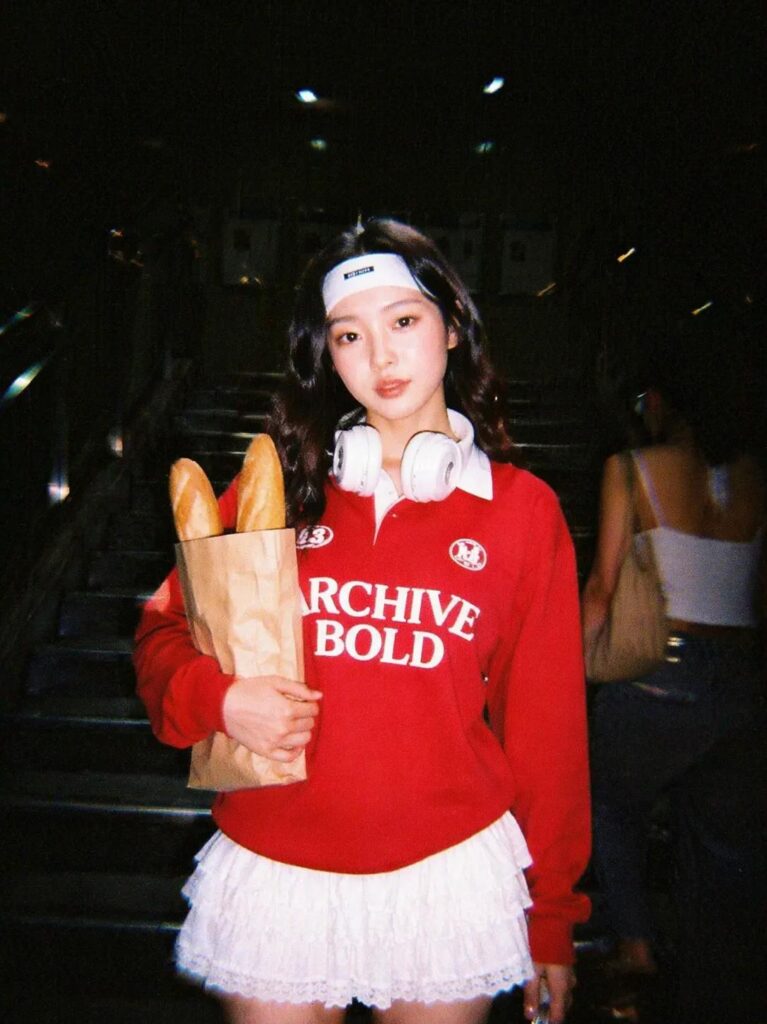
Retro outfit shot
Keep the outfit color, print, silhouette, and accessories unchanged. Restyle the image as a Y2K street-fashion snapshot with compact-camera flash, fine grain, slightly cool shadows, casual framing, and light motion blur. Keep the clothing easy to read.
Product campaign
Preserve the product shape, material, color, label, and proportions. Create a casual 2000s compact-camera campaign image with direct flash, controlled CCD noise, slightly clipped highlights, deeper shadows, and candid lifestyle framing. Keep product details sharp enough for commercial use.
With Digital Camera Filter Online, the main rule is simple:
change one or two variables at a time.
That makes it much easier to understand why one version works better than another.he mood without trying too hard. Also, they help the photo feel more native to social platforms.
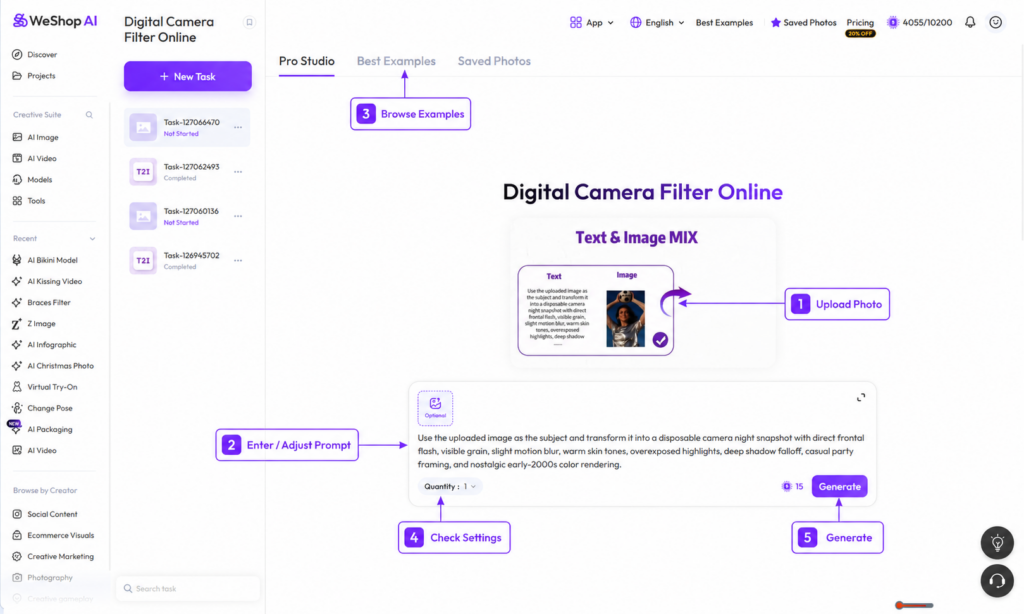
One Photo, Four Digital Camera Filter Online Moods
Do not generate five random versions of the same thing.
Keep the source image stable and give each generation a clear direction.
| Direction | Prompt emphasis | Best for | What to watch |
| Party snapshot | Strong flash, dark background, motion softness | Nightlife, birthdays, friend groups | Blown faces, distorted hands |
| Soft CCD portrait | Gentle flash, muted color, fine noise | Profile images, portraits | Over-smoothed skin |
| Fashion diary | Flash, casual crop, color accuracy | Outfit posts, lookbooks | Changed garments or accessories |
| Product lifestyle | Controlled flash, texture, candid setting | Campaign concepts, social ads | Label or material drift |
This is more useful than asking Digital Camera Filter Online for random variations.
Give each variation a clear purpose.
For social posts, I would usually keep the version that looks believable before you start inspecting the details.
For commercial work, accuracy matters more than dramatic texture.
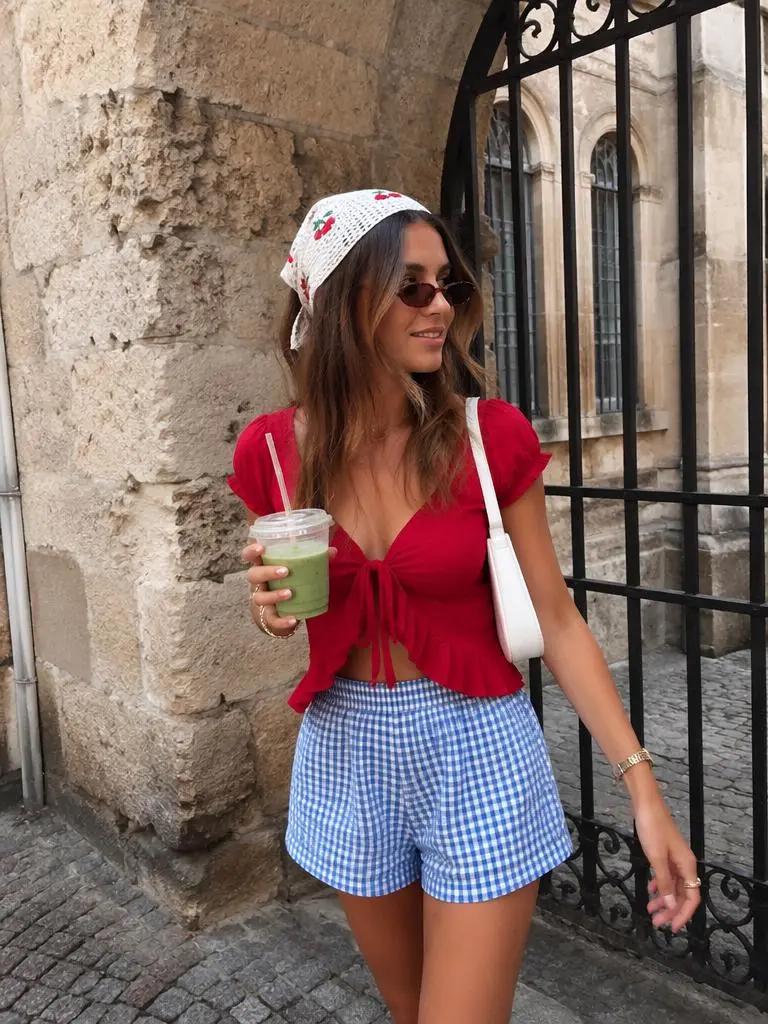
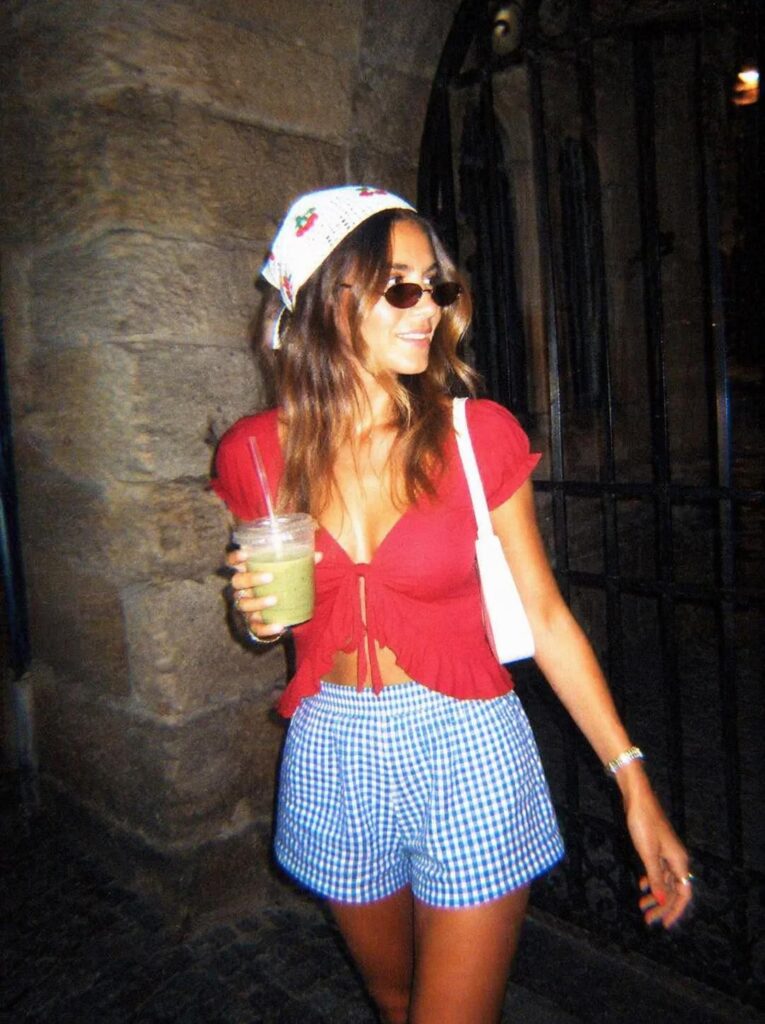
How to Judge a Digital Camera Filter Online Generation
A Digital Camera Filter Online result is allowed to be imperfect.
Still, some imperfections belong to the style, while others are simply generation errors.
| Keep | Reject |
| slight motion softness | warped facial features |
| clipped flash highlights | missing eyes, fingers, or teeth |
| fine CCD-style noise | heavy digital smearing |
| a darker background | broken object edges |
| casual crop | important product detail cut off |
| mild color shift | wrong garment or product color |
Then, zoom in once.
For people, check:
- eyes
- teeth
- hands
- earrings
- glasses
- hair edges
For fashion, check:
- seams
- prints
- buttons
- logos
- garment silhouette
For products, check:
- labels
- reflections
- edges
- material
- proportions
If the style looks great but one important detail changes, the generation is not finished.
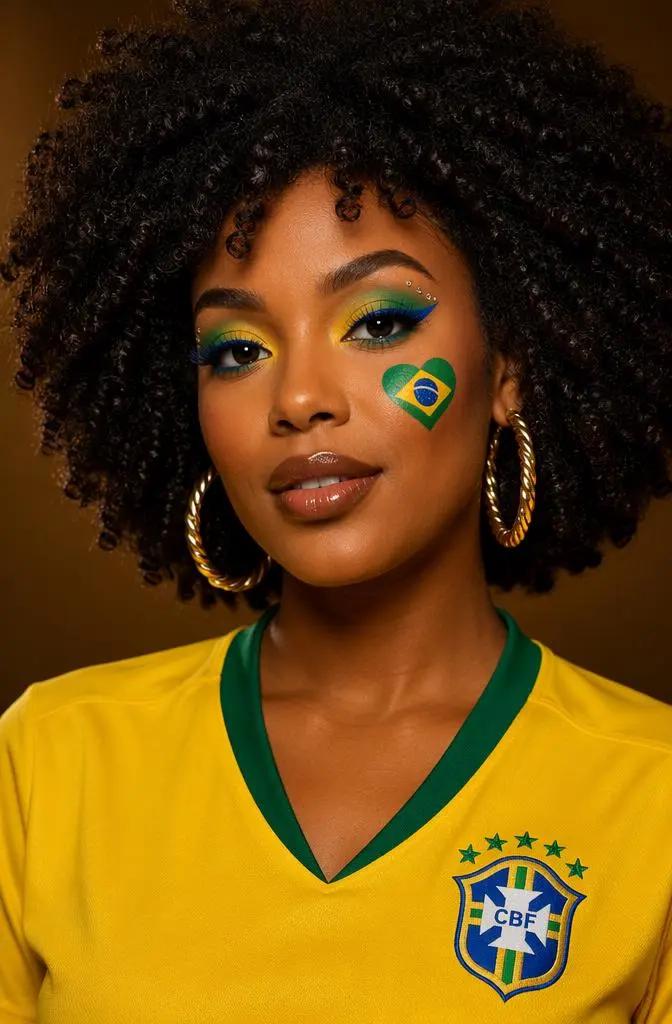
When a Digital Camera Filter Online Result Looks Too Fake
The most common problem is not “too little retro.”
It is too many retro signals at once.
If the image looks over-processed, remove something.
Skin looks orange
Reduce the warm-tone language. Keep the flash more neutral.
The image looks dirty
Lower the grain and CCD-noise emphasis.
Everything is blurry
Remove motion blur. Keep only soft focus.
The face loses detail
Reduce overexposure or strong-flash language.
The outfit changes
Ask the tool to preserve garment color, print, silhouette, and accessories.
The product looks fake
Reduce the style strength. Then protect shape, material, label, color, and proportions.
It looks like old film instead of an old digital camera
Remove:
- film scratches
- dust
- light leaks
- damaged-film language
Use:
- compact-camera flash
- CCD noise
- digital softness
- clipped highlights
instead.
If two or three generations fail in the same way, change the source image or simplify the prompt.
More adjectives are not always the fix.
Where This Camera Look Actually Works
Digital Camera Filter Online works best when the retro treatment supports the story of the image.
For personal content, that might be a night out, graduation photo, dorm-room portrait, travel snapshot, or friend-group image.
These scenes already feel like memories, so the camera treatment makes sense.
For fashion, use the look when the collection already has a Y2K, nightlife, streetwear, or creator-led direction.
Keep the clothing readable. Then let the flash and framing make the image feel less like a studio campaign.
For products, the effect is usually better for social creative than for the main product-detail image.
A perfume bottle, accessory, sneaker, or drink can work well in a flash-lit lifestyle scene.
However, the main ecommerce image should still prioritize clarity.
For music and events, the style fits album covers, flyers, playlist art, and nightlife promotion.
In those cases, blur and harder flash can go further because mood matters more than product fidelity.
Do Not Turn Every Photo Into the Same Y2K Preset
A good Digital Camera Filter Online workflow should give you range.
Do not add a timestamp to every photo.
Do not use maximum flash on every face.
Also, do not make every shadow black or every image orange.
Instead, build a small visual system for a set of photos.
For example:
- keep similar flash strength across a photo dump
- use a consistent level of grain
- keep skin color stable
- vary crop and blur slightly
- choose one or two stronger hero images
- keep the rest more restrained
For Digital Camera Filter Online, this is especially useful for brands and creators.
A group of images feels more believable when they share the same camera character without looking duplicated.
Before You Export
Do one final pass:
- Does the image still look like the original person, outfit, or product?
- Does the flash make sense for the scene?
- Is the grain visible without covering useful detail?
- Does the blur feel accidental rather than broken?
- Are garment and product colors still accurate?
- Does it look like a digital-camera snapshot rather than a generic vintage preset?
If the answer is yes, the generation is doing its job.
The best version usually is not the one with the strongest flash or the most grain. It is the one that still feels like the original photo, just shot on a different camera.
Keep the subject intact. Then use flash, noise, color, and framing to change the camera character. If those four things feel consistent, the image usually does not need much else.
Go to WeShop AI For Exploration: