At WeShop AI, we believe that understanding our users’ needs is key to delivering an exceptional experience. Through our ongoing feedback and user interviews, we’ve gathered some of the most frequently asked questions about ai by our users. Today, we’re offering quick solutions to these common question raised by users to help you make the most of our tools. Let’s dive into the fast answers you need!
Common Questions Raised by Users in WeShop AI
Through our user interviews, we’ve learned that there are still many minor questions users encounter when using our software. To help you create even better images and make the most of our tools, we are here to answer some of the most common questions raised by our users:
- How do I change the background or model?
- Can I make the randomly generated model consistent in their looks?
- How do I generate just one image at a time?
- Change clothes AI?
- Can WeShop AI complete an image with a missing head?
- How do I change the model’s hairstyle?
We’ve got answers!
1. How do I change the background or model?
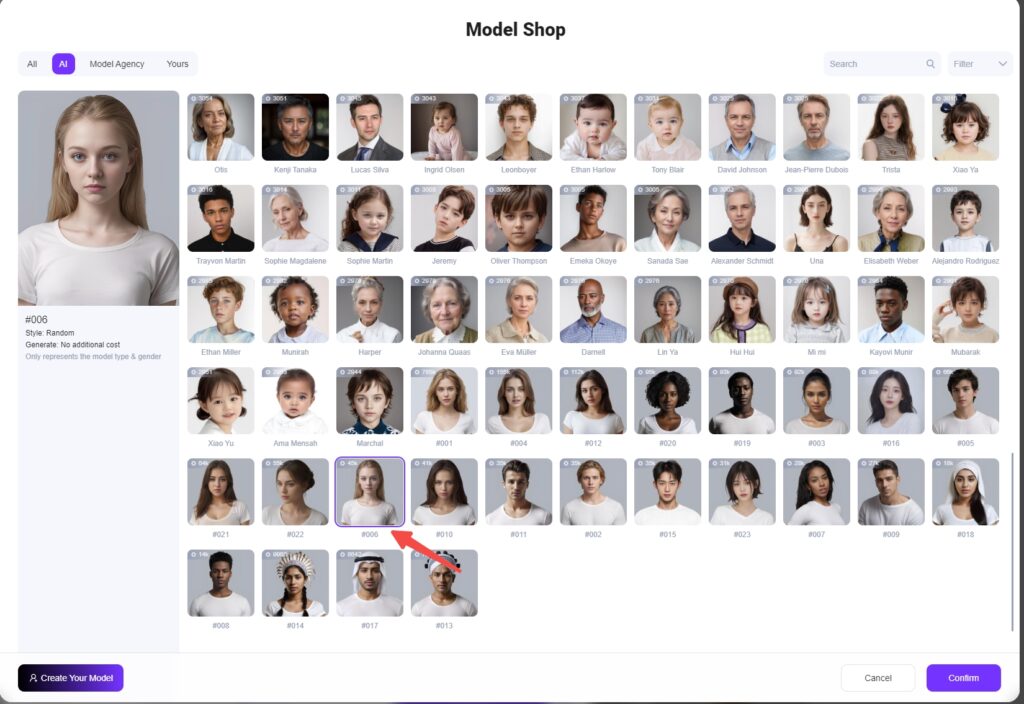
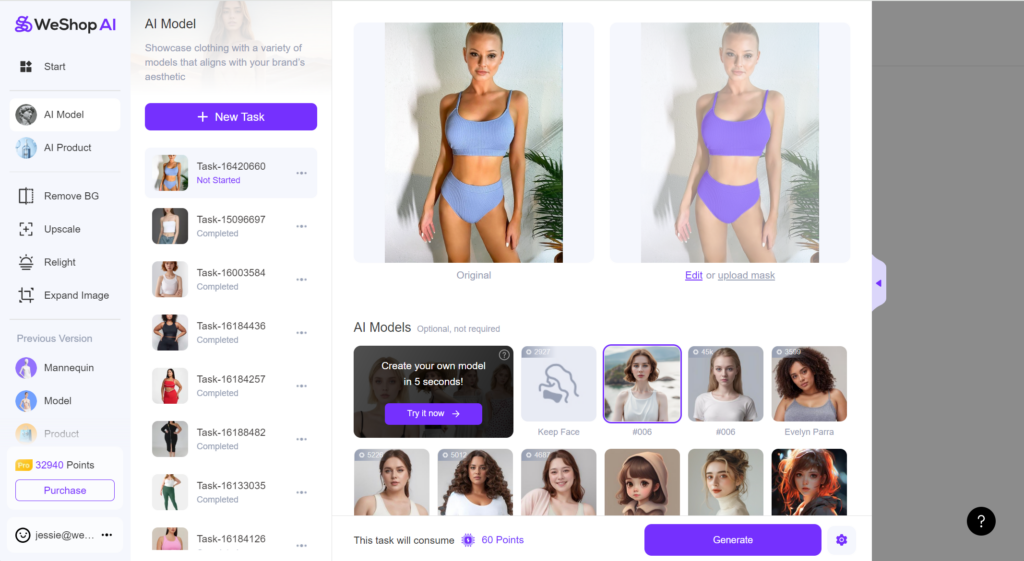
Changing backgrounds and models is a breeze with WeShop AI. Simply navigate to the AI Model agent, where you’ll find the Model Shop and Location Shop. From here, you can choose the perfect model and background for your images, ensuring your designs are showcased in the most suitable environment.
For detailed instructions, you can refer to our WeShop User Manual and Tutorial
2. Can I make the randomly generated model consistent in their looks?
Yes, you can! If you find a randomly generated model you love, simply save the image. Then, go back to the AI Model agent and create a custom model using the saved image. This way, you can lock that model’s face and reuse it in future images.
Let’s see the process.
- I choose #006 random model to generate images.
- I saved one of the looks that I like.
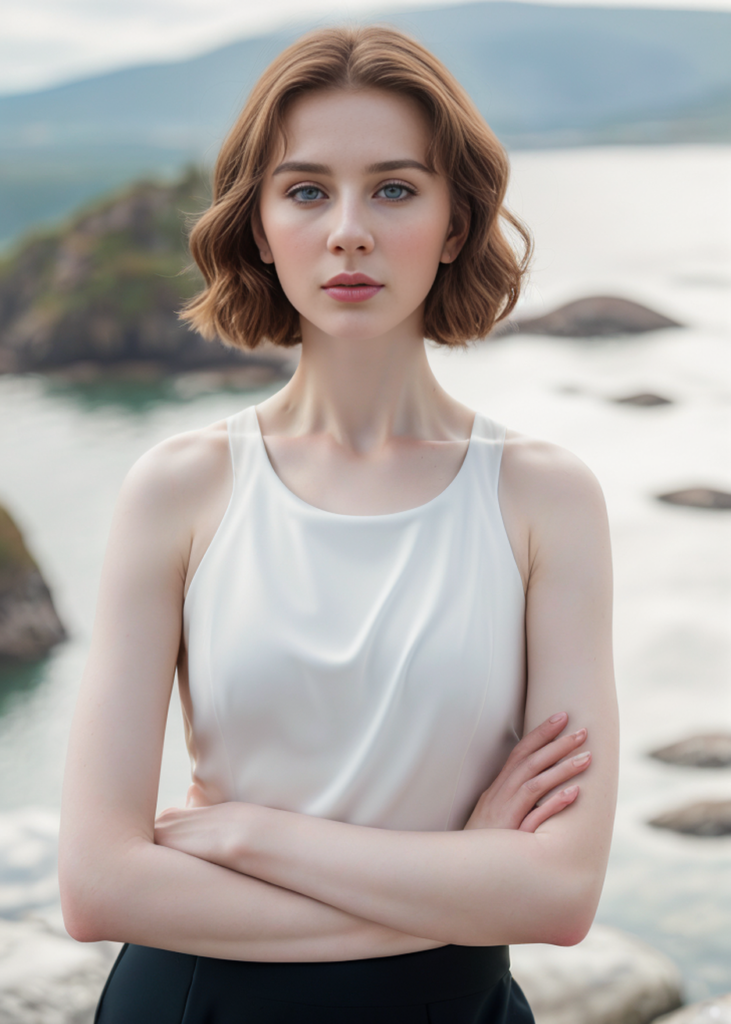
- I enter the Model Shop again and create my own model by uploading the saved photo.
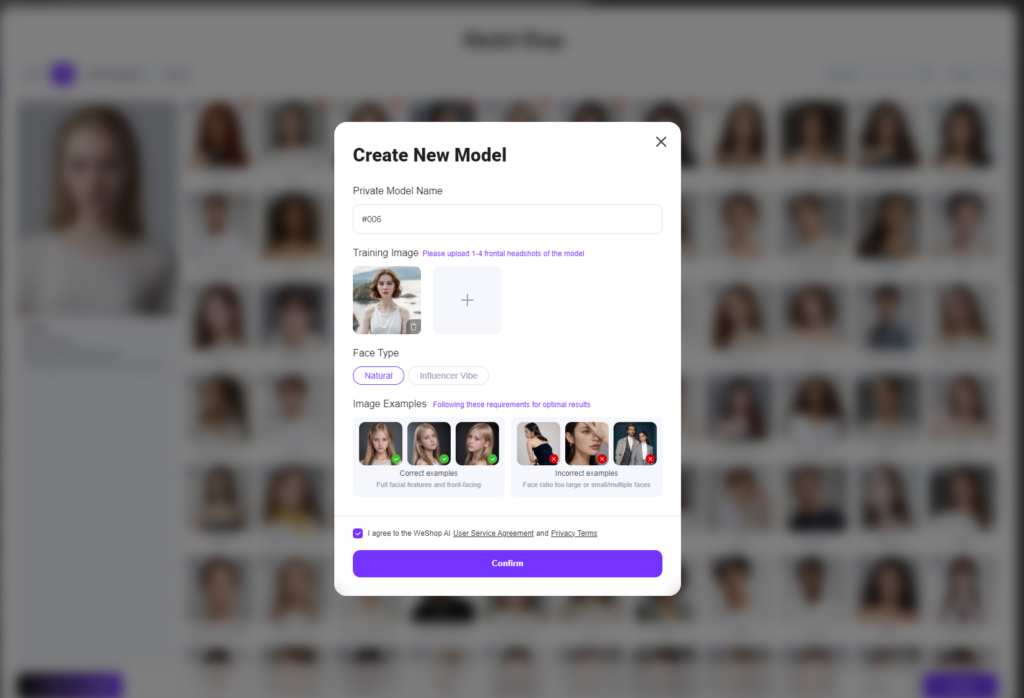
- After successfully added, Model #006 will be appeared under Yours. I can use her for future images.
3. How Do I Generate Just One Image at a Time?
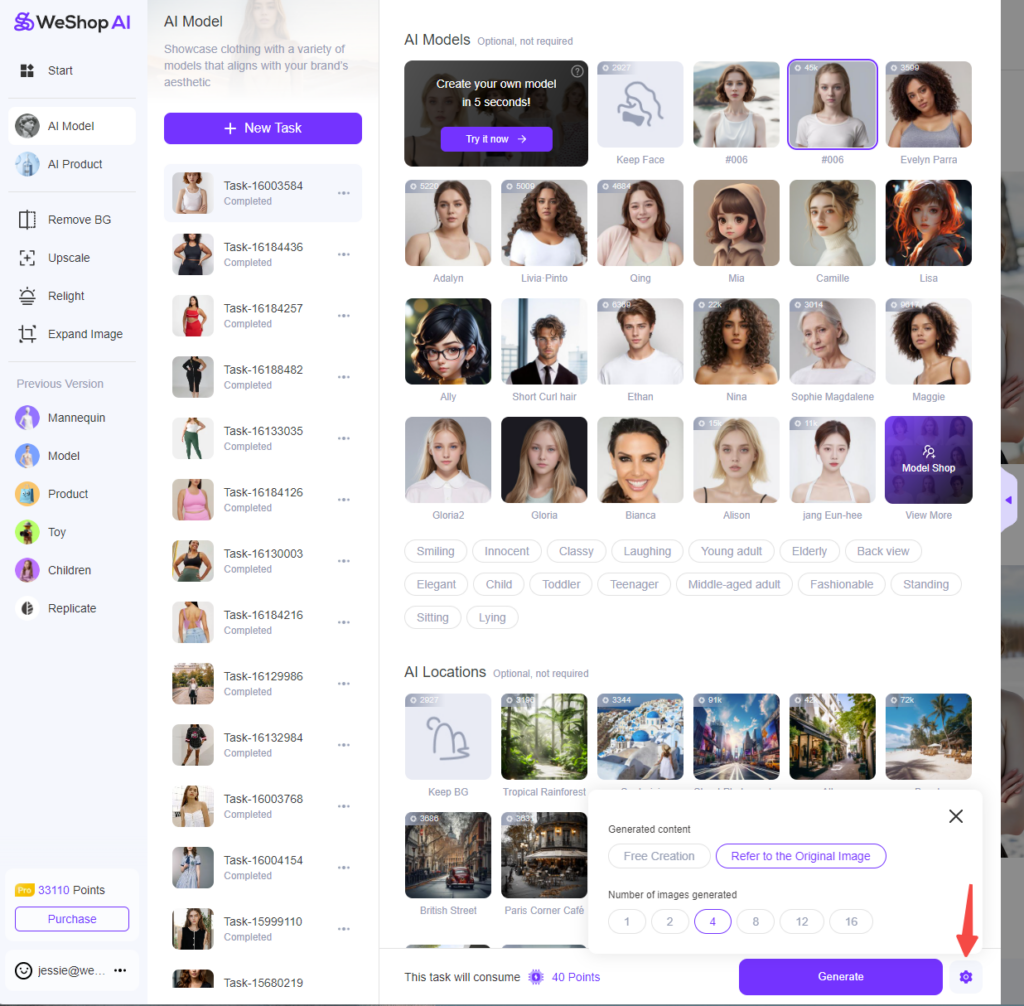
Generating a single image is easy. Just click on the settings icon next to the Generate button, where you’ll find an option to adjust the number of images generated. Select “one” and you’re all set!
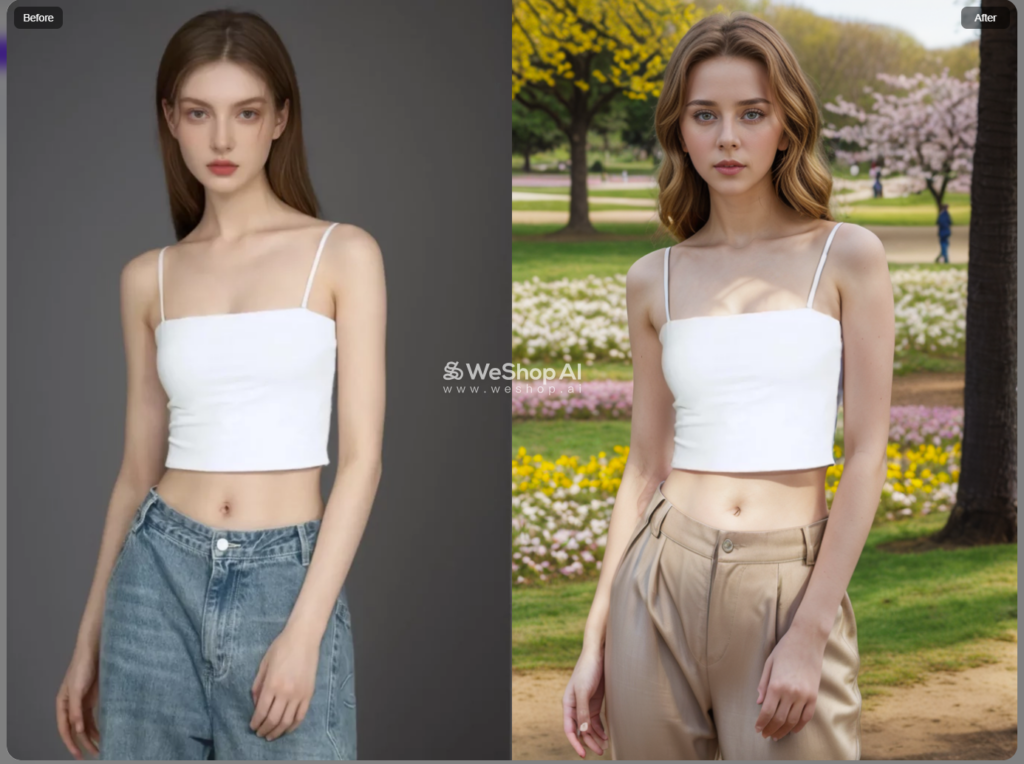
4. How to change the cloths in photo using ai?
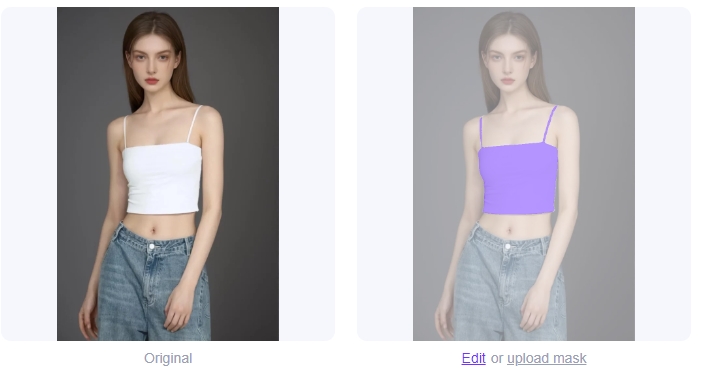
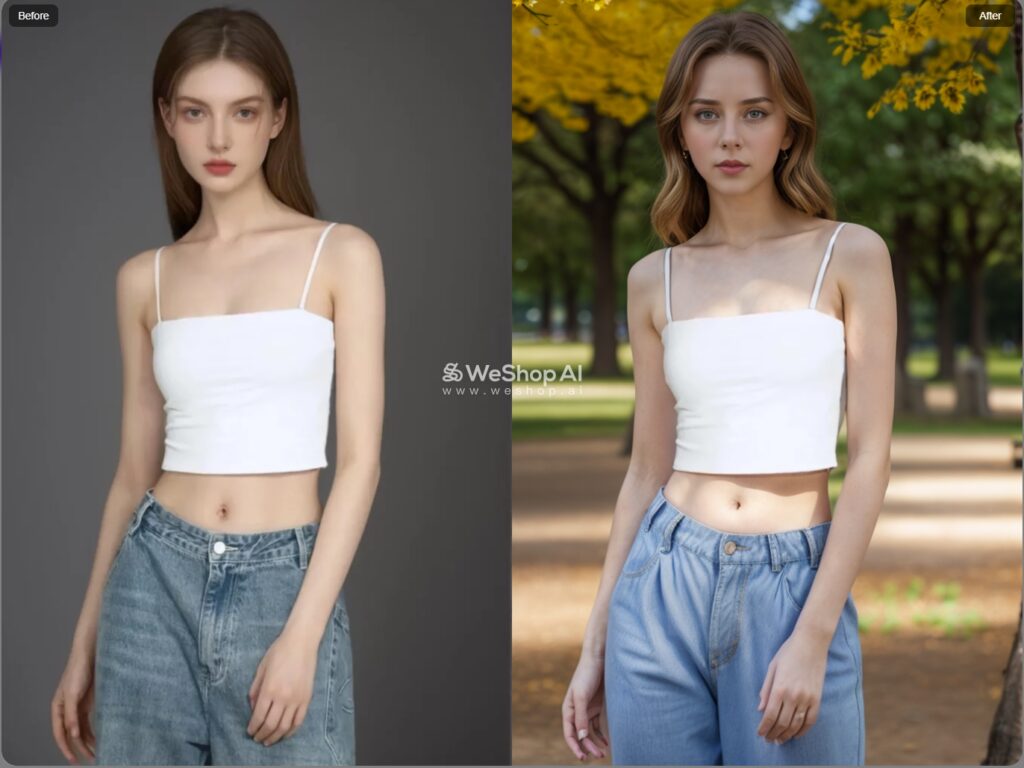
While there isn’t a dedicated option for changing pants, you can work around it using the Edit Mask tool. Select only the top that you want to keep, and then describe the type of pants you’d like in the prompt description. This method allows you to swap out bottoms while keeping the rest of the outfit intact.
5. Can WeShop AI Complete an Image with a Missing Head?
Yes, it can! Use the Expand Image tool to expand the image and complete any missing parts, such as a head. If the expanded image isn’t perfect, you can then swap out the face using our AI Model feature to achieve a seamless result.
Let’s see the process.
- I upload the image in Expand Image
- Select Instagram Square, and then adjust the size mannually a little bit
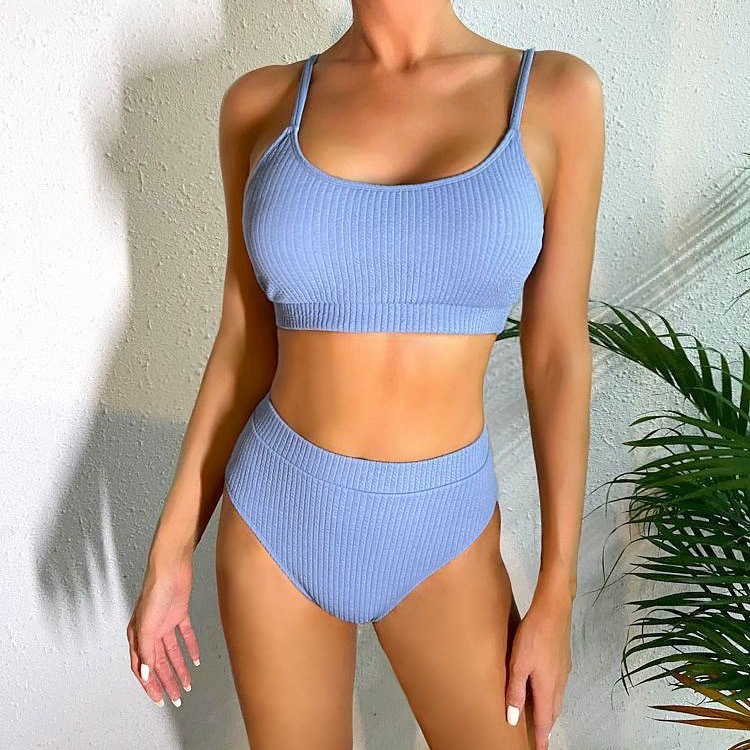
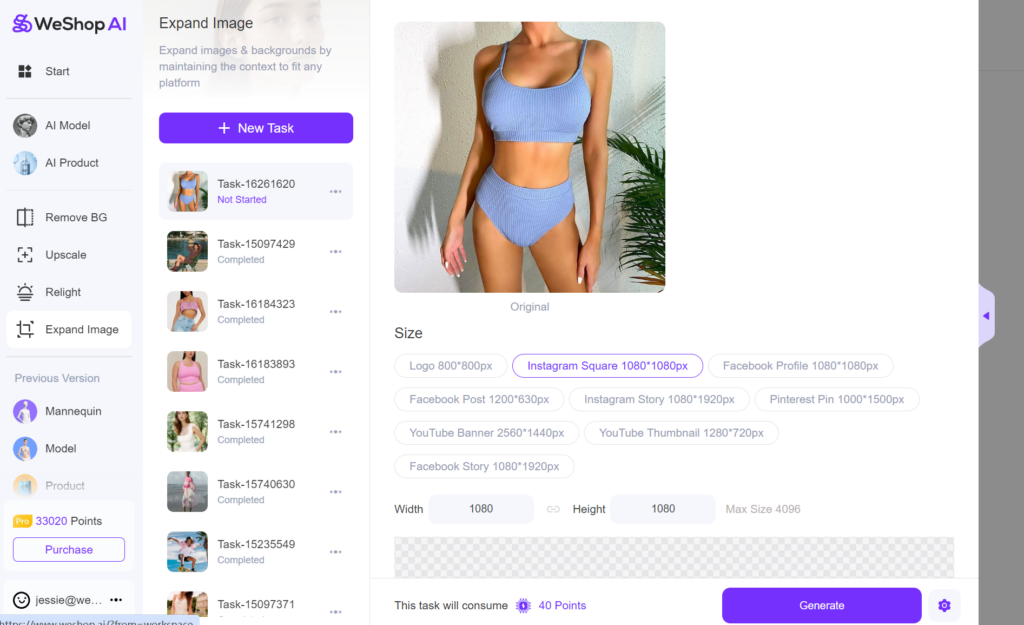
- The generated image is complete! Save the image and then upload it in AI Model agent to generate another look and background.
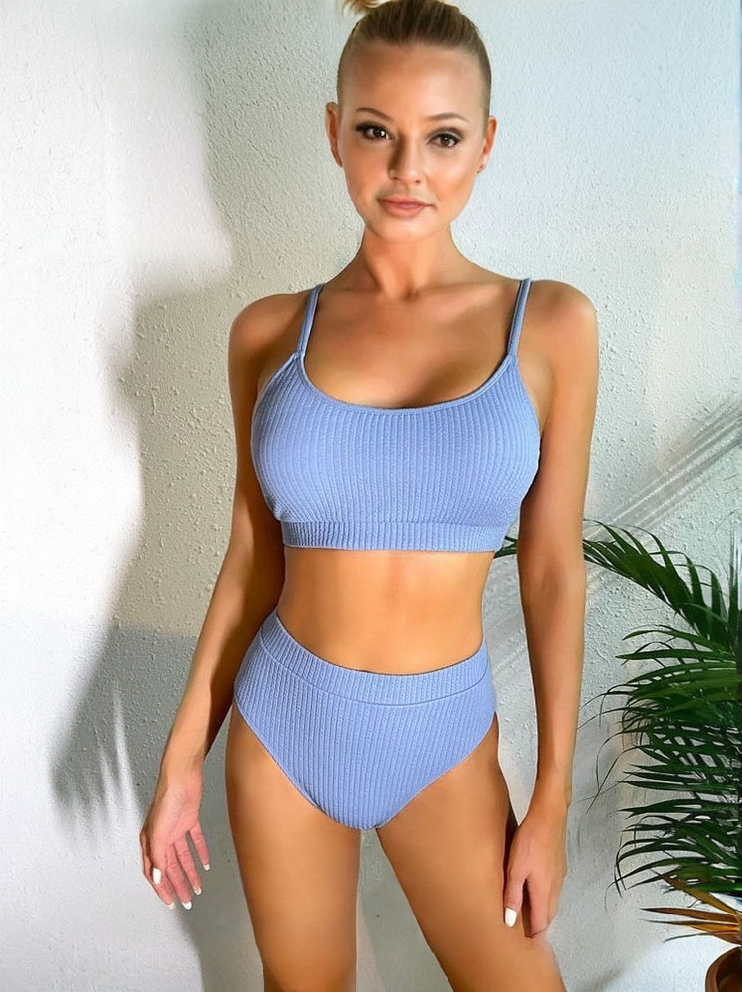
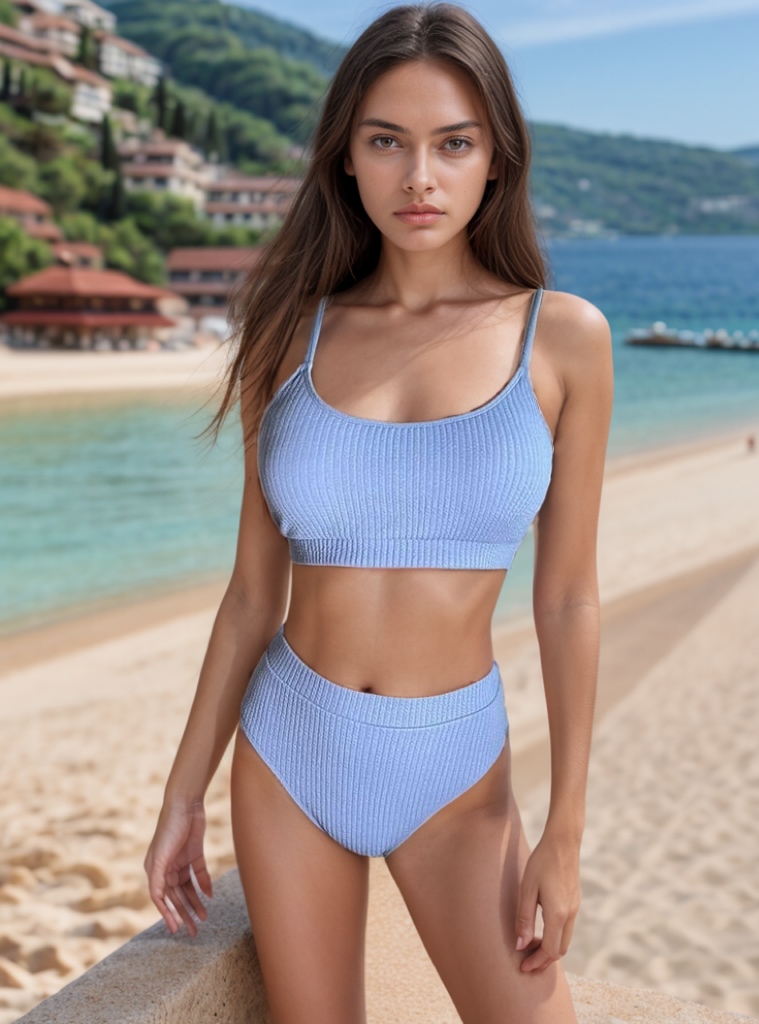
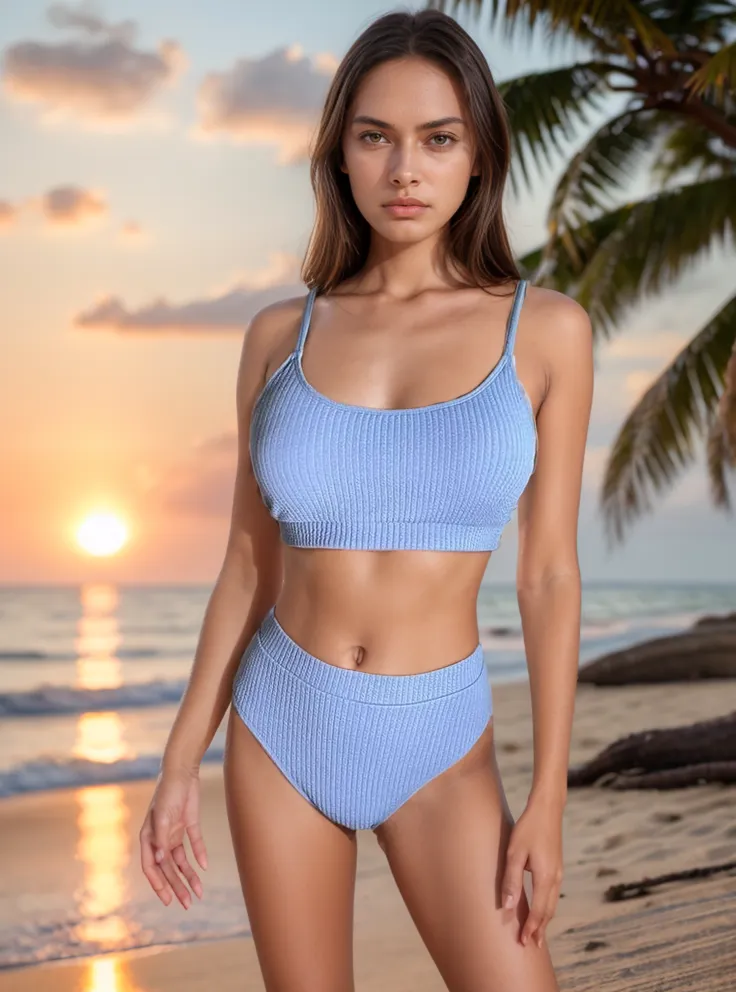
Let’s see the results!
6. How Do I Change a Model’s Hairstyle?
You can customize your own hairstyle through descriptive prompts. This flexibility allows you to tailor the model’s appearance to fit your design needs perfectly.
You can also customize your model’s hairstyle.
Conclusion
These are just a few of the most common questions we’ve received from our users, and we’re here to provide fast and effective solutions. If you have more questions, don’t hesitate to reach out! We’re committed to continually improving your experience with WeShop AI, so your feedback is always welcome.
Stay tuned for more tips and updates to help you make the most of our AI tools!