

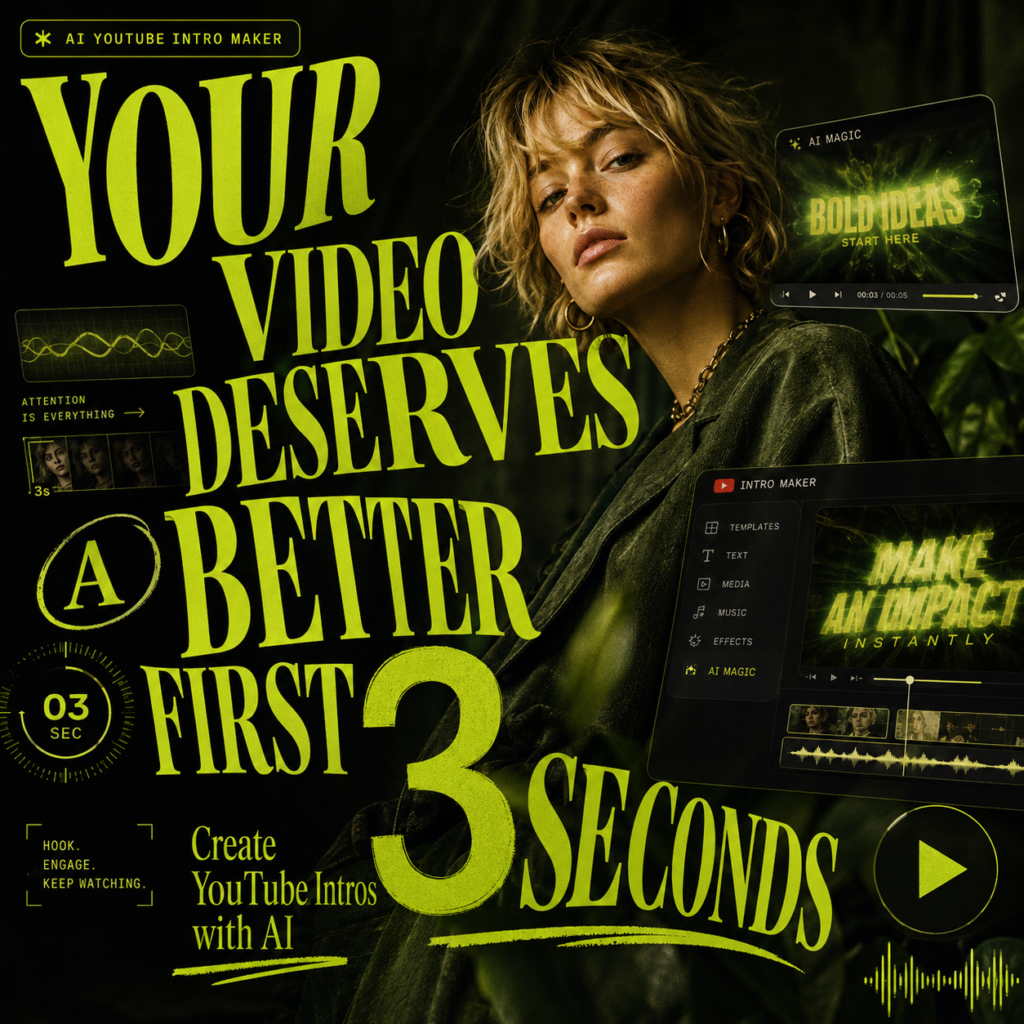
An AI YouTube Intro Maker can help your video look more polished before the main content even starts. You may have a great tutorial, vlog, gaming clip, product review, or brand video. However, if the opening feels unfinished, viewers may judge the whole video too quickly.
For example, your video may start with a long pause. Or perhaps the title screen looks plain. In some cases, there may be no logo, no mood, and no visual identity at all. As a result, good content can feel smaller than it really is.
That is where an AI YouTube Intro Maker becomes useful. It helps creators turn a channel name, logo, prompt, or style idea into a short intro with motion graphics, music, text, and branding. More importantly, it gives your video a clear first impression.
Instead of making your intro dramatic, you only need to make it feel intentional. After all, viewers should feel like they clicked into something worth watching.
Why the First 3 Seconds Matter
People may click because of your title or thumbnail. However, the first few seconds tell them how seriously to take your content.
Think of a YouTube intro like packaging. It does not replace the video itself. Still, it shapes the first impression. For example, a clean intro can make a product review feel more trustworthy. Meanwhile, a fast neon intro can make a gaming clip feel more exciting. Also, a warm minimal intro can make a vlog feel more personal.
In addition, a strong intro helps your channel feel easier to recognize. Viewers may not remember every video title. However, they can remember your logo reveal, sound cue, color style, or opening motion.
In short, a YouTube intro is not just decoration. Instead, it is proof that your channel came prepared.
What an AI YouTube Intro Maker Actually Fixes
An AI YouTube Intro Maker is not only about adding a fancy title. Instead, it solves a few common problems that make videos feel less professional.
First, it fixes the blank opening. A random pause, plain title card, or weak “hey guys” can make a video feel unplanned. With an AI-generated intro, your video starts with a clear mood.
Next, it fixes weak branding. If every video starts differently, your channel can feel scattered. Therefore, a repeated logo reveal, color palette, sound cue, and motion style can help viewers remember your content.
Also, it fixes the “small channel” feeling. Small channels can have great content. However, weak packaging can make viewers underestimate them. As a result, a polished intro helps your video feel more intentional.
Finally, it saves editing time. Traditional intro editing may require animation skills, sound design, transitions, and export settings. By comparison, an AI YouTube Intro Maker gives you a faster starting point.
AI YouTube Intro Maker vs. Traditional Intro Editing
Traditional editing gives you full control. However, it also asks for time, skill, and patience.
For example, hiring a designer can look great, but it can be expensive. Meanwhile, professional motion software can be powerful, but it has a learning curve. Also, starting from a template is faster, although it can feel generic if you do not customize it.
By comparison, an AI YouTube Intro Maker is better for creators who need speed and flexibility. You can test different moods, styles, and visual directions quickly. Then, you can choose the version that feels closest to your channel.
So, AI does not have to replace professional design. Instead, it gives everyday creators a better first draft.
How to Use an AI YouTube Intro Maker
Using an AI YouTube Intro Maker should be simple. However, a little planning helps the final result look much better.
Step 1: Describe the Vibe
First, decide how your channel should feel.
For example, it may feel dark and cinematic. Or, it may feel clean and techy. Meanwhile, a vlog may need something warm and personal. In contrast, an educational channel may need something calm and clear.
After that, write the mood clearly in your prompt.
For example:
“Create a dark futuristic intro for a tech review channel with blue neon light, logo reveal, and cinematic sound.”
Or:
“Create a soft lifestyle vlog intro with warm lighting, elegant text, smooth transitions, and calm music.”
Step 2: Add Your Channel Identity
Next, add the basics: your channel name, logo, tagline, colors, and visual style.
However, keep the text short. Your intro should not explain your entire channel. Instead, it should give viewers one clear signal.
For example:
“Gameplay. Highlights. Shorts.”
“Tech Reviews. Tutorials. Comparisons.”
“Daily Vlogs & Slow Living.”
“Design Tips in 5 Minutes.”
Step 3: Choose Motion and Sound
After that, choose motion graphics, transitions, music, and sound effects.
For gaming, you may want faster movement and stronger audio. For education, simple motion and calm sound may work better. Meanwhile, vlog content often looks better with soft music and smooth transitions.
However, the goal is not to add effects everywhere. Instead, the goal is to make the intro match your content.
Step 4: Preview, Shorten, and Export
Finally, preview the intro with your actual video. If it feels too long, cut it down.
A good intro should open the door quickly. Therefore, it should not make viewers wait. Once the timing feels right, export it and use it in your YouTube workflow.
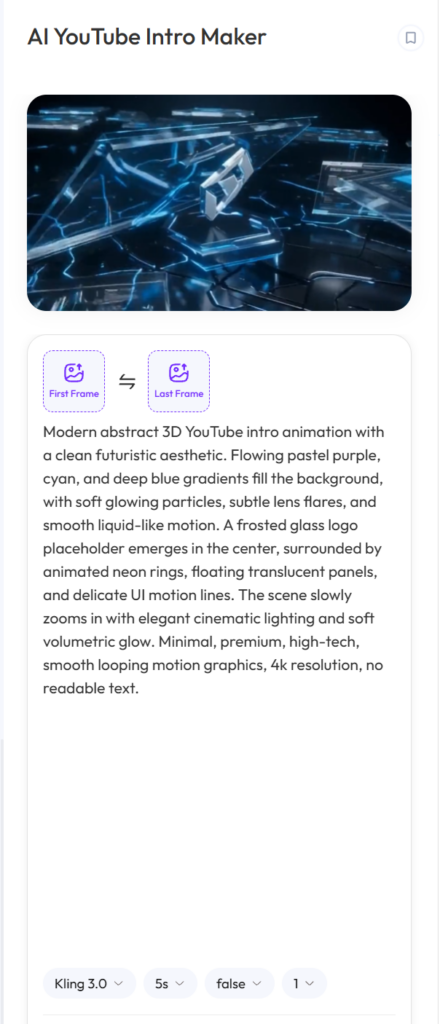
AI YouTube Intro Maker Prompt Tutorial
A good intro starts with a good prompt. Therefore, do not only write “make a YouTube intro.” That is too vague.
Instead, include four things: your channel type, visual style, motion style, and sound mood.
A simple prompt formula looks like this:
Create a [style] YouTube intro for a [channel type] with [visual details], [motion effects], [text/logo details], and [music or sound mood].
For example:
Create a futuristic YouTube intro for a tech review channel with blue neon lights, clean logo reveal, smooth camera movement, minimal text, and cinematic electronic music.
As a result, the AI has a clear direction. Also, the final intro is more likely to feel intentional instead of random.
Prompt Tutorial 1: Gaming Intro
Gaming intros should feel energetic. Therefore, your prompt should include speed, impact, lighting, and sound.
Prompt Example
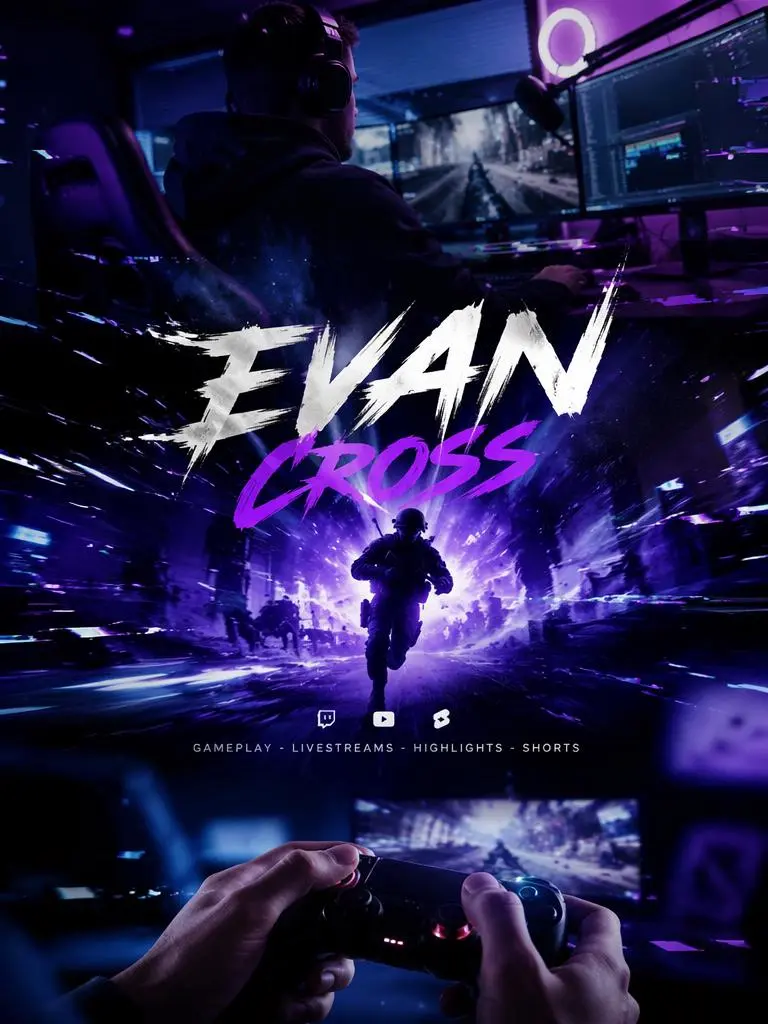
Create a high-energy gaming intro for a YouTube gaming channel. Use purple neon lights, glitch transitions, fast camera movement, bold title text, dramatic sound effects, sparks, digital particles, and a dark cinematic background. Add the channel name in a strong esports-style font. Keep the intro short, intense, and ready for gameplay highlights.
When to Use This Prompt
Use this for gameplay clips, livestream highlights, reaction videos, speedruns, esports edits, gaming reviews, and YouTube Shorts.
How to Customize It
You can replace “purple neon lights” with red, blue, green, or cyberpunk colors. Also, you can change “esports-style font” to “horror-style font,” “retro arcade font,” or “clean futuristic font.”
Prompt Tutorial 2: Tech Review Intro
Tech review intros should feel clean and trustworthy. Therefore, avoid too much chaos. Instead, focus on logo reveal, product details, and modern motion.
Prompt Example
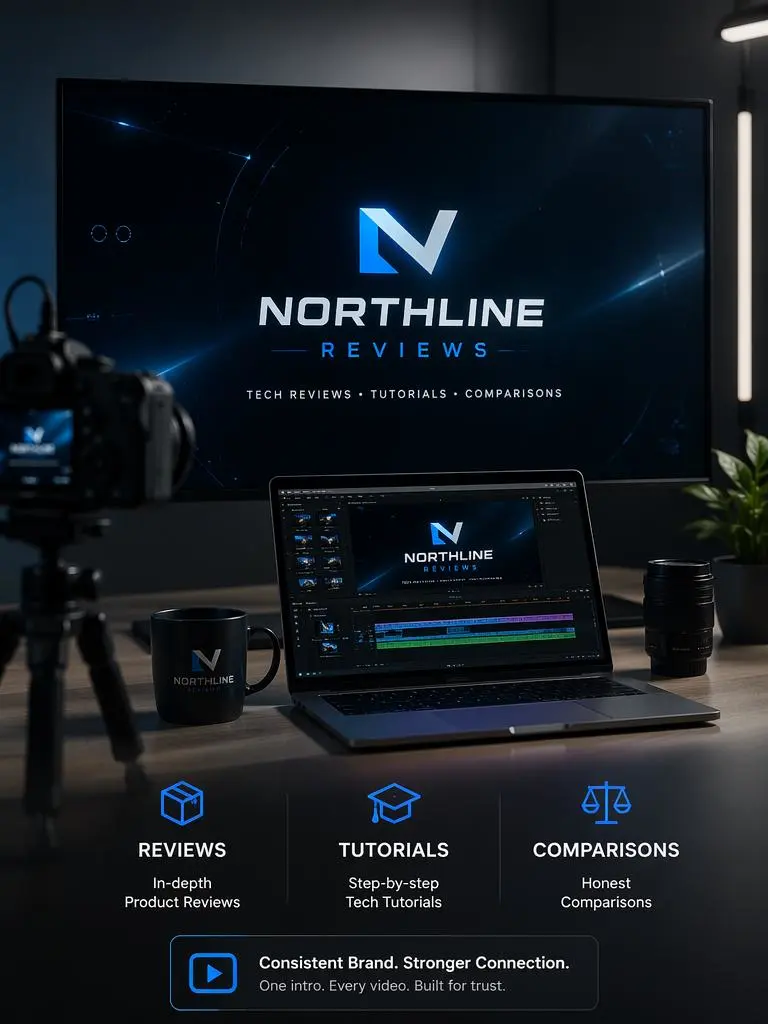
Create a clean futuristic YouTube intro for a tech review channel. Use a blue and black color palette, subtle light streaks, floating product panels, a smooth logo reveal, modern sans-serif typography, and minimal electronic background music. Add the channel name and the tagline “Reviews. Tutorials. Comparisons.” Keep the animation polished, sharp, and professional.
When to Use This Prompt
Use this for tech reviews, product comparisons, unboxing videos, software tutorials, gadget demos, and channel trailers.
How to Customize It
You can replace the tagline with your own channel promise. For example, use “Honest Tech in 5 Minutes” or “Smart Tools, Real Reviews.”
Prompt Tutorial 3: Lifestyle Vlog Intro
Lifestyle intros should feel warm, personal, and easy to watch. Therefore, focus on softness rather than heavy effects.
Prompt Example
Create a soft lifestyle vlog intro for a YouTube channel. Use warm sunlight, film grain, smooth slow motion, handwritten title text, light beige and cream colors, gentle transitions, and calm background music. Add the channel name and a short date or location text. Make it feel personal, cozy, and cinematic, like the opening of a visual diary.
When to Use This Prompt
Use this for daily vlogs, travel vlogs, study vlogs, wellness content, beauty routines, morning routines, fitness videos, and personal brand content.
How to Customize It
You can make it more specific by adding a mood. For example, try “Paris morning,” “quiet study day,” “summer travel diary,” or “soft weekend vlog.”
Prompt Tutorial 4: Podcast or Interview Intro
Podcast intros should feel structured and repeatable. Also, they should make the show title easy to remember.
Prompt Example
Create a modern podcast intro for a YouTube interview show. Use dark navy and warm white colors, audio waveform motion, smooth text animation, subtle studio lighting, and a short cinematic audio sting. Add the show title, host name, and guest name placeholder. Keep the intro clean, smart, and suitable for a weekly video podcast.
When to Use This Prompt
Use this for podcasts, interviews, talk shows, creator conversations, founder interviews, and expert panels.
How to Customize It
You can replace “dark navy and warm white” with your brand colors. Also, you can add “minimal studio background,” “animated microphone icon,” or “city night backdrop” depending on your show style.
Prompt Tutorial 5: Student Project Intro
Student projects often start with a plain title slide. However, a short animated intro can make the whole project feel more complete.
Prompt Example
Create a clean student project intro for a class presentation video. Use a modern academic style, soft blue and white colors, simple title animation, light motion graphics, smooth transitions, and calm background music. Add the project title, team name, class name, and presentation date. Keep it short, clear, and polished.
When to Use This Prompt
Use this for class projects, group videos, club promotions, portfolio presentations, school reports, design showcases, and academic videos.
How to Customize It
You can make it more creative by adding your subject. For example, use “science project,” “architecture portfolio,” “marketing case study,” “history documentary,” or “design final presentation.”
Prompt Tutorial 6: Brand or Business Intro
A brand intro should build recognition quickly. However, it does not need to explain everything. Instead, it should show the brand name, mood, and promise.
Prompt Example
Create a premium brand intro for a small business YouTube channel. Use elegant logo reveal animation, soft shadows, clean typography, brand colors, smooth motion graphics, and subtle background music. Add the brand name and the tagline “Simple tools for better ideas.” Keep it short, polished, and suitable for product demos, founder videos, and brand stories.
When to Use This Prompt
Use this for product demos, founder videos, brand stories, agency videos, tutorials, website videos, social ads, and campaign videos.
How to Customize It
Replace the tagline with your own brand message. Also, add your product category, such as skincare, SaaS, fashion, coffee, design studio, coaching, or ecommerce.
Intro Ideas You Can Steal
Sometimes, the hardest part is knowing what to make. Therefore, here are a few simple ideas you can adapt.
Gaming Channel Intro Idea
Use a bold channel name, glitch hit, purple neon tunnel, fast camera movement, and a one-second sound drop.
Tech Review Intro Idea
Use a logo reveal, blue light sweep, clean product grid, minimal beat, and short tagline.
Vlog Intro Idea
Use soft film grain, handwritten title text, warm music, a short date or location, and a smooth fade into the first clip.
Podcast Intro Idea
Use the show title, host name, waveform motion, guest name, and a short audio sting.
Student Project Intro Idea
Use a project title, animated subtitle, team name, class name, and clean transition into the presentation.
What Makes a YouTube Intro Look Cheap?
A YouTube intro can help your video. However, a bad intro can also make the video feel less professional. Therefore, it helps to know what to avoid.
It Is Too Long
If your intro drags on, viewers may leave before the main video starts. Therefore, keep it short.
It Has Too Much Text
An intro is not a full explanation. Instead, use your channel name, a short tagline, or one clear message.
The Music Feels Random
Music sets the mood. However, if the sound does not match your channel, the whole intro can feel off.
There Is No Brand Memory
If viewers cannot remember your name, logo, color, or sound after watching, the intro is not doing enough.
The Effects Do Not Match the Channel
More effects do not always mean better design. For example, a calm education channel does not need chaotic glitch effects. Meanwhile, a gaming channel may feel flat if the motion is too slow.
In other words, the best intro is not the loudest one. Instead, it is the one that fits.
Why an AI YouTube Intro Maker Works Better for Fast Creators
Creators move fast. Trends change. Also, posting schedules get busy. Because of this, not every creator has time to open complex editing software for every branding update.
An AI YouTube Intro Maker gives fast creators more room to test. For example, you can try a cinematic intro, a minimal intro, a gaming intro, or a soft vlog intro without starting over every time.
Also, it helps you refresh old branding. If your intro looks outdated, you can test a new color, new logo motion, new music style, or shorter timing.
Most importantly, it lets you spend more time on the main content. After all, the intro matters. However, the video still needs your ideas, your voice, and your point of view.
AI is not here to make your channel look fake. Instead, it is here to make your good content look prepared.
Final Thoughts on AI YouTube Intro Maker
Your video deserves a better first 3 seconds.
A strong intro can make your channel feel more polished, more recognizable, and more intentional. Also, it can help viewers understand your style before the main content begins.
With an AI YouTube Intro Maker, you can create short YouTube intros with motion graphics, logo reveals, music, templates, and brand details without starting from scratch.
So, before your next video begins with a plain title card or awkward pause, give it a stronger start.
In the end, your intro is not just a title screen. It is your channel’s first impression.
FAQ About AI YouTube Intro Maker
What is an AI YouTube Intro Maker?
An AI YouTube Intro Maker is an online tool that helps users create short YouTube intro videos with AI-generated visuals, motion graphics, templates, logo reveals, music, and text.
Do I need editing skills to use an AI YouTube Intro Maker?
No. You can start with a prompt or template. Then, you can customize the intro with your channel name, logo, colors, music, and visual style.
How long should a YouTube intro be?
A YouTube intro should usually be short. In many cases, a few seconds is enough to introduce your channel, set the mood, and move into the main content.
Can I add my logo to a YouTube intro?
Yes. Many YouTube intro tools allow you to add a logo and animate it with a logo reveal effect. As a result, you can create a stronger brand identity.
What kind of intros can I create with an AI YouTube Intro Maker?
You can create gaming intros, vlog intros, podcast intros, tutorial intros, product review intros, brand openers, logo reveals, and YouTube Shorts intros.
Can I use an AI YouTube Intro Maker for school projects?
Yes. Students can use it to create short intros for class videos, club projects, presentation recordings, portfolio videos, and creative assignments.
Can I use my YouTube intro on other platforms?
Yes. Depending on the export format and usage rights, you can use intro videos for YouTube Shorts, social media posts, websites, presentations, ads, product demos, and brand videos.
Can I update my intro later?
Yes. You can refresh your intro with new colors, music, motion styles, logo effects, or templates as your channel grows.
Go to WeShop AI For Exploration:


