Buying clothes online can be fun. However, it can also feel risky.
After all, the hardest part is not always the price. More often, it is one simple question:
Will this actually look good on me?
A dress may look perfect on a model. Meanwhile, a blazer may look expensive in a product photo. In addition, a full outfit on Pinterest can look effortless and polished. Yet once you try something similar, the result may feel completely different.
For example, the color may not suit your skin tone. Sometimes, the cut changes your body proportions. In other cases, the style looks amazing on someone else but feels awkward on you.
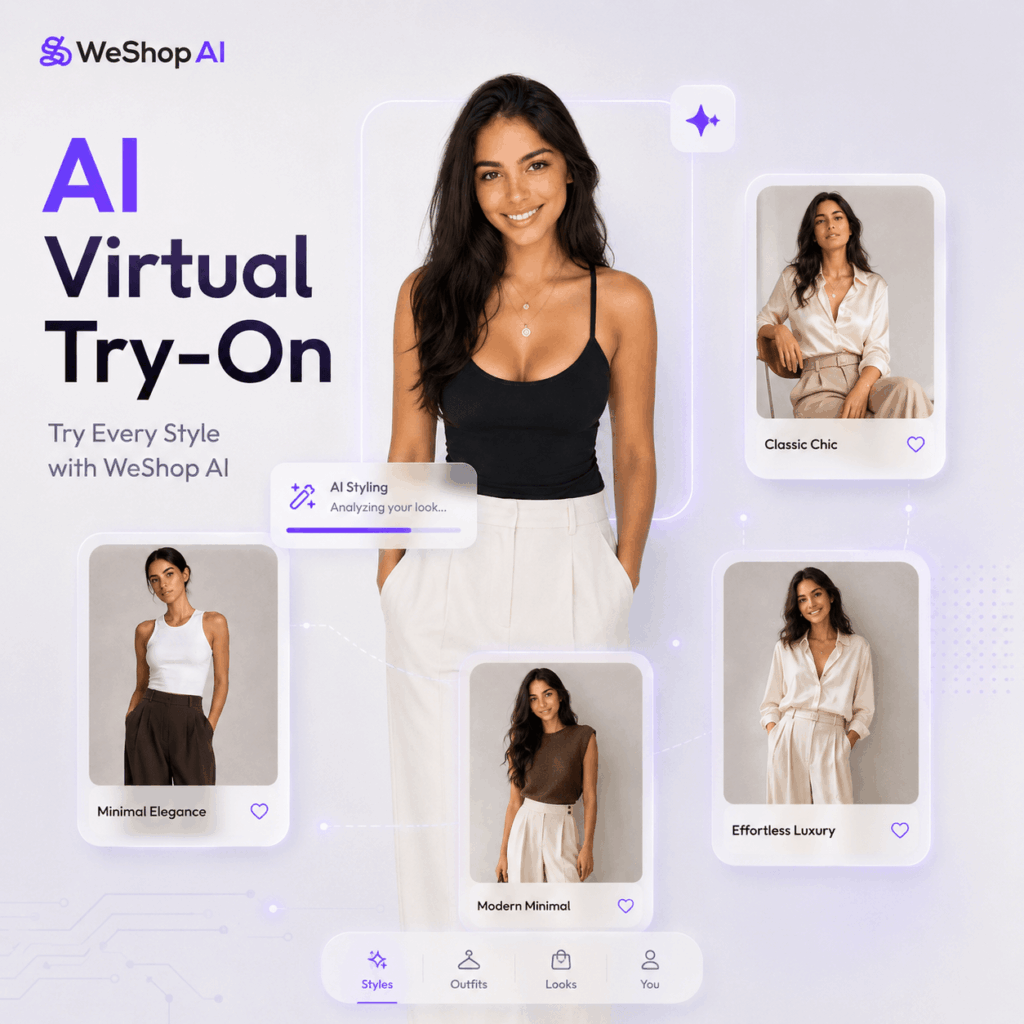
That is exactly where AI virtual try-on becomes useful.
Instead of guessing, you can create a digital version of yourself first. After that, you can test different outfits, aesthetics, and styling ideas before buying anything. As a result, shopping becomes less about risk and more about discovery.
In this guide, I will show you how to use WeShop AI GPT Image and WeShop AI Virtual Try-On to build a simple AI styling workflow.
The process is easy to follow.
First, use WeShop AI GPT Image to create a consistent digital version of yourself. Next, use GPT Image or WeShop AI Virtual Try-On to try clothes on that AI version. Finally, compare different styles until you find what really works for you.
No makeup is needed. Also, there is no fitting room required. Most importantly, you do not need to keep buying clothes just to find out they are not right for you.
With just a few photos, AI can help you preview another possible version of yourself.
Preparation / Tools You Need
Before getting started, prepare a few basic materials.
You will need WeShop AI GPT Image, which helps you create a multi-angle AI version of yourself.
You will also need WeShop AI Virtual Try-On(See the button above), which is used for AI outfit try-on and virtual styling.
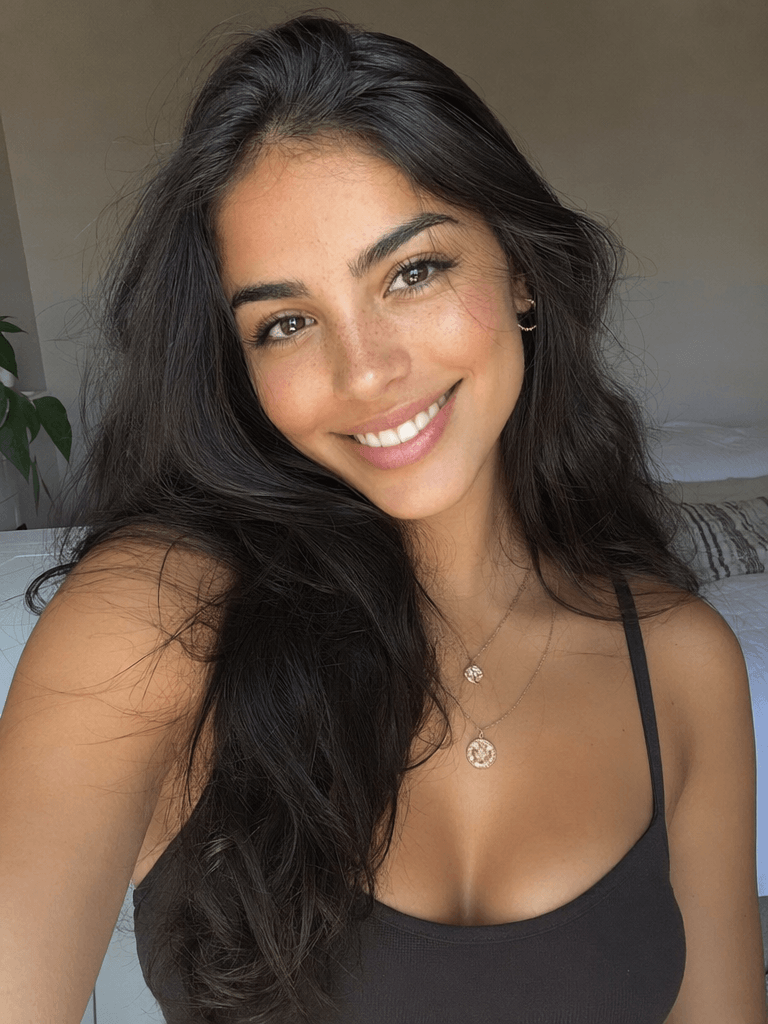
Next, prepare one clear photo of yourself. One photo is enough to begin. However, for better consistency, it is helpful to prepare several photos from different angles, such as a front-facing shot, a half-body photo, and a full-body photo.
In addition, prepare outfit images you want to try. These images can come from Xiaohongshu / RED, Taobao, Pinterest, Instagram, brand websites, lookbooks, fashion bloggers, or e-commerce product photos.
💡 Best photo requirements:
For the best result, choose a photo with clean lighting and a clearly visible face. Ideally, your body shape should also be easy to see. Simple or fitted clothes work better because they help AI understand your real proportions.
At the same time, avoid sunglasses, face masks, large hats, strong filters, heavy beauty effects, or distorted selfie angles. A simple background also helps because it keeps the focus on you.
In general, the clearer your photo is, the better AI can understand your face, body shape, hairstyle, and overall vibe. As a result, your AI virtual try-on images will look more stable and more realistic.
Step-by-Step Guide
Step 1: Use GPT Image to Create an AI Version of Yourself
First, go to:
GPT Image 2 AI Image Generator on WeShop AI.
The purpose of this step is to help AI learn your personal features. For example, it needs to understand your facial features, face shape, body proportion, hairstyle, overall vibe, and details from different angles.
Think of this step as building your own digital fitting model.
Once this AI version is stable, you can use it again and again for different outfit tests. Therefore, you do not need to generate a new face every time.
After uploading your reference photos, enter this prompt:
Basic Prompt You Can Copy
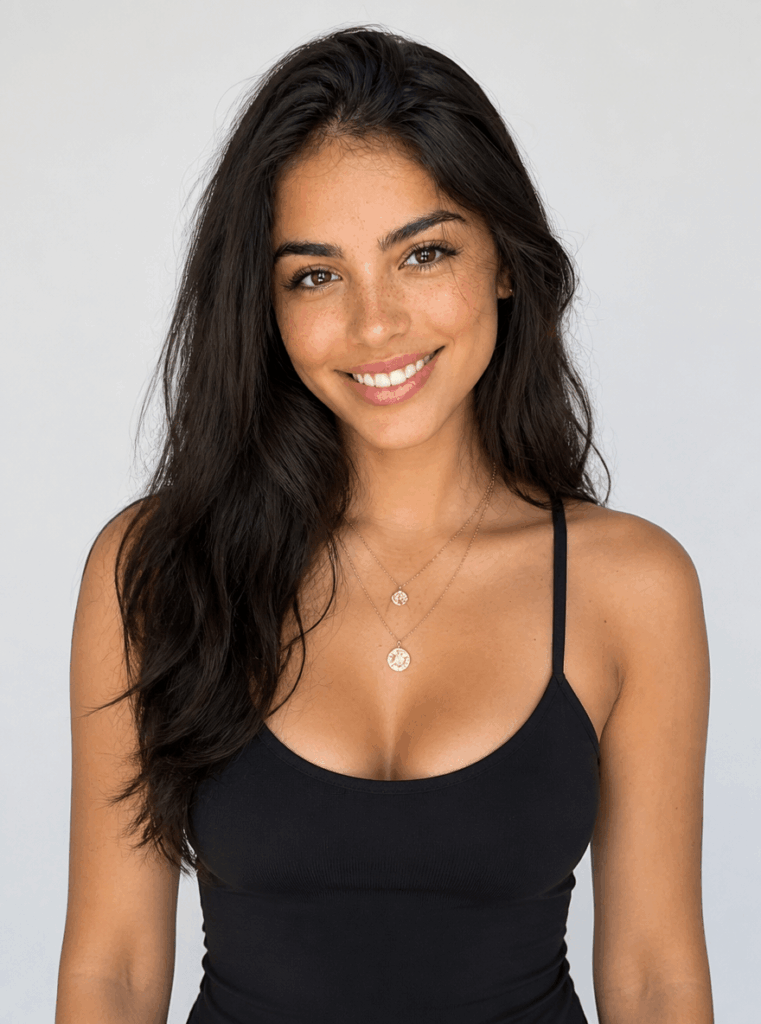
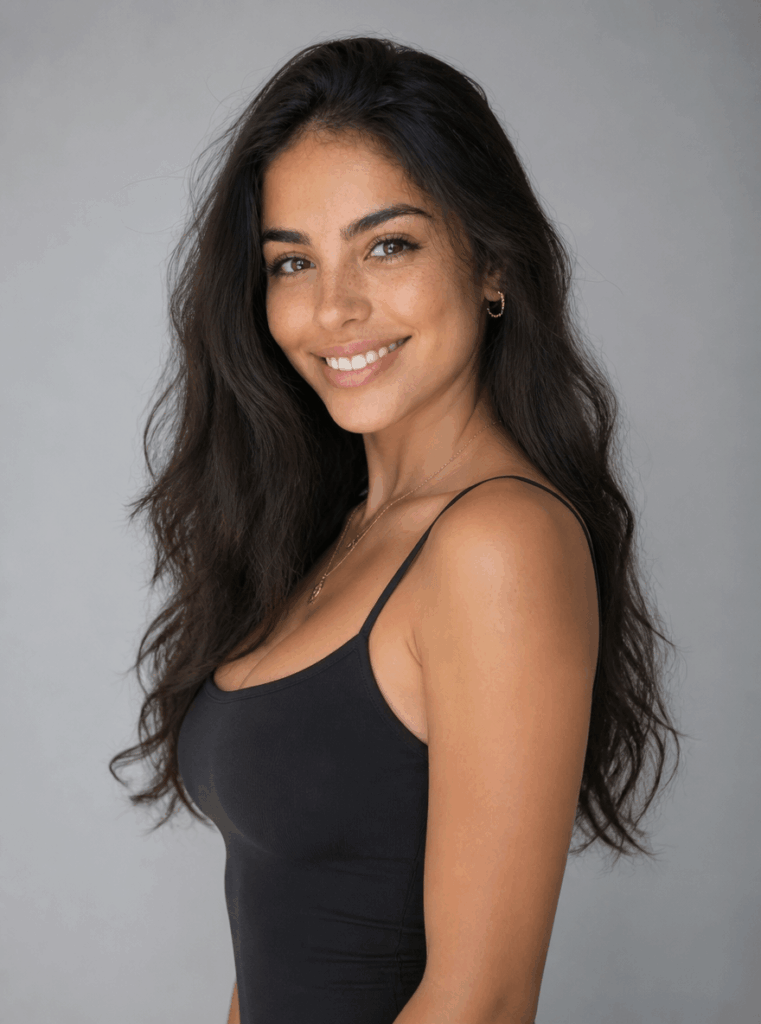
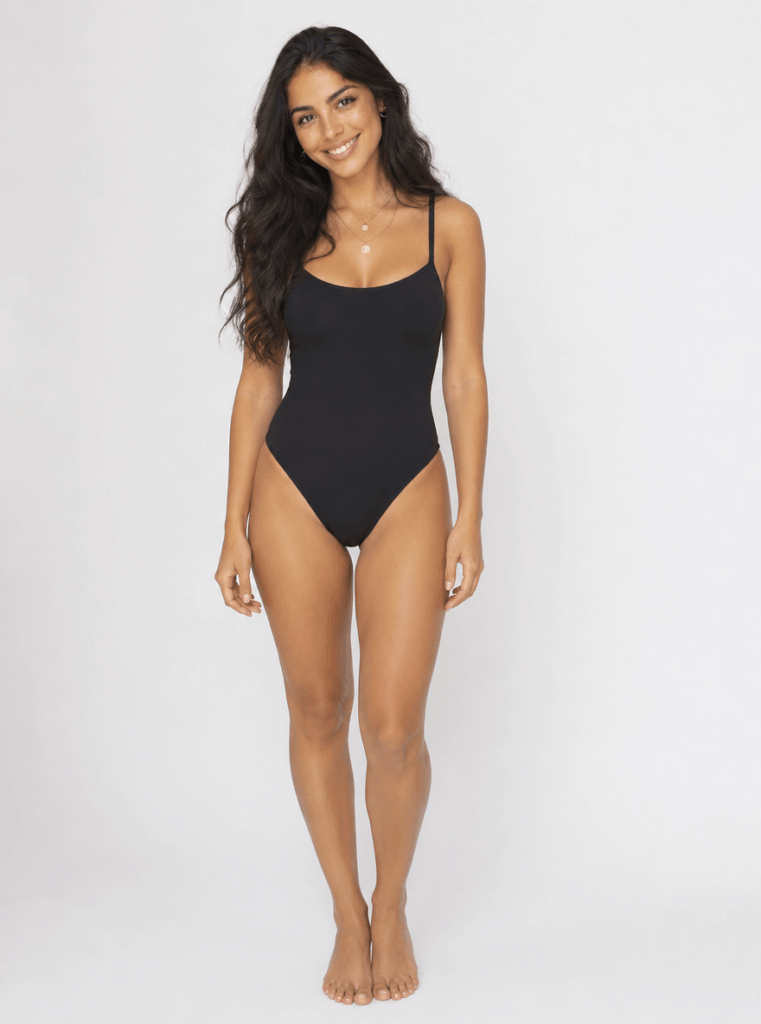
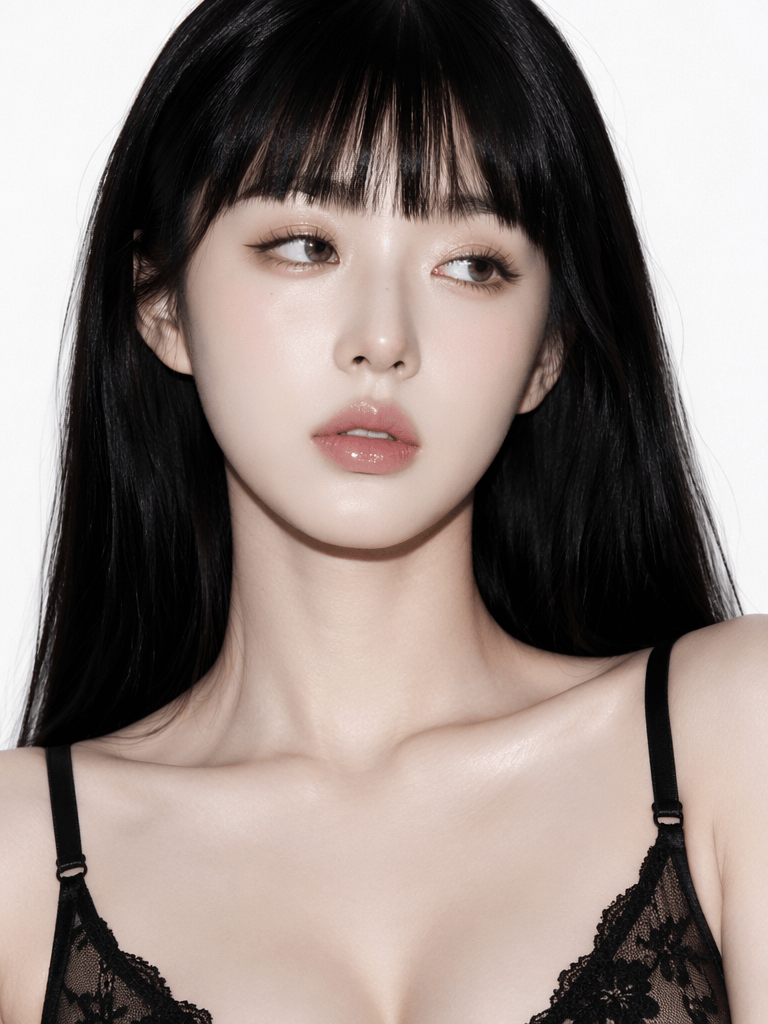
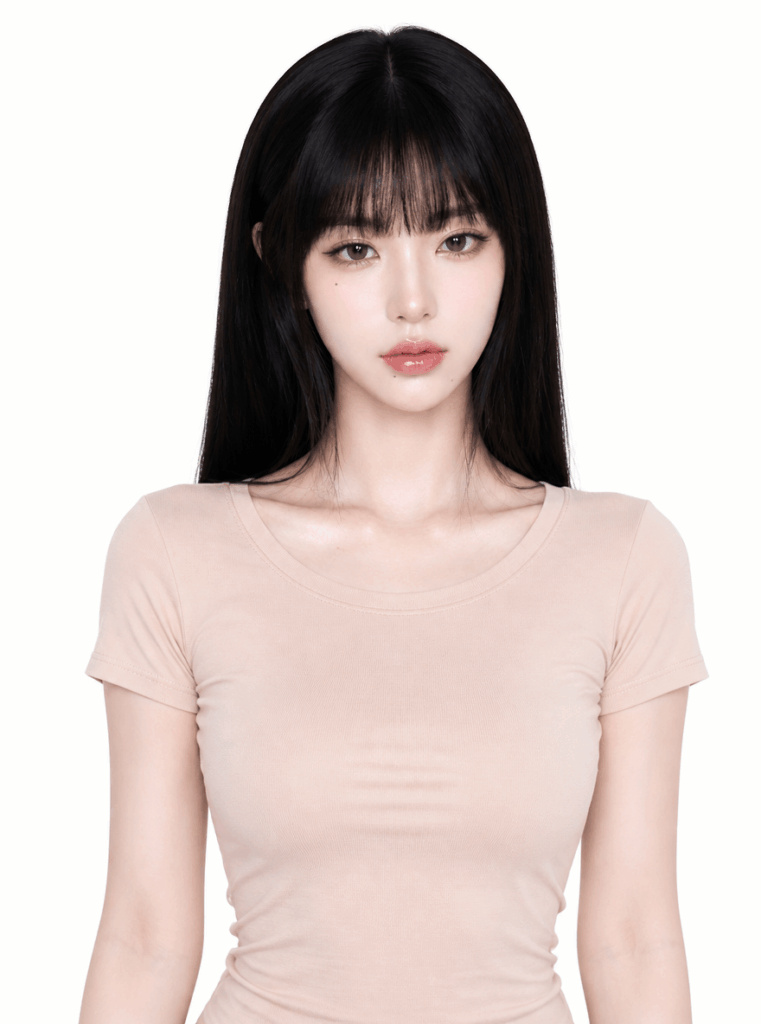
Based on the portrait photos I uploaded, generate a highly consistent digital character. Keep the real facial features, face shape, hairstyle, and body proportions. Generate multiple angles, including front view, 45-degree side view, half-body, and full-body images. The overall style should look natural and realistic, like real photography. Do not over-smooth the skin. Do not change the person’s identity.
To make the next try-on step easier, add this sentence:
Dress the character in a simple solid-color fitted outfit to make future virtual try-on easier.
This small detail helps reduce clothing interference. In addition, it makes the body shape easier for AI to recognize.
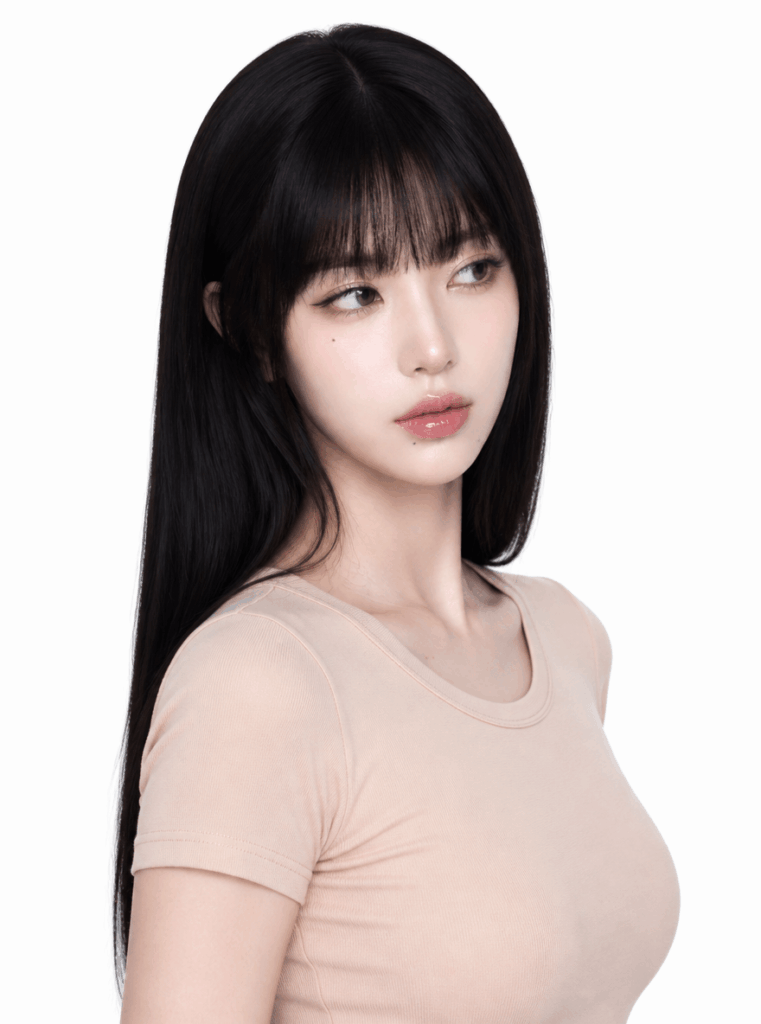
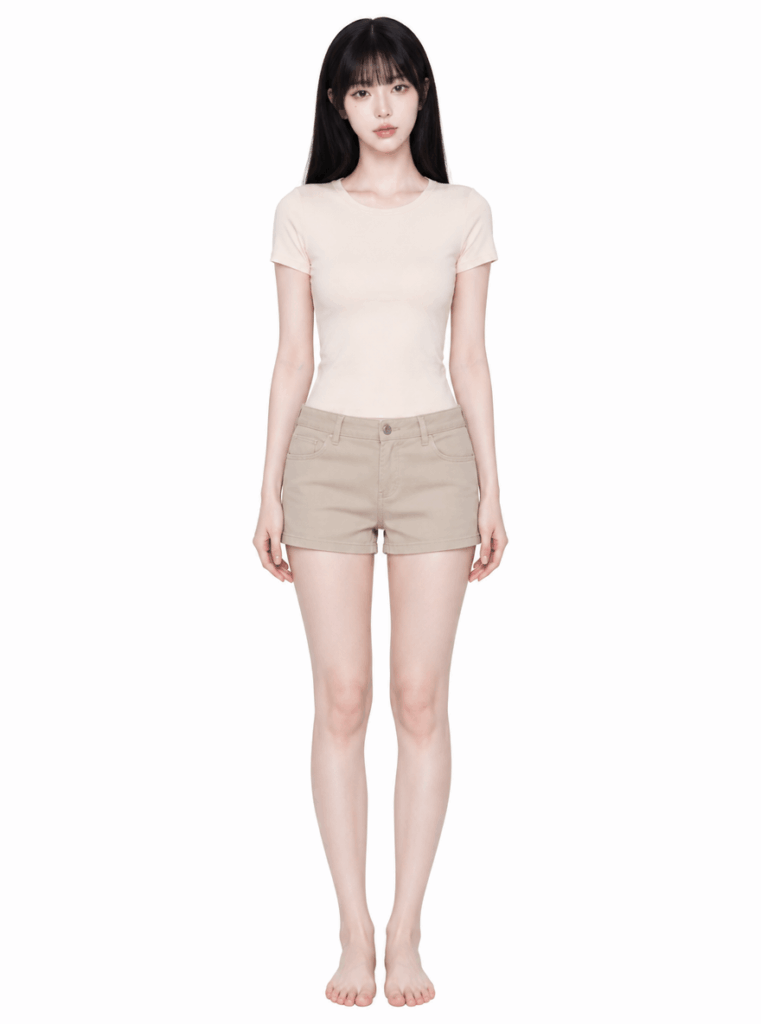
How to Choose the Best AI Output
Not every generated image is suitable for virtual try-on. Therefore, choose the image that looks most like you and has the most natural body shape.
A strong base image should have a face that looks close to your real face. It should also have natural body proportions, a relaxed pose, simple clothing, and a clean background. In addition, a clear half-body or full-body structure will make the next step much easier.
On the other hand, avoid images with heavy beauty filters, an overly generic influencer face, distorted hands, strange shoulders, twisted waistlines, complicated clothing layers, or exaggerated poses.
This step matters more than many people expect. If your AI person is stable, the outfit results will usually look much better later.
Step 2: Start the AI Outfit Try-On
Next, you can use GPT Image 2 or WeShop AI Virtual Try-On.
Both options can help you test outfits. However, they are slightly different.
For more control over the background, mood, and styling direction, GPT Image 2 is a good choice. Meanwhile, for a faster and more direct outfit result, WeShop AI Virtual Try-On may be easier.
In this guide, we will use GPT Image 2 as the example.
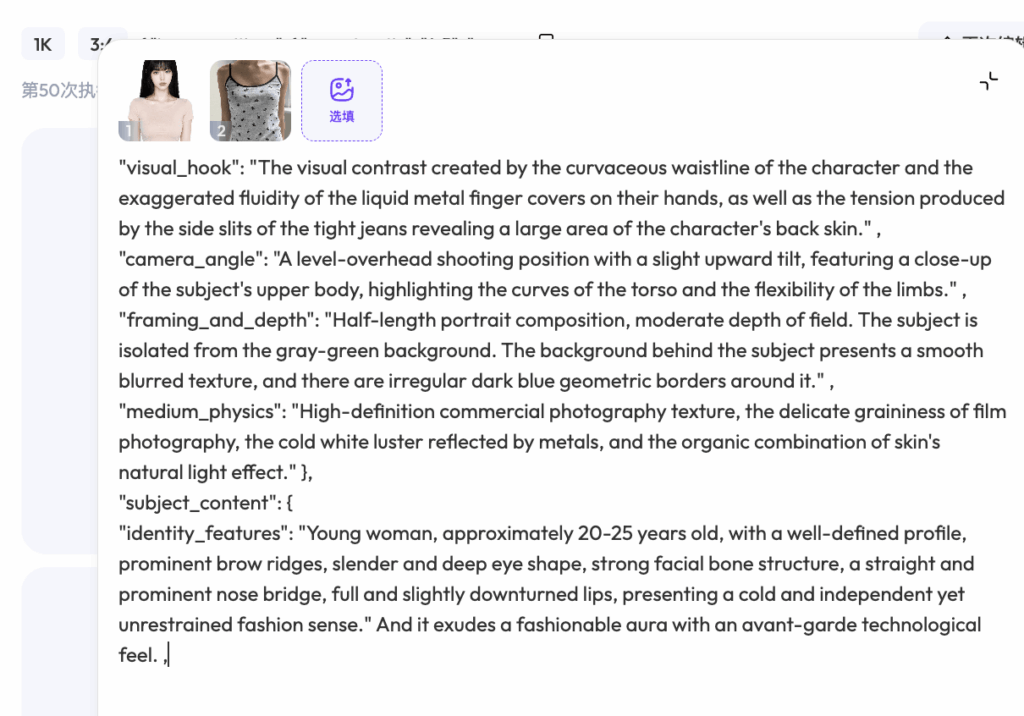
1. Upload the AI photo you just generated
Start with the AI image that looks most like you. Ideally, choose a clear half-body or full-body image with simple clothing.
2. Upload the clothing image you want to try on
The clothing image can be a Xiaohongshu outfit screenshot, a Taobao product image, a model photo, a brand lookbook image, or a Pinterest inspiration photo.
At this stage, the goal is simple:
👉 Show what it looks like when you wear that outfit.
Most importantly, AI should not create a new model. Instead, it should keep the person from the first image and only borrow the outfit from the second image.
Use this prompt
Basic Outfit Try-On Prompt You Can Copy
Please make the person in the first image wear the outfit from the second image. Keep the facial features, face shape, hairstyle, skin tone, body proportions, and overall vibe of the person in the first image. The clothing style, color, material, and silhouette should follow the second image. The final result should look like a realistic fitting photo, with natural posture and realistic lighting. Do not change the person’s identity. Do not generate another person’s face.
When using a Taobao product image, add:
Only refer to the clothing itself. Do not copy the model’s face, body, or pose from the product image.
For a Xiaohongshu outfit reference, add:
Keep the overall outfit mood, color tone, and styling idea, but the person must still keep the identity features from the first image.
When using a brand lookbook image, add:
Refer to the premium lookbook mood, composition, and styling atmosphere, but keep the person’s face and body proportions unchanged.
Why AI Try-On Sometimes Looks Off
AI virtual try-on is not just about placing clothes on a body. In fact, it needs to understand the person, pose, clothing structure, fabric, and styling mood at the same time.
Because of that, the result may look strange when the clothing image is too complicated. It can also happen when the original pose is not suitable, the reference model’s pose is too dramatic, or the clothes are blocked by hair, arms, bags, or accessories.
Another common reason is the prompt. For example, if you do not clearly say “keep the same person,” AI may accidentally copy the model from the clothing image.
Fortunately, most of these issues can be fixed. In many cases, you do not need to change tools. Instead, start with clearer images and a more specific prompt.
Step 3: Test Different Styles
Now comes the fun part.
Once you have your AI version, you can start testing different styles without buying anything first.
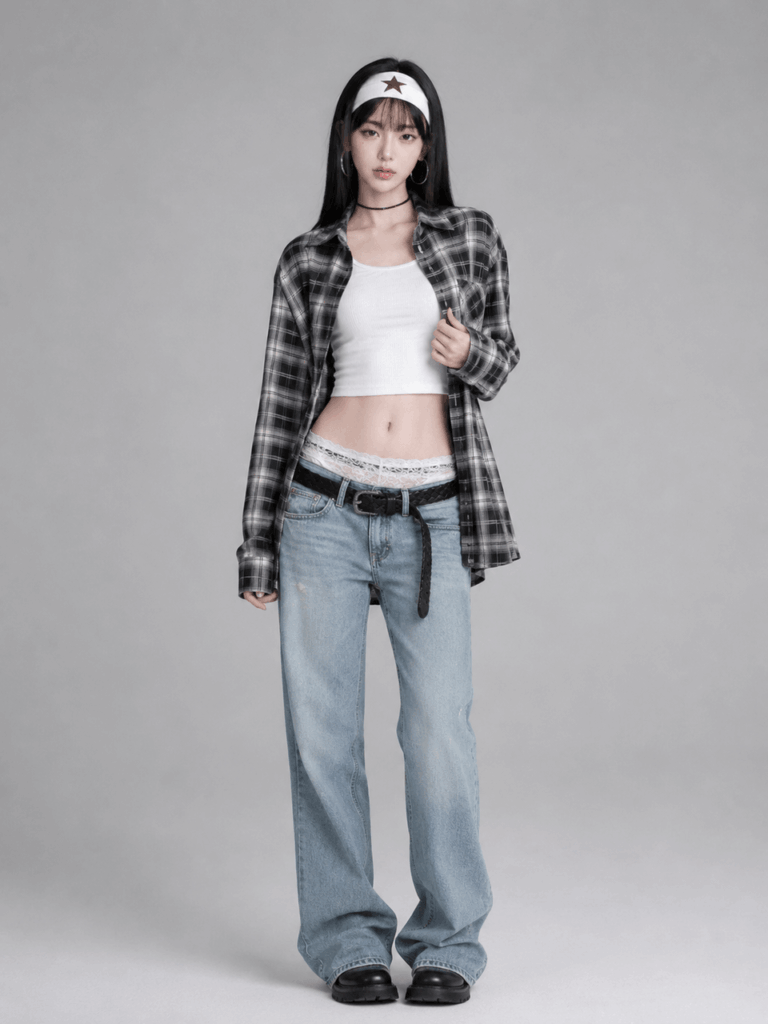
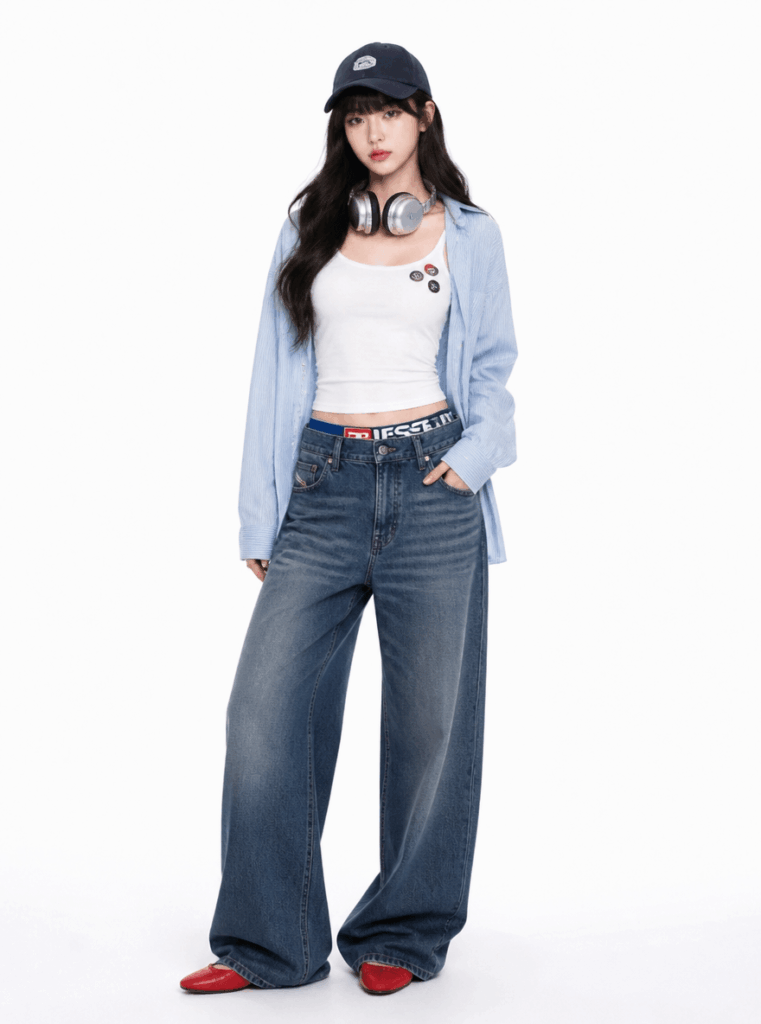
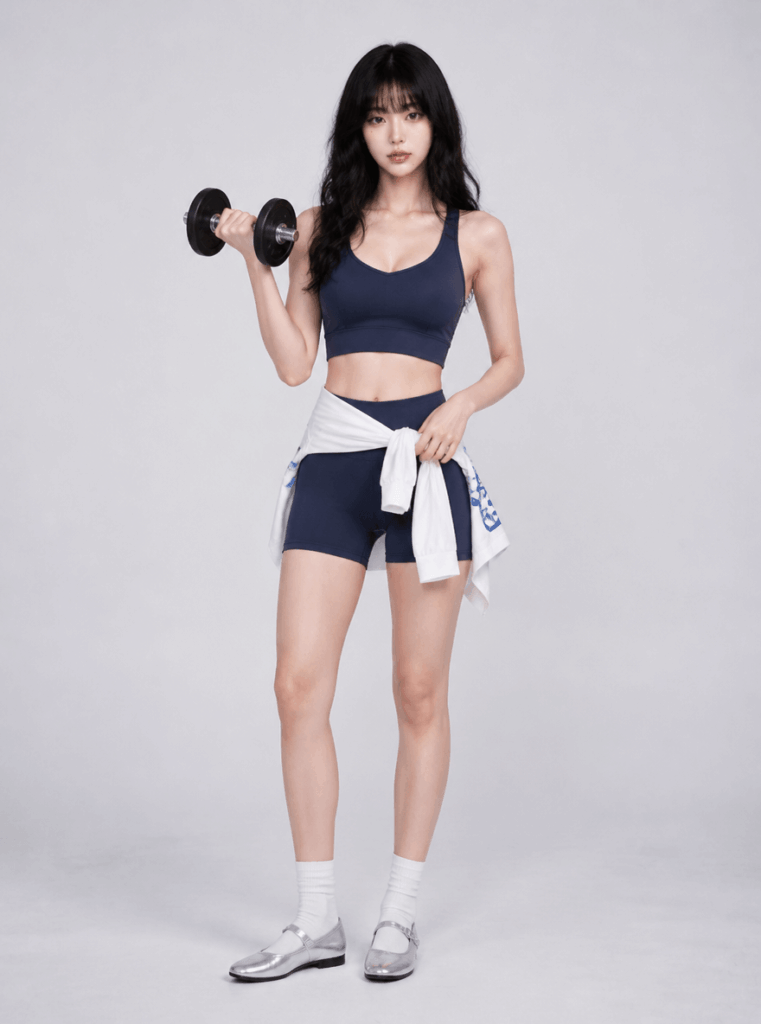
For example, you can try French style, Clean Fit, Old Money, workwear, office outfits, and minimal luxury style.
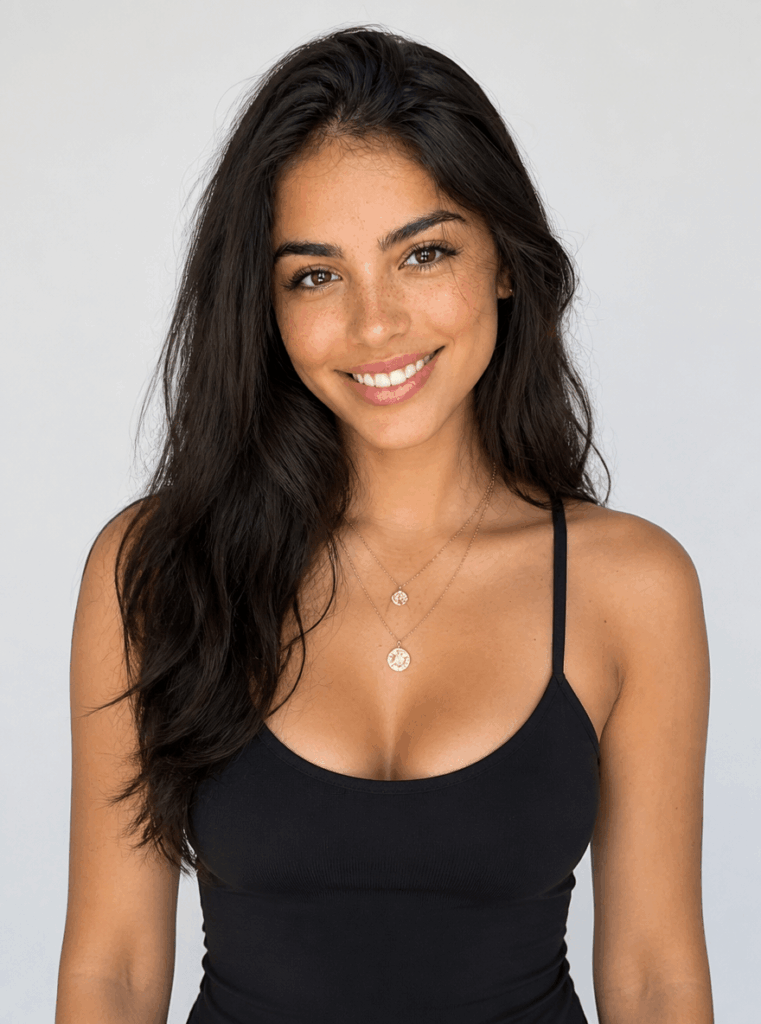
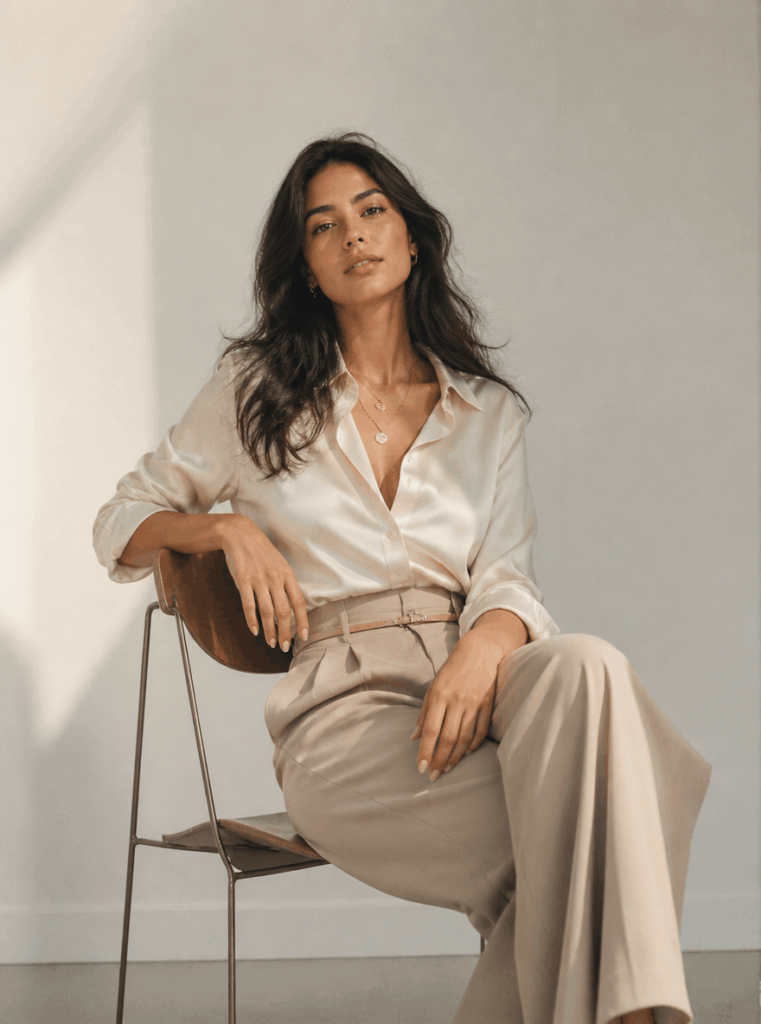
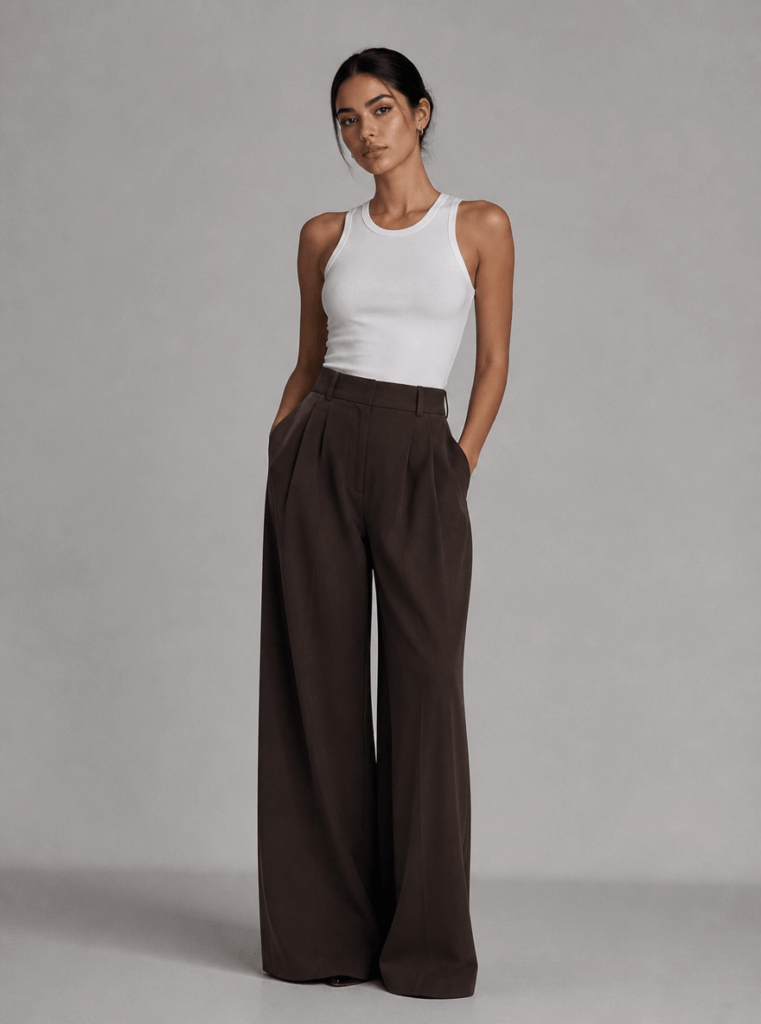
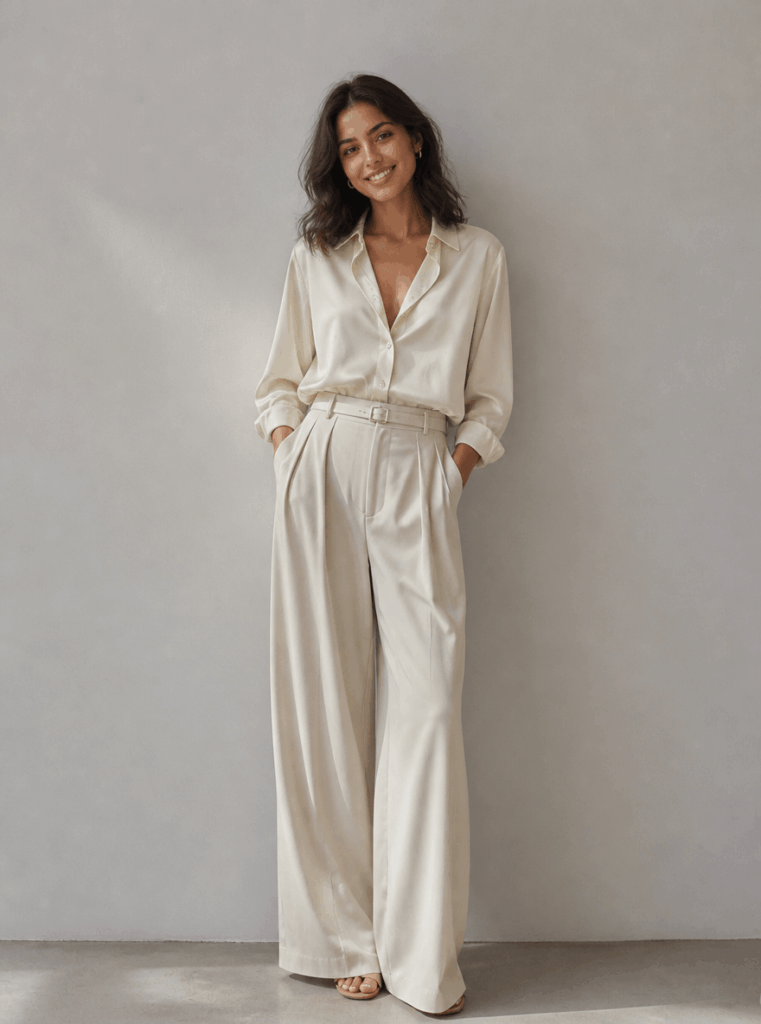
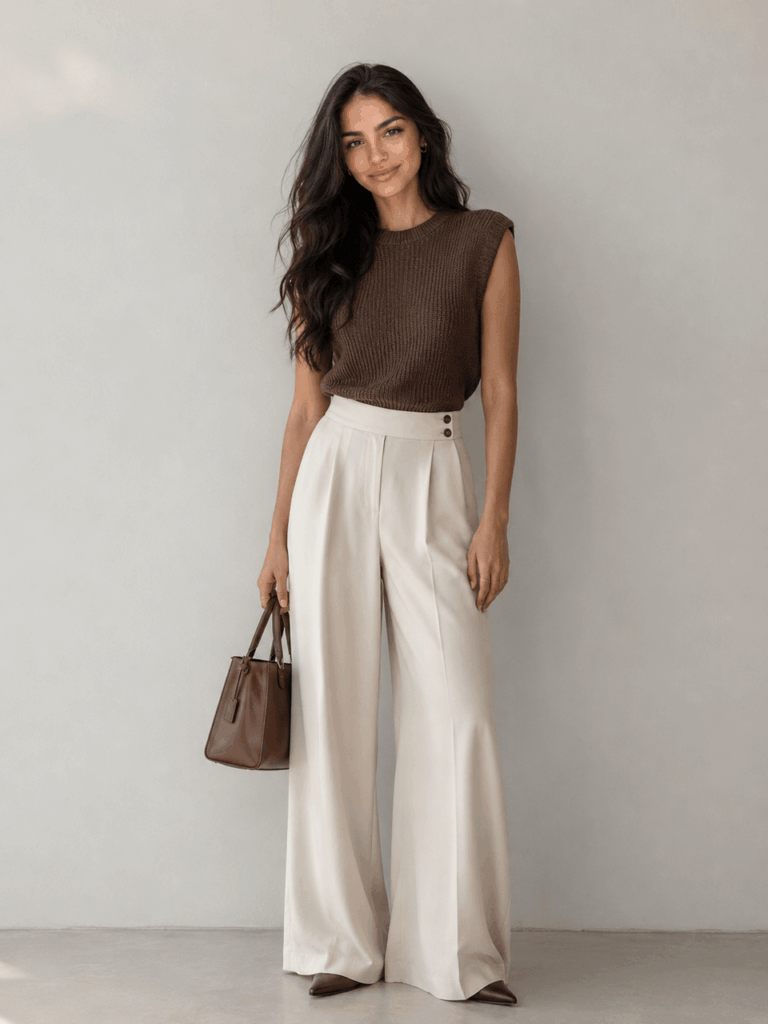
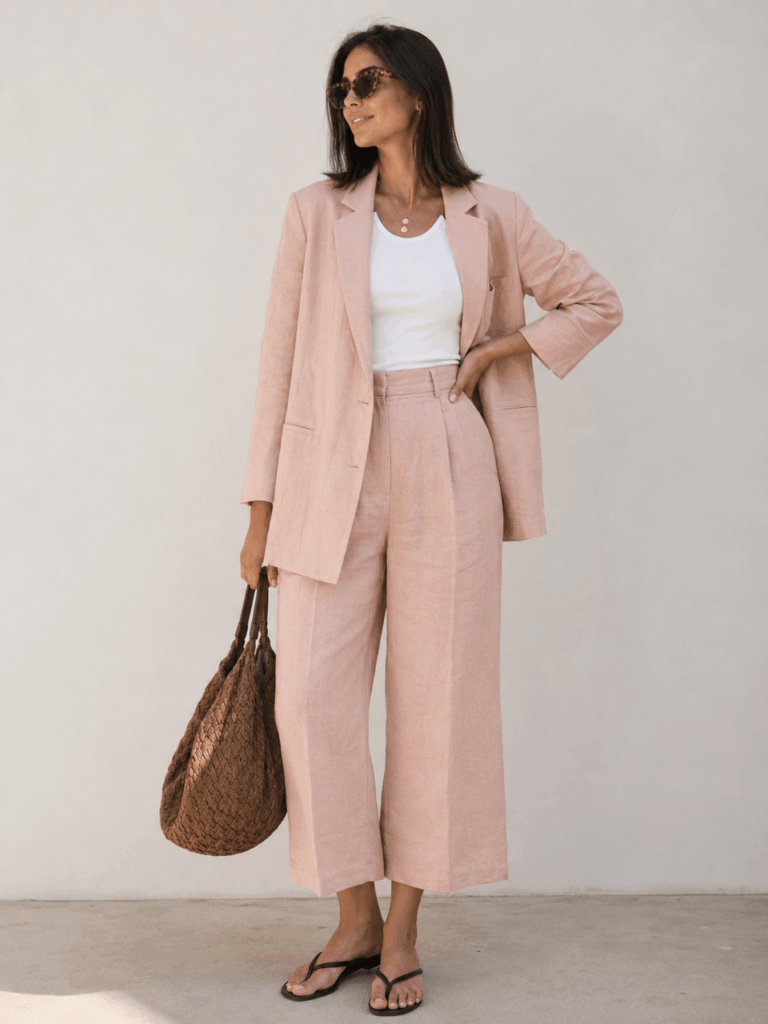
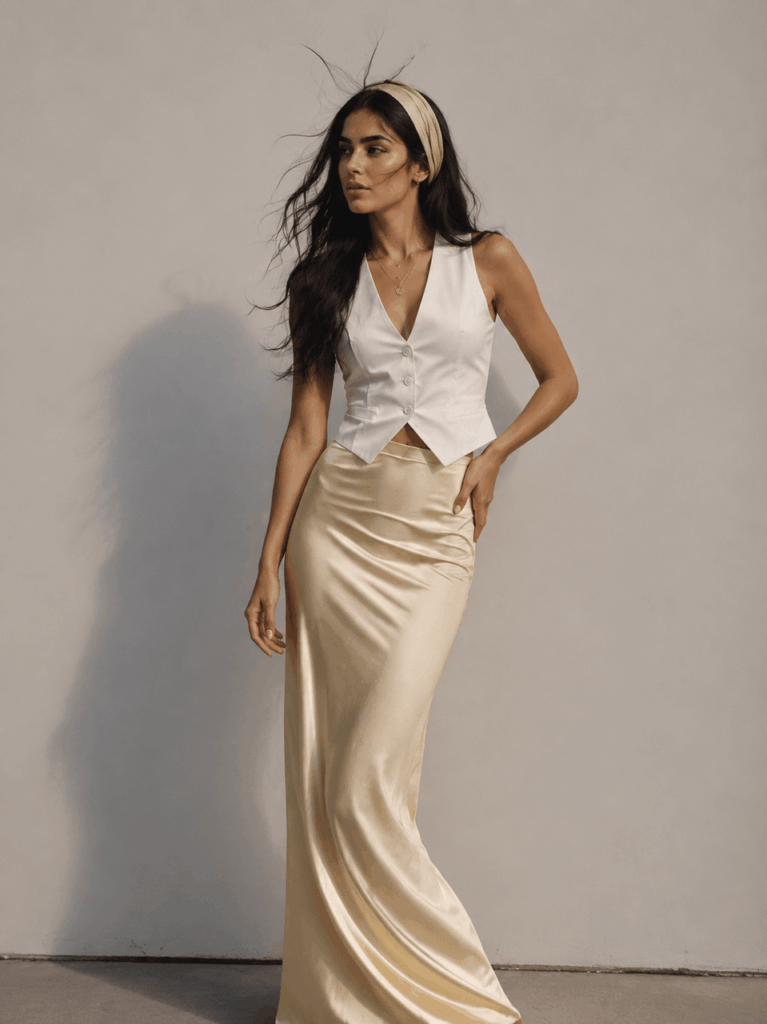
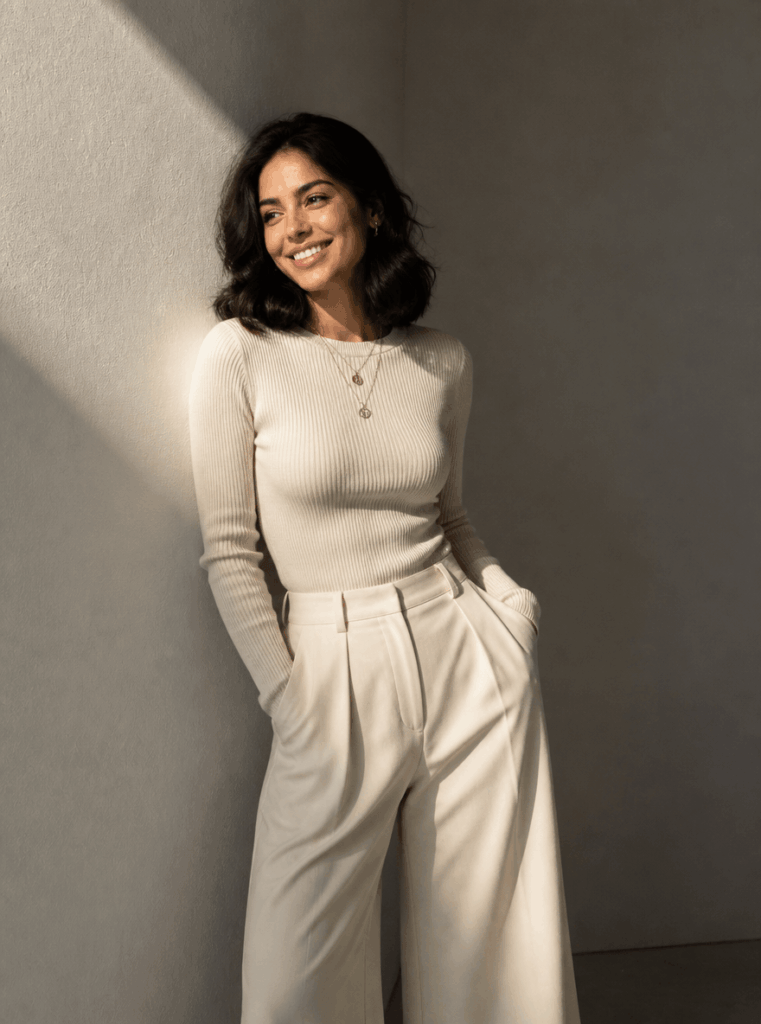
In addition, you can test more playful styles, such as Korean style, Y2K, American streetwear, hot girl style, and sporty style.
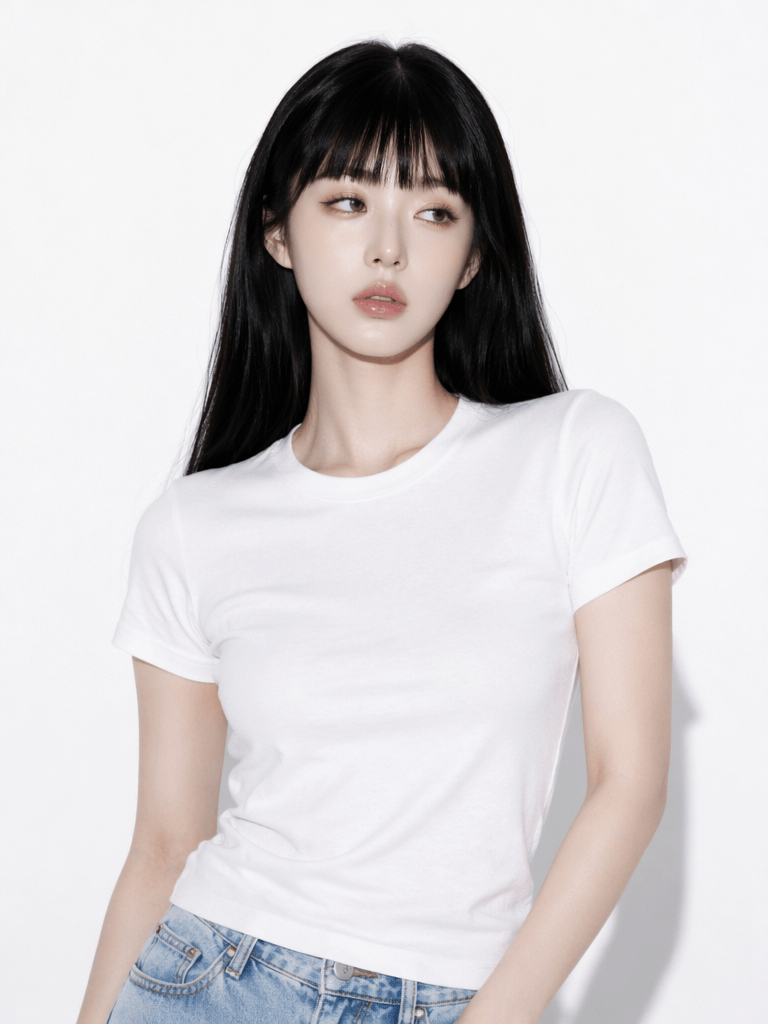
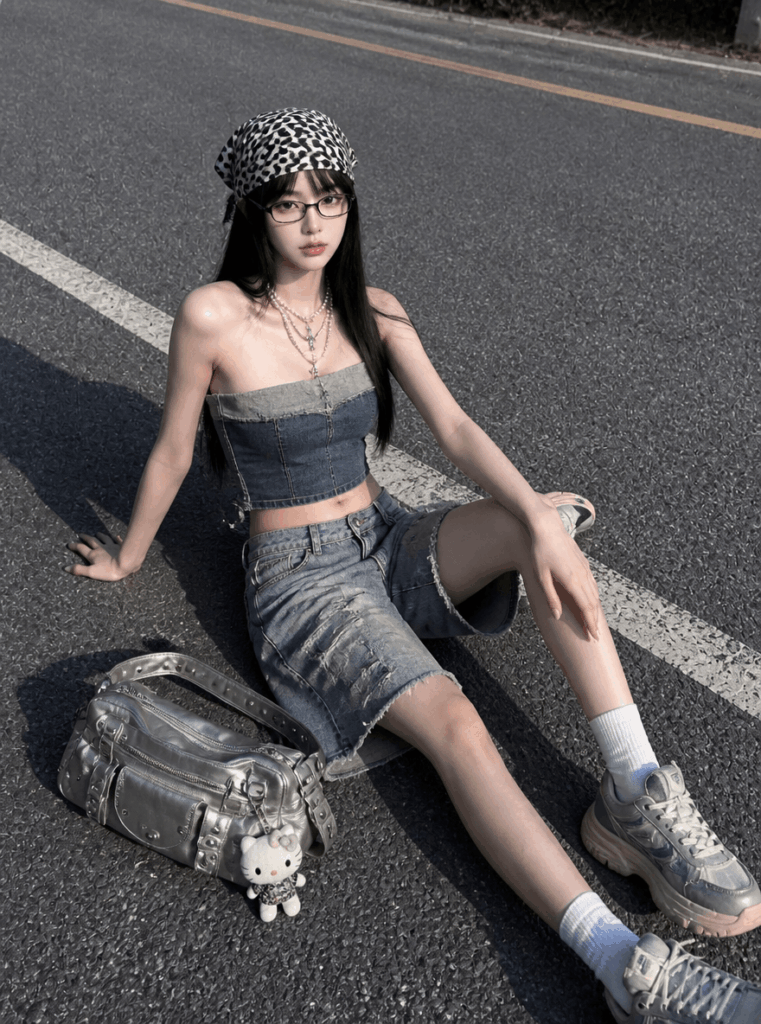
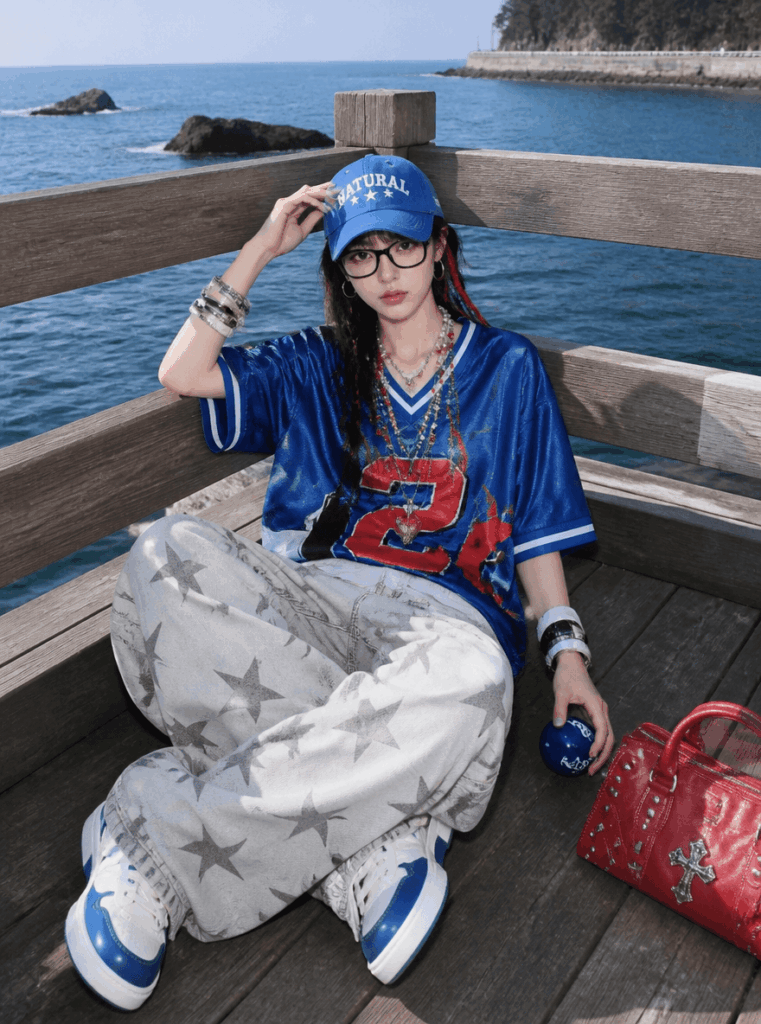
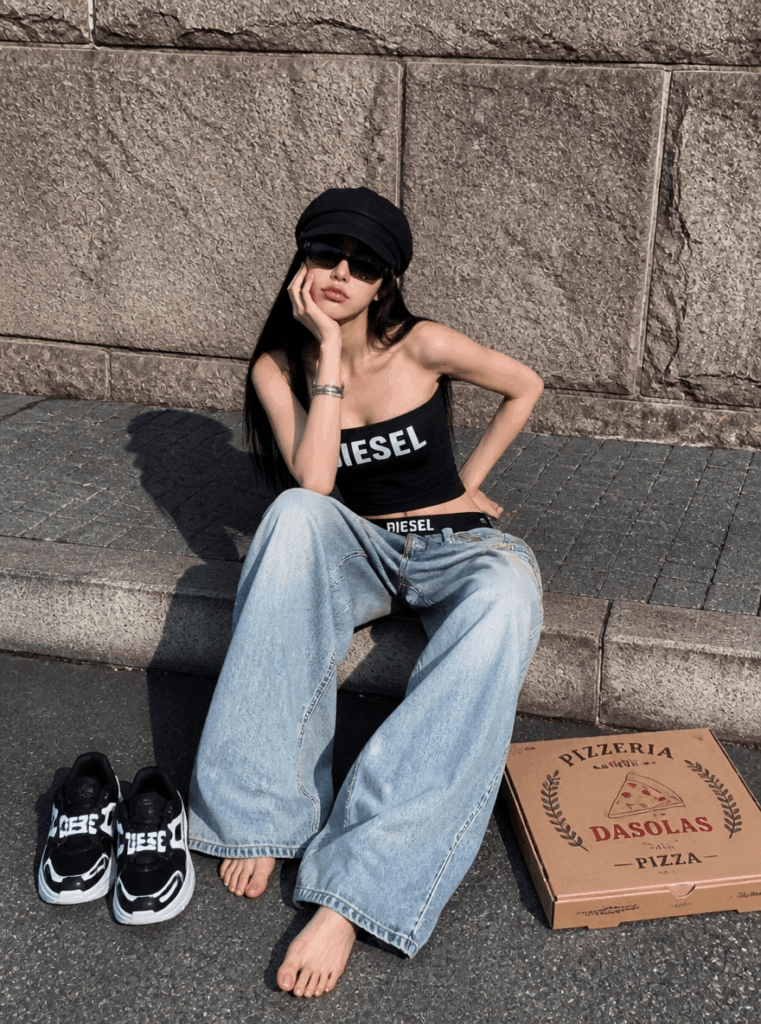
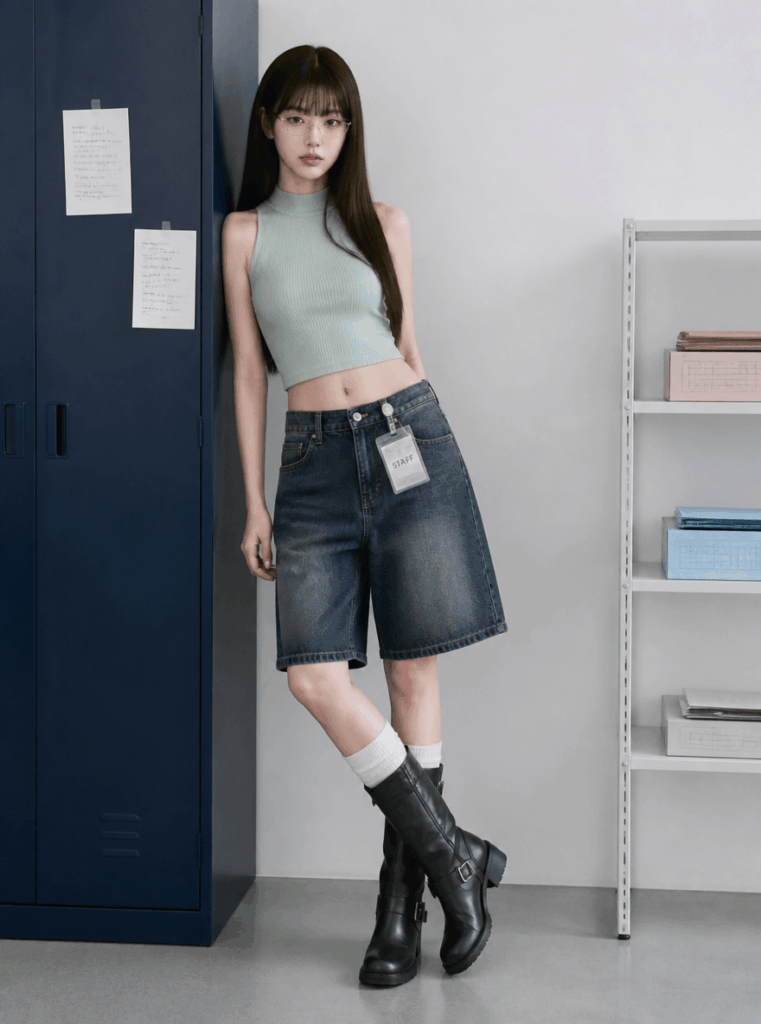
General Style Prompt Template
When you do not know what to write, use this template:
Keep the person’s identity, facial features, hairstyle, skin tone, and body proportions. Make the person wear the outfit from the reference image and present it in a [style keyword] look. The image should feel realistic and natural, like a fashion blogger street-style photo. Use high-quality lighting, clean composition, and a relaxed pose. Do not change the person’s facial features.
Then, replace [style keyword] with the style you want to test.
Here are a few examples:
French Style
French effortless style, natural light, low-saturation color palette, simple elegance, relaxed Paris street-style feeling.
Clean Fit
Clean Fit, neat and polished, basic wardrobe pieces, minimal styling, white background, natural light, high-quality everyday outfit.
Old Money
Old Money style, quiet luxury, classic tailoring, cream color palette, cashmere knitwear, tailored trousers, elegant and refined mood.
Office / Workwear Style
Urban office style, smart and polished, suitable for work, clean tailoring, blazer, shirt, midi skirt or wide-leg trousers.
Minimal Luxury Style
Minimal luxury style, black white and grey color palette, clean background, sharp lines, low saturation, fashion magazine feeling.
Korean Style
Korean fashion style, soft and clean, gentle everyday outfit, light color palette, airy hairstyle, lifestyle blogger feeling.
Y2K / American Streetwear / Hot Girl Style
Y2K, American streetwear, hot girl style, crop top, low-rise pants, sunglasses, street-style mood, bold and youthful fashion look.
Sporty Style
Sporty casual style, jersey, sneakers, baseball cap, loose pants, sunny street-style mood, active and effortless feeling.
A Small Tip for Better Style Testing
Try not to put too many style keywords into one prompt.
For instance, writing “French style, Korean style, hot girl style, sporty style, Old Money style” all at once may confuse AI. Instead, test one direction at a time.
A better approach is to start with the style. Then, adjust the color. Next, change the scene. After that, refine the pose. Finally, polish the overall mood.
This workflow makes the result easier to judge. More importantly, it helps you understand whether the style truly suits you or whether the prompt simply needs more direction.
Advanced Tips / FAQ
Q1: Why Does the AI Try-On Not Look Like Me?
The main reason is simple:
👉 Character consistency is not strong enough.
To fix this, use one fixed AI character and keep using the same AI person for future outfit tests. Meanwhile, avoid generating a new face every time.
Over time, this will make your results more stable.
The best method is to save the AI image that looks most like you. Then, use it as your main “base photo” for future outfit try-ons.
Avoid uploading a different selfie every time. Otherwise, AI will keep re-learning your face and body shape, which can make the results inconsistent.
For better results, save three types of base images: one front-facing AI image, one half-body AI image, and one full-body AI image.
After that, choose the right one based on the outfit. For tops, a half-body image usually works well. For dresses, pants, coats, and full outfits, a full-body image is usually better.
Q2: Why Do the Clothes Look Distorted?
This usually happens because the original pose is too complicated. Another reason is that the clothing may be blocked. In some cases, AI fails to understand the body structure clearly.
The best poses for AI virtual try-on are:
✅ Standing straight from the front
✅ Arms hanging naturally
✅ Full body clearly visible
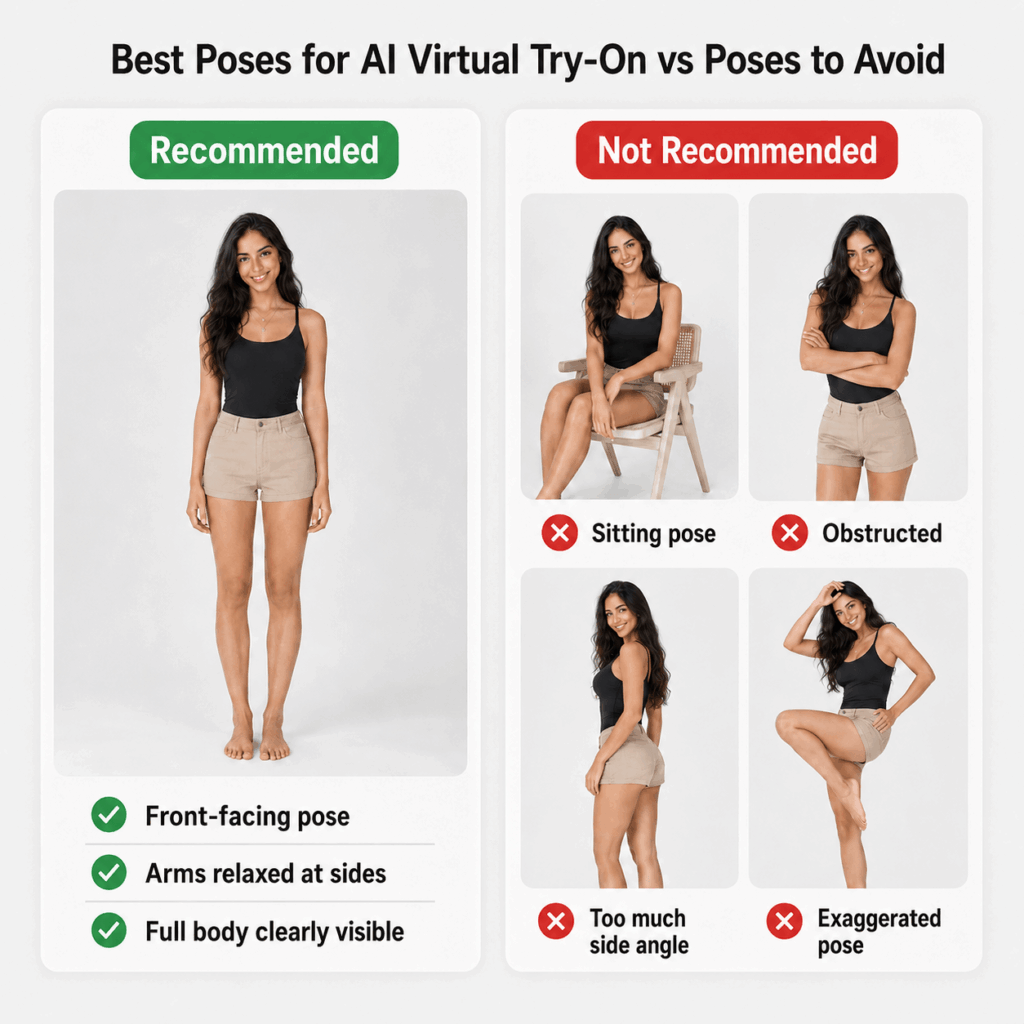
When the clothing keeps getting distorted, add this to your prompt:
Keep the person standing naturally from the front, with arms relaxed and body structure clearly visible. The clothes should fit realistic human proportions. Do not twist the clothing shape. Do not change the shoulder line, waistline, or leg proportions.
For pants, skirts, dresses, and coats, use a full-body image whenever possible.
Otherwise, if you only upload a half-body photo, AI may not understand the lower body proportion correctly. As a result, the outfit may look less natural.
Q3: How Can I Create a Xiaohongshu Blogger Look?
The key is not just the outfit.
In fact, the overall feeling depends more on lighting, composition, pose, and color tone.
You can add this prompt:
Instagram style, Xiaohongshu blogger mood, natural light, film texture, street-style photography, premium composition.
This can instantly make the image feel more polished.
To make the image feel more like a real outfit post, add:
The image should look like a real fashion blogger’s daily outfit post. Do not make it look too much like a studio shoot or commercial advertisement. The expression should be natural, the pose relaxed, and the overall image should feel stylish but realistic.
You can also add a specific scene. For example, try a coffee shop entrance, a city street corner, a clean white wall, an elevator mirror selfie, afternoon natural light, a home outfit-sharing setup, or a brand lookbook mood.
These scene details make the final image feel less generic. Meanwhile, they help AI create a stronger lifestyle-blogger atmosphere.
Q4: Who Is AI Virtual Try-On Best For?
AI virtual try-on is especially useful for people who do not know how to style outfits. It also helps anyone who wants to change their personal style, often regrets clothing purchases, creates fashion content, works in fashion or e-commerce, or wants to preview outfits before buying.
Most of all, it is helpful for people who are afraid to try new styles.
With AI, you can test the look first.
There is no need to buy five jackets just to find the right one. You also do not need to spend a whole afternoon in fitting rooms. Instead of guessing whether a trend will suit you, you can preview it first.
For example, AI can help you check whether a color suits your skin tone. It can also show whether a cut makes you look shorter or taller. In addition, it helps you see whether a style feels too mature, whether a silhouette works with your body shape, and whether you can actually pull off a trend.
Before, you might see an outfit and think:
“This looks good, but probably not on me.”
Now, you can test it first.
Sometimes, the result may surprise you. A style you never dared to try may actually be the one that suits you best.
Before, fashion freedom meant:
“Buy whatever I like.”
Now, real fashion freedom is:
“Try it with AI first, then decide whether to buy.”
With this workflow, you can use GPT Image to create an AI version of yourself. Then, you can use GPT Image or Virtual Try-On to test outfits endlessly. After that, you can compare different styles before spending money.
Ultimately, the biggest value of AI virtual try-on is not just changing clothes.
It helps you see a version of yourself you may not have imagined before.
👉 A more polished version.
👉 A bolder version.
👉 A version that finally makes you think, “Wait, I can actually wear this.”
When you try this workflow and get a look you love, save it as your personal style reference.
And if the result does not work at first, do not give up. In most cases, AI try-on problems can be improved with a better base image, a clearer clothing reference, and a more specific prompt.
Go to WeShop AI For Exploration: