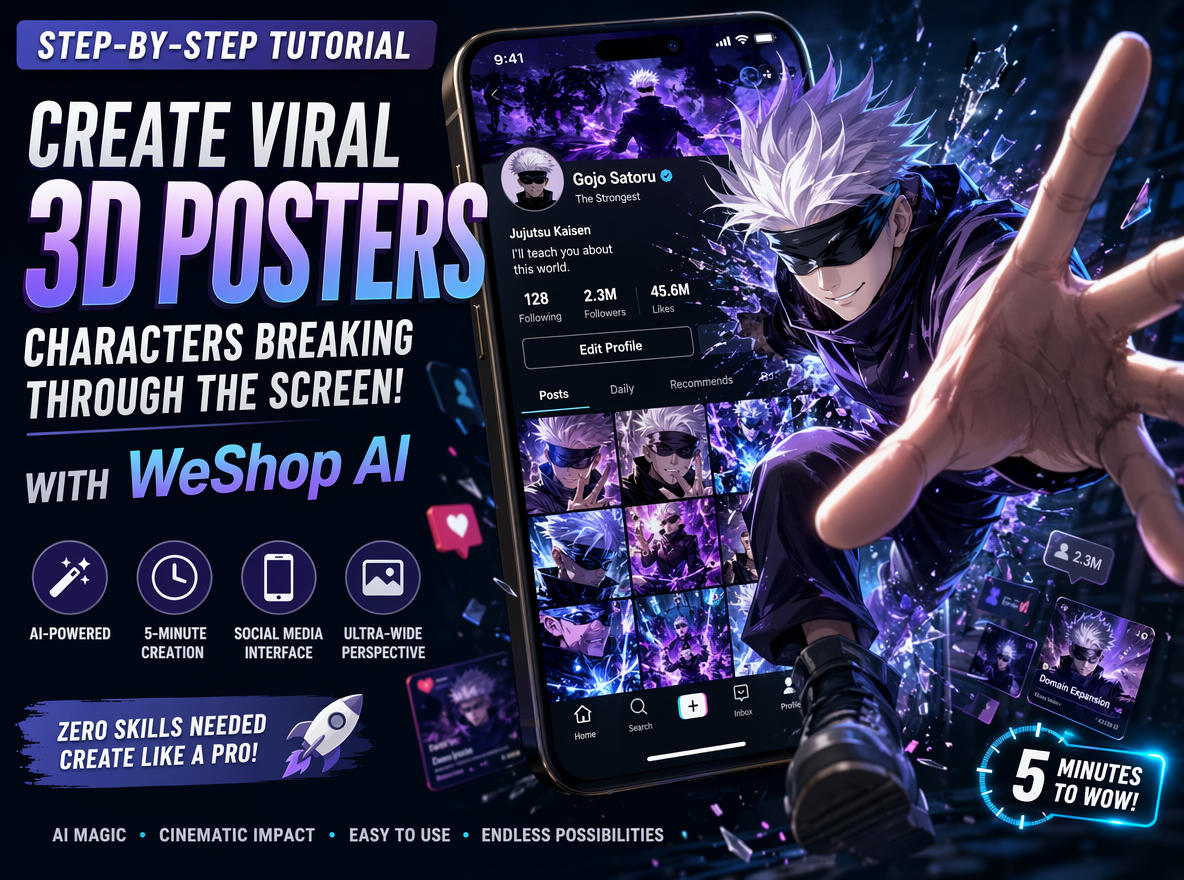
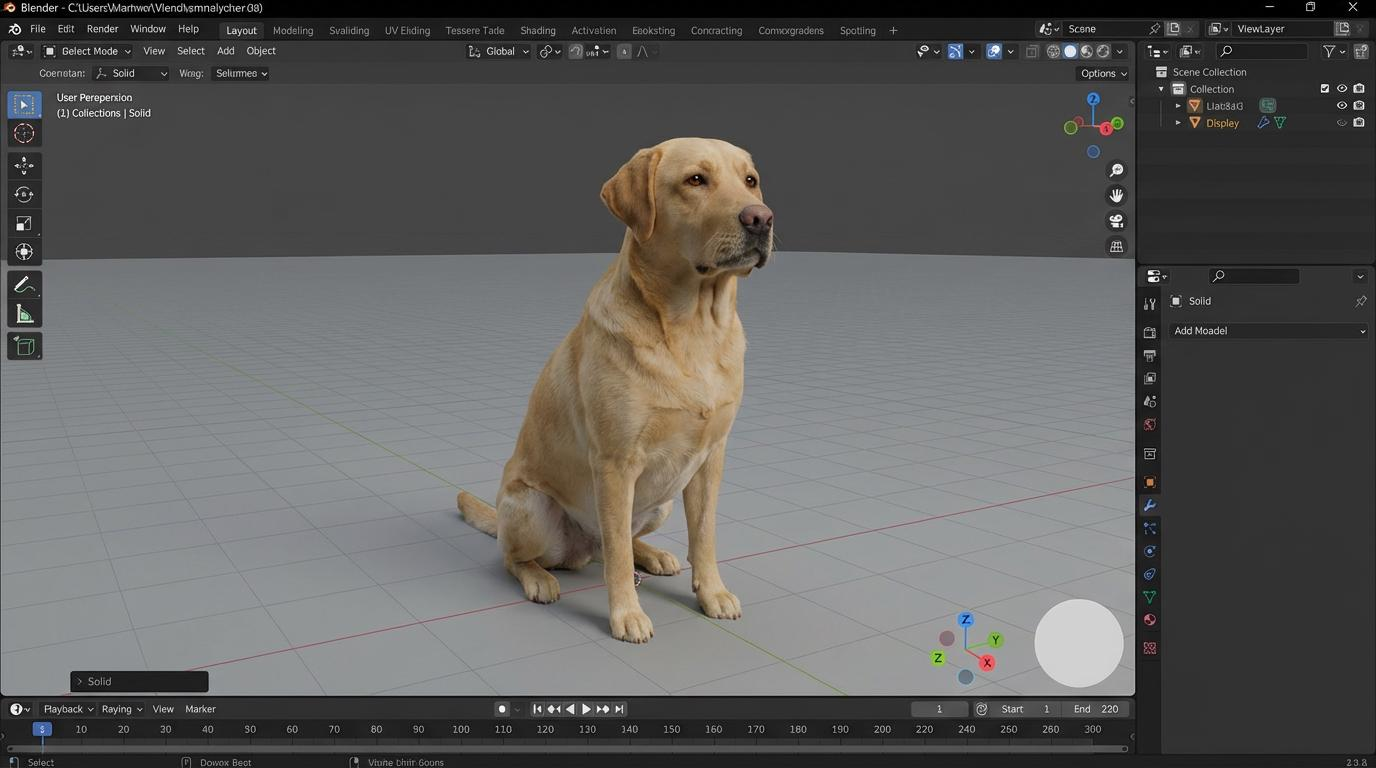
3D design used to feel incredibly technical. Traditional rendering software often required expensive hardware, complicated workflows, and years of practice just to produce decent-looking visuals. However, AI is changing that surprisingly fast. Today, AI 3D rendering tools online free are making high-quality rendering dramatically more accessible. Instead of manually building every texture, light source, and material, creators can now generate stunning 3D visuals using prompts, reference images, or simplified modeling workflows.
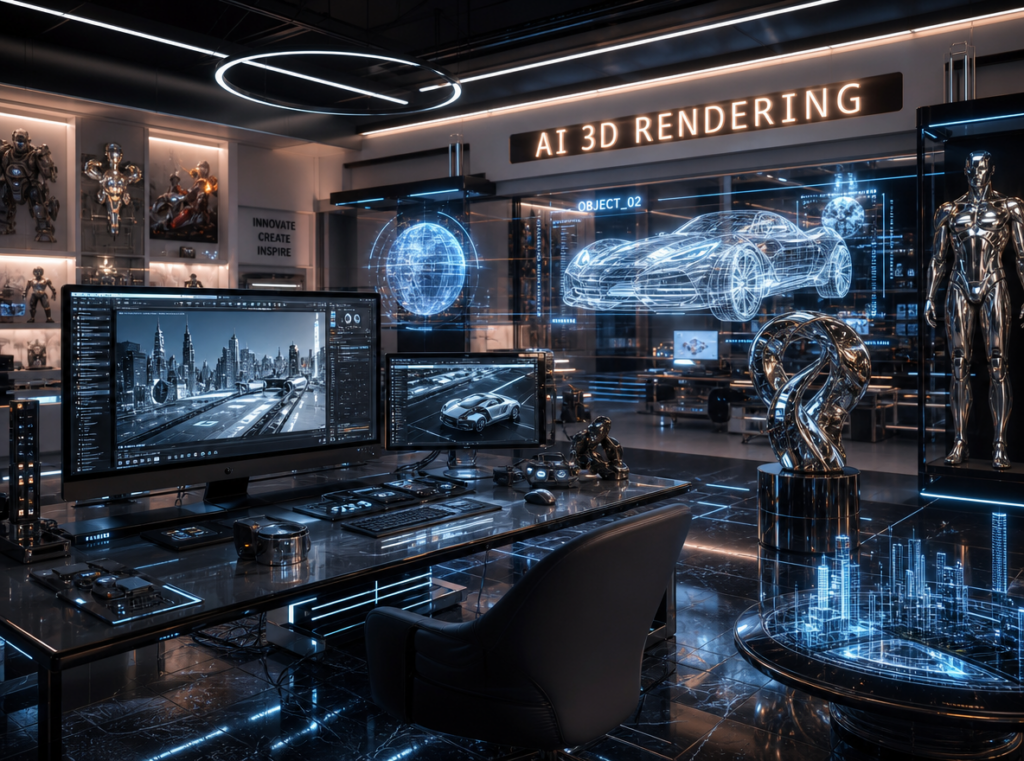
And honestly, some of the results already look shockingly professional.
Right now, creators are using AI 3D rendering tools online free for:
- architectural visualization
- product mockups
- gaming assets
- AI animation
- interior design
- ecommerce product displays
- concept art
- cinematic environments
- virtual influencer content
Some AI tools focus on speed. Others prioritize realism, cinematic lighting, or advanced material generation. Meanwhile, newer systems are starting to blur the line between traditional 3D software and generative AI image models entirely.
If you are searching for the best AI 3D rendering tools online free, this guide breaks down the strongest platforms right now, explains what makes certain AI renderers better than others, and shows which tools work best for different creative goals ✨
🌌 What Are AI 3D Rendering Tools?
AI 3D rendering tools use artificial intelligence to simplify or automate parts of the 3D creation process.
Instead of manually controlling every technical setting, AI can help generate:
- lighting
- materials
- textures
- environments
- shadows
- reflections
- camera angles
- scene compositions
Some tools even generate full 3D scenes directly from text prompts.
That is a massive shift.
Traditional rendering workflows often required:
- advanced modeling knowledge
- GPU-heavy rendering
- complex node systems
- long export times
Now, AI dramatically lowers the barrier for beginners while also speeding up professional workflows.
🔥 Why AI 3D Rendering Tools Online Free Are Exploding
Several major trends accelerated the growth of AI rendering platforms.
First, creators increasingly need fast visual content.
Second, AI image generation improved realism dramatically.
Third, businesses realized high-quality 3D visuals are incredibly valuable for ecommerce and branding.
Today, AI rendering tools are heavily used for:
- product marketing
- virtual staging
- social media ads
- startup websites
- gaming worlds
- AI filmmaking
- architecture presentations
- metaverse concepts
The biggest reason is simple:
Speed now matters almost as much as realism.
That changes creative workflows completely.
🥇 Spline AI — Best Beginner-Friendly AI 3D Rendering Tool
Why Spline Became So Popular
Spline exploded in popularity because it makes interactive 3D design feel surprisingly accessible.
Unlike traditional 3D software, Spline focuses heavily on:
- browser-based workflows
- real-time editing
- simple UI
- interactive web rendering
- AI-assisted scene creation
That makes it ideal for:
- startup websites
- landing pages
- social media visuals
- modern UI design
- lightweight animations
Best Use Cases
Spline works especially well for:
- futuristic interfaces
- floating 3D objects
- abstract branding visuals
- AI-inspired websites
- product showcases
The interface also feels dramatically less intimidating than older 3D software.
🎬 Blender AI Workflows — Best Powerful Free 3D Rendering System
Why Blender Still Dominates
Blender remains one of the most powerful free 3D rendering platforms in the world.
Now, AI plugins and generative workflows are making Blender even stronger.
Modern AI-assisted Blender workflows can help generate:
- textures
- environments
- lighting setups
- concept variations
- character designs
- procedural assets
That combination is incredibly powerful.
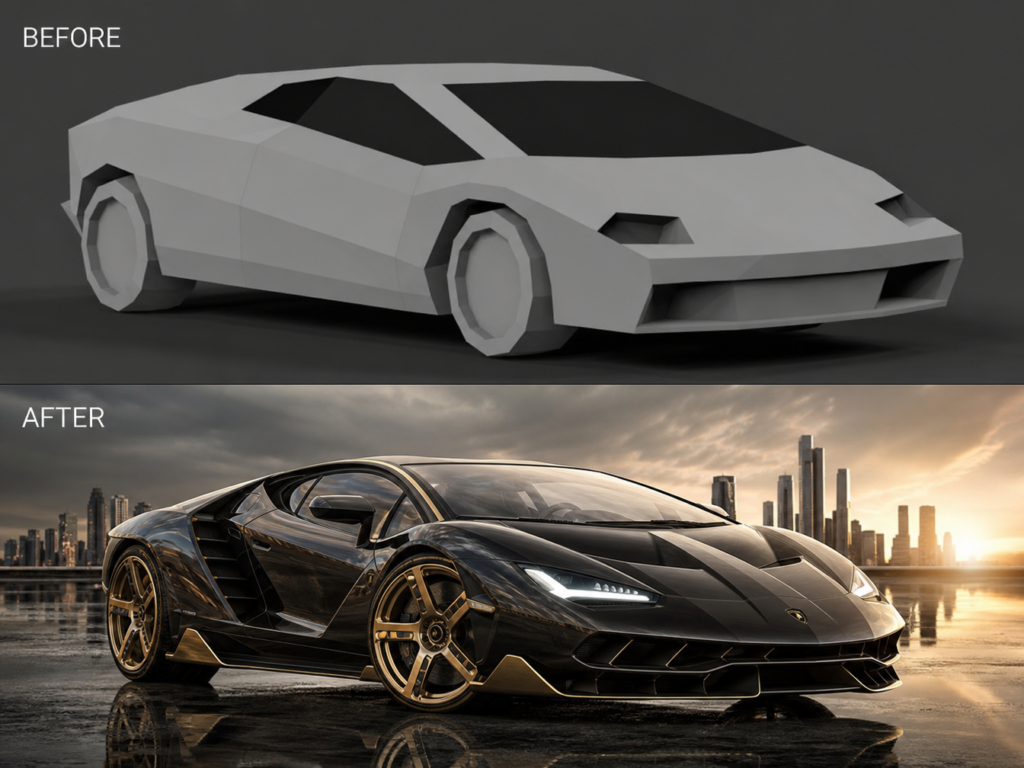
Where Blender Still Feels Complex
Blender remains more technical than newer AI-first tools.
However, for creators willing to learn it, the flexibility is almost unmatched.
Especially for:
- cinematic rendering
- game environments
- VFX
- animation
- advanced product rendering
⚡ Meshy AI — Best AI 3D Generator From Text
Why Meshy Feels Futuristic
Meshy focuses heavily on generating 3D assets directly from prompts and images.
That feels surprisingly futuristic.
Users can quickly create:
- game assets
- stylized characters
- 3D props
- environment objects
- fantasy assets
without building everything manually.
Best Use Cases
Meshy performs especially well for:
- indie game developers
- AI creators
- rapid prototyping
- concept generation
- virtual world design
The workflow feels dramatically faster than traditional modeling.
🏛 Luma AI — Best Realistic AI 3D Rendering Tool
Why Luma AI Looks So Real
Luma AI specializes heavily in realistic scene reconstruction and photorealistic rendering.
Its outputs often feel:
- cinematic
- immersive
- highly detailed
- spatially believable
Luma AI became especially popular because users can generate realistic 3D scenes directly from video footage.
That dramatically simplifies certain workflows.
Best Use Cases
Luma AI works especially well for:
- architecture
- virtual tours
- cinematic environments
- product visualization
- real-world scene capture
The realism can feel genuinely impressive.
🤖 NVIDIA AI Rendering Tools — Best Enterprise-Level Rendering
Why NVIDIA Still Matters
NVIDIA continues pushing AI rendering aggressively through RTX technologies and AI-assisted graphics systems.
Their AI rendering ecosystem focuses heavily on:
- realistic lighting
- ray tracing
- material simulation
- AI denoising
- real-time rendering acceleration
This dramatically improves rendering speed without sacrificing quality.
Best For Advanced Users
NVIDIA-based workflows work especially well for:
- professional rendering studios
- architecture firms
- AAA gaming
- VFX production
- cinematic animation
The technology feels incredibly powerful, although less beginner-friendly.
🎨 What Makes a Great AI 3D Rendering Tool?
Not all AI rendering tools perform equally well.
The strongest platforms usually balance several key factors:
| Feature | Why It Matters |
|---|---|
| Realism | Makes renders believable |
| Speed | Improves workflow efficiency |
| Lighting Quality | Creates cinematic depth |
| Ease of Use | Helps beginners create faster |
| Material Rendering | Adds premium visual quality |
| AI Assistance | Reduces technical complexity |
The best AI rendering systems feel:
powerful without feeling overwhelming.
That balance matters a lot.
💡 Best Prompt Style for AI 3D Rendering
Many beginners overload prompts unnecessarily.
Instead, strong prompts usually stay visually focused.
A good structure is:
Object + Environment + Material + Lighting + Camera Style + Rendering QualityFor example:
Luxury futuristic perfume bottle inside reflective chrome environment, cinematic studio lighting, photorealistic 3D render, ultra detailed, octane render styleSimple prompts often create cleaner results.
📱 Why AI 3D Rendering Is Becoming Huge for Ecommerce
One of the biggest growth areas is ecommerce visualization.
Brands increasingly use AI 3D rendering tools online free for:
- product mockups
- ad creatives
- 360-degree displays
- luxury product renders
- social media campaigns
This matters because traditional product photography can be expensive and slow.
AI rendering dramatically reduces production costs while increasing creative flexibility.
And honestly, many AI-generated product visuals already look close to real commercial photography.
🌟 The Future of AI 3D Rendering
The line between:
- AI image generation
- 3D rendering
- animation
- simulation
- filmmaking
is rapidly disappearing.
Soon, creators may generate entire cinematic 3D worlds from simple prompts alone.
That shift could fundamentally change:
- gaming
- architecture
- ecommerce
- filmmaking
- virtual reality
- digital advertising
And the technology is improving faster than most people expected.
Final Thoughts
AI 3D rendering tools online free are making professional-quality 3D visuals dramatically easier to create.
Some platforms prioritize speed. Others focus on realism, cinematic lighting, or advanced AI generation. Right now, Spline offers one of the easiest beginner workflows, Blender remains the most powerful free ecosystem, Meshy excels at rapid AI asset generation, while Luma AI pushes photorealistic rendering surprisingly far.
As AI rendering continues evolving, the future of 3D design may become less about technical complexity and more about creative direction ✨
Go to WeShop AI For Exploration: