Some AI 3D lists are messy because they mix renderers, model generators, and browser design tools as if they are the same thing. They are not. So this guide keeps the comparison honest. We are looking at real online tools with real free access or free tiers, and we are focusing on what they actually do best. WeShop AI is positioned as a cloud-based AI 3D rendering generator for photorealistic visuals, while other tools in this list lean more toward sketch rendering, 3D generation, or browser-based creation.
What people usually mean by AI 3D rendering
AI 3D rendering is not one single workflow
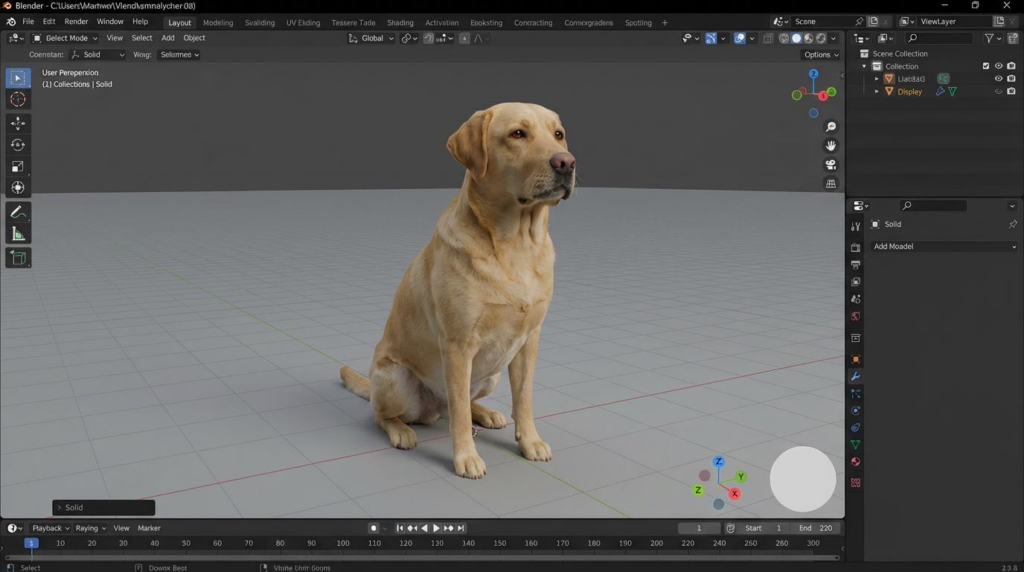
For some people, AI 3D rendering means turning a sketch or model into a polished, photorealistic image. For others, it means generating the 3D object first, then refining it later. That difference matters a lot. It changes which tool is actually useful, and it changes how fast you can move from idea to output. WeShop AI and PromeAI are closer to render-first tools, while Meshy, Tripo, and Spline are more centered on 3D generation or browser-based 3D work.
Why free access matters
A lot of readers do not need a giant production pipeline on day one. They need to test an idea, make a clean visual, or check whether a workflow fits their team. That is why free access matters so much in this category. Meshy offers a free plan with no credit card required, Spline says “Get started — it’s free,” and Tripo also advertises a free plan. WeShop AI and PromeAI both position their tools for free online use as well.
5 AI 3D rendering tools online free that are actually worth comparing
1. WeShop AI for photorealistic AI 3D rendering
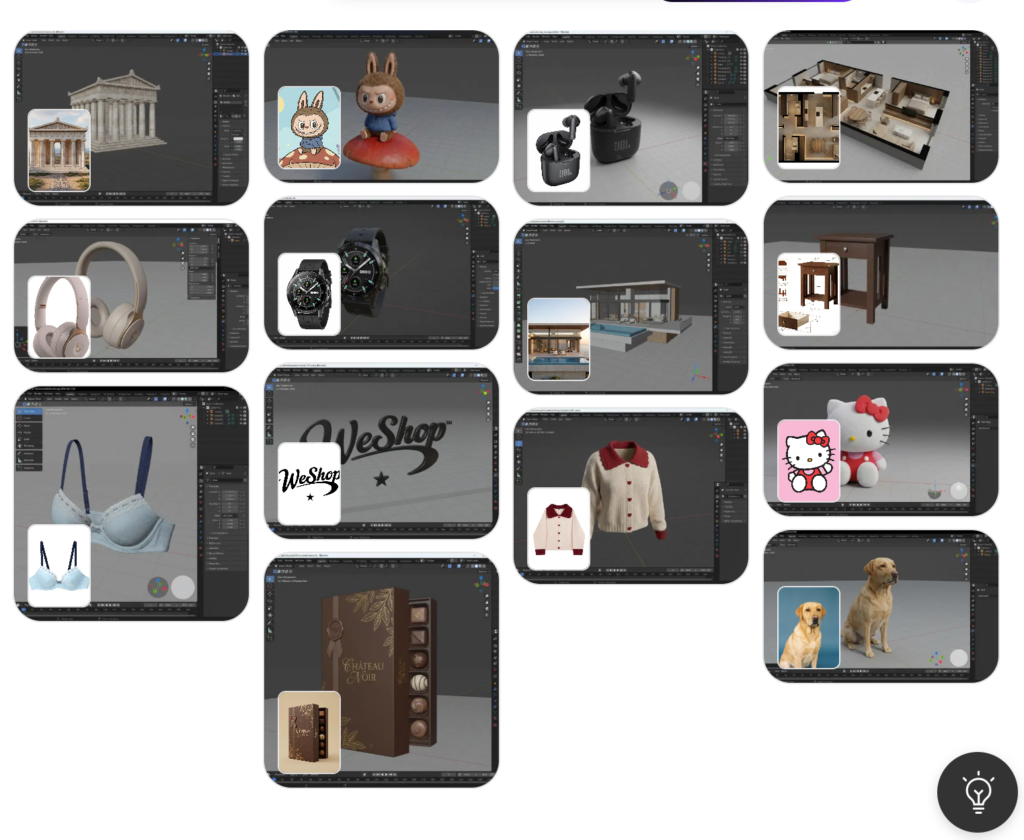
WeShop AI is the strongest match if your main goal is AI 3D rendering rather than raw 3D asset generation. The official page says it creates photorealistic renders from models or prompts, runs entirely in the cloud, and does not require a GPU or heavy software. It also supports workflows around architecture, interior design, fashion, and product visuals.
Why it stands out
This is the kind of tool that feels practical rather than experimental. You are not just playing with prompts. You are trying to get a usable render with less friction, which is exactly why this tool deserves a top spot in a free-online comparison. The page also frames it as a free AI tool and online architectural rendering software, which fits the search intent very well.
Button placement: right after this section
Button text: Try WeShop AI for Free
2. PromeAI for sketch-to-render speed
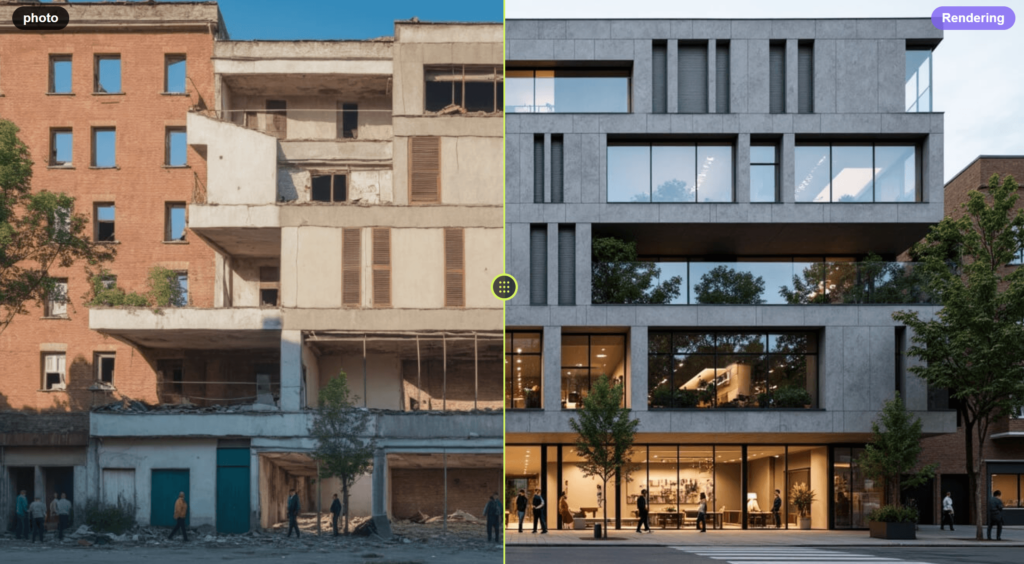
PromeAI is a strong option when the starting point is a sketch, a screenshot, or even a photo. Its Sketch Rendering page says it can transform hand-drawn sketches, 3D model screenshots, and real-life photos into renderings. The homepage also pushes a free start, which makes it useful for readers who want to test the workflow quickly.
Why people like it
PromeAI feels especially useful for fast visual validation. It is not trying to be a complicated studio suite. Instead, it gives you a quick bridge from rough input to polished visual. That is exactly the kind of workflow many designers actually want.
3. Meshy for turning prompts into 3D models
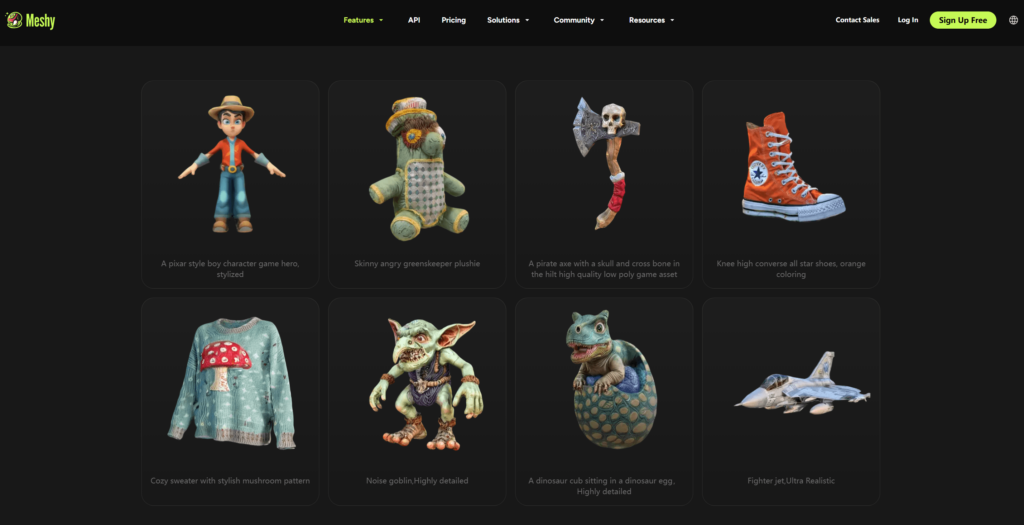
Meshy belongs on this list because many users searching for AI 3D rendering really want the model creation step first. Meshy’s site says it is a free AI 3D model generator that turns text and images into 3D models in seconds. Its pricing page says the free plan needs no credit card and includes 100 monthly credits.
What makes it different
Meshy is more about creating the 3D asset than producing a final architectural-style render. That makes it a better fit for game assets, concept objects, and quick prototyping. It is useful, but it solves a slightly different problem from a true render-first tool.
4. Spline for browser-based 3D creation
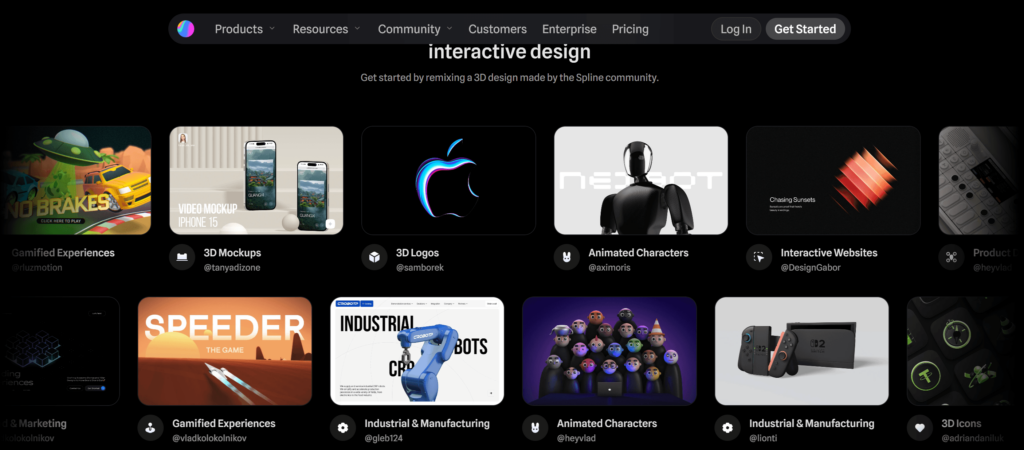
Spline is the best browser-first option in this group. Its homepage describes it as a free 3D design software with real-time collaboration in the browser, and its AI 3D Generation page says you can generate 3D objects from text prompts and images.
Why it fits a different audience
Spline is not the most direct choice for photorealistic rendering, but it is excellent for interactive 3D design and web-native creation. If the appeal is speed, collaboration, and staying inside the browser, Spline is a very smart pick.
5. Tripo for fast text-to-3D generation
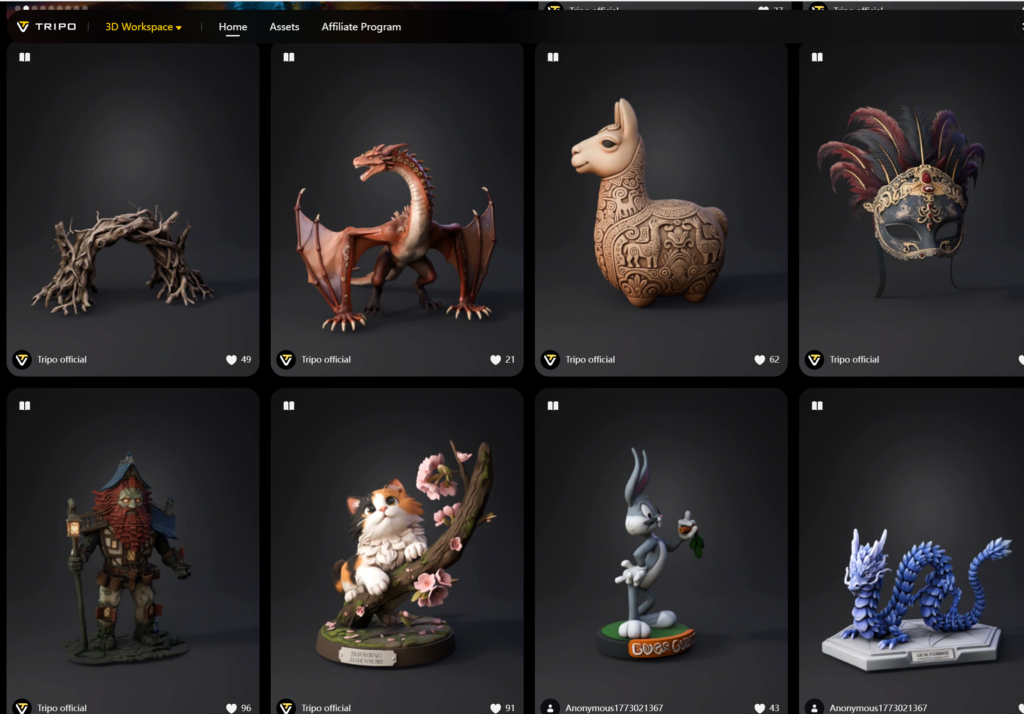
Tripo is another tool that leans toward 3D generation first. Its pricing page says you can start free, while its documentation and tutorial pages note that the free plan includes 300 credits per month. The platform also emphasizes browser-based use and no hardware install.
Why it belongs here
Tripo is a solid option when the goal is to move quickly from an idea to a 3D asset. It is less about final renders and more about producing the object that can later be used in a render or pipeline. That distinction matters, and it makes the comparison more honest.
Which one should you choose
If you want the most render-first option
Pick WeShop AI. It is the closest match for readers who want photorealistic AI 3D rendering from models, prompts, sketches, or reference images.
If you start from sketches or screenshots
Pick PromeAI. It is built for sketch rendering and quick visual validation.
If you need the 3D object first
Pick Meshy or Tripo. Both are better aligned with 3D generation than final render output.
If you want browser collaboration
Pick Spline. It is the most web-native and collaborative option here.
Button placement: after this decision section
Button text: Start Rendering in Minutes
A quick reality check before you choose
Free does not always mean the same thing
Some tools are free with credits. Some are free with usage limits. Some are free to start but more useful once you move up a plan. That is why this list separates the tools by real function instead of pretending they all do the same job. Meshy’s free plan includes 100 monthly credits and no credit card requirement, Tripo’s free plan includes monthly credits, and Spline offers free browser-based access.
The best tool depends on the job
The best choice is not always the “most powerful” one. It is the one that fits the input you already have and the output you actually need. For photorealistic AI 3D rendering, WeShop AI is the most direct fit in this set. For prompt-to-3D generation, Meshy and Tripo do the job well. For browser-first collaboration, Spline makes more sense.
Comparison table
| Tool | Best for | Free access | Main strength | Best fit |
|---|---|---|---|---|
| WeShop AI | Photorealistic AI 3D rendering | Yes | Cloud-based rendering, no GPU needed | Architecture, interiors, product visuals |
| PromeAI | Sketch-to-render workflows | Yes | Turns sketches, screenshots, and photos into renderings | Designers who need fast visual validation |
| Meshy | Text/image to 3D models | Yes | Free plan with 100 monthly credits | Creators who need the 3D asset first |
| Spline | Browser-based 3D design | Yes | Real-time collaboration in the browser | Web-native interactive 3D projects |
| Tripo | Fast text-to-3D generation | Yes | Free plan with monthly credits | Quick 3D asset generation in-browser |