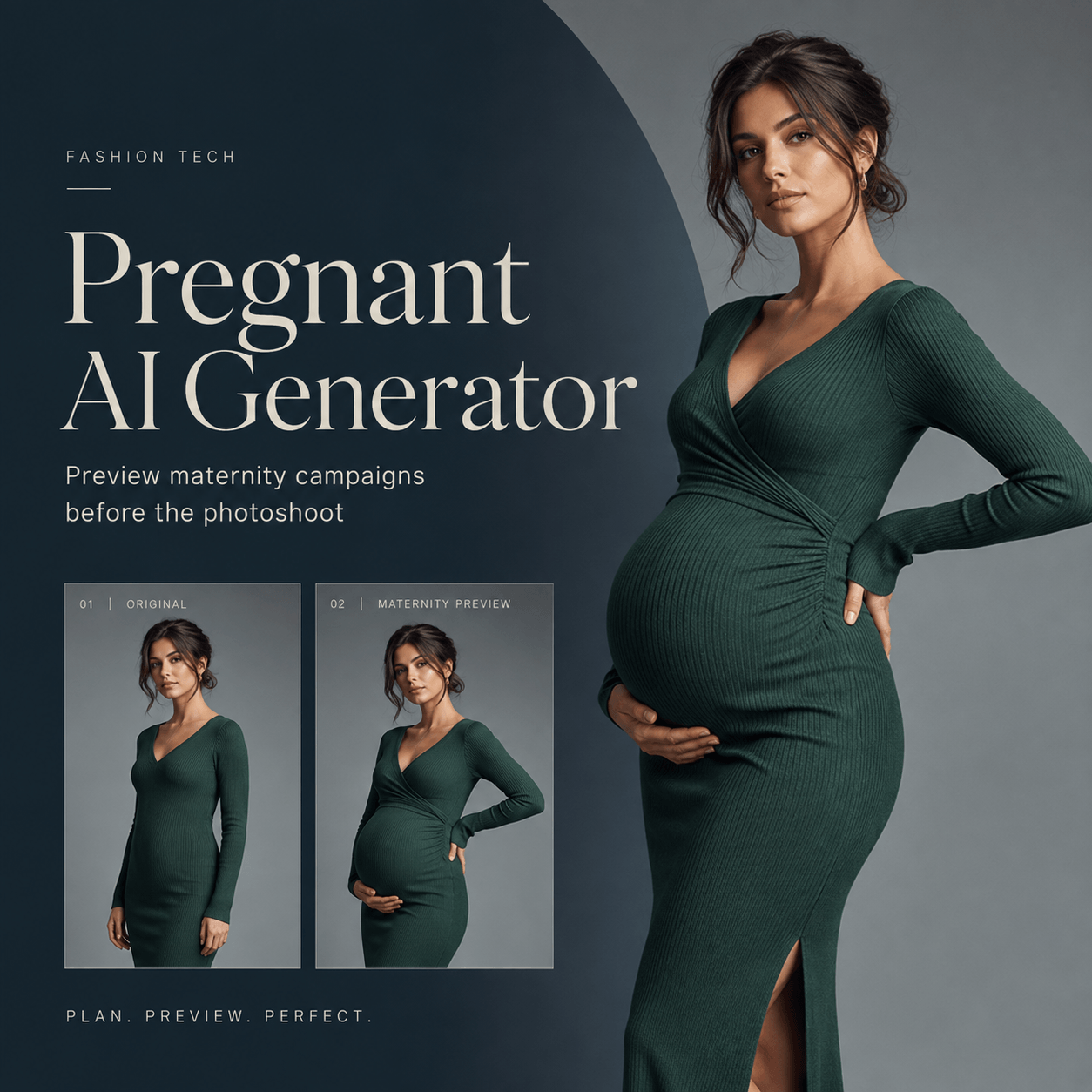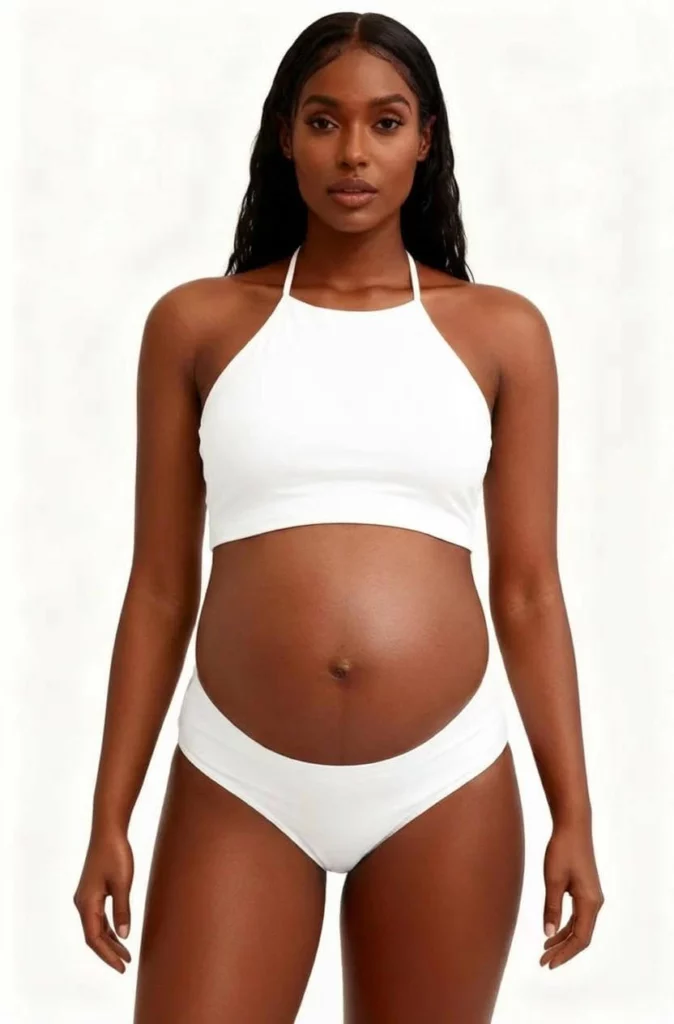
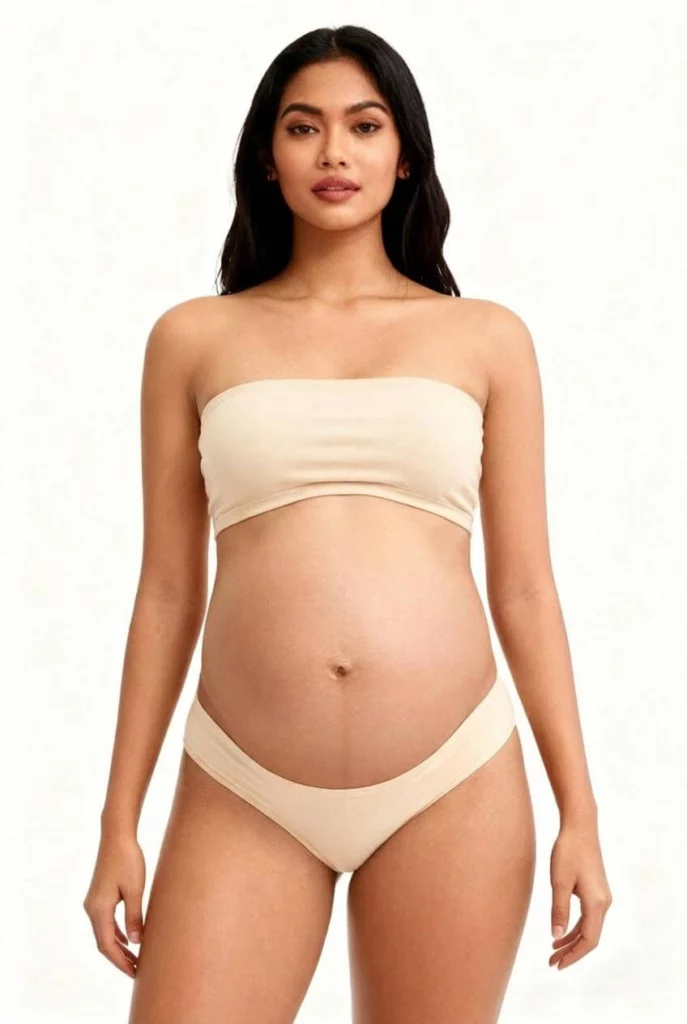
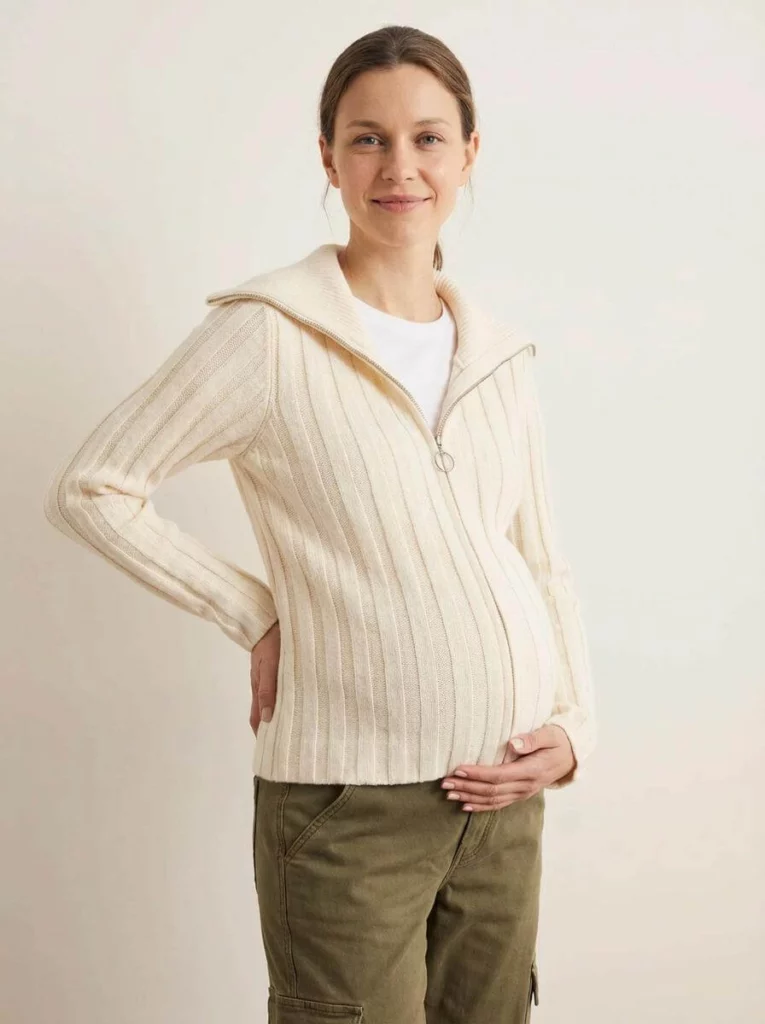
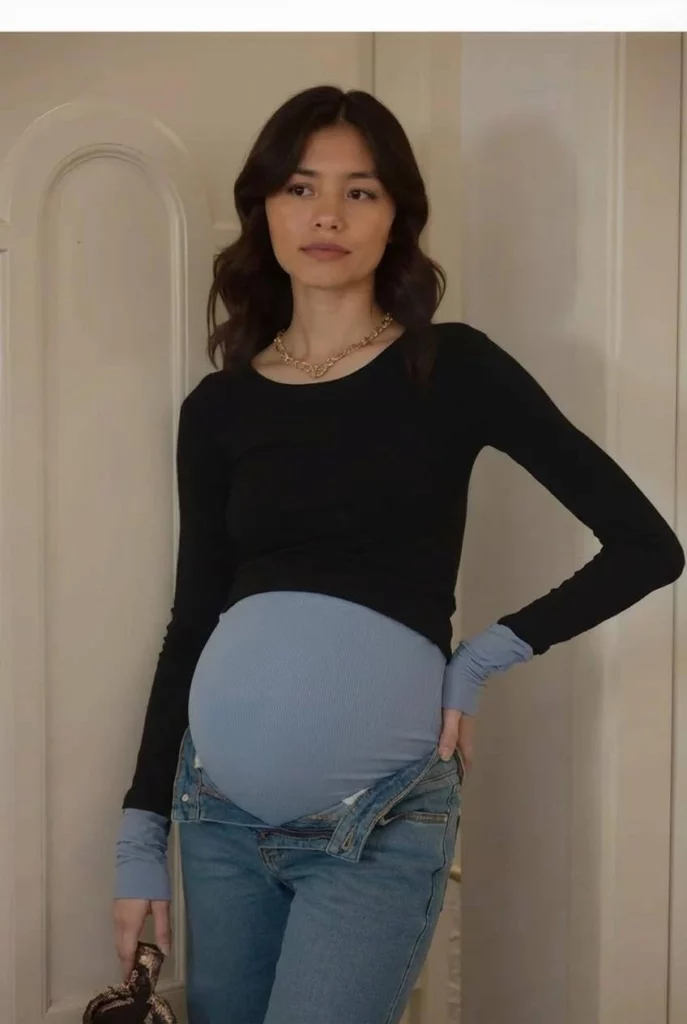
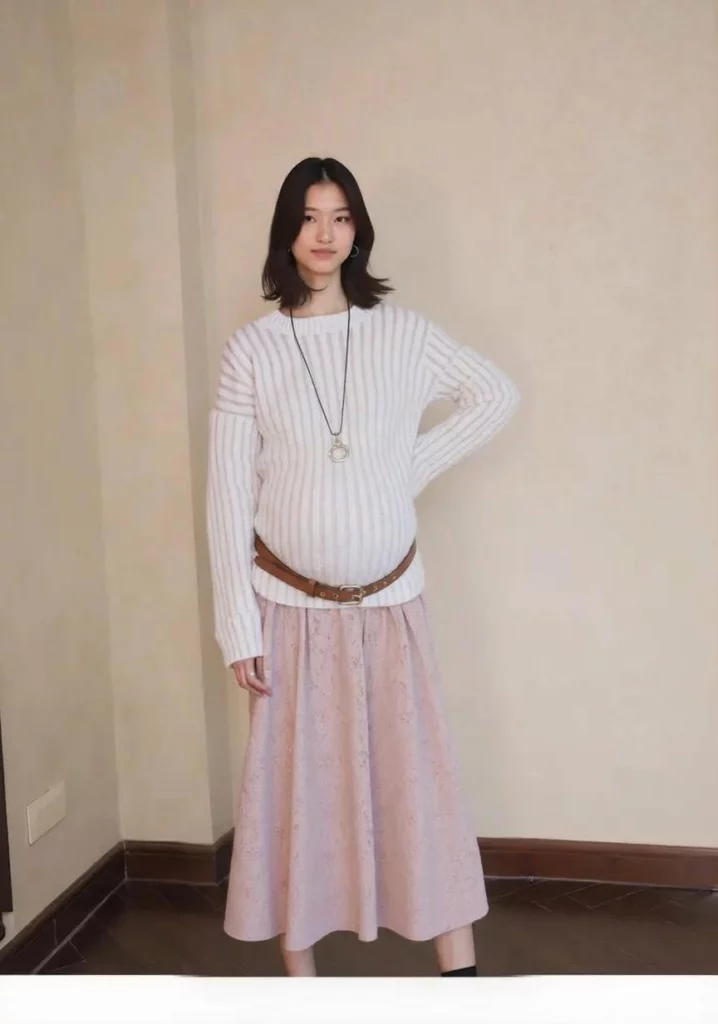
A maternity collection may be ready before its visual story is complete. The regular model photos exist. Yet the page may not show how the garment looks around a baby bump. AI maternity photos can fill this gap. They turn approved model images into focused visual concepts.
Still, an AI image cannot prove fit, comfort, stretch, or support. Instead, it can add useful supporting images. It can also show which products still need a real maternity shoot.
Therefore, the goal is simple. Add relevance without creating false certainty.
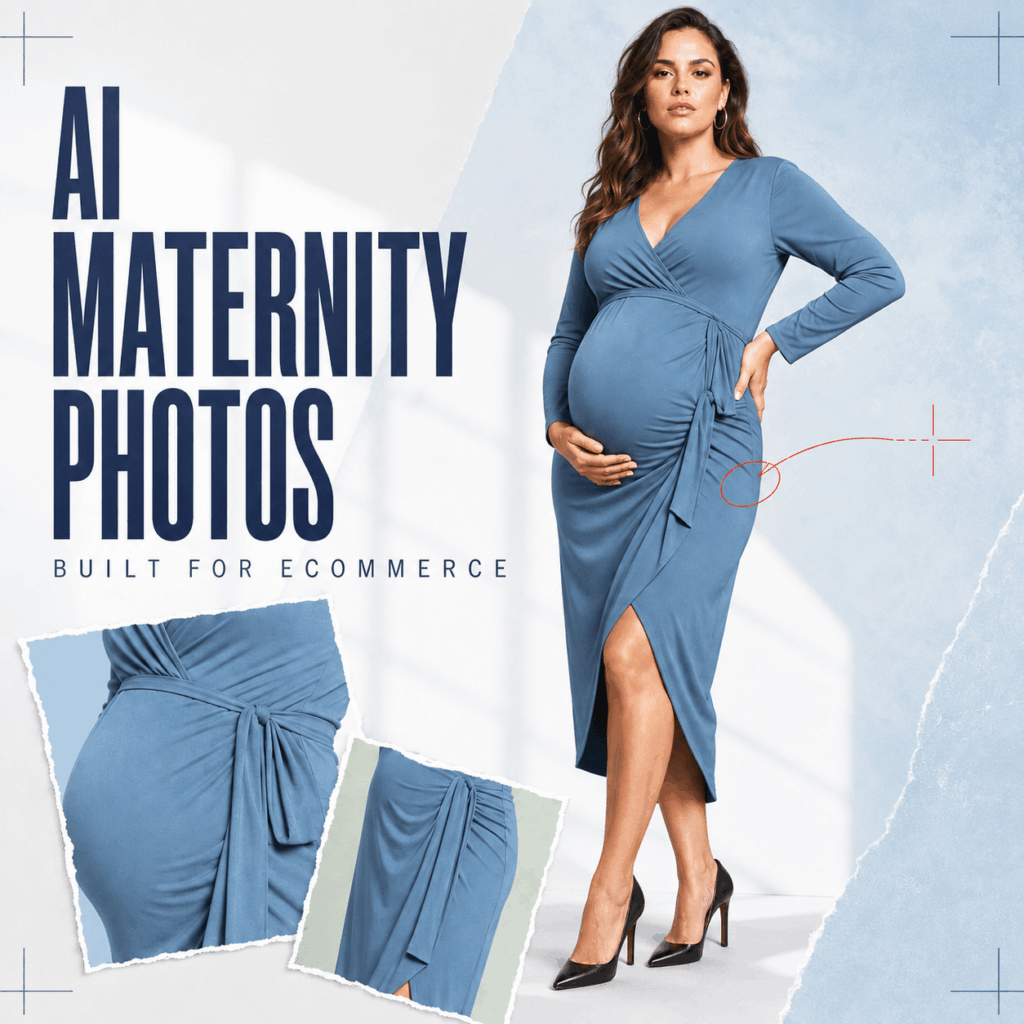
The Missing View on a Maternity Product Page
A standard fashion image shows color and style. However, it may leave one question unanswered. What happens to the shape when the body changes?
For example, shoppers may check the tie on a wrap dress. They may study the length of knitwear. Meanwhile, an open coat may need to show the product beneath it.
As a result, AI maternity photos can add useful context. Pair them with accurate photos, measurements, fabric details, and a clear size guide. In this way, the new image adds value without replacing facts.
Where AI Maternity Photos Earn Their Place
Keep a clean packshot for inspection. Then use a maternity concept as a secondary gallery image, collection banner, email creative, or social ad.
From one approved source, a full-body crop can introduce the silhouette, while a wider frame leaves room for launch copy.
Do not publish near-identical outputs. A useful gallery gives each image a job. AI maternity photos should answer new questions rather than repeat one pose.
Build One Useful Image Set Around Each SKU
Begin with one garment and an accurate source photo. Next, decide what the maternity view must show.
For instance, one frame can show the full shape. Another can focus on the waistband or hem. Finally, a lifestyle frame can add mood. Together, the images create a useful sequence.
Across the set, keep the model, color, print, background, and light consistent. Otherwise, the page may feel like a mix of different brands.
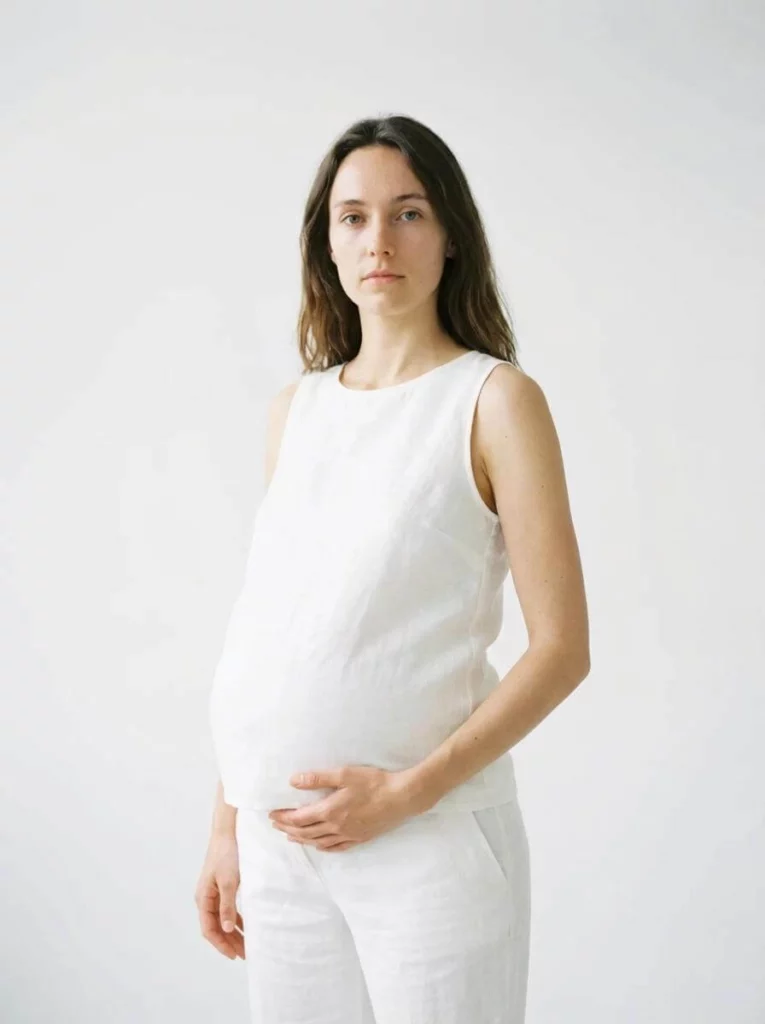
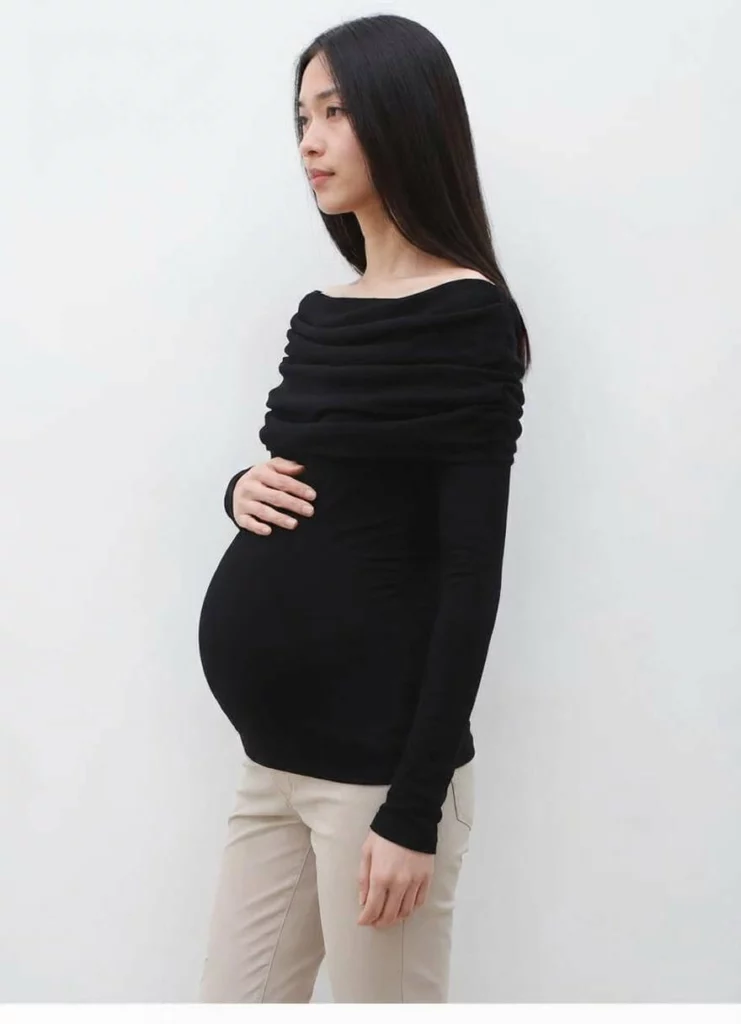
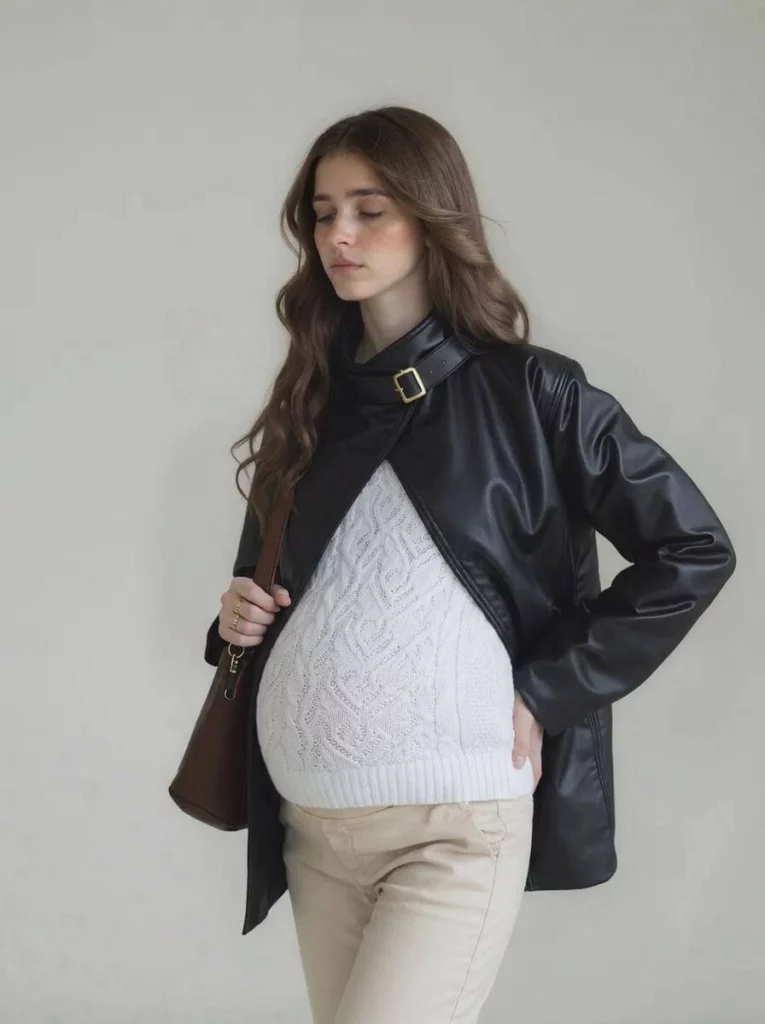
Create AI Maternity Photos from an Existing Model Image
The workflow is simple enough for a small ecommerce team, but the input and review still determine whether the result is usable.
Start with an Ecommerce-Ready Source
Choose an authorized adult-model image with a visible torso and natural posture. Keep the waist, hips, closures, and hem unobstructed.
Avoid crossed arms, large bags, extreme twists, and blur. A clean source makes the generated AI maternity photos easier to compare.
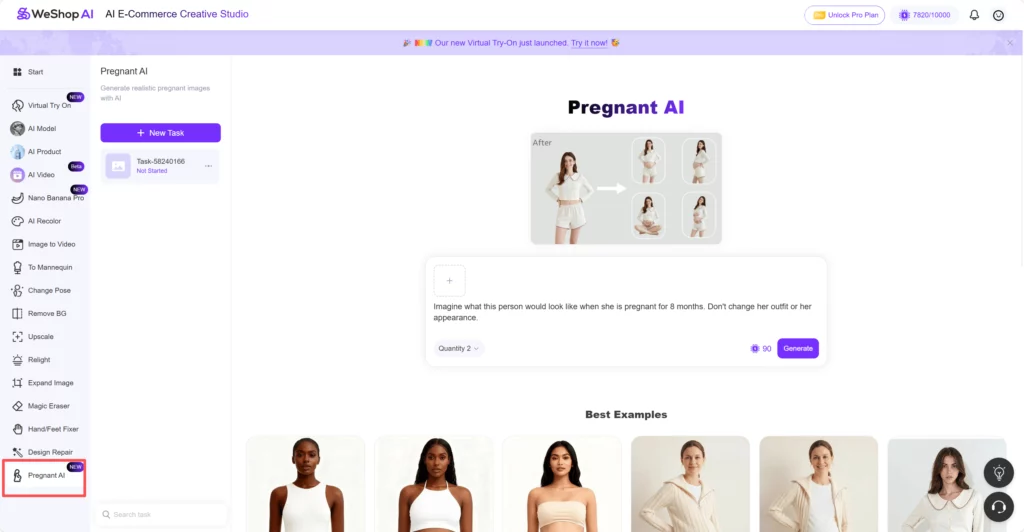
Upload the Approved Model Image
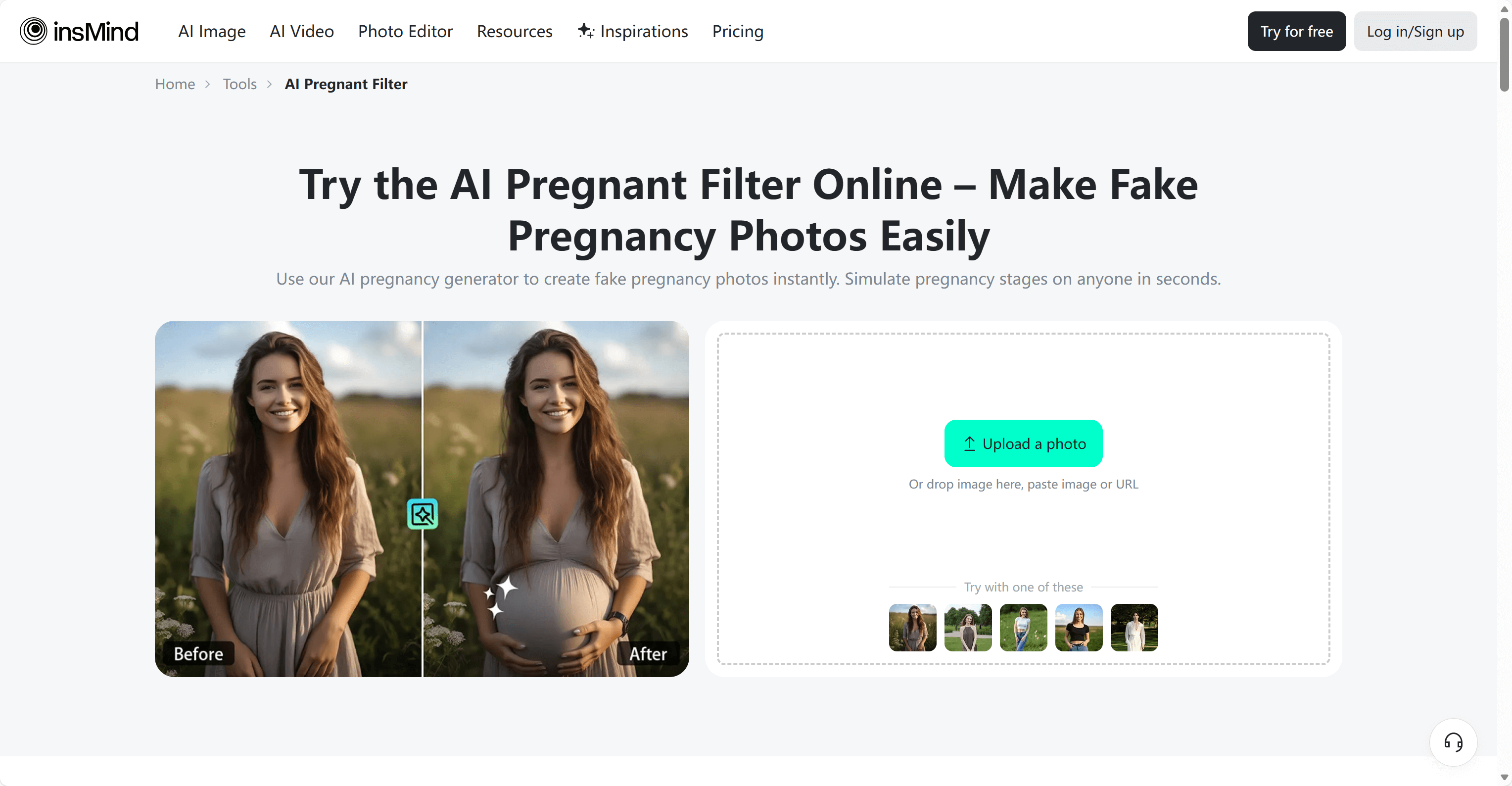
Open Pregnant AI and upload the source. Confirm the SKU, colorway, and approved model asset before generating.

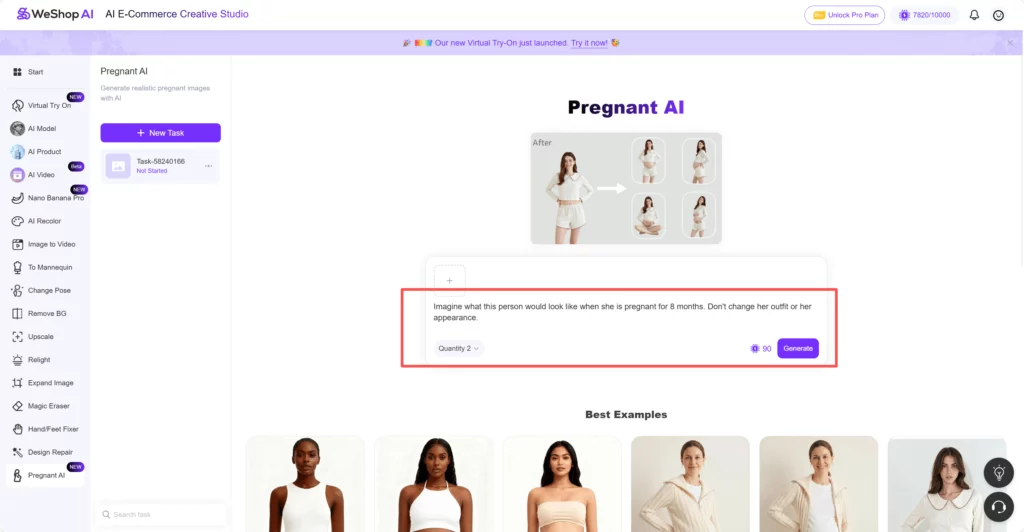
Write a Prompt That Protects the Product
Keep the direction focused on the pregnancy stage and the details that must not change. A practical prompt is:
Create a realistic maternity version of this adult fashion model in the third trimester. Preserve the face, hairstyle, outfit color, garment print, logo, background, camera angle, and lighting. Add a natural baby bump with believable fabric tension and shadows. Do not change the hands, accessories, or product details.
Change only the pregnancy stage between tests. Controlled AI maternity photos are easier to compare and less likely to drift.r.
Generate AI Maternity Photos One Stage at a Time
Compare the first version with the source at full size. If the garment changed, revise the prompt or input before continuing.
Once one stage passes review, test another crop or stage. Change one variable at a time so the team can identify what improved the image.
Review AI Maternity Photos Like a Merchandiser
Compare the original and output side by side. Check the neckline, seams, waistband, closures, logo, print, hem, and accessories. A convincing bump can still hide a different garment.
Inspect body balance and light. The new shape should connect naturally with the torso, while shadows should follow the original light.
Zoom out. If the pose hides the key feature or the crop removes the product story, it is not ecommerce-ready.
Reject AI maternity photos when patterns melt, closures move, hands merge into the body, fabric tension looks physically confused, or the model no longer resembles the source. A failed output is not fixed by a stronger caption.
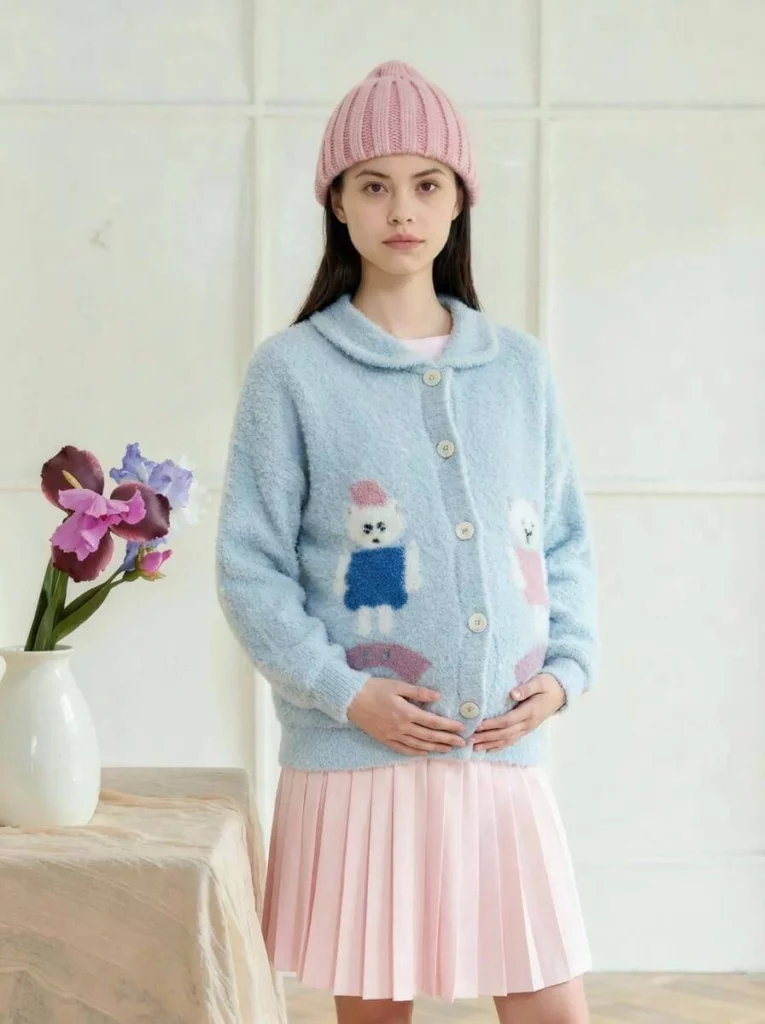
Keep Trust Inside the Product Story
First, use source images with permission. The model should know how the maternity edit will be used. Also, disclose AI images when shoppers may mistake them for a real pregnancy or fit test.
Most importantly, AI maternity photos must not support medical claims or personal predictions. They cannot prove exact size or fit either. Therefore, measurements and fit advice must come from real product tests.
For costly or complex products, combine AI maternity photos with real photos and clear copy. In addition, show useful customer feedback and a simple return policy.
AI Maternity Photos Should Support the Sale
Pregnant AI works best as part of an existing ecommerce process. It should not create an endless stream of baby-bump images.
So, start with one approved SKU. Next, create a small set of AI maternity photos with clear roles. Review each garment detail. Finally, publish only the images that improve the product story. They should never pretend to prove fit.
As a result, the maternity collection gains context. At the same time, the brand stays grounded in accuracy, consent, and trust.
Go to WeShop AI For Exploration: