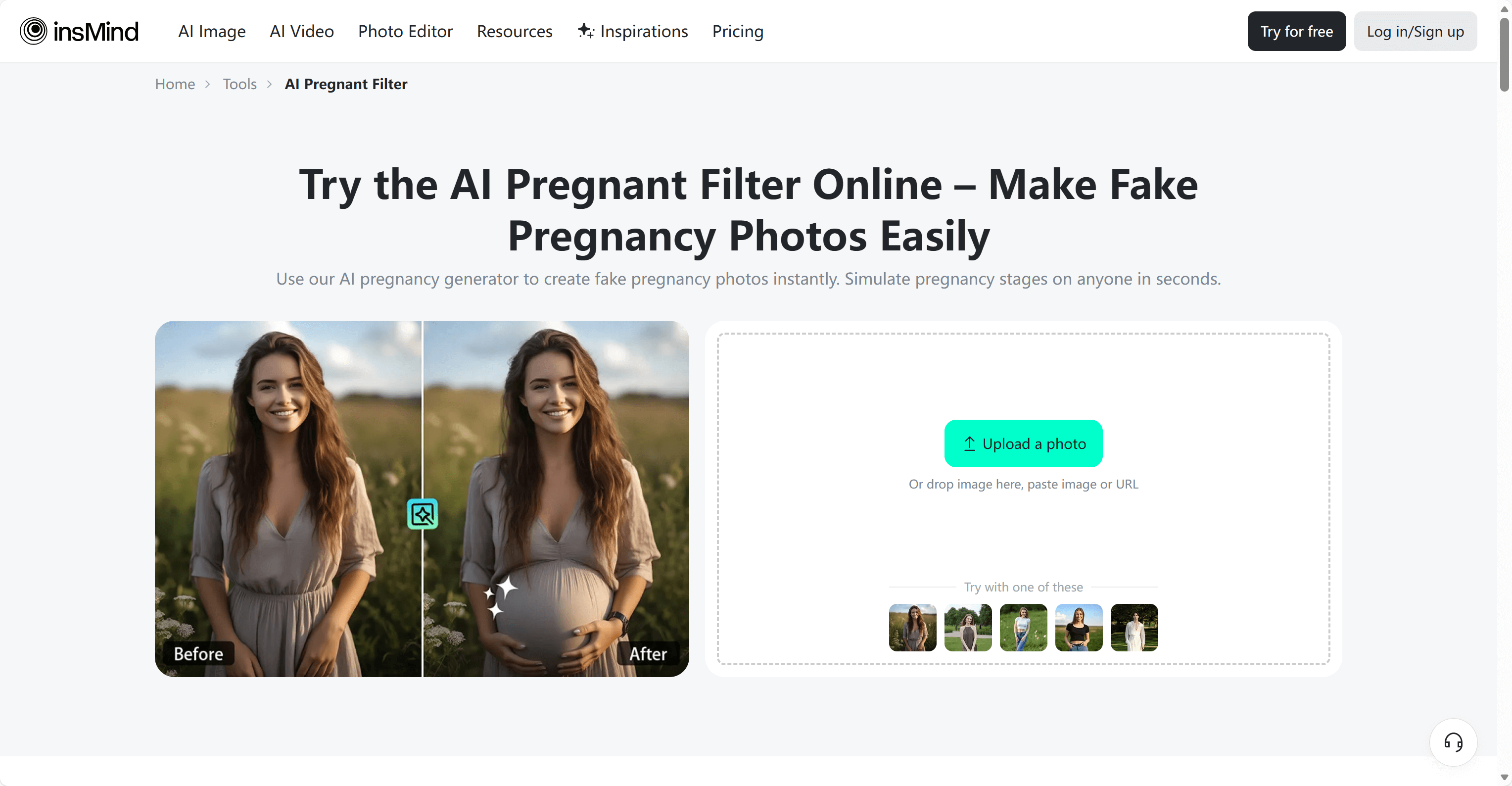
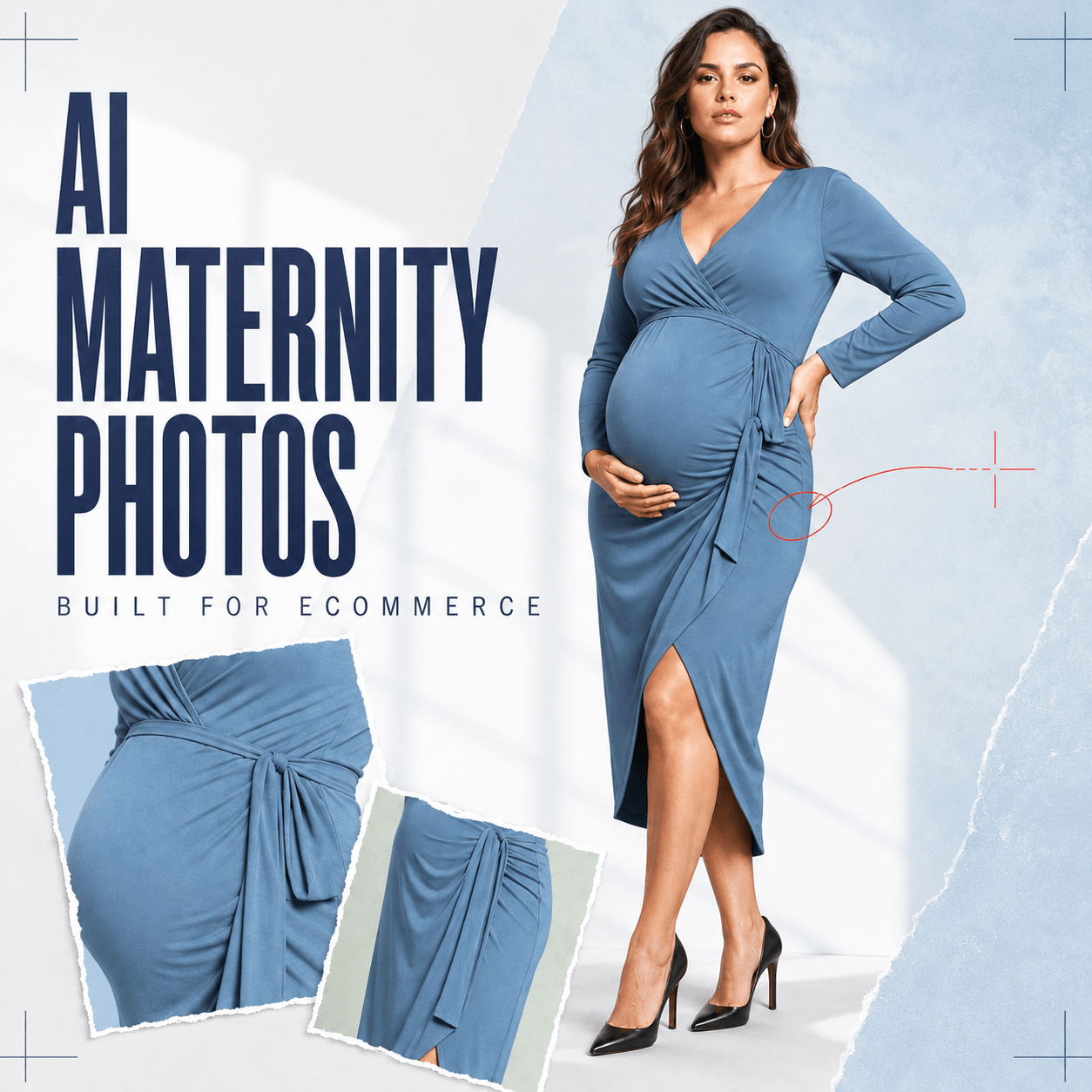
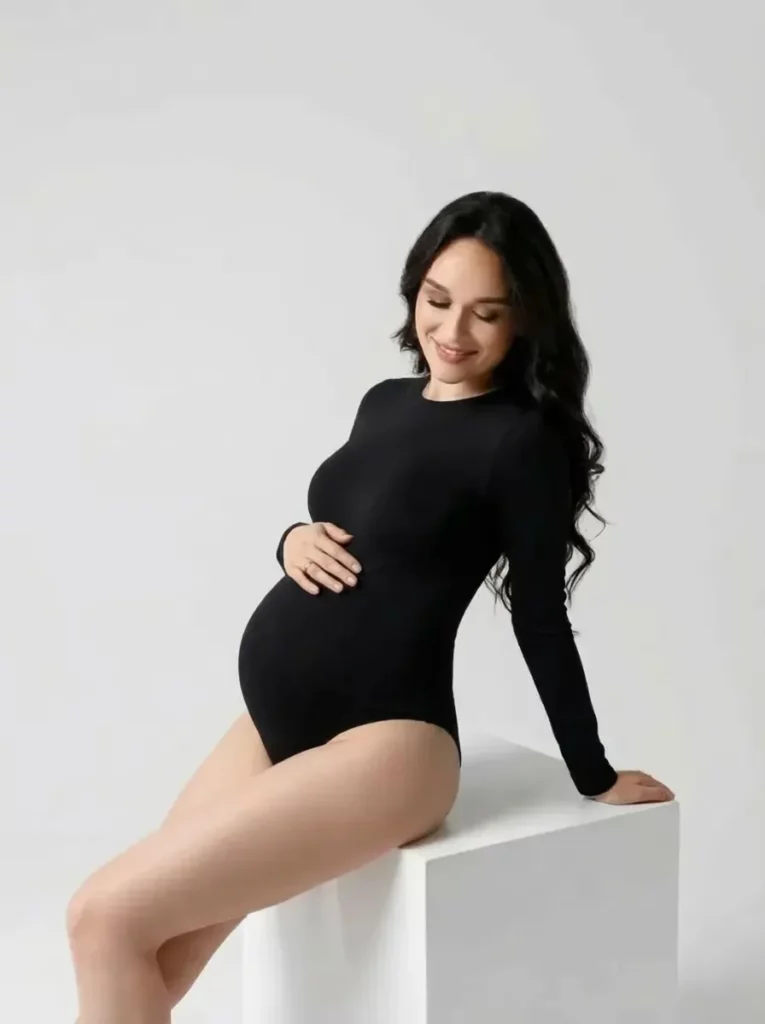
A Pregnant AI Generator can help maternity brands plan a stronger campaign before the camera turns on. Instead of relying only on sketches or written ideas, creative teams can preview how the body, clothing, pose, and message may work together. As a result, they can spot weak concepts earlier and build a clearer direction for the real photoshoot.
A Pregnant AI Generator gives creative teams a faster way to test those choices. It can turn a regular portrait into a realistic maternity-style image while keeping the person recognizable. As a result, brands can explore baby bump stages, outfit ideas, poses, crops, and lighting before they book a full shoot.
This does not mean replacing real maternity photography. Rather, it means building a clearer first draft. With a better draft, teams can make decisions sooner, avoid weak concepts, and arrive on set with a more useful plan.
Why Maternity Campaigns Need a Visual Test Run
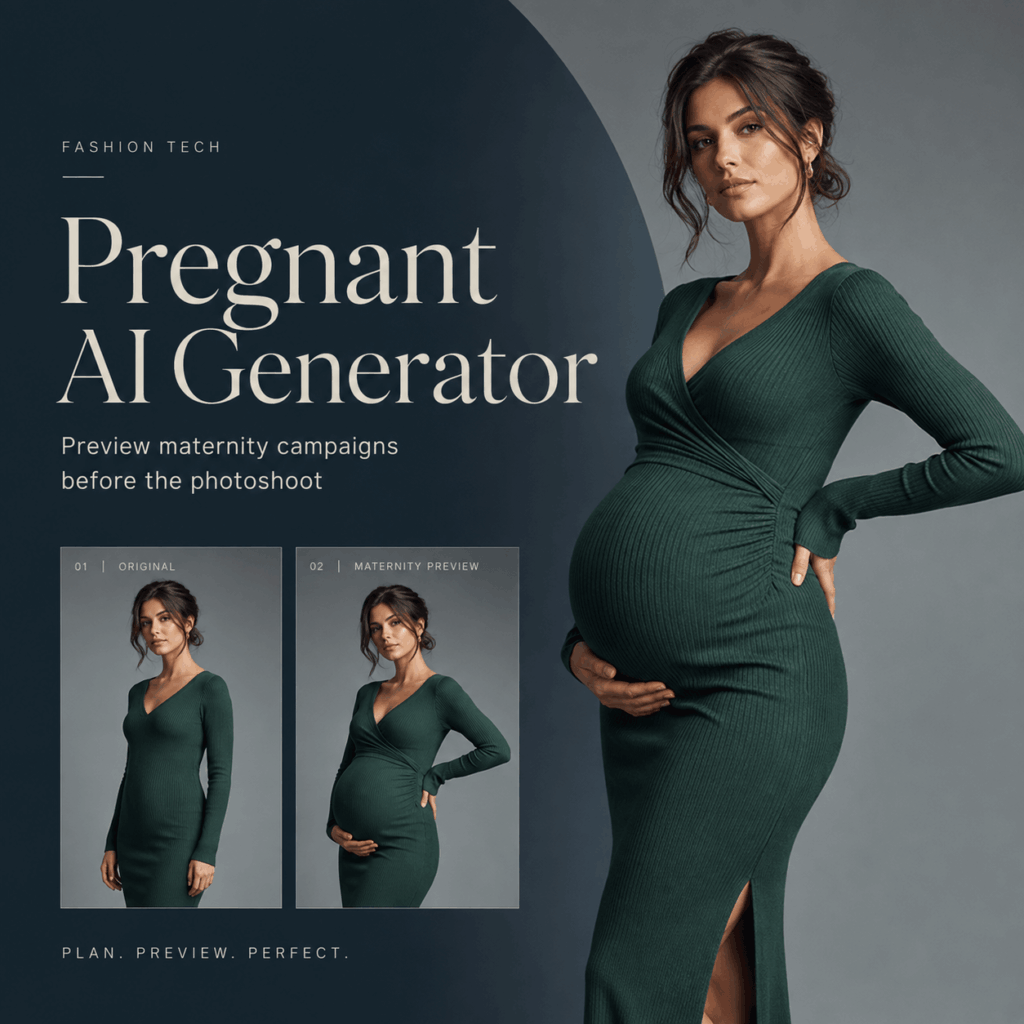
Maternity content looks simple until production begins. However, a baby bump changes the balance of almost every frame. A jacket may sit differently. A hand position may hide the product. Even a familiar crop may suddenly feel too tight.
A Real Bump Changes the Whole Frame
In standard fashion images, teams often focus on the face, garment, or product. In maternity images, the body shape becomes part of the story. Therefore, the pose must feel comfortable, the clothing must fall naturally, and the bump must remain clear without looking forced.
The same issue appears in prenatal product campaigns. For example, a skincare bottle may need to stay visible beside the body. A support pillow needs enough space in the frame. Meanwhile, a maternity dress should show both its shape and its fabric movement.
Pregnant AI Generator Turns Guesswork Into a Visual Draft
A Pregnant AI Generator helps teams see these choices before production. First, they can test where the bump sits in the frame. Next, they can compare outfit lengths and hand positions. Then, they can decide which ideas deserve a real shoot.
Because the preview is visual, feedback also becomes easier. A creative director can point to a specific crop. A stylist can notice a fabric problem. In addition, a client can choose between two clear options instead of reacting to a long written brief.
Use Pregnant AI Generator to Test the Creative Direction
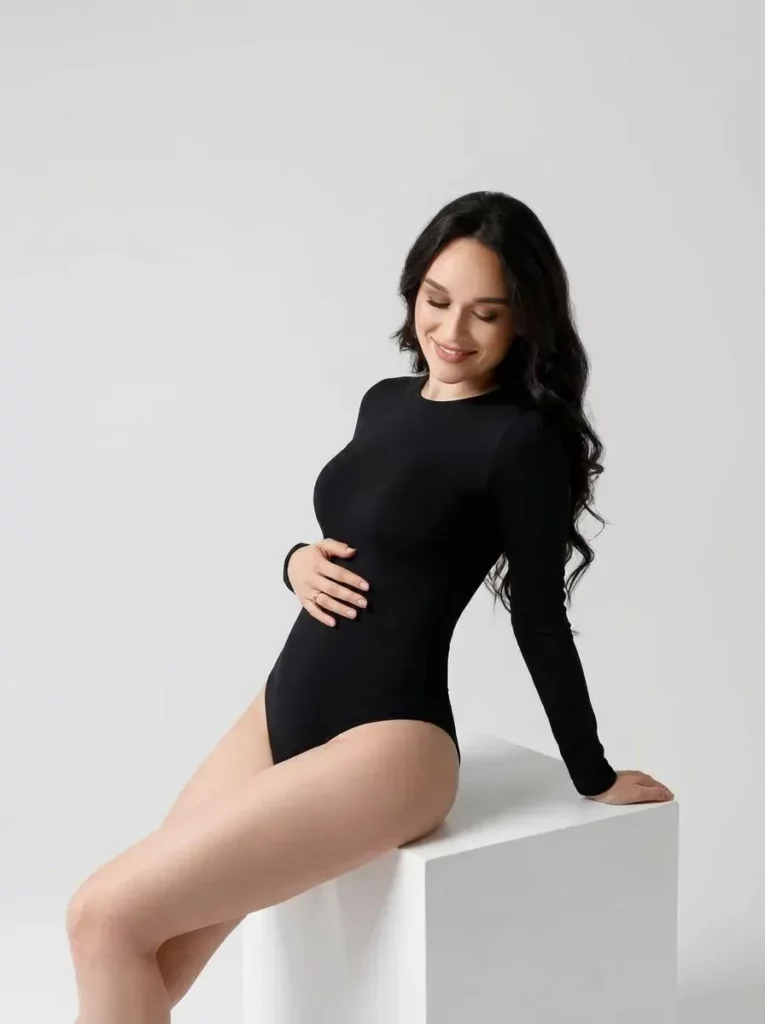
The best use of this tool is not to create one perfect image on the first try. Instead, it is to compare several focused ideas. Each version should answer one production question.
Compare Pregnancy Stages Before Production
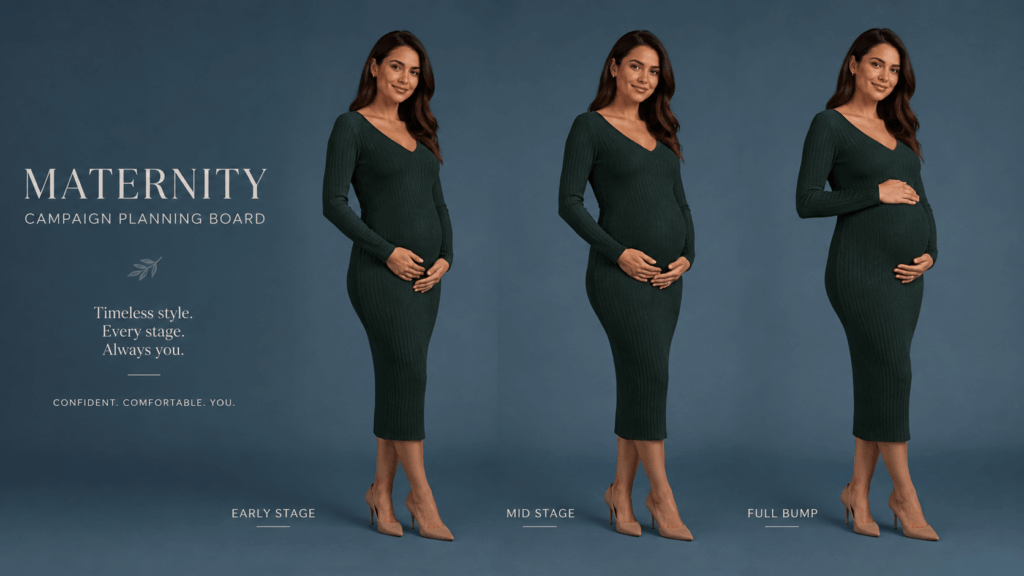
Different pregnancy stages create different visual needs. An early-stage curve may work well for fitted knitwear. However, a fuller bump may better show the shape of a wrap dress, support belt, or maternity coat.
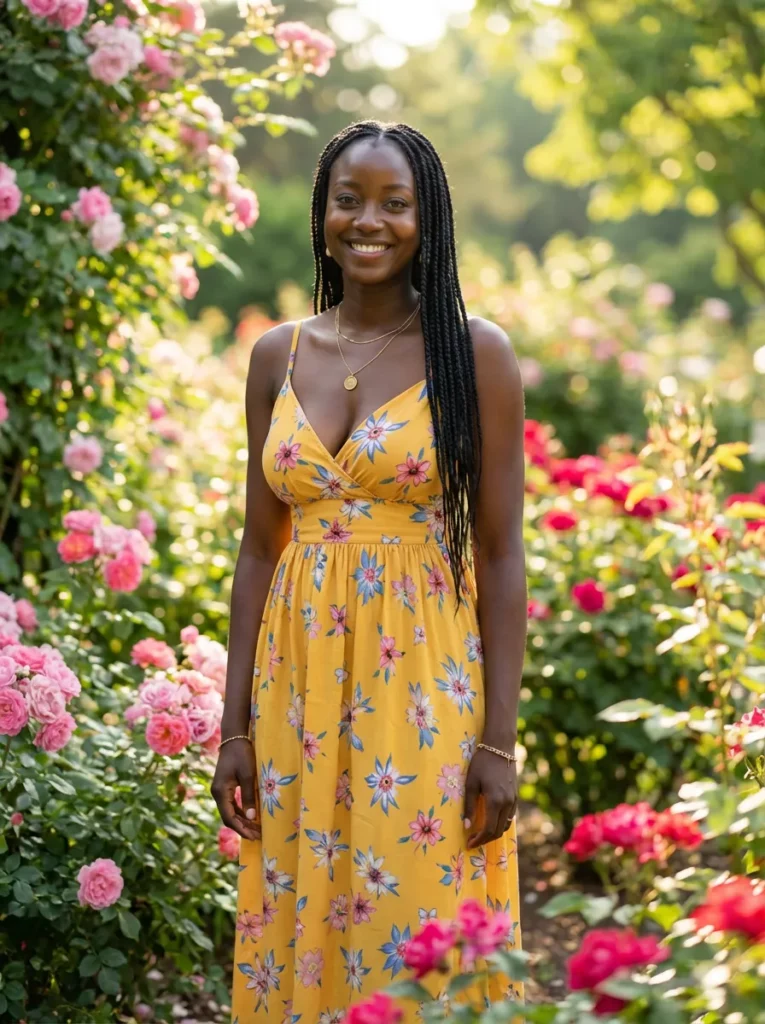
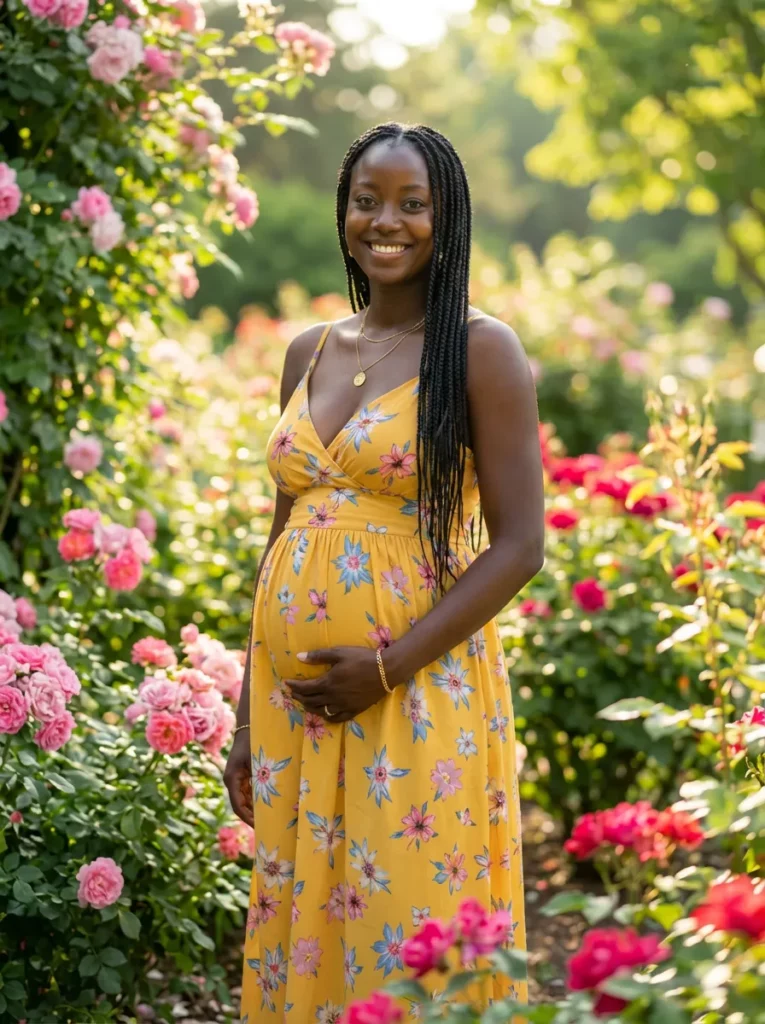
With a Pregnant AI Generator, teams can create a small stage comparison before the shoot. For example, they can place the same model, outfit, and background across three versions. Only the bump stage changes. As a result, the team can judge which version supports the product story best.
This is also useful for campaign planning. A brand may want one soft early-pregnancy image, one clear mid-stage product shot, and one full-bump hero image. Therefore, the final shot list becomes more varied without becoming random.
Test Outfits, Poses, and Crops
Clothing can look very different once the body shape changes. So, teams should test fitted, loose, layered, and open-front looks before production. They should also watch the waistline, hem, buttons, and fabric folds.
Pose tests matter just as much. For instance, one hand under the bump can create a classic maternity shape. Yet both hands on the bump may cover a key garment detail. A side pose can define the silhouette, while a front pose can feel more direct.
Cropping is another small choice with a large effect. Therefore, compare a full-body frame, a three-quarter frame, and a close product-led frame. The goal is not to create more options for no reason. Instead, it is to find the crop that keeps the person, bump, and product in balance.
A Simple Pregnant AI Generator Workflow
A useful workflow should stay simple. Otherwise, the team may create many images but learn very little from them. The following process keeps each test clear.
Start With a Clear Source Photo
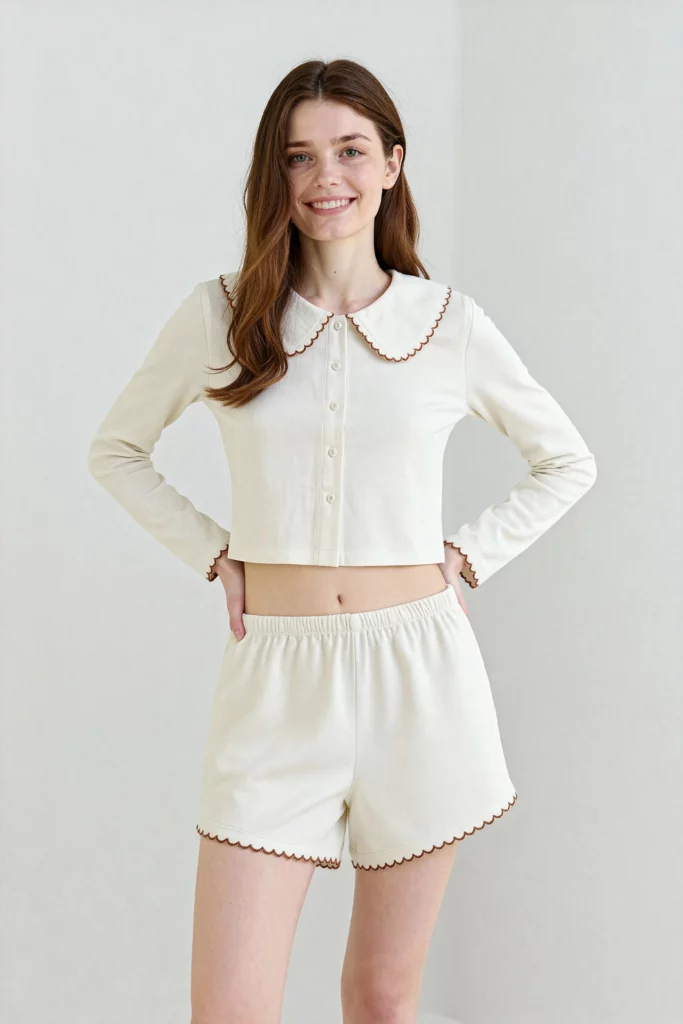
Choose a photo with a visible body shape, natural posture, and clean lighting. Also, make sure the clothing is easy to read. Heavy objects, crossed arms, or large bags can block the area that needs to change.
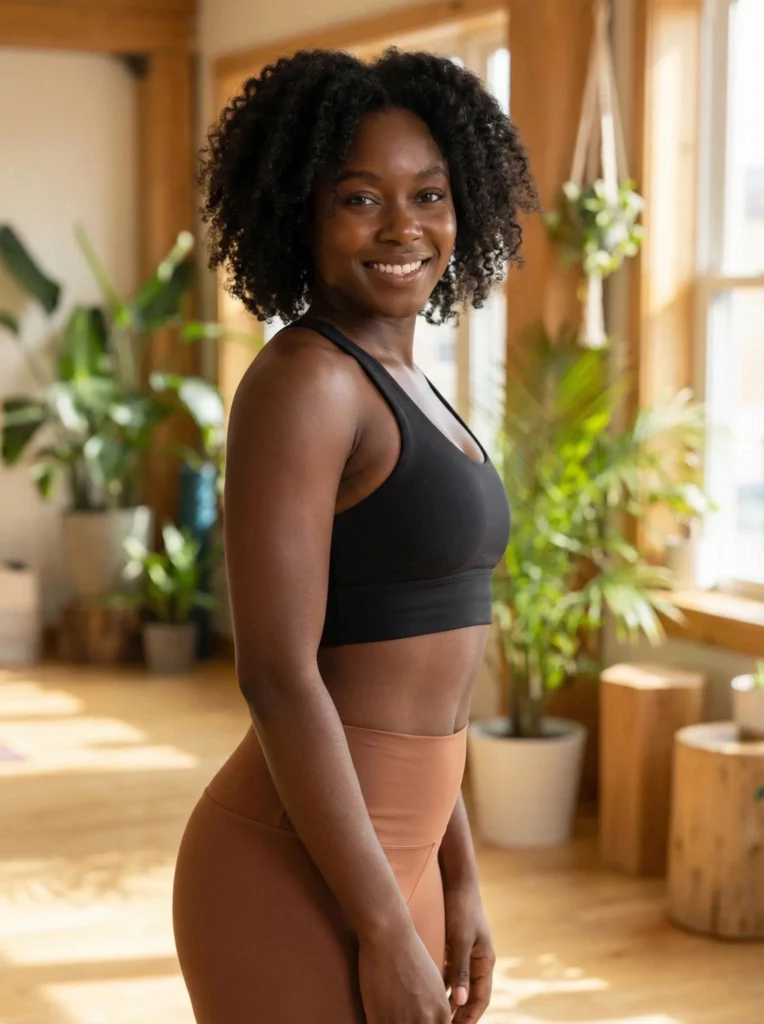
A three-quarter or full-body image often gives the Pregnant AI Generator more useful space to work with. However, the best source depends on the final goal. A close portrait may suit an emotional campaign. A wider frame may suit fashion, fitness, or lifestyle content.
The person should also have a natural expression. After all, a believable campaign needs more than a believable bump. The face, posture, and mood should still feel connected.
Change One Variable at a Time
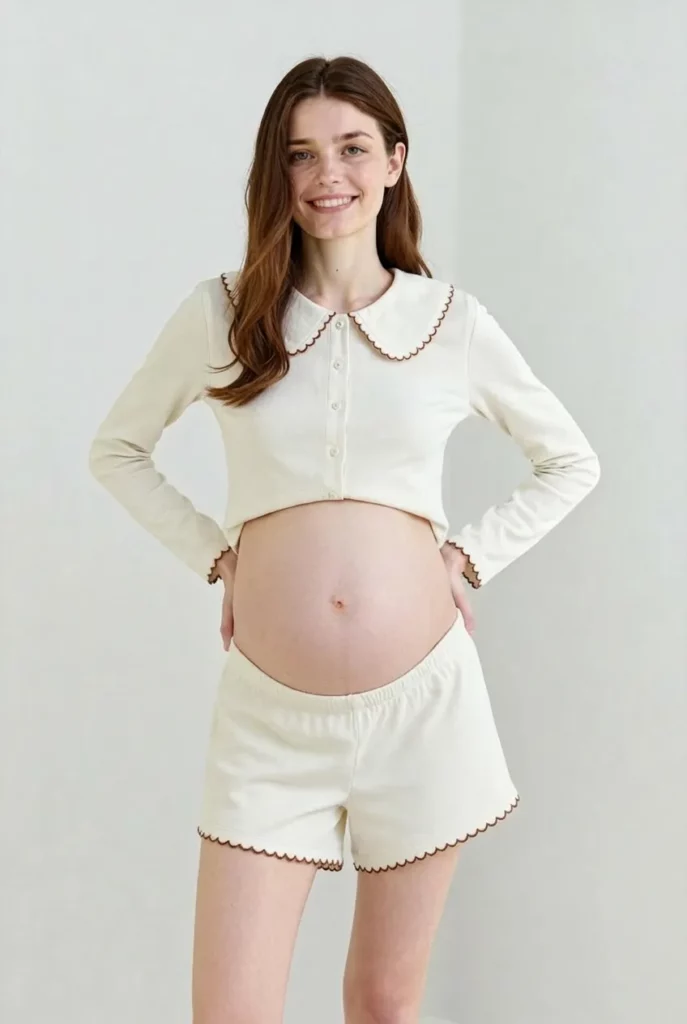
Start with one source image. Then, keep the person, outfit, background, and camera angle stable. Change only the pregnancy stage. This makes comparison easy.
Next, choose the strongest stage and test two or three poses. After that, test the crop or lighting. Because each round has one clear purpose, the team can see what actually improves the image.
This method also prevents visual drift. If everything changes at once, it becomes hard to know whether the better result came from the pose, outfit, stage, or background. Therefore, simple testing leads to stronger decisions.
Review Pregnant AI Generator Results With Your Team
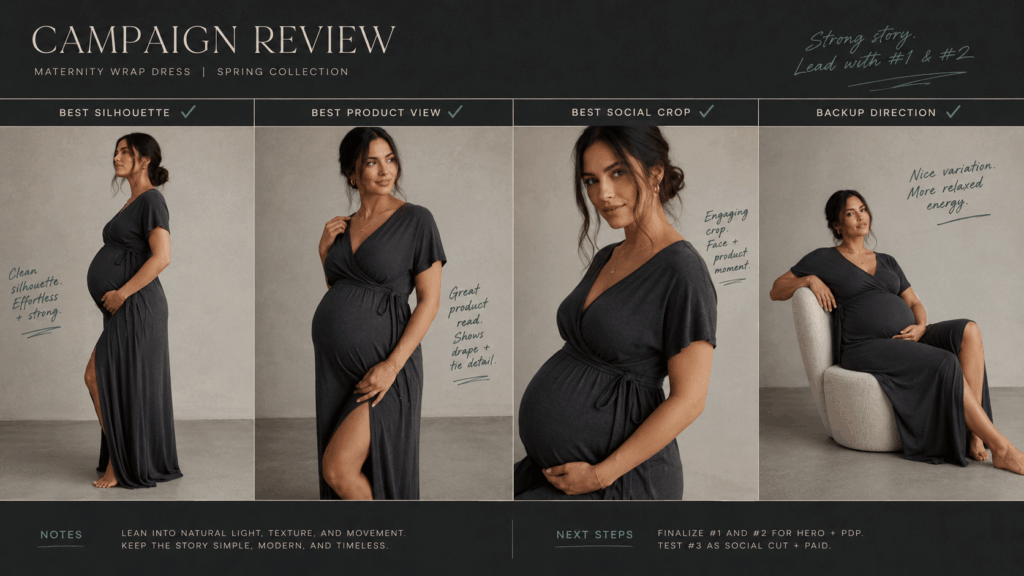
Build a small review board with four to six images. Then, label each one with a simple question, such as “Best silhouette,” “Best product view,” or “Best social crop.”
During review, avoid vague comments like “This feels better.” Instead, explain what works. For example, the product is easier to see, the fabric looks more natural, or the pose feels less staged.
Finally, choose one lead direction and one backup. A short decision list is more useful than a folder full of almost-finished ideas.
Pregnant AI Generator Use Cases for Maternity Brands
The same preview process can support several parts of a campaign. However, each use case needs a different visual goal.
Product Pages and Fit Stories
For maternity fashion, a standard product image may not answer the main customer question: how will this fit around a changing body? A Pregnant AI Generator can help teams plan images that show the front, side, length, stretch, and key fit points.
It can also support a clearer fit story. For example, a brand may plan one image for the full silhouette, one for waist detail, and one for fabric movement. As a result, the final product page feels more useful and less repetitive.
Still, the final page should use honest product information. Measurements, real fabric behavior, and sizing details should come from verified product data. The AI preview is a planning tool, not proof of exact fit.
Social Launches and Campaign Storyboards
Social content often needs more visual variety than a product page. Therefore, teams can use the tool to test a calm studio image, a home lifestyle scene, and a more editorial fashion frame.
A Pregnant AI Generator also helps with story order. The first post may introduce the mood. The second may focus on the product. Meanwhile, the third may show a closer human moment. When these ideas are tested together, the campaign feels connected from the start.
For video planning, the images can work as storyboard frames. However, movement, comfort, and product use should still be checked during real production.
Photoshoot Pre-Production
Before a maternity shoot, many decisions must happen quickly. The team needs a shot list, wardrobe plan, lighting direction, and crop guide. So, a Pregnant AI Generator can act as a pre-production sketchbook.
The preview images can show what the final set should achieve. In addition, they can help the photographer plan camera height and negative space. The stylist can prepare backup sizes or open-front layers. The model can also understand the intended pose before the shoot begins.
As a result, the set has fewer surprises. More importantly, the team can spend its time refining the real image instead of solving basic layout problems.

What Pregnant AI Generator Should Not Replace
A useful tool becomes less useful when it is asked to do the wrong job. Therefore, clear limits matter.
Keep Real Experience at the Center
Pregnancy is a real physical and emotional experience. So, a synthetic preview should not claim to show exactly how one person will look, feel, move, or carry a pregnancy.
The Pregnant AI Generator is better used for visual planning, creative exploration, and concept testing. It should not be used for medical advice, body predictions, or promises about a future pregnancy.
For brand work, real voices still matter. Interviews, customer stories, and real maternity photography can give a campaign depth that a generated image cannot create on its own.
Use Consent and Honest Context
Always use a source image with permission. In addition, be careful when using a recognizable person in pregnancy-related content. The topic can be personal, sensitive, or easy to misunderstand.
Brands should also label generated or concept imagery when the context requires it. This is especially important for testimonials, health claims, pregnancy announcements, and editorial stories.
Avoid using the tool to create deceptive personal news. Instead, use it where the purpose is clear: planning a campaign, testing an outfit, exploring a creative idea, or preparing a visual brief.
How to Review Every Final Image
A realistic first glance is not enough. Before an image moves into a campaign board, the team should inspect the details.
Pregnant AI Generator Quality Checklist
First, check the body shape. The bump should connect naturally with the torso and hips. Also, the posture should still look balanced.
Next, inspect the clothing. Look at seams, buttons, waistbands, patterns, and fabric folds. However, do not focus only on the bump. Sleeves, hands, and hems can also reveal errors.
Then, review the light and shadow. The new body shape should match the direction and softness of the original light. In addition, shadows should not create a hard outline around the belly.
Finally, check identity. The face, hairstyle, expression, and general character should still feel like the same person. If the image looks like a different model, it is not a strong reference.
Decide What Is Ready for Production
Not every test image needs to become public content. In fact, many of the most useful images may stay inside the creative team.
Use the strongest result as a visual brief. Then, note what must be recreated with real styling, photography, and talent direction. For example, keep the side pose, soften the light, use a longer coat, or leave more space for text.
If a generated image will be published, review it again at full size. Also, confirm that the product, body, and message are represented honestly. A polished image should still support trust.
Pregnant AI Generator Makes the First Draft Faster
Maternity campaigns need care, clarity, and strong visual planning. A Pregnant AI Generator can make that early work faster by turning ideas into images that teams can compare.
However, its greatest value is not the final filter effect. Its real value is better decisions before production. Teams can test pregnancy stages, clothing shapes, poses, crops, and campaign flow without waiting for the full shoot.
Therefore, use the tool like a creative test run. Start with one clear question. Build a few controlled versions. Review the details. Then, take the strongest direction into real production.
The camera still matters. The model still matters. The real story still matters. Yet with a clearer first draft, every part of the campaign has a better place to begin.
Go to WeShop AI For Exploration: