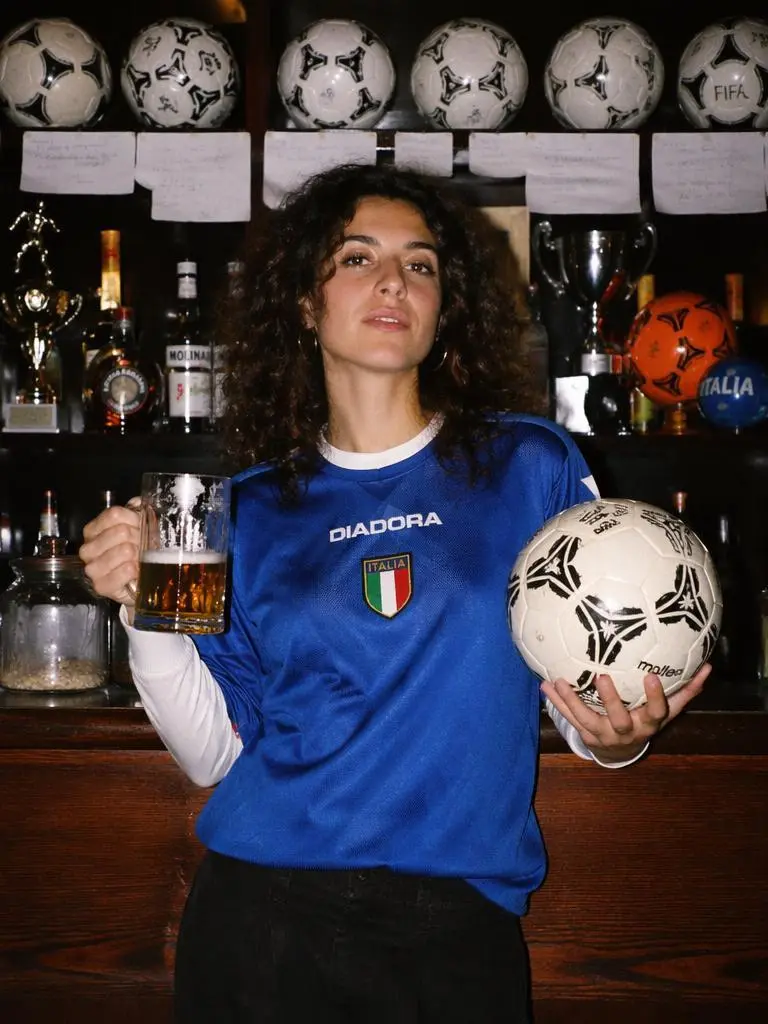
Inside a legendary football pub, a woman proudly holds a football and a glass of beer. The camera slowly pushes through rows of vintage football memorabilia. Suddenly every football on the shelves begins spinning. Historic World Cup moments appear as holographic projections across the bar. Fans from different countries gather behind her, raising glasses and cheering. The atmosphere intensifies with chants, drums and celebrations. Golden confetti rains from above as the camera rotates around her. Rich cinematic lighting, nostalgic football culture, World Cup night celebration, emotional storytelling, ultra realistic.
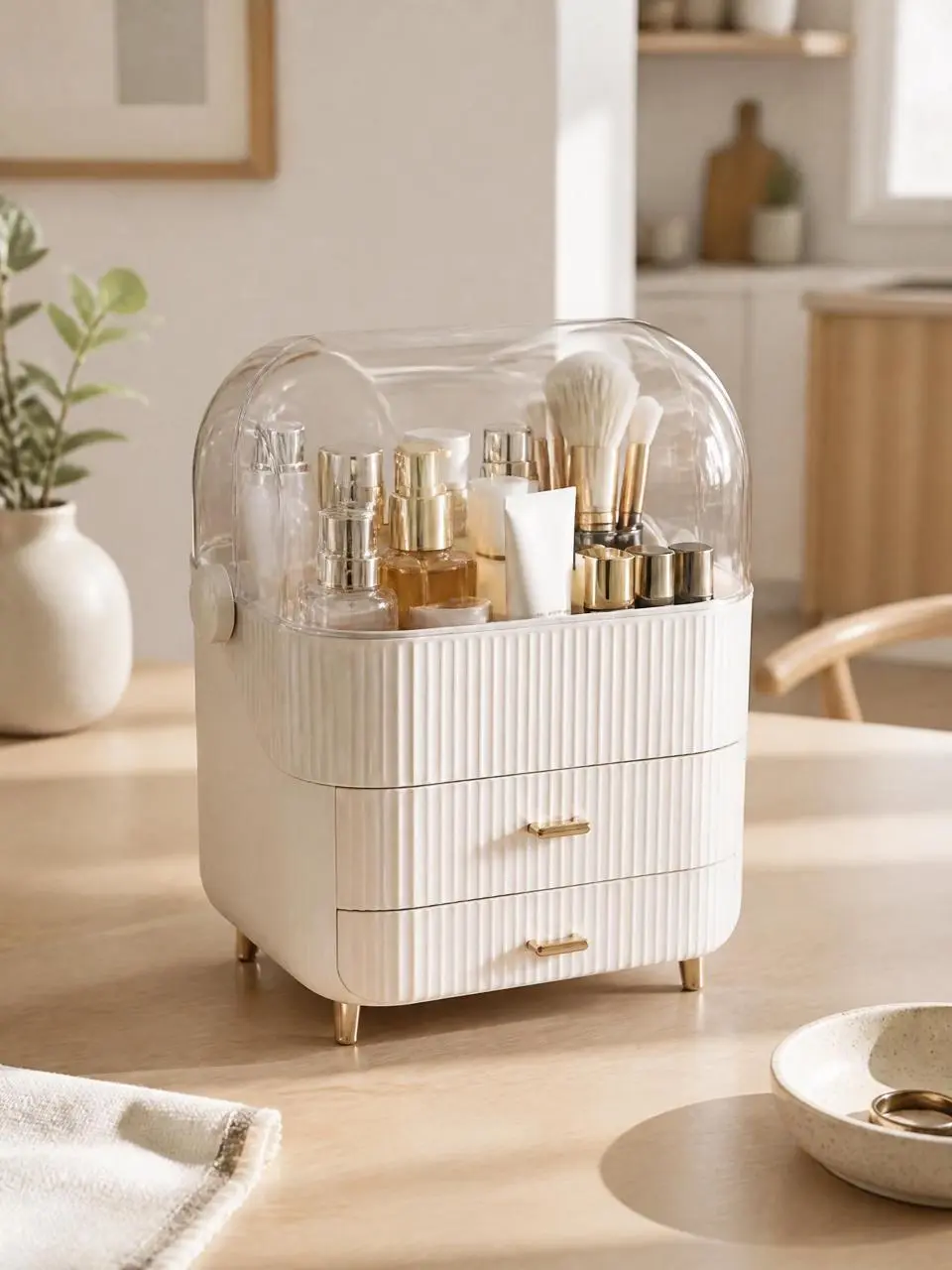
Create a premium Shopify product usage tutorial video using the uploaded product as the hero subject. Preserve the product exactly as provided, including its shape, proportions, materials, colors, branding, packaging, and every original design detail.
Begin with a clean hero shot introducing the product, followed by a clear step-by-step demonstration of how to use it correctly. Each action should be natural, easy to understand, and filmed from the best viewing angle. Alternate between medium shots showing the complete process and macro close-ups highlighting important details, interactions, and product features.
Use bright natural lighting, realistic environments, smooth camera movements, and premium commercial cinematography. The pace should feel calm, intuitive, and instructional while maintaining a high-end Shopify brand aesthetic.
No text overlays, subtitles, promotional graphics, watermarks, or exaggerated visual effects.
Ultra realistic, premium Shopify tutorial video, commercial quality, 4K.
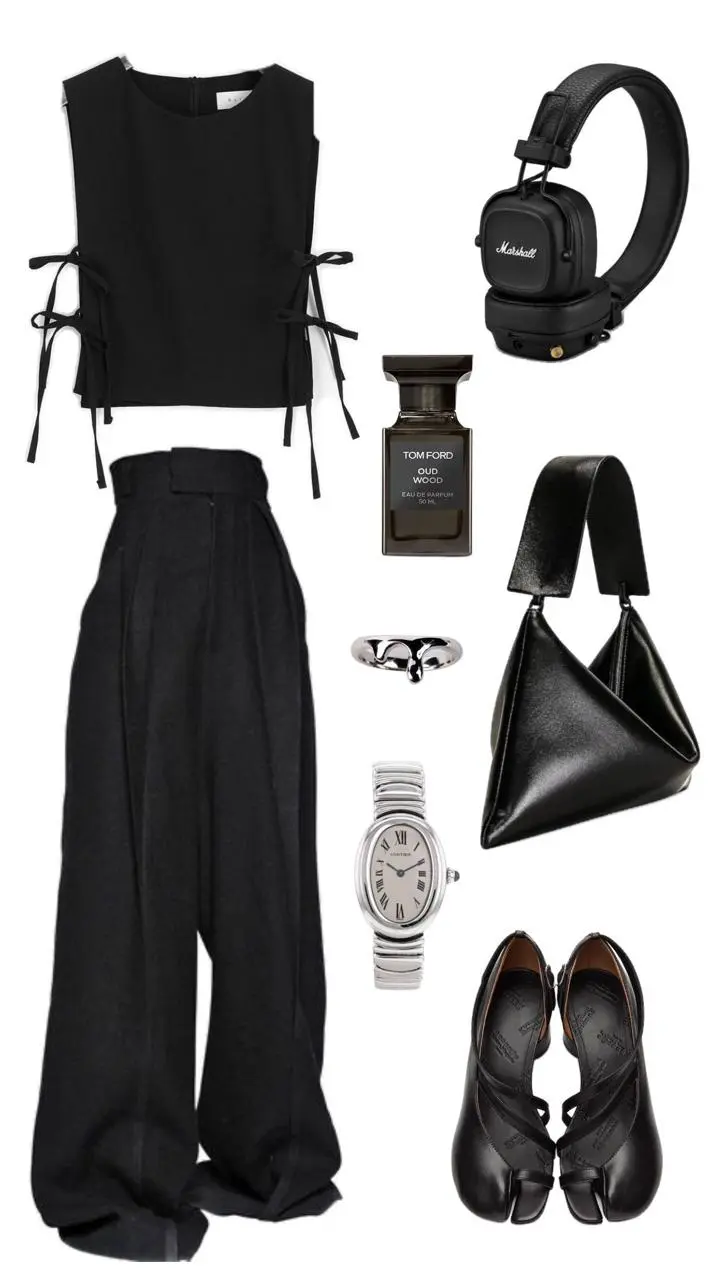
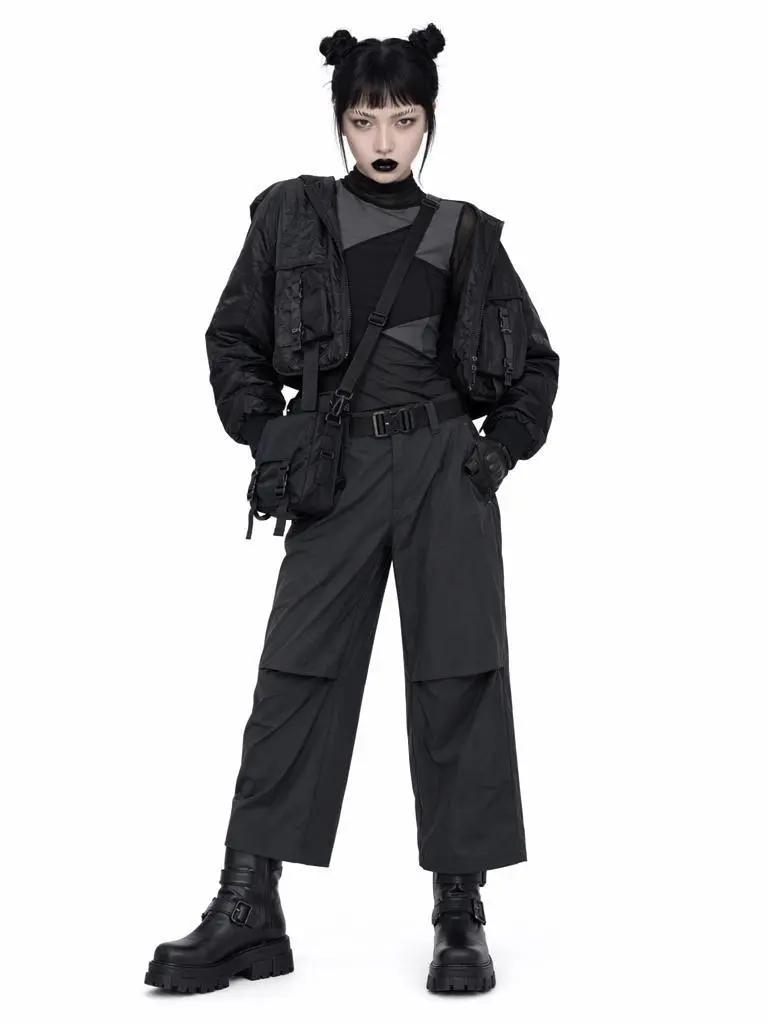
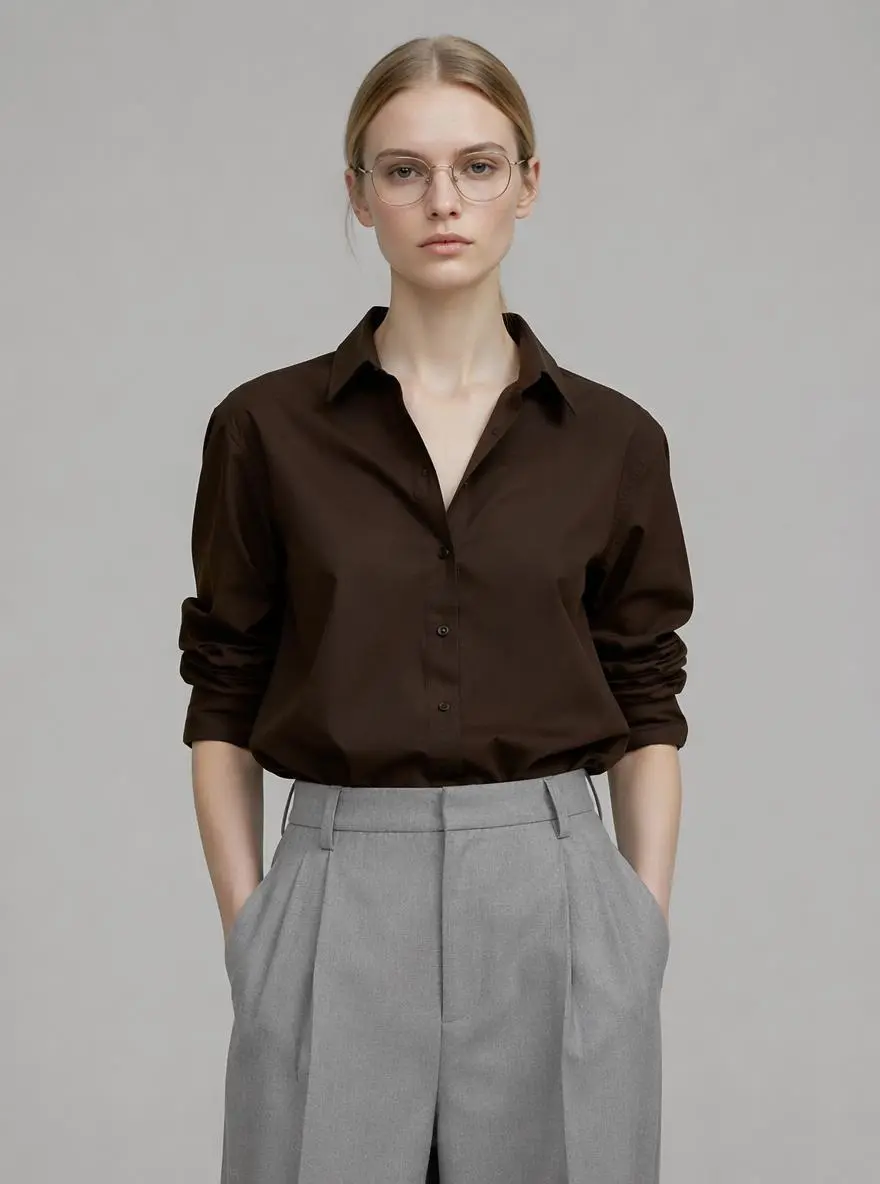
The model stands in a clean studio. Around her, multiple floating clothing items hover in space like a fashion orbit. Each clothing piece gently floats and rotates. A cursor clicks one outfit. Immediately, the selected clothing flies toward the model and seamlessly becomes her outfit. Fabric naturally adapts to body shape, lighting remains consistent, identity unchanged. The surrounding clothes continue floating softly in the background.A single consistent fashion model is used throughout the entire video (identity locked). The video is a premium AI fashion transformation world where interactive elements float around the model. Each feature is triggered by subtle clicks. No software UI, no dashboard, only elegant floating interactive objects. Luxury editorial photography style, white seamless studio environment, soft lighting, high-end ecommerce campaign aesthetic. Every interaction instantly transforms reality.
Long before the first fishermen arrive, seagulls secretly operate their own bustling seafood market on a quiet harbor. Fresh fish are inspected, traded, carefully displayed on tiny wooden stalls, and auctioned under the first golden light of dawn. Ocean mist, cinematic harbor atmosphere, realistic bird behavior, observational documentary style.
Hidden inside the hollow of an ancient oak tree is an elegant banking institution run entirely by squirrels. Acorns are counted like gold coins, tiny vaults protect winter savings, miniature clerks stamp paperwork, and woodland customers patiently queue for seasonal loans. Hyper-detailed forest interiors, warm autumn lighting, whimsical realism, cinematic storytelling.
A cinematic AI short drama. A young woman receives an unexpected phone notification: "Your ex has updated your personality." At first she laughs it off, but throughout the day she unconsciously starts speaking differently, ordering coffee she never liked, choosing clothes she would never wear, and repeating phrases her ex always used. She slowly realizes she's losing herself. Panicked, she opens the settings and desperately presses "Undo." The interface calmly responds: "Premium Required." The screen cuts to black. Natural acting, handheld iPhone cinematography, subtle UI overlays, realistic performances, modern fashion styling, emotionally unsettling, Black Mirror meets TikTok storytelling.
使用方法
怎樣開始製作 Kling O1 影片?
選擇模式、描述片段並檢查設定,在本頁提交生成。開啟返回的結果檢查畫面,再下載或分享。
提供所選模式需要的素材
在 Model 選單選擇 Reference 或 Image to Video。說明圖片或影片參考的職責;影格引導模式需提供首幀,必要時加入尾幀。切換後再次檢查設定。
檢查可用設定與點數
兩種模式均可選3–10秒。Reference 另提供9:16、16:9、1:1;Image to Video 使用上傳的影格圖片。提交前檢查模式、長度和數量對應的點數預估,以及帳戶的模型使用權限。