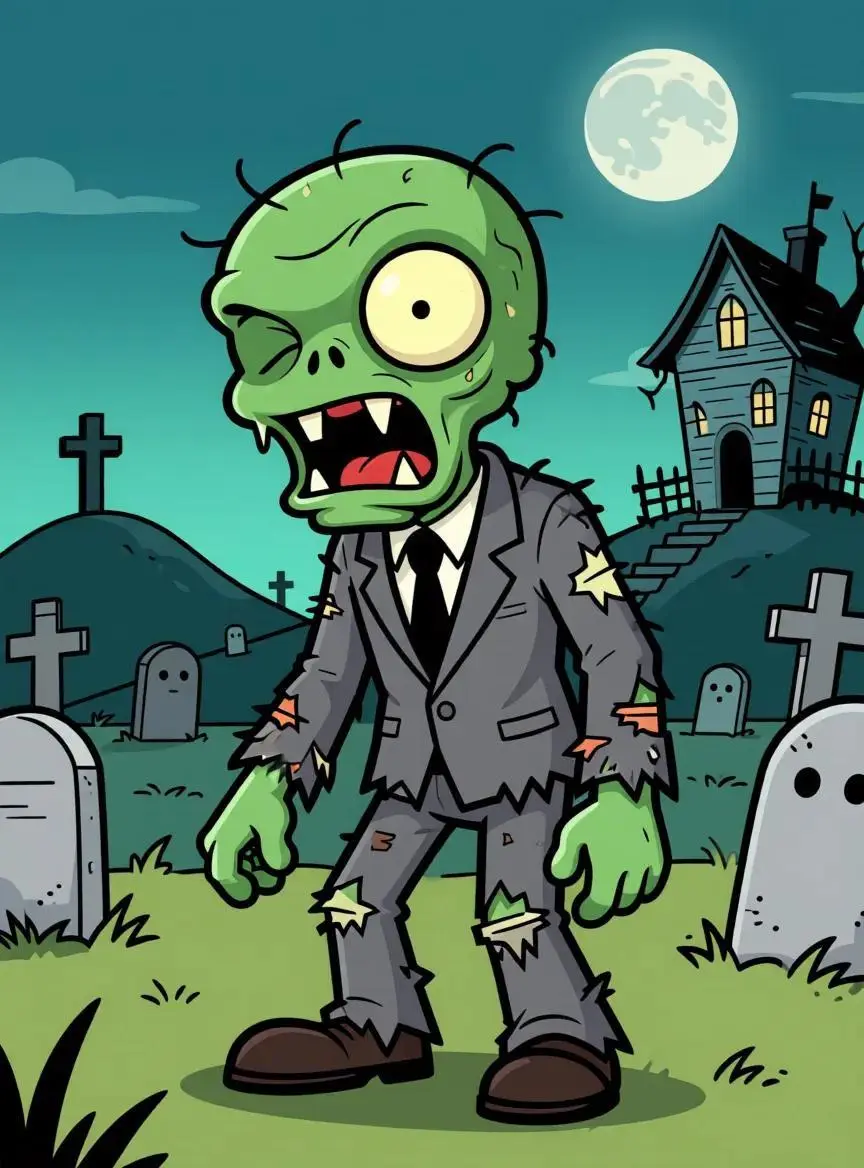
Use image 1 to define the character appearance, clothing and visual style. Follow the body movement and timing in video 1 while keeping the character recognizable. Preserve the original background and avoid added people, lettering or scene changes. Keep the flat cartoon outlines and green character colors.
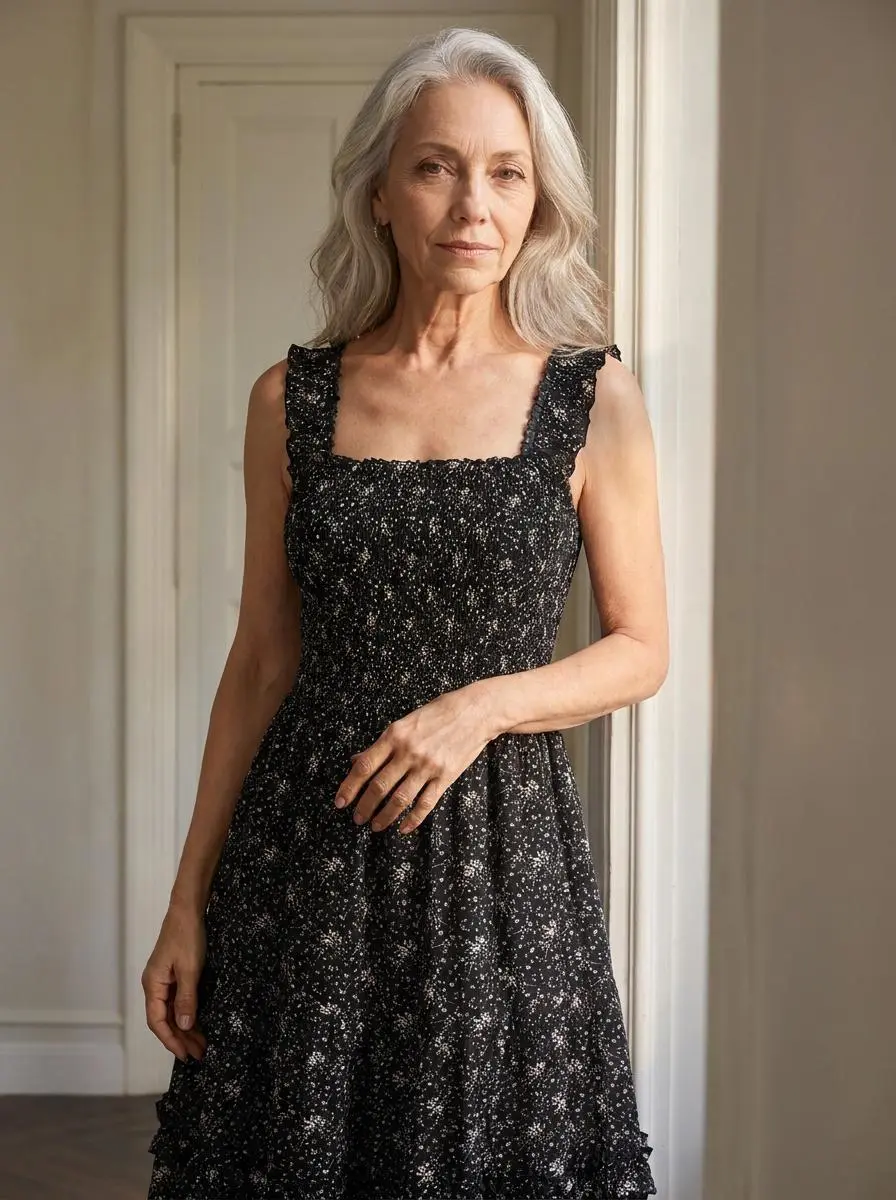
Use image 1 to define the character appearance, clothing and visual style. Follow the body movement and timing in video 1 while keeping the character recognizable. Preserve the original background and avoid added people, lettering or scene changes. Preserve the black dress and softly lit interior.
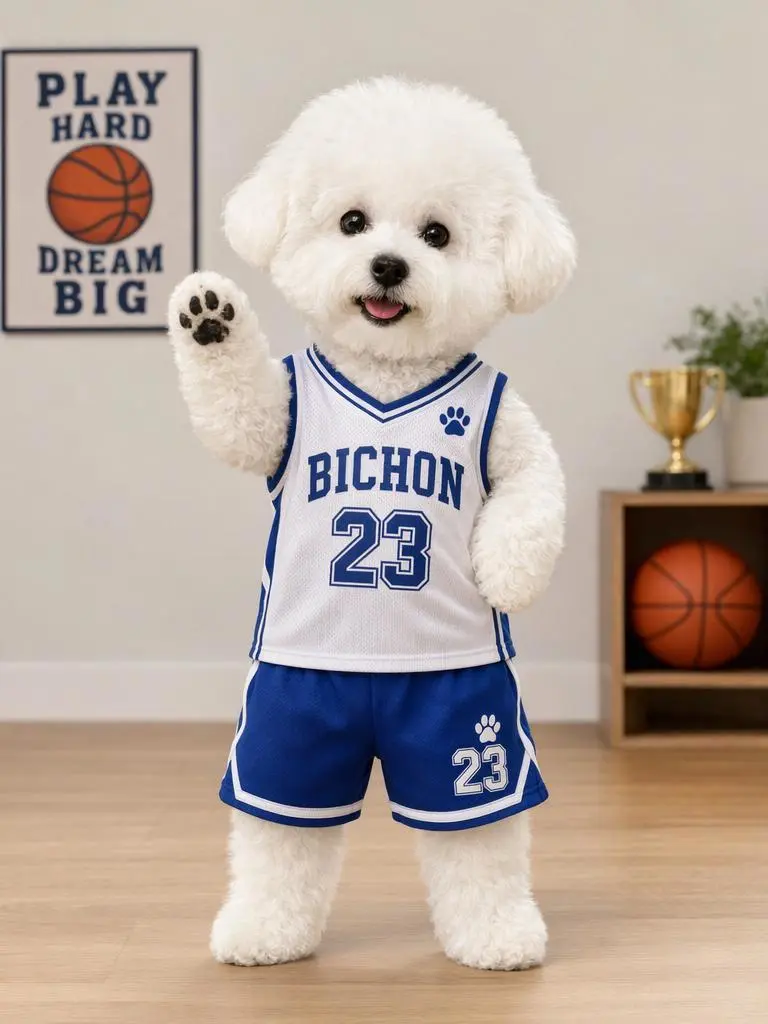
Use image 1 to define the character appearance, clothing and visual style. Follow the body movement and timing in video 1 while keeping the character recognizable. Preserve the original background and avoid added people, lettering or scene changes. Keep the small white dog, basketball outfit and soft toy-like proportions.
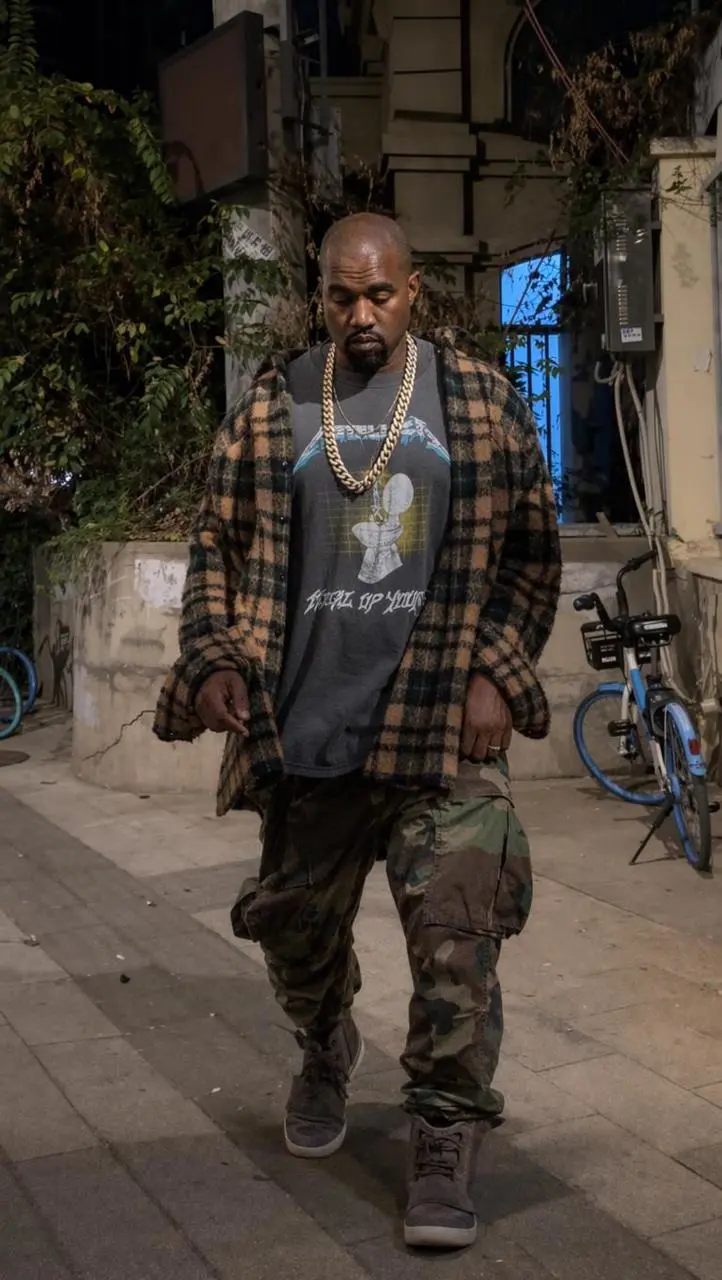
Preserve the character appearance from the input image and follow the movement in the reference video. Keep the original clothing and a consistent background.
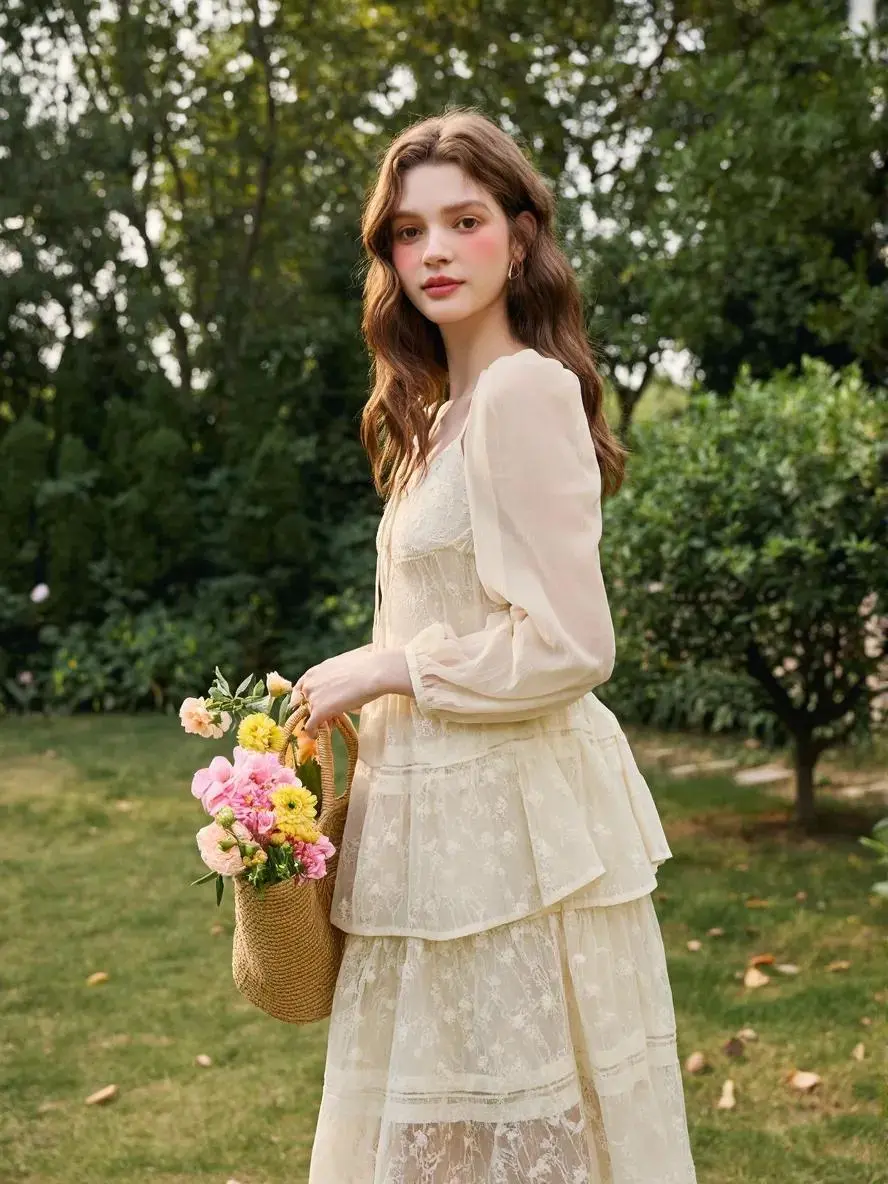
Use image 1 to define the character appearance, clothing and visual style. Follow the body movement and timing in video 1 while keeping the character recognizable. Preserve the original background and avoid added people, lettering or scene changes. Keep the cream outfit, garden and flower bouquet recognizable.
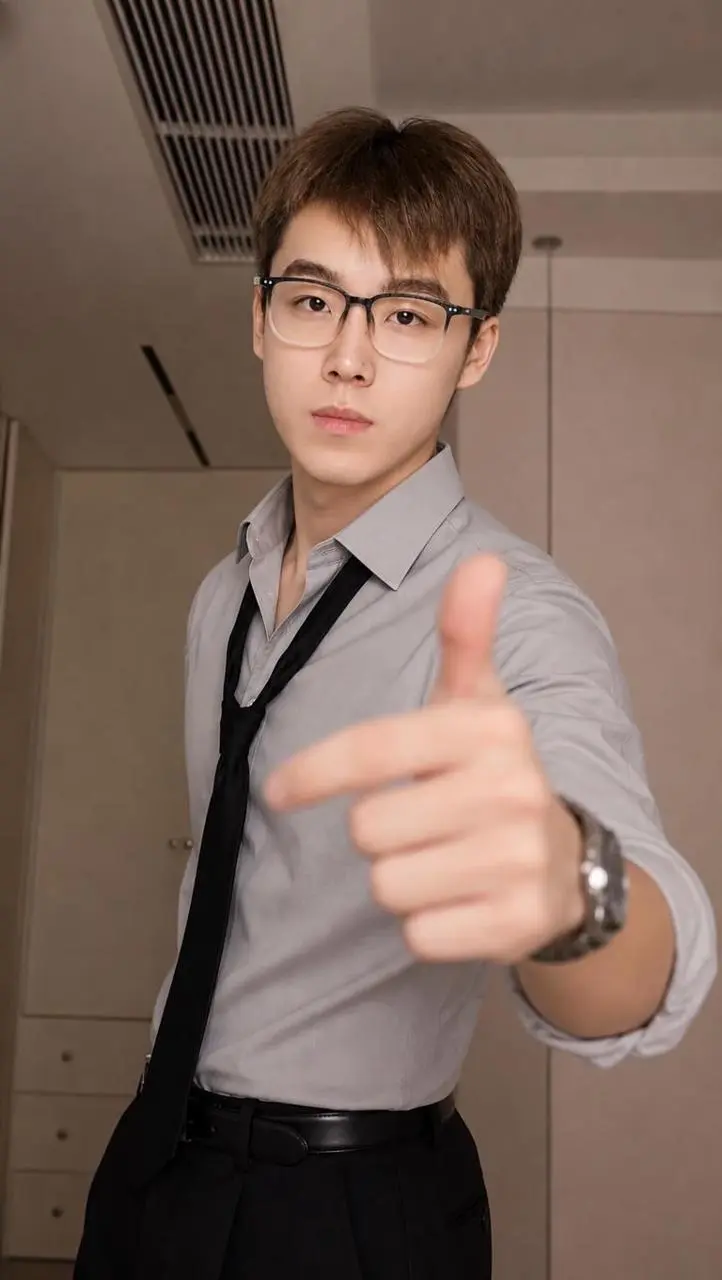
Use image 1 as the appearance reference and video 1 as the body-motion reference. Preserve the shirt, tie, glasses and recognizable face. Follow the arm gestures and timing in the video while retaining the room background. No added people, no cuts and no text.
使用方法
怎樣開始製作 Kling Motion Control 影片?
從 Kling Motion Control 選項與下方說明的輸入路徑開始,提交前檢查可用設置和點數。