Generate a continuous time-lapse video showcasing the complete life cycle of a lemon tree, from seed germination to fruit ripening. The video should feature realistic natural lighting and detailed visuals.
Visual: Vibrant sunset lighting, sharp line art. Action: A girl with a depressed expression says: "Life is so lame, I can't even smile!" The boy's glasses flash with white light: "In that case, you need Western medicine." Girl: "Why?" Boy: "Because Western medicine SMILES!" Suddenly, the background explodes with fire FX. The girl transforms into a "Chibi" angry face and delivers an exaggerated punch/slap with motion blur. Text on screen: "NOT FUNNY!"
The Cruella de Milo 3D doll stands atop a New York skyscraper. As the lights in the middle of the building illuminate, the Cruella de Milo 3D doll begins to dance, holding a cane, overlooking the entire city. The camera movement is required to be natural and fluid.
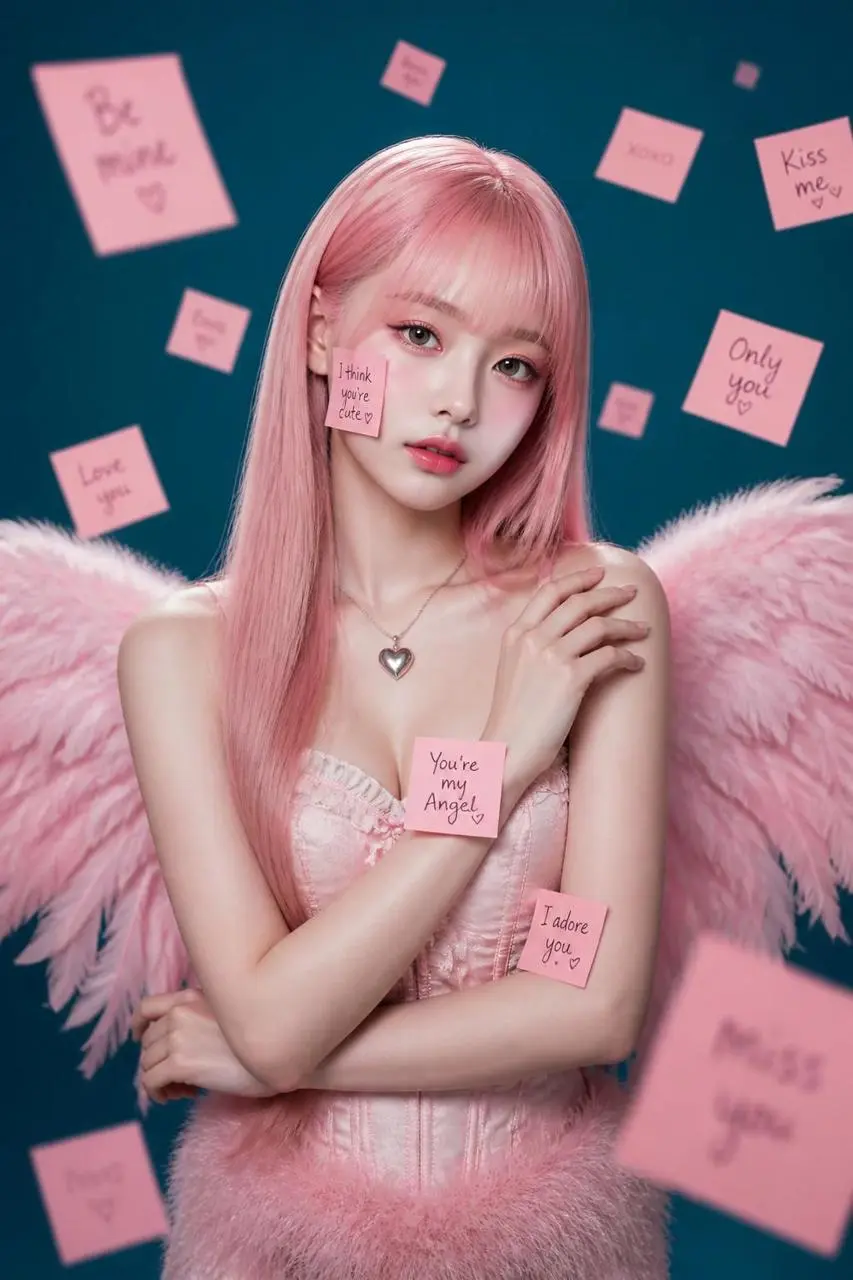
Anime style, close-up. The character slowly blinks and gives a soft, charming smile. Head tilts slightly towards the camera. Long teal hair sways gracefully. The background is a soft bokeh of magical light. Focus on maintaining the intricate details of the gemstone crown and clothing. High fidelity, fluid motion, professional anime animation.
寫清接下來發生什麼
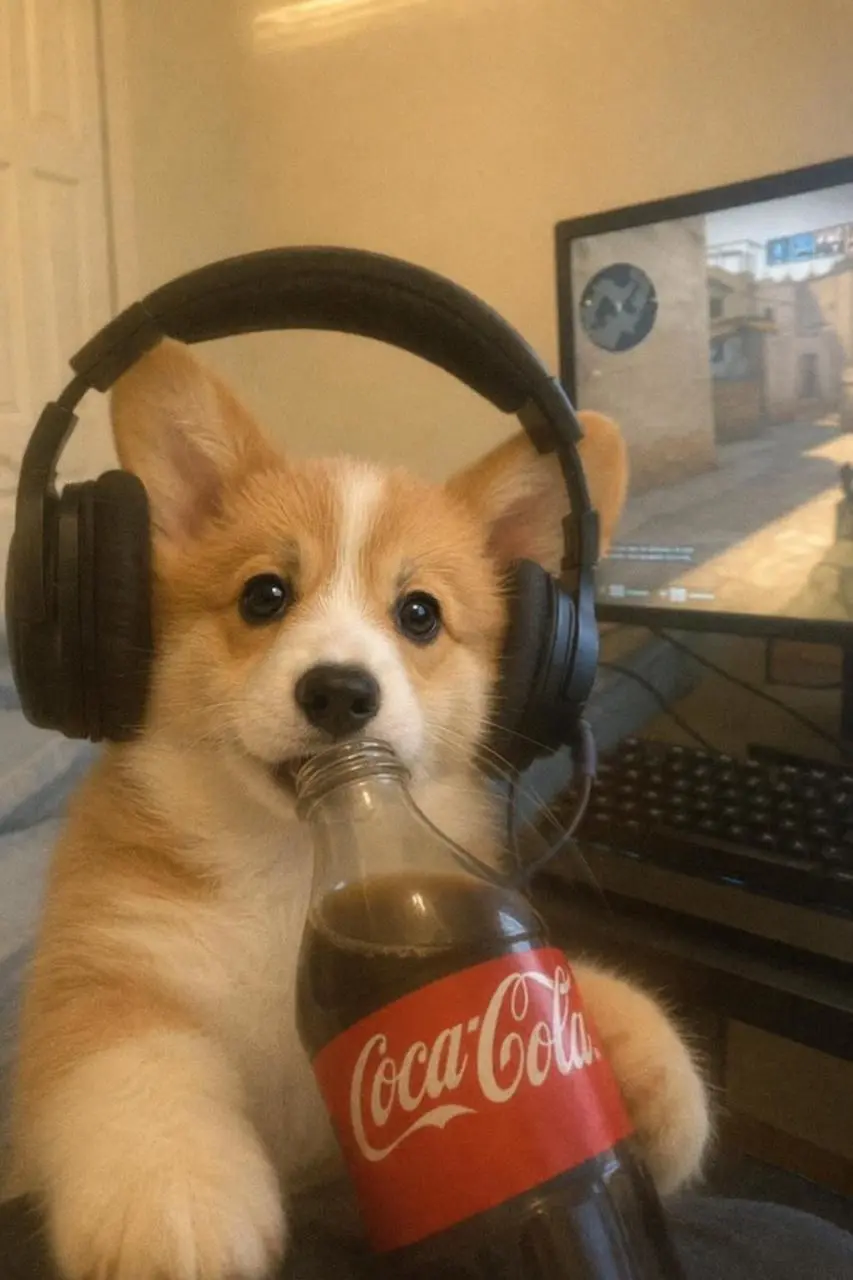
小狗先喝完可樂,再轉身繼續玩電腦遊戲。提示詞給動作排出先後順序,讓它們組成一個小情節。
After finishing his cola, the puppy turned around and started playing games.
{
"image_settings": {
"aspect_ratio": "4:5",
"resolution": "780/975"
},
"prompt": {
"scene_and_composition": {
"visual_hook": "A surreal juxtaposition of a professional person in a corduroy suit sitting inside a giant, oversized ceramic teacup adorned with realistic human eyes.",
"camera_angle": "Eye-level, straight-on studio shot, formal composition.",
"framing_and_depth": "Centered medium shot with a shallow depth of field that keeps the subject and the teacup in sharp focus against a flat, smooth, solid blue studio backdrop.",
"medium_physics": "Clean, crisp commercial digital photography, high-resolution textures, no motion blur, consistent studio lighting."
},
"subject_content": {
"identity_features": "Fair-skinned person, lean facial structure, narrow nose, soft jawline, blonde hair styled in a sleek, tight middle-part bun.",
"overall_pose": "Sitting upright in a giant cup, legs dangling down, laptop balanced on lap, hands typing.",
"limb_articulation": "Arms bent at the elbow resting on the laptop, legs hanging off the edge of the cup, feet wearing clean white sneakers.",
"pose_dynamics": "Formal and rigid posture, focus directed forward, conveying a sense of corporate-surrealism.",
"makeup_look": "Minimalist, 'no-makeup' makeup, clean skin texture, natural soft brows.",
"emotional_vibe": "Detached, surreal, calm, professional, eccentric.",
"main_object/apparel": "Muted sage-green corduroy blazer and matching trousers, crisp white button-up shirt, pale pink tie, pearl-bead circular spectacles.",
"hair_and_styling": "Hair tightly pulled back, sleek finish, no flyaways.",
"interaction_with_environment": "Subject is physically nested inside the giant ceramic teacup, surrounded by small green foliage and delicate pink floral sprigs tucked into the cup edge."
},
"environment": {
"visual_depth_stack": "Foreground: 1 giant ceramic teacup with 8 realistic human eyes painted on the exterior surface. Midground: 1 professional person sitting, holding a silver laptop, small 5-10 clusters of green leaves and flowers. Background: 1 seamless, solid light-blue studio wall.",
"lighting_atmosphere": "Key: Even, diffused softbox lighting from the front; Ambient: Subtle, low-contrast shadows around the base of the cup; Interaction: Soft highlight on the ceramic texture of the cup and a slight sheen on the corduroy fabric."
},
"realism_rules": [
"Surreal editorial photography style",
"High-fashion conceptual aesthetic",
"Studio lighting with no harsh shadows",
"Sharp focus on eye details of the teacup",
"Matte fabric textures for clothing",
"Glossy ceramic finish for the cup"
]
},
"negative_prompt": [
"3D render",
"cartoon",
"painting",
"distorted anatomy",
"over-saturated colors",
"cluttered background",
"blurry subjects",
"low resolution",
"floating limbs",
"inconsistent studio lighting",
"obvious AI artifacting",
"stiff posing"
]
}
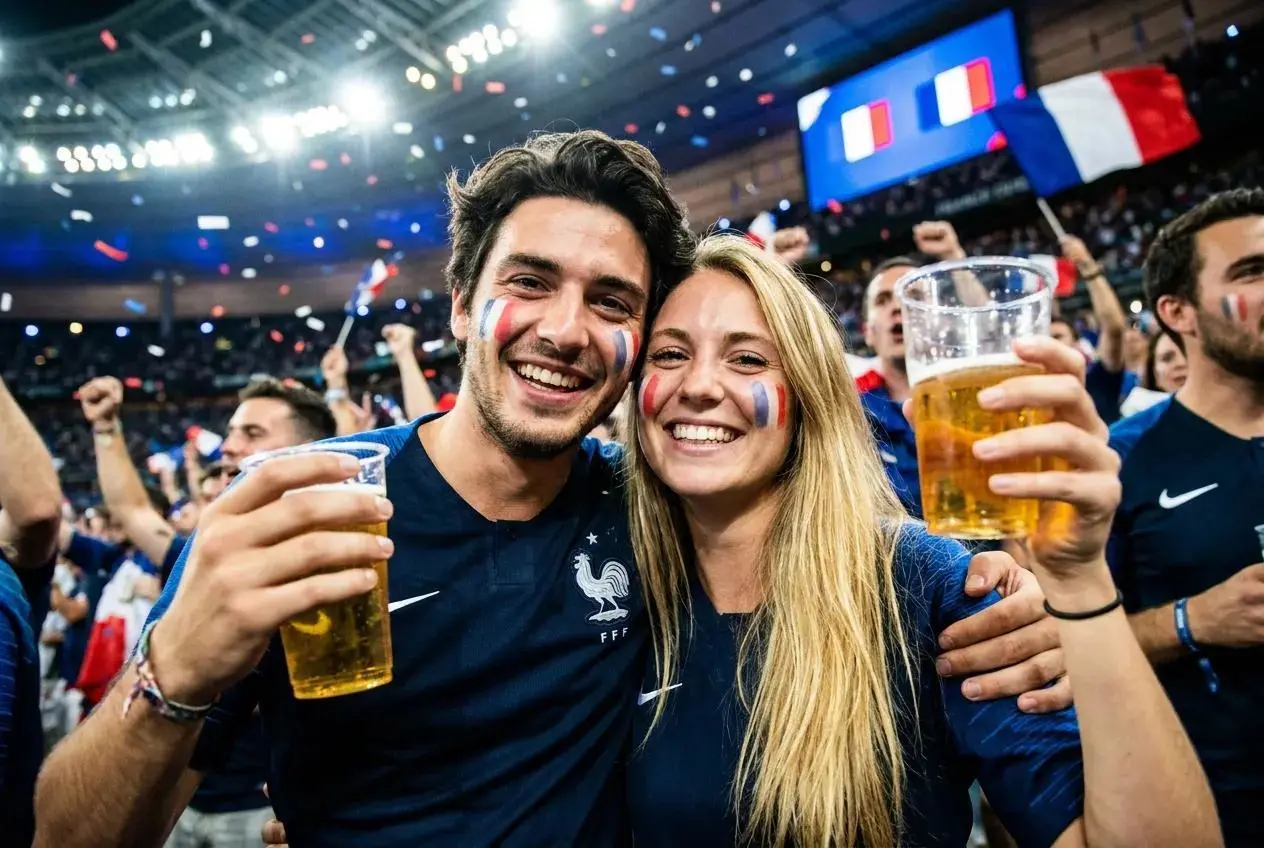
A football-loving couple celebrating a World Cup victory inside a packed sports pub. They burst into an energetic British Jive dance, performing synchronized kicks, spins, side steps, partner turns, rhythmic footwork, playful interactions, and joyful dance moves.
Orbit camera, dynamic zoom, whip pan transitions, low-angle hero shots, immersive crowd movement, strong motion parallax, cinematic motion blur.ultra-realistic motion, high-energy festival atmosphere.