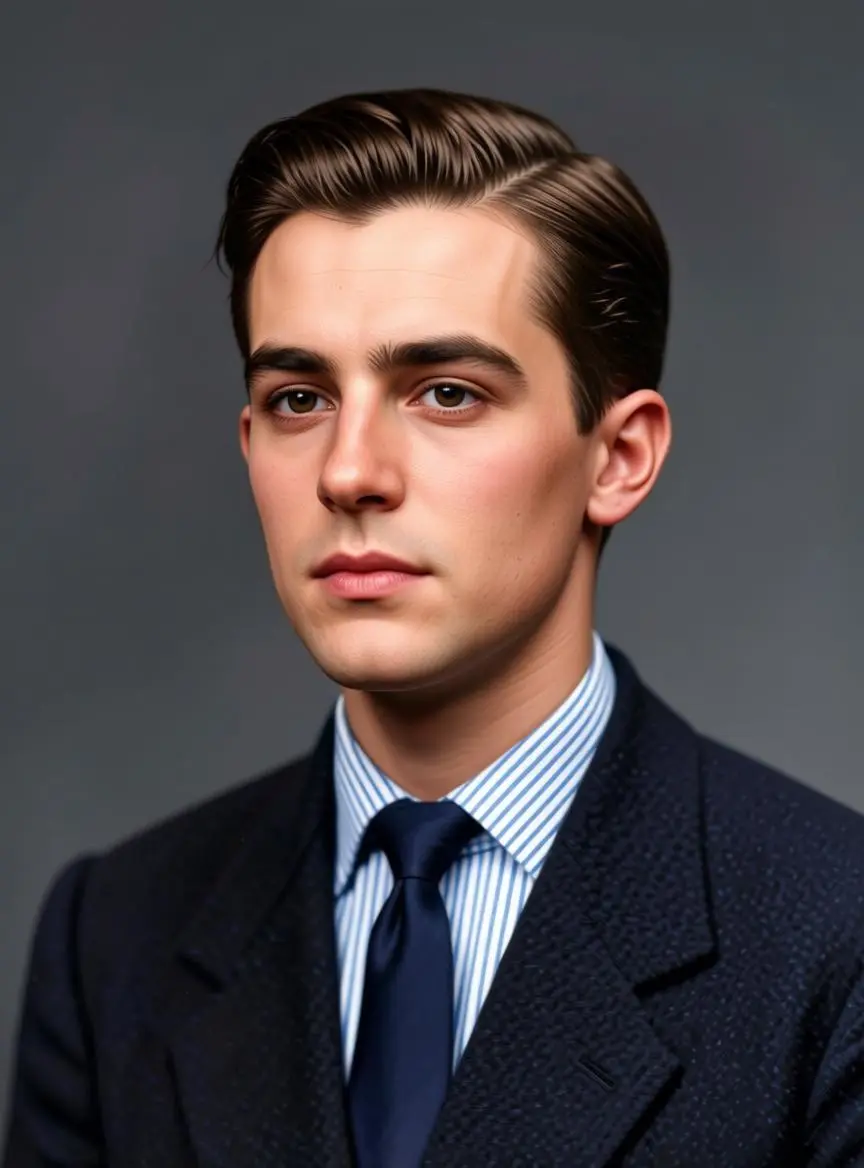
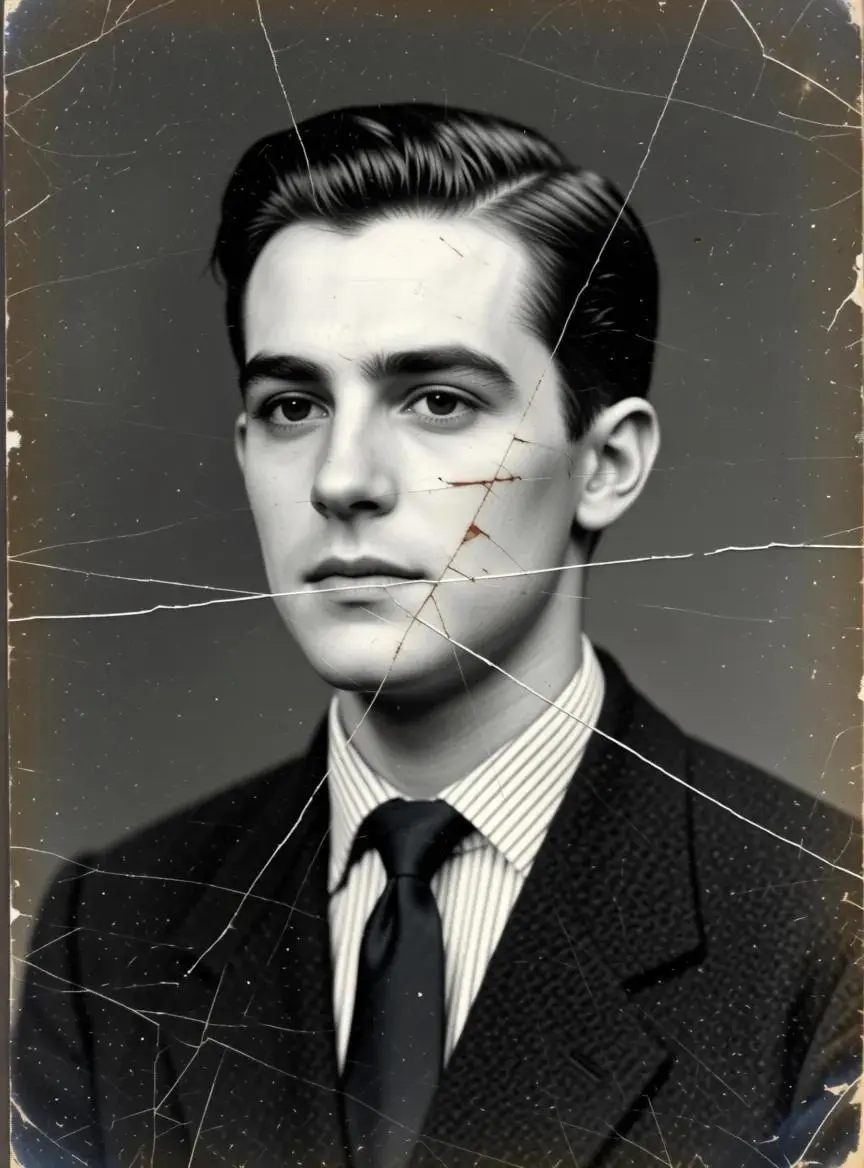
彩色人像修复
将参考人像修复为高清彩色照片,由原图提供人物与取景。
Turn into a high-definition color photo

查看基于参考图的肖像修复、微缩艺术家场景和 Y2K 拼贴。无需上传图片的创作示例见提示词指南中的纯文字人物案例。每个结果均保留实际英文提示词及已保存案例。
将参考人像修复为高清彩色照片,由原图提供人物与取景。
Turn into a high-definition color photo
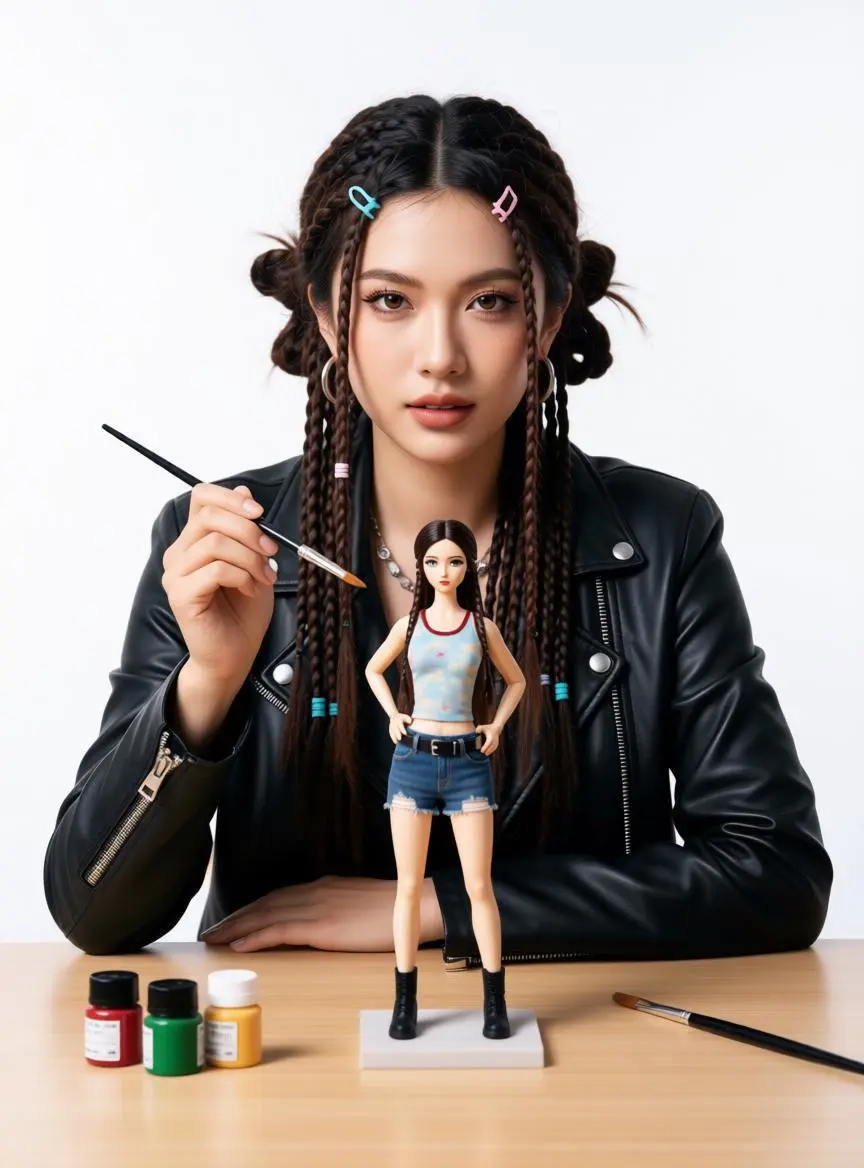
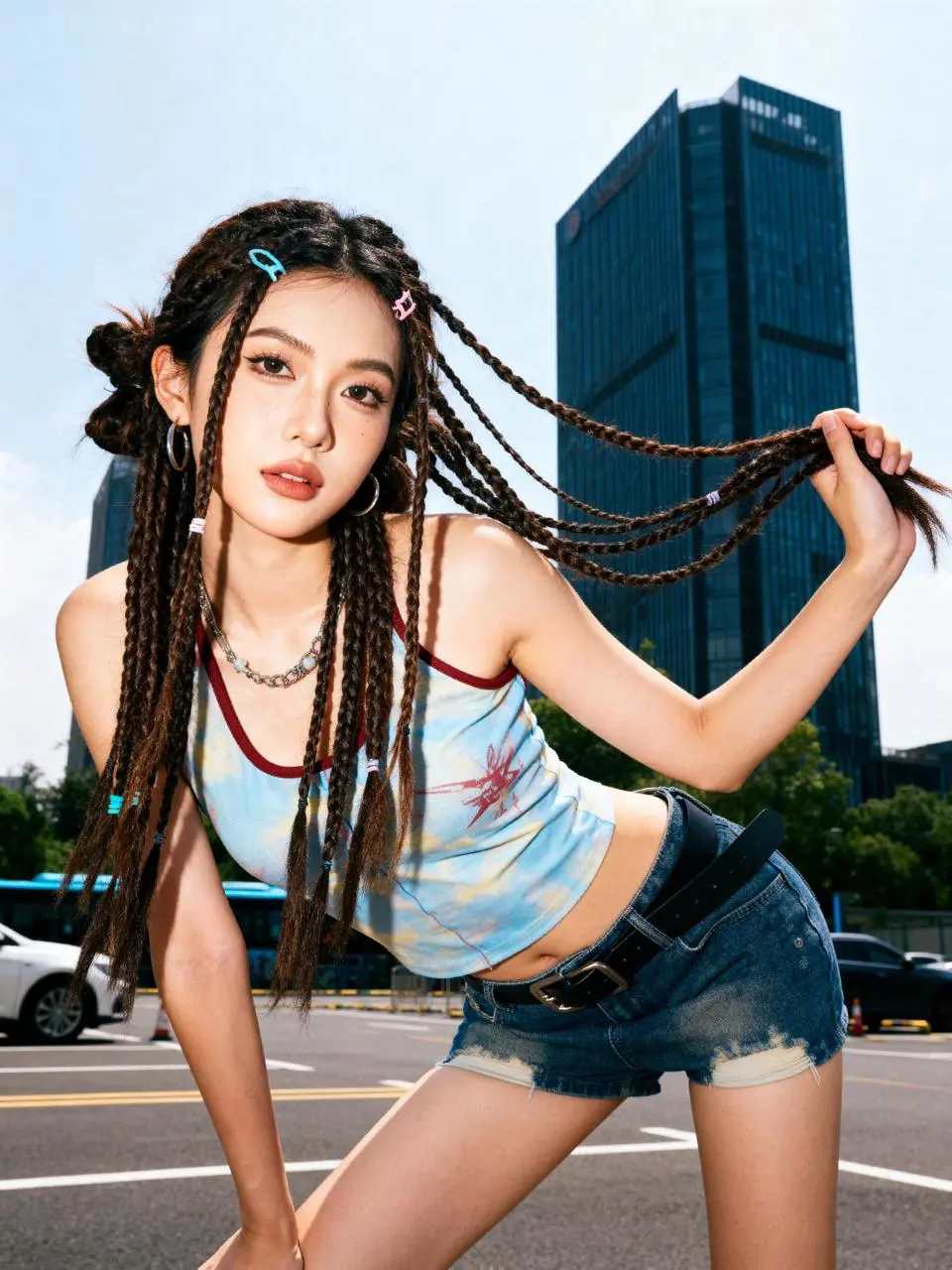
将参考人物重新表现为正在涂装微缩模型的艺术家,以人像为输入起点改变场景。
Create a portrait of a person, depicting this individual as an artist drawing a miniature doll. This person is dressed in their most iconic attire, confidently looking directly at the camera, holding a small paintbrush in one hand. A mini version of oneself is prominently placed on the clean workbench in front of them - enlarging the doll to make it more noticeable than its actual size, thus highlighting it even more. The doll is also wearing the same iconic clothing and is posing in a typical manner. The painting supplies on the workbench are minimal, avoiding clutter - only two or three small paint bottles and one spare brush, focusing the viewer's attention on the person and the doll. A soft neutral white background, professional studio lighting, shallow depth of field. The composition highlights the facial expression of the person looking at the camera and the doll being drawn. The style of the picture is simple and lively, aiming for a photo-realistic effect, with the details of the person and the doll needing to be highly accurate.
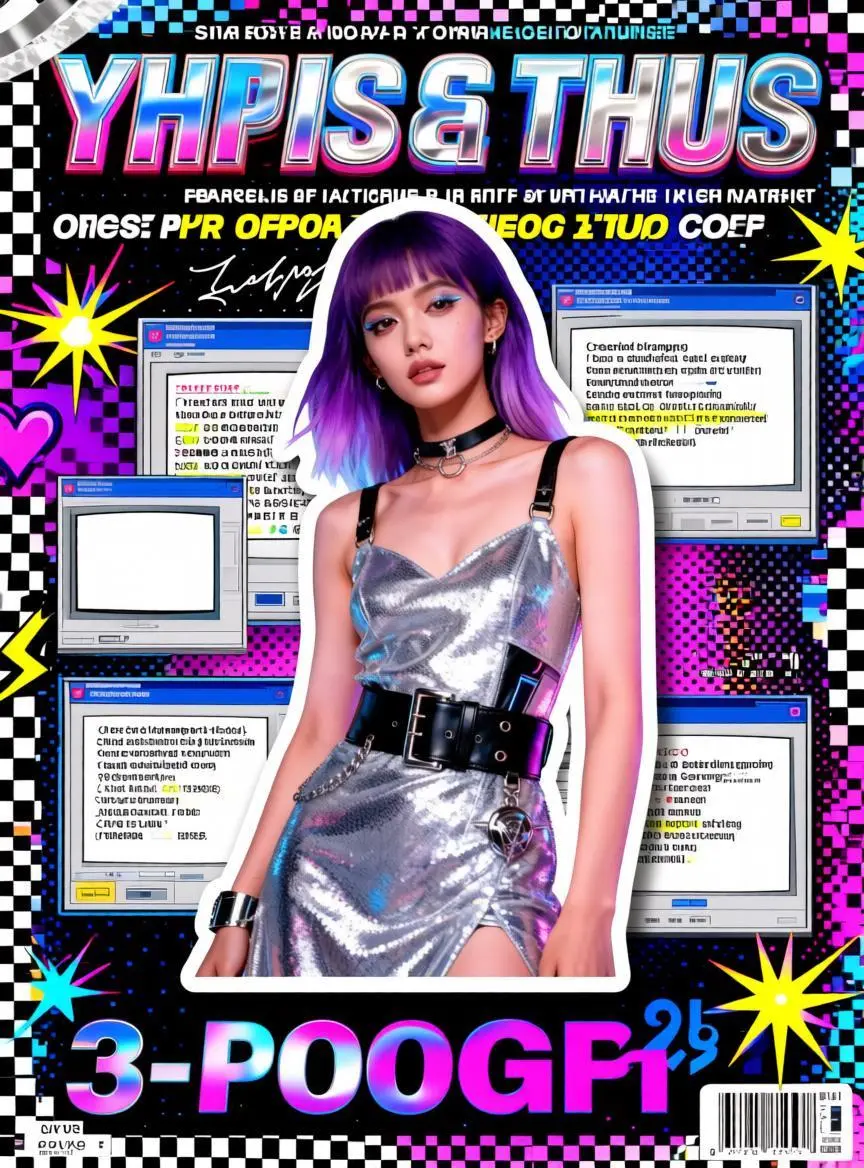
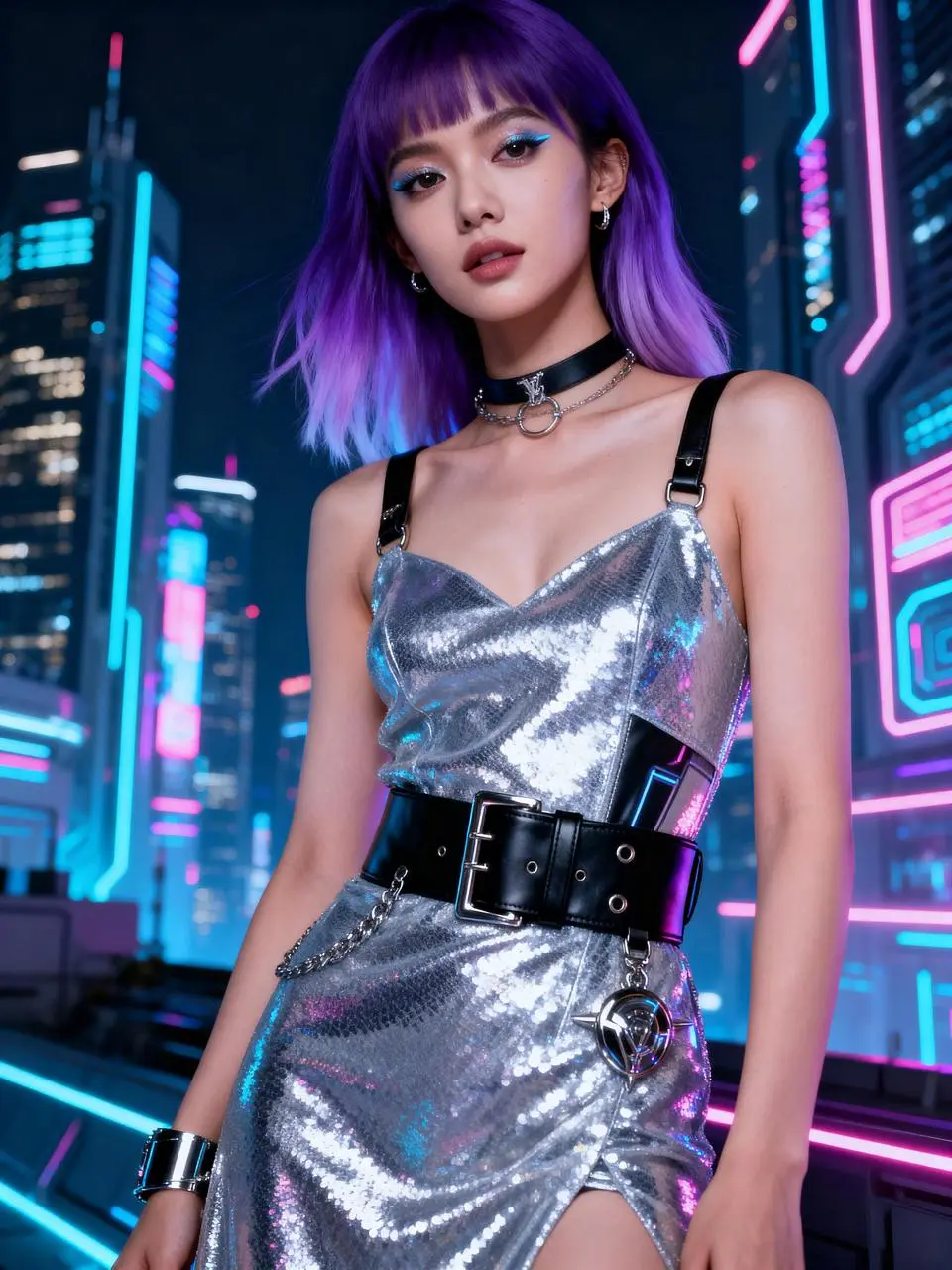
此结果展示 Y2K 拼贴风格:人物剪贴、霓虹配色、贴纸及复古窗口图形。生成的标题和小字含无意义字母,使用前需替换并校对。本例用于风格展示,不能作为准确文字排版或成品杂志封面的示范。
Convert the uploaded photos into a Y2K collage-style magazine cover poster. Keep the identity features and expressions of the main subject consistent, with the main subject clearly and prominently displayed, like being cut out and turned into a sticker placed in the center of the picture, with clean white borders and slight shadows, with distinct layers, with the main subject having the highest priority, and not being obscured. Color scheme rules: Extract the color from the main subject's largest proportion in the uploaded photo and enhance it to a higher saturation and brighter Y2K neon version; then automatically pair a set of strong contrasting colors / adjacent colors / complementary colors as embellishments for the title, stickers, and UI windows. Background uses common Y2K elements combinations: neon gradients, dot halftones, pixel textures, shiny plastic / chrome reflective textures; make a collage decoration around the edges but without competing with the main subject: hand-drawn graffiti lines, stars, hearts, lightning, checkered patterns, exploding star rays, tape stickers, arrows, sticker borders, etc., with high information density but in an orderly manner. Generate the publication name at the top (please design appropriate title text based on the nature of the subject, in English, bold, 3D border, candy color or metallic chrome effect). Generate several short subheadings / slogans above and on the sides of the picture (automatically randomly created, in English, please design appropriate subheading text based on the nature of the subject, short and powerful, like magazine cover copy). Generate a large main title at the bottom (please design appropriate text based on the nature of the subject, 3-6 words, in English, all in capital letters). Generate a magazine information module in the corners: issue number / date / price / small labels, and add a clear barcode area. Retro Windows elements: Overlay multiple layers of Windows 98 / Windows XP era-style window collages around the main subject. The text content and prompt information in the windows are randomly generated, but in line with the tone and layout of the system prompts from that era (in English, short sentences, prompts, percentages, paths, dialog box buttons, etc.), overall realistic and credible. Overall texture leans towards the trendy poster printing and scanning style: slight particles, a little misalignment / overlay effect, sharp edges, strong contrast, bright color grading, high-contrast highlights. The overall picture is clear, clean, and has layers, suitable for magazine covers.
FireRed-Image-Edit 是 FireRedTeam 的指令式图像编辑模型系列。项目侧重遵循编辑指令,同时保留主体身份并组合视觉元素。 FireRed Image Edit 适合用指令修改原图,包括人像修复和不同视觉表现。修复人像、微缩艺术家场景与 Y2K 拼贴是三个可检查的参考编辑案例,不是精确保留身份的证明。
描述对原图的具体修改,以及应保持可辨识的外观。
场景发生变化时,用提供的图像指导人物或物体。请检查身份及组合元素的边界。
要求新的视觉表现,同时区分原图细节与预期转换。
在 WeShop AI,可通过文字描述创建新图,也可上传图片并描述所需编辑。修改已有图片时需要原图;纯文字创作则无需先提供图片。
描述你想生成的图片,包括主体、场景和视觉风格,无需上传原图。
上传需要编辑的图片,说明要修改的内容,以及希望保留的细节。
下方包含三个基于参考图的编辑案例和一个纯文字人物创作案例。每张卡片说明实际请求,展示结果及适用的参考输入,并保留完整原始英文提示词。这些案例展示具体请求,不代表经过验证的通用提示词公式。
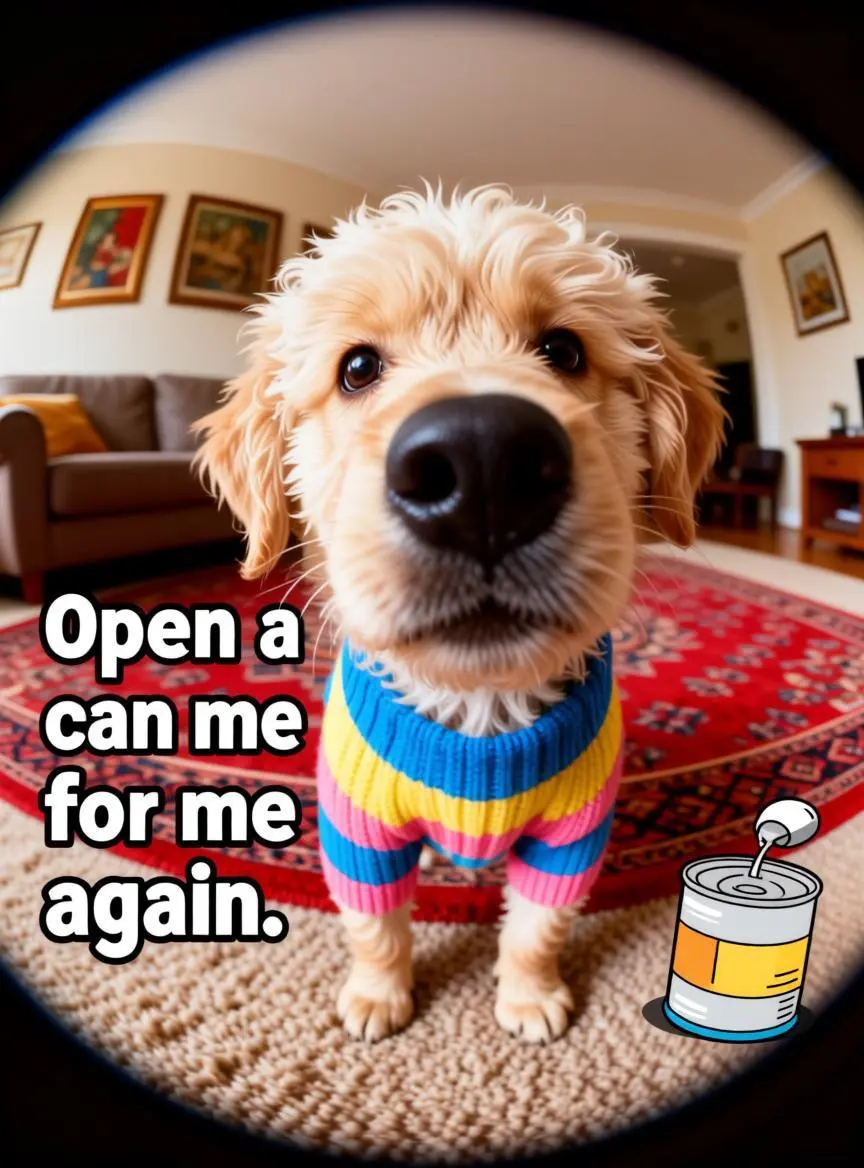
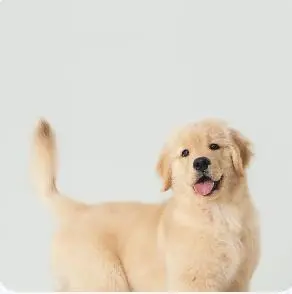
同时指定参考小狗与文字在构图中的位置。提示词将“Open a can for me again”放在左侧,罐头插画放在右下角。
The puppy in Figure 1 stands in the center of the image, on an indoor carpet. The camera is very close to it, and a wide-angle lens was used, making its nose appear particularly large, almost becoming the most eye-catching part of the entire picture. The puppy's fur is off-white and light brown, with slightly fluffy and curly hair on its face. Its ears fold slightly to the sides, and its round eyes look innocent yet intelligent. It wears a colorful striped sweater in blue, yellow, and pink, making the overall image warmer and more lively. The background is a cozy living room environment. A patterned red carpet covers the floor, and behind it, you can see a sofa, decorative paintings on the wall, and indoor furniture. The overall color scheme is warm, giving a comfortable family atmosphere. There is a slight vignetting effect at the edges of the image, as if it were taken through a peephole or an ultra-wide-angle lens, enhancing the photo's whimsicality. On the left side of the image, there is a large English phrase: "Open a can for me again," which roughly translates to "Open another can (of food) for me." A cartoon image of a can is also present in the lower right corner, echoing the text. The whole image is like a pet emoji, using an exaggerated close-up and a pitiful and cute expression to express the puppy's desire for another can of food.
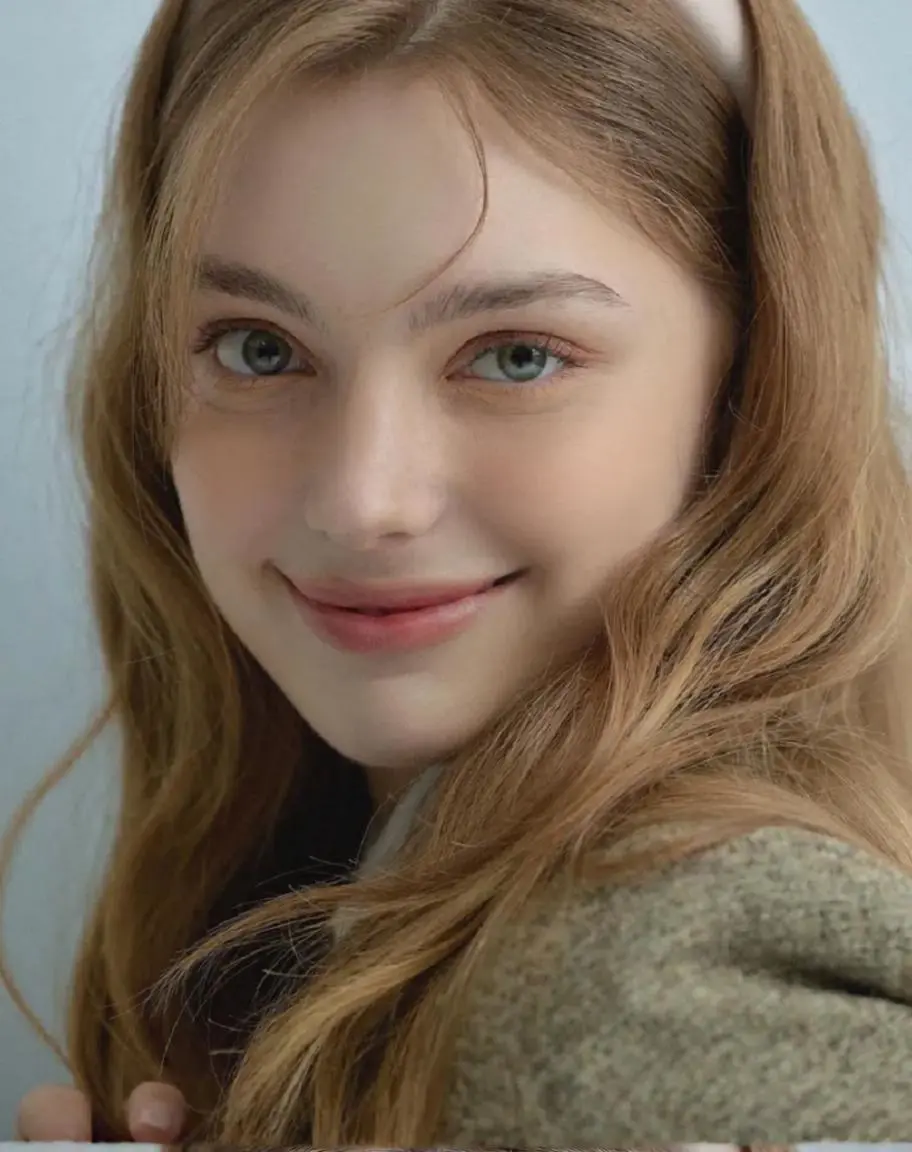
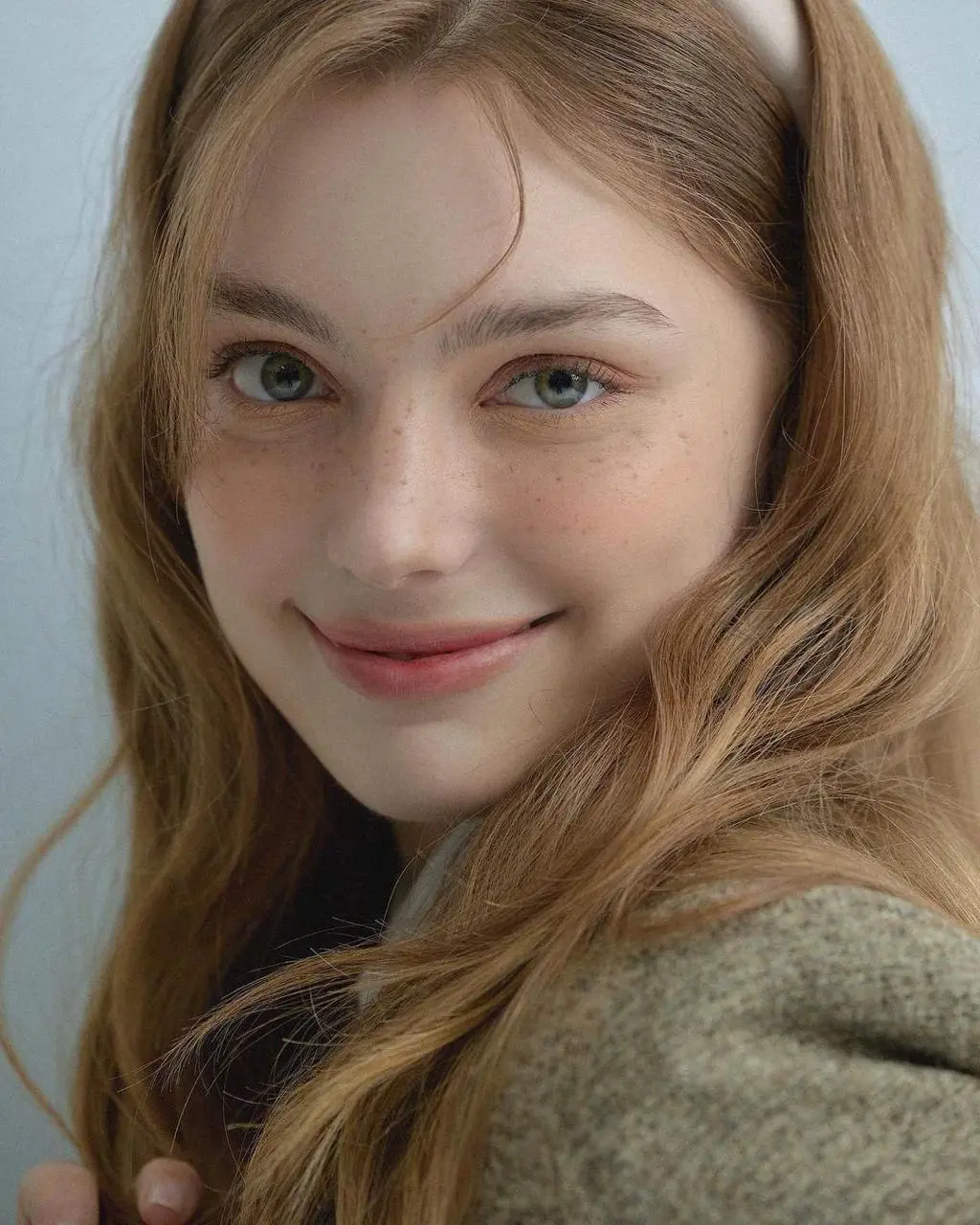
区分所需转换与图像提供的主体或构图。本例写道:“remove facial imperfections and acne spots, keep natural skin texture and facial expression, preserve identity and lighting”。
remove facial imperfections and acne spots, keep natural skin texture and facial expression, preserve identity and lighting

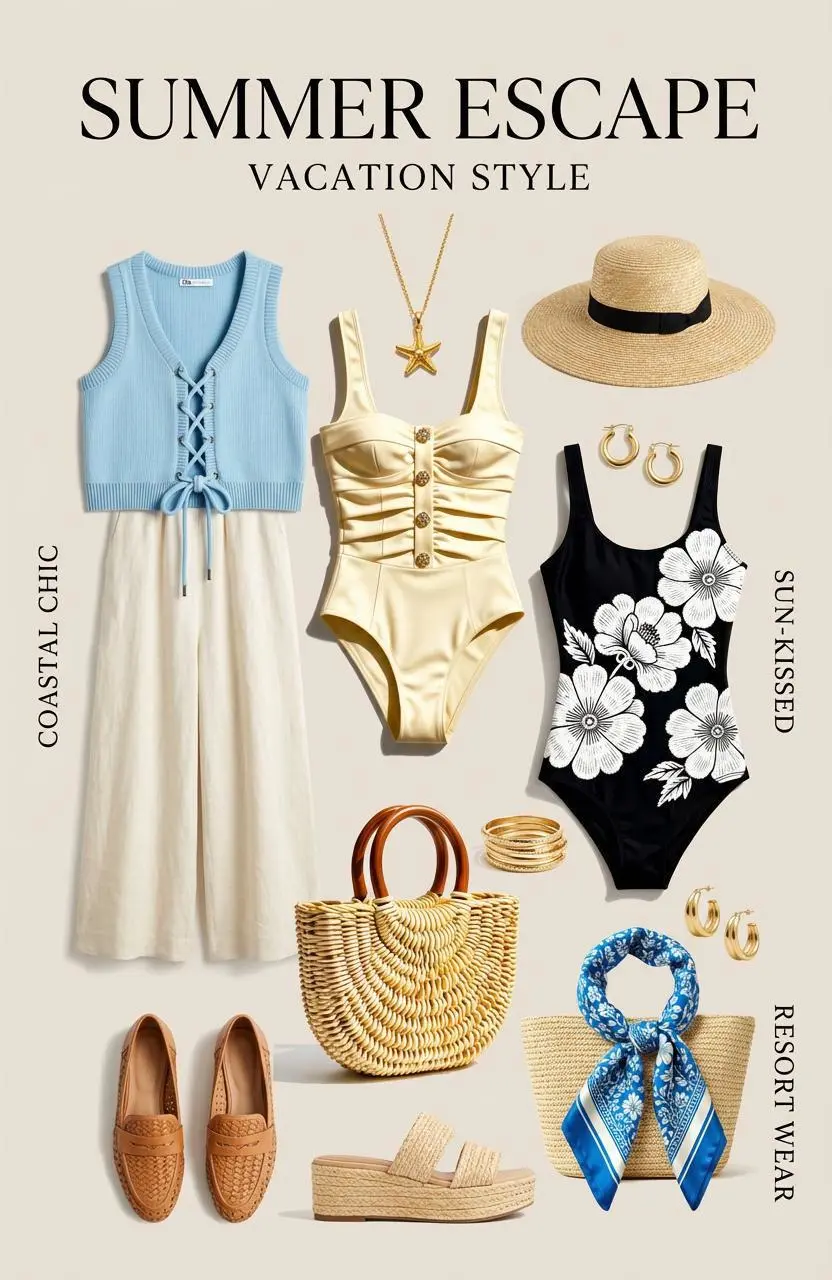
用原图提供服装,再写明目标场景。此请求让模特穿着图 1 的服装出现在海滩上。
The model is wearing the outfit in Figure 1 and standing on the beach.
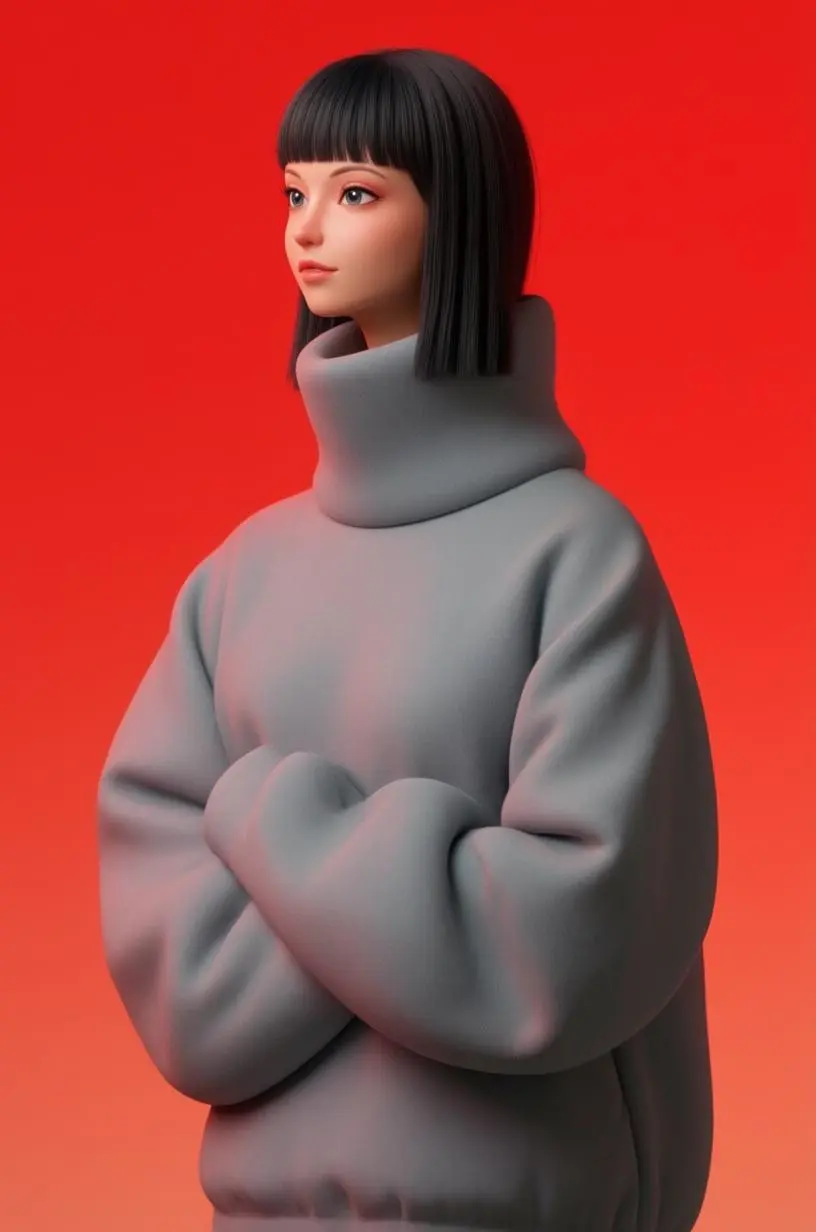
仅输入文字提示词;该已保存案例未附参考图。提示词描述了黑色短发、宽松灰色高领毛衣、鲜红背景及风格化 3D 外观。可在结果中核对这些元素;单个案例不能证明每项比例要求都能被精确控制。
This image is a minimalist stylized character portrait of a woman against a solid bright red background. She has a very elongated neck, a small face with delicate features, and straight black hair cut into a blunt bob with bangs. She is wearing an oversized soft gray turtleneck sweater with large rounded sleeves that make her silhouette look sculptural and fashion-forward. Her pose is calm and reserved, with her head slightly turned to the side and her eyes looking off into the distance. The character design is highly simplified and elegant, with smooth surfaces, muted colors, and a refined editorial mood. Overall, it feels like a mix of modern fashion illustration and stylized 3D sculpture.
选择 FireRed Image Edit,并按照下方输入路径操作。提交前检查可用设置与积分。
创建新图可从文字描述开始,或上传需要编辑的图片。编辑时,明确目标改动,以及人物、物体或布局中应保持可辨识的细节。
宽高比:Auto、1:1、2:3、3:2、4:3、3:4、16:9、9:16。这些是可选设置,不代表固定像素尺寸或文件格式保证。实际像素尺寸请查看原始输出文件。提交前检查显示的积分和套餐中的模型使用权限。
将面部及保留的原图细节与新表现方式分别比较。对于说明文字或杂志封面,应校对生成文字并检查位置。
打开相关模型页面,查看其能力、案例和当前生成选项。
常见问题
FireRed-Image-Edit 是 FireRedTeam 的指令式图像编辑模型系列。项目侧重遵循编辑指令,同时保留主体身份并组合视觉元素。
FireRed Image Edit 适合用指令修改原图,包括人像修复和不同视觉表现。修复人像、微缩艺术家场景与 Y2K 拼贴是三个可检查的参考编辑案例,不是精确保留身份的证明。
官方项目强调身份保留与指令遵循。请写明变化及需要保留的主体细节,并对照输入检查面部、服装与编辑区域。
在 WeShop AI,可通过文字描述创建新图,也可上传图片并描述所需编辑。修改已有图片时需要原图;纯文字创作则无需先提供图片。
宽高比:Auto、1:1、2:3、3:2、4:3、3:4、16:9、9:16。这些是可选设置,不代表固定像素尺寸或文件格式保证。实际像素尺寸请查看原始输出文件。
WeShop 当前定价表为此模型列出了有限免费额度。请检查账户权限和剩余额度,再查看所选请求的积分预估。本页不提供固定单次价格,也不将其他厂商的订阅额度套用到 WeShop。
官方仓库区分 1.0 与 1.1。WeShop 未标注版本的名称不能证明采用某个具体版本或包含全部 1.1 专属功能。请将面部及保留的原图细节与新表现方式分别比较。对于说明文字或杂志封面,应校对生成文字并检查位置。 此结果展示 Y2K 拼贴风格:人物剪贴、霓虹配色、贴纸及复古窗口图形。生成的标题和小字含无意义字母,使用前需替换并校对。本例用于风格展示,不能作为准确文字排版或成品杂志封面的示范。
参考图案例展示肖像修复、微缩艺术家场景及 Y2K 拼贴风格;指南另含一个无参考图的纯文字人物案例。Y2K 结果含无意义文字,需替换并校对,展示的是视觉风格而非准确排版。这些单例不能用于衡量成功率或保证精确保留原图细节。
当前入口未标注具体检查点。官方仓库区分 FireRed 1.0 与 1.1,而 WeShop 名称未标注版本。应按实际编辑任务与已保存结果选择,不假定已部署所有 1.1 专属功能。
同时指定参考小狗与文字在构图中的位置。提示词将“Open a can for me again”放在左侧,罐头插画放在右下角。请阅读指南中配对的完整提示词和实际输入,再按自己的任务调整。