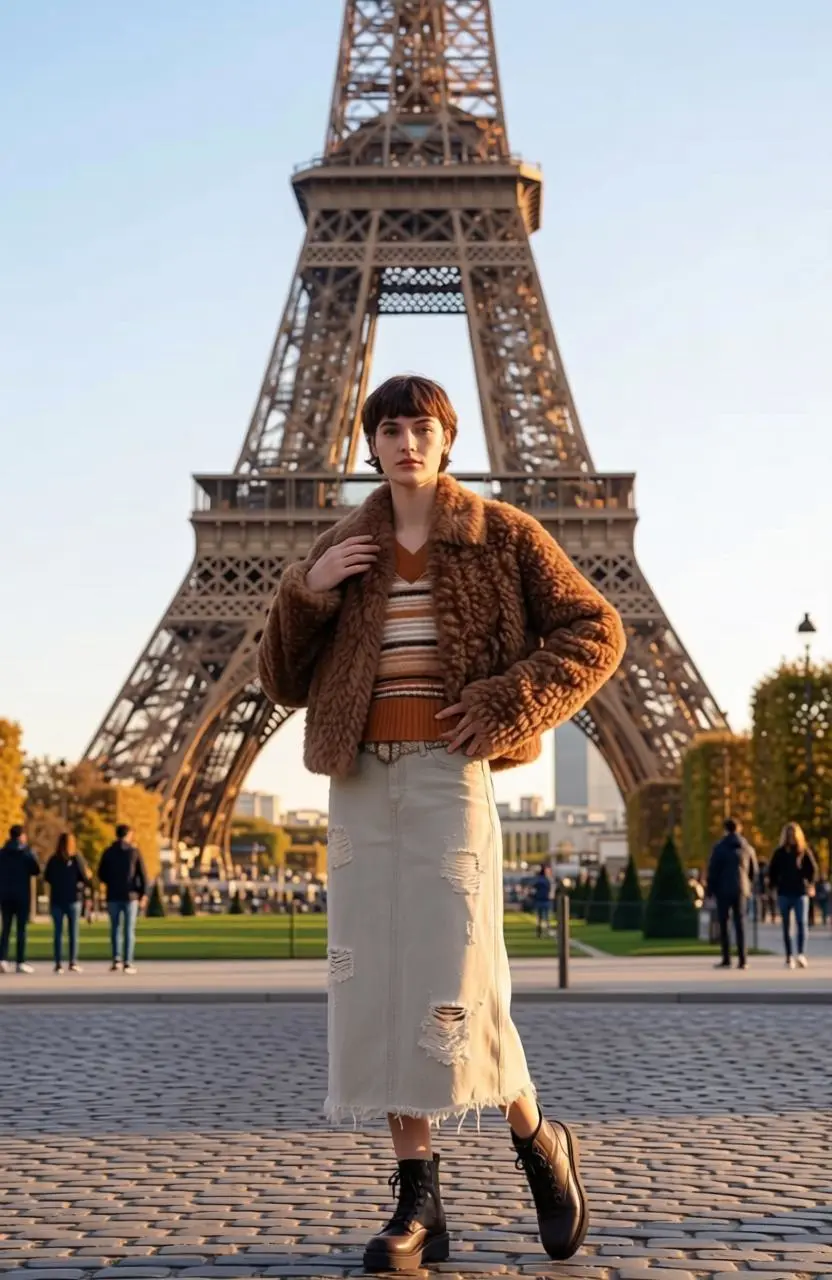
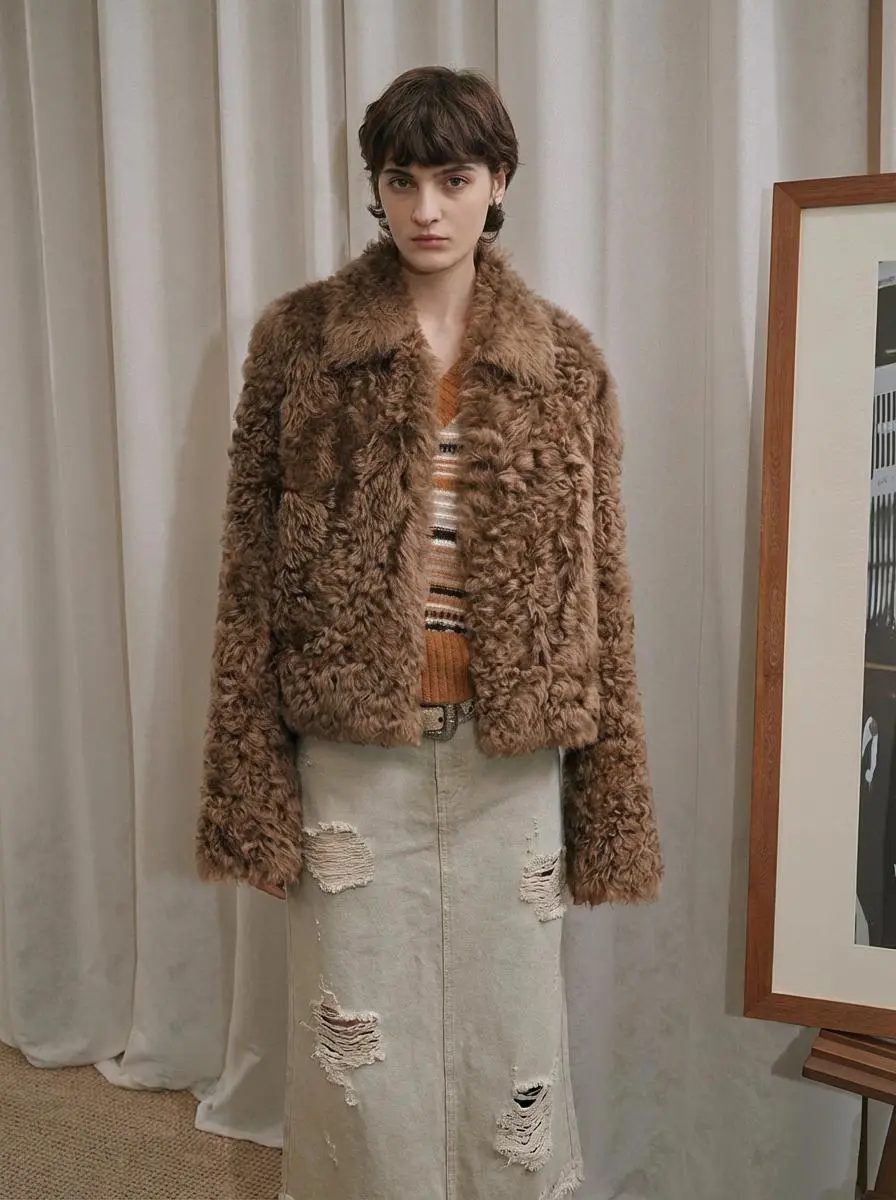
巴黎新场景中的人像
将参考人像放入巴黎地标场景并调整姿势,分别说明人物与新环境。
Change the background, stand in front of the Eiffel Tower in Paris, France, and adjust your pose.

查看巴黎人像、晴天城市和工作坊海报的原图编辑案例。下方提示词指南另有无需上传图片的灯塔风景创作,配有实际提示词和结果。
将参考人像放入巴黎地标场景并调整姿势,分别说明人物与新环境。
Change the background, stand in front of the Eiffel Tower in Paris, France, and adjust your pose.
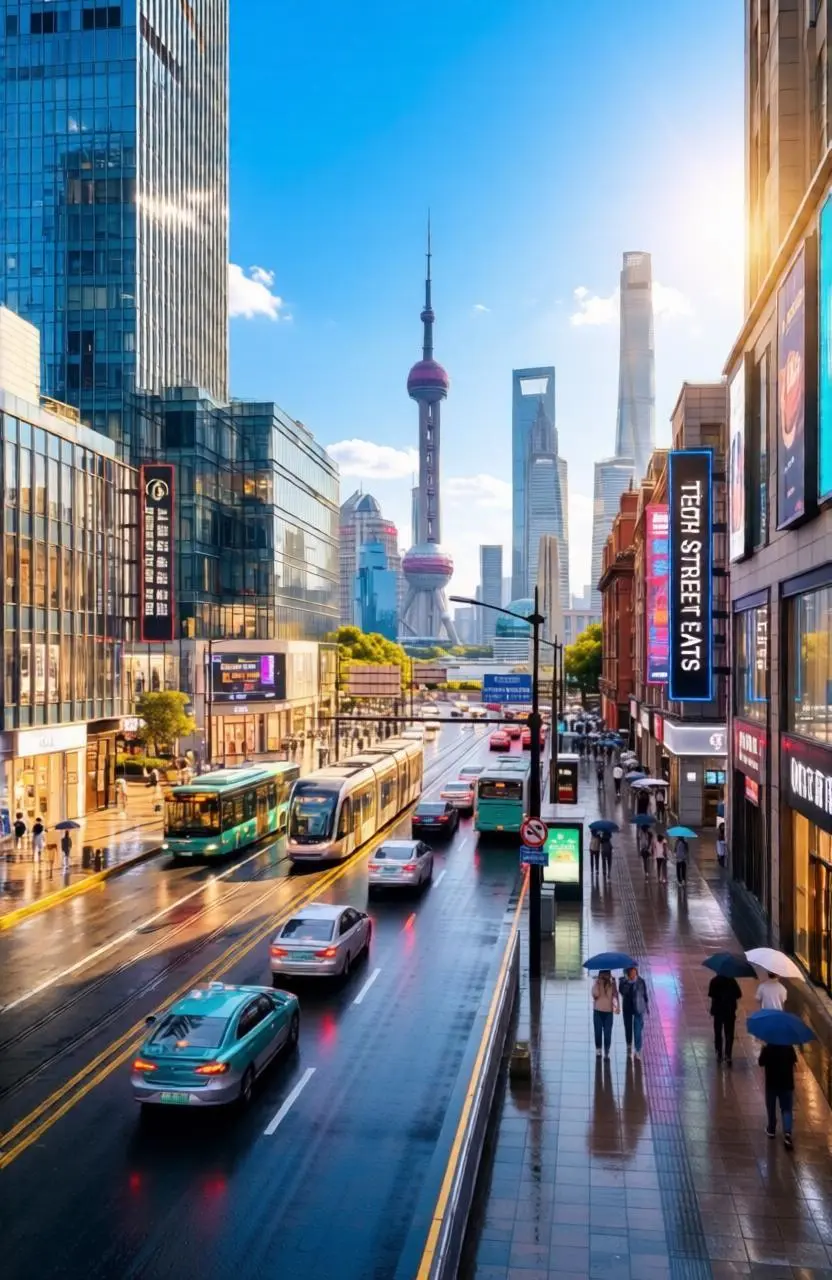
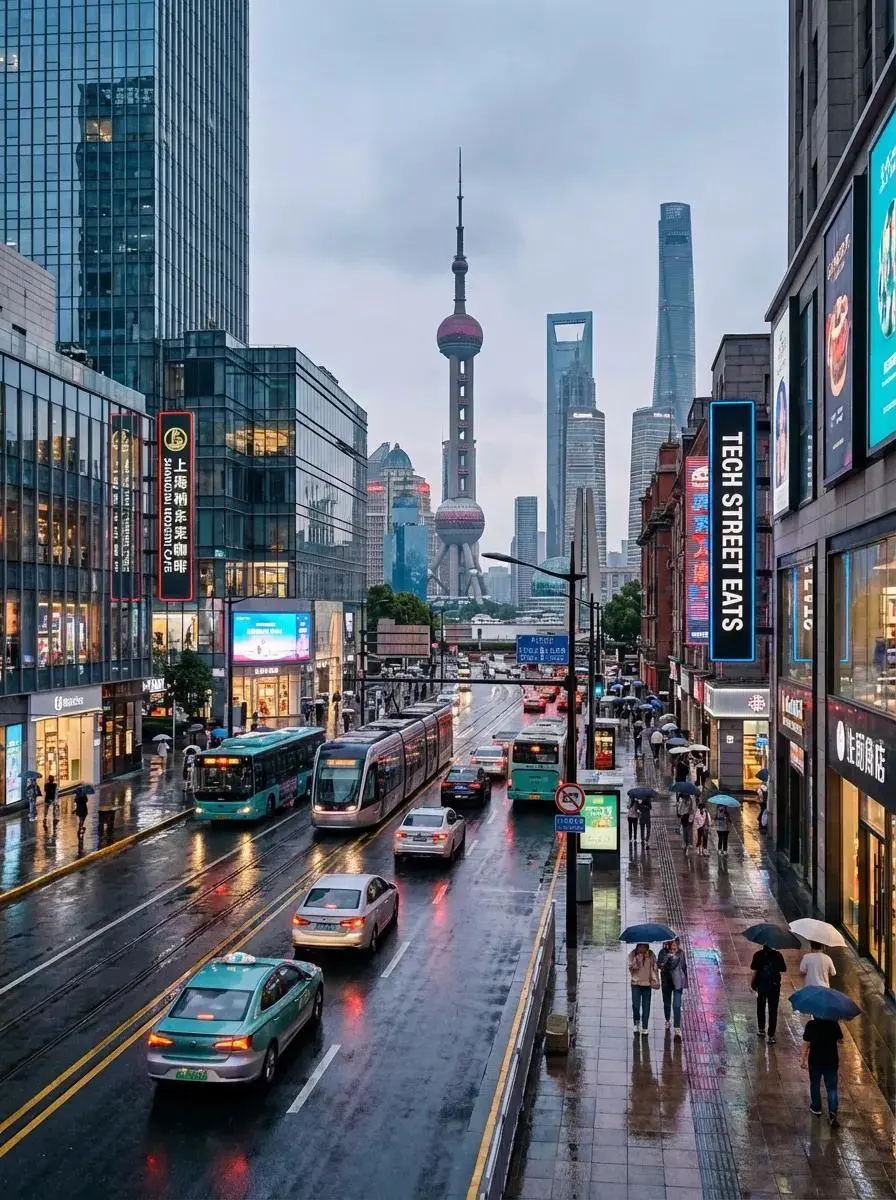
将城市图像的光线与氛围改为晴天表现,同时要求城市外观保持可辨识。
Help me turn the city into a sunny, vibrant place without changing its appearance.
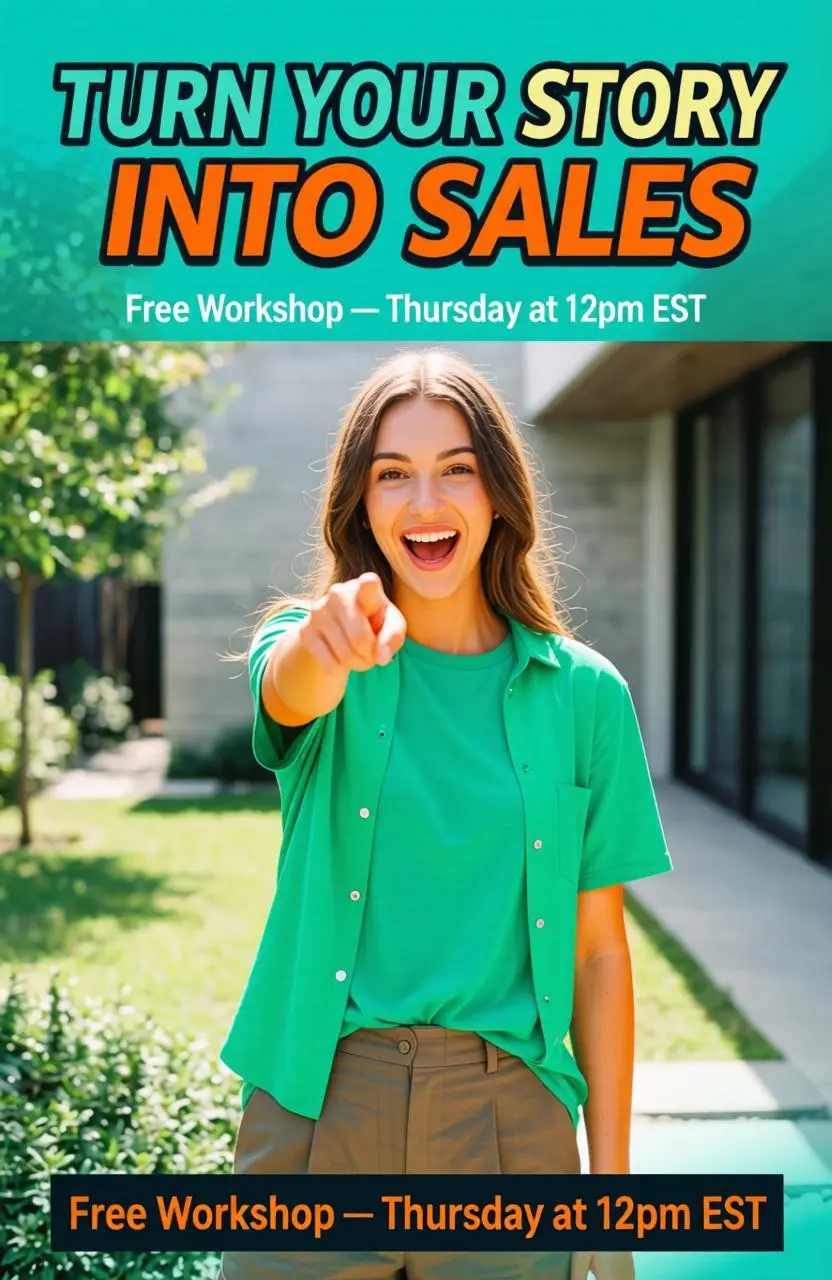
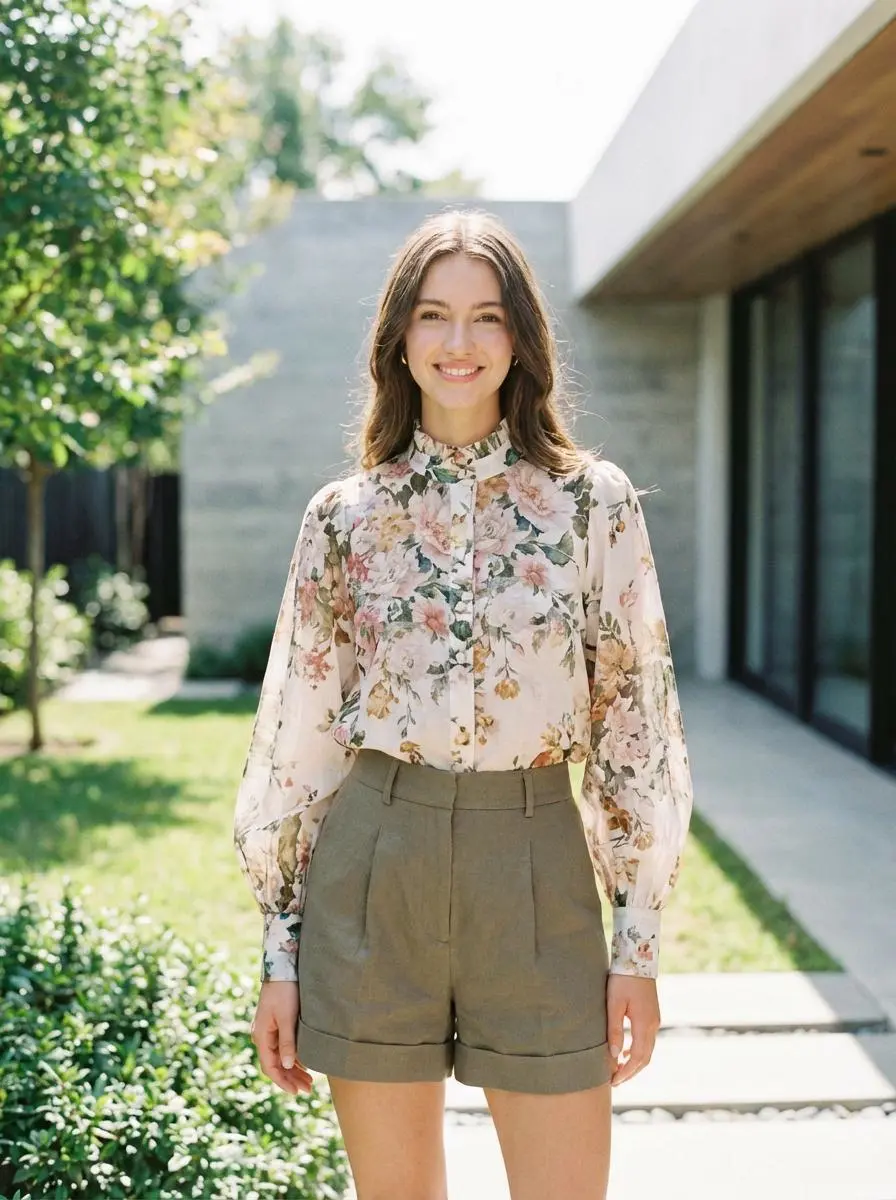
围绕人像制作推广海报,指定标题、行动号召文字、姿势和服装方向。
- **Pose**: Pointing to the camera, energetic smile - **Apparel**: T-shirt + button-up - **Text**: - Title: *“Turn Your Story into Sales”* - CTA: *Free Workshop — Thursday at 12pm EST* - **Theme**: Actionable and vibrant - **Colors**: Bright teal, orange - **Vibe**: Friendly and bold
Qwen-Image-Edit 是通义千问的指令式图像编辑模型。其原始版本区分外观修改、语义转换和中英文文字编辑。 Qwen-Image-Edit 适合修改已有图像的外观、语义或内嵌中英文文字。巴黎人像、重新打光的城市和人像海报展示了不同的修改,应分别与原图对照检查。
添加、移除或修改一个元素,同时写明周围需要保留的细节。
改变风格或物体表现,并通过原图保留预期的主体含义。
官方版本文档说明支持中英文文字编辑。请准确指定需要修改的文字与样式。
两种方式均使用本页顶部的生成器:文字生图时留空可选图片上传区;编辑已有图片时,先添加需要修改的原图。
将图片上传区留空,直接在提示词输入框中描述主体、场景和视觉风格。选择生成数量,检查显示的算力消耗后点击生成按钮,无需上传原图。
通过图片上传区添加要编辑的原图,在提示词输入框中写明改什么、保留什么。选择生成数量,检查显示的算力消耗后点击生成按钮。
对照四个参考图编辑请求,学习写清修改目标与保留细节;再查看纯文字灯塔风景案例,了解如何用文字描述主体、场景、光线和构图。每张卡保留完整原始英文提示词与实际结果。
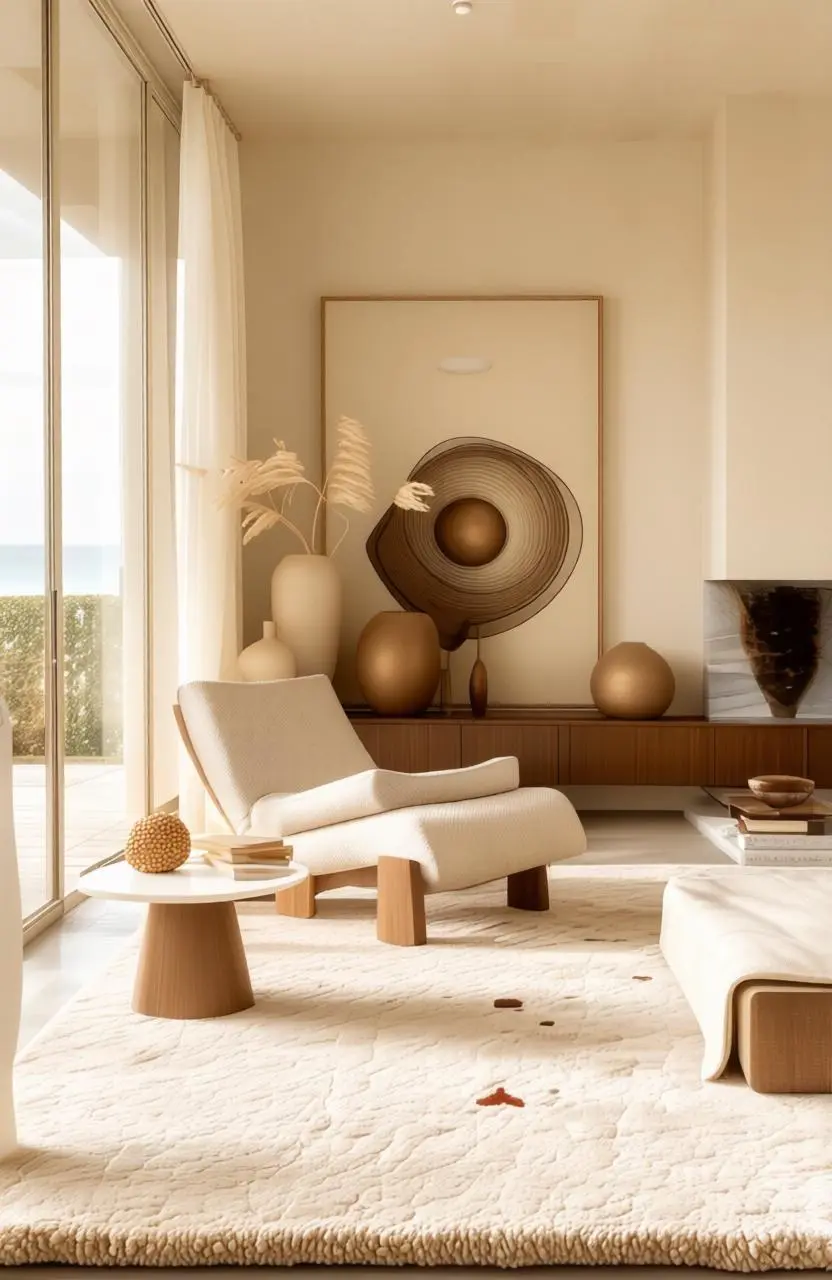
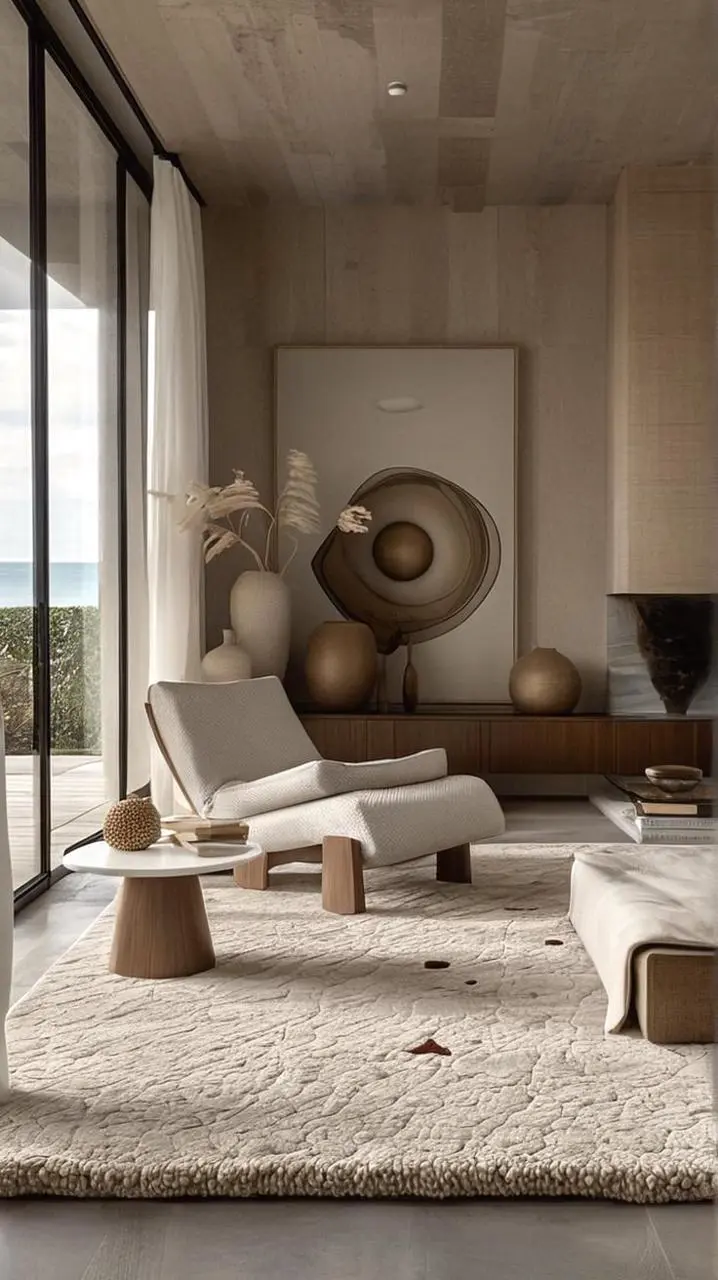
区分所需转换与图像提供的主体或构图。本例写道:“Generate a creamy French-style effect from my uploaded image with one click, keeping the objects in the scene unchanged.”
Generate a creamy French-style effect from my uploaded image with one click, keeping the objects in the scene unchanged.
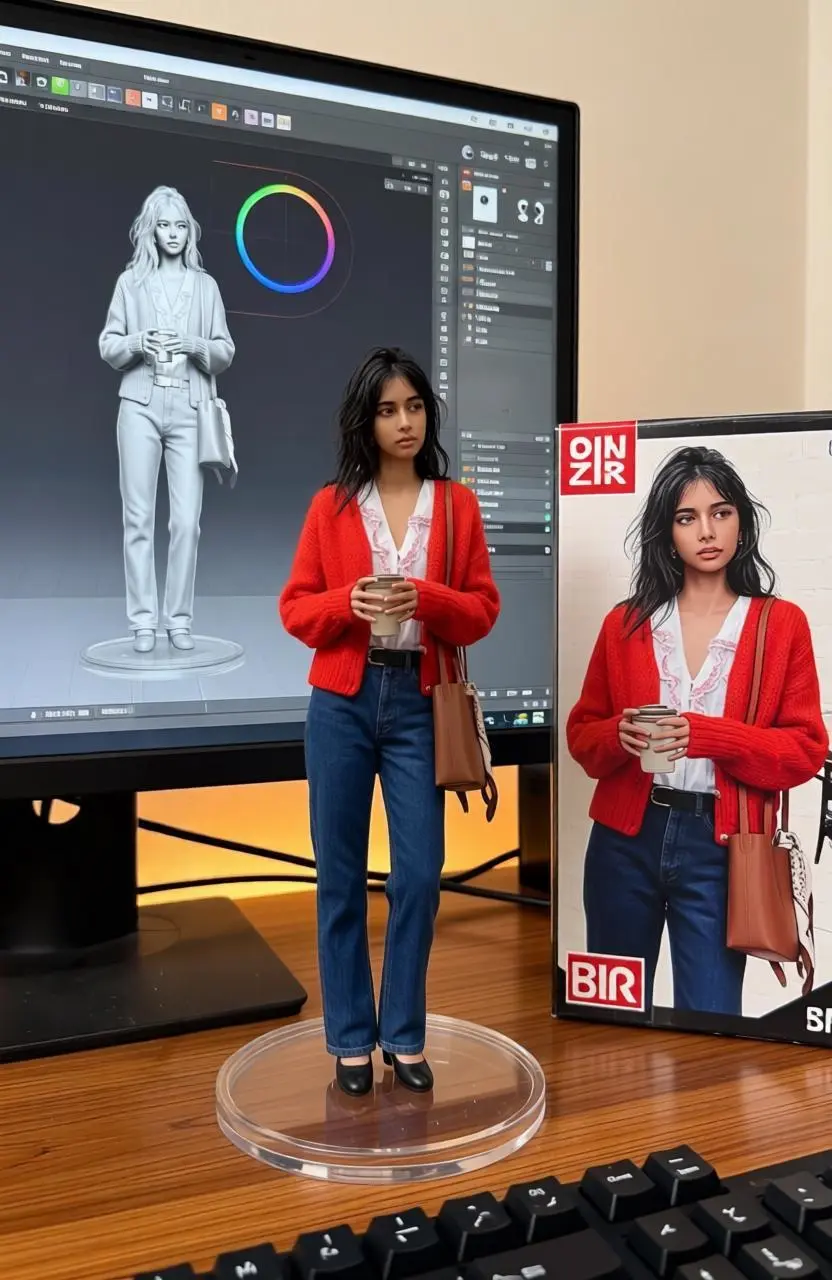
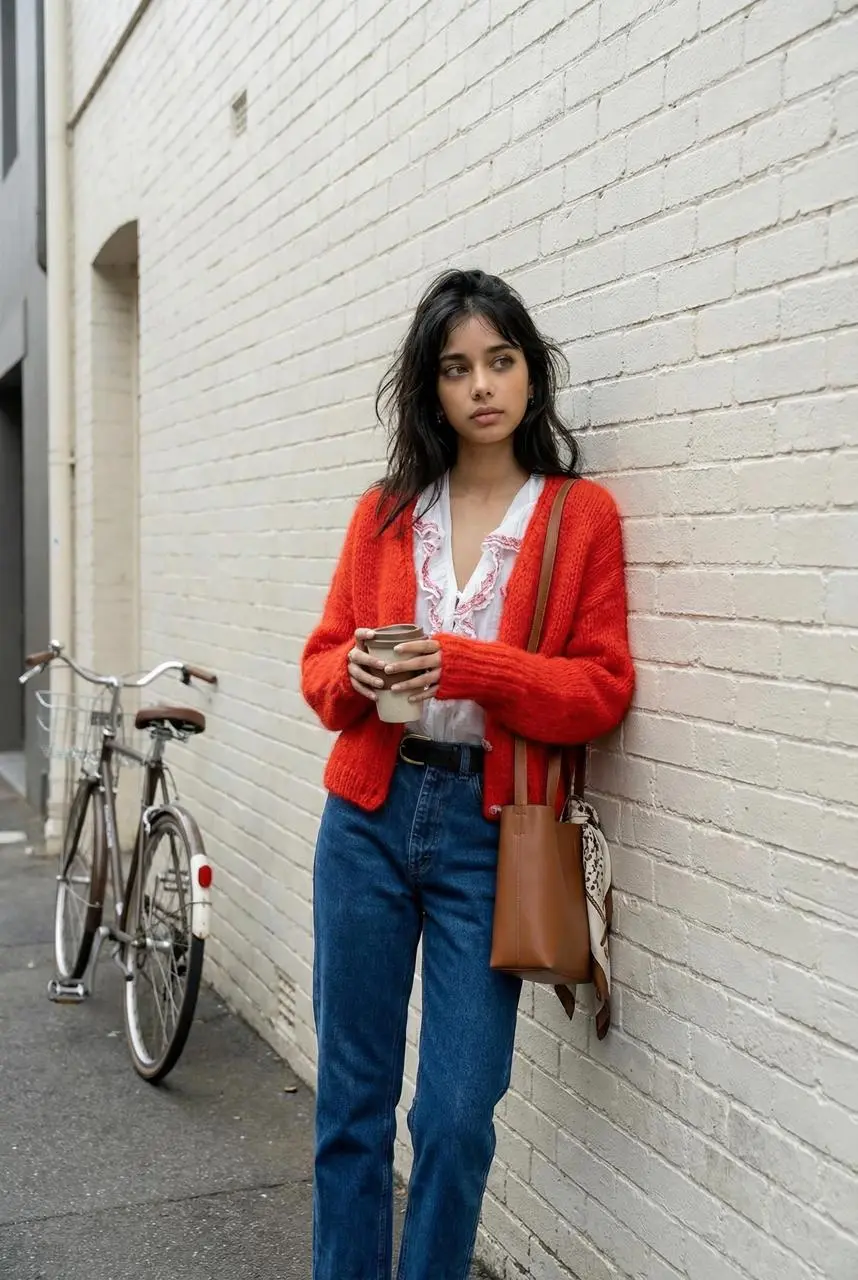
描述主体可见的细节及其在画面中的位置。本例写道:“A commercially available figure of the character from the illustration is produced in 1/7 scale, featuring a realistic style and environment.”
A commercially available figure of the character from the illustration is produced in 1/7 scale, featuring a realistic style and environment. The figure is positioned on a computer desk with a round, clear acrylic base that has no text. The ZBrush modeling process of the figure is shown on the computer screen. Beside the computer screen, a BANDAI-style toy box printed with the original illustration is placed.
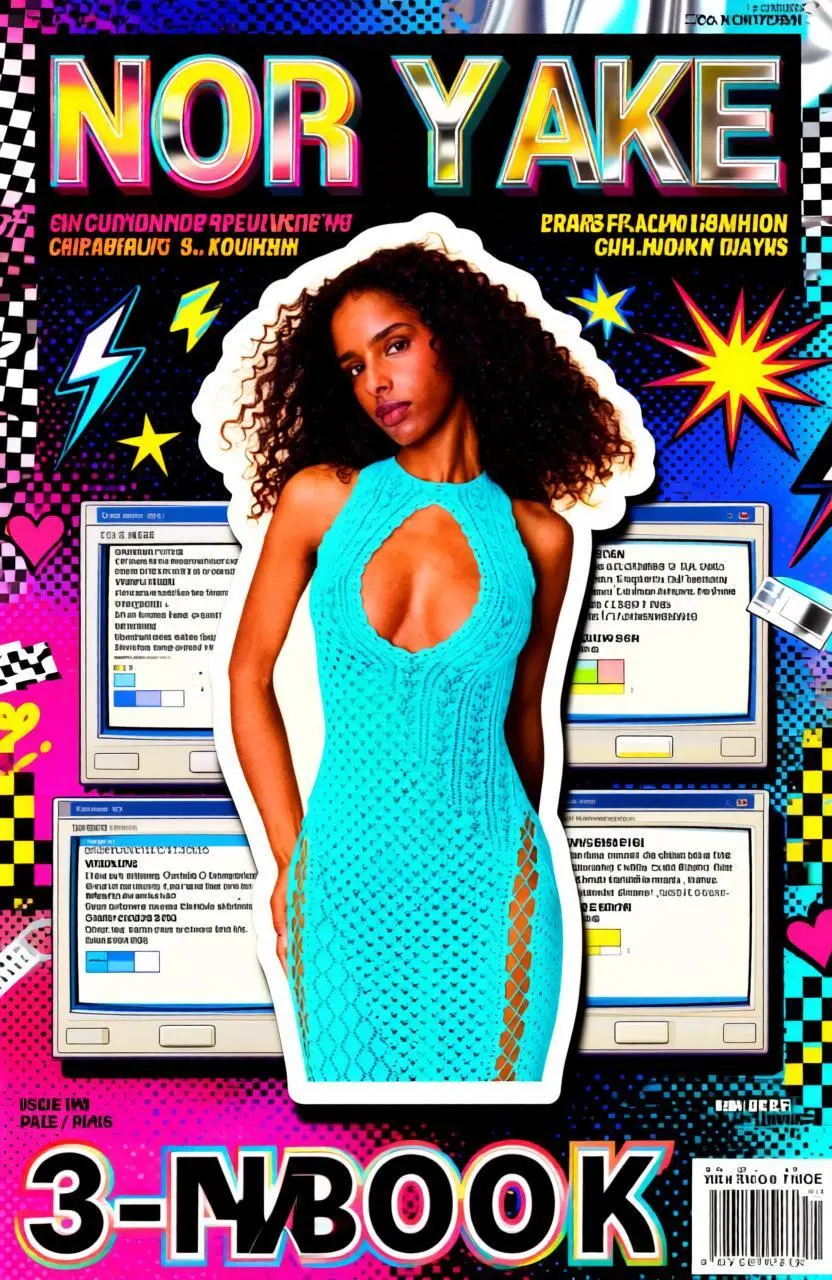
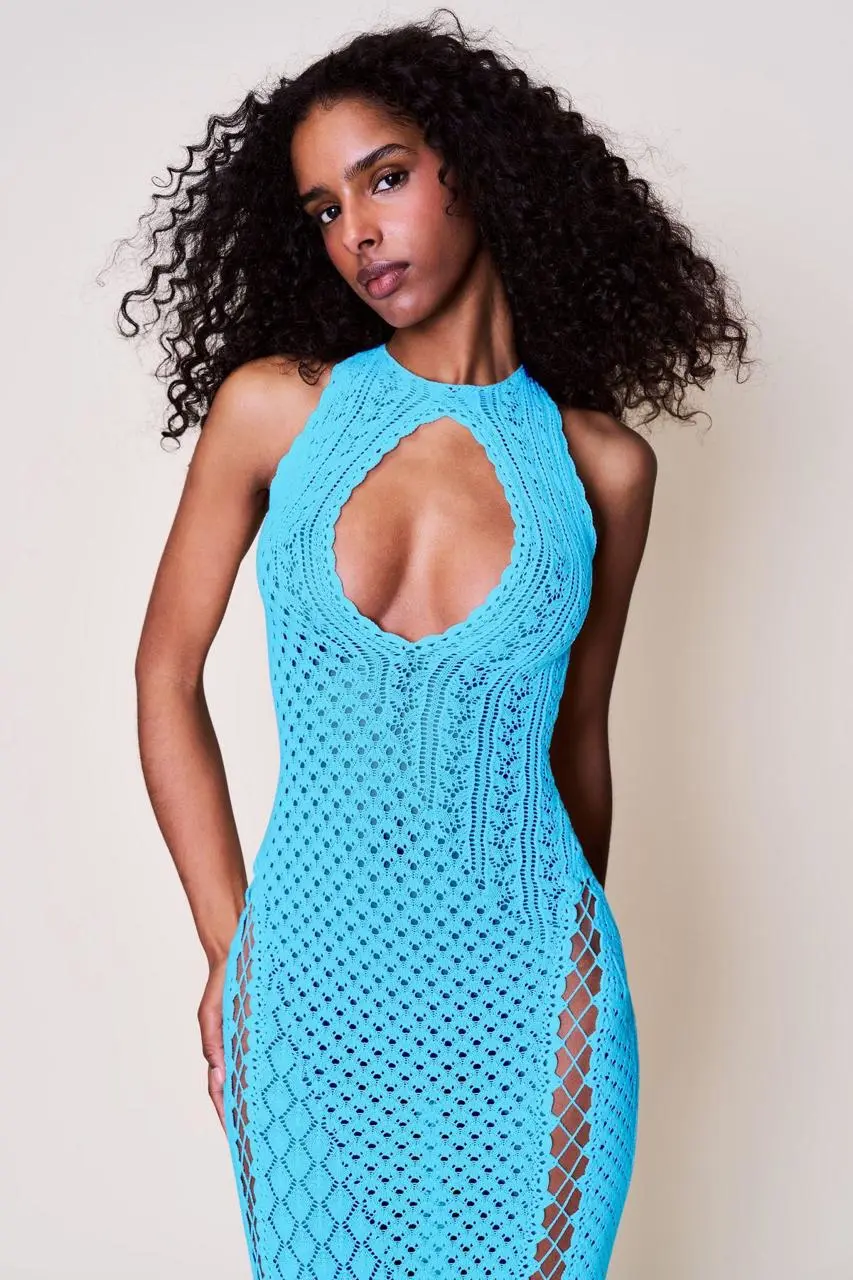
指定人像为中心剪贴元素,再在周围布置图形图层。此请求描述白色贴纸边框、轻微阴影、霓虹点缀和复古界面窗口,同时让人物保持突出。
Convert the uploaded photos into a Y2K collage-style magazine cover poster. Keep the identity features and expressions of the main subject consistent, with the main subject clearly and prominently displayed, like being cut out and turned into a sticker placed in the center of the picture, with clean white borders and slight shadows, with distinct layers, with the main subject having the highest priority, and not being obscured. Color scheme rules: Extract the color from the main subject's largest proportion in the uploaded photo and enhance it to a higher saturation and brighter Y2K neon version; then automatically pair a set of strong contrasting colors / adjacent colors / complementary colors as embellishments for the title, stickers, and UI windows. Background uses common Y2K elements combinations: neon gradients, dot halftones, pixel textures, shiny plastic / chrome reflective textures; make a collage decoration around the edges but without competing with the main subject: hand-drawn graffiti lines, stars, hearts, lightning, checkered patterns, exploding star rays, tape stickers, arrows, sticker borders, etc., with high information density but in an orderly manner. Generate the publication name at the top (please design appropriate title text based on the nature of the subject, in English, bold, 3D border, candy color or metallic chrome effect). Generate several short subheadings / slogans above and on the sides of the picture (automatically randomly created, in English, please design appropriate subheading text based on the nature of the subject, short and powerful, like magazine cover copy). Generate a large main title at the bottom (please design appropriate text based on the nature of the subject, 3-6 words, in English, all in capital letters). Generate a magazine information module in the corners: issue number / date / price / small labels, and add a clear barcode area. Retro Windows elements: Overlay multiple layers of Windows 98 / Windows XP era-style window collages around the main subject. The text content and prompt information in the windows are randomly generated, but in line with the tone and layout of the system prompts from that era (in English, short sentences, prompts, percentages, paths, dialog box buttons, etc.), overall realistic and credible. Overall texture leans towards the trendy poster printing and scanning style: slight particles, a little misalignment / overlay effect, sharp edges, strong contrast, bright color grading, high-contrast highlights. The overall picture is clear, clean, and has layers, suitable for magazine covers.
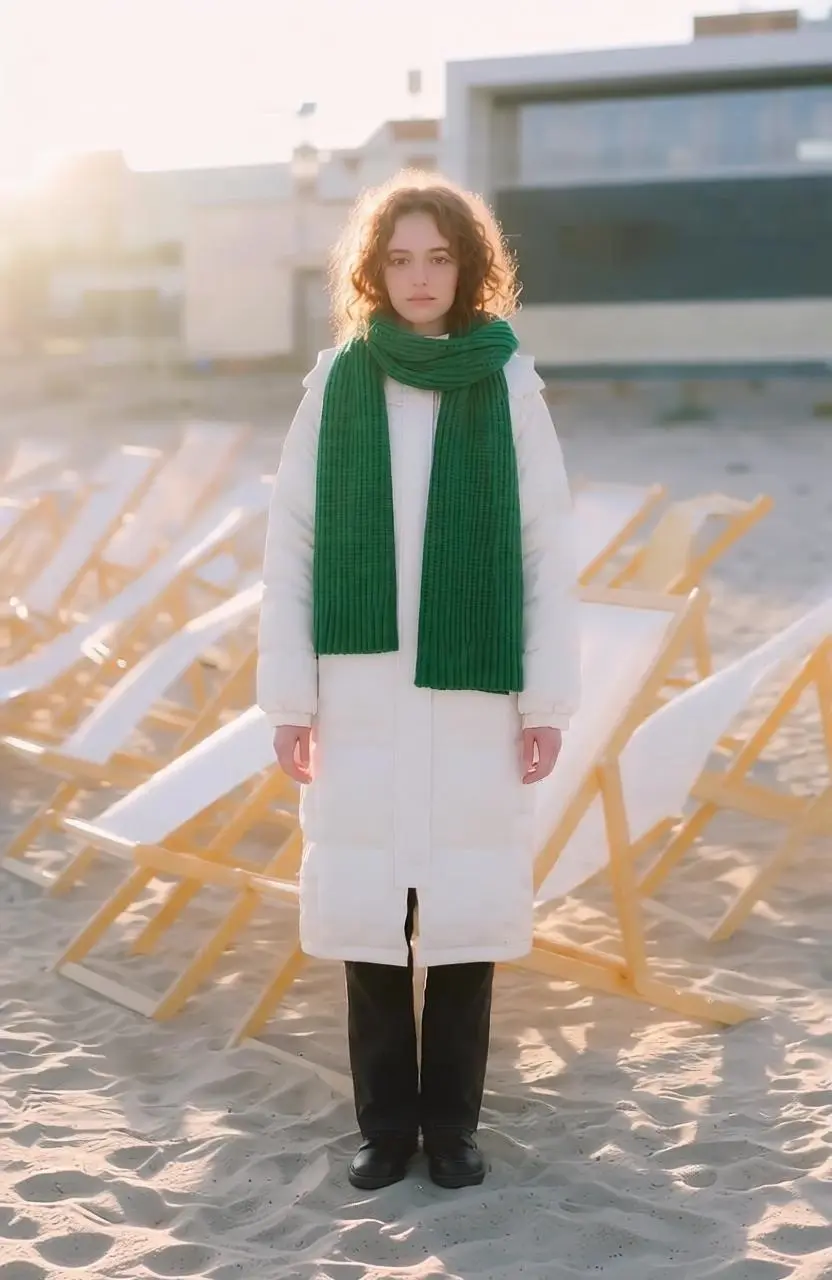
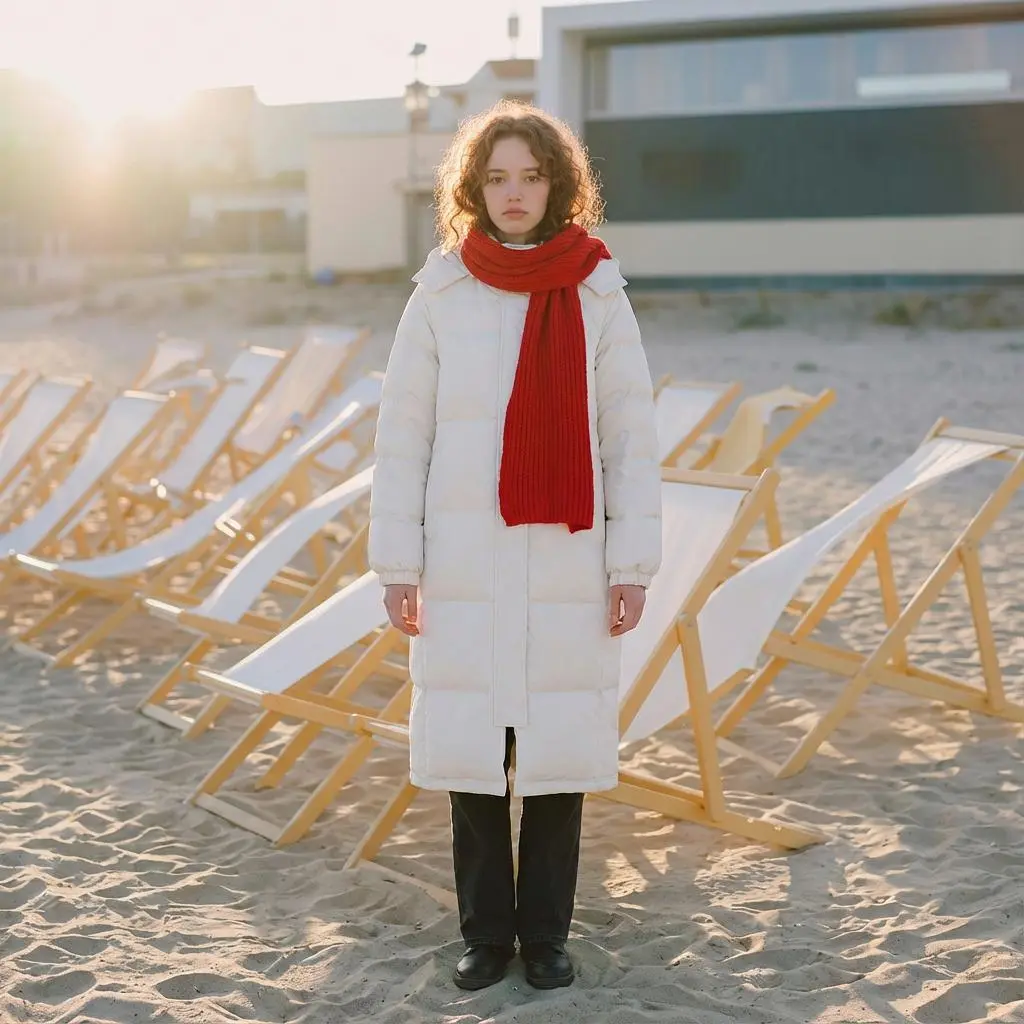
指定物品和替换颜色,而非要求整体风格转换。本例写道:“Change to a green scarf.”
Change to a green scarf.
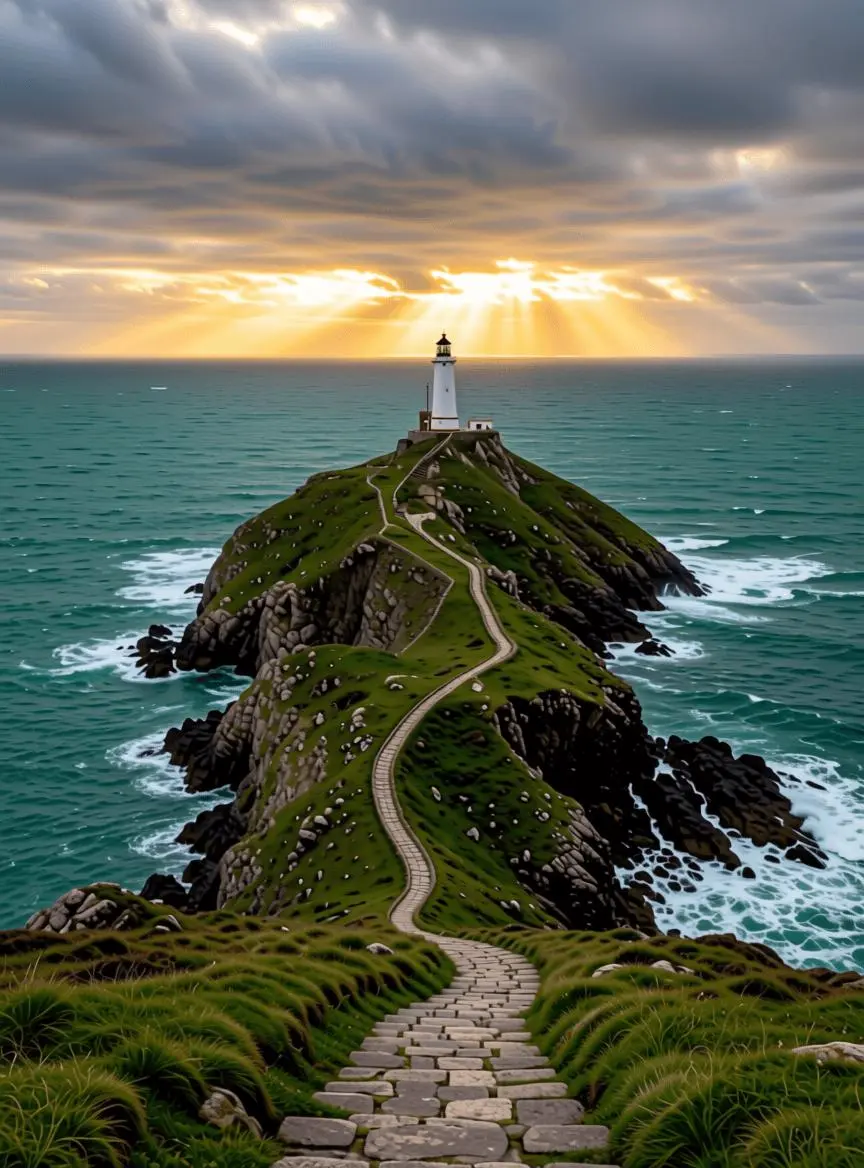
本例未上传参考图。提示词依次描述白色灯塔、绿色海岬、通向主体的石径、蓝绿色海水和穿过乌云的金色阳光。结果中可看到这些场景元素及前景到远处的层次;可结合完整提示词,学习如何描述一幅新画面。
A solitary white lighthouse on a rugged green headland above a deep teal sea just after a storm. A winding stone path leads from the bottom foreground to the lighthouse in the upper third. Golden sunlight breaks through layered gray clouds, and white waves foam against dark rocks. Photorealistic landscape photography, detailed natural textures, a clear foreground, middle ground and distant horizon. Vertical composition. No people, lettering, logos, border or watermark.
使用本页顶部的生成器。创建新图只需文字;修改已有图片则先添加原图,再检查生成数量和算力消耗。
创建新图时,将图片上传区留空,直接在提示词输入框中描述画面。编辑已有图片时,先通过图片上传区添加原图,再说明要修改的内容与需要保留的细节。
选择需要生成的图片数量,检查显示的算力消耗和账户中的模型使用权限。当前表单没有图片尺寸或宽高比选择器。输入准备好后点击生成按钮。
打开结果,检查构图及原始文件的像素尺寸是否适合用途。编辑任务还需对照原图检查修改区域、边界和周围细节;海报或文字编辑应校对字词与版式。
打开相关模型页面,查看其能力、案例和当前生成选项。
了解纯文字生图、原图编辑、结果尺寸与开始使用的方法。
Qwen-Image-Edit 是通义千问的指令式图像编辑模型。其原始版本区分外观修改、语义转换和中英文文字编辑。
Qwen-Image-Edit 适合修改已有图像的外观、语义或内嵌中英文文字。巴黎人像、重新打光的城市和人像海报展示了不同的修改,应分别与原图对照检查。
原始 Qwen-Image-Edit 版本文档说明支持中英文文字编辑,以及外观和语义修改。请指定准确的替换文字,并检查结果。
在本页顶部生成器中,将图片上传区留空,直接在提示词输入框中描述画面。选择生成数量,检查显示的算力消耗后点击生成按钮。只有修改已有图片时,才需要上传原图。
WeShop AI 当前的 Qwen Image Edit 表单没有图片尺寸或宽高比选择器。使用结果前,请检查原始文件的像素尺寸是否适合版面;页面预览的大小不代表结果文件的实际尺寸。
WeShop 当前定价表为此模型列出了有限免费额度。请检查账户权限和剩余额度,再查看所选请求的积分预估。本页不提供固定单次价格,也不将其他厂商的订阅额度套用到 WeShop。
编辑后,对照原图检查修改区域、边界及要求保留的细节。结果可能改变你希望保留的部分;海报或文字编辑还需在使用前校对字词与版式。
巴黎人像、晴天城市和工作坊海报展示基于原图的编辑;提示词指南还包含无需上传参考图的灯塔风景创作。结合每例的完整提示词、输入和结果,了解不同任务的写法。自己的结果仍需检查希望保留的细节与文字。
区分所需转换与图像提供的主体或构图。本例写道:“Generate a creamy French-style effect from my uploaded image with one click, keeping the objects in the scene unchanged.” 请阅读指南中配对的完整提示词和实际输入,再按自己的任务调整。