










Turn a Toy Car Into a Full-Size Hero Vehicle With Kling 4.0
Plan a controlled train-tunnel transformation that preserves one fictional vehicle from miniature toy to full-size automotive hero shot.
The appeal of the toy-car-to-real-car trend is its instantly readable scale change. A familiar object sits inside an ordinary train, the carriage enters a tunnel, and the toy emerges as a road-ready vehicle. For automotive launches, collectible sellers, rental companies, and event teasers, this structure creates a complete reveal without relying on a conventional showroom shot.
The challenge is not simply making the car larger. The audience must believe that the miniature and the full-size vehicle are the same design. Color, stripe placement, headlights, body profile, wheel style, and travel direction all need to survive the transition.
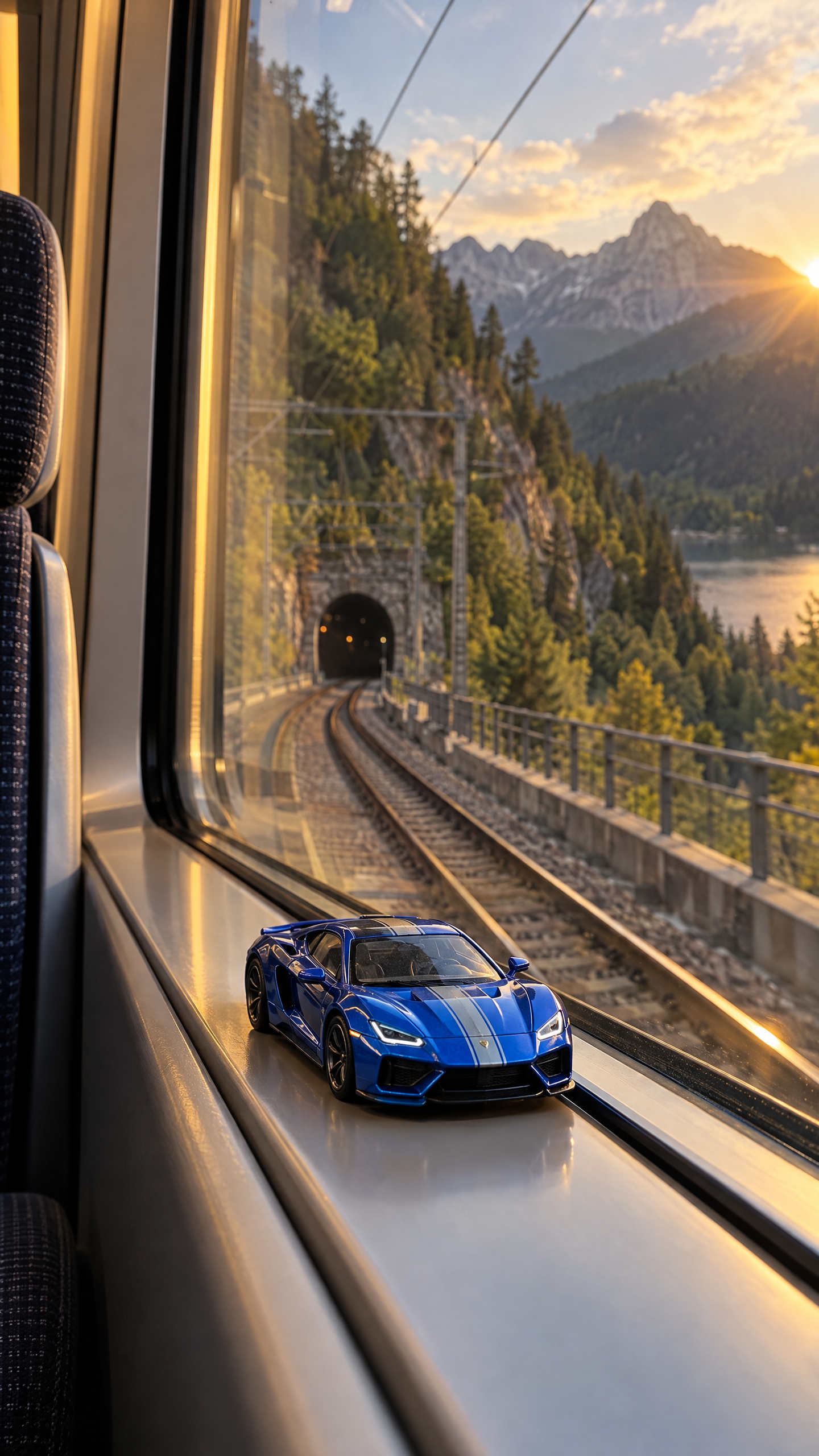
| Original opening frame generated in WeShop AI |
|---|
 |
Why prepare the shot before generating video?
The tunnel is both a story device and an editing mask. Darkness gives the model a short interval in which scale, environment, and camera position can change. A strong opening image therefore needs three things: a readable miniature, a visible tunnel, and a clear route that continues beyond the transformation.
Kling 4.0 is well matched to this structure because its official guide describes longer native clips, multi-reference control, keyframes, and more stable complex movement. The workflow below was tested in WeShop AI with a first-frame reference and a directed transformation prompt.
Step 1: Lock the vehicle identity
Use one clean car reference and list five non-negotiable features. For this fictional car they are cobalt-blue paint, a silver center stripe, angular headlights, black wheels, and a low coupe silhouette. Avoid asking for a generic “blue sports car”; generic descriptions invite redesign.
Step 2: Use the tunnel as a controlled transition
Keep the opening camera inside the train. Let the toy vibrate subtly with the carriage, then allow the frame to become nearly black for less than a second. The camera should emerge low behind the full-size car rather than teleporting to an unrelated aerial view.
Step 3: End on a sellable hero shot
After the reveal, give viewers enough time to identify the car. A three-quarter rear tracking shot with a gentle bend in the road is more useful than continuous speed-ramping. Leave the final second stable enough for campaign copy or a logo to be added in post-production.
Kling 4.0 prompt
Prompt: Use the supplied opening image as the exact first-frame composition and vehicle identity reference. Create a 9:16 cinematic transformation video. The train moves toward the tunnel while the cobalt-blue toy car remains stable on the window ledge, vibrating subtly with the carriage. Preserve its silver center stripe, angular headlights, black wheels, and low coupe proportions. As the train enters the tunnel, the frame becomes naturally dark for a brief moment. Without a visible cut, transform the miniature into the same fictional car at full scale. Emerge into a low rear three-quarter tracking shot of the car driving along a mountain road at golden hour. Maintain realistic suspension, wheel rotation, reflections, road contact, and consistent paint. Finish with a clean two-second hero shot as the car rounds a gentle bend. Original fictional design, no real badges, no text, no watermark, no collision, no impossible wheel deformation.
Quality-control checklist
- Compare the stripe width before and after the tunnel.
- Confirm that the toy is small enough to read as a miniature.
- Reject clips that change the number or shape of headlights.
- Check that every wheel remains attached and rotates in the travel direction.
- Keep the final frame calm enough for an advertising end card.
The trend format was recently documented as a train-window transformation spreading across short-form platforms, while the production recommendations here are an original commercial adaptation rather than a copy of a specific post. Kling’s current parameters should always be checked against the official Kling 4.0 user guide.
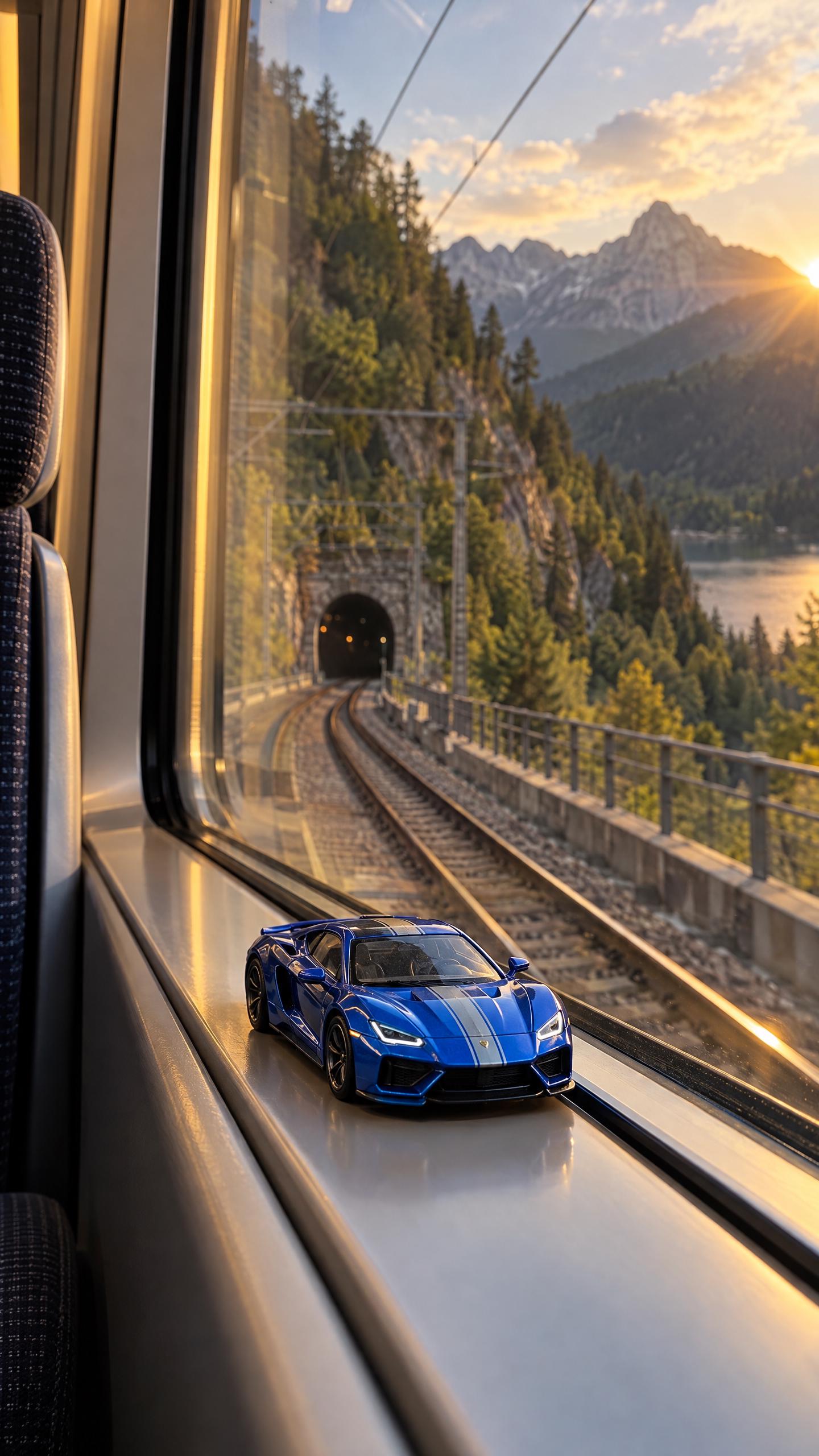
Excellent example generated in WeShop AI
| Source reference | Generated video |
|---|---|
 |
Open the complete toy-car transformation example in WeShop AI.