







Direct an Elevator Outfit Transformation With Kling 4.0
Use motivated elevator-door transitions to reveal four outfits while preserving one model, set, and fashion-film camera language.
Short-form fashion needs a transition that reveals several looks without turning the model into a different person. The elevator format provides a natural structure: doors close, time passes, and a new styling decision appears when they reopen. It works for seasonal drops, capsule wardrobes, day-to-night edits, creator styling challenges, and retail campaign teasers.
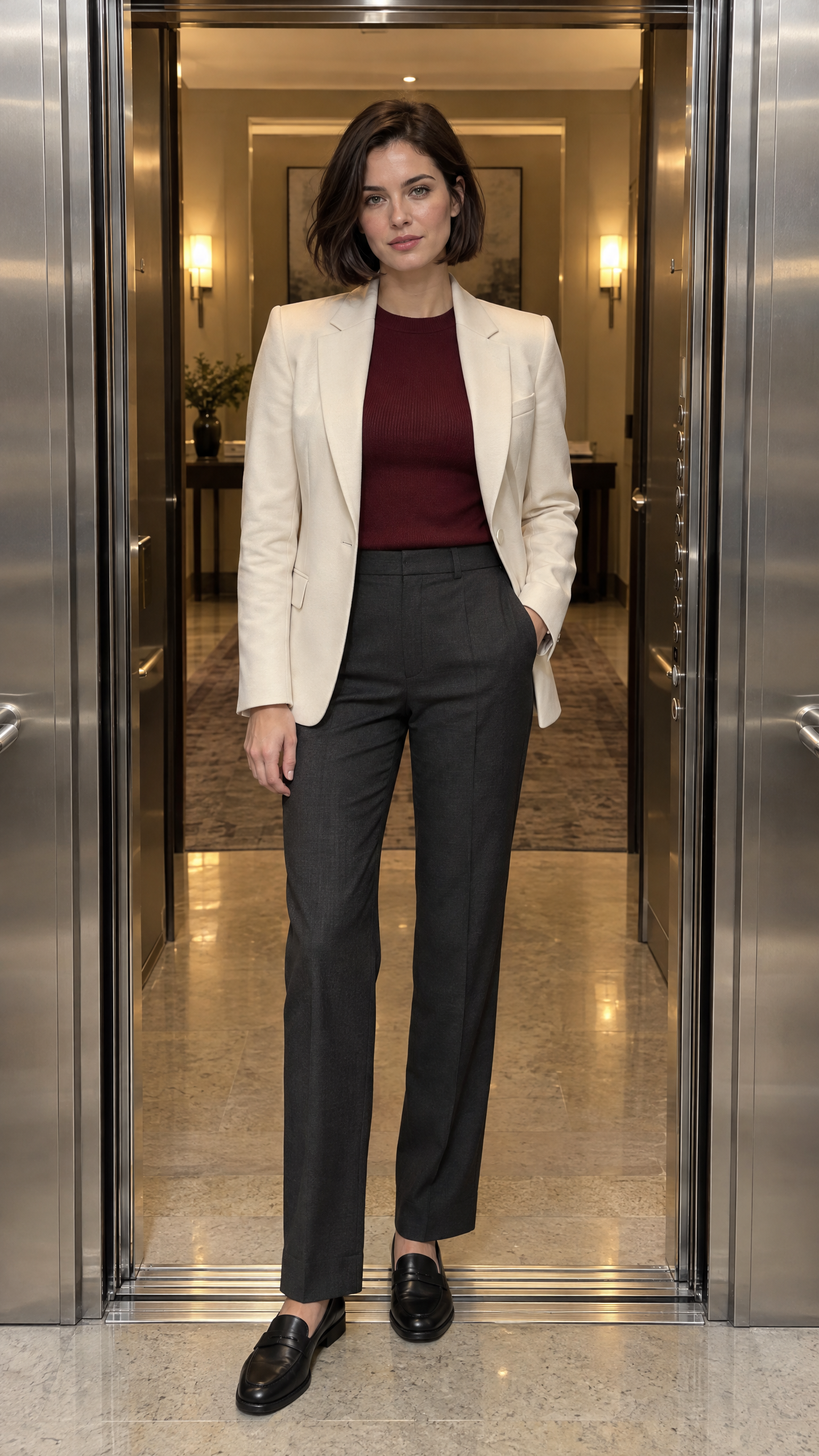
| Identity and opening-look reference generated in WeShop AI |
|---|
 |
Build a wardrobe continuity sheet first
The face, haircut, height, and body proportions should never change. Only the outfit and small performance details should vary.
| Floor | Look | Performance cue |
|---|---|---|
| Lobby | Cream blazer, burgundy knit, charcoal trousers | Calm, direct eye contact |
| Floor 2 | Black asymmetric evening dress, silver cuff | One confident half-turn |
| Floor 3 | Cobalt technical jacket, matching skirt, ankle boots | Quick shoulder adjustment |
| Rooftop | Sculptural ivory coat over the original burgundy knit | Walks past camera into daylight |
Step 1: Protect identity and framing
Use the opening portrait as the character reference. Keep the camera fixed outside the elevator for the first three reveals. A fixed viewpoint makes facial drift and body-scale changes easier to detect.
Step 2: Hide transformations behind motivated motion
Close the doors fully before each wardrobe change. Let the lighting strip above the doors change subtly to mark a new floor. The transition should come from the doors, not from random sparkles or a body morph in full view.
Step 3: Save the camera move for the final look
After the last reveal, allow the model to walk forward and let the camera pull back. This creates a campaign ending without sacrificing continuity during the outfit changes.
Kling 4.0 prompt
Prompt: @Image1 defines the same fictional adult woman, short dark-brown bob, gray-green eyes, natural facial structure, height, body proportions, elevator design, and opening cream-blazer outfit. Create a vertical 9:16 fashion film with four coordinated looks. The camera begins fixed and symmetrical outside the elevator. She holds calm eye contact. The doors close completely, the floor indicator changes, and the doors reopen on the same woman wearing a black asymmetric evening dress with one silver cuff. Repeat the door transition to reveal a cobalt technical jacket, matching skirt, and black ankle boots. Repeat once more to reveal a sculptural ivory coat layered over the original burgundy knit. Preserve her face, hair, hands, proportions, and the elevator geometry in every section. For the final reveal, she walks toward the camera and exits into soft rooftop daylight while the camera pulls back smoothly. Realistic cloth physics, stable garment construction, premium editorial lighting, no body morphing in view, no duplicated limbs, no real logos, no subtitles, no watermark.
What to inspect frame by frame
- Hair length and parting must stay fixed.
- The elevator buttons and door seams should not migrate.
- Garment changes must happen only while the doors are closed.
- Hands need to remain anatomically stable during jacket adjustments.
- The final coat must not inherit sleeves or fabric from the previous look.
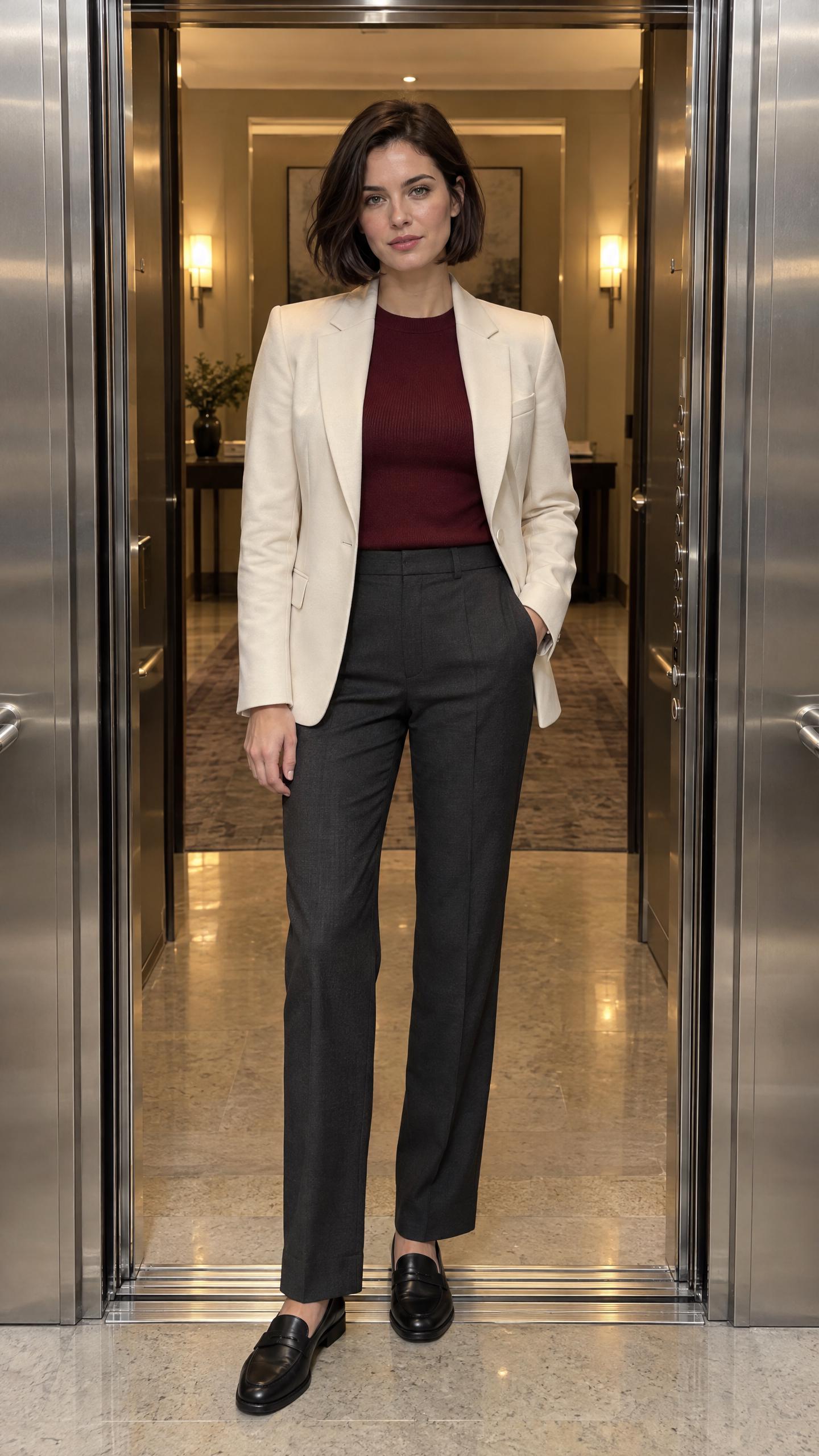
Kling 4.0’s reference and keyframe controls, documented in its official user guide, are the reason this works as one directed sequence rather than four disconnected clips. The reference and completed fashion sequence below were generated through WeShop AI.
Excellent example generated in WeShop AI
| Source reference | Generated video |
|---|---|
 |
Open the complete elevator-outfit example in WeShop AI.