









Edit Product Colors and Materials With Seedream 5.5 Without Rebuilding the Scene
Use a preservation-first workflow to explore product colors, materials, and localized revisions without silently rebuilding the scene.
Changing one detail should not force a campaign team to rebuild everything else. Yet a simple request—“make the bag burgundy”—can quietly alter the logo, hardware, pose, background, lighting, or camera angle.
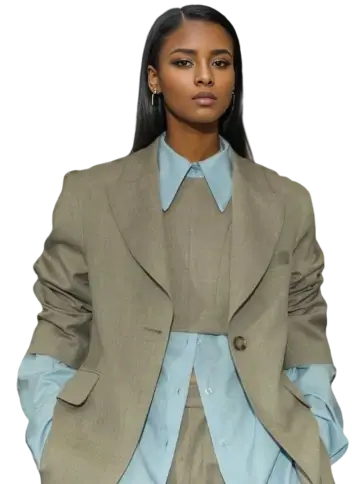
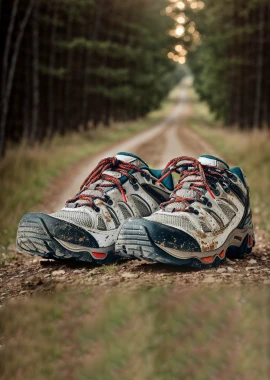
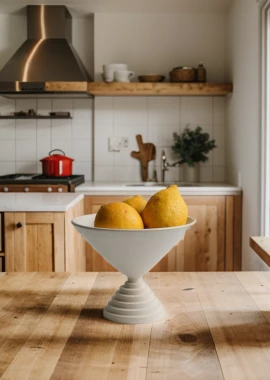
Seedream 5.5's official preview emphasizes localized editing across one or more rounds. The practical workflow is preservation-first: define the target, define the change, and explicitly list what must not move.
| Official localized-editing reference |
|---|
Official Dreamina example: Editing a selected area while attempting to preserve the surrounding scene. |
The preservation-first edit formula
Target region + requested change + material behavior + details to preserve + non-target lock + final inspection criteria
For example:
Edit only the handbag body. Change the leather from warm tan to deep oxblood burgundy, preserving the natural leather grain, edge paint, stitching, highlights, and realistic folds. Keep the bag silhouette, logo placement, gold hardware, handle shape, model's hands, pose, clothing, face, background, camera angle, crop, lighting direction, and shadows unchanged. The edited leather must integrate naturally with the original scene.
This prompt is a starting point derived from the official feature description. It has not been validated in a first-party WeShop test.
Use an edit log, not an expanding prompt
Multi-round editing becomes easier to evaluate when each round has one job.
| Round | Requested change | Locked elements | Acceptance test |
|---|---|---|---|
| 1 | Tan leather → burgundy leather | Shape, logo, hardware, scene | Only the leather color changes |
| 2 | Smooth leather → fine pebbled leather | Color and all locked elements | Texture changes without reshaping the bag |
| 3 | Gold hardware → brushed silver | Bag body and composition | Hardware color changes with consistent reflections |
If several unrelated changes are bundled into one instruction, it becomes difficult to identify which step caused drift.
A controlled five-step workflow
Step 1: Prepare the cleanest source
Use a high-resolution image with a clearly visible target region. Confirm that you have permission to edit the product image and that logos, packaging, and claims are approved.
Step 2: Name one editable region
Use an unambiguous label such as “the jacket body,” “the bottle cap,” or “the front label background.” If the workspace offers region selection or masking, select the smallest useful area.
Step 3: Write the preservation list
List identity-critical details: silhouette, logo, label copy, hardware, face, hands, pose, camera, crop, background, and lighting. Do not rely on “keep everything else the same” when a detail is commercially important.
Step 4: Generate one revision
Review the complete image, not only the edited patch. Compare it with the source at equal scale.
Step 5: Save approved checkpoints
Keep the original and every approved round. If a later edit damages a useful detail, return to the latest clean checkpoint instead of continuing from a compromised image.
Drift checklist
| Official precision-editing example |
|---|
Official Dreamina example: Focused changes to specific visual details, colors, forms, or materials. |
- Did the product silhouette change?
- Did any letter, logo, or label move?
- Did the material change affect unrelated areas?
- Did the lighting direction or shadow shape change?
- Did a hand, face, garment, or background object change?
- Does the edited region match the scene's grain, sharpness, and color temperature?
Localized editing is most valuable for colorways, material exploration, packaging refreshes, seasonal variants, prop removal, and campaign localization. It should remain a controlled design exploration until product accuracy and legal approvals are complete.
Coming Soon to WeShop AI
Localized Seedream 5.5 editing workflows are coming soon to WeShop AI. Stay tuned.