












Create a Rolyat Goth Girl Fan Poster with GPT Image 2
Rolyat goth girl with GPT Image 2: use the real reference photo, exact prompt and a reusable example to create and inspect the edit.
A Rolyat goth girl fan poster combines a public portrait, a dark charcoal-and-violet palette and readable editorial type. This GPT Image 2 example keeps the credited photograph in a distinct panel and labels the layout as unofficial fan art.
Keep the credited photograph inside a distinct panel
The public source feature attributes this portrait to Rolyat Taylor. Its visible Dream Lifestyle Photography credit should remain readable in the photo panel and is credited here. This is an unofficial AI-assisted fan layout, with no claim of creator endorsement or an actual convention appearance.
Reference input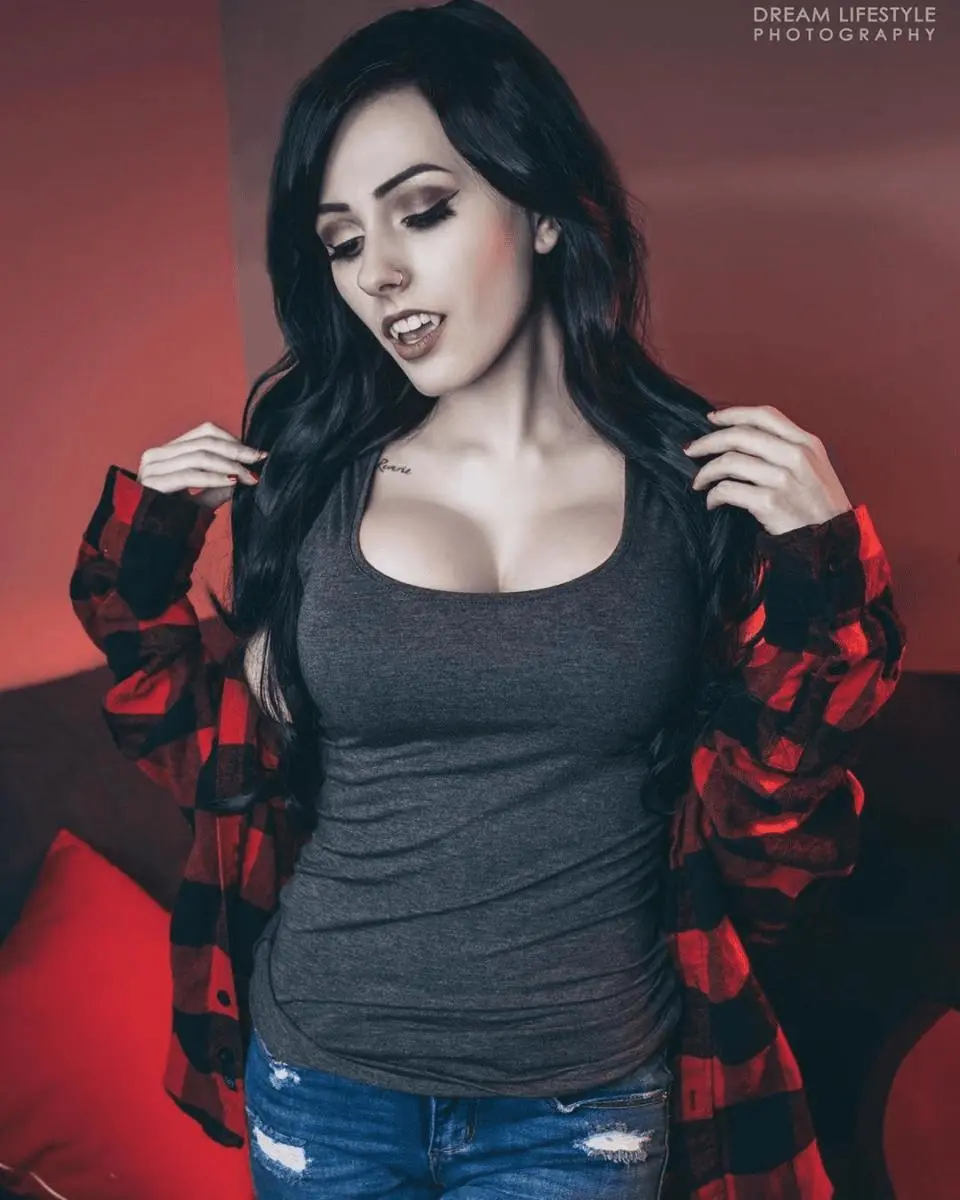 | AI-edited result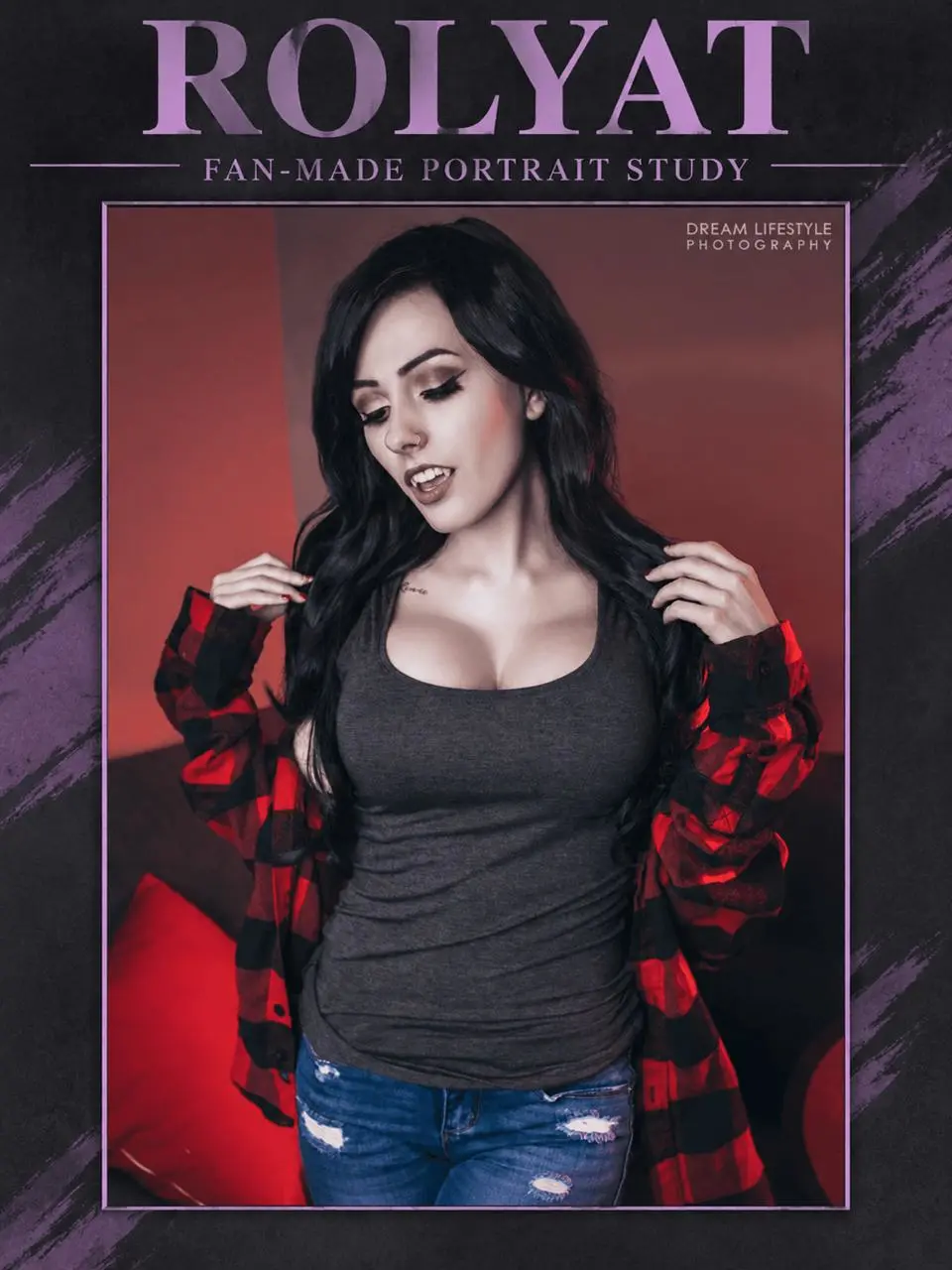 |
Reference credit: Rolyat Taylor; photograph visibly credited to Dream Lifestyle Photography, via Overclockers public cosplay feature, 23 May 2019. View the public source. AI editing is labeled separately from the source photograph.
Prepare the reference and define the edit
Ask for an intact rectangular photo panel, then place the title and subtitle outside it. This separates the portrait from the graphic layout and makes cropping easier to inspect. Provide short exact wording and explicitly retain the photographer credit.
This guide uses the GPT Image 2 option available in WeShop. Select that exact version when following the example.
Run this reference-guided edit in WeShop
- Open the WeShop GPT Image generator and choose GPT Image 2 from Model.
- Upload the reference photo shown above, or replace it with an image you are authorized to edit. Confirm its thumbnail is attached before generating.
- Choose 2K, High quality, 3:4 aspect ratio and 1 output. Keep the background opaque.
- Paste the following prompt, generate, and inspect the full-size output before making another edit.
Create an unofficial fan-made vertical editorial poster from the attached public adult portrait. Keep the original photo as an intact rectangular photo panel, preserving the woman's face, long black hair, expression, hand positions, red and black checked overshirt, gray top, jeans and existing clothing coverage. Preserve the visible DREAM LIFESTYLE PHOTOGRAPHY credit inside the photo panel, readable and uncropped. Surround the photo panel with a simple charcoal and muted violet graphic margin. Place the exact large title ROLYAT above the photo, and the exact subtitle FAN-MADE PORTRAIT STUDY beneath it. Clear typography, no added sponsor logos, dates, event claims or endorsements. This is an AI-assisted fan layout, not an official promotion.
The reference was actually attached to this generation. Writing a person’s name without uploading the photo would be a different workflow.
What the generated example shows
The selected GPT Image 2 poster uses a charcoal-and-violet frame around the portrait. ROLYAT and FAN-MADE PORTRAIT STUDY are readable, and the Dream Lifestyle Photography credit remains visible inside the photo panel.
Read ROLYAT and FAN-MADE PORTRAIT STUDY letter by letter. Check that the source credit remains readable, the photo is not cropped through the hands, and the clothing has not changed. A clean-looking design can still contain text errors.
Refine the poster typography
If the wording is wrong, request a typography-only revision while retaining the photo panel. If the source credit is cropped or altered, reject the result and keep the original photo intact in the next layout. Do not add dates, sponsors or venues that imply a real event.
The model places the subtitle above the photo rather than beneath it as requested. The wording and source credit are retained, but this result should not be described as exact layout compliance.
You can try it directly using the tool on the right.
Replace the reference with your own photo, keep the useful preservation constraints, and label shared AI edits clearly.