축구 펍의 축하 장면, 의상 전환, 제품 시연을 살펴보세요. 영상과 참조 이미지를 비교하고 전체 프롬프트를 자신의 장면에 맞게 바꿔 보세요.
축구 펍의 축하 장면
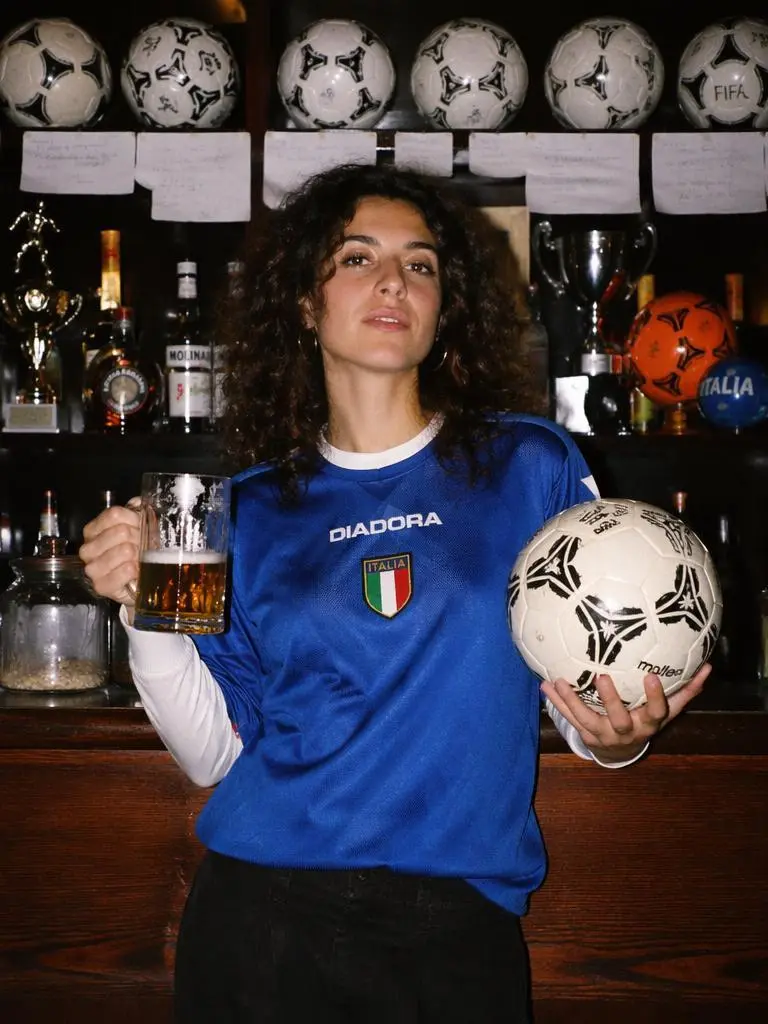
인물 사진이 가상의 축하 장면 속 중심 여성을 지정합니다. 프롬프트는 팬, 색종이와 카메라 움직임을 더합니다. 장면이 진행되는 동안 참조와 인물 외모를 비교하세요.
Inside a legendary football pub, a woman proudly holds a football and a glass of beer. The camera slowly pushes through rows of vintage football memorabilia. Suddenly every football on the shelves begins spinning. Historic World Cup moments appear as holographic projections across the bar. Fans from different countries gather behind her, raising glasses and cheering. The atmosphere intensifies with chants, drums and celebrations. Golden confetti rains from above as the camera rotates around her. Rich cinematic lighting, nostalgic football culture, World Cup night celebration, emotional storytelling, ultra realistic.
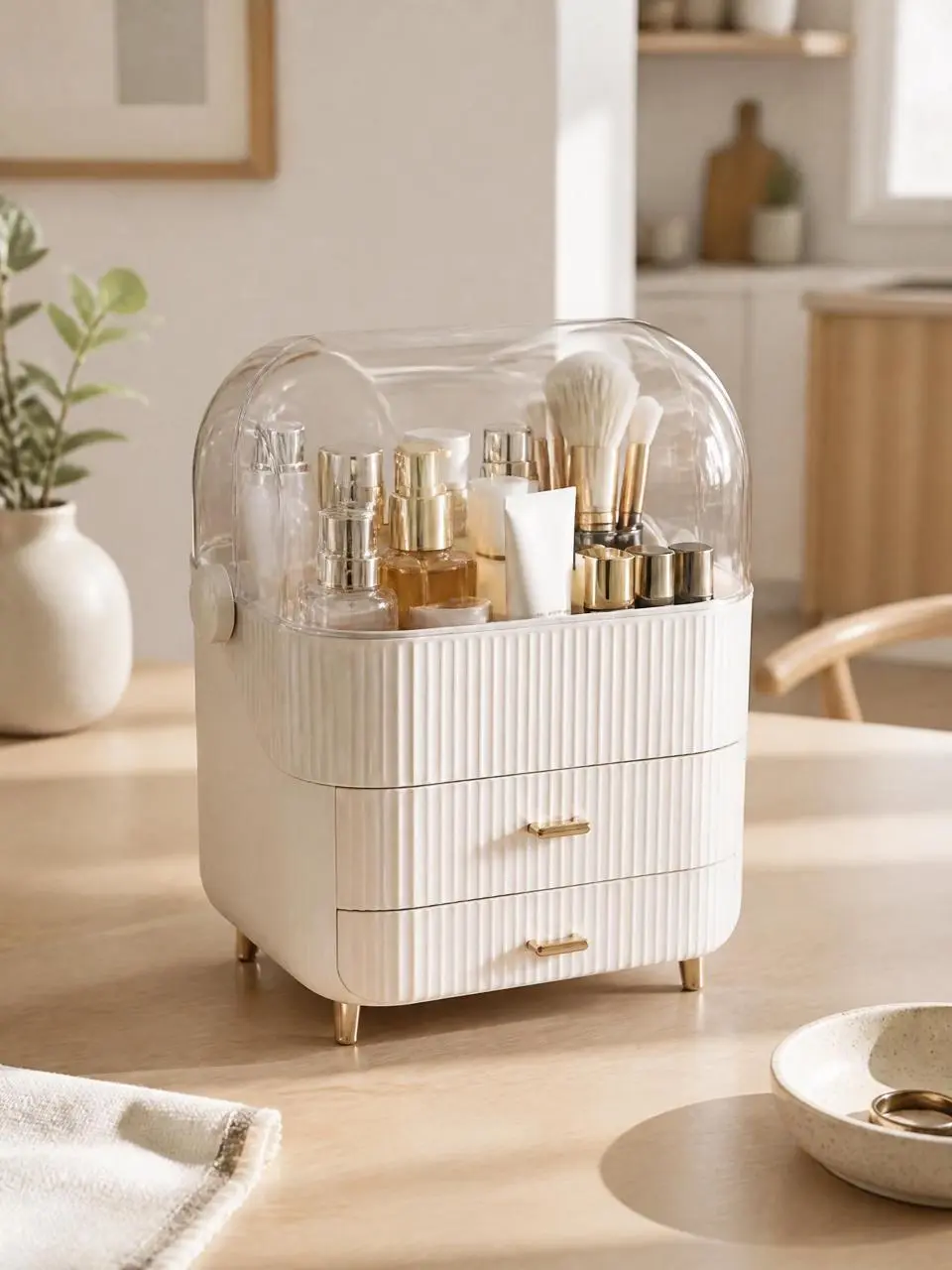
업로드한 정리함이 중심 제품입니다. 손으로 덮개와 서랍을 사용하는 모습이 나옵니다. 유사 결과를 상품 소개에 쓰기 전 칸 구성과 제품 형태를 참조와 비교하세요.
Create a premium Shopify product usage tutorial video using the uploaded product as the hero subject. Preserve the product exactly as provided, including its shape, proportions, materials, colors, branding, packaging, and every original design detail.
Begin with a clean hero shot introducing the product, followed by a clear step-by-step demonstration of how to use it correctly. Each action should be natural, easy to understand, and filmed from the best viewing angle. Alternate between medium shots showing the complete process and macro close-ups highlighting important details, interactions, and product features.
Use bright natural lighting, realistic environments, smooth camera movements, and premium commercial cinematography. The pace should feel calm, intuitive, and instructional while maintaining a high-end Shopify brand aesthetic.
No text overlays, subtitles, promotional graphics, watermarks, or exaggerated visual effects.
Ultra realistic, premium Shopify tutorial video, commercial quality, 4K.
Kling O1은 Kuaishou의 다중 모달 영상 생성·편집 통합 모델입니다. 텍스트와 시각적 맥락을 결합해 제품 장면, 의상 변화와 짧은 이야기에 활용할 수 있습니다. WeShop에서는 자료에 따라 Reference 또는 Image to Video를 선택하세요.
시각 참조로 장면 연출
인물, 제품이나 장소 이미지로 새 영상을 유도하세요. 펍과 정리함 사례는 업로드 이미지가 다른 장면이나 동작의 기준이 되는 예입니다.
시각적 변화를 텍스트로 설명
Kuaishou는 O1 편집 작업으로 의상·배경 변경과 장면 스타일 변환을 소개합니다. 바꿀 부분과 유지할 부분을 지정하고 의도치 않은 변화가 있는지 확인하세요.
시작과 끝의 모습을 연결
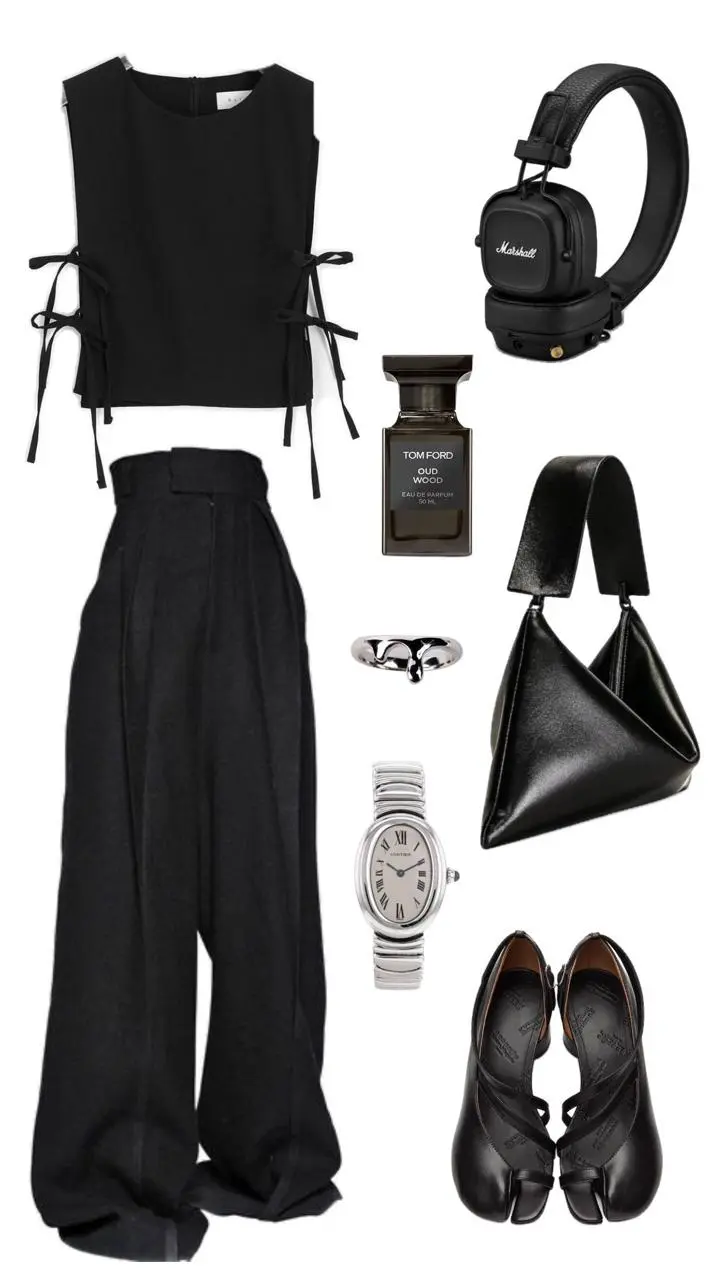
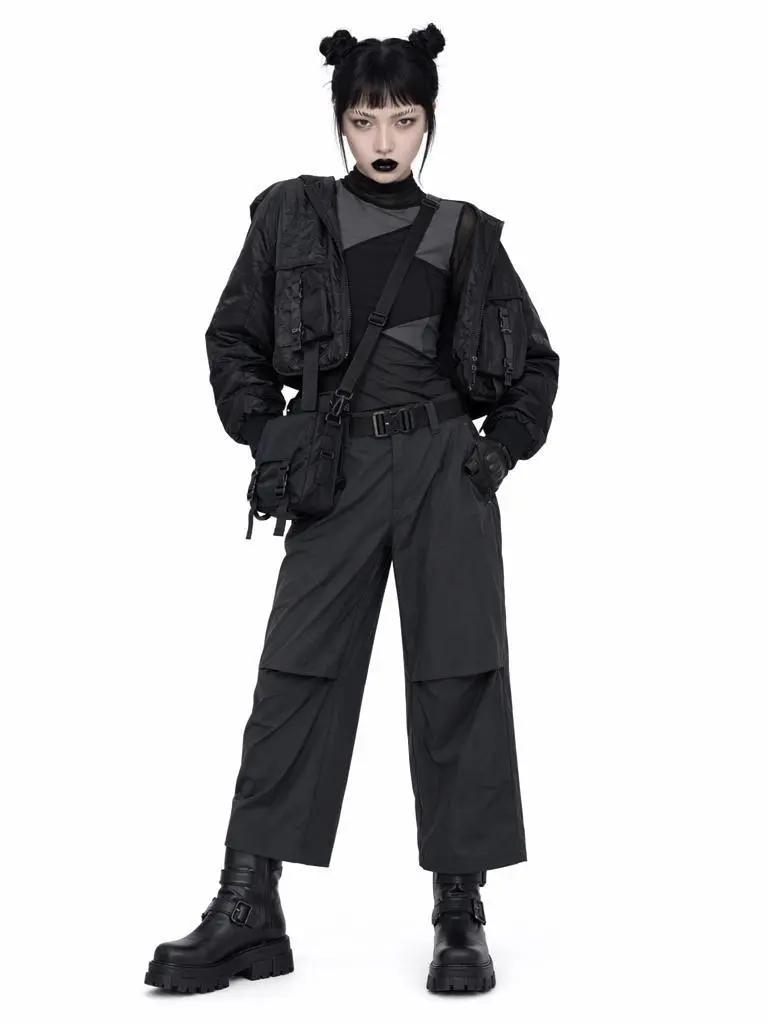
O1은 시작·종료 프레임 생성을 포함합니다. 의상 사례는 펼쳐 놓은 의류와 목표 착용 모습을 짝지어 전환의 시작점과 끝점을 정합니다.
제작 방식
시작 입력 선택하기
Model 메뉴에는 두 선택지가 있습니다. Kling Video O1 Reference는 텍스트와 선택적 이미지·영상 참조에, Kling Video O1 Image to Video는 시작 이미지와 필요한 경우 종료 이미지에 사용합니다.
Reference: 텍스트로 시작
Kling Video O1 Reference를 선택해 주체, 장소, 동작과 카메라를 설명하세요. 참조가 요청을 이끌어야 할 때 자료를 추가하세요.
Reference: 이미지나 영상 추가
Reference를 유지하고 각 자료가 인물, 환경, 움직임 중 무엇을 제공하는지 설명하세요.
Image to Video: 시작 이미지를 움직이기
Kling Video O1 Image to Video를 선택하고 시작 이미지를 올린 다음 이어질 동작이나 카메라 움직임을 적으세요.
Image to Video: 두 이미지 연결
Image to Video에 시작·종료 이미지를 제공하고 전환을 설명하세요. 해당 모드의 설정을 확인하세요.
프롬프트 가이드
Kling O1 프롬프트 작성 방법
짝지어진 프롬프트와 영상에서 참조의 역할, 동작과 변화, 장소와 스타일을 살펴보세요. 전체 프롬프트를 복사한 뒤 자신의 자료에 맞게 주체와 동작을 바꾸세요.
상호작용으로 의상 변화 시작
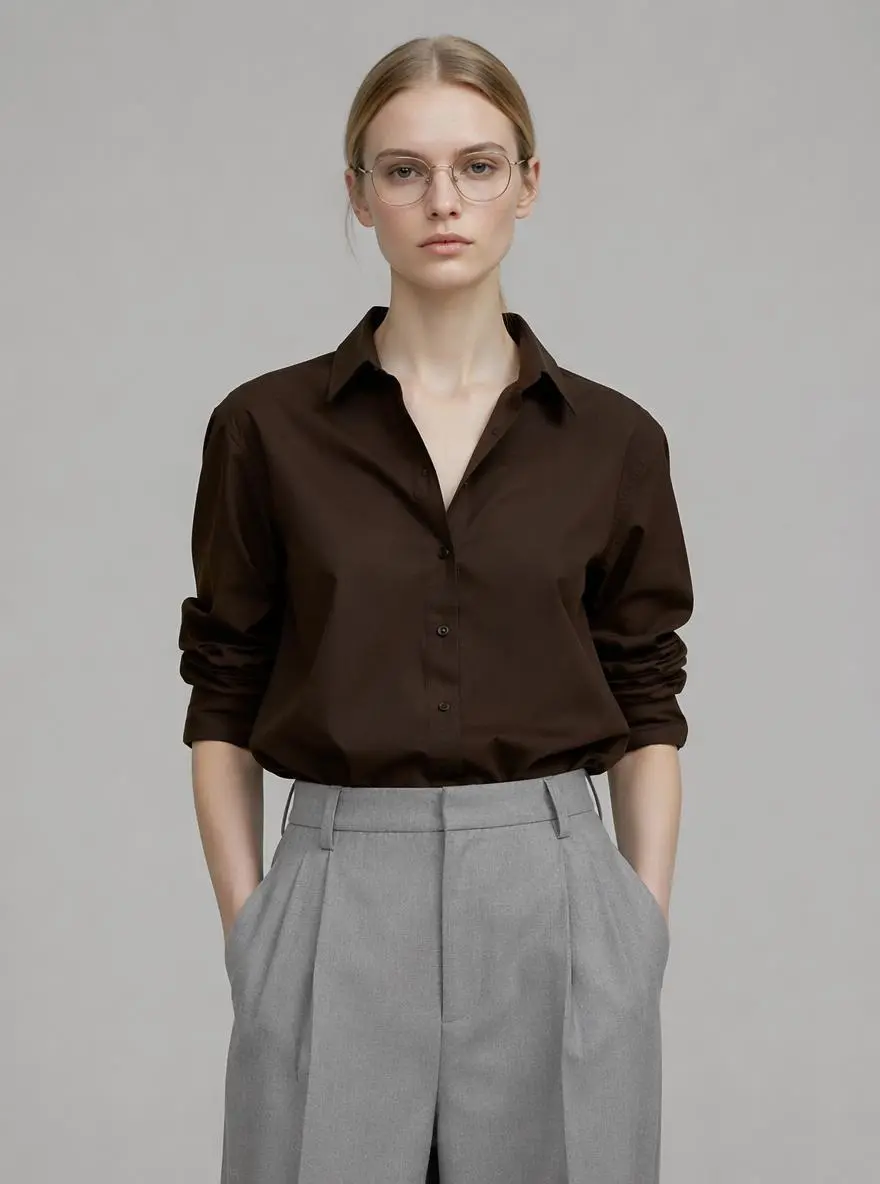
이 프롬프트는 스튜디오의 떠 있는 옷, 커서 선택과 의상 변화를 연결합니다. 변화의 계기와 결과를 함께 설명하고 전환 중 얼굴과 옷감을 확인하세요.
The model stands in a clean studio. Around her, multiple floating clothing items hover in space like a fashion orbit. Each clothing piece gently floats and rotates. A cursor clicks one outfit. Immediately, the selected clothing flies toward the model and seamlessly becomes her outfit. Fabric naturally adapts to body shape, lighting remains consistent, identity unchanged. The surrounding clothes continue floating softly in the background.A single consistent fashion model is used throughout the entire video (identity locked). The video is a premium AI fashion transformation world where interactive elements float around the model. Each feature is triggered by subtle clicks. No software UI, no dashboard, only elegant floating interactive objects. Luxury editorial photography style, white seamless studio environment, soft lighting, high-end ecommerce campaign aesthetic. Every interaction instantly transforms reality.
등장 주체에게 구체적인 활동 지정
갈매기 시장은 새벽 항구에 생선을 살피고 거래하고 진열하는 새들을 결합합니다. 동사는 활동을, 아침빛과 다큐멘터리 스타일은 표현 방식을 정합니다.
Long before the first fishermen arrive, seagulls secretly operate their own bustling seafood market on a quiet harbor. Fresh fish are inspected, traded, carefully displayed on tiny wooden stalls, and auctioned under the first golden light of dawn. Ocean mist, cinematic harbor atmosphere, realistic bird behavior, observational documentary style.
배경과 소품으로 세계 구성
다람쥐 은행은 참나무 내부, 돈으로 쓰는 도토리, 금고와 작은 직원들로 구성됩니다. 환경, 소품과 등장 주체를 함께 설명해 가상의 장면을 만드세요.
Hidden inside the hollow of an ancient oak tree is an elegant banking institution run entirely by squirrels. Acorns are counted like gold coins, tiny vaults protect winter savings, miniature clerks stamp paperwork, and woodland customers patiently queue for seasonal loans. Hyper-detailed forest interiors, warm autumn lighting, whimsical realism, cinematic storytelling.
보이는 한 사건으로 짧은 이야기 시작
이 이야기는 휴대폰 알림과 여성의 반응으로 시작한 뒤 긴 사건의 흐름을 요청합니다. 주요 사건을 분명히 하고 선택한 길이에 어떤 동작이 들어가는지 확인하세요.
A cinematic AI short drama. A young woman receives an unexpected phone notification: "Your ex has updated your personality." At first she laughs it off, but throughout the day she unconsciously starts speaking differently, ordering coffee she never liked, choosing clothes she would never wear, and repeating phrases her ex always used. She slowly realizes she's losing herself. Panicked, she opens the settings and desperately presses "Undo." The interface calmly responds: "Premium Required." The screen cuts to black. Natural acting, handheld iPhone cinematography, subtle UI overlays, realistic performances, modern fashion styling, emotionally unsettling, Black Mirror meets TikTok storytelling.
사용 방법
Kling O1 첫 영상 만들기
모드를 선택하고 영상을 설명한 뒤 설정을 확인해 이 페이지에서 생성하세요. 다운로드나 공유 전에 결과를 열어 확인하세요.
선택한 모드에 맞는 자료 제공
Model에서 Reference나 Image to Video를 선택하세요. 이미지·영상 참조의 역할을 정하고, 프레임 방식에서는 시작 이미지와 필요한 종료 이미지를 제공하세요. 모드 전환 후 설정을 다시 확인하세요.
설정과 포인트 확인
두 모드 모두 3~10초를 제공합니다. Reference는 9:16, 16:9, 1:1도 지원하며 Image to Video는 제공한 이미지를 사용합니다. 제출 전 모드·길이·수량의 예상 포인트와 계정의 모델 이용 권한을 확인하세요.
결과 열고 확인
생성한 영상을 열어 전체 구간의 인물이나 제품, 전환과 문자를 살펴보세요. 전달 전 원본을 내려받아 실제 크기와 길이를 확인하세요.