Generate a continuous time-lapse video showcasing the complete life cycle of a lemon tree, from seed germination to fruit ripening. The video should feature realistic natural lighting and detailed visuals.
노을 속 대화가 과장된 반응, 불꽃 효과, ‘NOT FUNNY!’라는 글자로 이어집니다. 프롬프트는 대사와 표정, 시각 효과를 함께 설명합니다.
Visual: Vibrant sunset lighting, sharp line art. Action: A girl with a depressed expression says: "Life is so lame, I can't even smile!" The boy's glasses flash with white light: "In that case, you need Western medicine." Girl: "Why?" Boy: "Because Western medicine SMILES!" Suddenly, the background explodes with fire FX. The girl transforms into a "Chibi" angry face and delivers an exaggerated punch/slap with motion blur. Text on screen: "NOT FUNNY!"
HappyHorse 1.0은 텍스트와 이미지로 동영상을 만들며 영화 같은 구도, 여러 쇼트로 구성된 이야기, 사운드 생성을 지원합니다. 짧은 이야기, 캐릭터 애니메이션, 광고 콘셉트, 소셜 영상에 활용할 수 있습니다.
장면에 움직임과 변화 더하기
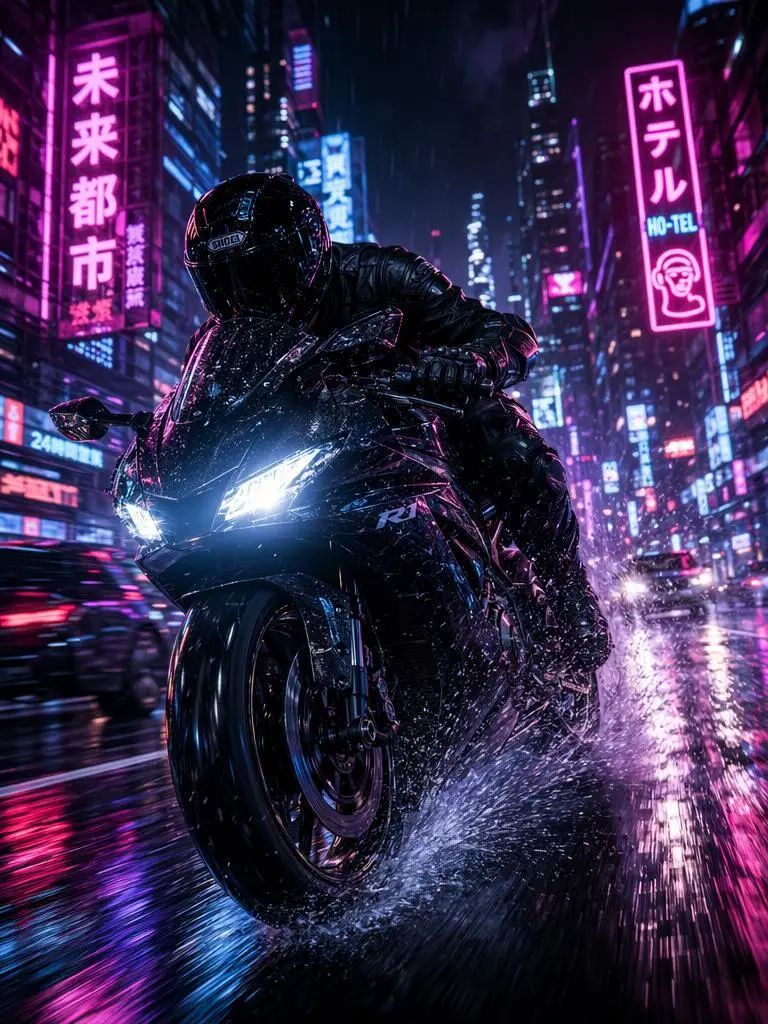
시간에 따른 변화나 움직이는 피사체를 중심으로 장면을 구성하세요. 레몬나무 예시는 성장 과정을, 오토바이 예시는 거리를 달리는 라이더를 따라가는 모습을 보여줍니다.
캐릭터의 연기 만들기
표정과 몸짓, 반응으로 장면을 전개하세요. 애니메이션 예시에는 미세한 얼굴 움직임과 큰 코믹한 반응이 모두 담겨 있어 캐릭터 연기를 구상하는 데 참고할 수 있습니다.
제작 방식
텍스트로 만들거나 이미지를 움직이기
새 장면을 위한 글이나 움직이고 싶은 이미지 등 가지고 있는 자료로 시작하세요.
이미지에 움직임 더하기
이미지를 올린 뒤 무엇이 어떻게 움직이고 카메라는 어떻게 진행할지 설명하세요. 오토바이 예시는 이미지가 라이더와 거리를 제공하고 글이 전진과 카메라 추적을 지정합니다.
텍스트로 장면 만들기
피사체와 장소, 일어나는 일을 설명하세요. 필요하면 스타일, 대사, 카메라 지시를 더하세요. 나무 성장과 애니메이션 대화 예시는 이미지 없이 텍스트만 사용했습니다.
프롬프트 가이드
실제 HappyHorse 1.0 프롬프트 살펴보기
다섯 개의 원본 프롬프트와 결과를 비교하며 배경, 표정, 동작 순서, 주요 사물, 카메라 움직임의 작성 방식을 살펴보세요.
장소와 동작 설정하기
뉴욕 옥상의 인형을 소개한 뒤 건물에 불이 켜지는 동안 지팡이를 들고 춤추는 모습을 요청합니다. 장소와 행동을 한 장면으로 연결한 예시입니다.
The Cruella de Milo 3D doll stands atop a New York skyscraper. As the lights in the middle of the building illuminate, the Cruella de Milo 3D doll begins to dance, holding a cane, overlooking the entire city. The camera movement is required to be natural and fluid.
표정을 구체적인 움직임으로 쓰기
클로즈업 예시는 눈 깜박임, 미소, 가벼운 고개 기울임과 흔들리는 머리카락을 요청합니다. 눈에 보이는 동작으로 캐릭터의 연기를 설명합니다.
Anime style, close-up. The character slowly blinks and gives a soft, charming smile. Head tilts slightly towards the camera. Long teal hair sways gracefully. The background is a soft bokeh of magical light. Focus on maintaining the intricate details of the gemstone crown and clothing. High fidelity, fluid motion, professional anime animation.
다음에 일어날 일 쓰기
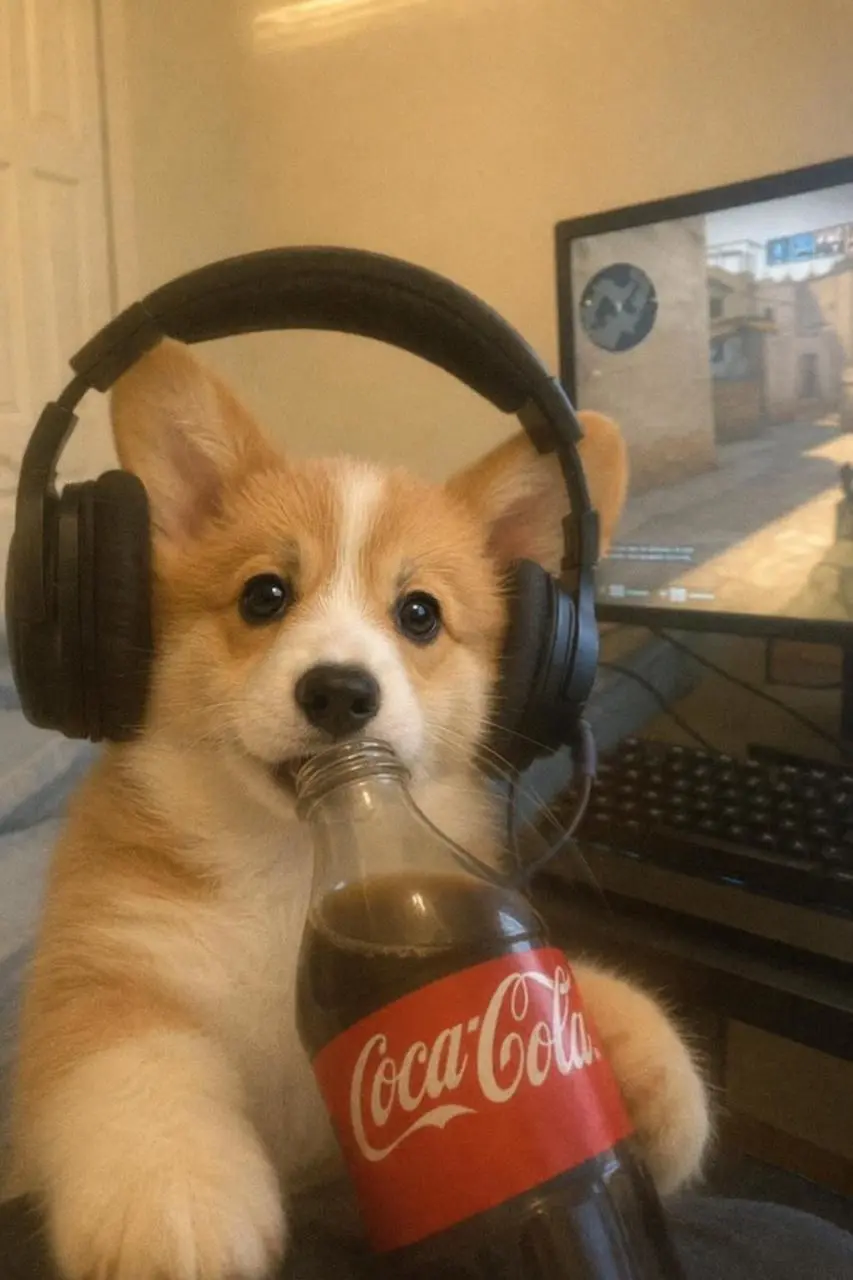
강아지가 콜라를 마신 뒤 컴퓨터 게임으로 돌아갑니다. 동작을 나열하는 대신 순서를 정해 짧은 이야기를 만듭니다.
After finishing his cola, the puppy turned around and started playing games.
장면을 이루는 주요 사물 쓰기
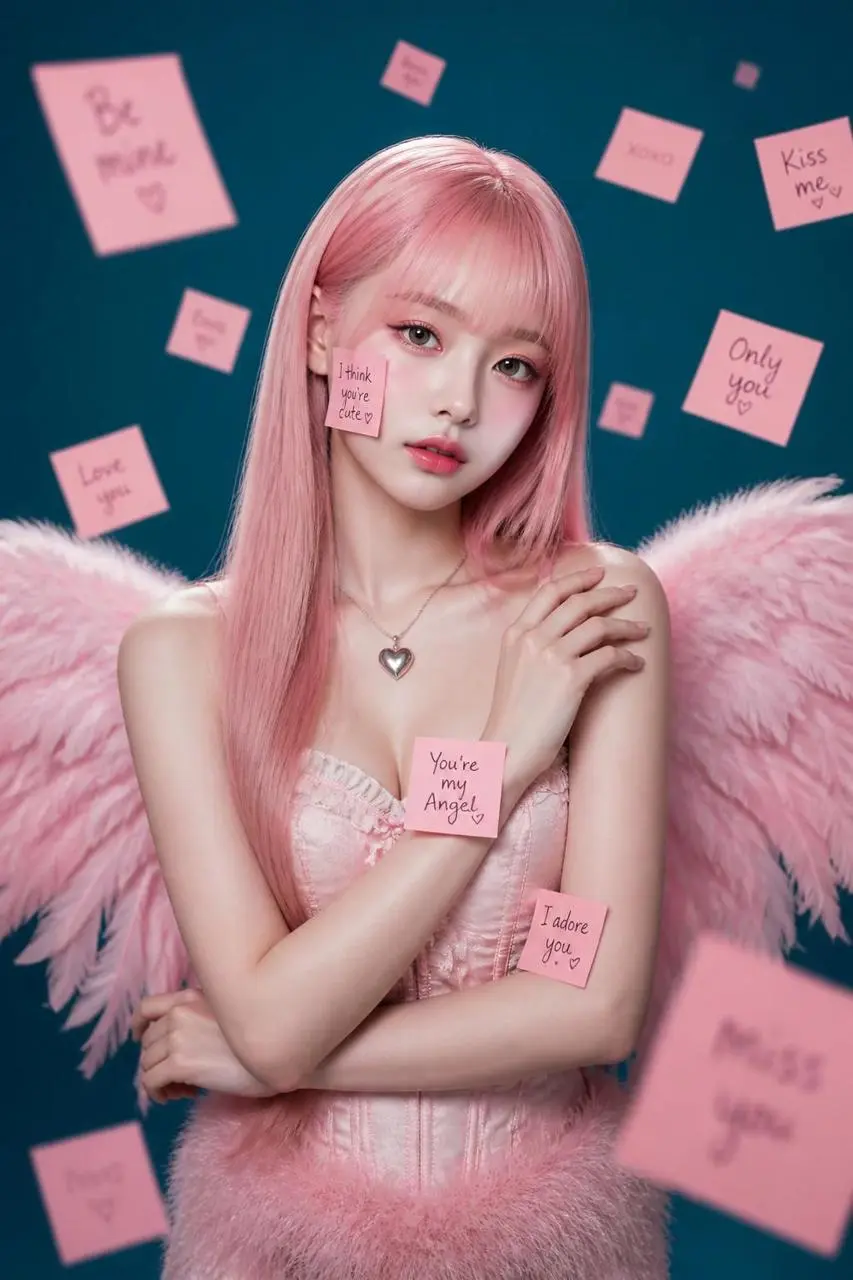
거대한 컵, 눈 무늬, 노트북, 스튜디오 배경이 장면을 구성합니다. 입력한 인물 이미지와 결과에서 이 요소들을 비교해 보세요.
{
"image_settings": {
"aspect_ratio": "4:5",
"resolution": "780/975"
},
"prompt": {
"scene_and_composition": {
"visual_hook": "A surreal juxtaposition of a professional person in a corduroy suit sitting inside a giant, oversized ceramic teacup adorned with realistic human eyes.",
"camera_angle": "Eye-level, straight-on studio shot, formal composition.",
"framing_and_depth": "Centered medium shot with a shallow depth of field that keeps the subject and the teacup in sharp focus against a flat, smooth, solid blue studio backdrop.",
"medium_physics": "Clean, crisp commercial digital photography, high-resolution textures, no motion blur, consistent studio lighting."
},
"subject_content": {
"identity_features": "Fair-skinned person, lean facial structure, narrow nose, soft jawline, blonde hair styled in a sleek, tight middle-part bun.",
"overall_pose": "Sitting upright in a giant cup, legs dangling down, laptop balanced on lap, hands typing.",
"limb_articulation": "Arms bent at the elbow resting on the laptop, legs hanging off the edge of the cup, feet wearing clean white sneakers.",
"pose_dynamics": "Formal and rigid posture, focus directed forward, conveying a sense of corporate-surrealism.",
"makeup_look": "Minimalist, 'no-makeup' makeup, clean skin texture, natural soft brows.",
"emotional_vibe": "Detached, surreal, calm, professional, eccentric.",
"main_object/apparel": "Muted sage-green corduroy blazer and matching trousers, crisp white button-up shirt, pale pink tie, pearl-bead circular spectacles.",
"hair_and_styling": "Hair tightly pulled back, sleek finish, no flyaways.",
"interaction_with_environment": "Subject is physically nested inside the giant ceramic teacup, surrounded by small green foliage and delicate pink floral sprigs tucked into the cup edge."
},
"environment": {
"visual_depth_stack": "Foreground: 1 giant ceramic teacup with 8 realistic human eyes painted on the exterior surface. Midground: 1 professional person sitting, holding a silver laptop, small 5-10 clusters of green leaves and flowers. Background: 1 seamless, solid light-blue studio wall.",
"lighting_atmosphere": "Key: Even, diffused softbox lighting from the front; Ambient: Subtle, low-contrast shadows around the base of the cup; Interaction: Soft highlight on the ceramic texture of the cup and a slight sheen on the corduroy fabric."
},
"realism_rules": [
"Surreal editorial photography style",
"High-fashion conceptual aesthetic",
"Studio lighting with no harsh shadows",
"Sharp focus on eye details of the teacup",
"Matte fabric textures for clothing",
"Glossy ceramic finish for the cup"
]
},
"negative_prompt": [
"3D render",
"cartoon",
"painting",
"distorted anatomy",
"over-saturated colors",
"cluttered background",
"blurry subjects",
"low resolution",
"floating limbs",
"inconsistent studio lighting",
"obvious AI artifacting",
"stiff posing"
]
}
카메라 움직임을 별도로 지시하기
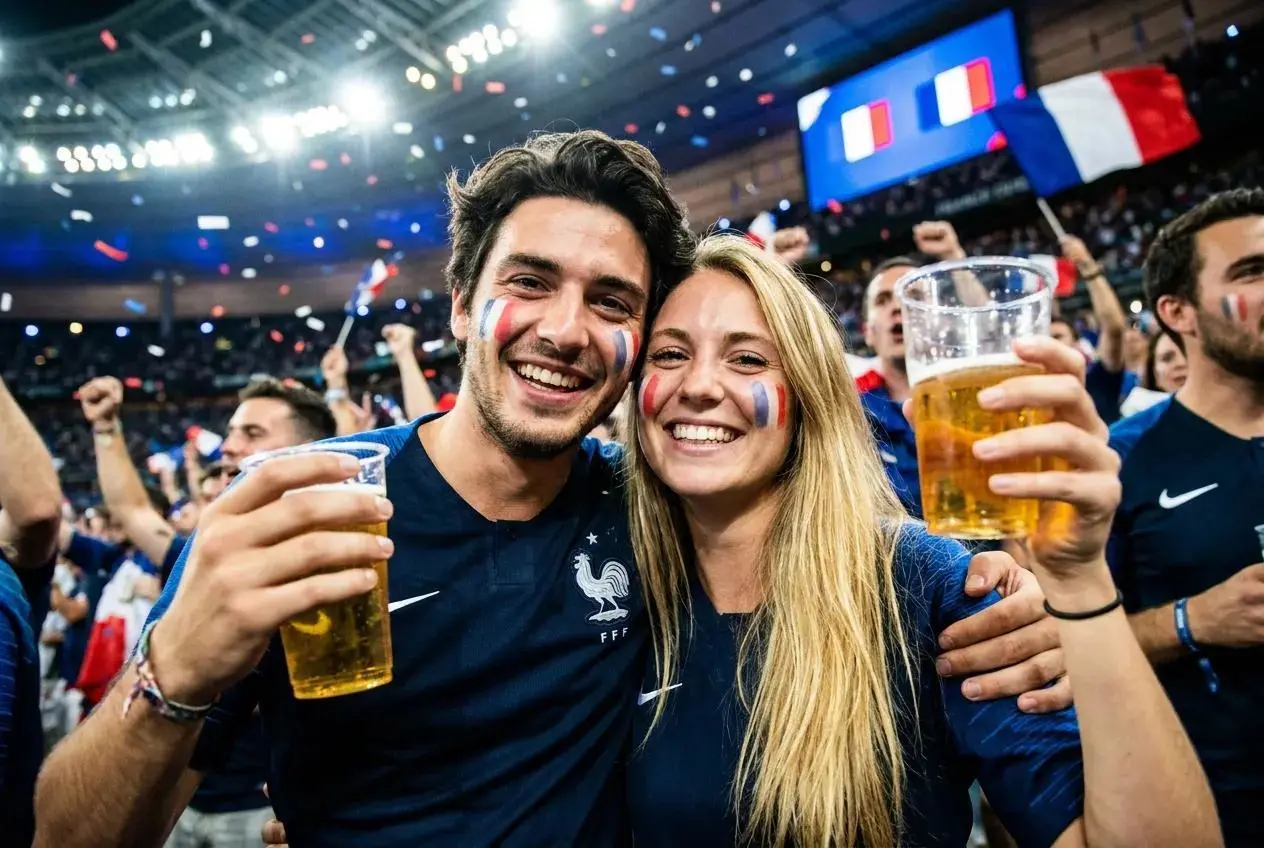
커플의 자이브 스텝을 설명한 뒤 궤도 이동, 줌, 팬, 로 앵글을 더합니다. 응용할 때 인물의 행동과 카메라 지시를 구분해 읽어 보세요.
A football-loving couple celebrating a World Cup victory inside a packed sports pub. They burst into an energetic British Jive dance, performing synchronized kicks, spins, side steps, partner turns, rhythmic footwork, playful interactions, and joyful dance moves.
Orbit camera, dynamic zoom, whip pan transitions, low-angle hero shots, immersive crowd movement, strong motion parallax, cinematic motion blur.ultra-realistic motion, high-energy festival atmosphere.
사용 방법
WeShop AI에서 HappyHorse 1.0 사용하기
페이지 상단의 생성기에서 영상을 만드세요.
영상 설명하기
프롬프트 칸에 장면과 동작을 입력하세요. 기존 피사체나 배경을 움직이려면 이미지를 추가할 수 있으며 필수는 아닙니다.
길이와 화면 비율 선택하기
3~15초 길이, 화면 비율, 생성 수를 고르세요. 제출 전에 예상 포인트를 확인하세요.
생성하고 확인한 뒤 다운로드하기
움직임, 인물 세부, 글자와 대사를 확인하세요. 원본 영상을 내려받아 완성 영상과 실제 픽셀 크기를 검토하세요.