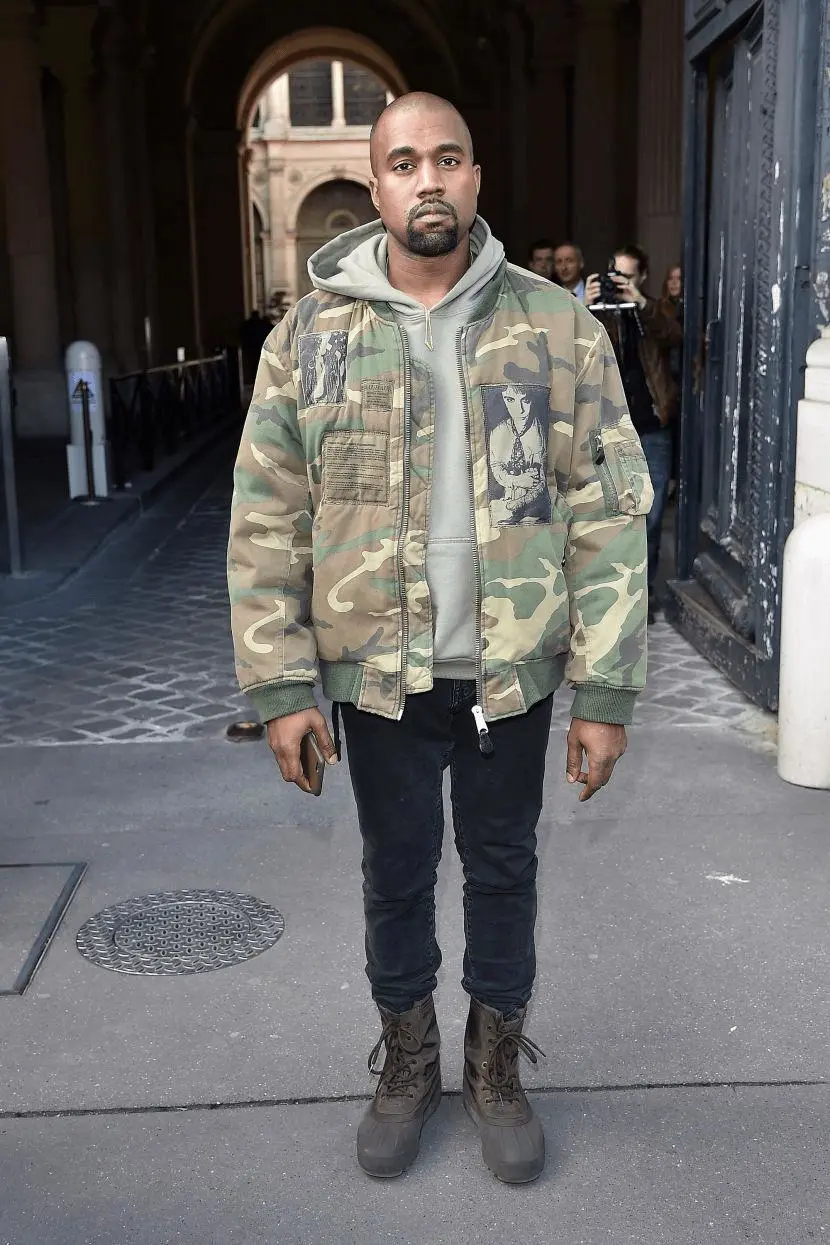
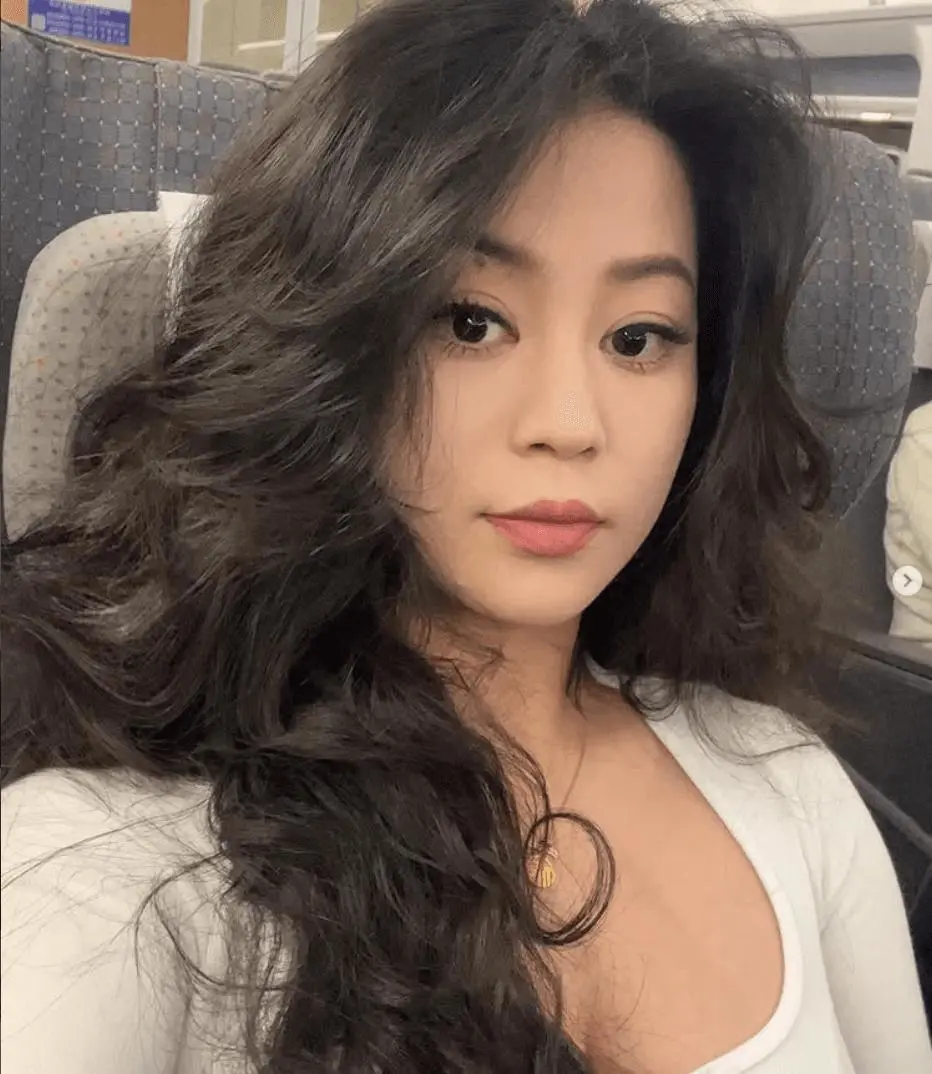
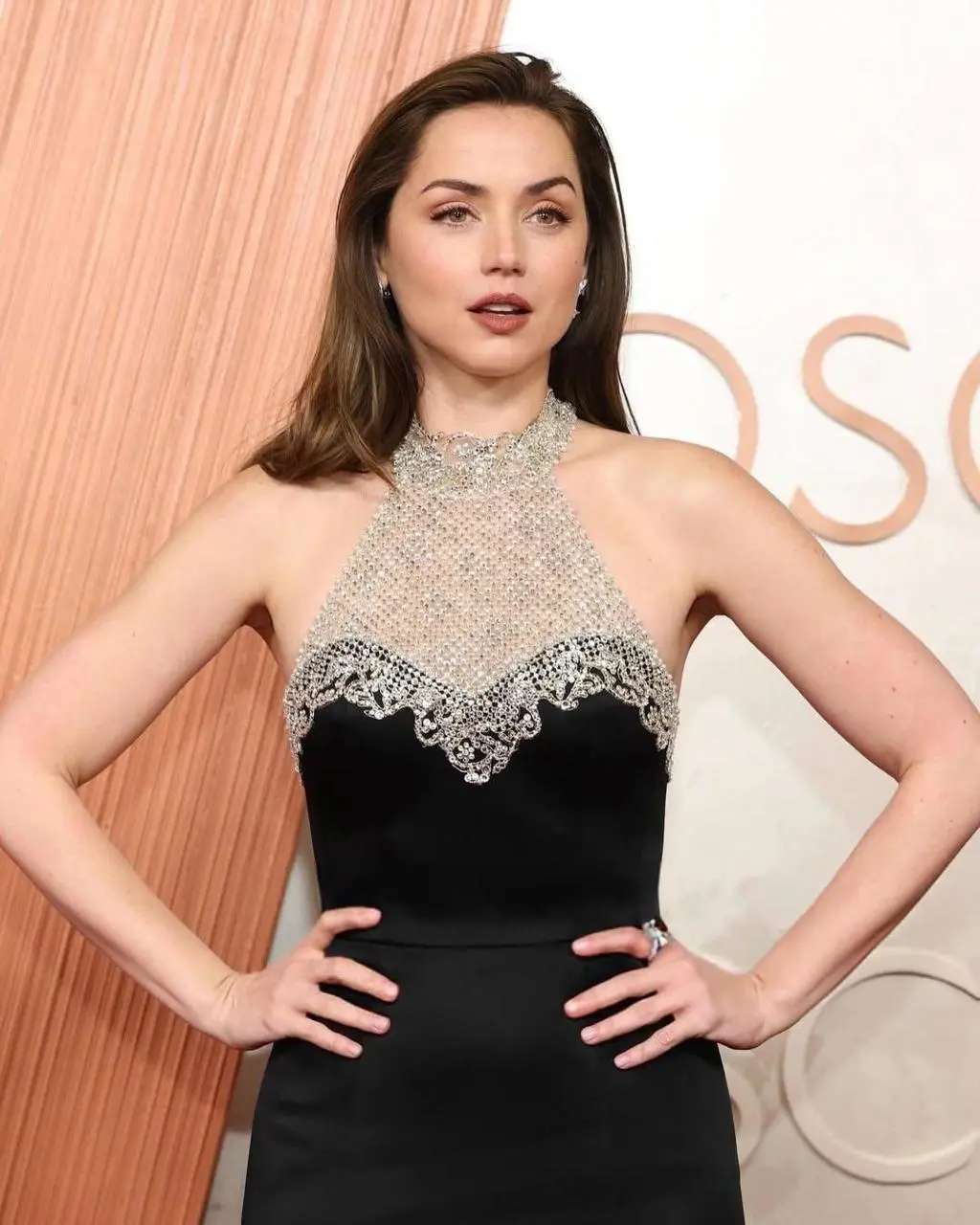
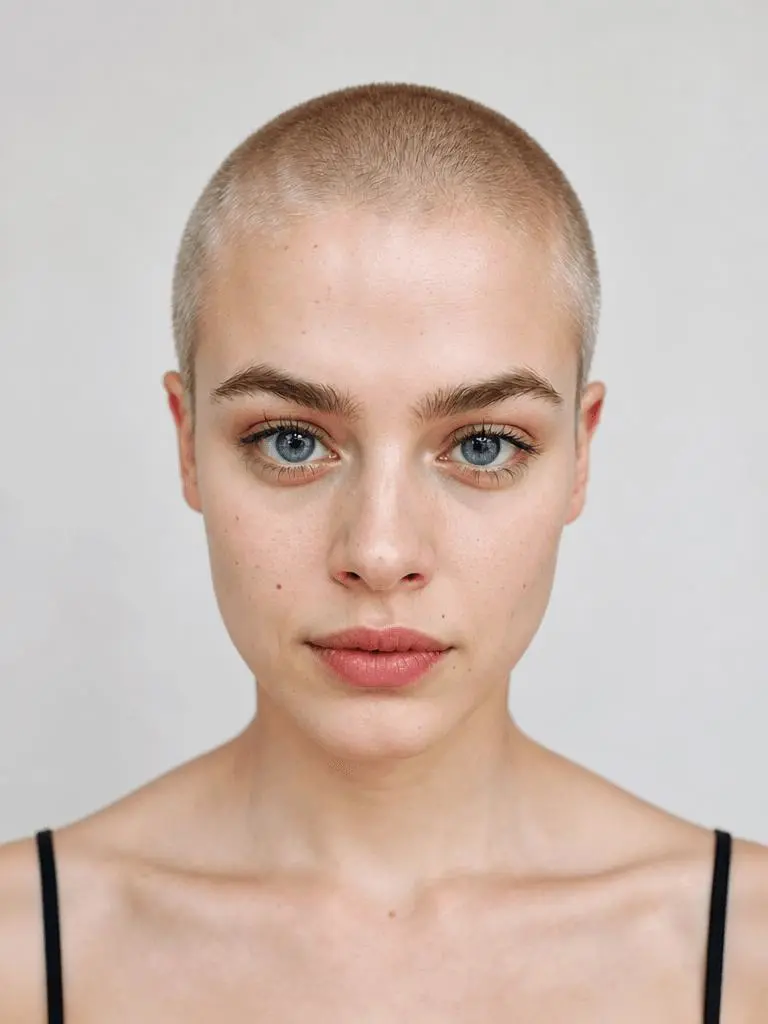
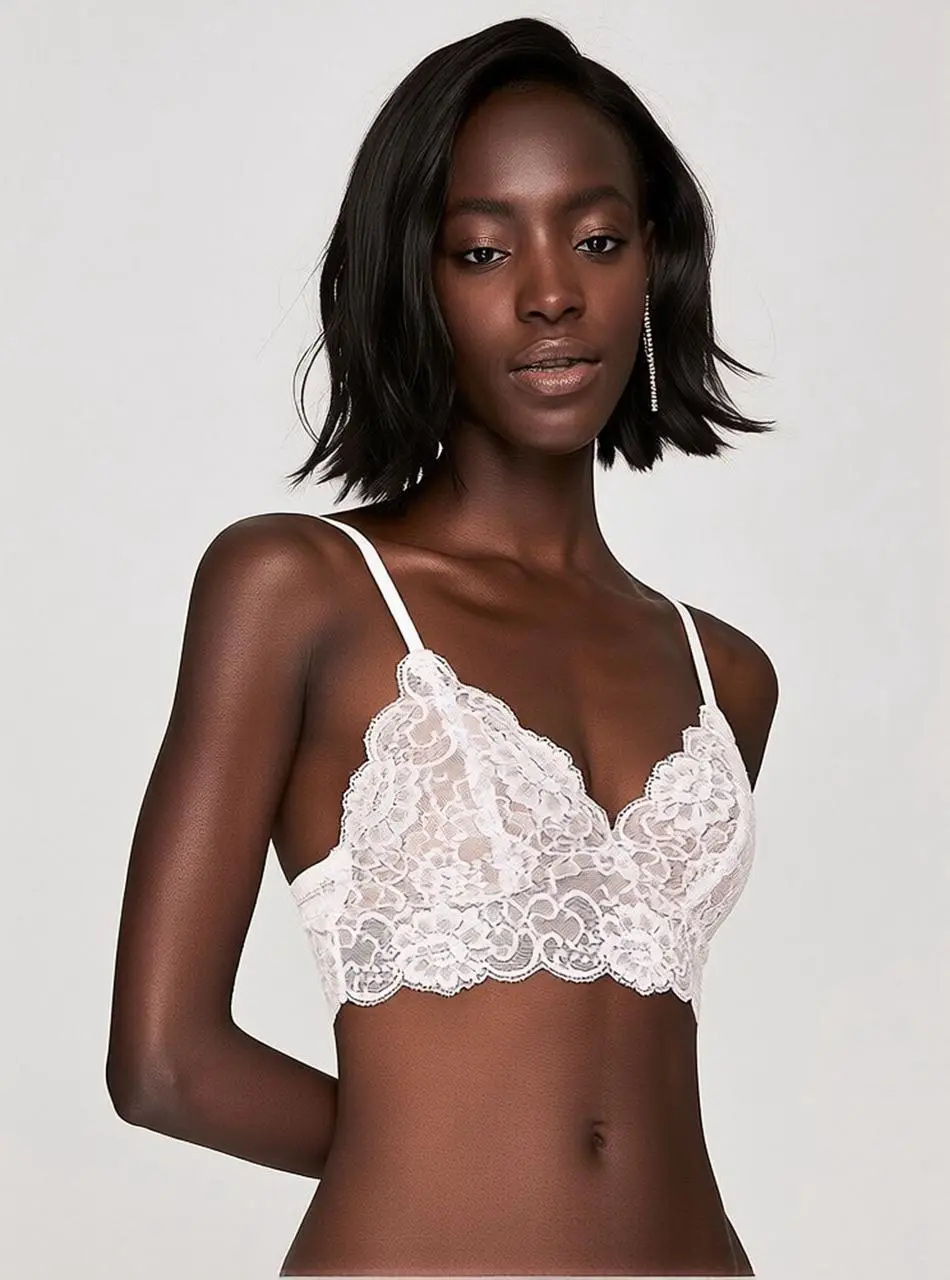
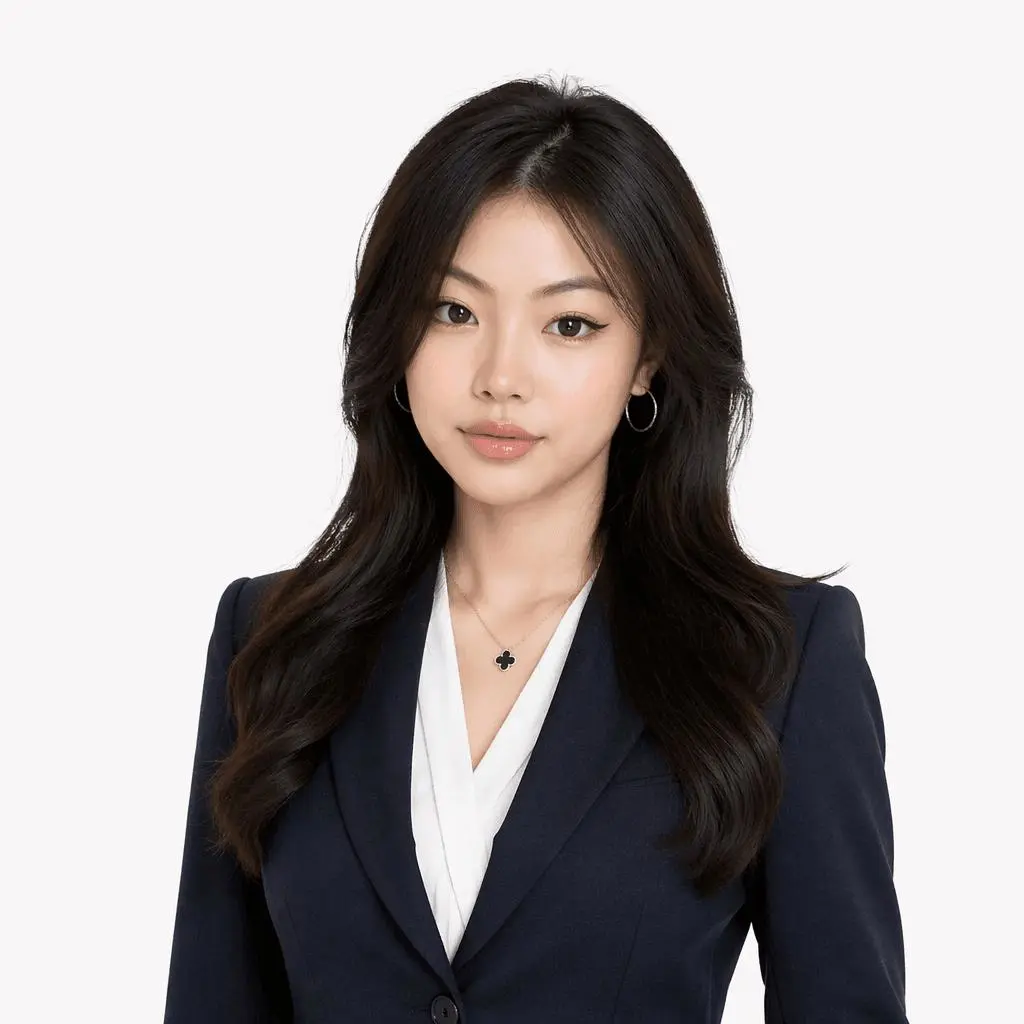
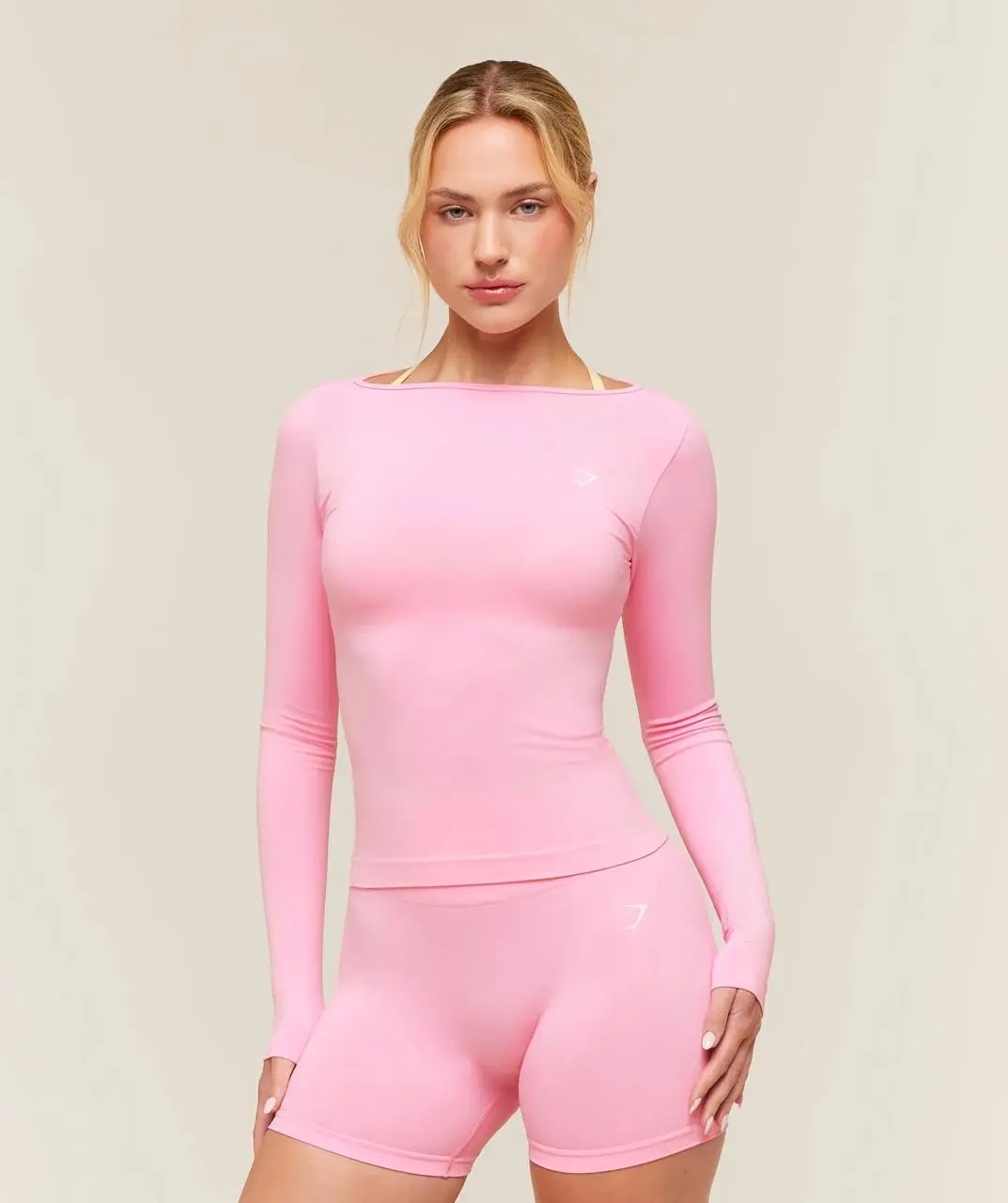
These are saved WeShop AI test results, each paired with its own character references. The displayed prompts match the generation records except for the removed vertical-framing instruction.
Red and Green Duo
A saved duo performance featuring red and green outfits in the orange-booth scene.
Use the uploaded image as the identity reference for the two replacement characters. Use the uploaded video as the reference for everything else, including the original background, environment, lighting, composition, movements, timing, camera work, and editing.
Replace only the two people in the reference video with the two people from the uploaded image. Match each uploaded person consistently to one original person and do not swap their identities at any point. Preserve each person’s exact face, hairstyle, skin tone, outfit, accessories, body proportions, and relative height.
Keep the reference video’s background completely unchanged. Preserve all architectural details, furniture, decorations, lighting, colors, reflections, background people, objects, and spatial arrangement. Do not redesign, regenerate, replace, or alter the environment.
Follow the two original characters’ walking rhythm, body posture, gestures, positions, spacing, interactions, and movement timing exactly. Preserve the original camera angles, camera path, framing, shot duration, slow-motion timing, flash transitions, cuts, and editing pace.
Naturally adapt the uploaded characters to the original movements while maintaining stable facial identities and consistent clothing in every frame. The final video should look identical to the reference video except that its two main characters have been replaced by the two people from the uploaded image. Realistic motion, seamless character replacement.
Avoid altering the background, lighting, composition, camera movement, scene details, or editing. Avoid identity swapping, merged faces, facial distortion, changing outfits, inconsistent accessories, incorrect height differences, duplicated limbs, warped hands, sliding feet, stiff walking, flickering characters, unstable backgrounds, and sudden camera jumps.
A saved test featuring two performers in white and black outfits against an orange backdrop.
Use the uploaded image as the identity reference for the two replacement characters. Use the uploaded video as the reference for everything else, including the original background, environment, lighting, composition, movements, timing, camera work, and editing.
Replace only the two people in the reference video with the two people from the uploaded image. Match each uploaded person consistently to one original person and do not swap their identities at any point. Preserve each person’s exact face, hairstyle, skin tone, outfit, accessories, body proportions, and relative height.
Keep the reference video’s background completely unchanged. Preserve all architectural details, furniture, decorations, lighting, colors, reflections, background people, objects, and spatial arrangement. Do not redesign, regenerate, replace, or alter the environment.
Follow the two original characters’ walking rhythm, body posture, gestures, positions, spacing, interactions, and movement timing exactly. Preserve the original camera angles, camera path, framing, shot duration, slow-motion timing, flash transitions, cuts, and editing pace.
Naturally adapt the uploaded characters to the original movements while maintaining stable facial identities and consistent clothing in every frame. The final video should look identical to the reference video except that its two main characters have been replaced by the two people from the uploaded image. Realistic motion, seamless character replacement.
Avoid altering the background, lighting, composition, camera movement, scene details, or editing. Avoid identity swapping, merged faces, facial distortion, changing outfits, inconsistent accessories, incorrect height differences, duplicated limbs, warped hands, sliding feet, stiff walking, flickering characters, unstable backgrounds, and sudden camera jumps.
A saved test with a light-shirt performer and a dark-outfit performer sharing the microphone scene.
Use the uploaded image as the identity reference for the two replacement characters. Use the uploaded video as the reference for everything else, including the original background, environment, lighting, composition, movements, timing, camera work, and editing.
Replace only the two people in the reference video with the two people from the uploaded image. Match each uploaded person consistently to one original person and do not swap their identities at any point. Preserve each person’s exact face, hairstyle, skin tone, outfit, accessories, body proportions, and relative height.
Keep the reference video’s background completely unchanged. Preserve all architectural details, furniture, decorations, lighting, colors, reflections, background people, objects, and spatial arrangement. Do not redesign, regenerate, replace, or alter the environment.
Follow the two original characters’ walking rhythm, body posture, gestures, positions, spacing, interactions, and movement timing exactly. Preserve the original camera angles, camera path, framing, shot duration, slow-motion timing, flash transitions, cuts, and editing pace.
Naturally adapt the uploaded characters to the original movements while maintaining stable facial identities and consistent clothing in every frame. The final video should look identical to the reference video except that its two main characters have been replaced by the two people from the uploaded image. Realistic motion, seamless character replacement.
Avoid altering the background, lighting, composition, camera movement, scene details, or editing. Avoid identity swapping, merged faces, facial distortion, changing outfits, inconsistent accessories, incorrect height differences, duplicated limbs, warped hands, sliding feet, stiff walking, flickering characters, unstable backgrounds, and sudden camera jumps.
A saved two-person test with portrait references and an orange performance backdrop.
Use the uploaded image as the identity reference for the two replacement characters. Use the uploaded video as the reference for everything else, including the original background, environment, lighting, composition, movements, timing, camera work, and editing.
Replace only the two people in the reference video with the two people from the uploaded image. Match each uploaded person consistently to one original person and do not swap their identities at any point. Preserve each person’s exact face, hairstyle, skin tone, outfit, accessories, body proportions, and relative height.
Keep the reference video’s background completely unchanged. Preserve all architectural details, furniture, decorations, lighting, colors, reflections, background people, objects, and spatial arrangement. Do not redesign, regenerate, replace, or alter the environment.
Follow the two original characters’ walking rhythm, body posture, gestures, positions, spacing, interactions, and movement timing exactly. Preserve the original camera angles, camera path, framing, shot duration, slow-motion timing, flash transitions, cuts, and editing pace.
Naturally adapt the uploaded characters to the original movements while maintaining stable facial identities and consistent clothing in every frame. The final video should look identical to the reference video except that its two main characters have been replaced by the two people from the uploaded image. Realistic motion, seamless character replacement.
Avoid altering the background, lighting, composition, camera movement, scene details, or editing. Avoid identity swapping, merged faces, facial distortion, changing outfits, inconsistent accessories, incorrect height differences, duplicated limbs, warped hands, sliding feet, stiff walking, flickering characters, unstable backgrounds, and sudden camera jumps.
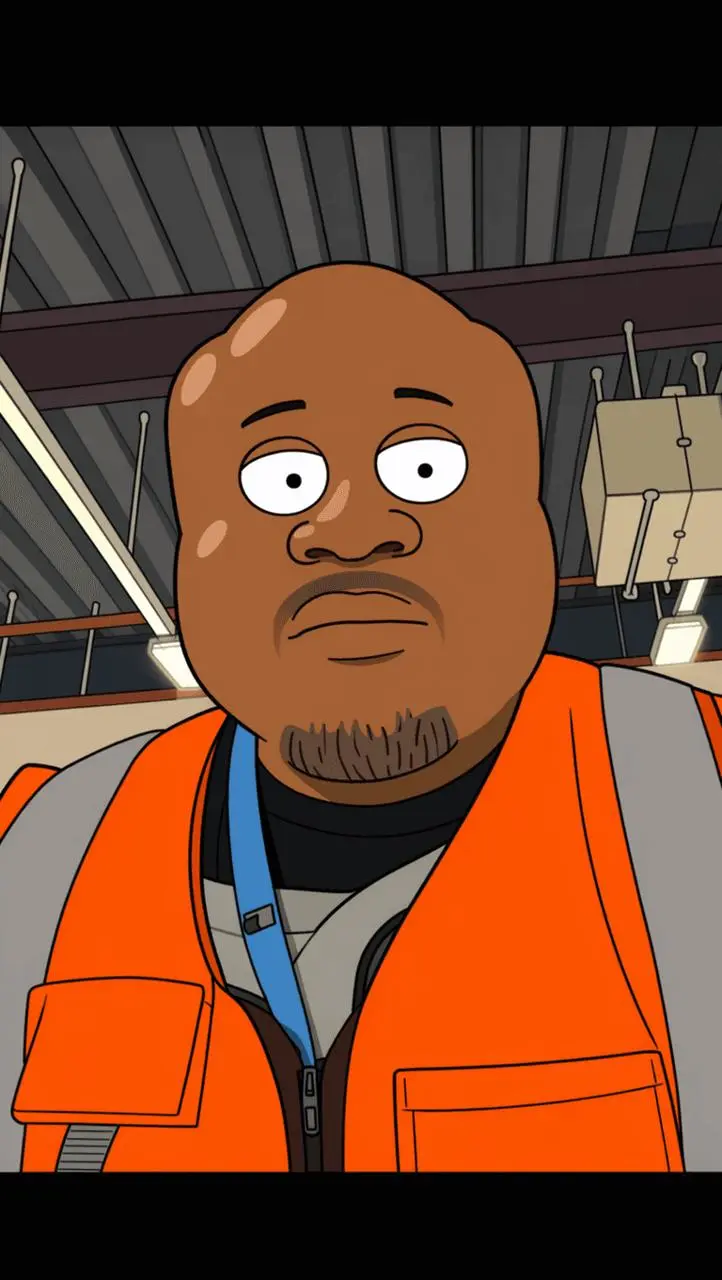
An illustrated duo variation. This result uses a simplified grey background rather than preserving the orange scene.
Use the uploaded image as the identity reference for the two replacement characters. Use the uploaded video as the reference for everything else, including the original background, environment, lighting, composition, movements, timing, camera work, and editing.
Replace only the two people in the reference video with the two people from the uploaded image. Match each uploaded person consistently to one original person and do not swap their identities at any point. Preserve each person’s exact face, hairstyle, skin tone, outfit, accessories, body proportions, and relative height.
Keep the reference video’s background completely unchanged. Preserve all architectural details, furniture, decorations, lighting, colors, reflections, background people, objects, and spatial arrangement. Do not redesign, regenerate, replace, or alter the environment.
Follow the two original characters’ walking rhythm, body posture, gestures, positions, spacing, interactions, and movement timing exactly. Preserve the original camera angles, camera path, framing, shot duration, slow-motion timing, flash transitions, cuts, and editing pace.
Naturally adapt the uploaded characters to the original movements while maintaining stable facial identities and consistent clothing in every frame. The final video should look identical to the reference video except that its two main characters have been replaced by the two people from the uploaded image. Realistic motion, seamless character replacement.
Avoid altering the background, lighting, composition, camera movement, scene details, or editing. Avoid identity swapping, merged faces, facial distortion, changing outfits, inconsistent accessories, incorrect height differences, duplicated limbs, warped hands, sliding feet, stiff walking, flickering characters, unstable backgrounds, and sudden camera jumps.
A saved test with a dark-outfit performer on the left and a pink-outfit performer on the right.
Use the uploaded image as the identity reference for the two replacement characters. Use the uploaded video as the reference for everything else, including the original background, environment, lighting, composition, movements, timing, camera work, and editing.
Replace only the two people in the reference video with the two people from the uploaded image. Match each uploaded person consistently to one original person and do not swap their identities at any point. Preserve each person’s exact face, hairstyle, skin tone, outfit, accessories, body proportions, and relative height.
Keep the reference video’s background completely unchanged. Preserve all architectural details, furniture, decorations, lighting, colors, reflections, background people, objects, and spatial arrangement. Do not redesign, regenerate, replace, or alter the environment.
Follow the two original characters’ walking rhythm, body posture, gestures, positions, spacing, interactions, and movement timing exactly. Preserve the original camera angles, camera path, framing, shot duration, slow-motion timing, flash transitions, cuts, and editing pace.
Naturally adapt the uploaded characters to the original movements while maintaining stable facial identities and consistent clothing in every frame. The final video should look identical to the reference video except that its two main characters have been replaced by the two people from the uploaded image. Realistic motion, seamless character replacement.
Avoid altering the background, lighting, composition, camera movement, scene details, or editing. Avoid identity swapping, merged faces, facial distortion, changing outfits, inconsistent accessories, incorrect height differences, duplicated limbs, warped hands, sliding feet, stiff walking, flickering characters, unstable backgrounds, and sudden camera jumps.
Provide two character references and use the prompt to assign the two performers.
A Preset Performance Reference
The page supplies a performance reference featuring the orange backdrop and hanging microphone.
An Editable Starting Point
Review the starter prompt and the available output settings before generating.
HOW IT WORKS
Create Your Hotel Lobby Video in 3 Steps
Add Your Character Images
Use the generation form on this page to upload two character images in the order described by the prompt.
Review the Prompt and Settings
Start from the supplied prompt and performance reference. Edit the prompt if needed and review the available duration, aspect ratio, and audio settings.
Generate and Review
Generate your video, then open the completed result to check the characters, movement, scene, and audio before downloading.
FAQ
Hotel Lobby Template Questions
What is the Hotel Lobby AI video template?
It is a video creation page for making a Hotel Lobby-inspired duo performance from character images, a preset reference clip, and an editable starter prompt.
What do I need to upload?
Add two character images to the generation form on this page. The default prompt assigns Image 1 to the left performer and Image 2 to the right performer.
Do I need to write a prompt or upload an MV clip?
A starter prompt and performance reference are provided. Review the prompt and edit it if needed; you do not need to upload another MV clip for the preset setup.
Can I change who appears on each side?
Upload the character images in the order described in the prompt, or edit the role assignments in the prompt before generating.
Will my video look exactly like the examples?
The saved examples show individual test results. Appearance, clothing, gestures, framing, and background details can vary. The illustrated example also shows that the background can change.
Does the video include the Hotel Lobby song?
The saved test files contain audio tracks. Audio in a new result depends on the selected settings; do not assume the original Hotel Lobby song is included or licensed for your use.
What should I check before downloading?
Open the completed result and review both characters, their roles, movement, background, and any included audio before downloading.