

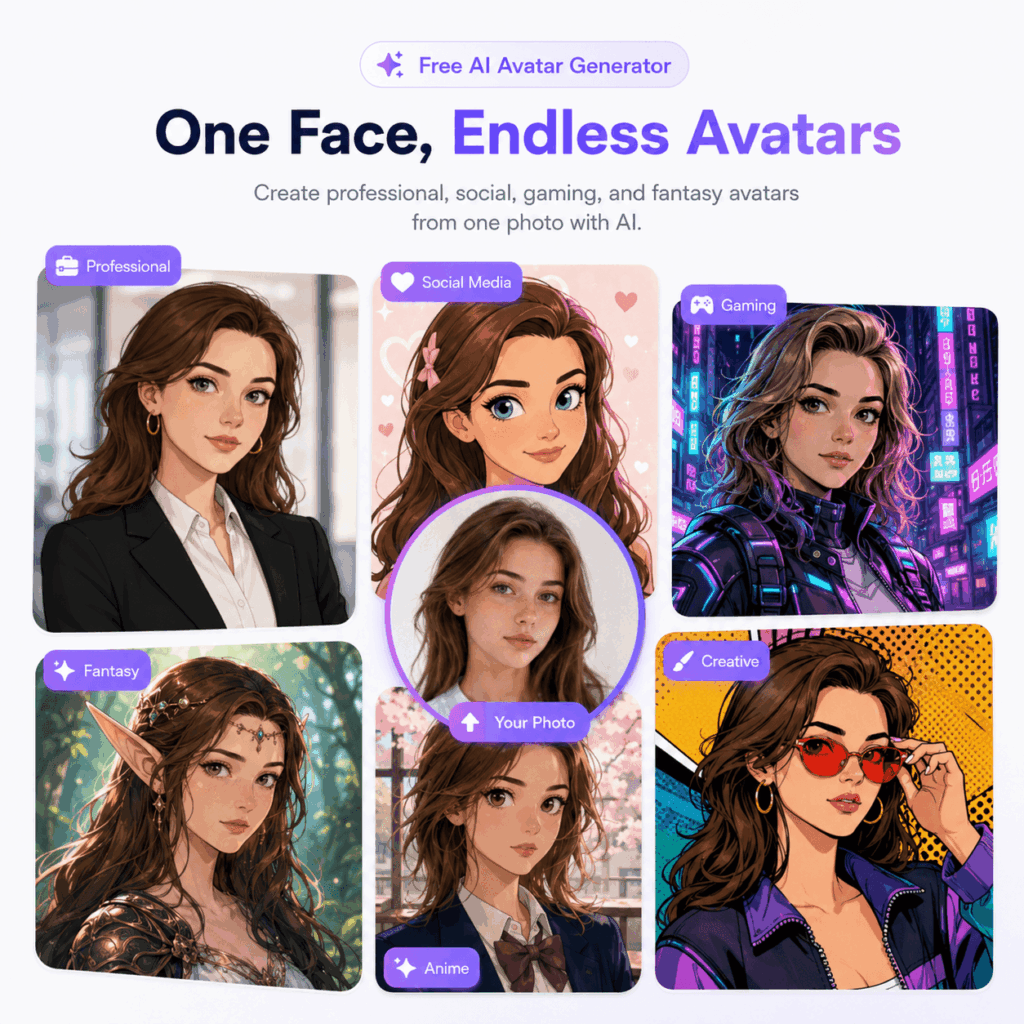
A Free AI Avatar Generator can turn one portrait into several useful online identities. For example, you can create a polished work profile, a playful social avatar, and a bold gaming character from the same face. Each version can fit a different platform. At the same time, people can still recognize you.
One profile photo rarely works everywhere. A formal headshot may feel too stiff on Discord. Meanwhile, a fantasy character may look out of place on LinkedIn. Therefore, a small avatar set is often more useful than one image that tries to do every job.
Why One Profile Picture No Longer Fits Every Platform
Every platform sends a different message. LinkedIn rewards trust and clarity. In contrast, Instagram gives you more room for style. Twitch, Discord, and gaming spaces allow even more imagination.
However, random profile images can make your identity feel scattered. People may not connect your work profile with your creator account. As a result, your online presence can feel less memorable.
A better plan is to keep a few details the same. For instance, your face shape, hair, glasses, earrings, or main colors can act as visual anchors. Then, you can change the outfit, background, mood, and art style.
What a Free AI Avatar Generator Can Do
A Free AI Avatar Generator can begin with a clear photo or a written prompt. It can then turn that idea into several visual styles. For example, you might create a realistic portrait, a clean cartoon, an anime look, or a fantasy character.
Because of this flexibility, the tool can support more than a fun profile picture. It can also help with work pages, creator channels, social accounts, gaming profiles, and personal projects.
In addition, the process is fast enough for testing. You can compare several options before you choose one. If a result feels too formal, try a softer outfit. If the face changes too much, use a clearer source photo instead.
Start With One Clear Source Image
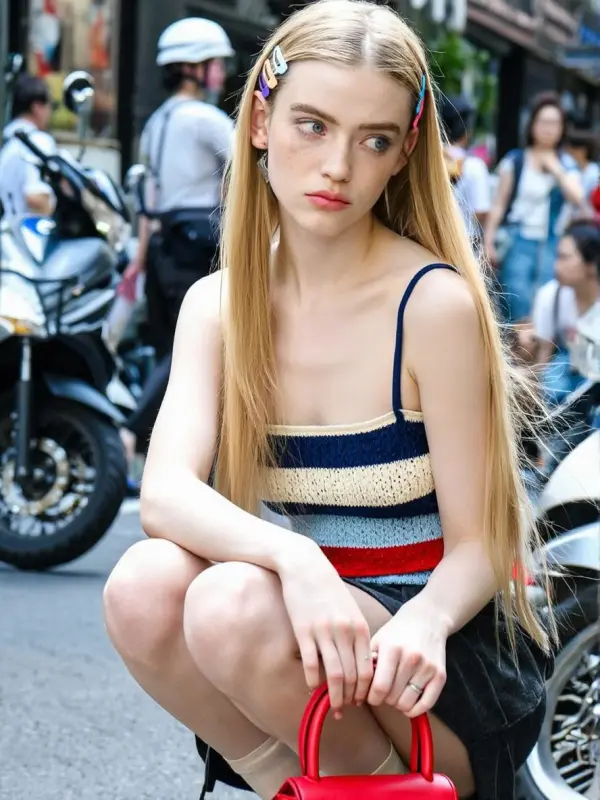
First, choose a photo with a visible face and even light. A front view or slight side angle usually works well. However, the face should not be covered by hair, hands, or deep shadows.
Also, avoid heavy filters. They can hide the features that make you easy to recognize.
The photo does not need to look perfect. After all, its main job is to give the tool a clear identity. You can change the clothing, setting, and style later.
Choose the Details That Must Stay
Before you generate anything, list the features that define your look. Keep the list short.
For example, you may keep your dark bob, brown eyes, round glasses, and silver earrings. Those details can appear in every version.
Next, decide what can change. Outfits, colors, backgrounds, and art styles are good places to experiment. This balance keeps the avatars linked without making them look identical.
Build Three Personas With a Free AI Avatar Generator
The easiest way to plan your avatar set is to give each image one job. Therefore, start with the three roles that most people need: work, social media, and gaming.
This approach keeps the process focused. It also stops you from making many random styles that you may never use.
Create a Professional Look With a Free AI Avatar Generator
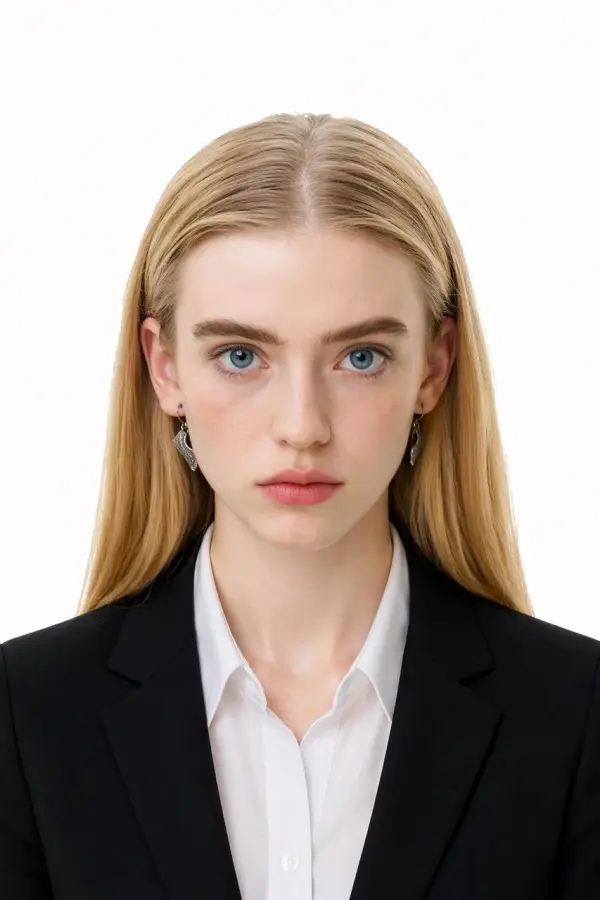
A work avatar should feel clean, warm, and reliable. For that reason, use simple clothing and a calm background. A blazer, shirt, or neat knit top can work well.
Keep the expression natural. In many cases, a small smile feels more friendly than a stiff pose.
This version can fit LinkedIn, a company bio, a portfolio, a conference page, or an author profile. It is especially useful when your best photo has the right face but the wrong clothes or setting.
Add More Personality for Social Media
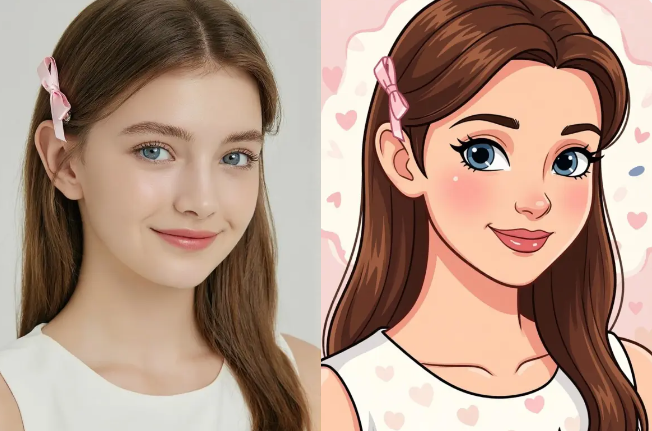
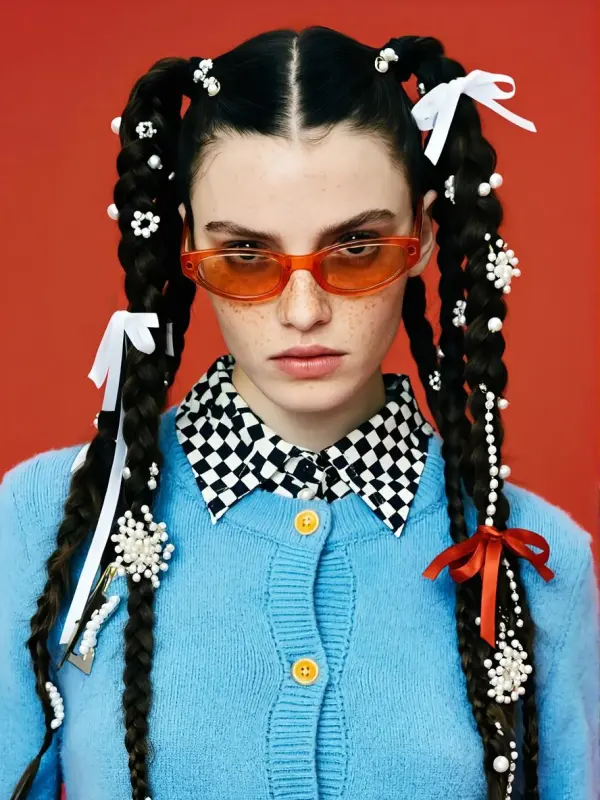
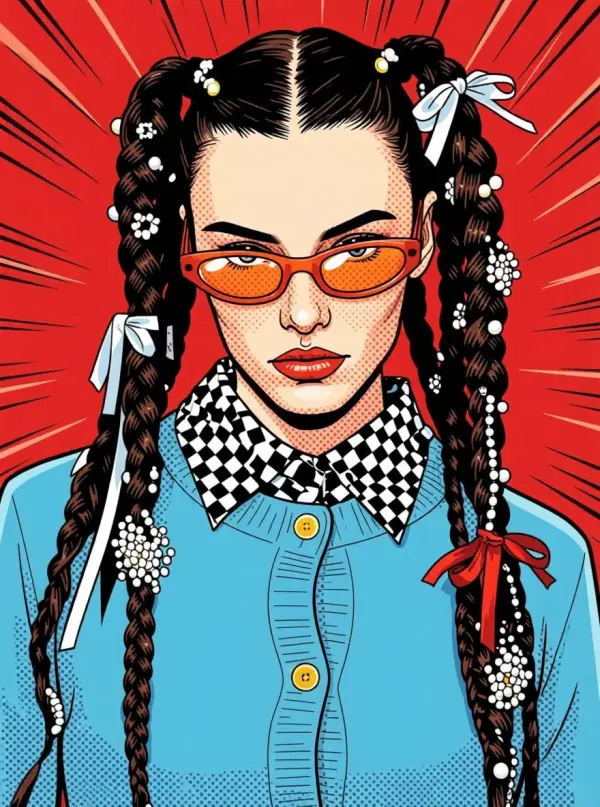
A social avatar can be more expressive. For example, you can use stronger colors, fun accessories, or an illustrated style.
Still, the image should match the content you post. A fashion creator may choose sharp styling. Meanwhile, a lifestyle creator may prefer a softer cartoon look. A music account, on the other hand, may use a bolder mood.
Try to keep two or three identity anchors. For instance, repeat the same hair, glasses, and main color. That way, followers can still recognize you.
A Free AI Avatar Generator also makes visual updates easier. You can refresh your avatar for a launch, a new season, or a different content theme. However, you do not need to rebuild your identity from zero.
Create a Gaming Persona That Still Feels Like You
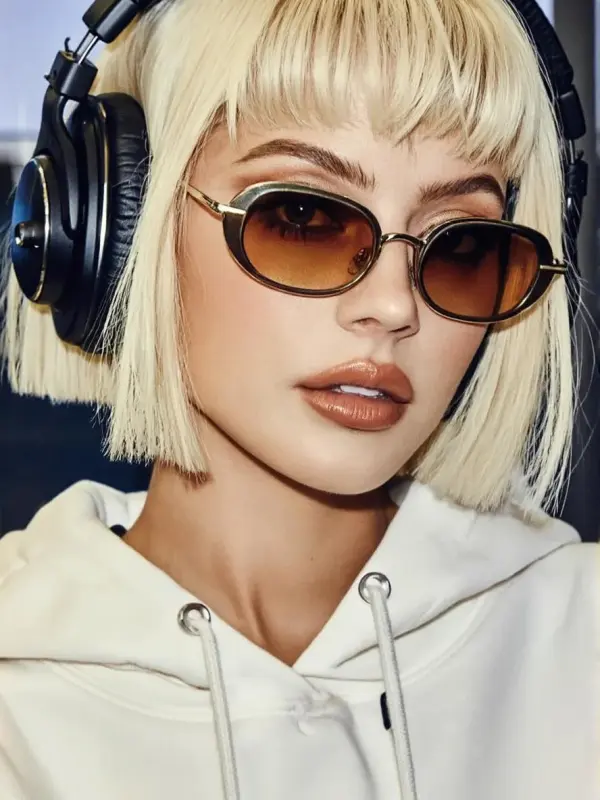
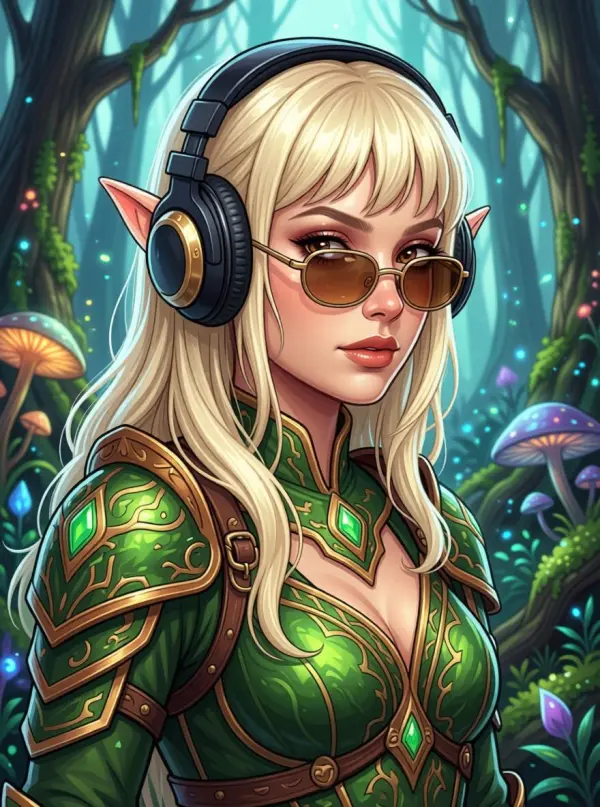
Gaming avatars can move much further from real life. You might become an elf, a space pilot, or an animated hero.
Even so, keep one or two familiar details. Your hairstyle, headphones, glasses, or favorite color can link the character to your other profiles.
As a result, the final image feels more personal. It becomes your gaming identity instead of a random fantasy picture.
How to Keep Every Avatar Recognizable
Consistency does not mean every image needs the same pose. Instead, use a simple visual system.
First, protect the face. Check the jawline, eyes, nose, smile, and age. These details matter more than the art style.
Next, repeat one signature feature. It could be a bow, glasses, headphones, earrings, or a certain haircut.
Also, choose a small color family. For example, slate blue can appear in a work background, a social outfit, and a fantasy costume.
Finally, review the images side by side. If they look like different people, reduce the number of changes in the next round.
A Simple Free AI Avatar Generator Workflow
A clear process saves time. More importantly, it makes each new result easier to compare.
Step 1: Upload a Photo or Write a Focused Prompt
For a photo-based avatar, use one image with clear facial details and natural light.
For a text prompt, describe the person before the style. Include the age range, face shape, hair, eyes, expression, and one key feature.
Then, add the purpose. For example, “professional avatar for a design portfolio” gives more direction than “make me look cool.”
Step 2: Generate One Persona at a Time
Do not ask for a work portrait, anime style, fantasy hero, and social avatar in one long prompt.
Instead, make each role on its own. Start with the professional version because it gives you a realistic base. After that, create the social and gaming versions.
This order helps you keep the face stable. At the same time, the style can become more creative.
Step 3: Review Your Free AI Avatar Generator Results
Do not judge the image only at full size. Instead, zoom out until it looks close to a real profile icon.
Can you still recognize the person? Does the expression fit the platform? Also, are key features hidden by hair or effects?
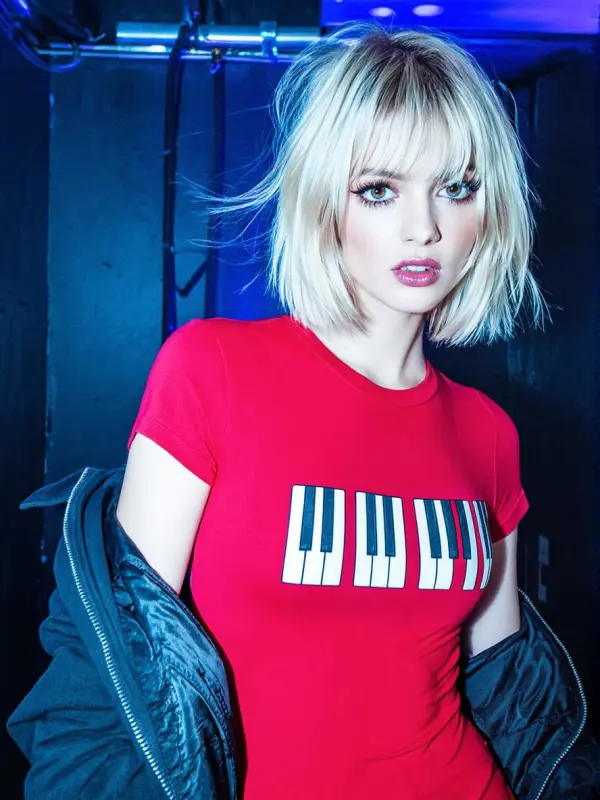
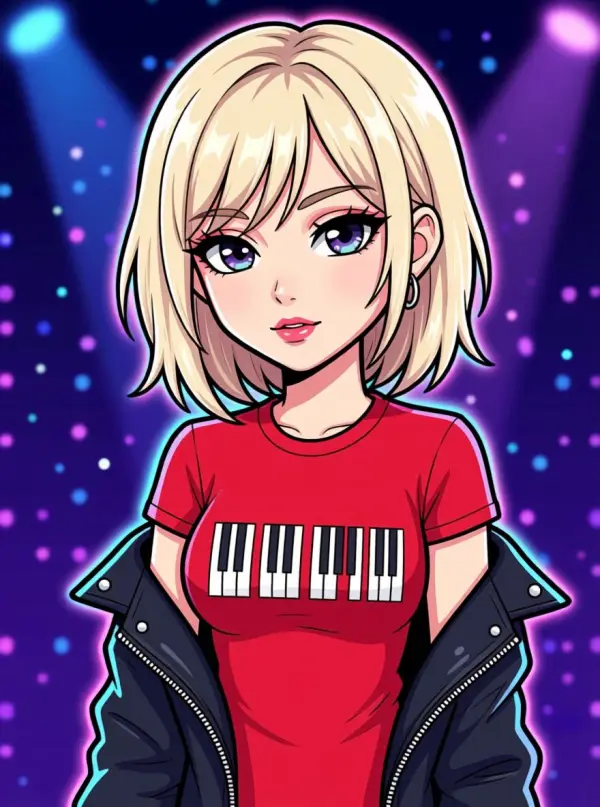
Then, compare all versions together. A strong Free AI Avatar Generator result should look like one person in several settings, not several strangers.
Turn Your Avatar Set Into a Reusable Brand Kit
Once your three main avatars are ready, save them in useful sizes.
First, keep a square version for profile pictures. Next, save a closer crop for small community icons. Finally, use a larger portrait for websites, channel pages, or creator introductions.
Also, save the prompt details that worked. Note the hairstyle, outfit, mood, background, and style words. As a result, future updates will be much easier.
A creator can use the set across channel art, posts, community graphics, and launch pages. Similarly, a professional can use it across company bios, portfolio pages, and social accounts.
In this way, the Free AI Avatar Generator becomes part of a simple identity system. One face can support several roles without losing its core look.
Final Thoughts: One Identity, More Creative Range
You do not need one profile image for the whole internet. Instead, you need a small set that fits each part of your online life.
Start with a clear portrait. Then, keep the features that matter. After that, create a work avatar, a social avatar, and a gaming persona.
With a Free AI Avatar Generator, each version can feel fresh and useful. Yet every image can still feel like you.
Go to WeShop AI For Exploration:


