One convincing model image can happen on the first try. A usable set is harder. Across several AI girl images, a neckline may shift, fabric may lose texture, or the model may stop looking like the same person.
Those changes can make a fashion product page feel unreliable. So, instead of generating endless variations, this test follows one garment through model generation, pose changes, image expansion, and local repair. Here, “AI girl images” means images of adult virtual fashion models used to present clothing.
Build the Control Image Before Asking for Variety
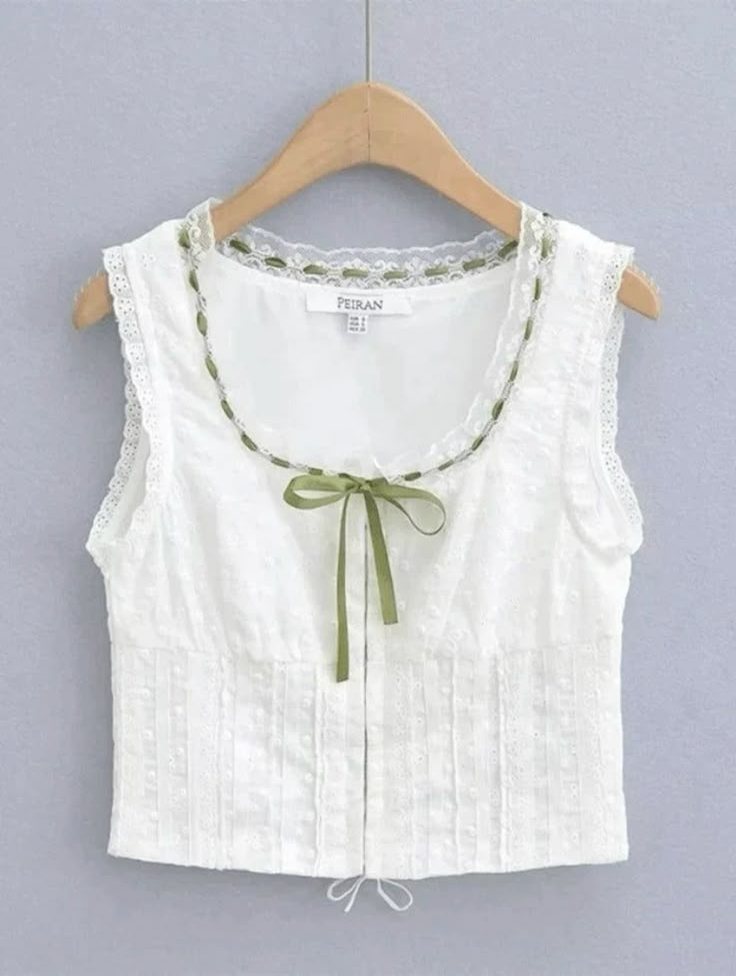
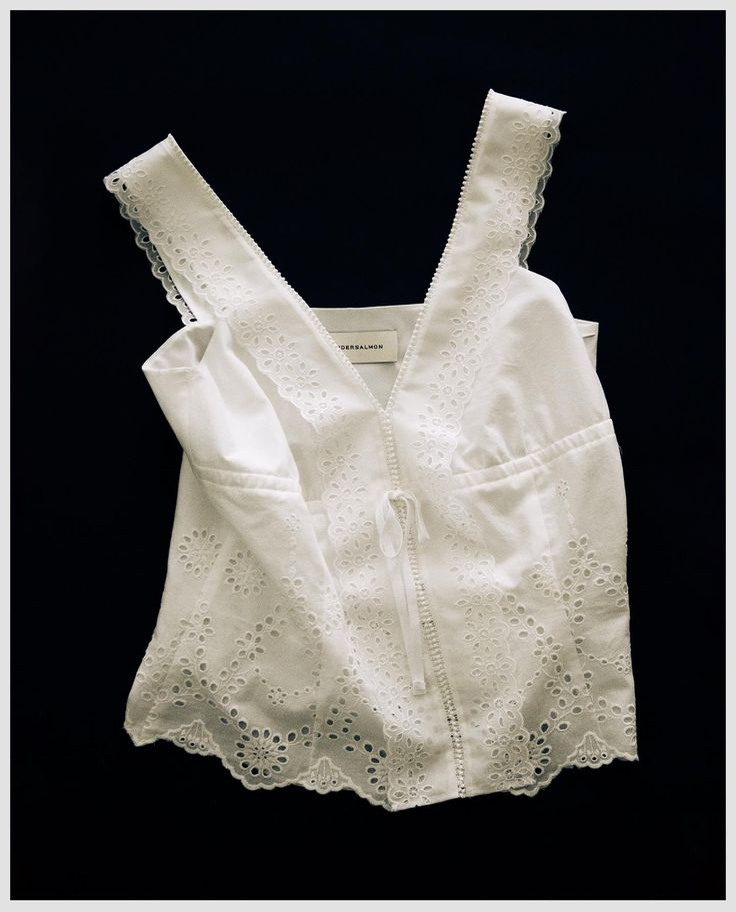
Start with a control image that every variation must match. The clothing source should show the full item without arms, hair, props, or shadows hiding its structure. Before uploading it, note the color, neckline, sleeves, waist, hem, print, and fabric surface.
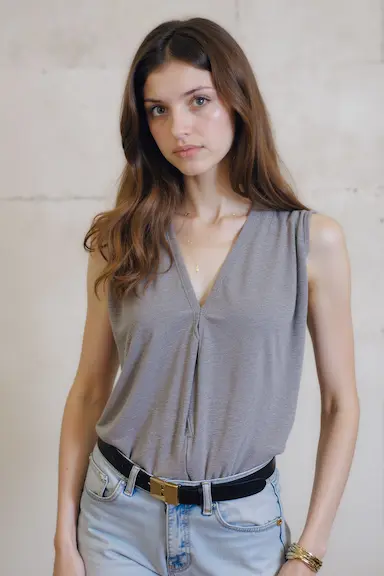
Next, choose an adult model reference that fits the intended customer and campaign. Pay attention to body proportions, camera angle, hair placement, and lighting. The reference should support the clothing, not compete with it.
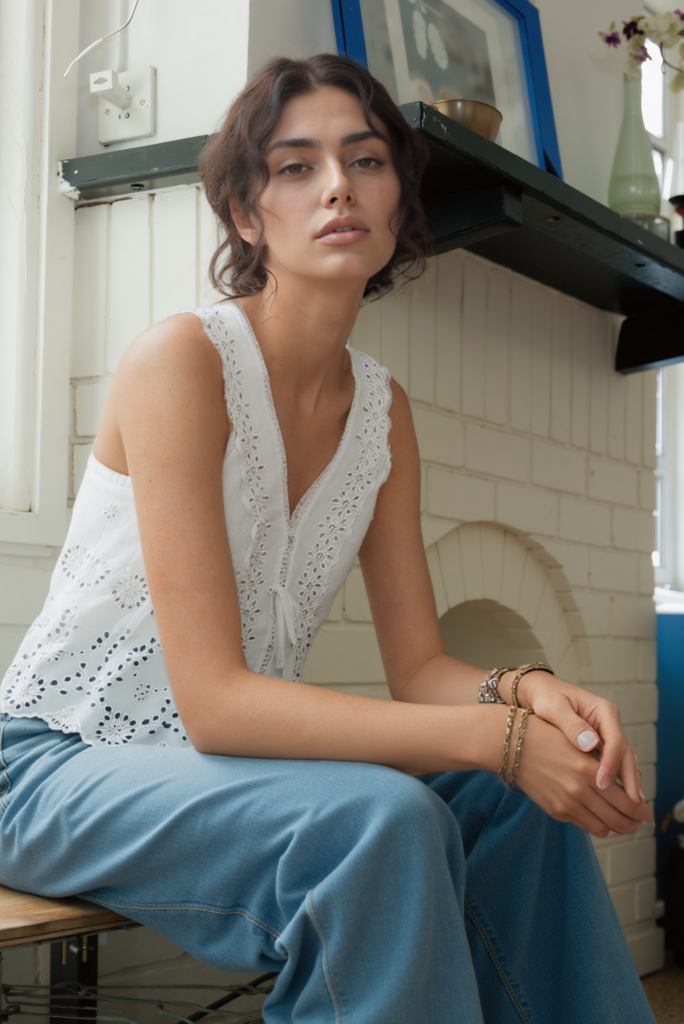
Use AI Fashion Model to combine the garment with that model direction. Then compare the output with both sources. A polished result still fails if it quietly becomes a different product.
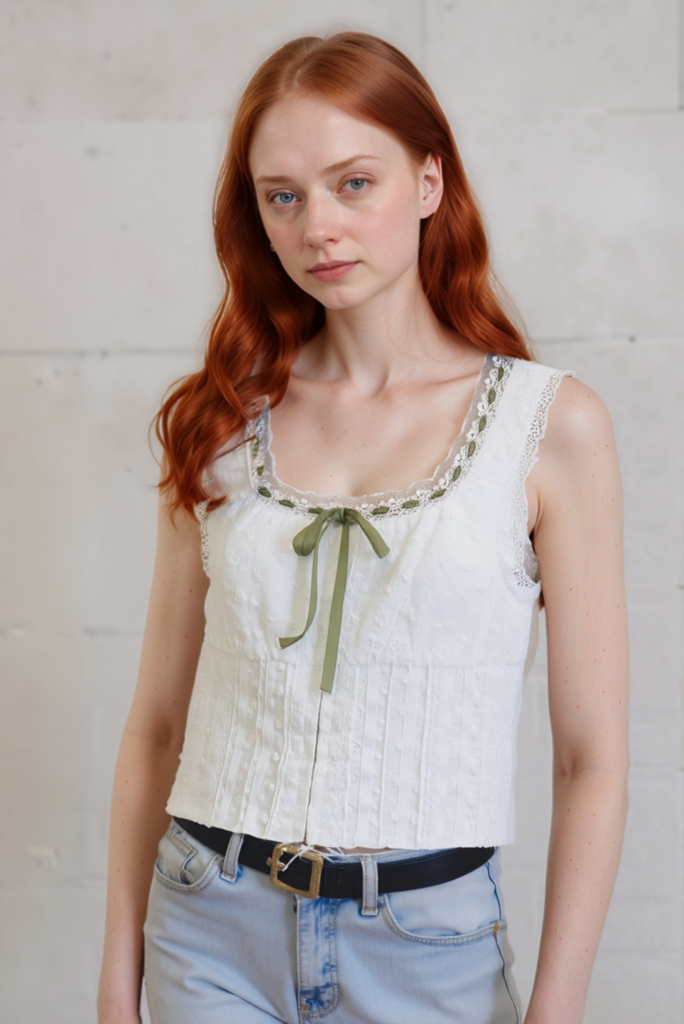
Before creating variations, write down five details that cannot drift:
- The garment color and print
- The neckline, sleeve, waist, and hem shape
- The model’s face, hair, and general proportions
- The lighting direction and background family
- The amount of product that remains visible
This list is more useful than asking for “the same style.” If the dress becomes shorter or the print changes, the image has failed even when the model looks good.
Pose Changes Put AI Girl Images Under Pressure
A new pose changes fabric folds, body contact, and the edges visible to the camera. It is often where inconsistency first appears.
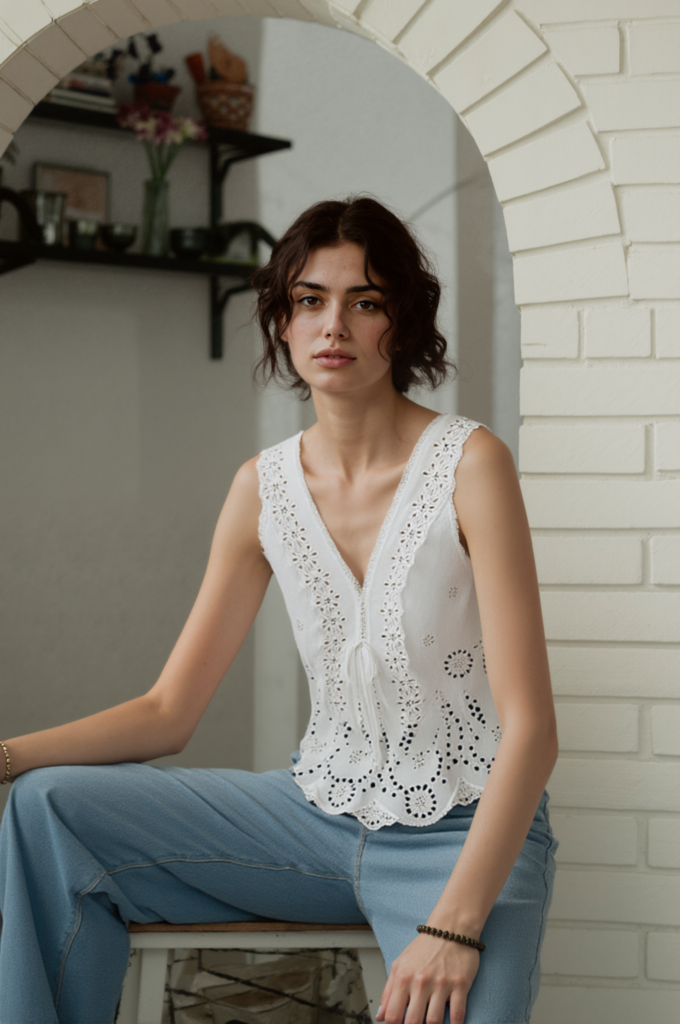
Upload the approved control image to AI Pose Generator. Describe the pose or use a pose reference, but keep the direction practical. A natural stance that leaves the garment visible is more useful than an extreme pose that hides it.
Useful pose directions include:
“Full-body front view with a relaxed weight shift. Keep both sides of the garment visible and place the hands away from the neckline and waist.”
“Three-quarter turn toward the camera with one arm relaxed. Preserve the garment length, color, print, and fabric texture.”
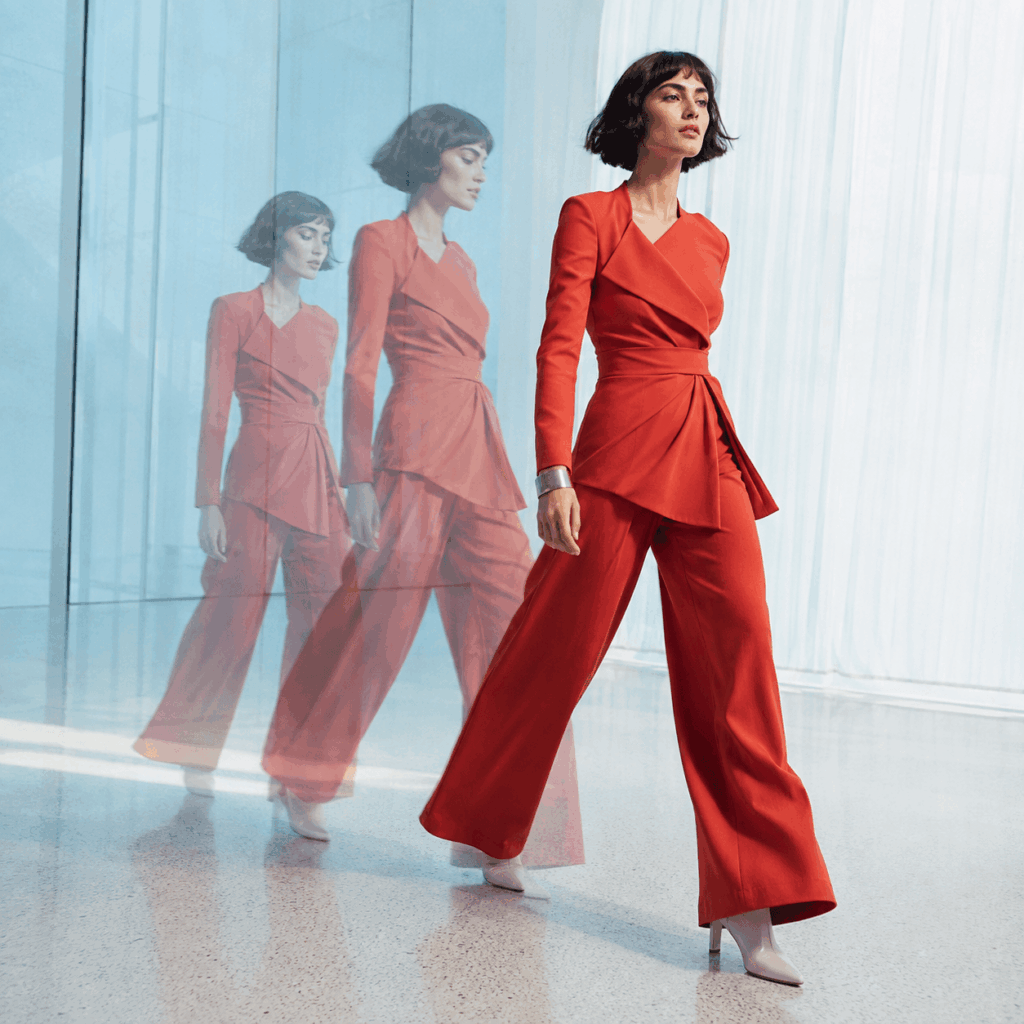
“Natural walking pose with the full outfit in frame. Keep the face, hairstyle, background, and lighting consistent with the source image.”
The prompt needs a pose, a camera view, and protected product details—not decorative language.
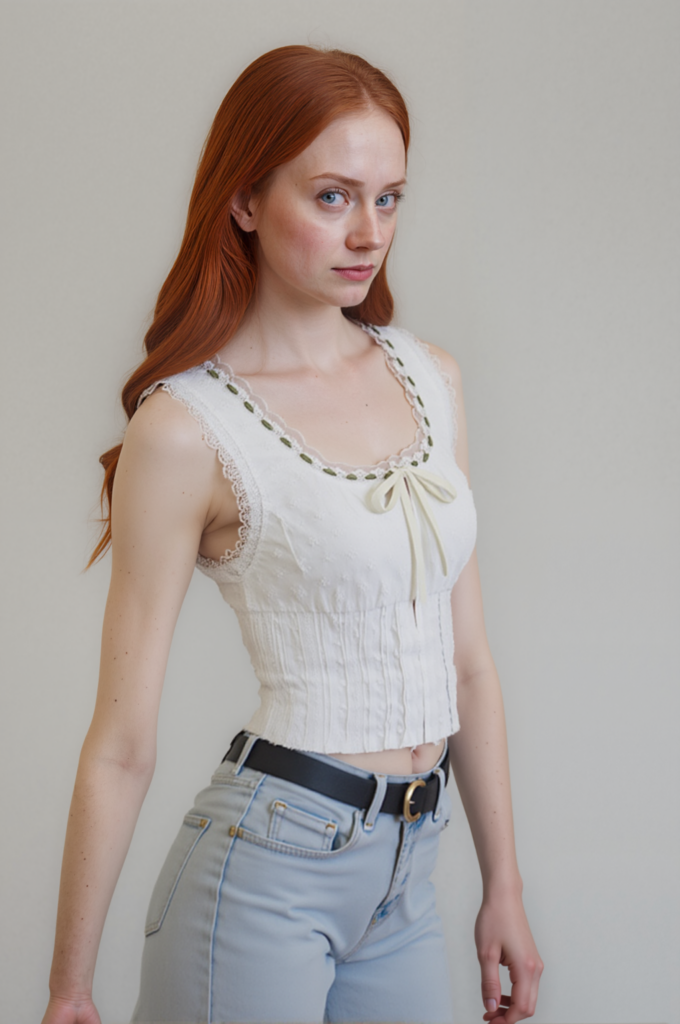
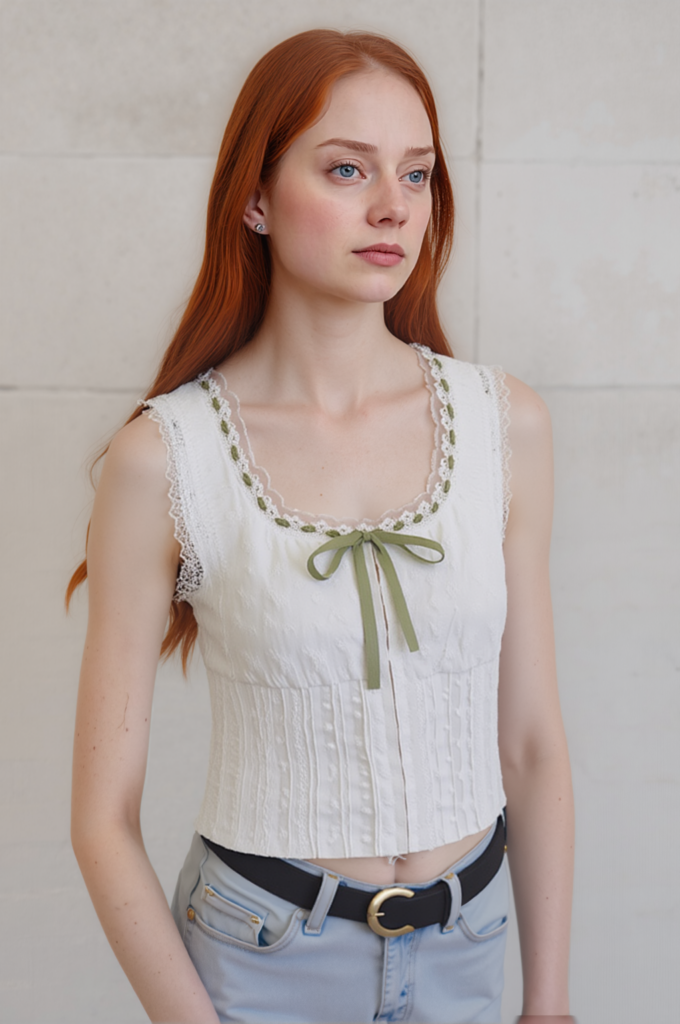
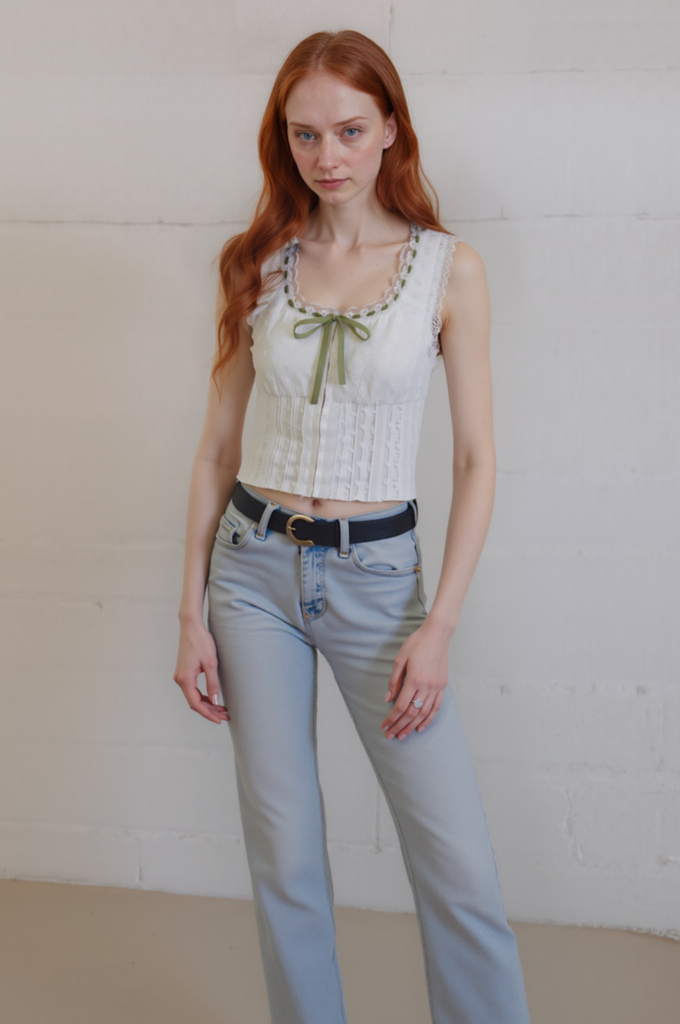
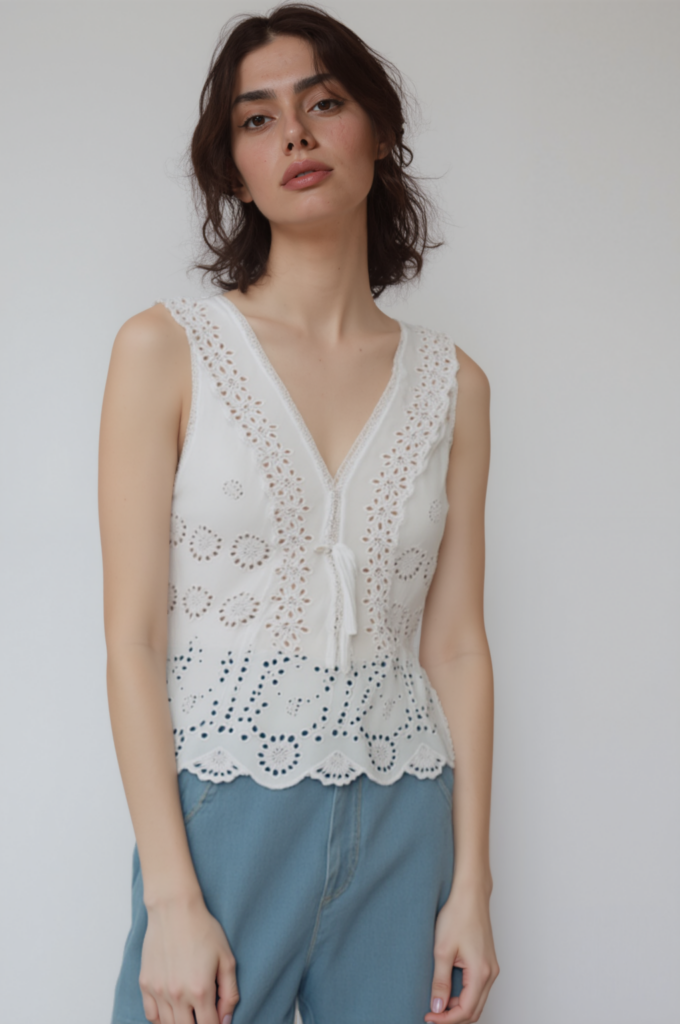
Review these AI girl images beside the control image. Does the face remain stable? Did the garment become tighter, shorter, or more reflective? Are the hands covering a selling detail? These shifts are easier to catch side by side.
A Second Garment Is a Better Test Than More Prompts
The second case shows whether the method works beyond one favorable example. Keep the evaluation rules unchanged. If the set fails, return to the source, simplify the pose, or choose a reference with a closer camera angle. More prompt adjectives will not repair a weak starting point.

Give the Frame More Room Without Rebuilding the Image
Sometimes the model is right, but the crop leaves no room for ad copy, a vertical layout, or a wider banner. AI Image Expander can add canvas without asking for a new subject.
In this example, a 900 × 1200 image becomes 1363 × 1843. Size alone does not make the result better. Inspect the new area: background lines should continue naturally, body proportions should remain plausible, and newly visible clothing should agree with the source.
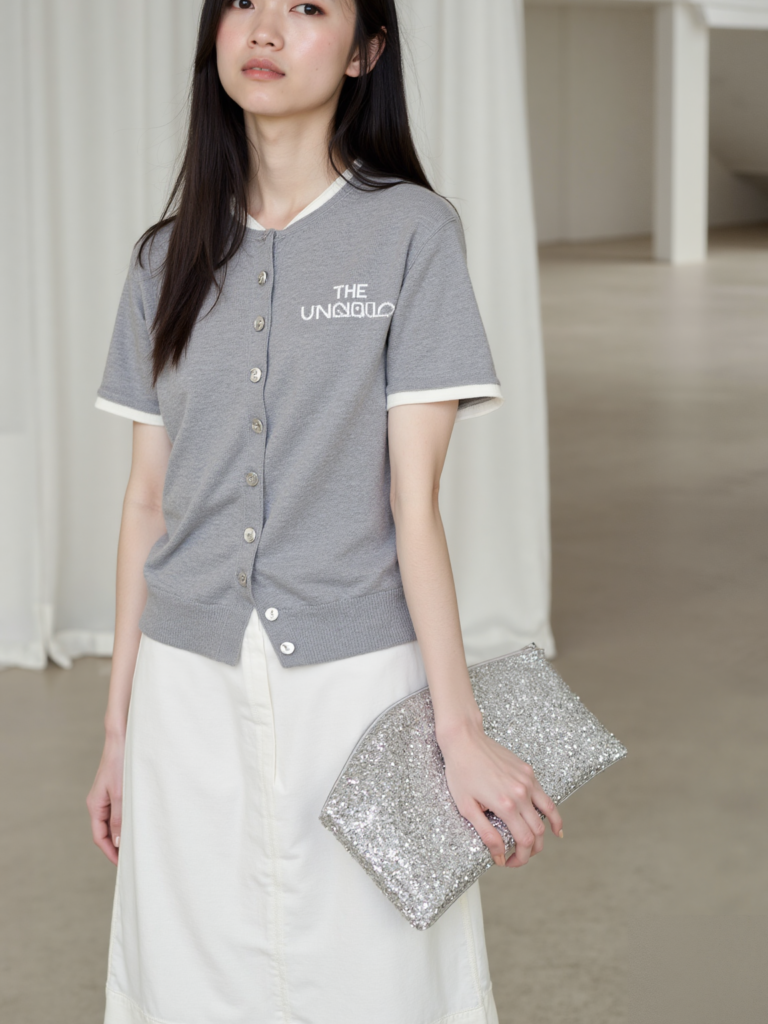
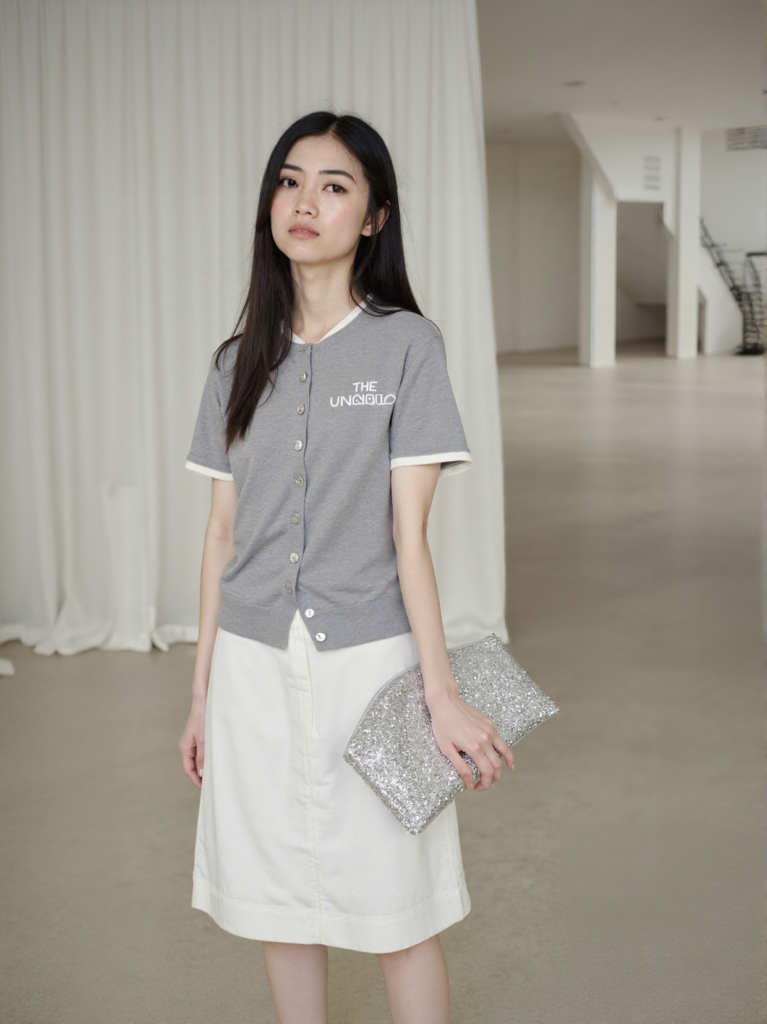
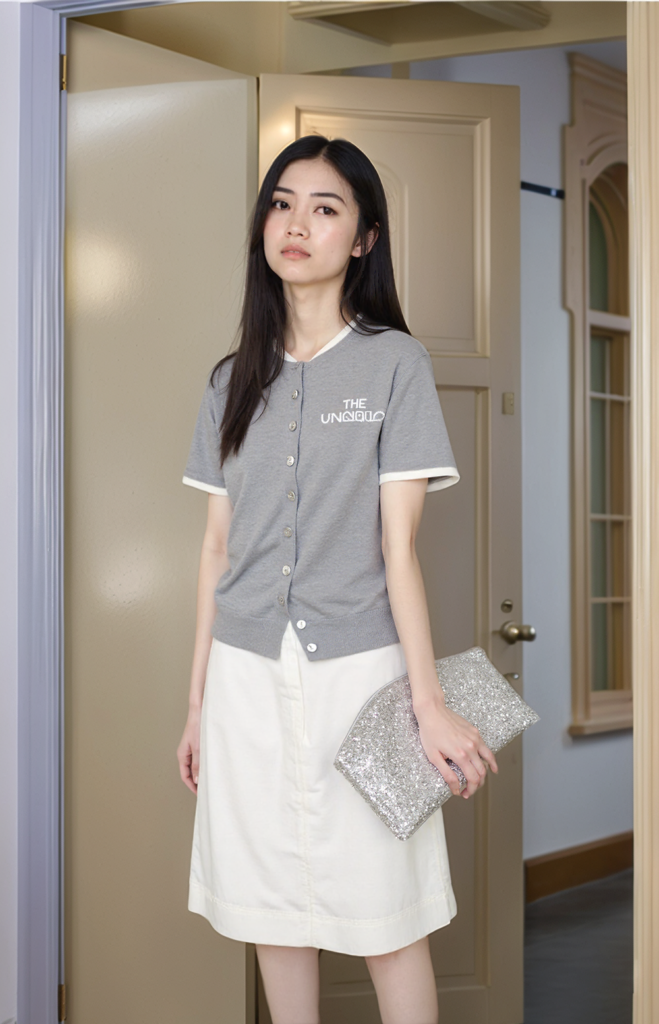
Return to AI Fashion Model only if the brief also calls for a new model or scene. If the image simply needed more space, stop once the expansion passes review. Another generation only creates another chance for drift.
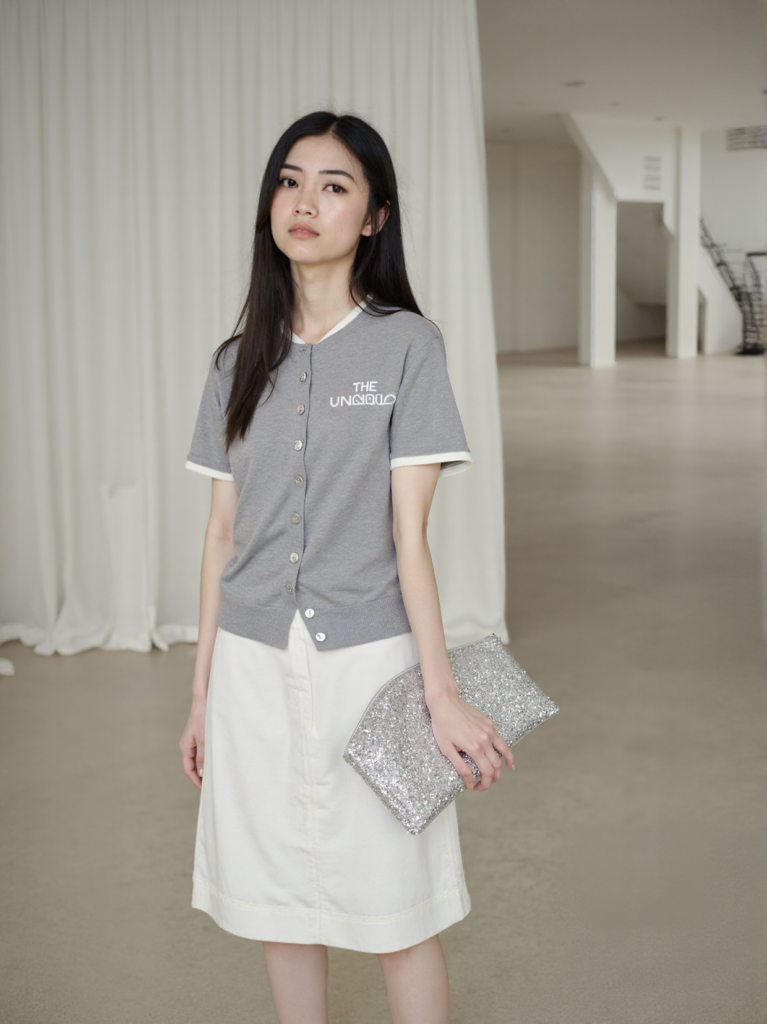
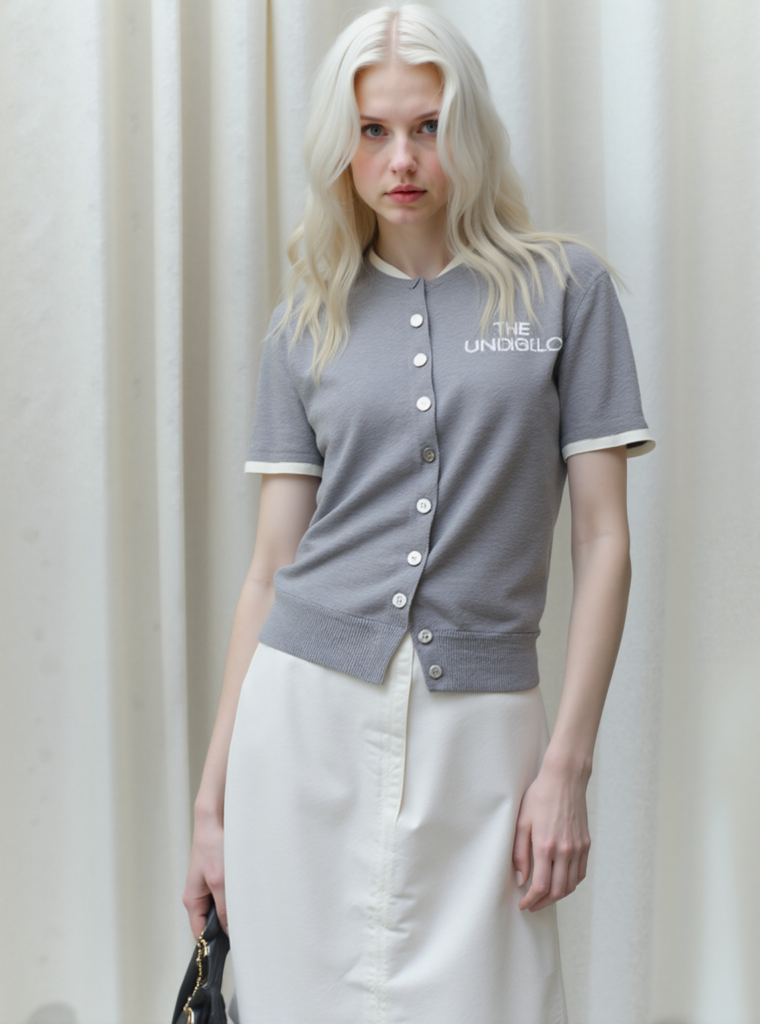
Repair the Smallest Area That Failed
Not every imperfect result needs a full regeneration. First ask whether the problem is local or whether the whole image has changed.
Use AI Hands & Feet Fixer when the image works but the anatomy does not. Check finger count, joint direction, hand size, contact with props, and the point where a hand meets the garment. The repair should preserve nearby sleeves, jewelry, straps, and fabric edges.crucial.
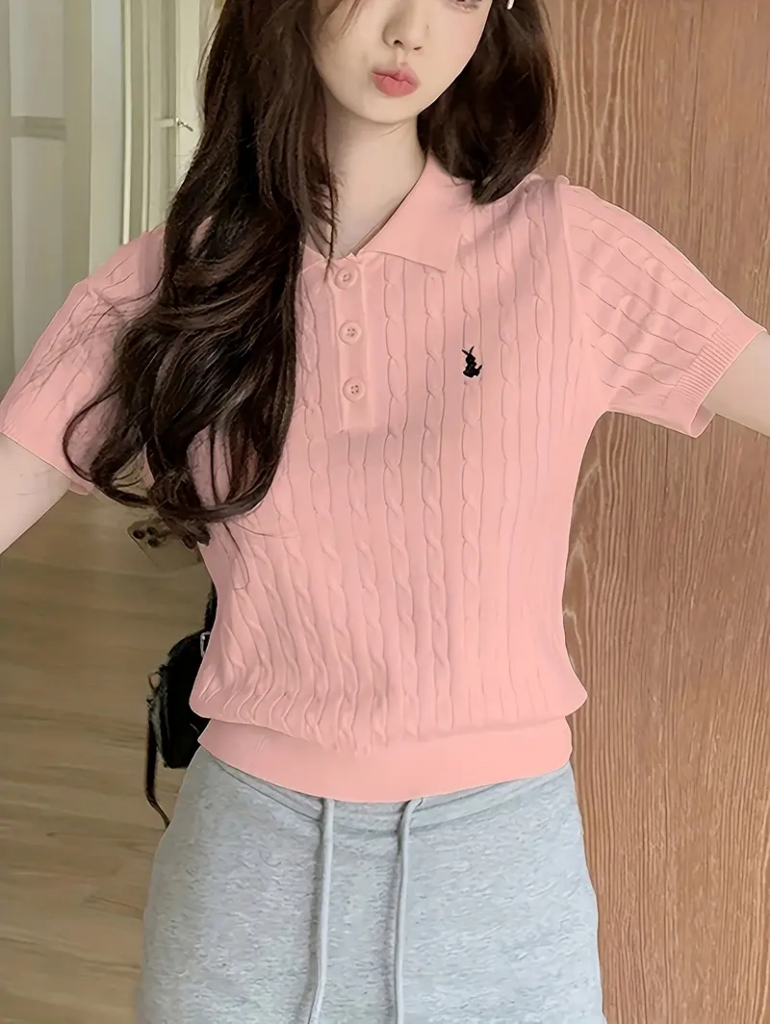
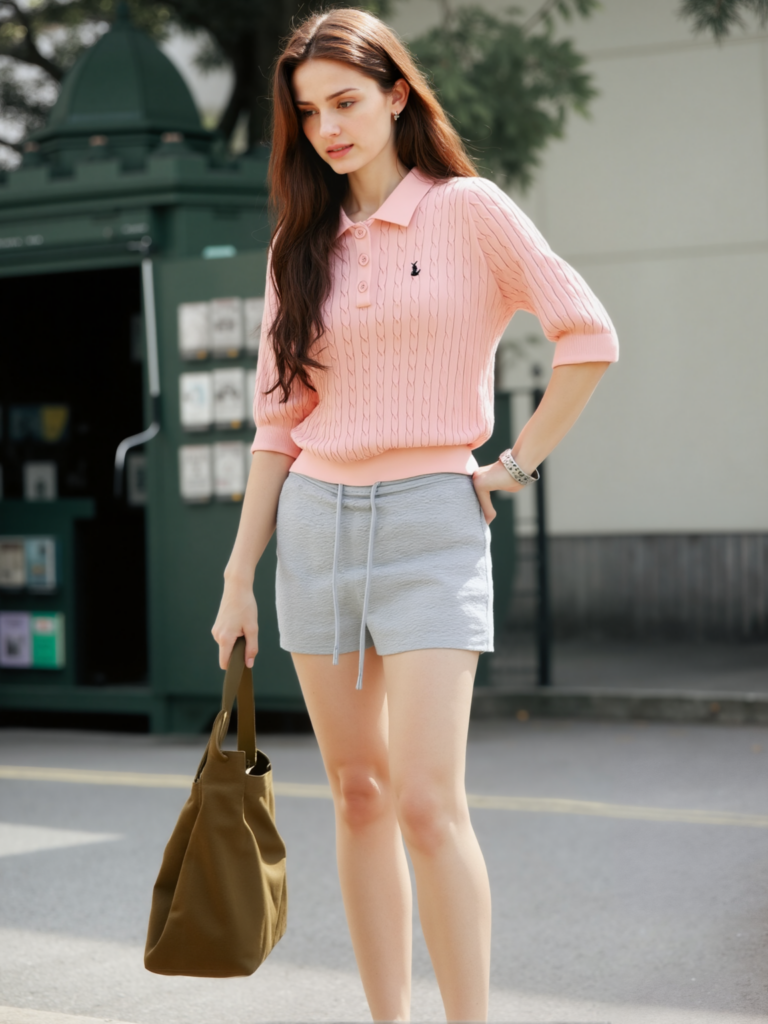
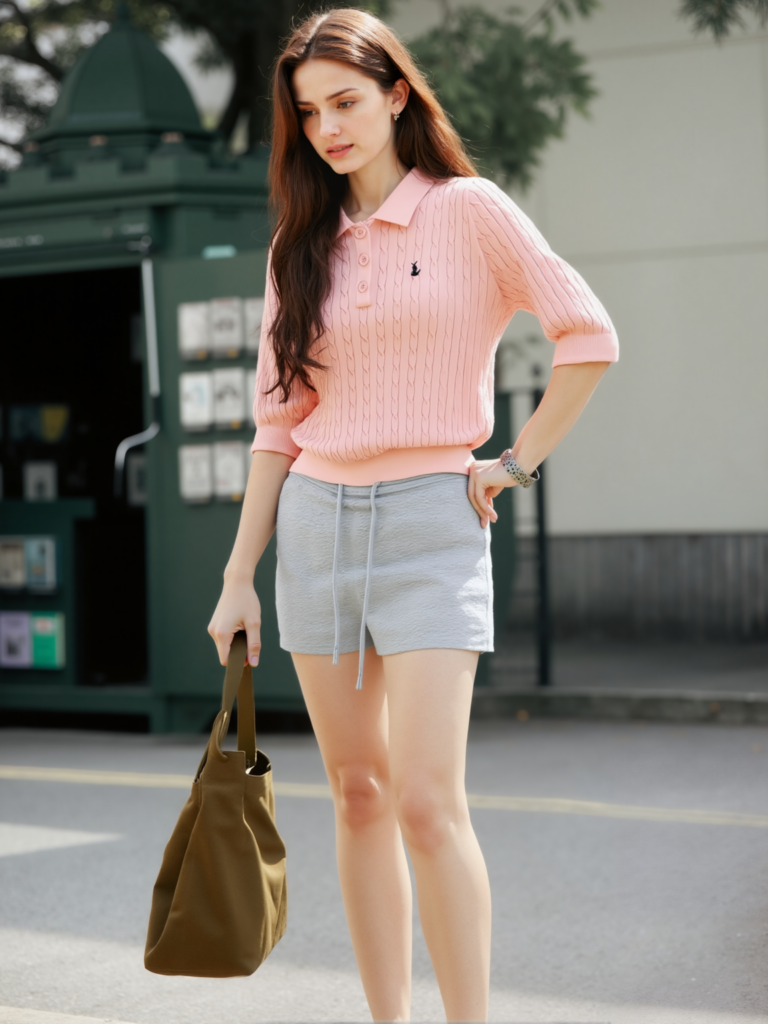
For a missing accessory, distorted print, incorrect strap, or damaged garment edge, use Design Repair. Mask only the failed area and provide a target reference when words cannot describe the correct detail precisely.
The repeated source and reference images now act as anchors for comparison. Keep the mask tight. If it covers the face, hair, and clothing at once, the edit is no longer local.
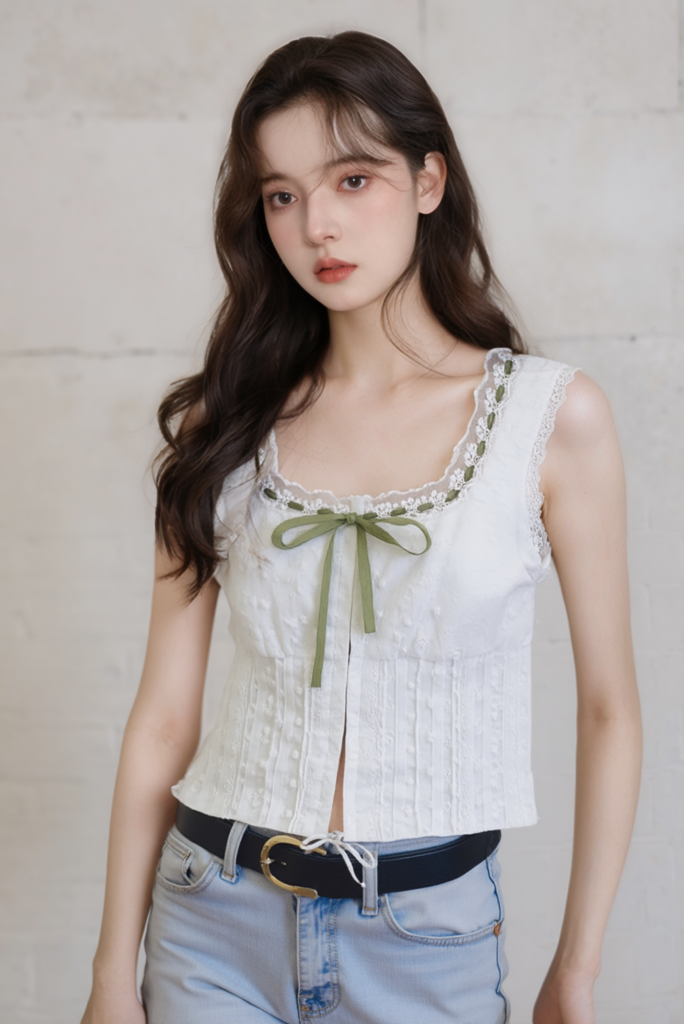
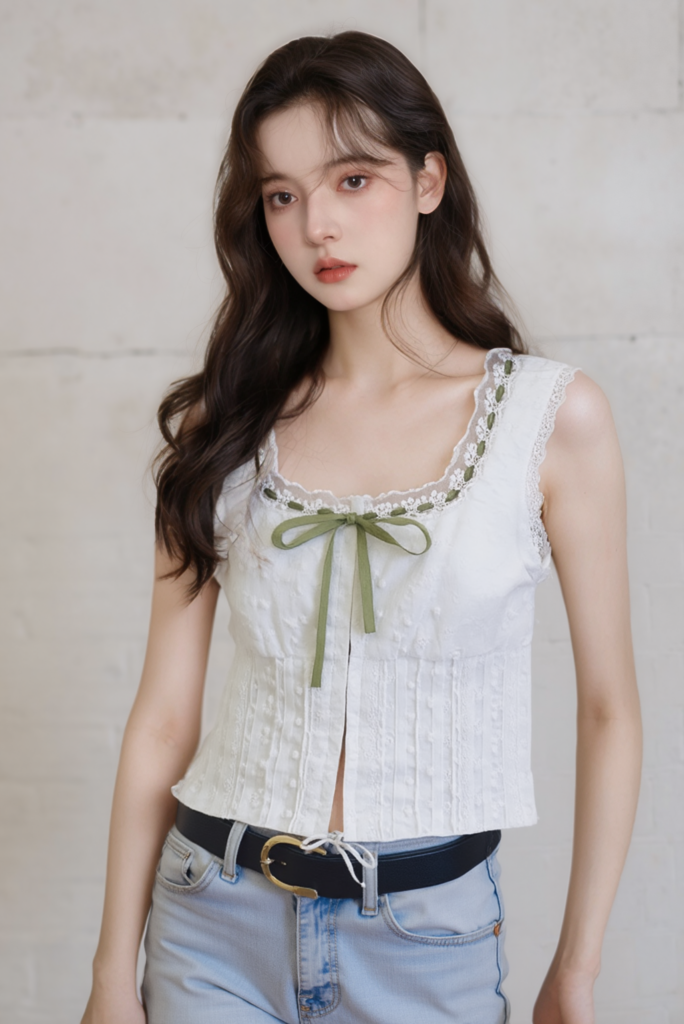
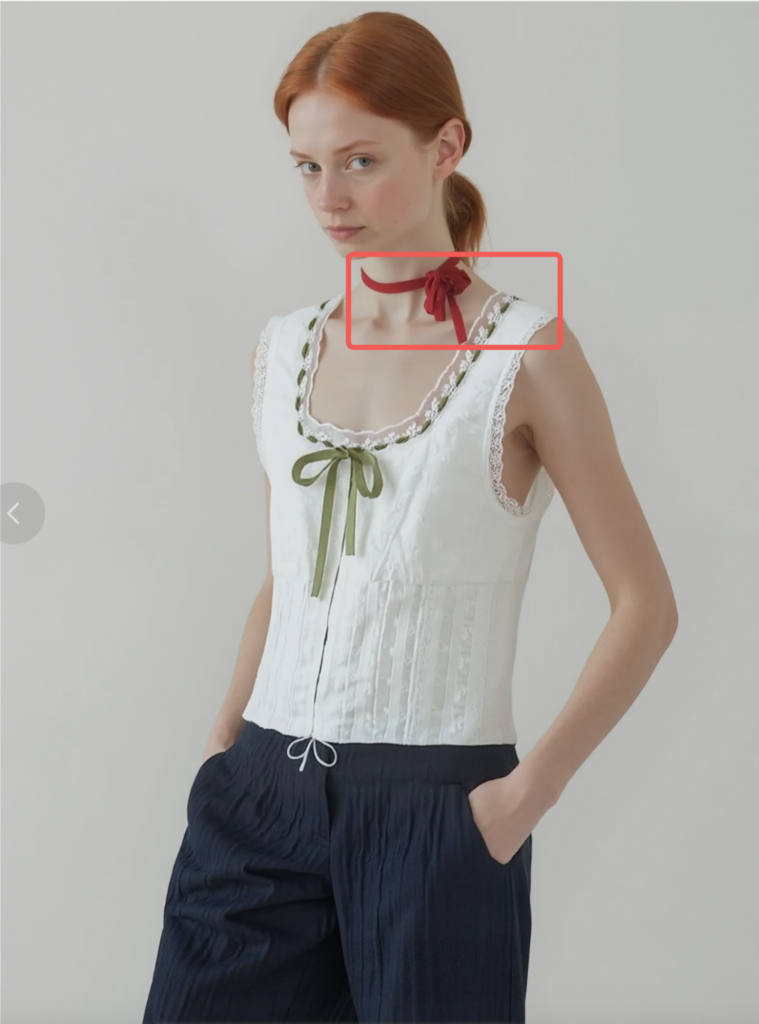
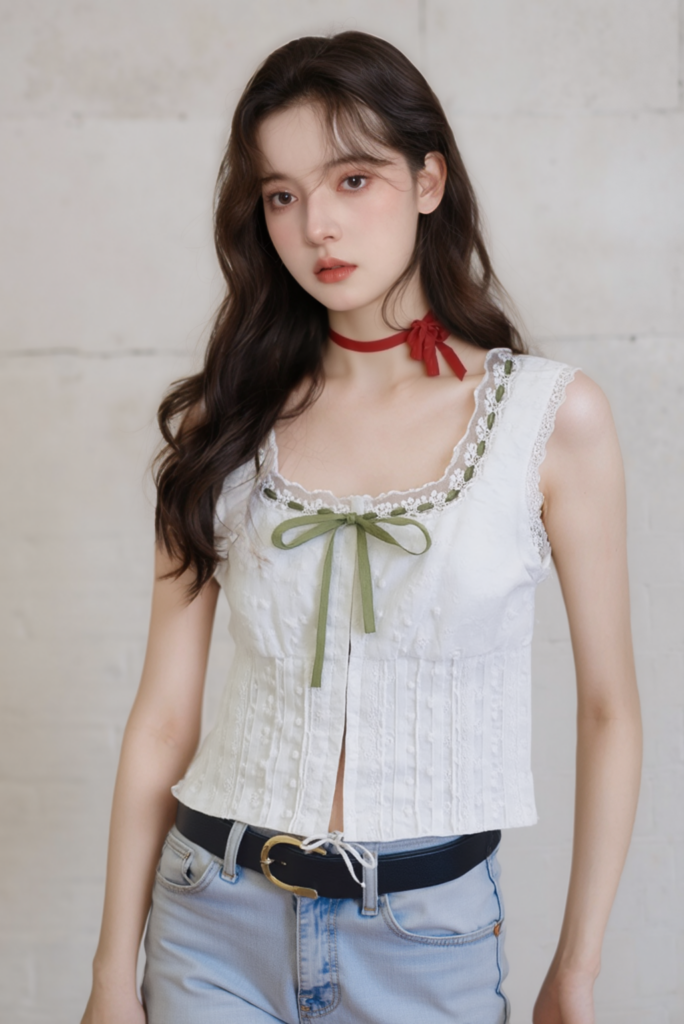
If the model identity, clothing structure, and lighting have all changed, return to the control image. Local tools work best when most of the image is already correct.
Run a Publishability Test on AI Girl Images
Review the final set at 100% zoom and at the size customers will actually see. Start with the product, not the face.
Product truth: Compare the color, print, neckline, closures, seams, hem, and material with the source. A beautiful image that misrepresents the item is not ready.
Model continuity: Check the face, hair, skin tone, proportions, and styling. Minor expression changes are natural; a different-looking person in every frame is not.
Physical contact: Inspect hands, feet, pockets, straps, and places where the body touches the clothing. These intersections often reveal hidden errors.
Composition: Confirm that the product remains visible and the crop fits its destination. A product page, social post, and banner need different amounts of space.
Commercial use: Use source garments and references you are allowed to use. Before publishing, review the relevant platform terms and disclosure requirements.
The strongest AI girl images are not the most edited. They are the ones that survive comparison with the source. Build one dependable control image, change one thing at a time, and add pose, canvas, or repair tools only when the result gives you a specific reason to use them.
Go to WeShop AI For Exploration: