

A strong campaign does not need hundreds of random images. It needs a small set of poses that work again and again.
AI Photoshoot helps you build that kind of system. You can use pose references to guide each new image. As a result, your product pages, social posts, and campaign visuals can feel more consistent.
The goal is simple. Choose a few poses, give each one a clear purpose, and reuse them across future projects.
Why Random Poses Waste Time
A new campaign often starts with the same questions.
Should the model stand, walk, sit, or lean? Should the pose feel relaxed or bold? Will the clothing still be easy to see? Can the image fit a vertical social post?
Without a pose system, teams make these choices from scratch every time. That slows down production. It also creates mixed results.
One image may look elegant, while another feels too casual. A third pose may hide the product. Each image can look good alone, yet the full campaign still feels messy.
A reusable pose library solves this problem. It gives your team a clear starting point before the first image is generated.
What a Reusable Pose Library Does
A pose library is not a folder full of attractive photos.
Instead, it is a small group of pose references that each serve a clear purpose.
For example, one pose can show the full front of an outfit. Another can add movement to a social post. A third can leave open space for campaign text.
Each pose should answer one question:
What job will this image do?
Once you know the answer, it becomes easier to choose the right reference.
Moreover, you do not need to rebuild the whole library for every campaign. You can change the clothing, model, background, and mood while keeping the same basic pose roles.
Build Your AI Photoshoot Pose Library by Purpose
Do not sort poses with vague labels such as “cool,” “premium,” or “luxury.”
Those words may describe a mood, but they do not explain how the image will be used.
Instead, organize your AI Photoshoot pose library around real content needs.
Product-First Poses
Product-first poses keep the item easy to see.
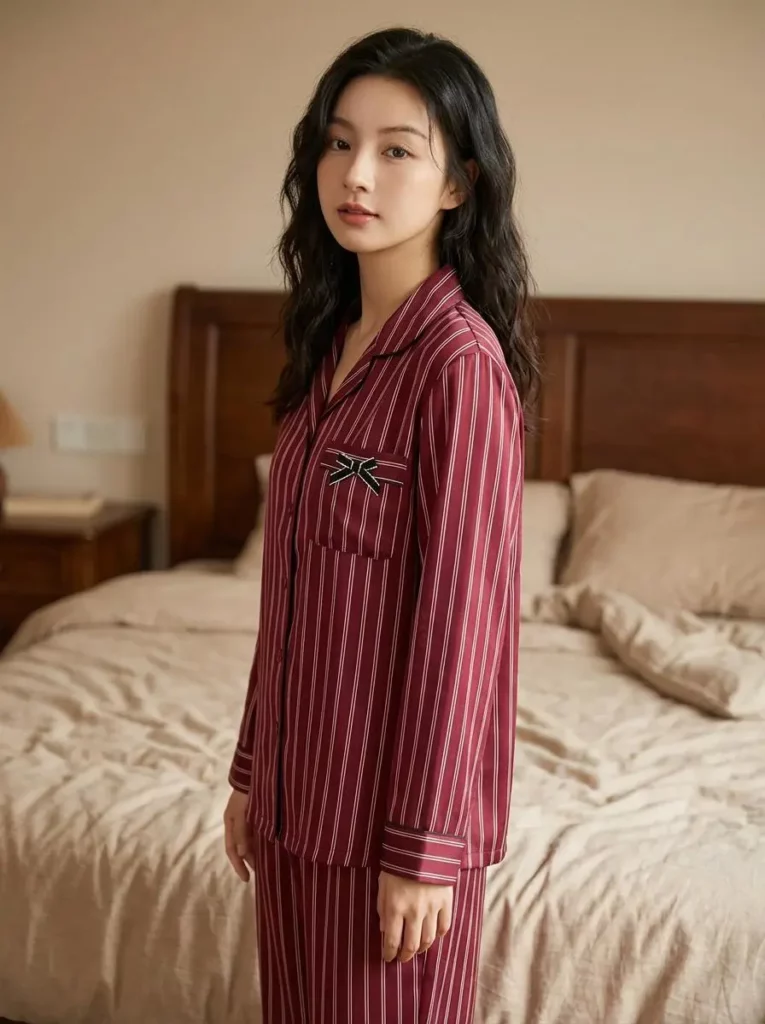
A front-facing pose works well for full outfits. A slight turn can show shape and fit. Meanwhile, a side pose can reveal length, structure, or layering.
Avoid references where the model covers key details. Crossed arms may hide a jacket. A hand may block a handbag. A deep twist may change the shape of a dress.
The pose can still feel stylish. However, the product should remain the main focus.
Editorial Poses
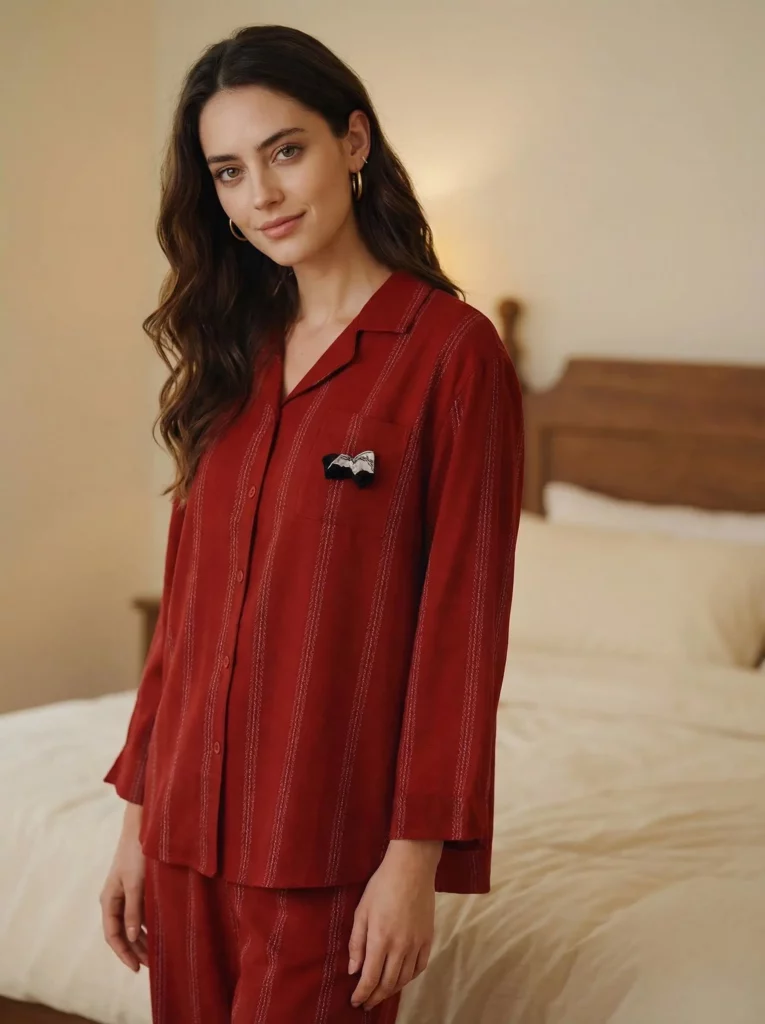
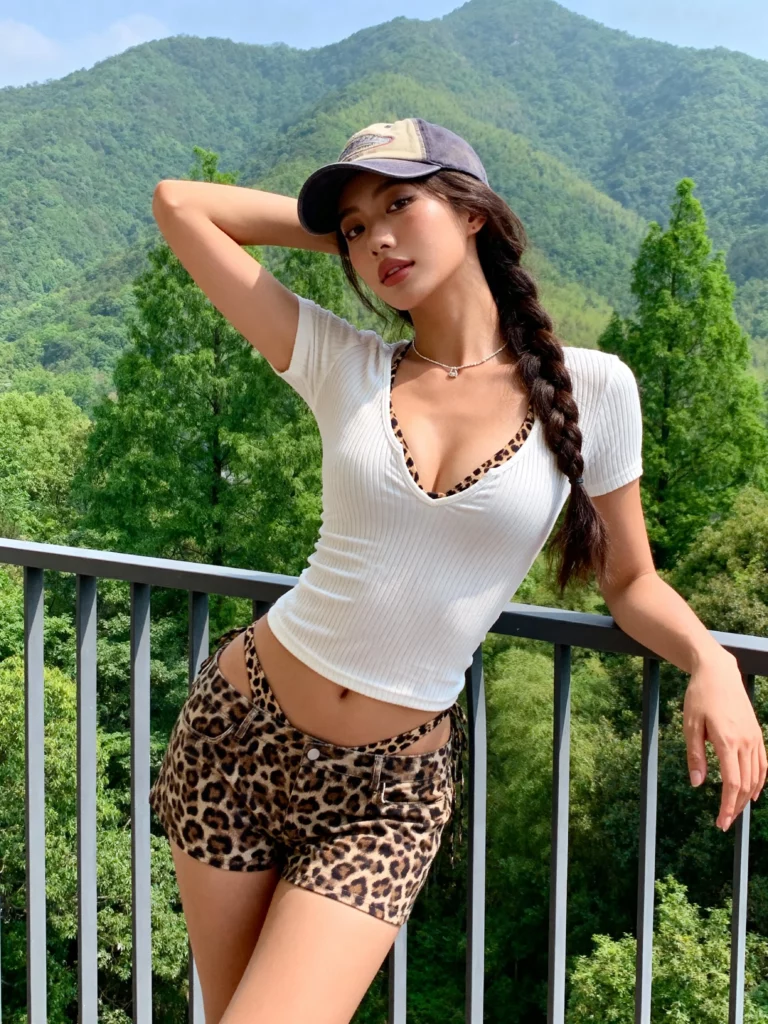
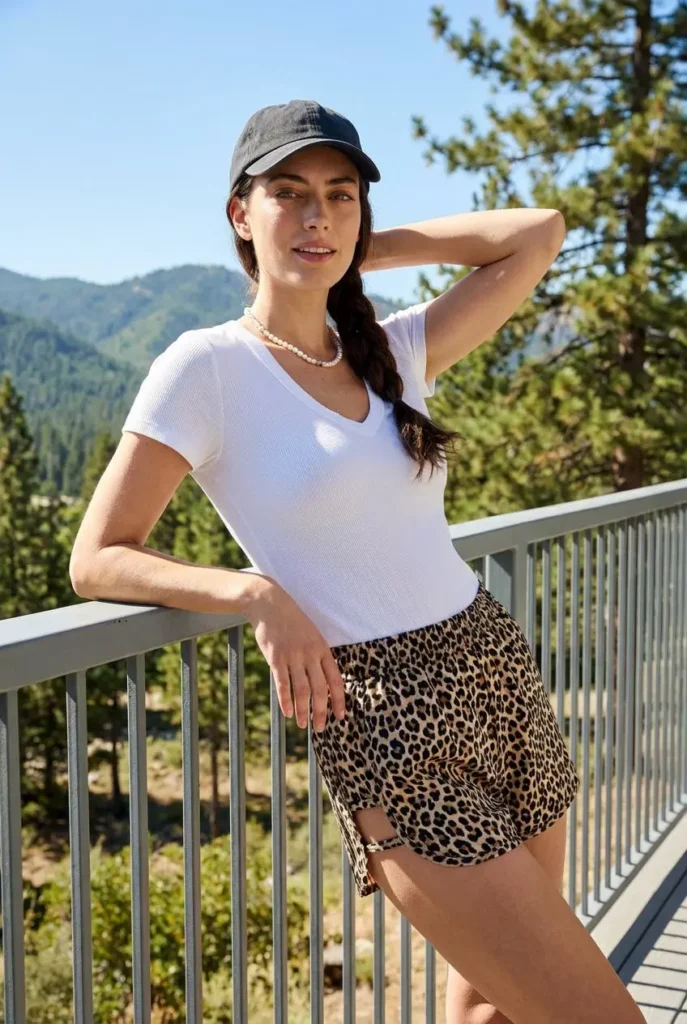
Editorial poses add more attitude and movement.
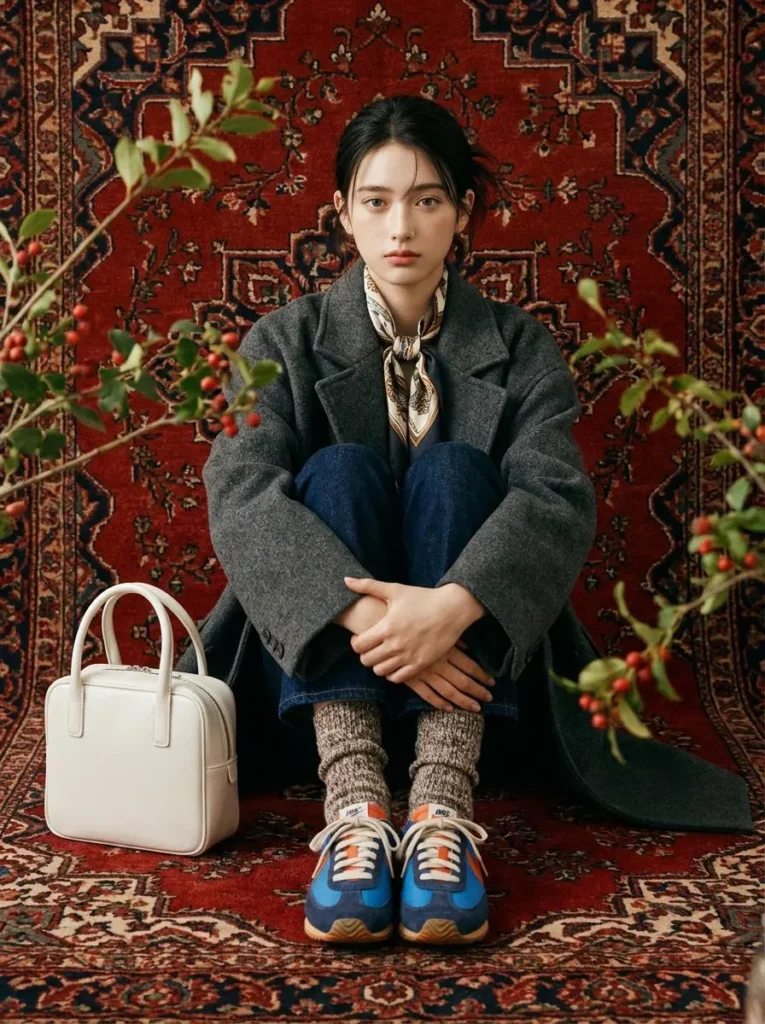
A model can lean against a wall, sit on a chair, or shift their weight to one side. These small changes can make the image feel more like a real campaign.
Still, dramatic poses are not always useful.
A pose may look impressive in the reference image but fail with another outfit. It may create awkward hands, hide the clothing, or produce a poor crop.
Therefore, save editorial poses that remain clear and practical.
Social-Ready Poses
Social images need quick visual impact.
They also need flexible crops. A pose should still work in square, portrait, or vertical formats.
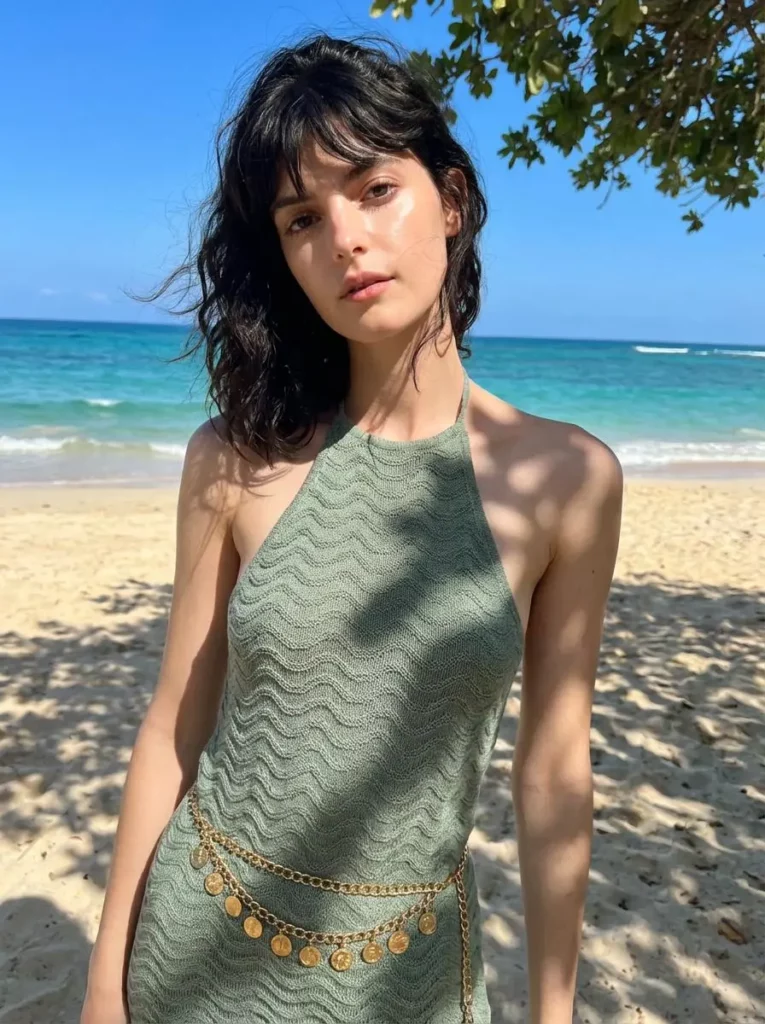
For that reason, include references with clear body shapes and simple backgrounds. It is also useful to save one pose with open space beside the model. You can use that space for a headline, price, or short message.
This makes content planning much faster. Your team no longer needs a new pose idea for every platform.
How AI Photoshoot Uses Pose References
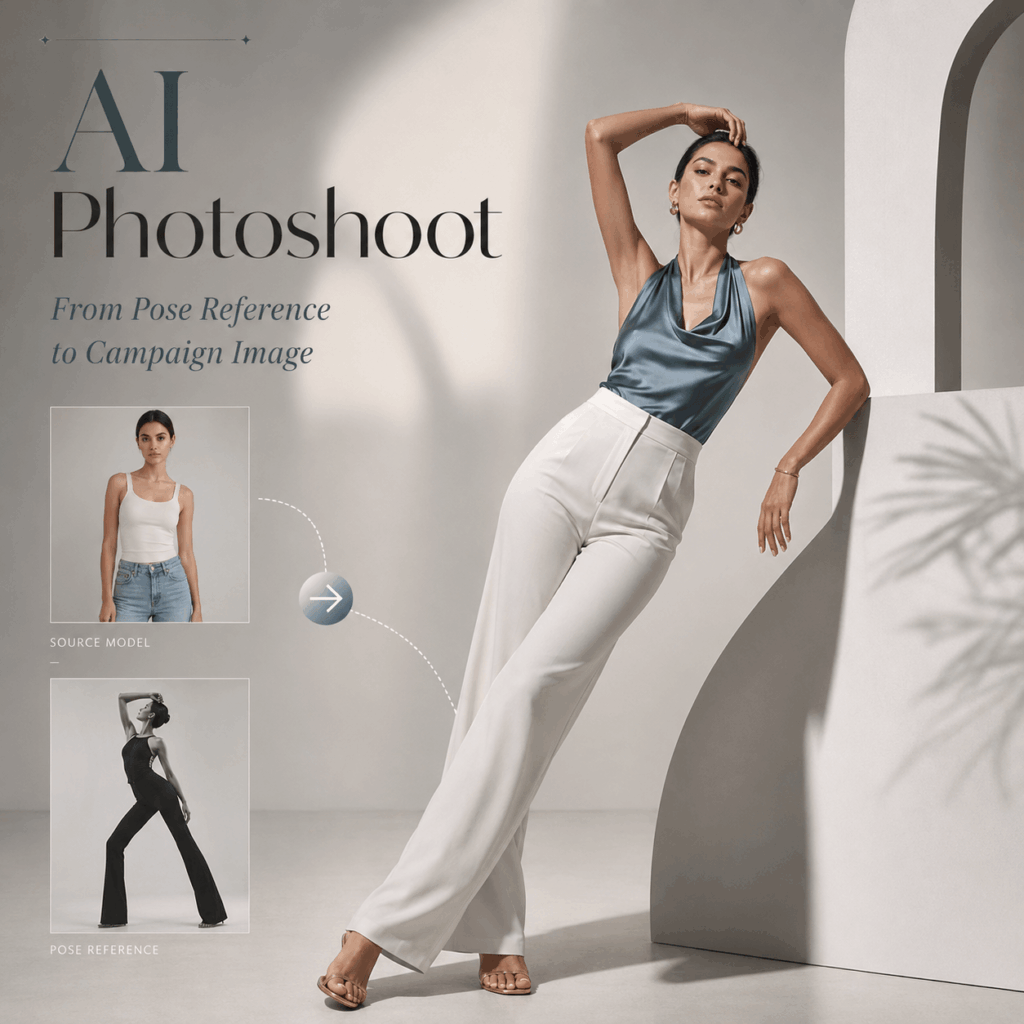
AI Photoshoot lets you work with a base model image and a pose reference.
The tool studies the body position, balance, and general composition in the reference. It then creates a new result that follows a similar pose direction.
This makes visual communication much easier.
For example, a written brief may say:
Confident but relaxed, slightly editorial, with space for text.
Different people may understand that sentence in different ways. A visual reference is clearer. It shows the exact body angle, energy, and framing you want.
However, the reference should guide the result. It should not remove your judgment.
Start With a Clear Base Image
Choose a base image where the person is easy to see.
The body should not be heavily cropped. Important clothing details should also remain visible. Clear lighting helps as well.
You do not need the most polished image in your folder. You need the image that gives AI Photoshoot the clearest information.
Choose a Reference That Fits the Product
A beautiful reference is not always the right reference.
Before using it, ask a few simple questions:
- Can the product still be seen?
- Does the pose fit the clothing type?
- Can the image work in more than one crop?
- Is there enough space for text?
- Will the pose still look natural on another model?
A strong reference should work beyond one single campaign.
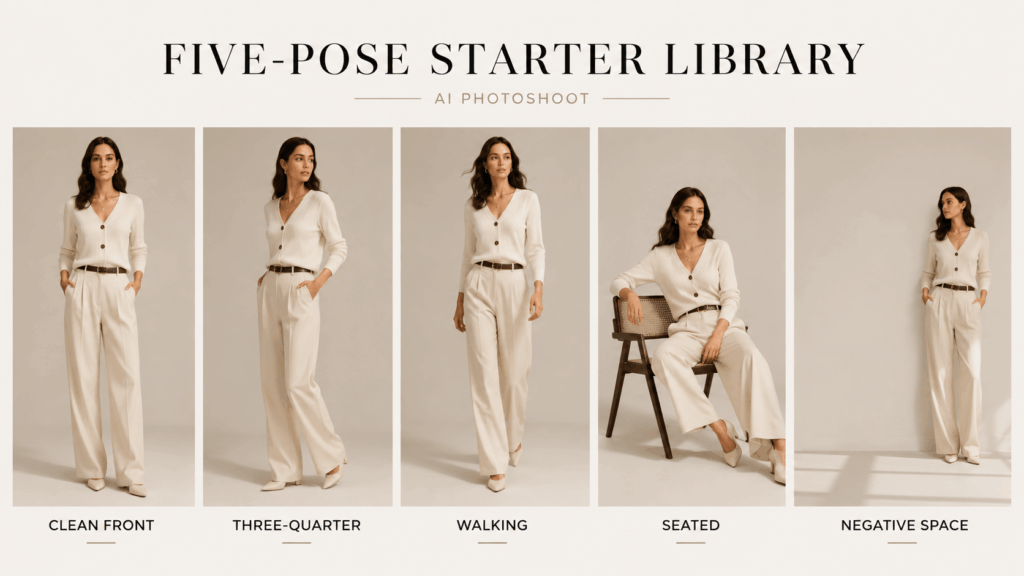
A Five-Pose Starter Library for AI Photoshoot
You do not need 50 poses to begin.
In fact, a large library can make decisions harder. A simple five-pose set is enough for most daily content.
1. Clean Front
This pose shows the full front of the outfit.
Use it for product pages, collection pages, and catalog images. It is often the safest pose because customers can see the main shape and details.
2. Three-Quarter Turn
A three-quarter angle adds depth without hiding too much.
It works well for jackets, layered outfits, dresses, and tailored pieces. It can also make a simple pose feel more polished.
3. Walking Pose
A walking pose adds natural movement.
Use it for social posts, campaign images, and lifestyle content. However, make sure the hands, feet, and clothing still look natural.
4. Seated or Leaning Pose
This type of pose creates a softer editorial mood.
It can work well for lookbooks and brand campaigns. Still, check that the clothing does not fold in an awkward way.
5. Negative-Space Pose
A negative-space pose leaves room around the model.
That space can hold a headline, product name, or short campaign message. Therefore, it is useful for advertisements, landing pages, email banners, and social promotions.
Together, these five references cover most common content needs.
Review the Whole Set, Not One Image
One image can look strong on its own but still fail as part of a campaign.
For this reason, place several results next to each other before approval.
First, check the model scale. One image should not look much larger than the rest. Next, compare the energy of each pose. A calm product image may feel strange beside four dramatic fashion poses.
Also check:
- Hands and fingers
- Feet and shoes
- Clothing shape
- Body proportions
- Facial consistency
- Background style
- Cropping space
In addition, remove poses that repeat the same job. You may not need three walking poses if none of them show the product clearly.
The best image is not always the most dramatic one. Sometimes, the simpler pose makes the full set feel more complete.
Where a Pose Library Saves the Most Time
A pose library becomes more useful as your content needs grow.
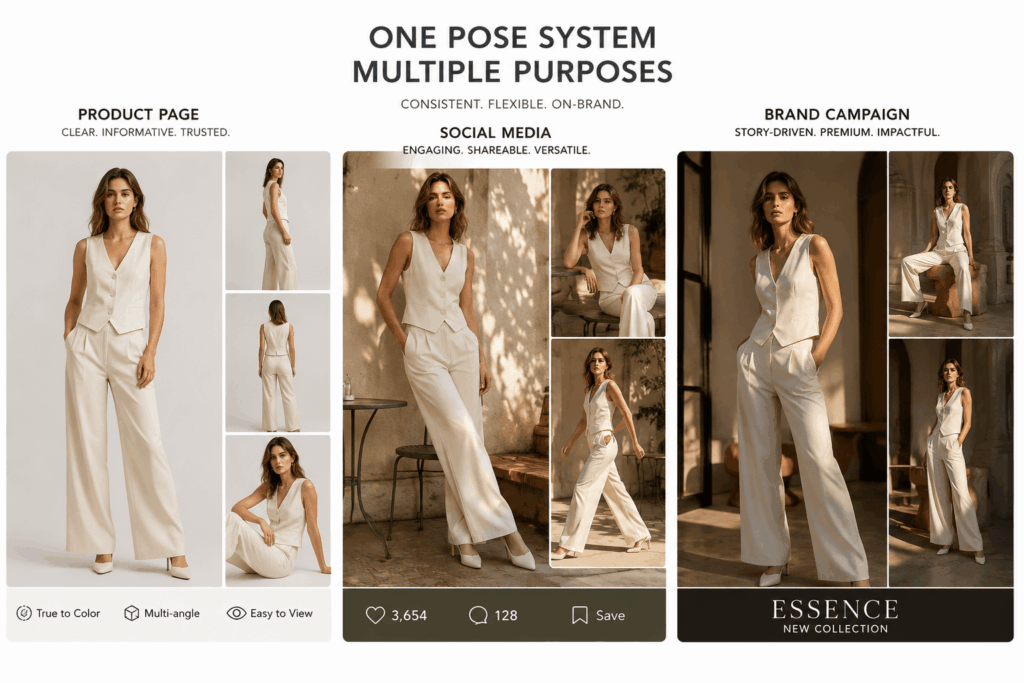
A fashion seller can reuse the same pose roles for each new product drop. A creator can keep a clear visual style across several brand deals. A marketing team can also prepare product, social, and advertising images from one shared system.
However, consistency does not mean every image should look the same.
The model, clothing, location, expression, crop, and lighting can still change. The pose library simply gives the campaign a stable base.
As a result, your content feels connected without becoming repetitive.
Use AI Photoshoot as a System, Not a Shortcut
The main value of AI Photoshoot is not random image generation.
Instead, it helps you make pose choices once and reuse them with more control. That can reduce repeated planning and make each campaign easier to review.
Start with five clear references. Test them with one collection. Then, notice which poses work across product pages, social posts, and advertisements.
Remove the poses that create weak results. Add a new one only when it solves a real content problem.
A useful pose library does not give you more poses.
It gives you fewer decisions—and better ones.
Go to WeShop AI For Exploration:


