Hi everyone! If you’ve ever taken product photos, you probably know this feeling: sometimes the proportions of AI model look a little off. The head might appear too big, or the legs look shorter than they should, making the whole image feel unnatural.
Today, let’s walk through how WeShop’s AI Model feature helps you automatically adjust the head-to-body ratio and refine composition. With just one click, your model looks more realistic, stylish, and photo-ready.
How to Adjust Head-to-Body Ratio
On the AI Model generation page, when you hover your mouse over the generated image, you’ll see a “Reduce Head Size”icon appear. Click it, and the AI instantly reduces the head size—fixing proportions in less than a second.
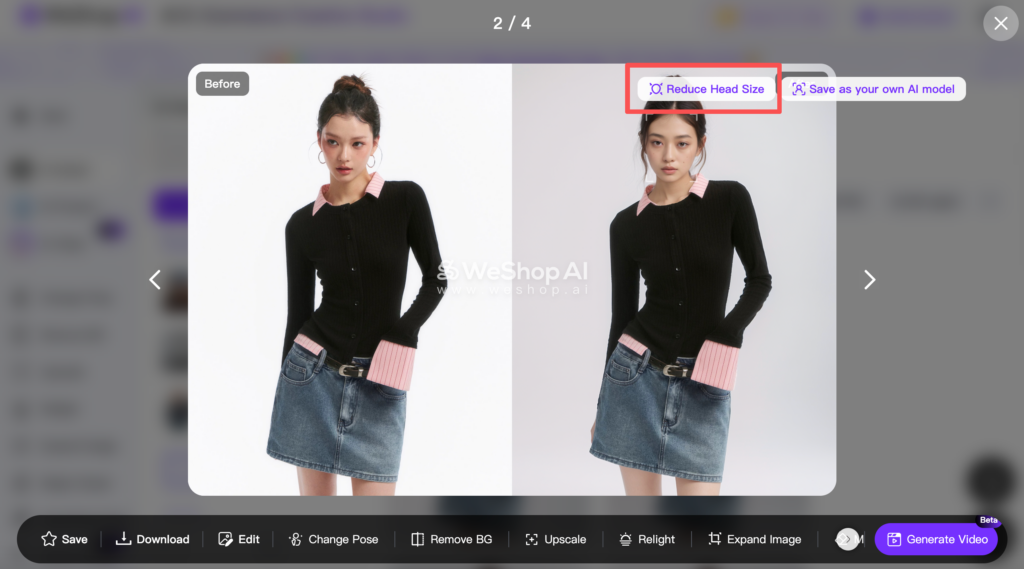
You can choose between three levels of adjustment: Weak / Medium / Strong. If you want to go back to the original, just select None.
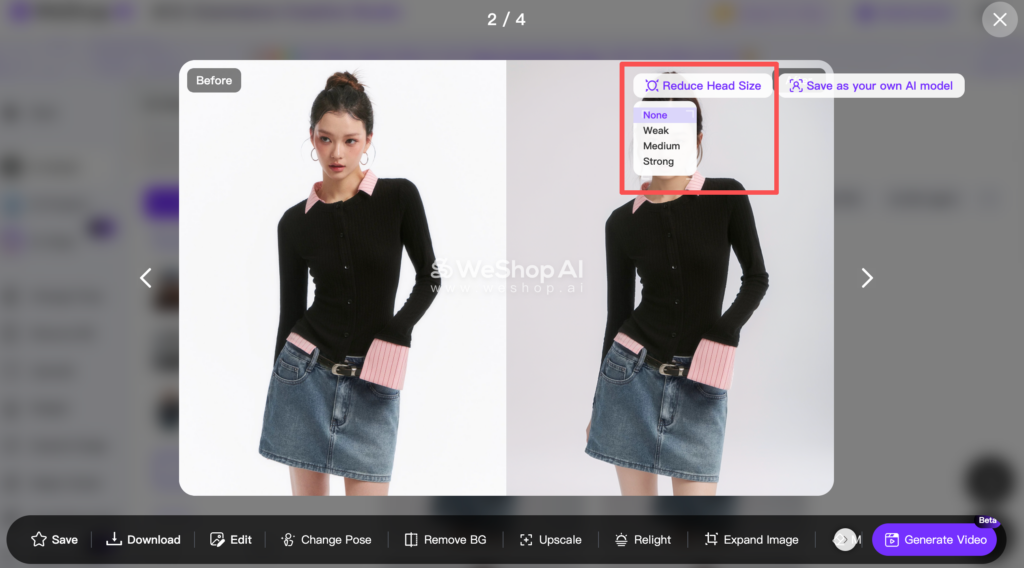
Hover to reveal the Reduce Head Size option → Click → Pick your level → Done!
If you like the result after adjustment, you can click “Save as your own AI Model.”
This saves your updated model to AI Models in the Model Store, so you can reuse it anytime in future shoots.
Before & After AI Model Comparison
Here’s what the adjustment looks like in action
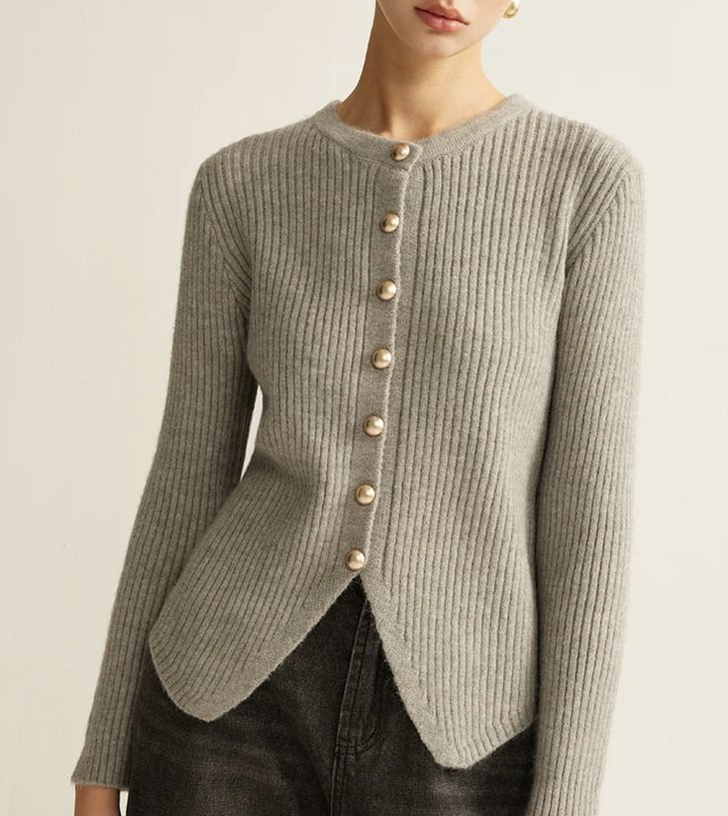
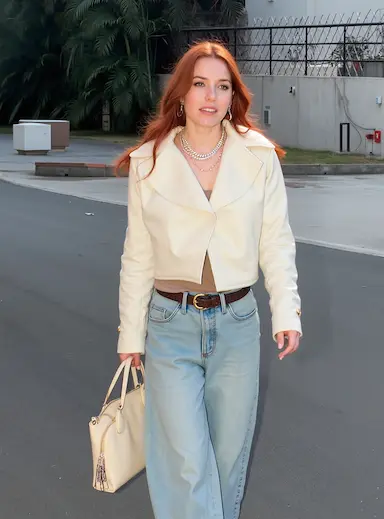
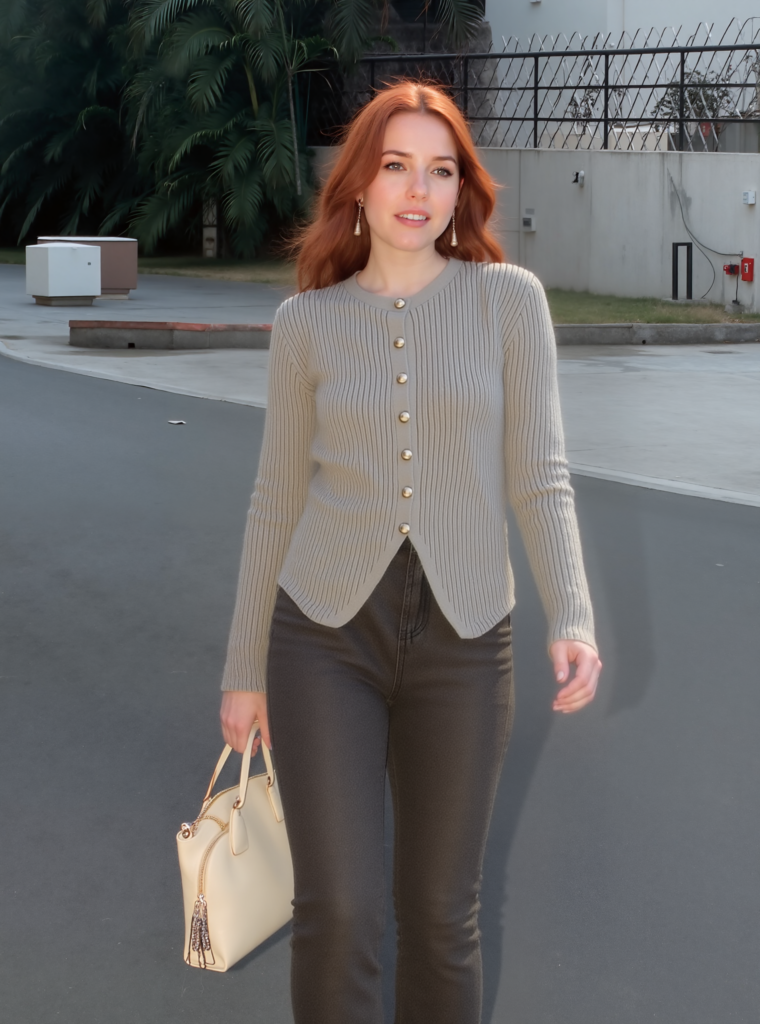
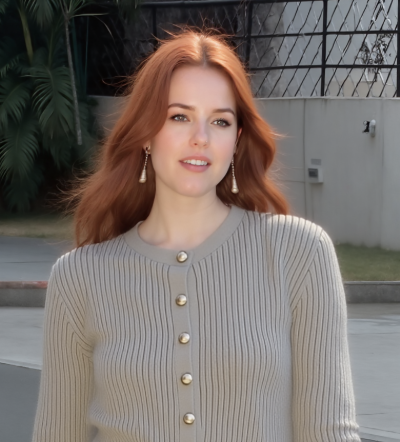
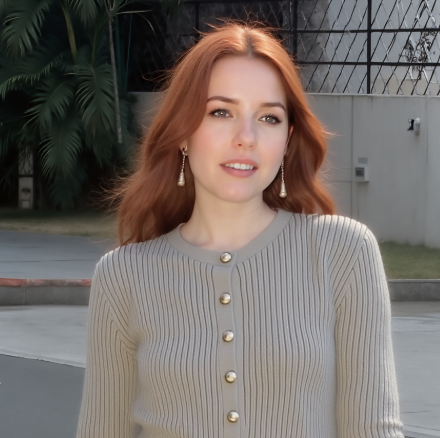
Notice the difference? With just one click, the proportions look natural. Even tricky outfits like knitwear or fitted tops—which often make heads look bigger—are instantly balanced.
More AI Model Examples
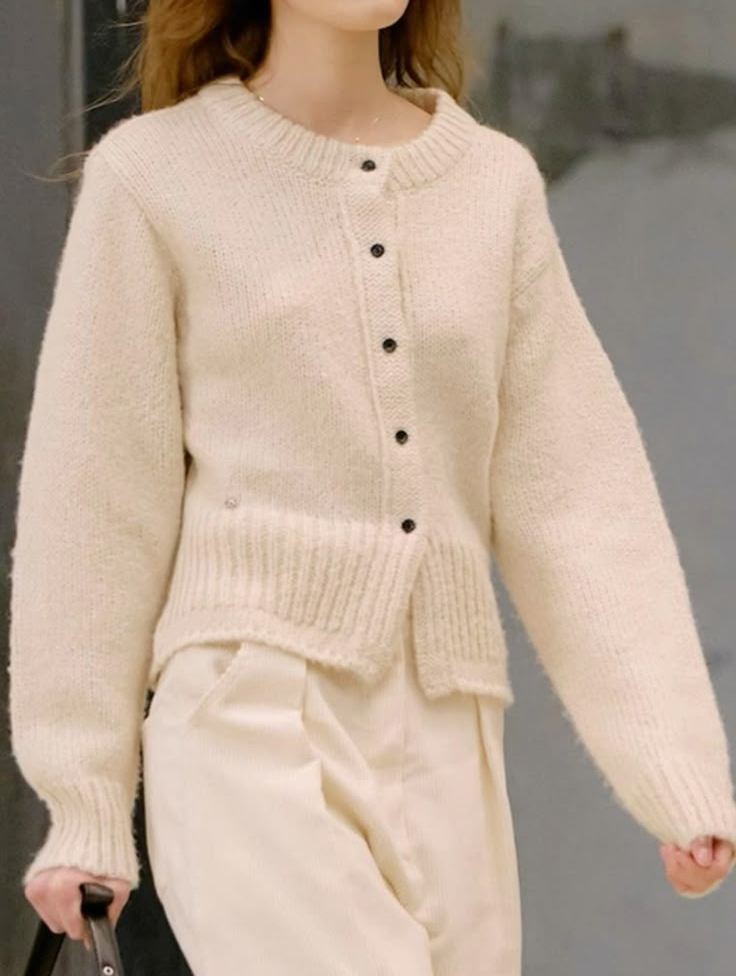
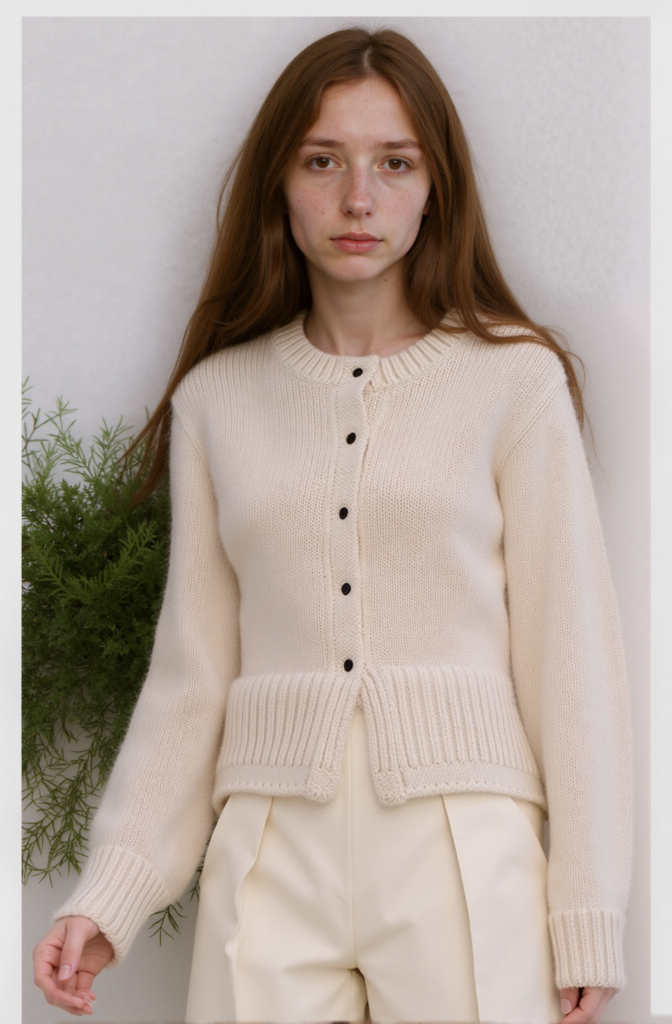
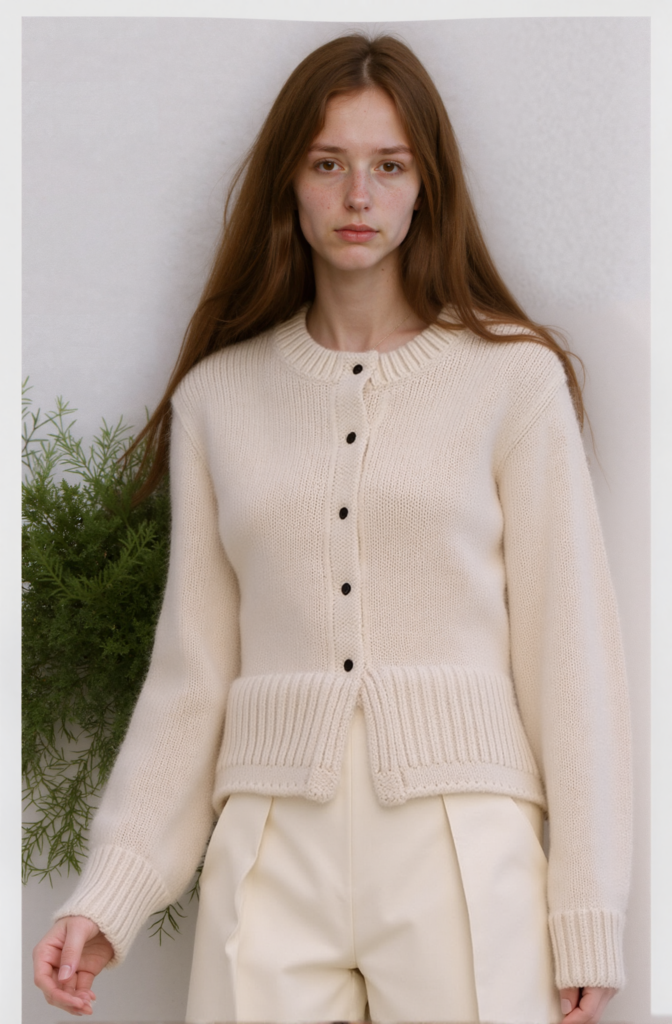
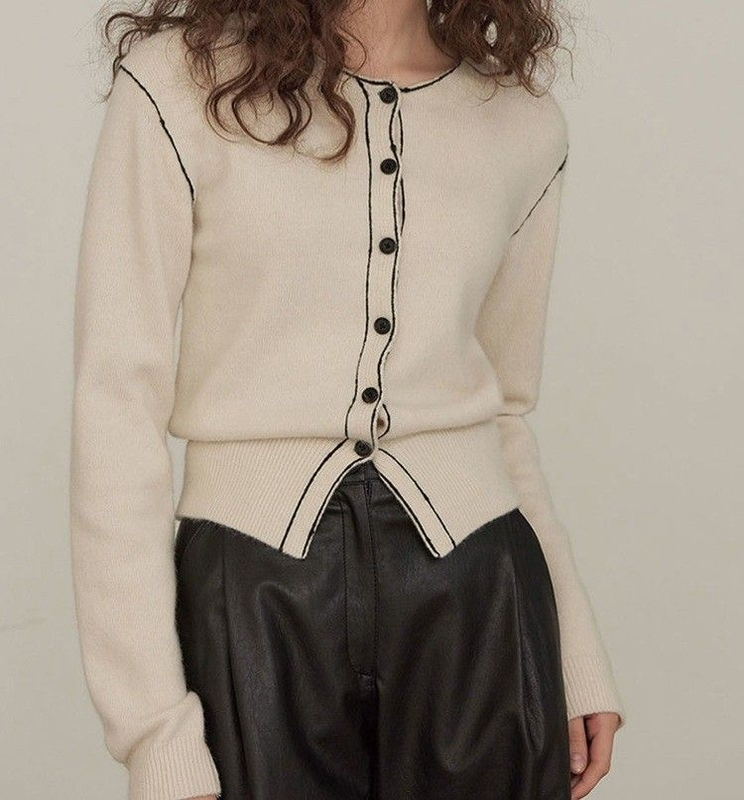
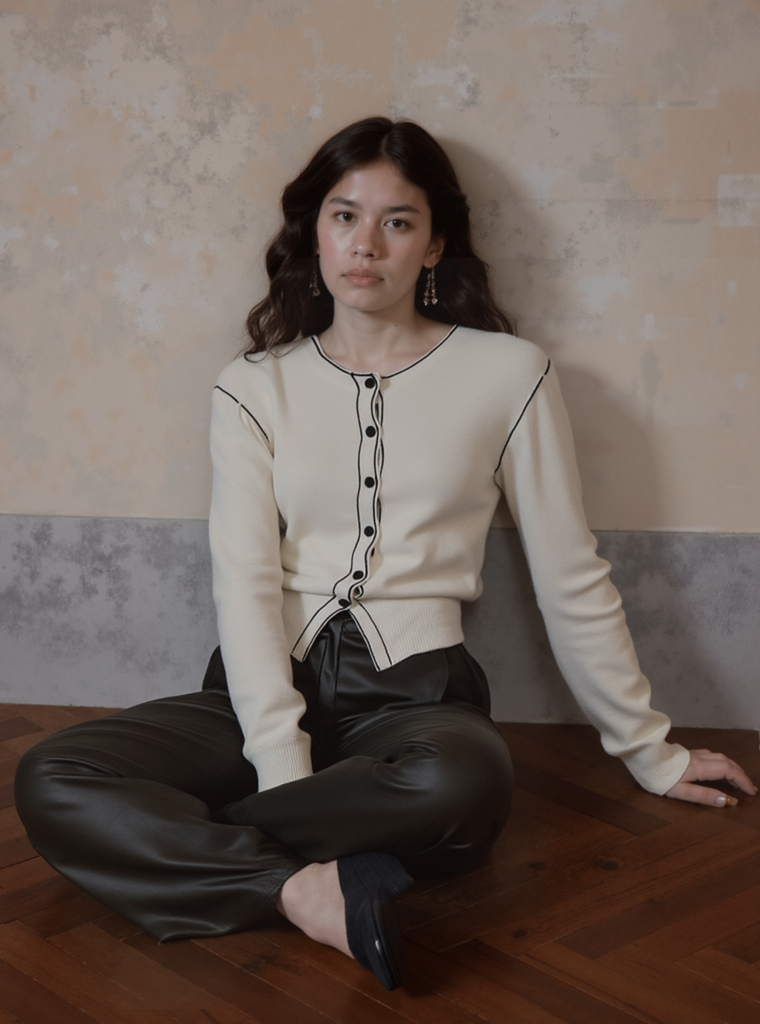
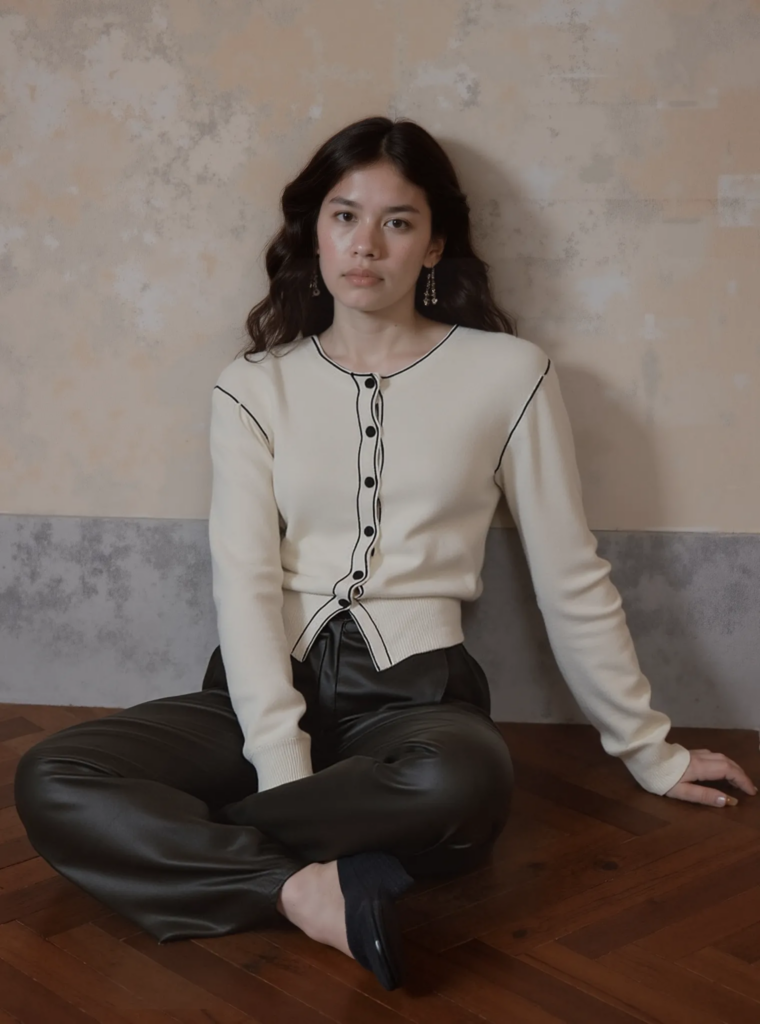
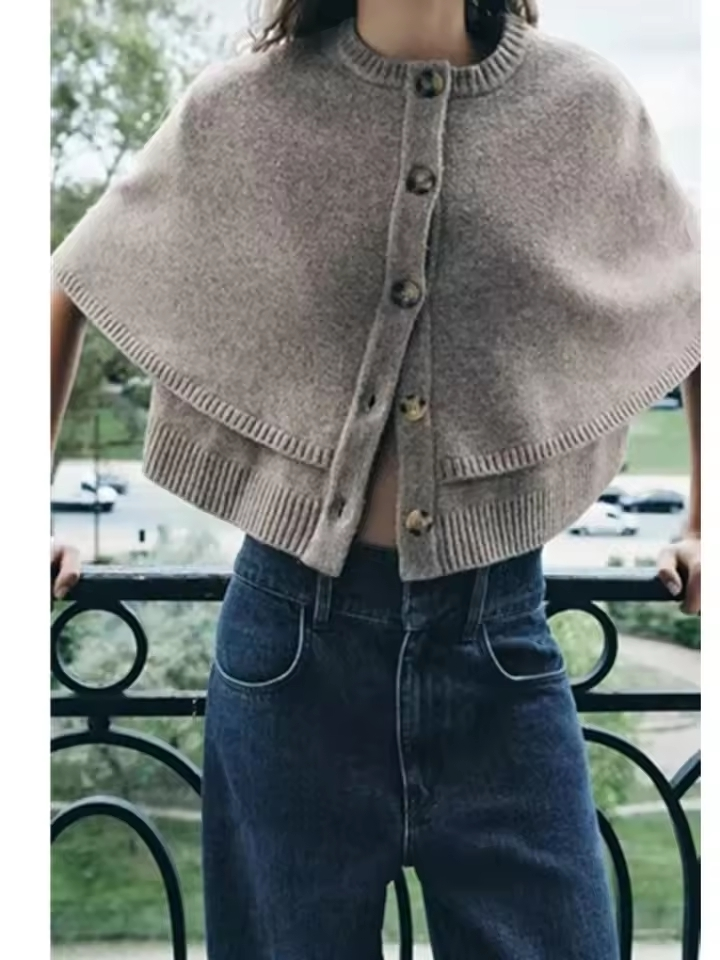
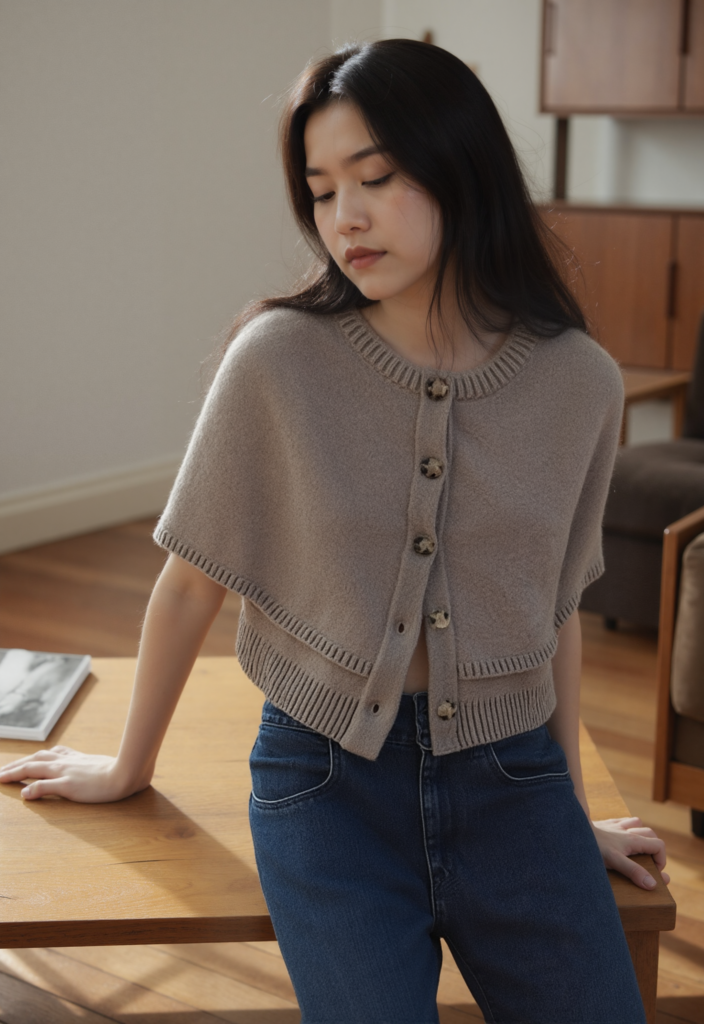
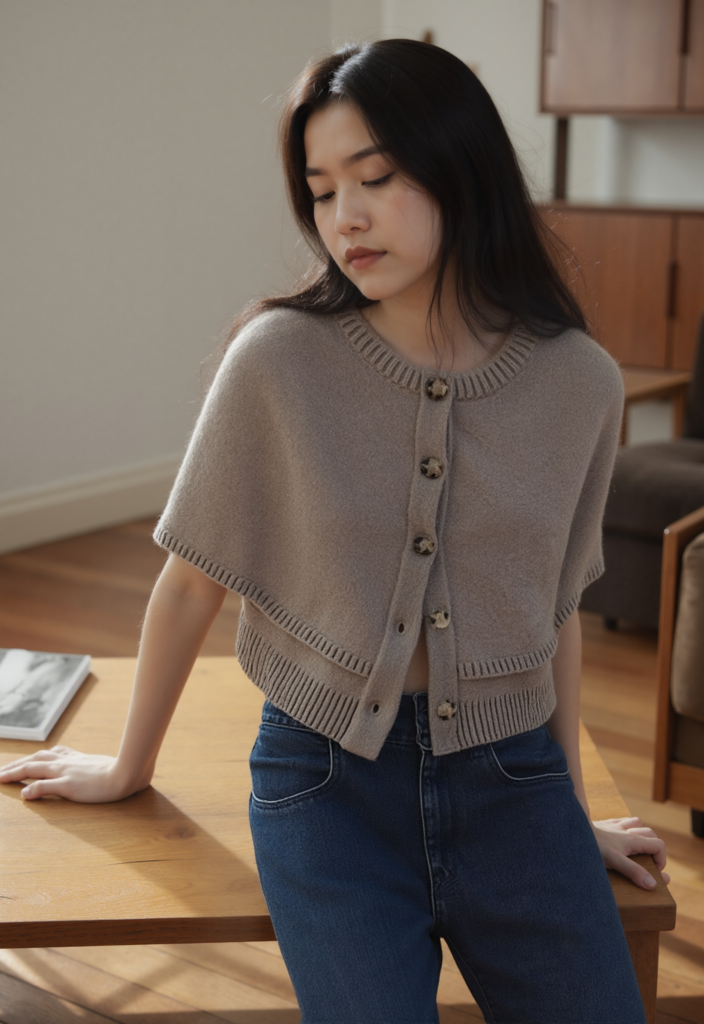
Each time, the “Reduce Head Size” fix improves realism without the need for manual retouching.
Why This Matters
Balanced proportions make your product photos look more professional and appealing.
With WeShop’s AI Model Proportion Fix, you don’t need Photoshop or editing skills. Just hover, click, and let AI do the work.
FAQ
Q1: Does changing the head-to-body ratio affect how clothes fit?
No. The clothing fit remains unchanged. The adjustment only affects the model’s proportions and composition, ensuring a more natural look without distorting the product.
Q2: Can I fine-tune the adjustment level?
Yes. You can choose between Weak, Medium, or Strong adjustments. This gives you full control over how subtle the proportion correction should be.
Q3: Can this be applied to any generated model?
Absolutely. The Small Head feature works across all AI-generated models in WeShop AI, regardless of outfit type or scene background.