A bridal dress try-on app cannot tell you whether a gown will feel comfortable after six hours. It cannot approve the tailoring either. That is not its best job.
Instead, Mirror helps you turn a crowded inspiration folder into a useful fitting shortlist. You can preview different bridal ideas on one photo, notice repeated preferences, and prepare better questions before an appointment. Therefore, the result is not a final answer. It is a clearer place to start.
🌟 Exciting News! Mirror App is Here! 🌟
Powered by WeShop AI, Mirror is the ultimate virtual try-on experience for brides-to-be. Save time and try on your dream wedding dress from the comfort of your home! 💍👗
Now available on IOS: Download Mirror APP Here
A Bridal Dress Try-On App Works Best Before the Fitting
The hard part is sorting many similar white gowns. A bridal dress try-on app can make that first edit less abstract.
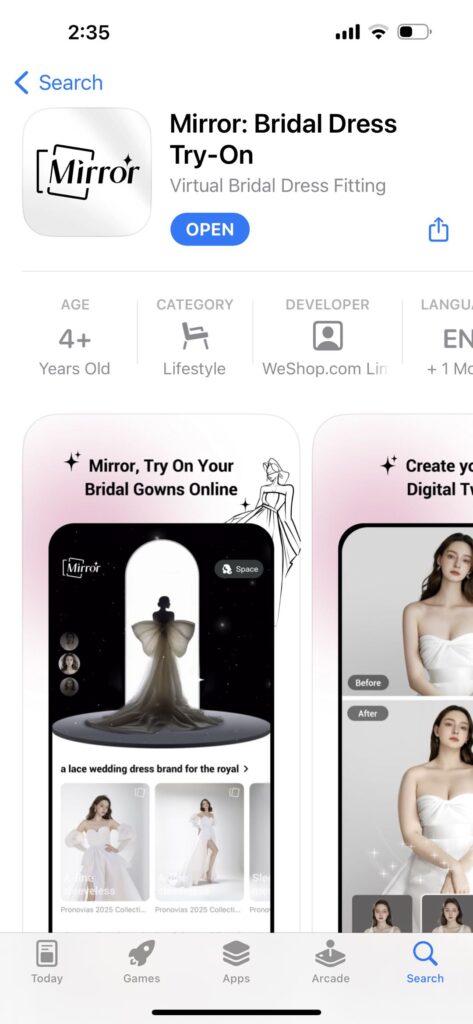
Mirror is a WeShop AI app for iPhone and iPad. Start with your photo and personal details. Then browse bridal looks and create a wedding dress style preview.
However, a bridal dress try-on app creates a visual concept, not a digital fitting certificate. It may help you compare a ball gown with a column dress. Still, it cannot confirm the correct size, alteration plan, or fabric behavior.
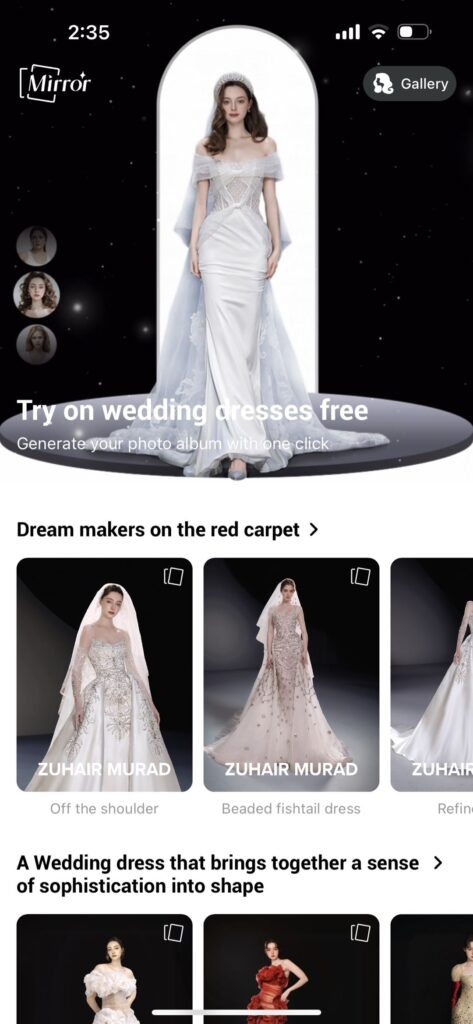
Build a Useful Shortlist in the Bridal Dress Try-On App
The strongest workflow is simple. First, keep your source photo consistent. Next, change one dress feature at a time. Finally, save a reason with every favorite.
Give the Bridal Dress Try-On App a Clear Source Photo
For a bridal dress try-on app, the input photo shapes the usefulness of every comparison. Choose a full-length image with your body facing forward. Keep your arms relaxed and visible. Also, use even daylight or soft indoor light.
Avoid crossed arms, a covered torso, or a crowded photo. Likewise, skip strong filters. A plain background makes dress details easier to read.
Most importantly, reuse the same photo. Otherwise, pose and camera angle may influence your opinion more than the gown.
Compare One Bridal Question at a Time
Instead of opening every dress that looks attractive, run the bridal dress try-on app in short rounds.
- Start with silhouette. Compare A-line, ball gown, mermaid, sheath, and empire shapes.
- Then study the upper body. Change the neckline, straps, sleeves, or bodice structure.
- After that, test the event context. Consider the venue, season, dress code, and level of formality.
This order reduces visual noise. For example, you may discover that you like a square neckline across several silhouettes. That preference is more useful than one beautiful render.
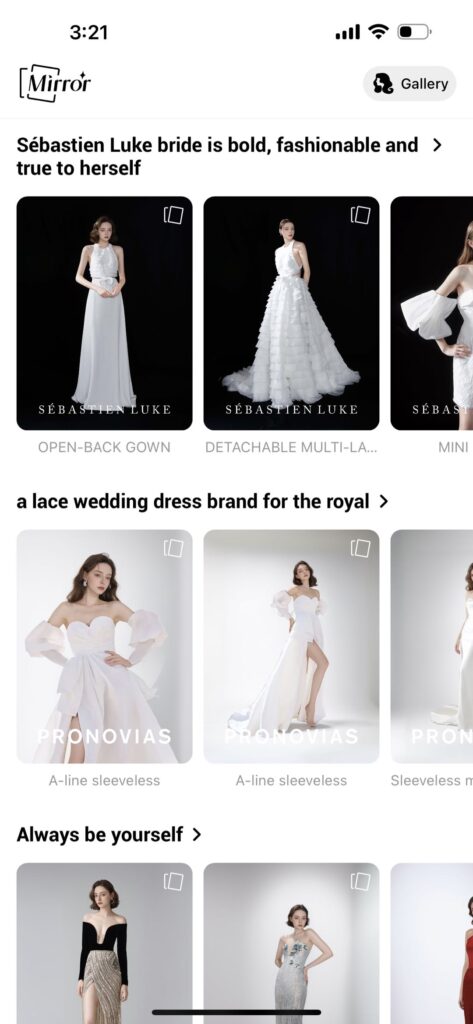
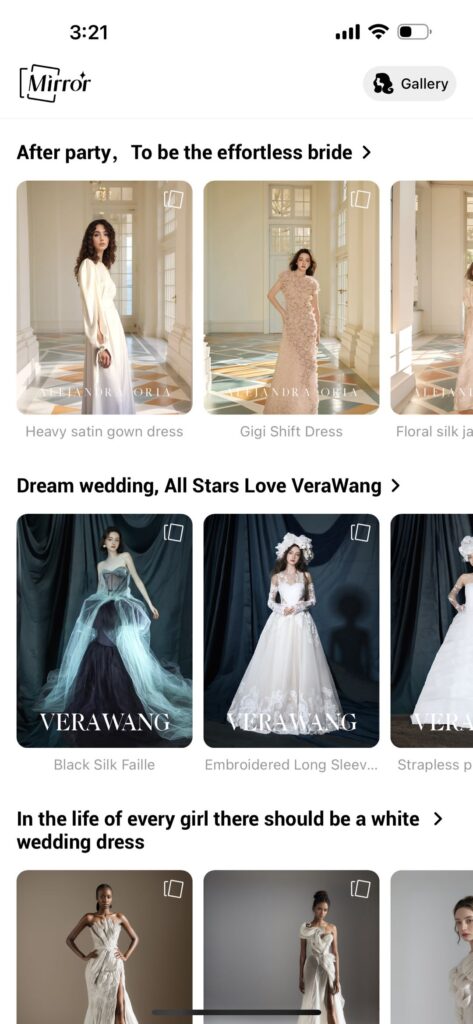
Turn Each Bridal Dress Try-On App Result Into a Note
A saved image without context soon becomes another crowded gallery. Therefore, give every bridal dress try-on app result a small job.
Write down four things: keep or cut, the key feature, a stylist question, and the source dress name. For instance, note, “Keep the square neckline; ask about support.”
Because the note names the reason, you can find related gowns when the exact dress is unavailable.
Read the Comparison Sets Instead of Chasing One Perfect Image
Read Mirror’s examples as controlled comparisons. Instead of ranking the prettiest picture, look for a pattern across several images.
Keep the Gown Constant and Change the Person
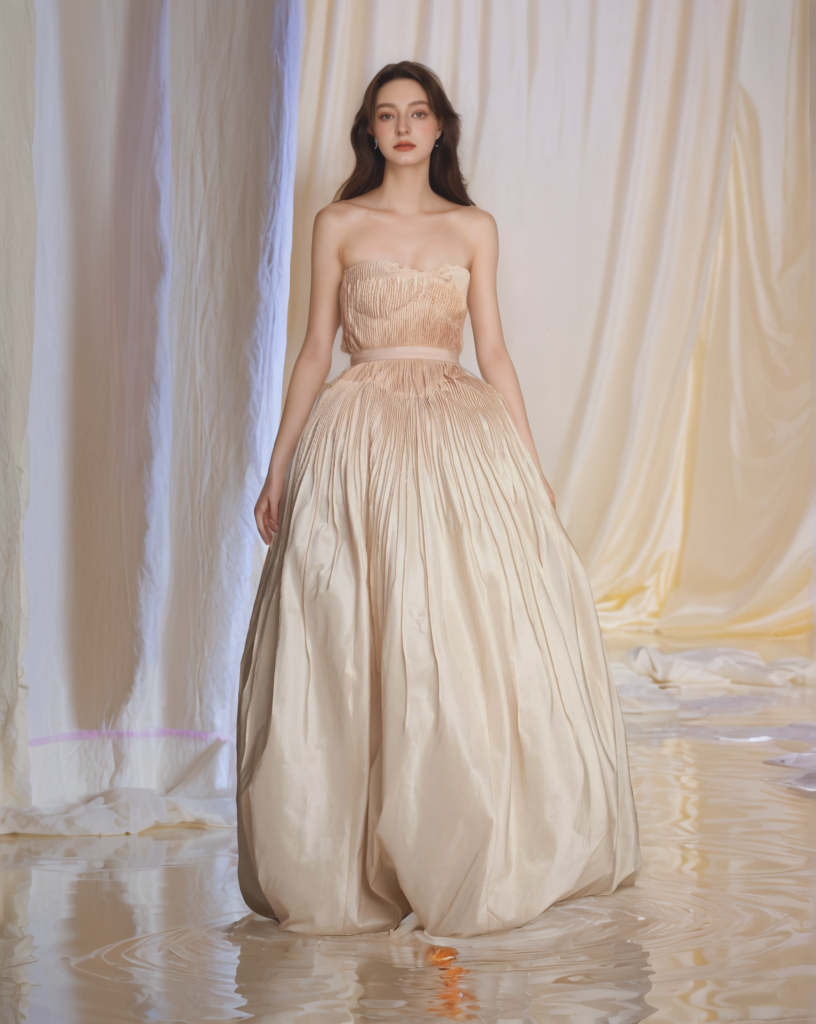
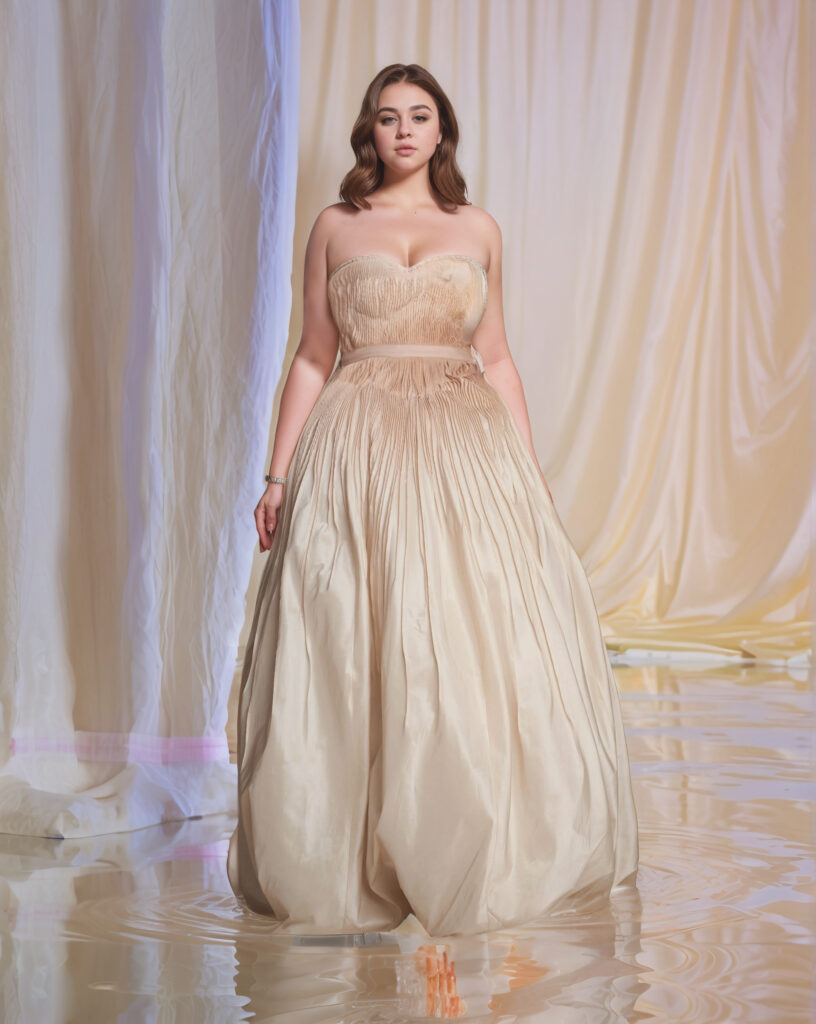
The first set places a similar champagne gown on different people. It shows why a bridal dress try-on app result should not be judged by mood alone.
For a boutique, one gown can be explored across several model presentations. However, each image still needs a detail review before publication.
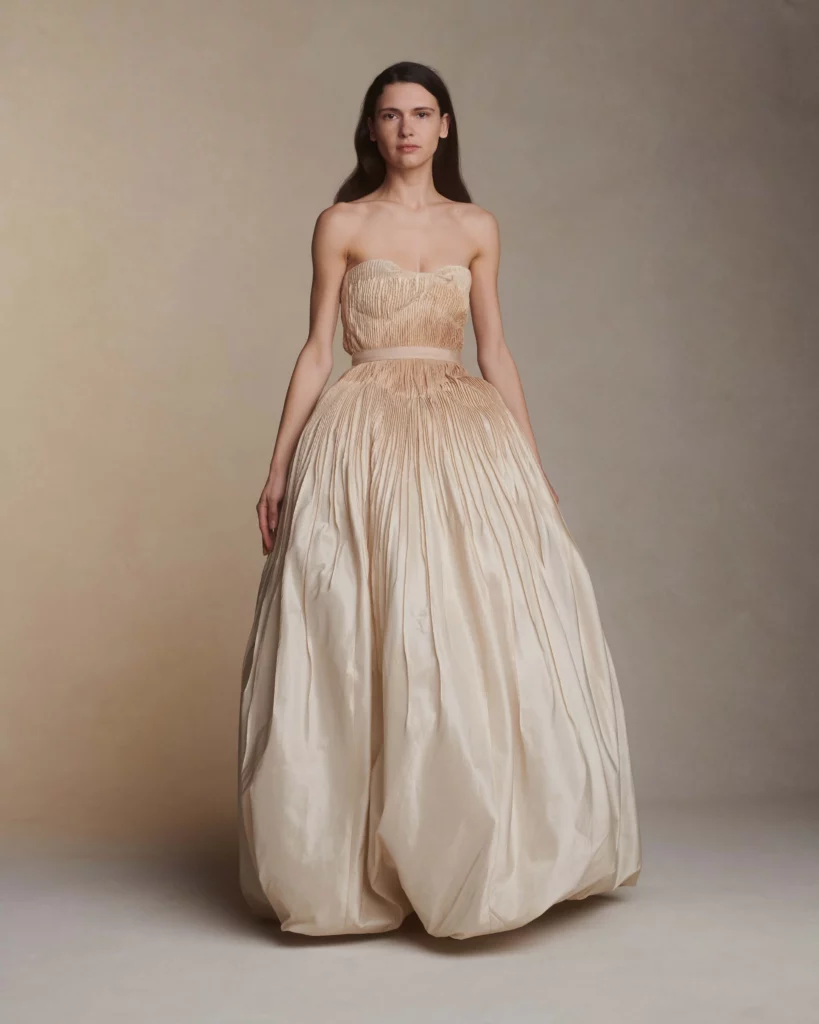
Keep the Person Constant and Change the Silhouette
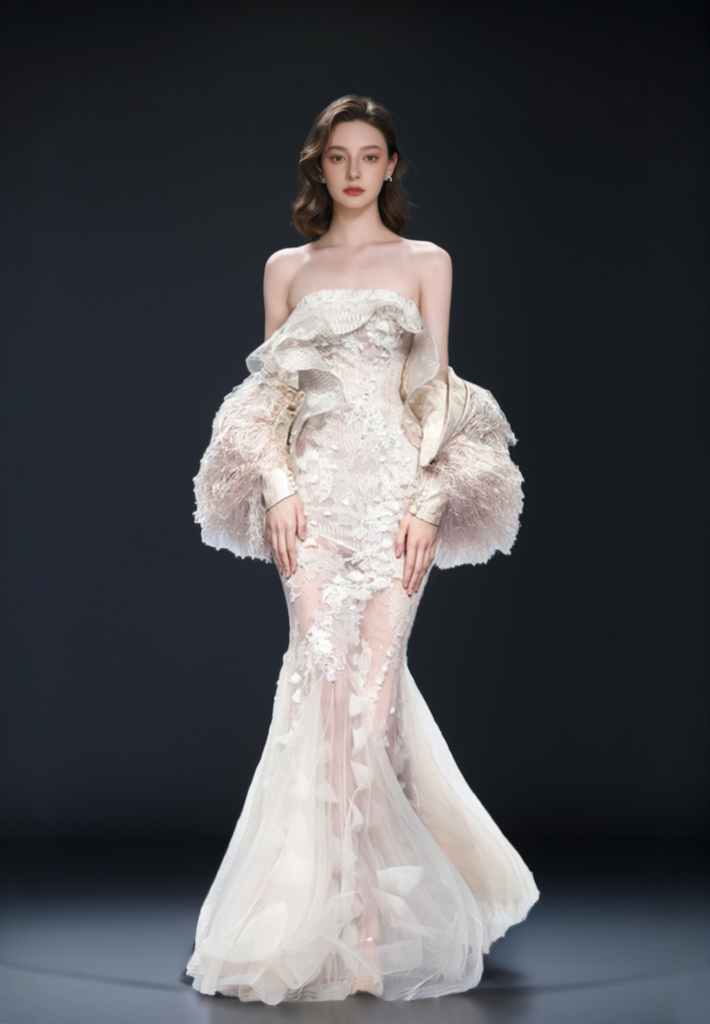
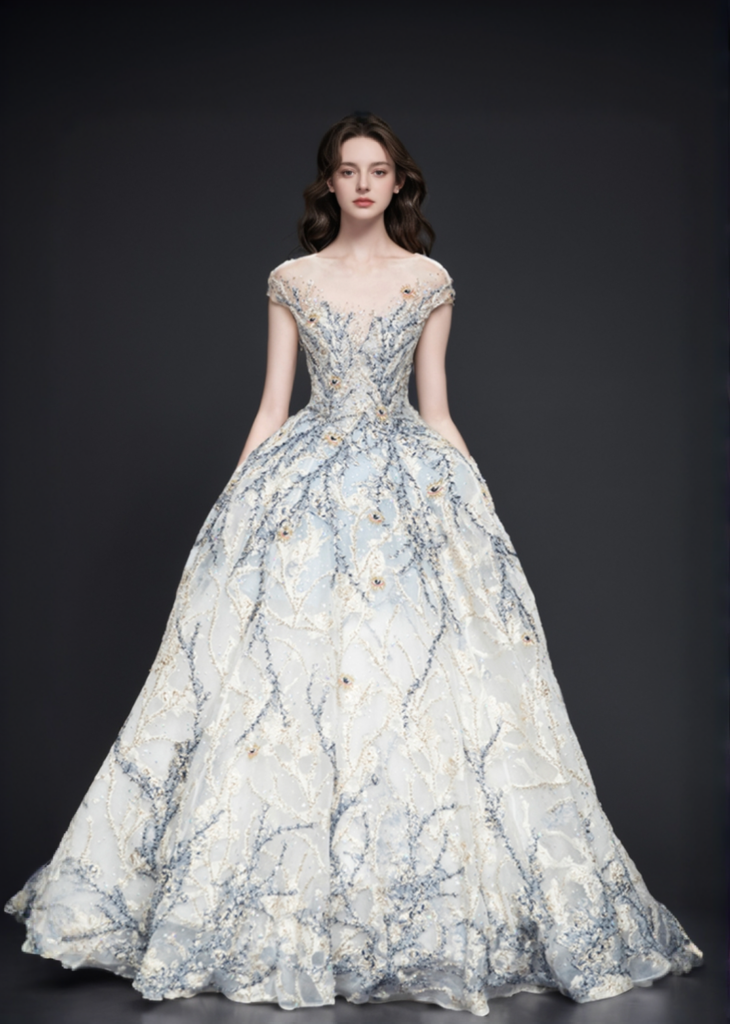
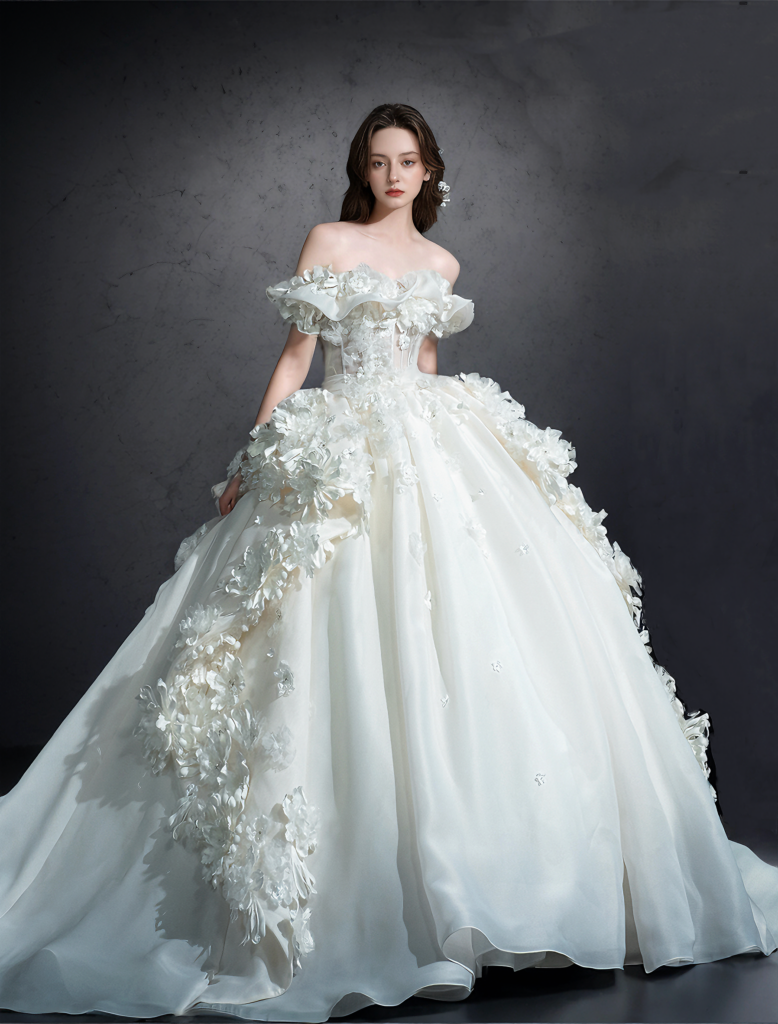
The next set moves from a fitted shape to fuller skirts. Here, the bridal dress try-on app becomes a silhouette lab. Compare shoulders, waist, volume, and balance.
Meanwhile, note which details repeat. An open neckline or defined waist may form the real shortlist.
Look for Repeatable Preferences
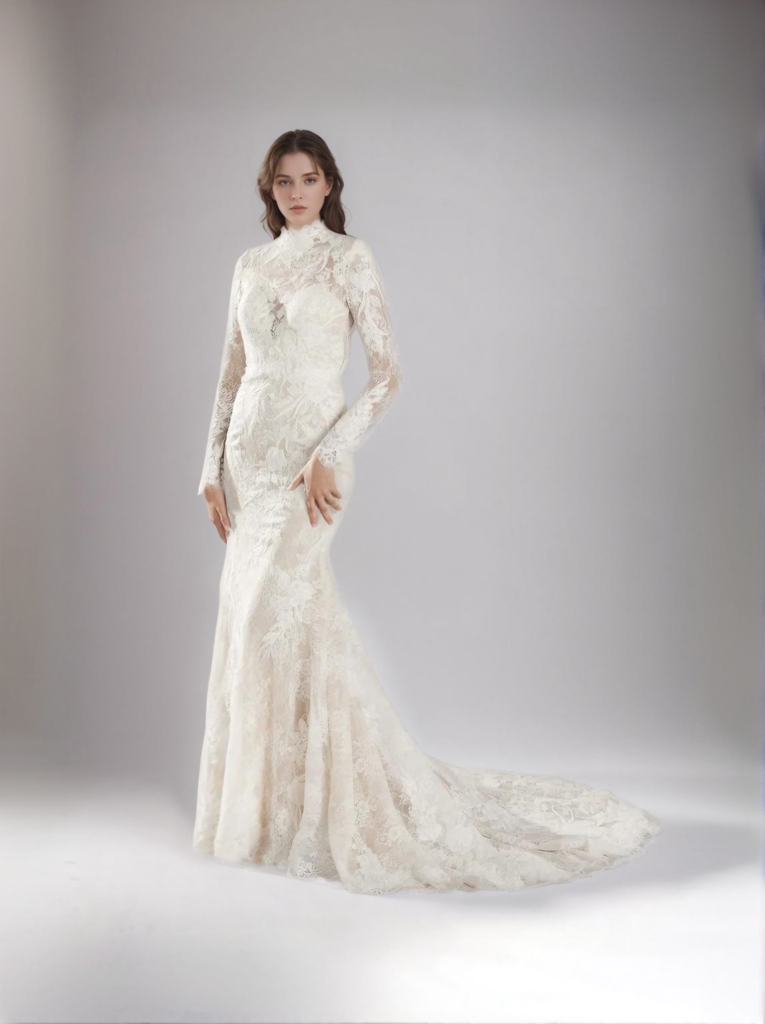
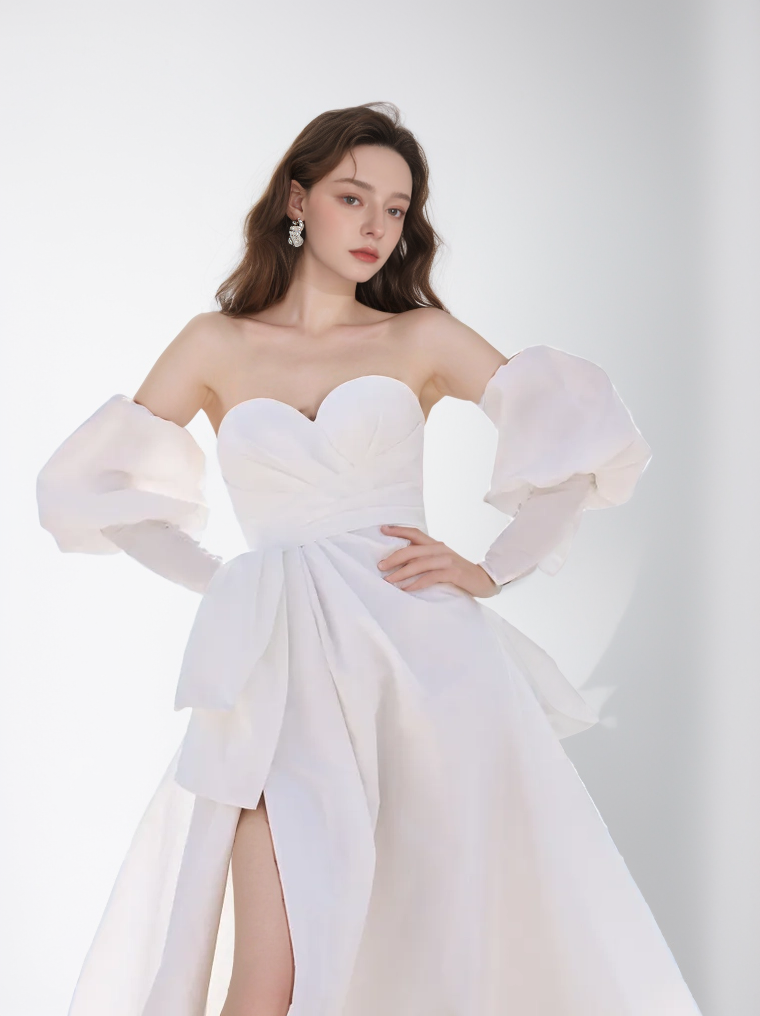
Finally, compare the last two examples. One has a high lace neckline. The other has statement sleeves and a front slit. Therefore, the pair tests two distinct structures.
In practice, a bridal dress try-on app is most helpful when it exposes a choice. Ask whether you prefer coverage or openness, softness or structure, and quiet detail or a strong focal point.
What a Bridal Dress Try-On App Cannot Confirm
Even a convincing virtual wedding dress try-on has limits. Before you buy, separate visual preference from physical evidence.
- A bridal dress try-on app cannot confirm your correct size or alteration needs.
- The preview cannot tell you how the lining, boning, cups, or closures feel.
- Fabric weight, softness, transparency, and exact color remain unproven.
- Movement, sitting comfort, and train behavior require a physical try-on.
- Small details such as lace, beading, seams, and fastenings may be simplified.
Therefore, treat every output as a style hypothesis. Confirm measurements with the retailer’s size guide. Then inspect real product photos and fabric information. Finally, try on the gown or a closely related sample whenever possible.
Bring the Bridal Dress Try-On App Shortlist Into the Appointment
Before the appointment, keep a small, varied group. Include one safe choice and one surprise. This stops the bridal dress try-on app from becoming another endless scroll.
Next, label images by neckline, waist, sleeve, skirt, train, or mood. Then ask the stylist for gowns that repeat those elements.
After each physical try-on, update the notes. Record what felt secure, what restricted movement, and which details looked different in person. In this way, the bridal dress try-on app supports the appointment instead of competing with it.
Bridal Boutiques Can Turn the Same Shortlist Into Better Service
For a boutique, a customer’s bridal dress try-on app shortlist can reveal intent. Therefore, the stylist can prepare relevant stock and alternatives.
However, connect each preview to the real catalog. Save the dress name, SKU, availability, and source page. If it is unavailable, use the feature notes.
For e-commerce, keep verified product photography as primary evidence. A bridal dress try-on app image can support discovery or booking. Still, label AI previews and check every dress detail against the real item.
Start With a Question, Not a Perfect Dress
Open Mirror with one clear photo and one decision to test. Perhaps you want to compare skirt volume. Maybe you are unsure about sleeves. Either way, the bridal dress try-on app should help you ask a better question.
Then save the answer in words, not only images. Use the shortlist to guide product research and the real fitting. Finally, let comfort, construction, measurements, and movement decide the purchase.

Download the app now, and let the magic of AI bring your dream gown to life!
Go to WeShop AI For Exploration: